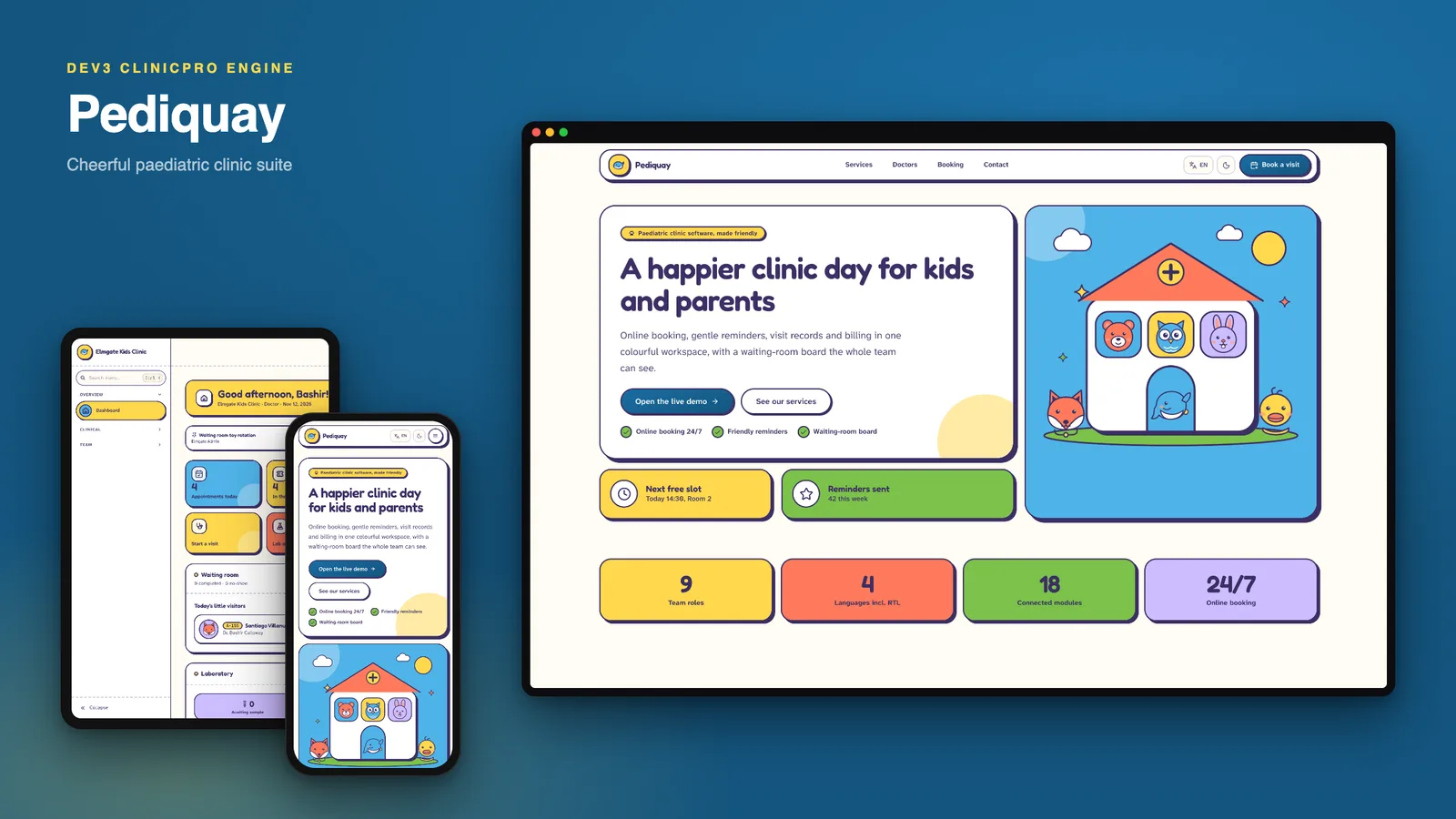
Pediquay is a paediatric clinic management suite that you host yourself, built by DEV3 Technologies on Next.js 15 (App Router and Server Actions) and MongoDB. Built on the DEV3 ClinicPro engine: the same features, a different design. It is made for children's clinics: sky, sun, coral, grass and lilac colour blocks on a warm cream page, plum ink outlines with hard offset shadows, Fredoka headlines over Atkinson Hyperlegible body text, and a code-drawn whale, fox and bear friend on the cards. No photos of real children anywhere.
One installation serves many clinics. Each clinic has its own team, branding, display currency and language, a parent portal, a self check-in kiosk and a waiting-room display.
The design, page by page
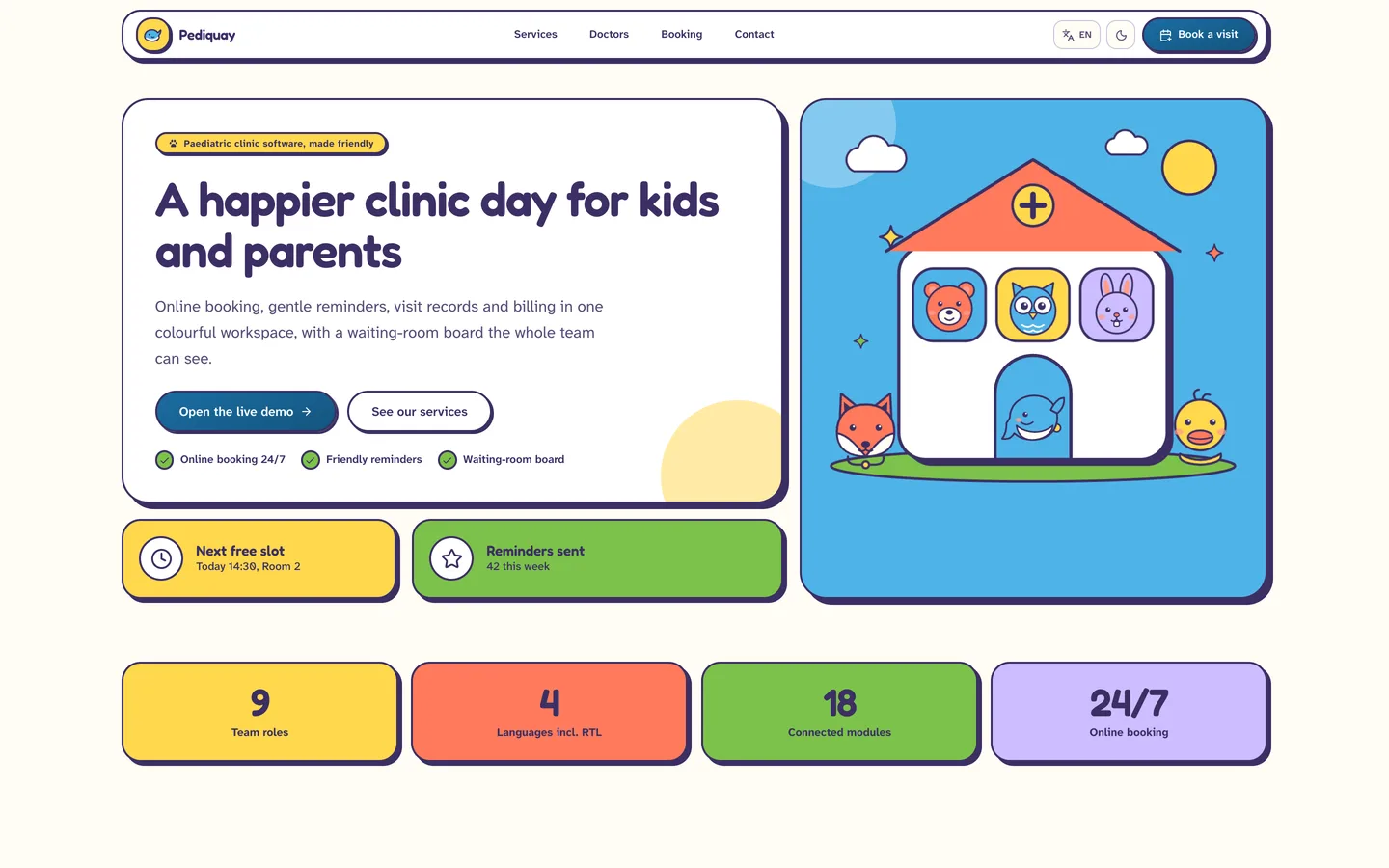
- Website. A sun-yellow hero with a whale doctor in a stethoscope and two floating tickets ("Next free slot", "Reminders sent"), colour-tile features, a waiting-room explainer, a visit menu of check-ups, vaccination visits and growth chats with starting fees, three sticker pricing plans, an FAQ, a team page and a booking form.
- Sign-in. A single centred sticker card with the whale mascot and your clinic's demo chips (Elmgate, Greywater, Bexmoor). The parent portal has its own sign-in per clinic.
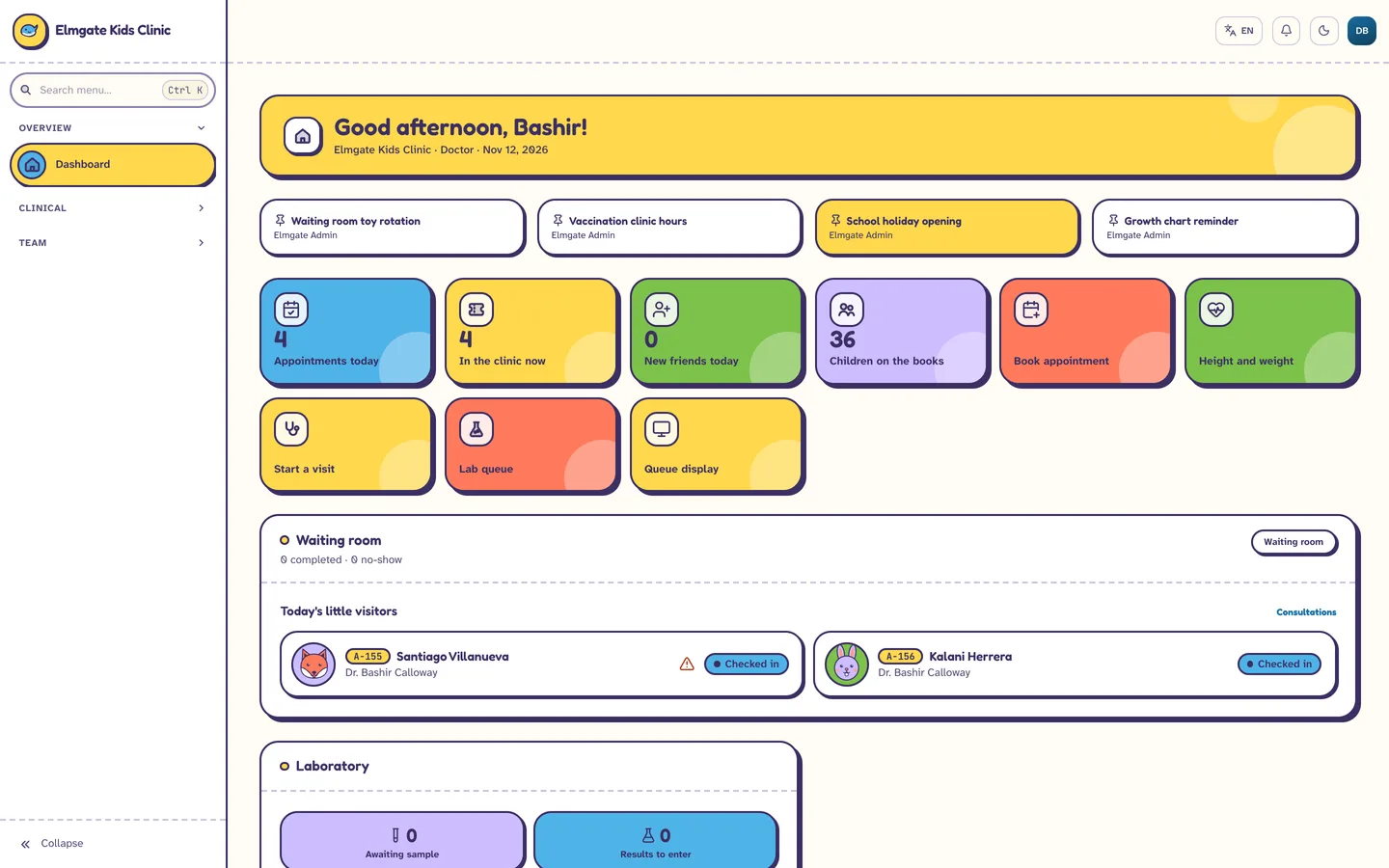
- Doctor and admin dashboard. A bento of coloured tiles (today's visits, in the clinic now, new patients, active patients) above the waiting-room board, with pinned memos as sticky strips.
- Patients. Three-across avatar sticker cards instead of a table; open one and the child's record is a sticker passport with allergy, next-visit, grown-up contact, cover and balance tiles and a stamp row of past visits.
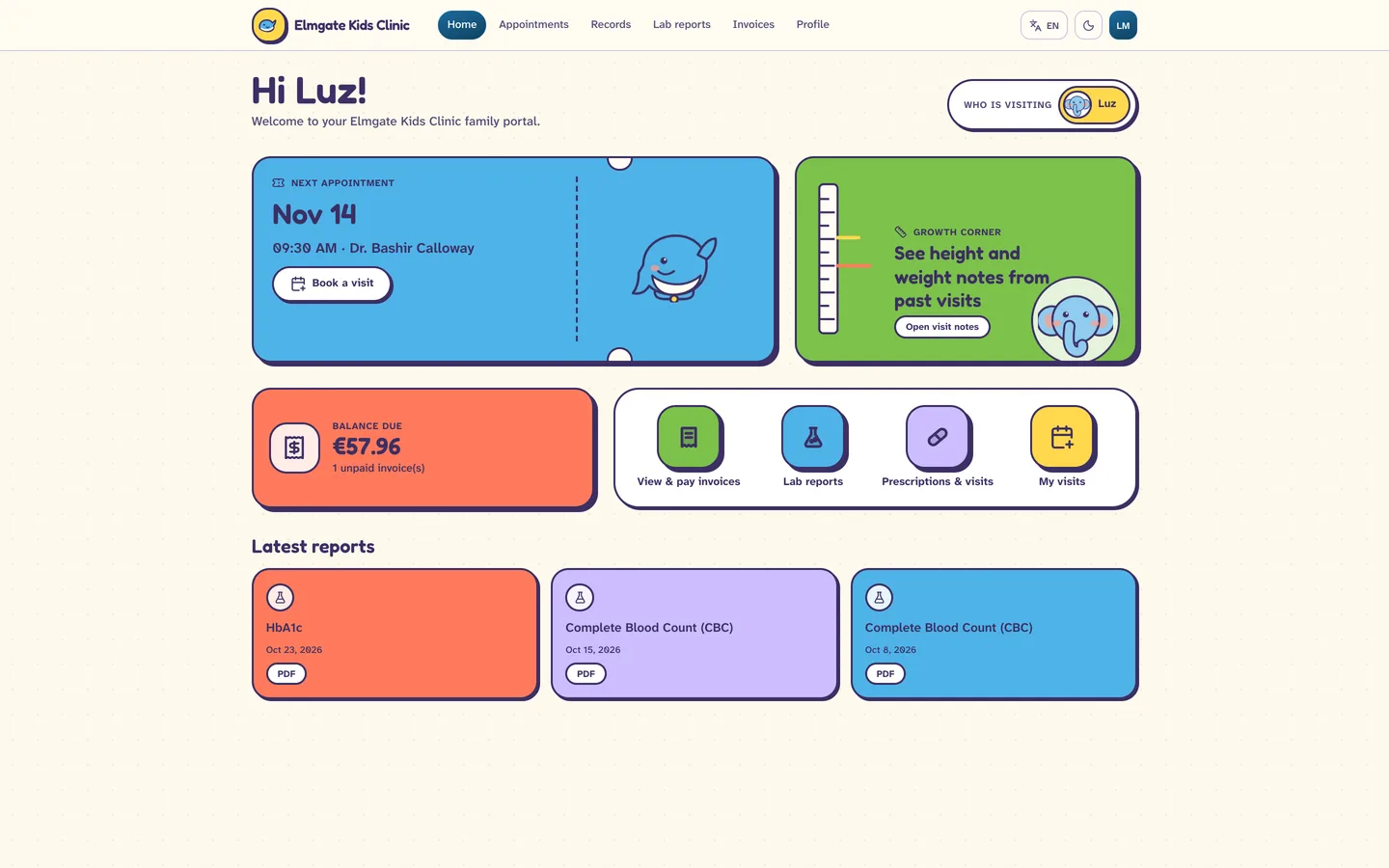
- Parent portal. A who-is-visiting switcher, a tear-off visit ticket for the next appointment, a growth corner that opens the visit notes, a balance card and big round buttons for bills, reports and visits.
- Admin layout. A cream sidebar with chunky outlined icons and pill-shaped active states, 24 px blobby cards, and a dark mode on deep plum with brighter block colours. Arabic and Hebrew mirror the whole layout.
What it does
- Online booking and reminders. Parents pick a child, a doctor and a slot in a few big taps from the website or the portal. Reminders go out through your own mail settings.
- Waiting-room board. The dashboard opens on a board of every child in the waiting room, with a doctor, a room and a status from booked to completed, so the front desk always sees who is next.
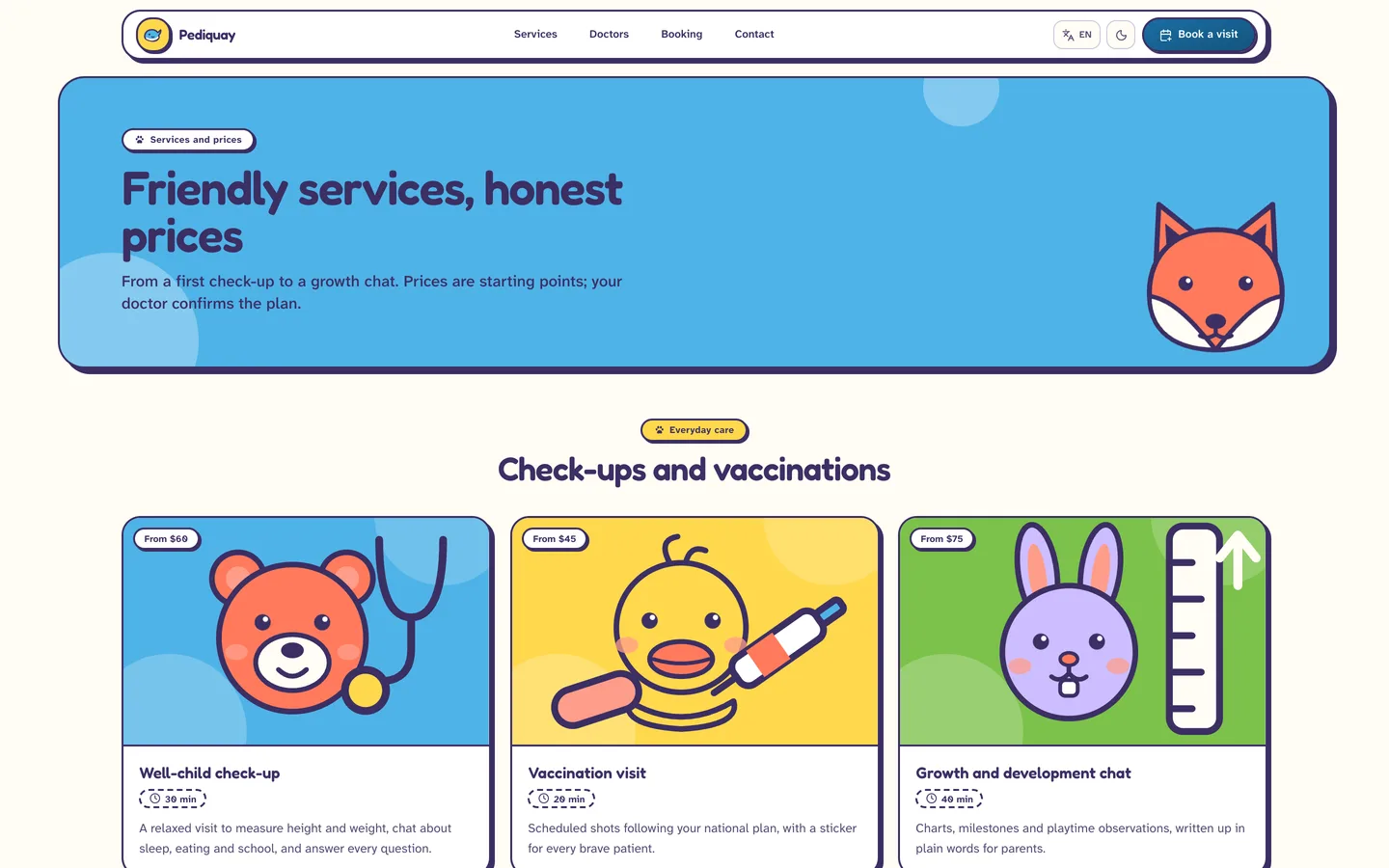
- Service pages with starting fees. Colour-block tiles show check-ups, vaccination visits, growth chats, little illness visits, newborn visits and allergy and skin checks with a starting fee and visit time. All of it is sample content you edit in the admin.
- Records, lab, stock and billing. A sticker-passport child record (allergies, visits with a stamp row, next visit, grown-up contact, cover and balance as colour tiles), printable prescriptions, lab orders, stock with batch and expiry alerts, and invoices in each clinic's currency.
- Family portal. A parent dashboard with a who-is-visiting switcher, a tear-off ticket for the next visit, a growth corner that opens the visit notes, a balance card and big round buttons for bills, reports and visits.
- Four languages. English, Arabic, Hebrew and Spanish with proper right-to-left layouts.
Demo content
Three fictional Kids Clinics: Elmgate (Lyon, EUR), Greywater (Dubai, AED, Arabic) and Bexmoor (Austin, USD, 14-day trial). Two paediatricians (child check-ups and vaccinations), a nurse, front desk, accountant, pharmacist and lab technician. Family names and children's first names come from a Latin American and Pacific pool, with cover from made-up family health plans.
What you should know before buying
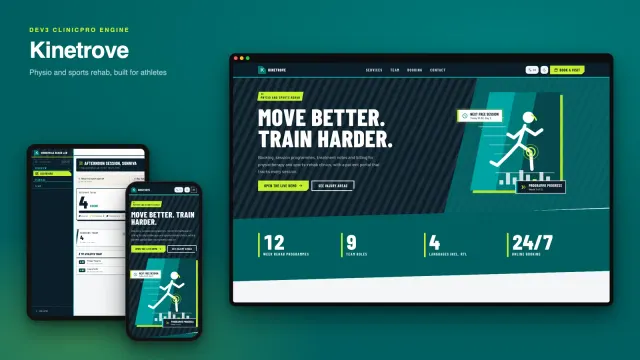
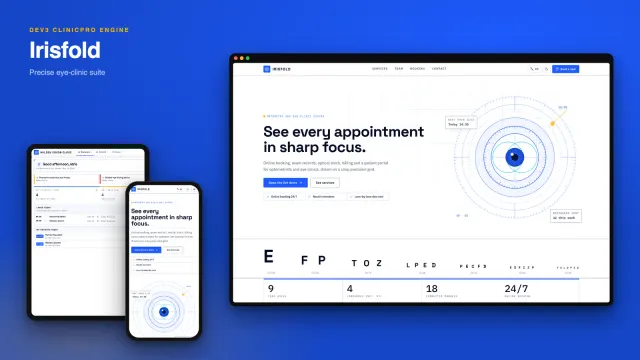
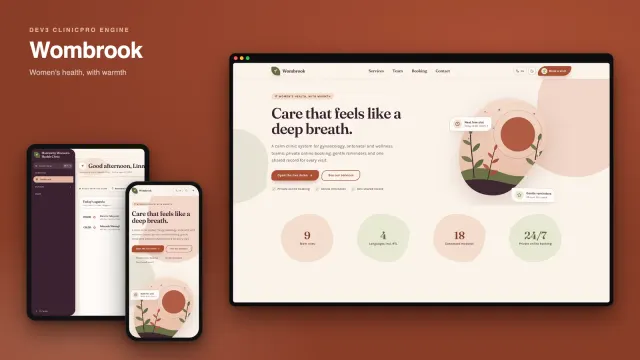
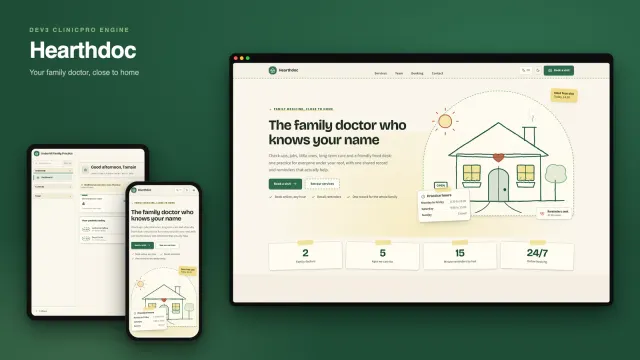
- Same engine as the original ClinicPro. Features, database schema and APIs are identical across the design family. Choose Pediquay for its look and its children's-clinic sample content, not for different functionality.
- Demo patients are mostly children aged 0 to 17 with a parent or guardian as the emergency contact, plus a share of grown-up guardians. Girls' and boys' first names match their sex and every name is fictional.
- The parent portal always opens with an upcoming booked visit and a past completed one, so the dashboard never shows an empty ticket.
- Service and lab catalogues are generic. The engine seeds a general catalogue; the service tiles on the website are editable sample content, not clinical guidance.
- Email, card payments and file uploads need your own providers (SMTP, Stripe and an image host). Without them the app runs and logs outgoing mail.
- Needs Node.js 20.9 or newer and MongoDB 5 or newer (a replica set is recommended; a hosted cluster works).
Publishing the iOS app
The archive also contains iOS-App/: the SwiftUI source of the native iPhone and iPad app in the Pediquay theme (sun and sky palette, Fredoka and Atkinson fonts with their open licences, the whale logo). It talks to your own server through the same /api/mobile layer. It was built and run in the iOS Simulator only. You add your own Apple Developer team, bundle id, server URL and push keys in Config.xcconfig; the archive holds placeholders, no secrets and no Xcode project (run XcodeGen to create it). Submitting to the App Store is your own process with Apple.
Included
Source code, a web installer that can load the three demo clinics, an iOS-App/ source folder, a buyer guide, a Docker setup, cron configuration and six months of support.
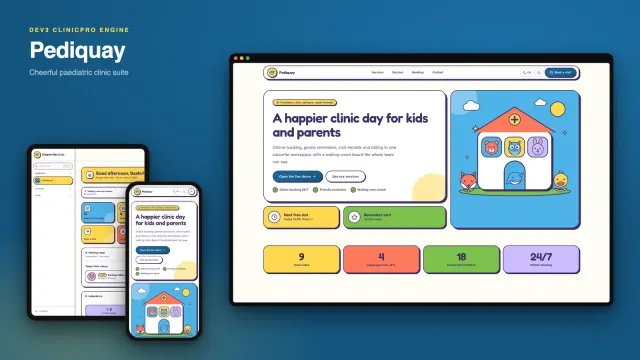
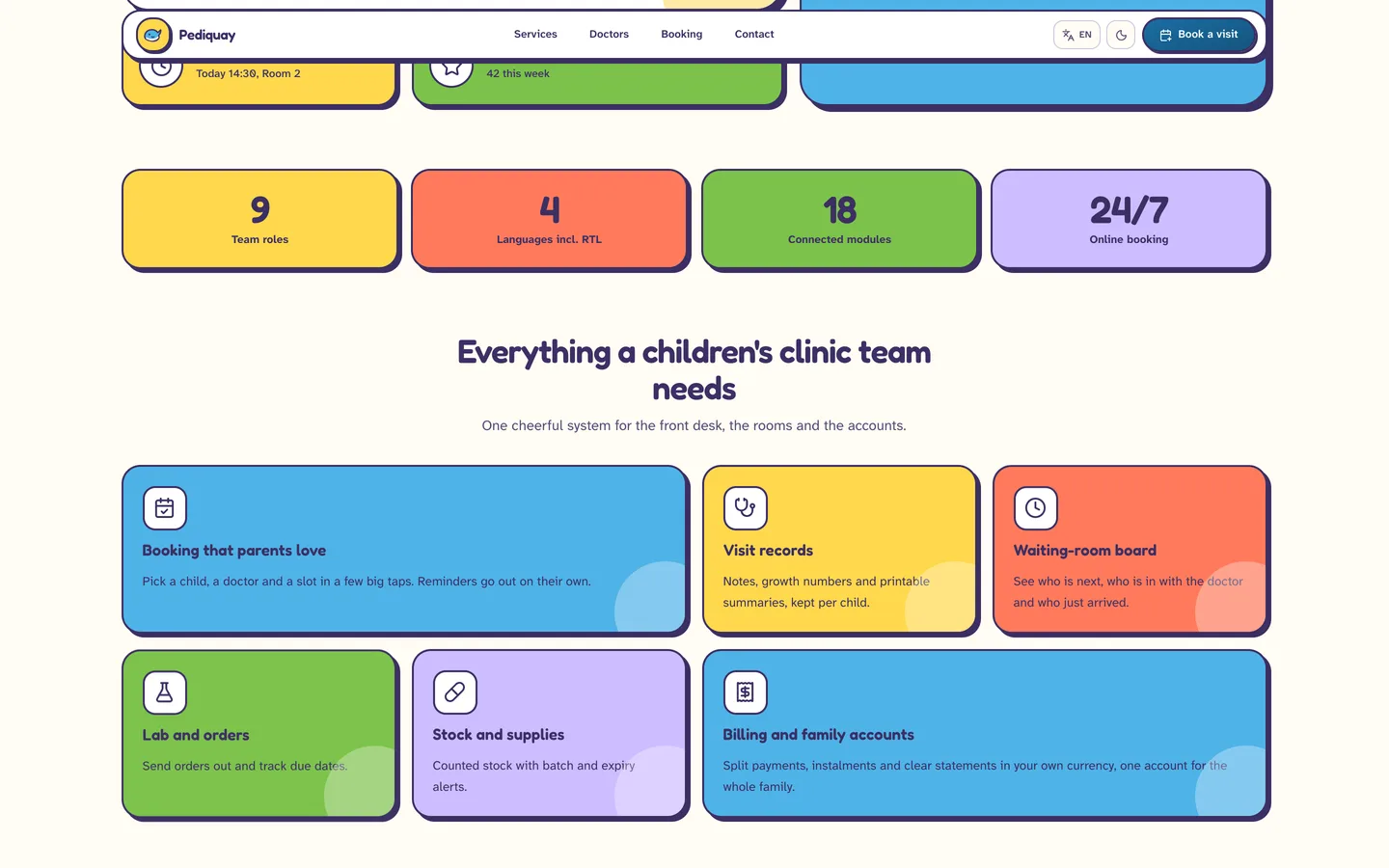 Everything for small patients — booking, waiting room, records and billing as colour tiles.