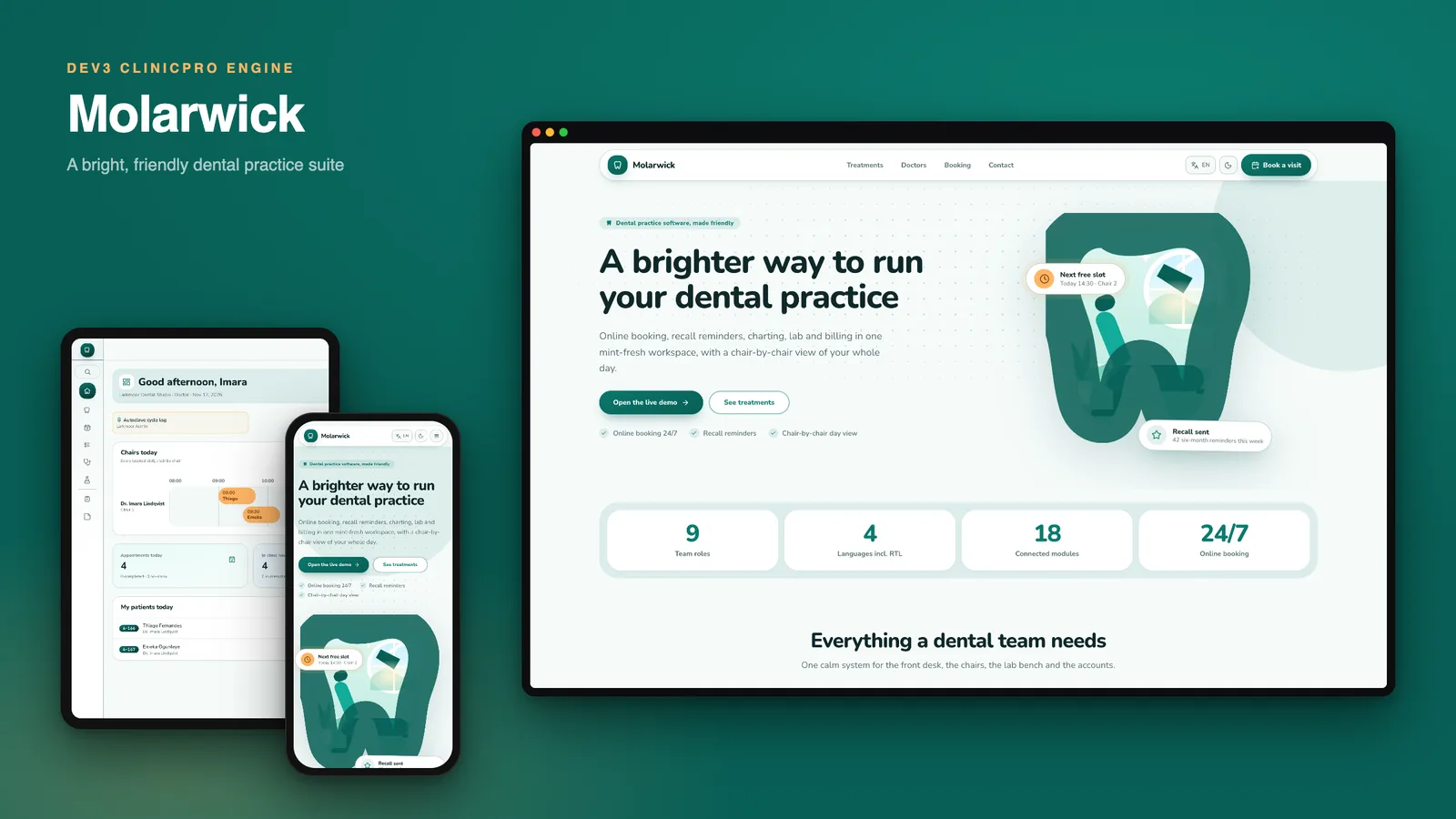
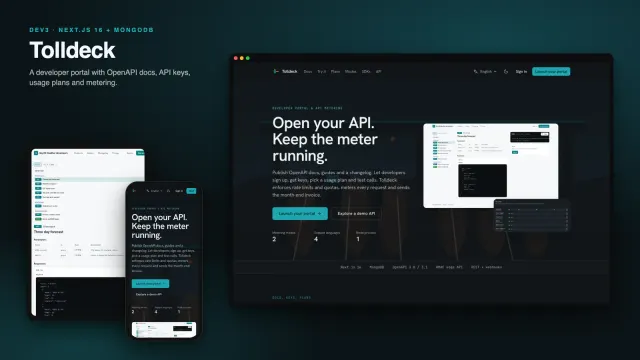
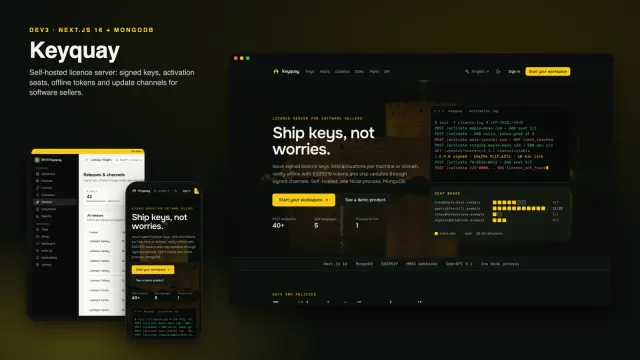
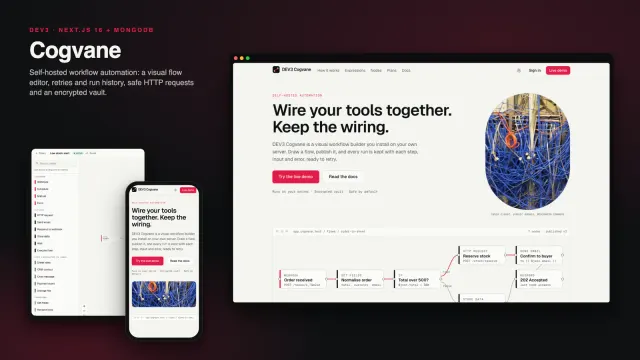
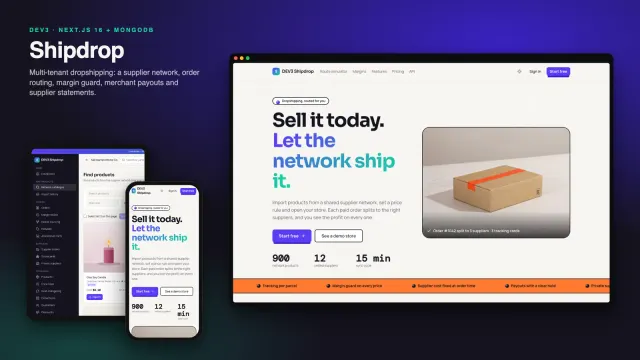
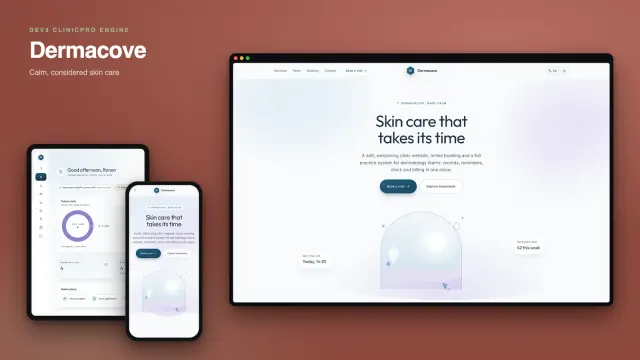
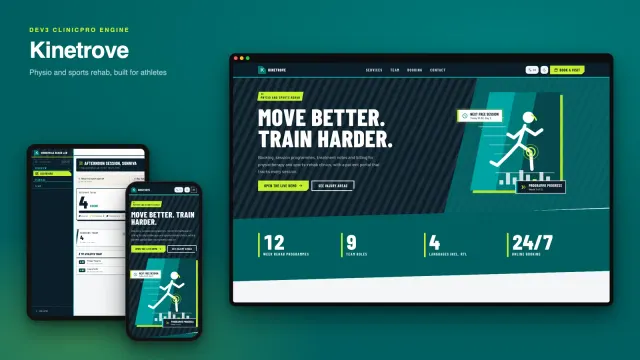
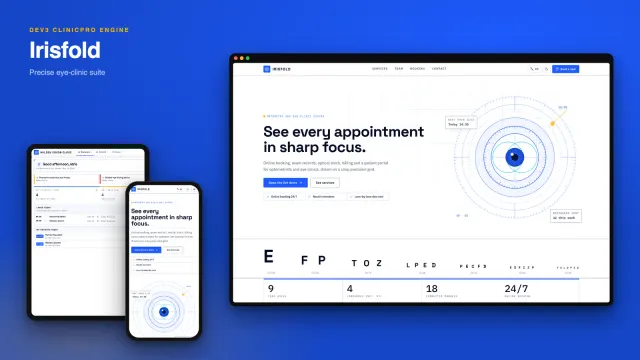
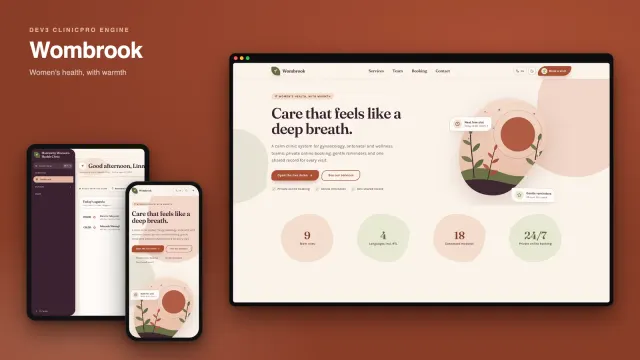
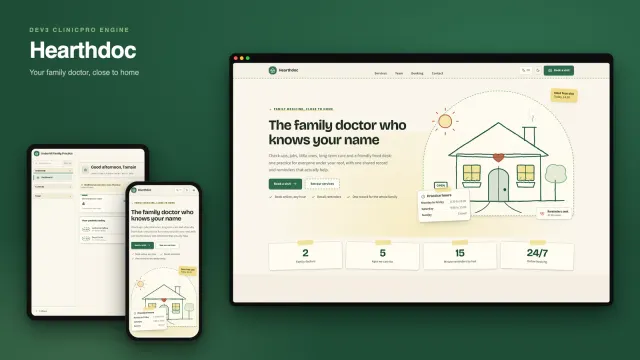
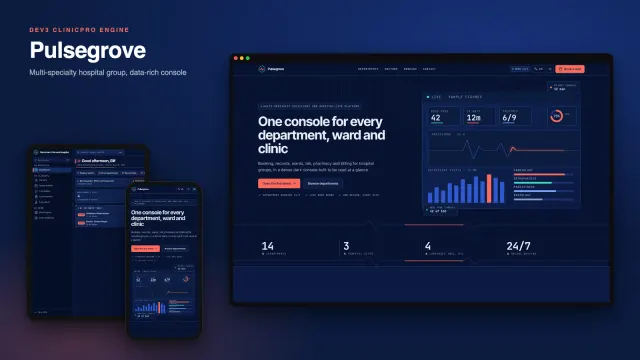
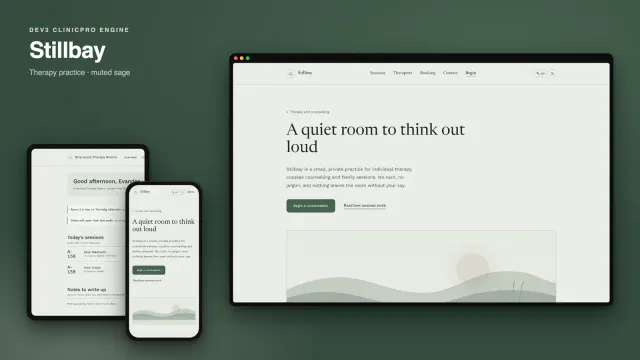
Molarwick is a dental practice suite that you host yourself, built by DEV3 Technologies on Next.js 15 (App Router and Server Actions) and MongoDB. Built on the DEV3 ClinicPro engine: the same features, a different design. The design is mint and white with one warm apricot accent, set in Nunito, with pill buttons, 16 px rounded cards, a slim icon rail instead of a sidebar of words, and tooth-and-smile drawings made in code.
What you see first
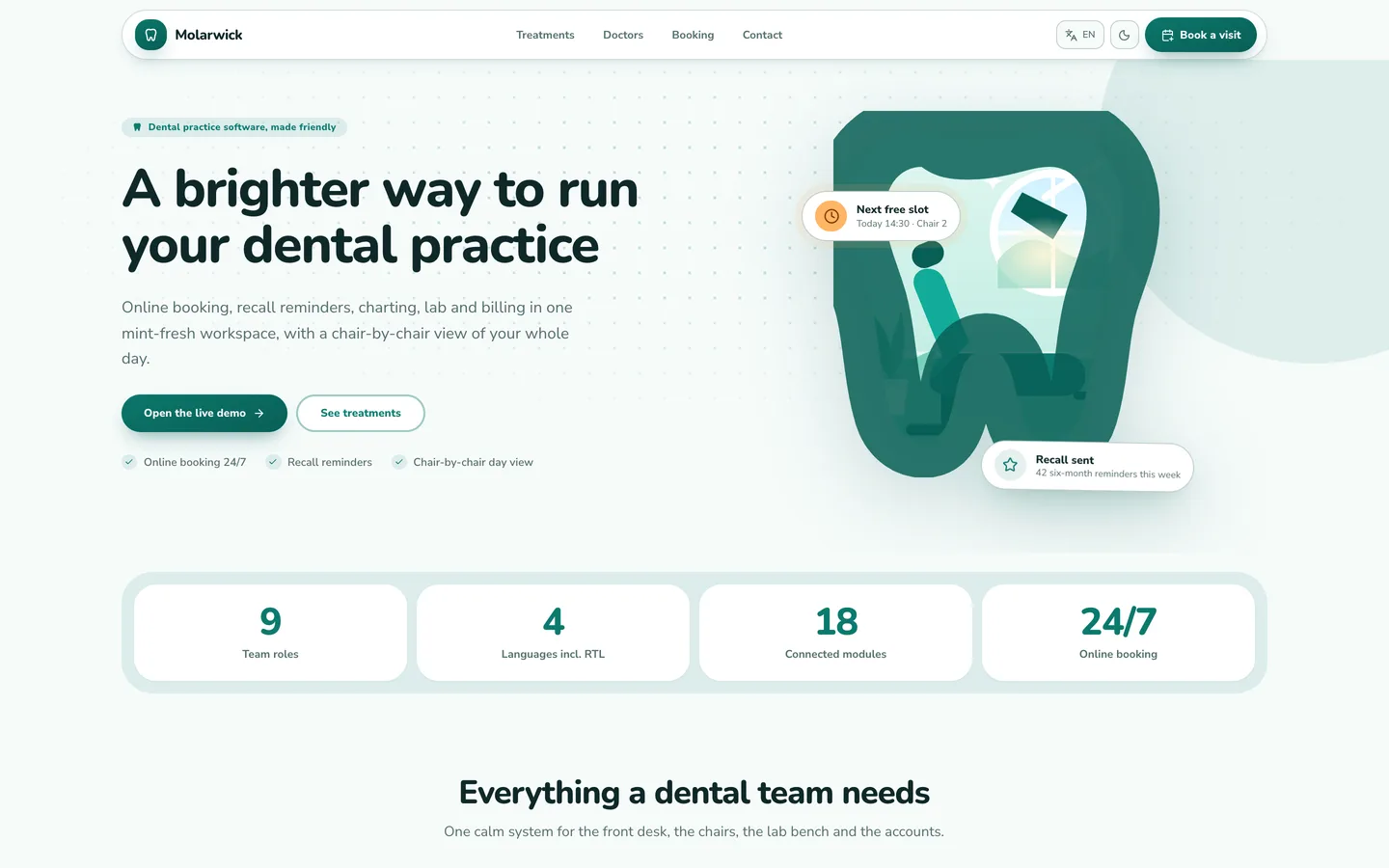
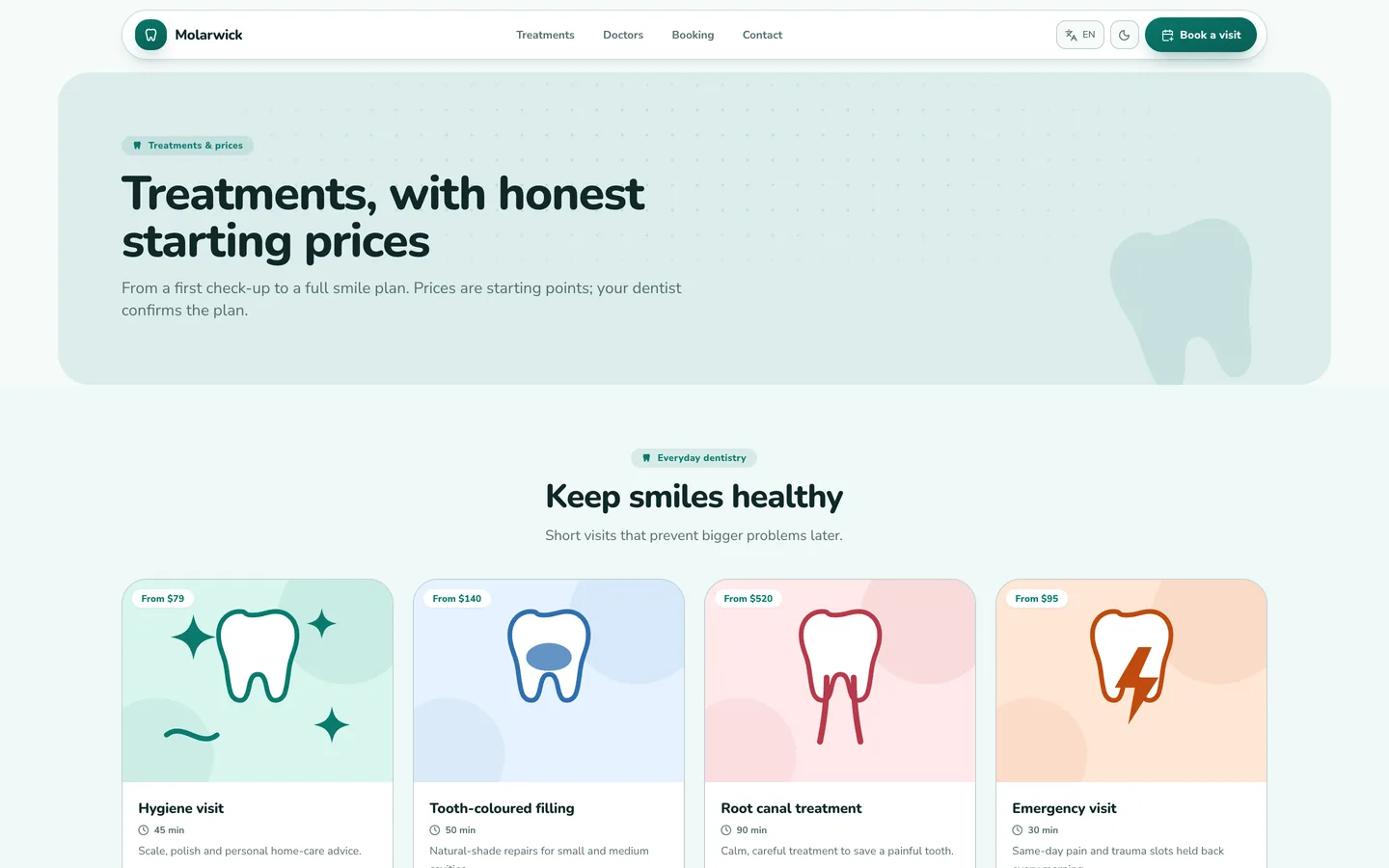
- Website. A split mint hero with a tooth-shaped treatment room and the next free chair slot, a six-card tool grid, treatment cards that show a starting fee and visit time, a pricing section, an FAQ, a doctors page and a three-step booking form.
- Sign-in. A wide mint art panel on the left and a short form on the right, with one-click demo buttons for dentist, manager and patient.
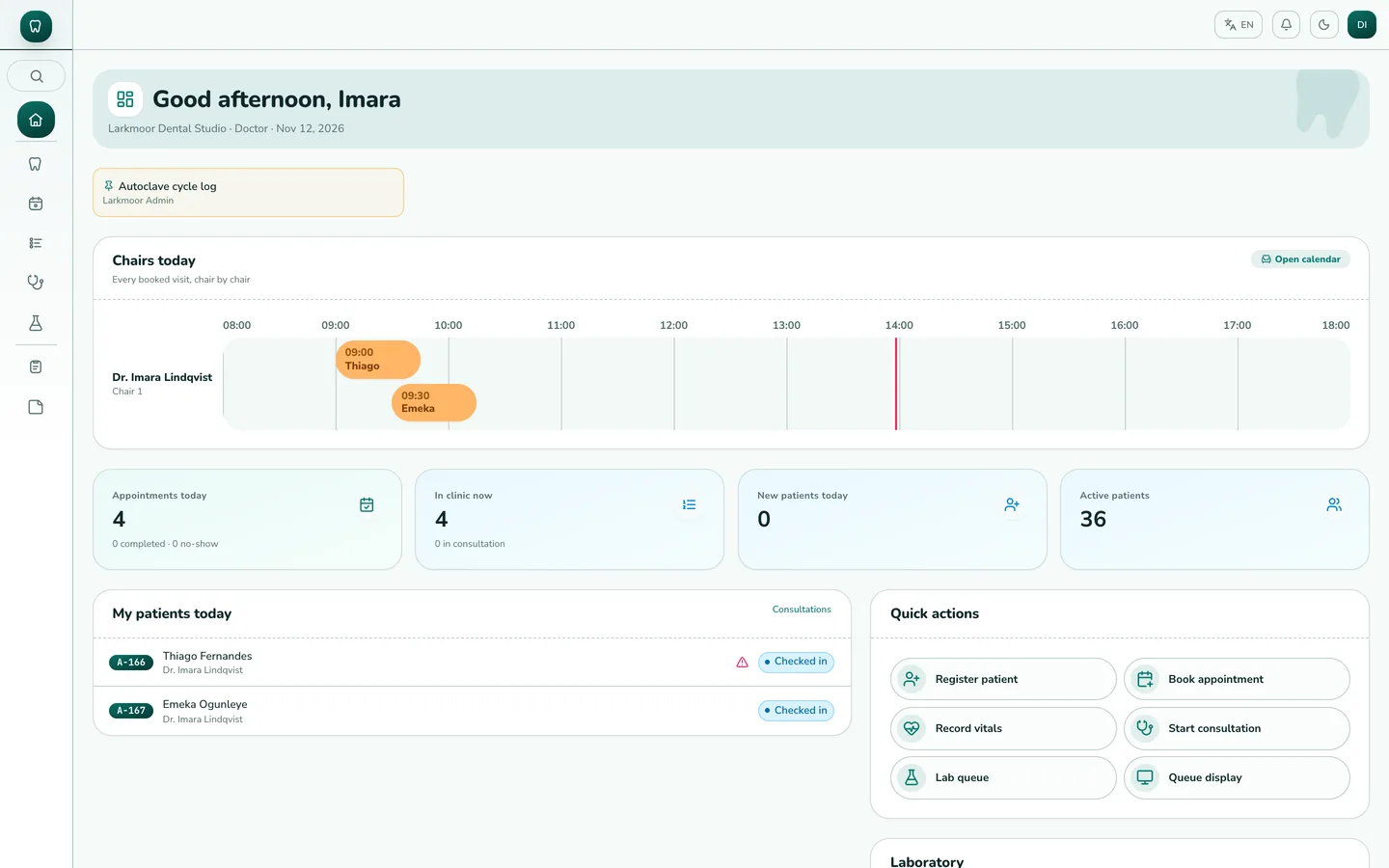
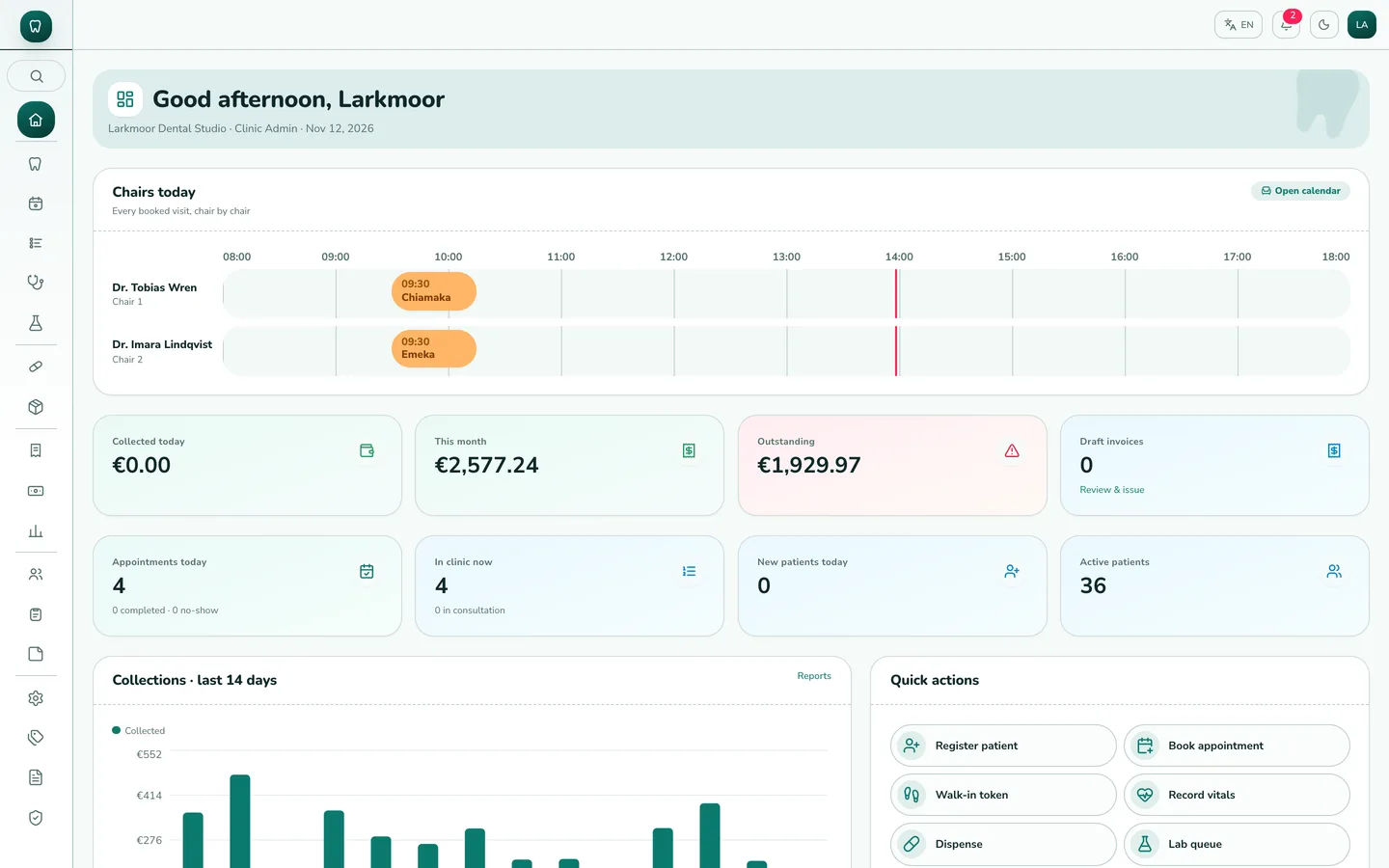
- Staff app. A narrow icon rail with the tooth logo on top; patients as monogram cards with recall chips; billing and other lists as soft floating rows; forms open in side sheets; settings sit in a vertical menu.
- Chair-by-chair dashboard. The dentist and manager dashboards open on a timeline with one lane per chair and hygiene room, two-line visit chips colour coded from booked to completed, and a marker for the current time.
- Visit-spine patient record. A slim pinned fact strip (allergies, recall date, balance, cover) above a vertical spine of every visit, with underline tabs for charting, prescriptions, lab, plans and bills.
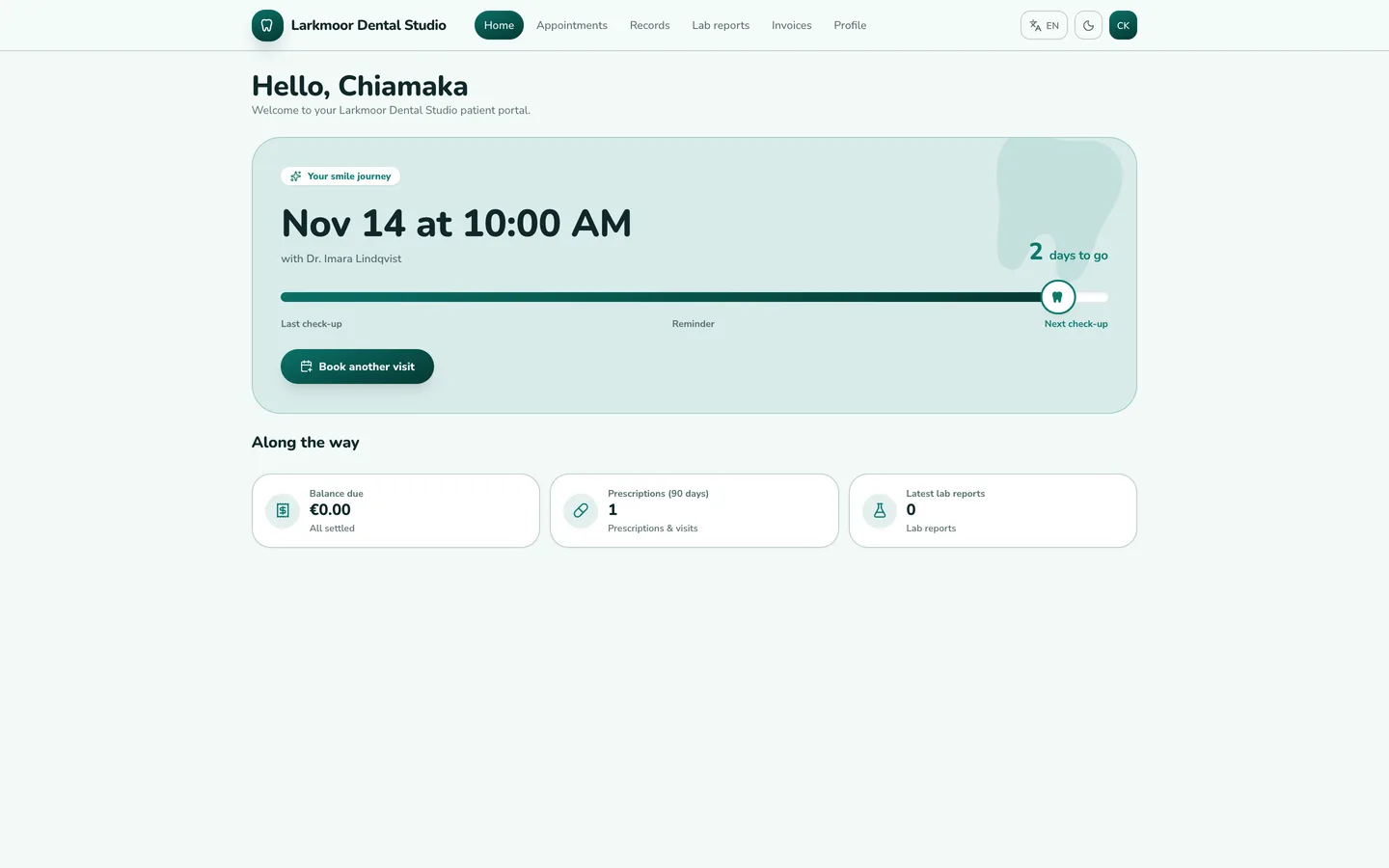
- Smile-journey portal. Patients land on a progress track that counts the six-month recall down to the next check-up, with their upcoming and past visits as stops on the track, plus booking, invoices, lab reports and history.
Demo content
Three fictional practices load from the installer: Larkmoor Dental Studio (Lyon, EUR), Sablewick Smile Centre (Dubai, AED, Arabic first) and Quillfern Family Dental (Albany, USD, on a 14-day trial). The team has a general dentist, an orthodontist, a dental nurse, a front desk, an accountant, a dispensary lead and a dental lab technician, and each practice shows two chairs. The dashboard carries five dental memos, and the portal patient always has a booked visit a few days ahead so the journey track is never empty.
What it does
- Online booking and recalls. Patients pick a treatment and a slot in three steps from the website or portal; reminders and six-month recalls go out through your own mail settings.
- Charting and consultations. Visit notes, ICD coding, printable prescriptions and treatment plans on a record shared by dentist, hygienist and nurse.
- Dental lab cases, stock and billing. Lab orders with verified reports, consumables with batch and expiry alerts, invoices with split payments and a ledger stored in USD and shown in each practice's currency.
- Many practices in one installation. Each has its own team, branding, display currency and language, a self check-in kiosk and a waiting-room display.
- Four languages and dark mode. English, Arabic, Hebrew and Spanish with mirrored right-to-left layouts, including the chair timeline and the smile journey; dark mode uses a deep teal page with a light mint text colour.
- Platform console. Practices, plans, subscriptions, currencies, translations, website pages with an editor, backups and audit logs.
Publishing the iOS app
The archive also holds iOS-App/: a native SwiftUI iPhone and iPad app wearing the Molarwick theme (mint palette, bundled Nunito, tooth mark, app icons). It signs in to the same server and covers visitors, patients and staff. It was built and checked in the Xcode simulator only. To publish it you generate the Xcode project with XcodeGen, add your own bundle id, Apple team id and server URL in Config.xcconfig, and sign it with your Apple Developer account. App Store review and approval are your own process; the push-notification keys are placeholders that you fill in.
What you should know before buying
- Same engine as the original ClinicPro. Features, database schema and APIs are identical across the design family. Choose Molarwick for its dental look and its dental sample memos and names, not for different functionality.
- Demo patients are fictional and sex-matched: about 26% children (ages 4 to 17, each with a parent as emergency contact), 54% adults and 20% seniors (65 to 85), with names drawn from Brazilian, West African, South Asian and East Asian pools.
- Sample clinical records such as diagnoses and prescriptions come from the shared engine and read like general practice, while the pinned memos (autoclave log, hygiene recalls, impression material, lab crowns) are written for a dental team. Replace both with your own after install.
- Email, card payments and file uploads need your own providers (SMTP, Stripe and an image host). Without them the app runs and logs outgoing mail.
- Needs Node.js 20.9 or newer and MongoDB 5 or newer (a replica set is recommended; a hosted cluster works).
Included
Source code, a web installer that can load the three demo practices, the iOS-App source, a buyer guide, a Docker setup, cron configuration and six months of support.
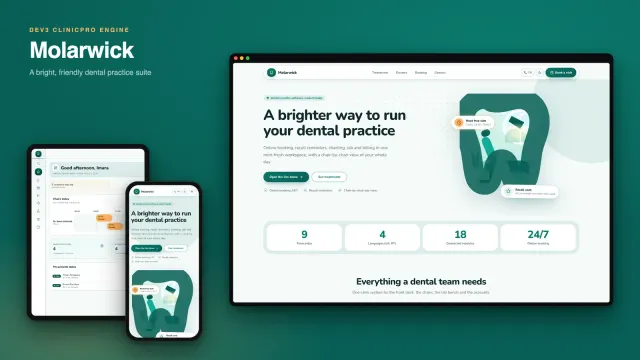
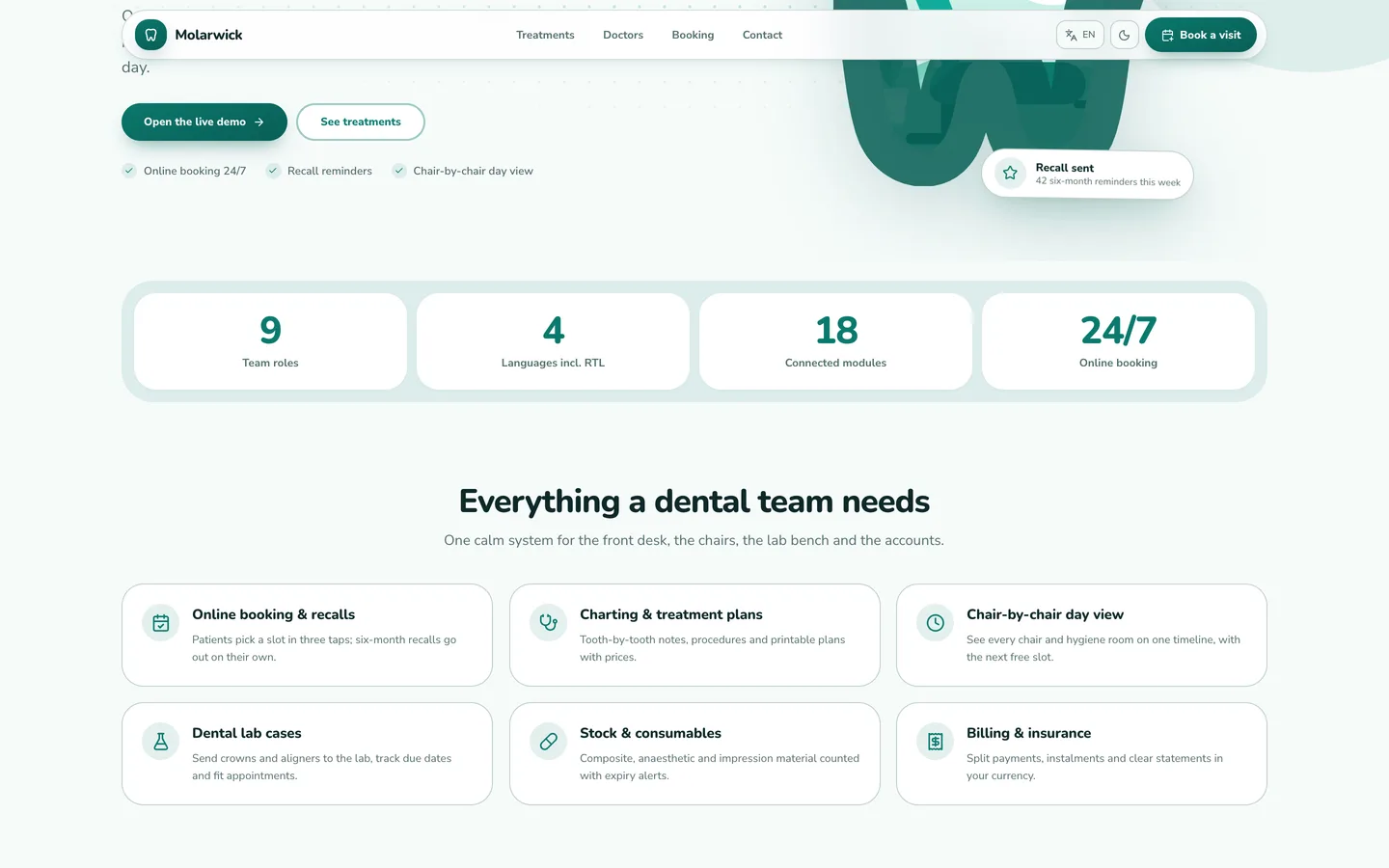 Six practice tools — booking, charting, lab, stock and billing in soft mint cards.