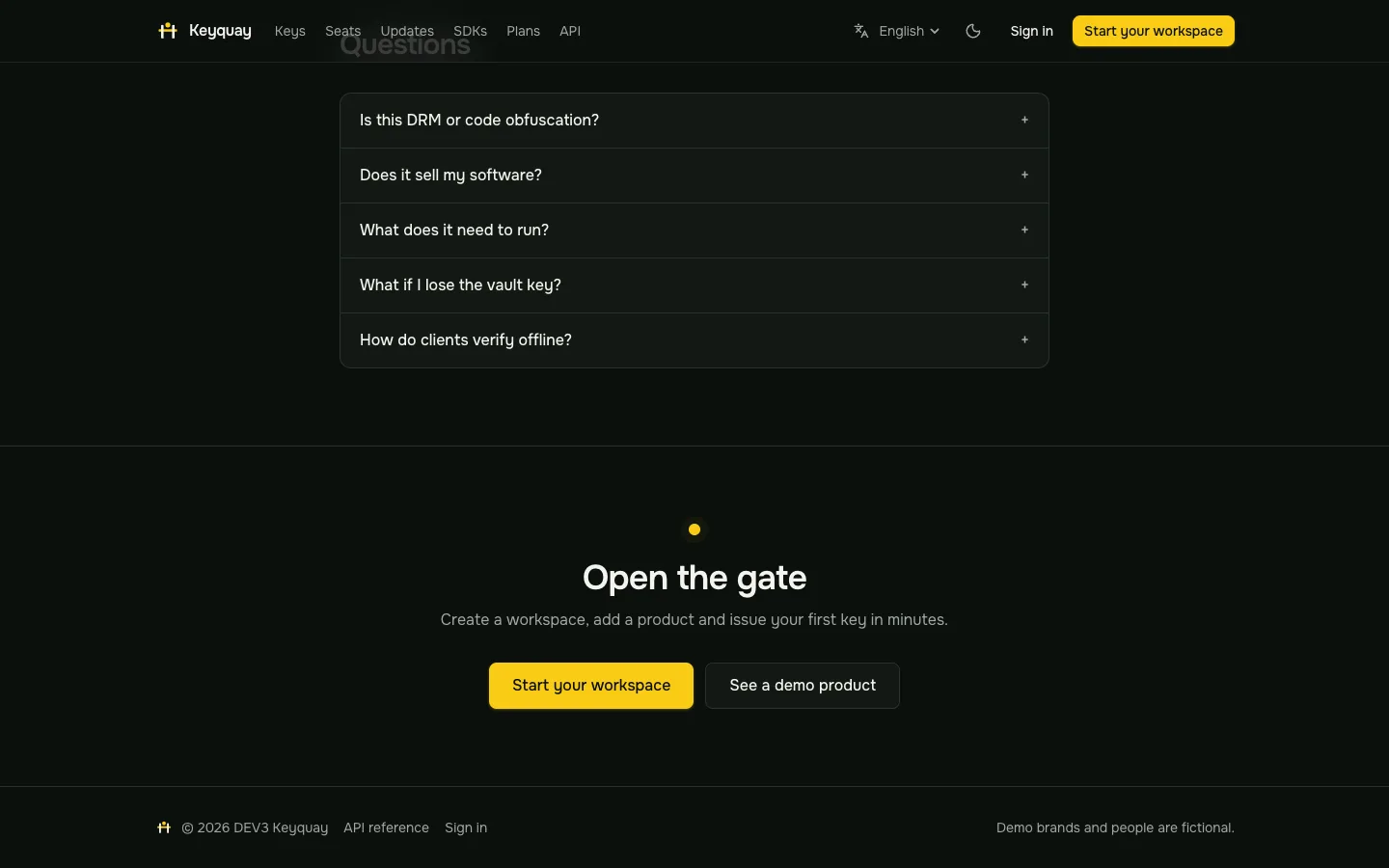
 Questions — Honest answers on DRM, checkout, running it and the vault key.
Software licence server: 7 things to check before you pick one
Last updated
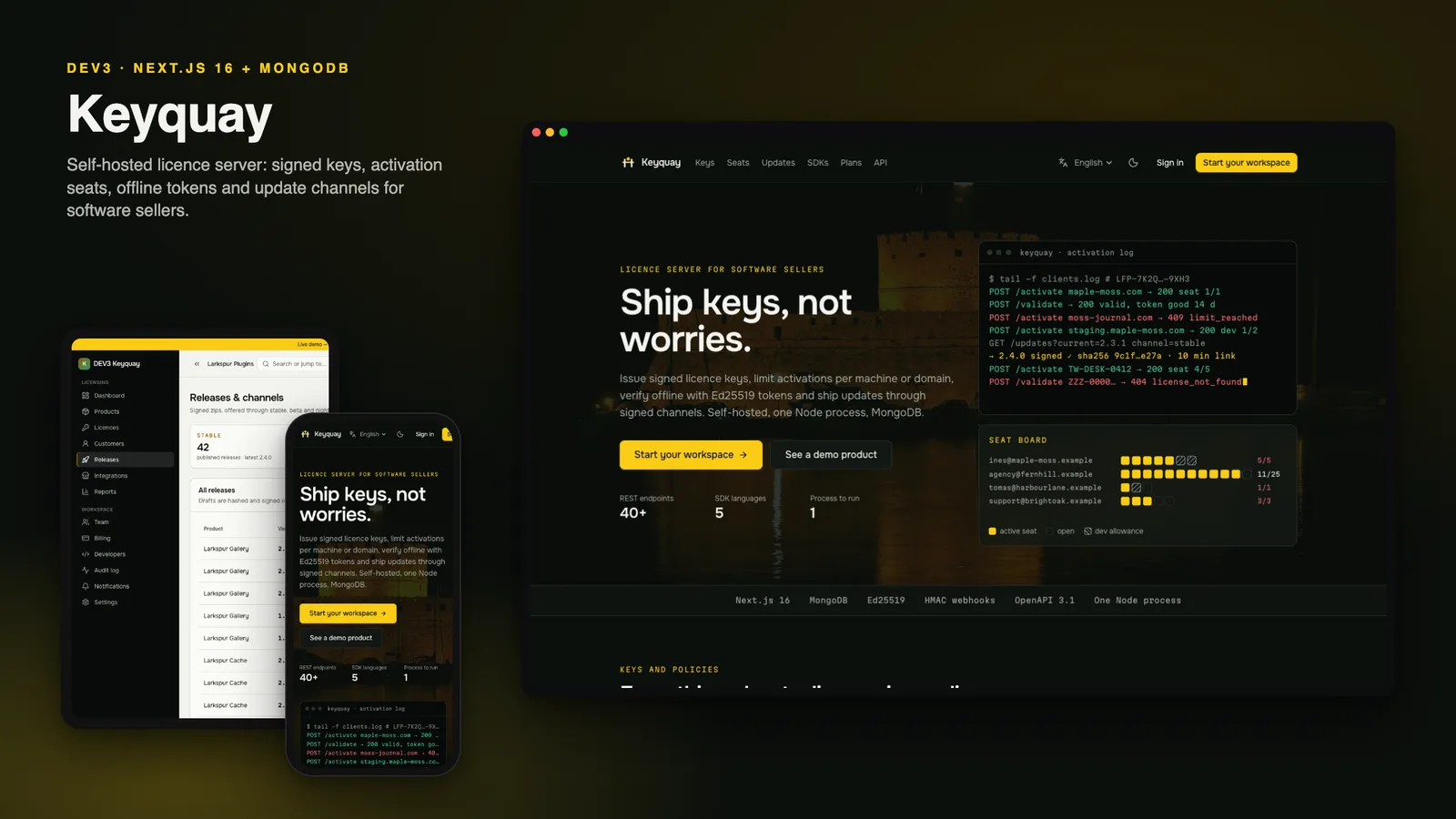
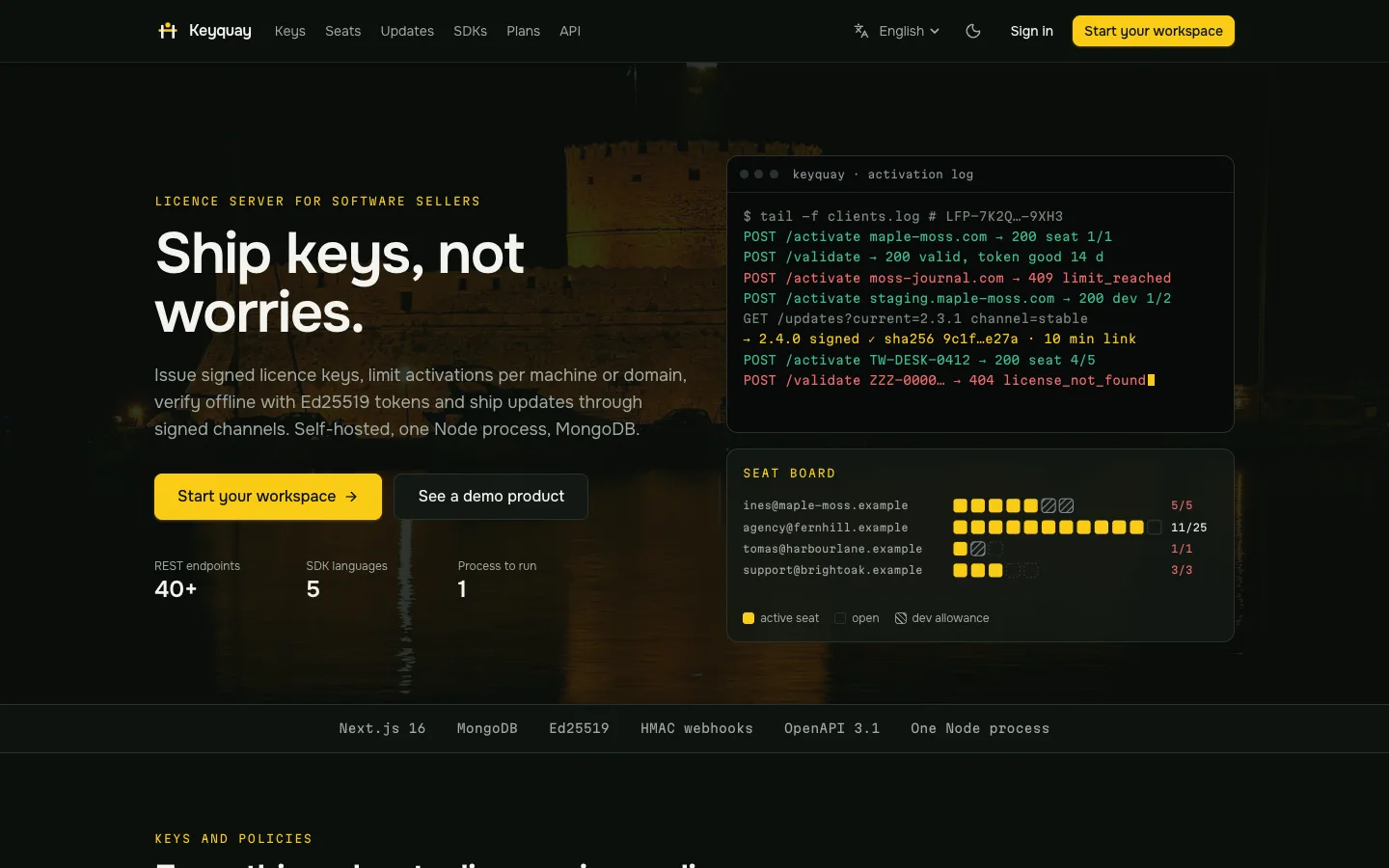
Licence servers are easy to demo and hard to trust. The questions that matter come after the first key works. Here are seven things to check before you pick a self-hosted server, with DEV3 Keyquay as the worked example.
1. How are keys stored?
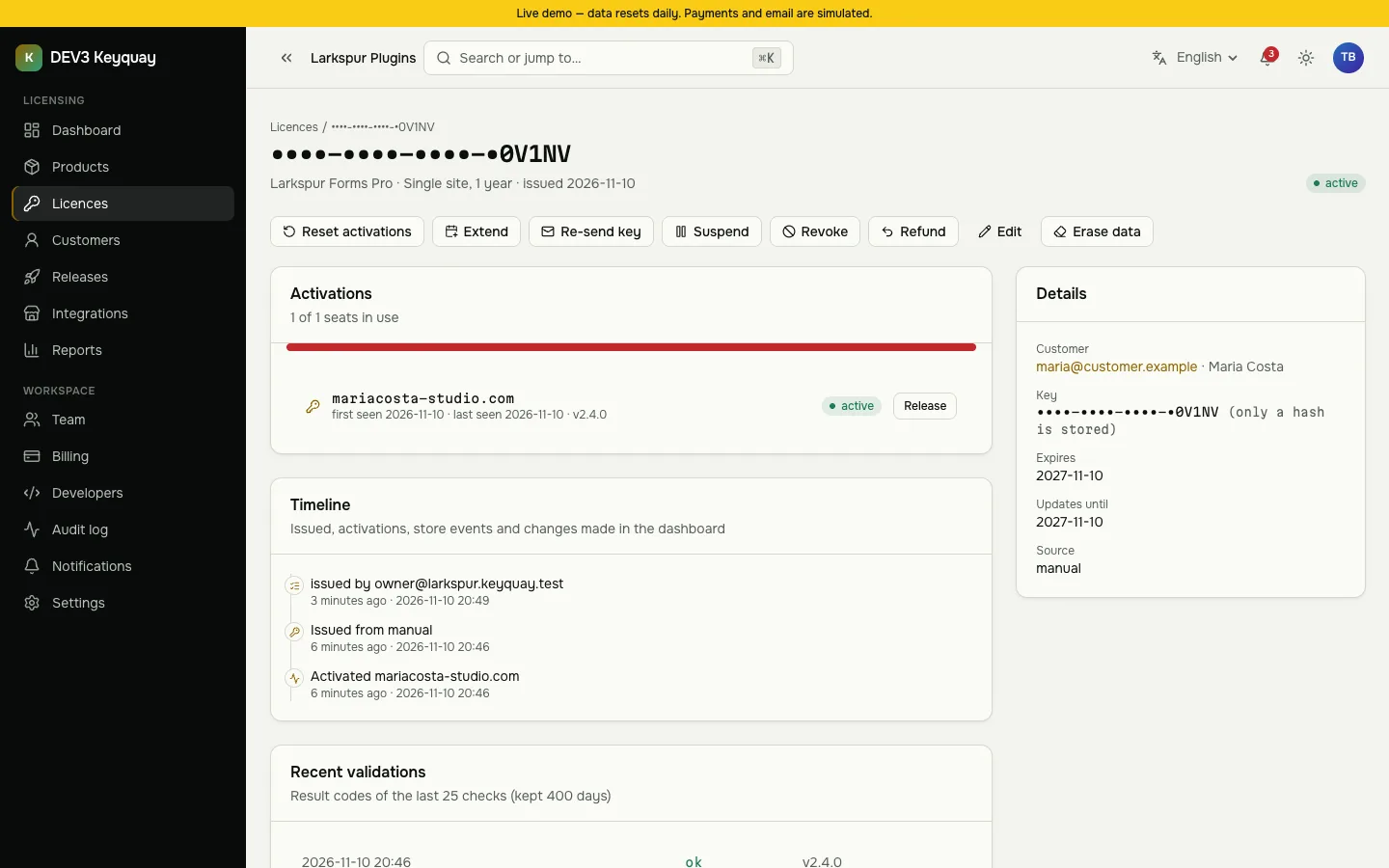
A server that can show you a customer's key later can leak it. Keyquay stores a peppered hash and the last five characters, shows the key once and issues a replacement when a customer loses it.
2. What happens when two installs race for the last seat?
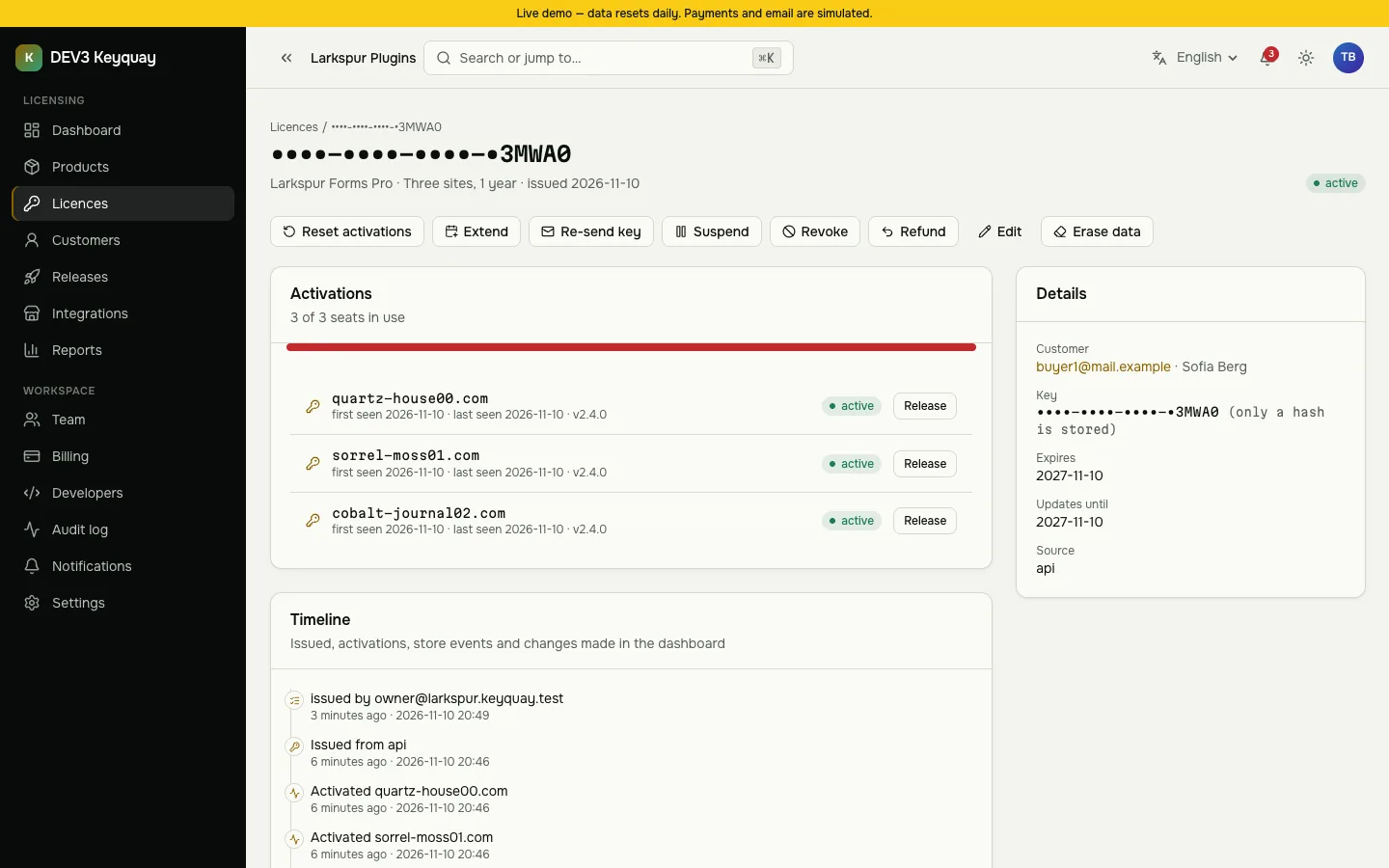
Exactly one should win, and the same site activating twice should change nothing. Ask how the server counts seats without a database transaction.
3. Can clients verify offline?
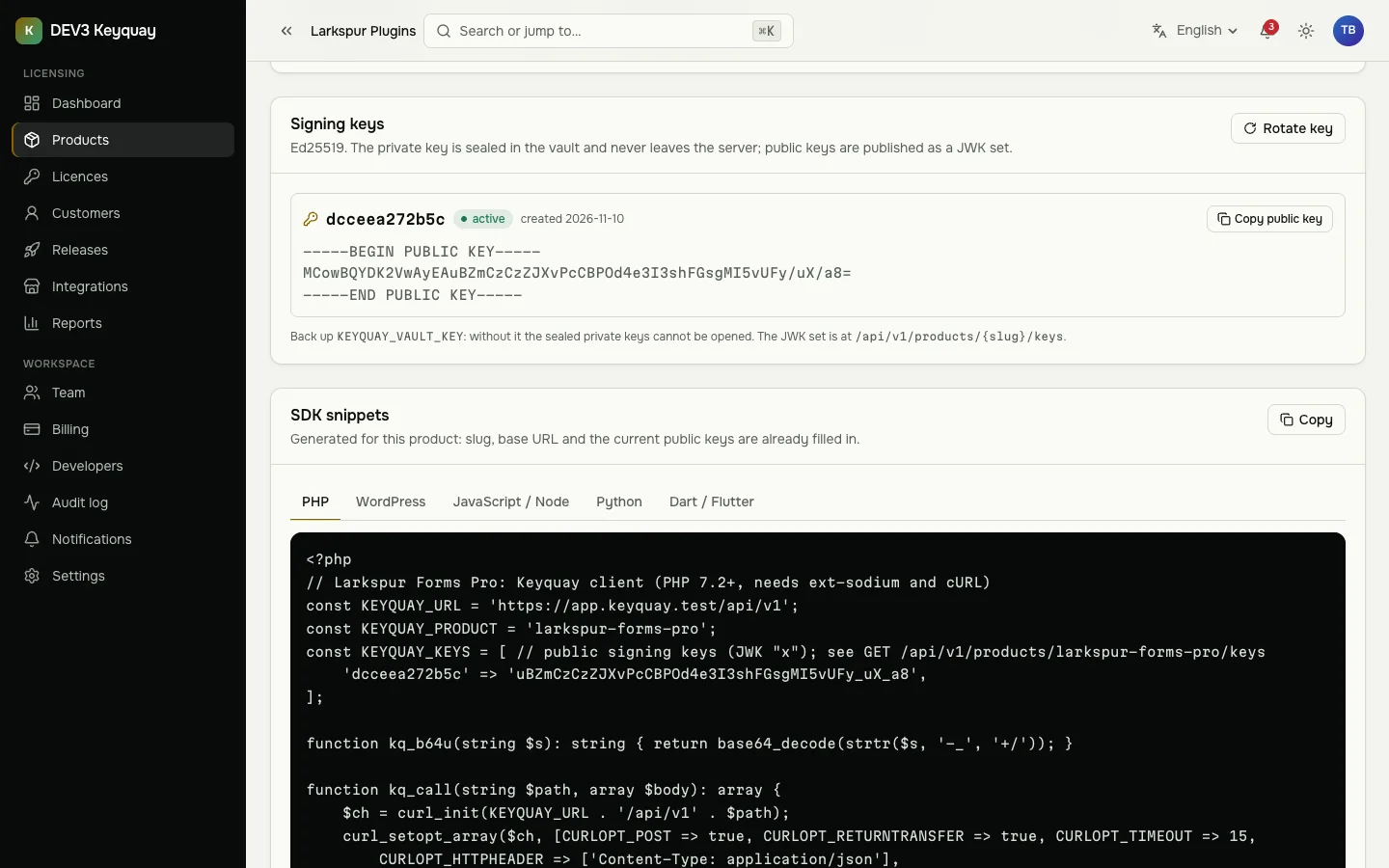
Look for signed tokens bound to the product and the machine or domain, with key rotation that does not break installed copies.
4. How do updates reach customers?
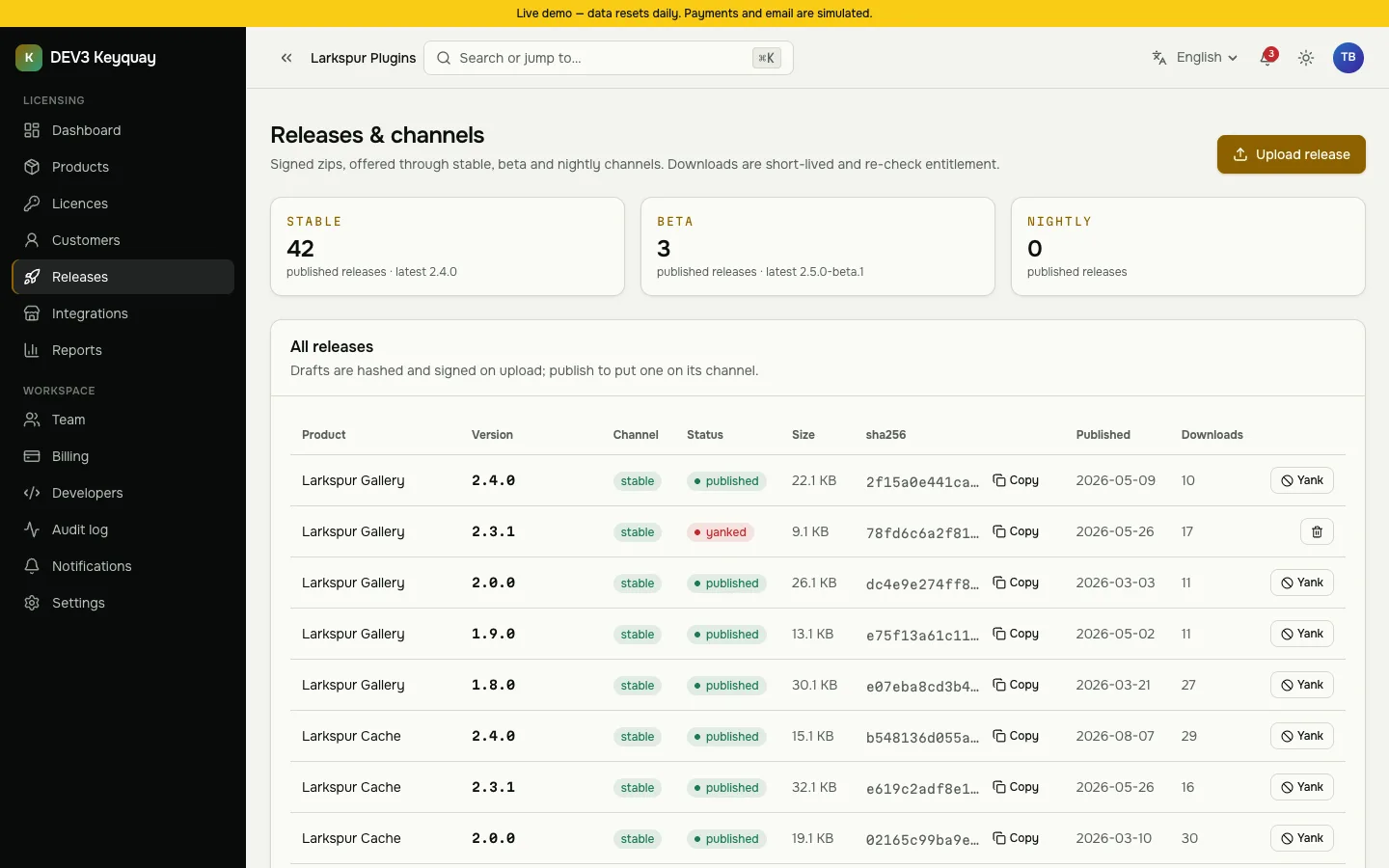
Channels, signatures and short-lived, entitlement-checked downloads matter more than a download button. A yanked release must stay yanked.
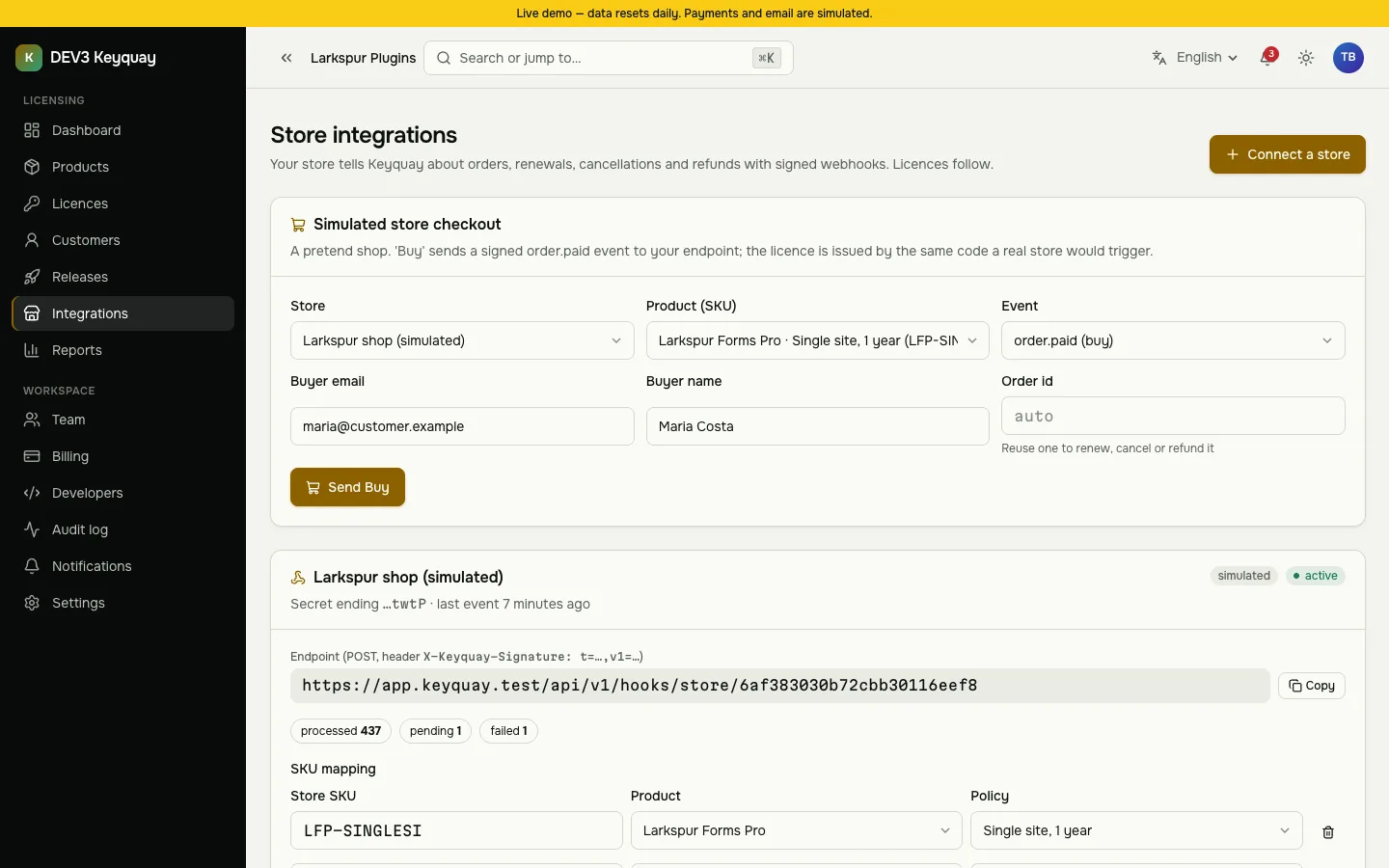
5. How do store orders become licences?
Signed webhooks that are idempotent, tolerate out-of-order events and can be retried.
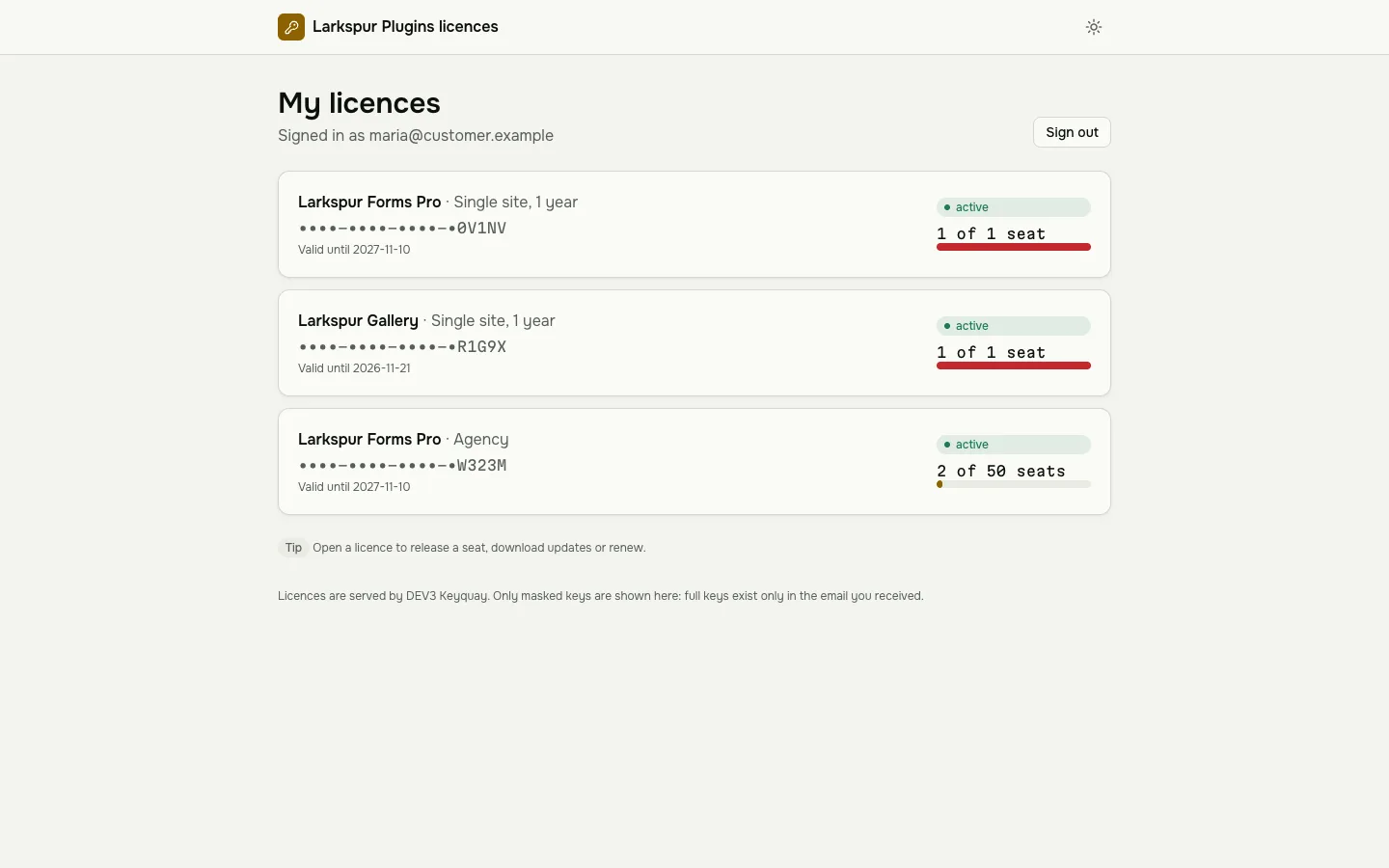
6. Can customers help themselves?
A portal where they release a seat, download updates and find the renewal link saves support time.
7. Who keeps it running?
One Node process and MongoDB, plus cron for the jobs. The minute-by-minute lease sweep is required for floating seats.
Limits to weigh
Checks are only as strong as the client: this is signed licensing, not DRM. Checkout is webhook-driven, not a storefront, and rate limits are per process. Check those against your needs.