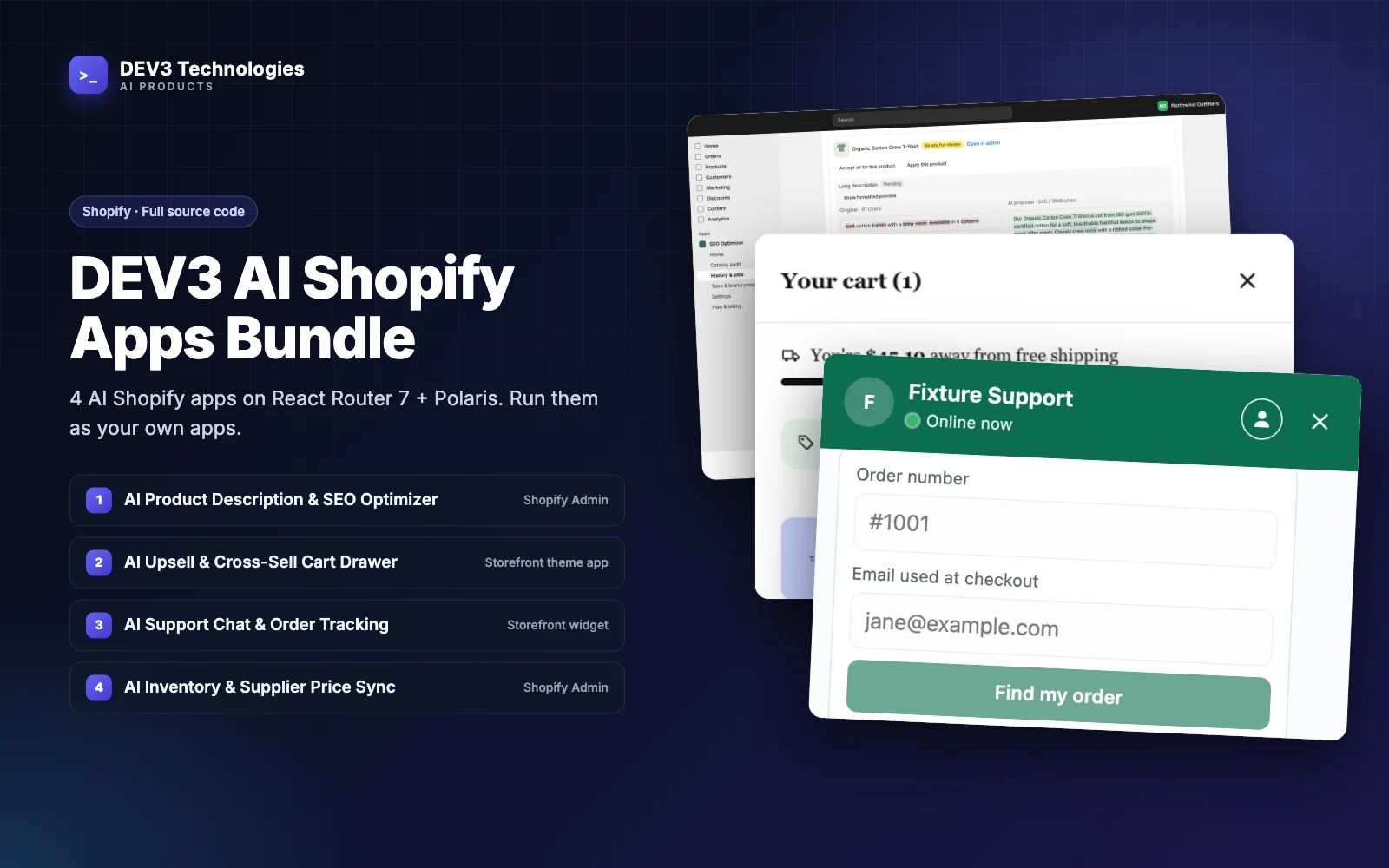
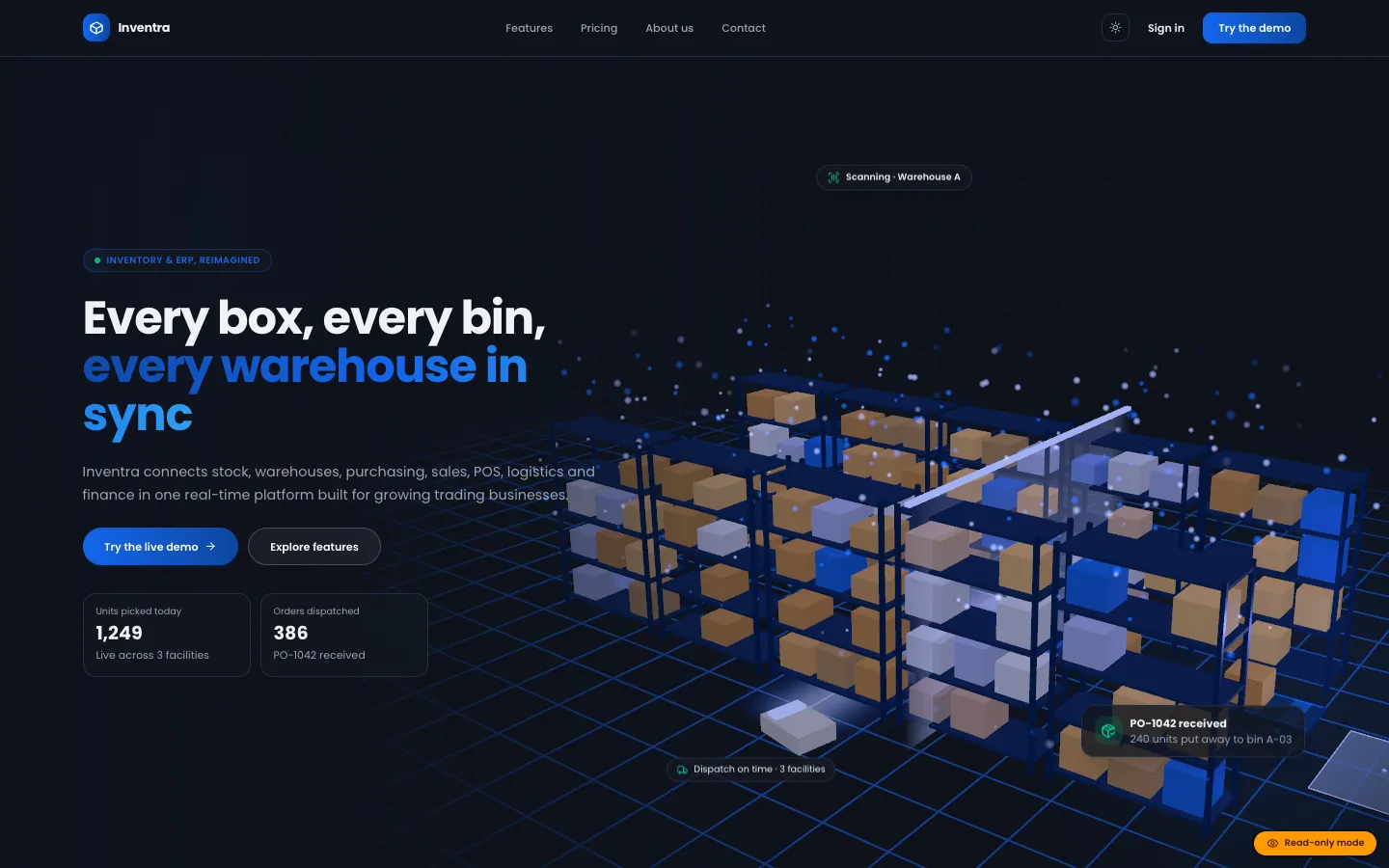
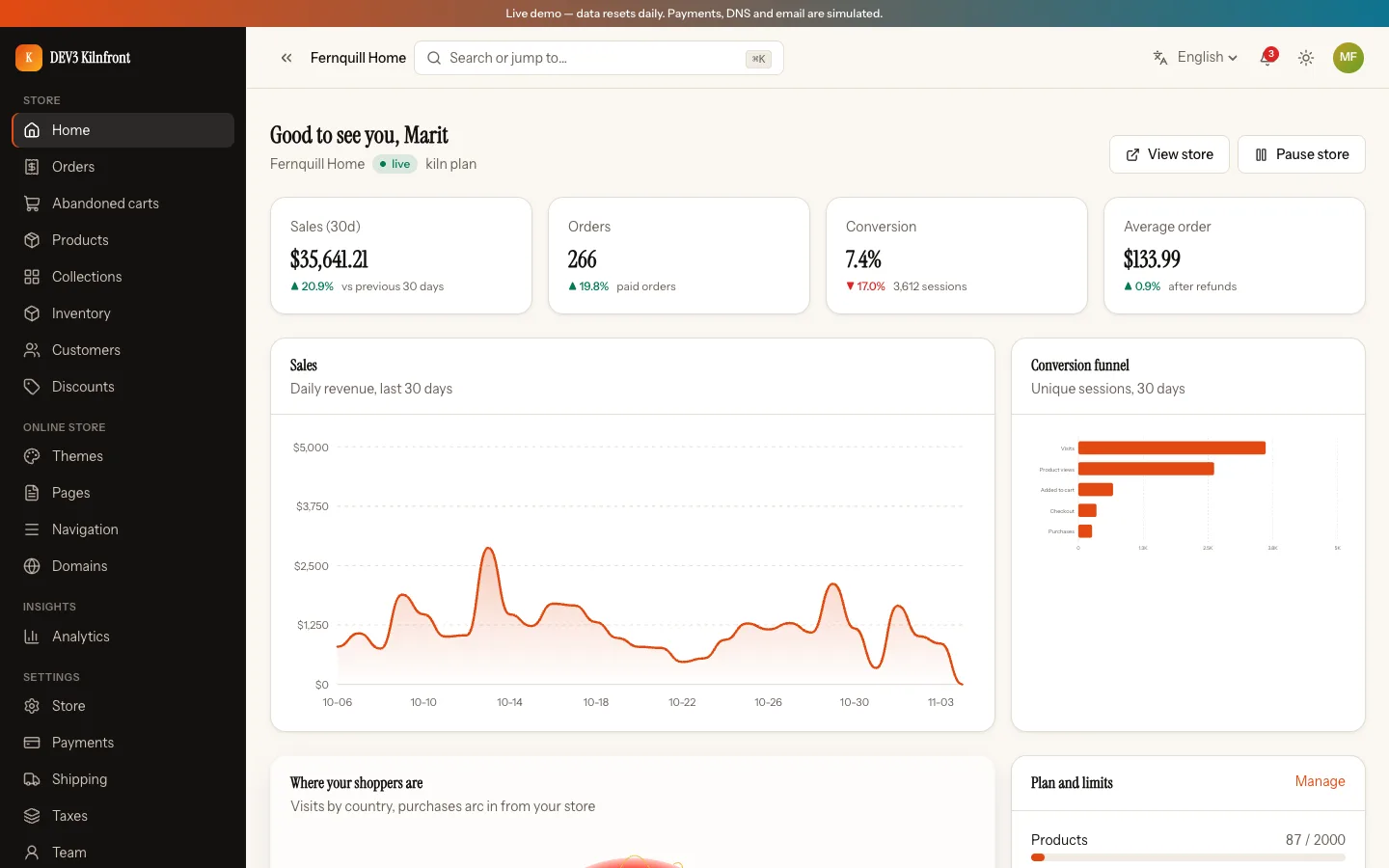
 Light and dark — The same dashboard on the porcelain light theme.
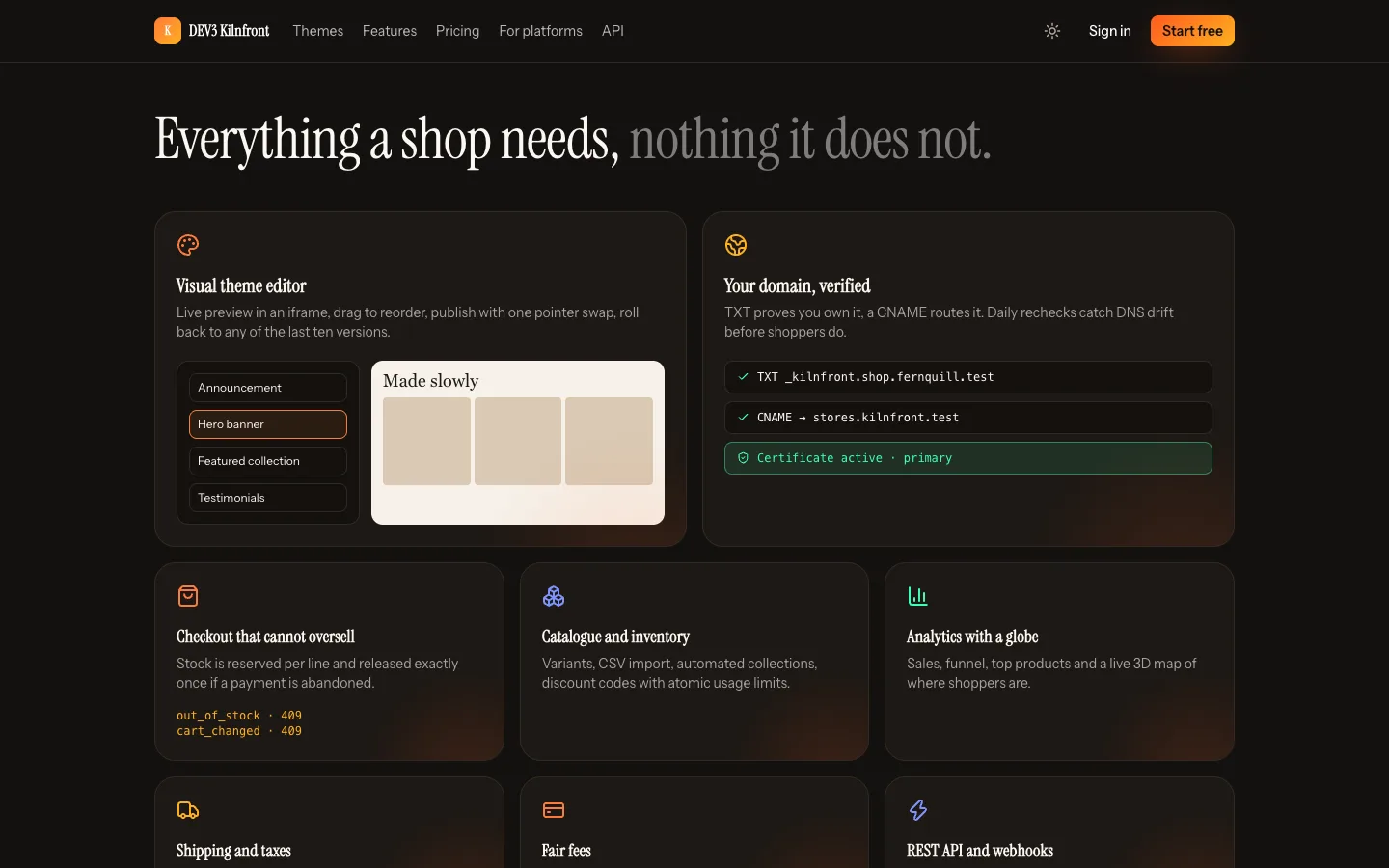 Feature tiles — Real product fragments instead of generic cards.
Building a Shopify-style store builder: the hard parts, and where Kilnfront draws the line
Last updated
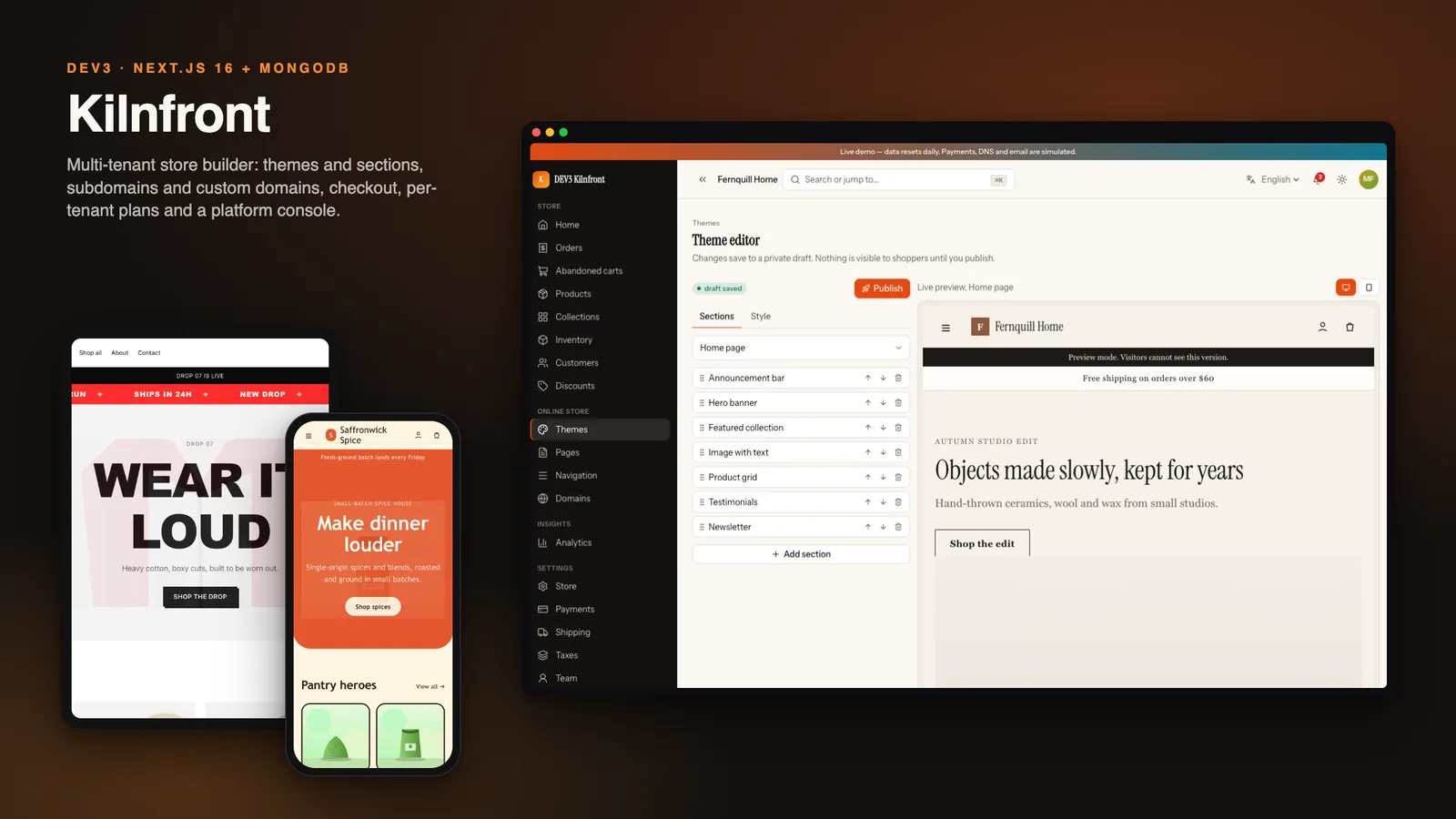
A store builder looks like an online shop until you notice there is a second customer. Your customer is the merchant, who needs a dashboard, a theme, a bill and an address. The merchant's customers are the shoppers, who need a fast storefront that never shows another shop's data. This guide goes through the parts of that problem that cost the most time when you build it yourself, and how Kilnfront, a Next.js 16 and MongoDB platform, deals with each. It also says where the answer stops.
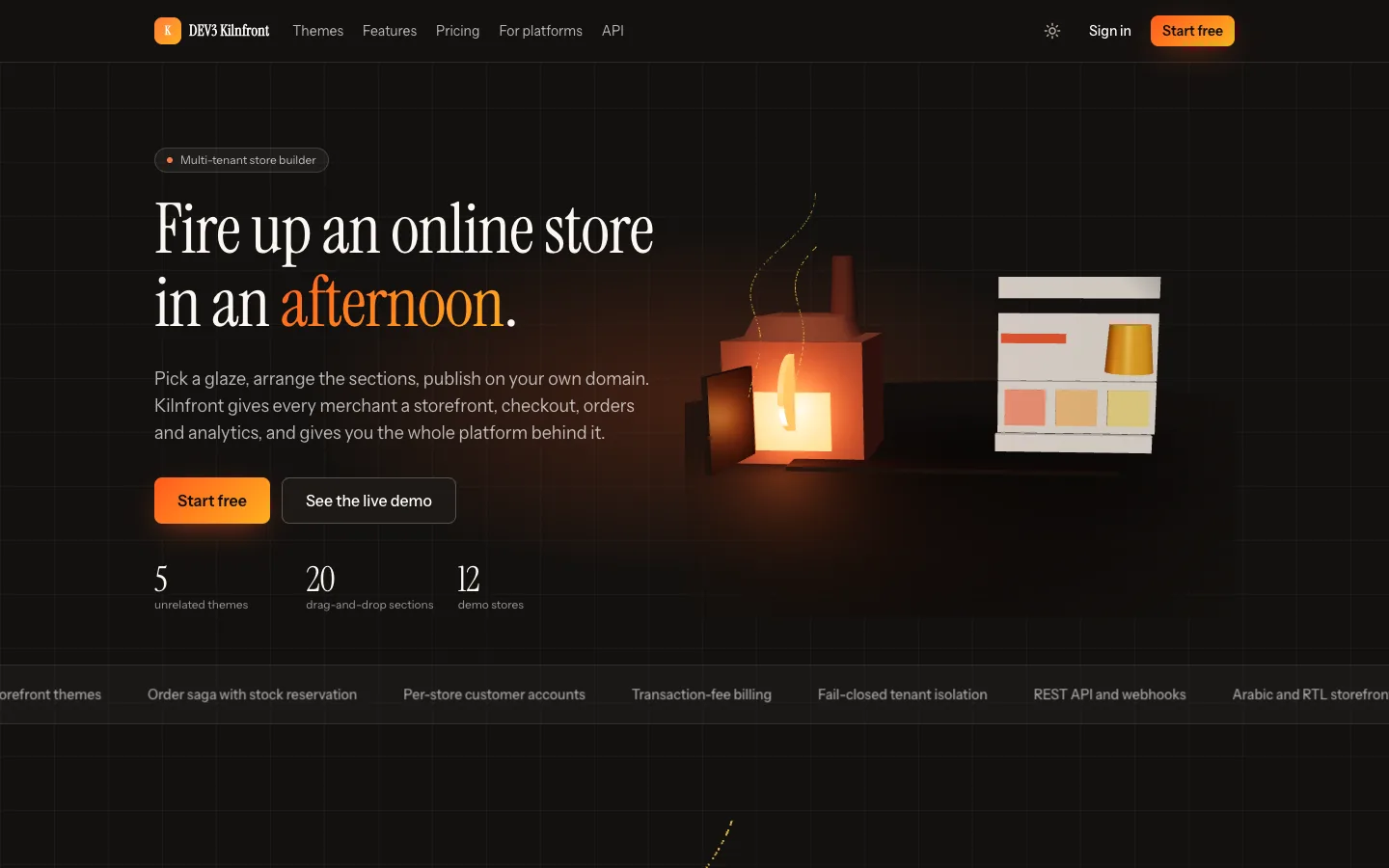
Start with the address, not the product
Before a merchant adds a single product, the platform has to decide which store a request belongs to. Kilnfront does this in one proxy file. It strips any x-kf-* headers sent by the client, lets platform hosts through, sends slug.your-domain to that store's routes and sends any other host to the custom-domain route. The proxy never reads the database. Paused and suspended answers come from an internal request that is cached for a few seconds.
Two details save pain later. First, the same store is reachable on the platform host under /store/slug as a no-index preview, so the theme editor and every test can reach a store without DNS tricks. Second, store hosts only serve storefront routes, so /app or /admin on a merchant's domain is simply a storefront 404, and platform cookies never travel there.
Custom domains need two proofs
Letting merchants bring a domain invites squatting. Kilnfront asks for a TXT record carrying a token and a CNAME (or an A record for apex hosts), and both must pass. Pointing a CNAME at you does not claim anything. A claim that is still pending never blocks the real owner, who wins when their own check passes.
Verified hosts become active, are rechecked daily and are suspended after three failures; a store with several hosts has one primary and the rest redirect to it. A tls-ask endpoint is included for Caddy's on-demand certificates.
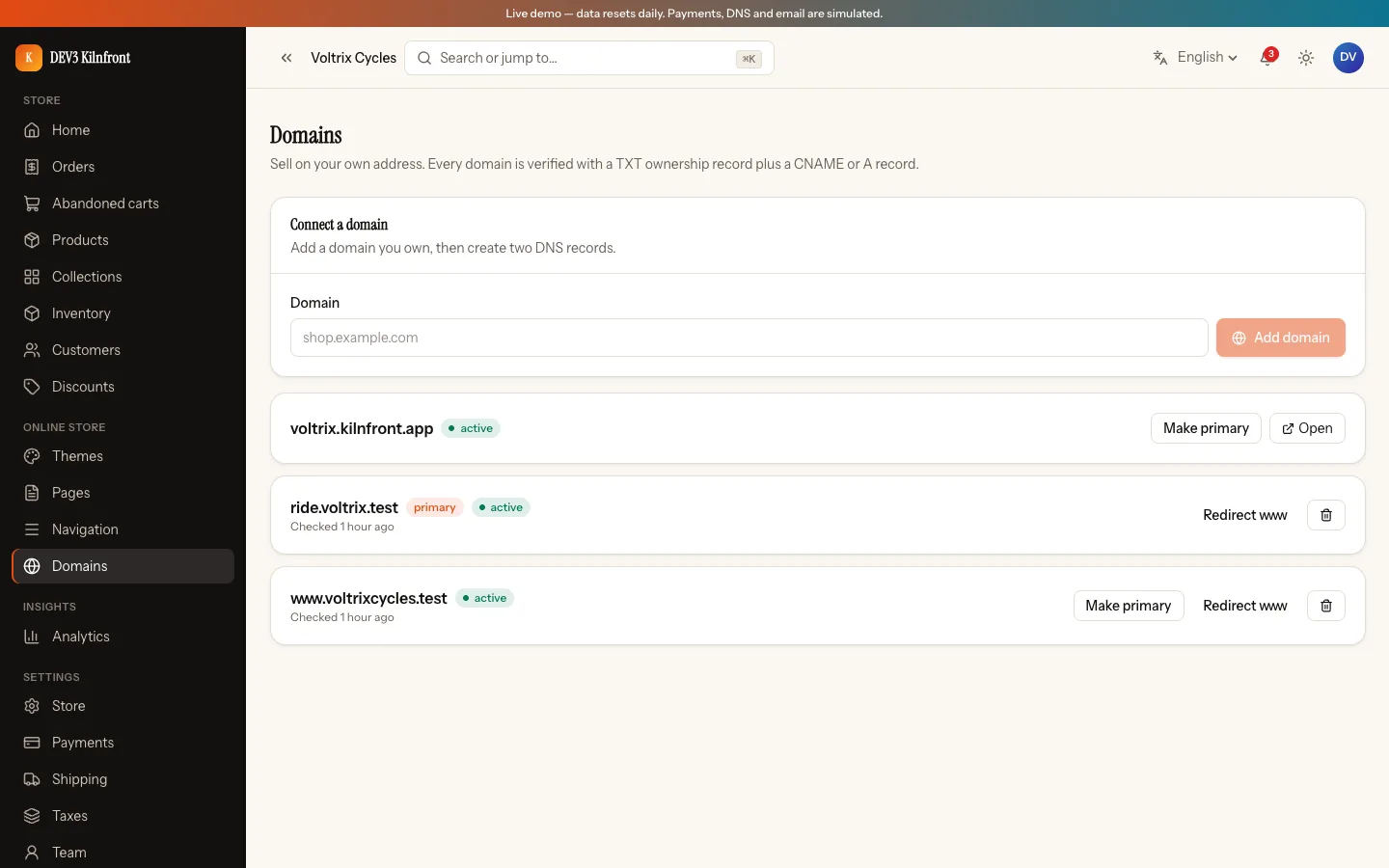
The honest limit: the tests and demo use a simulated DNS driver. The live driver and real certificate issuance were not run against real domains, so budget time for your own end-to-end check.
Let merchants design, but not inject
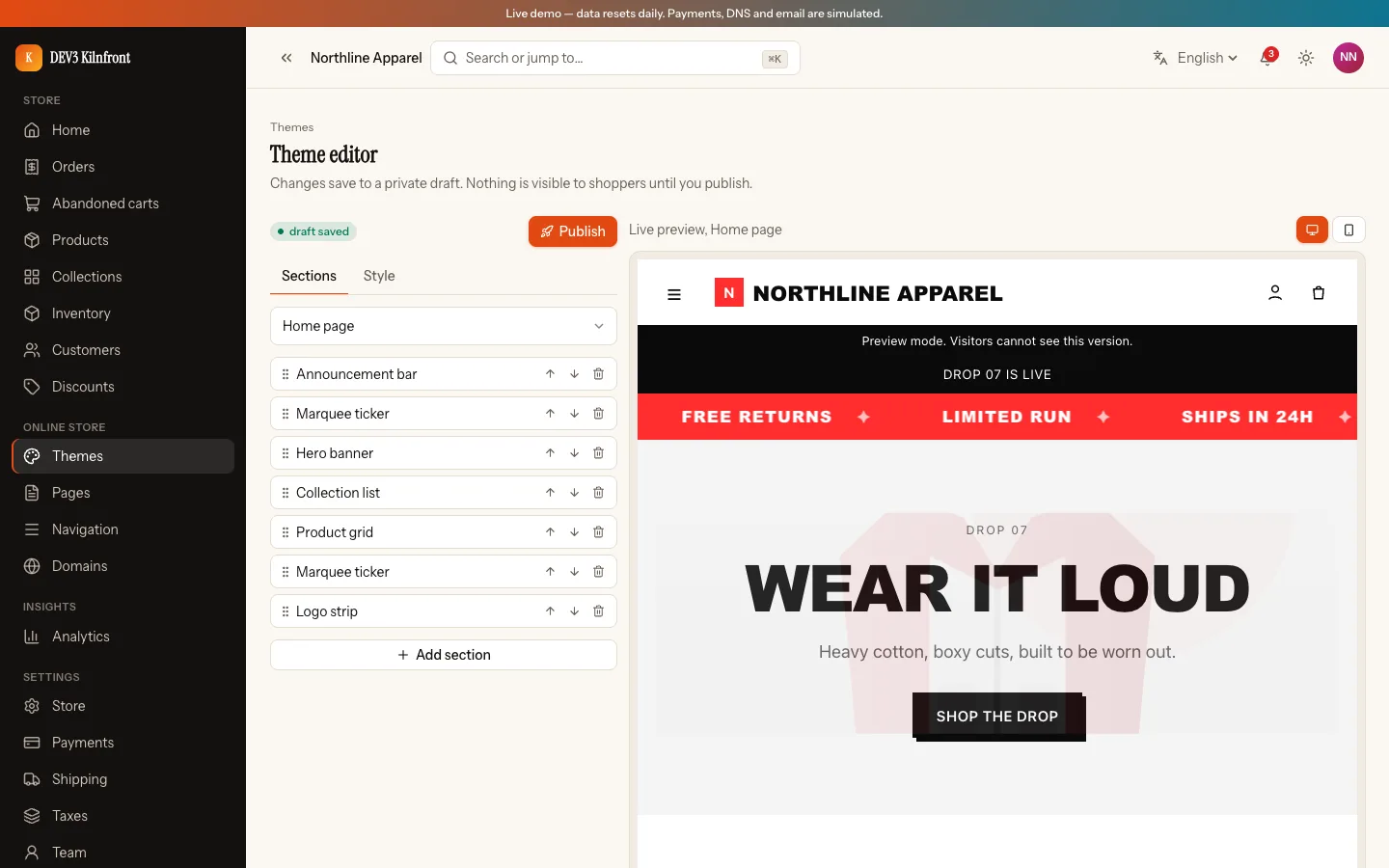
The theme system is a section registry. Five presets are tokens plus lists of sections, and twenty sections cover the home, product and footer pages. Every setting is validated against a schema: hex colours, a fixed list of fonts, limited URL schemes. There is no field for raw HTML or CSS, and rich text is a block list rendered by React, so a merchant cannot paste a script into a store.
Edits go to a private draft, saved with a version check so two open tabs cannot overwrite each other silently. Publishing swaps a single pointer, and the last ten versions can be restored.
Plans are caps, and caps are counted
Kilnfront ships three plans, with caps for products, custom domains, seats and themes and a transaction fee per plan. The caps are counted live from the data, not stored as counters that can drift. A downgrade never deletes anything: products over the cap stay on sale, creating new ones is blocked, and extra custom domains are suspended while the primary is kept.
Failed renewals are a ladder
The fee line is added to the invoice by a renewal wrapper ("Transaction fees (n orders)"). When a renewal fails, a past-due date starts a ladder. Days 0 to 7 show a banner and send emails. Days 8 to 14 make the dashboard read-only while the storefront keeps selling. From day 15 the storefront pauses with a 503 and a branded page. Paying clears it. Every dashboard action and API write goes through the read-only guard.
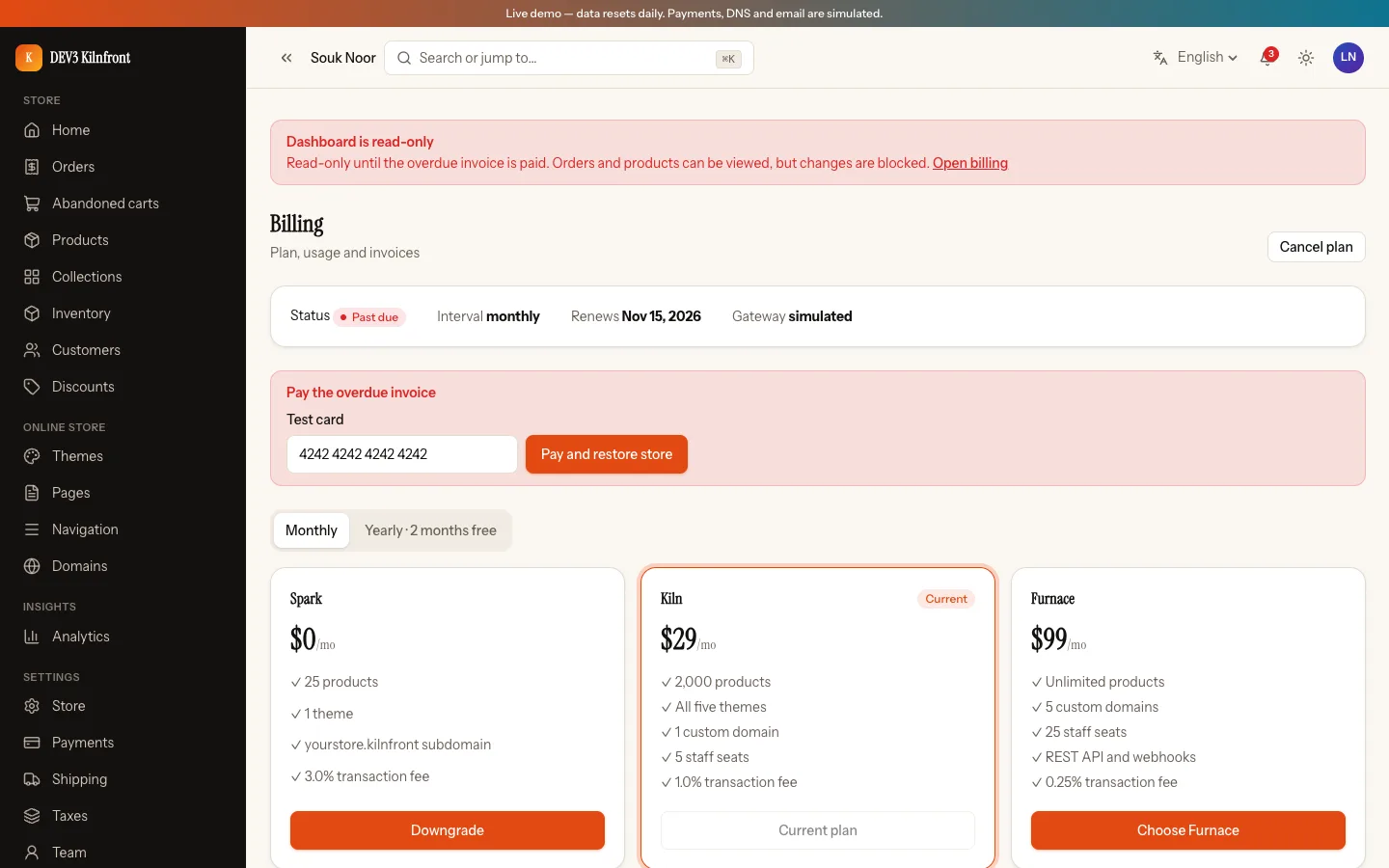
Limits to know before you take real money: when a real gateway reports a failed payment, its webhook does not yet start this ladder, so connect those failure events to the past-due helper. The shared core also bills a past-due renewal as paid and skips the last period's fees on a scheduled cancel.
Checkout without transactions
Kilnfront assumes a standalone MongoDB, so the order flow cannot lean on multi-document transactions. It reprices on the server, reserves stock line by line with conditional updates, claims a discount use atomically, numbers the order and creates it, undoing earlier steps if a later one fails. A retry with the same checkout key returns the same order. A sweeper cancels unpaid orders after 30 minutes and restocks exactly once, and a payment that arrives late is refunded.
What it does not have is a reservation journal. If the server dies between two steps, compensation and the sweeper recover, but a crash in that narrow window can hold stock until the sweeper runs.
See it in action
The video tour covers the landing page, onboarding, a storefront checkout and the platform console.
What else to compare
- Platform console: tenants with plan, status and GMV, impersonation with a banner, suspend and resume, a domain audit, revenue split into plans and fees, and a 3D field of every store.
- API: keys, signed webhooks and a generated API reference, available on the top plan only.
- Languages and modes: English and Arabic right to left, light and dark. Arabic storefronts fall back to a system font.
- What's not included: no mobile apps, no SMS, no live exchange rates (fees convert from a fixed table), and payments, email and DNS were not run with live accounts.
- Quality: 144 app tests and 49 core tests passed in the recorded check run, with 0 type and lint errors and a production build of 118 routes.
Kilnfront is a source-code product you host yourself. The listing shows 108 grouped screenshots and two video tours instead of a live demo, and the "How it's built" section goes deeper on the architecture.