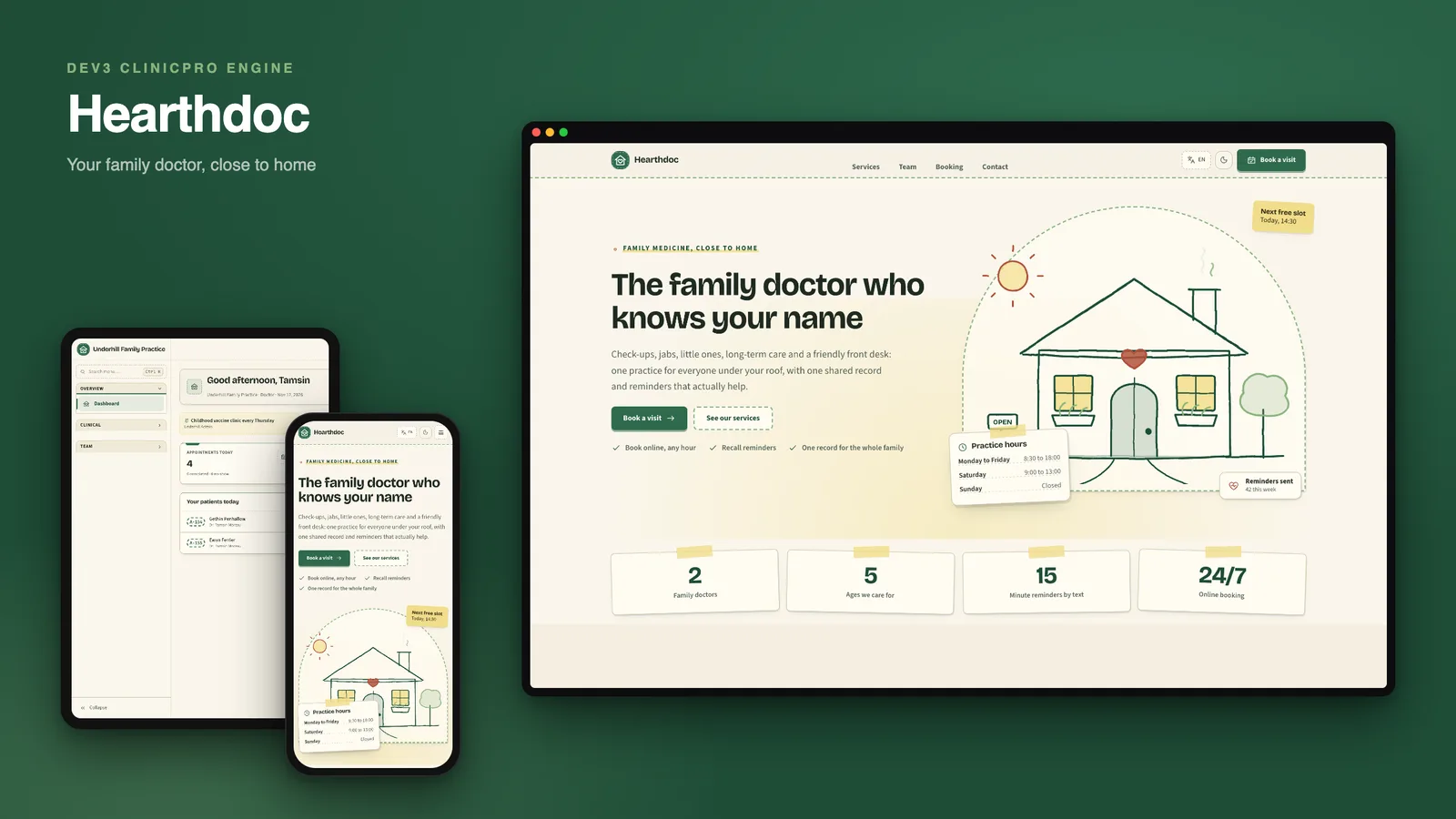
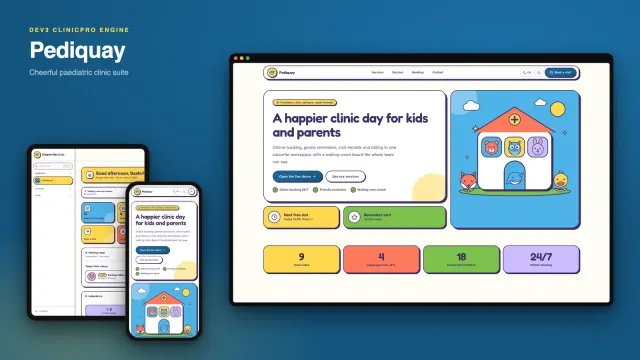
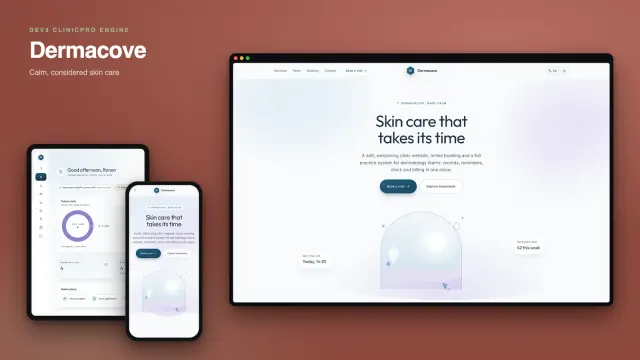
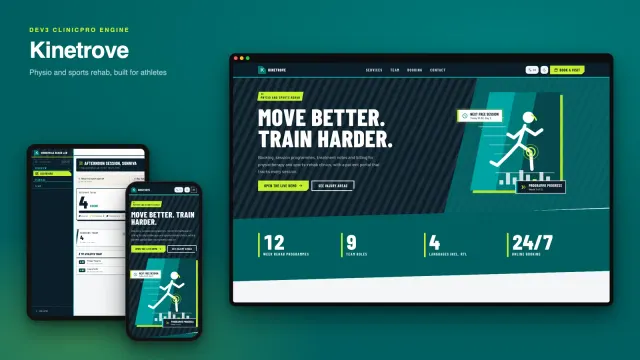
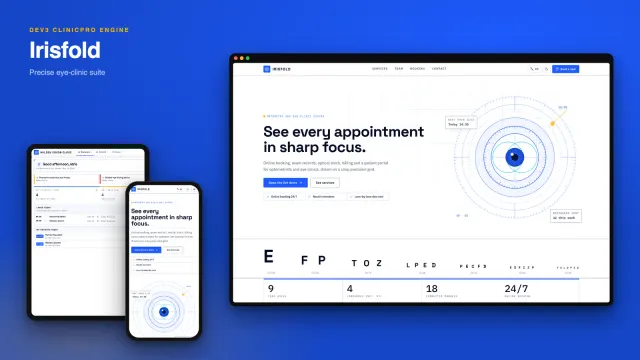
Hearthdoc is a family general practice management suite that you host yourself, built by DEV3 Technologies on Next.js 15 (App Router and Server Actions) and MongoDB, with a native iPhone app. Built on the DEV3 ClinicPro engine: the same features, a different design. Hearthdoc is for the surgery where the receptionist knows Gran by name: cream paper with a faint grain, forest green headings, brick-red stamps and a front door drawn in pencil.
One installation serves many practices. Each practice has its own team, branding, display currency and language, a patient portal, a self check-in kiosk and a waiting-room display.
What it looks like
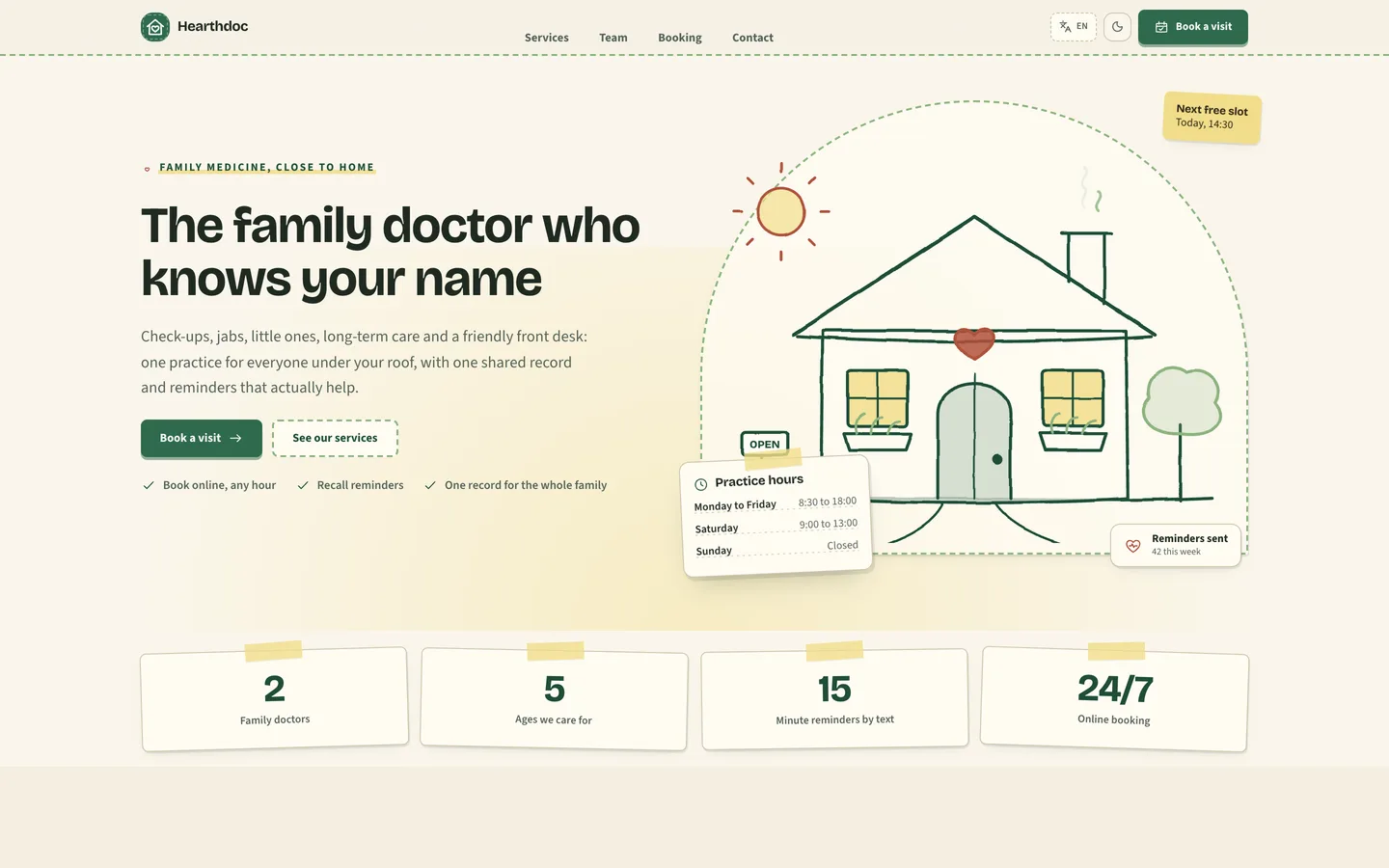
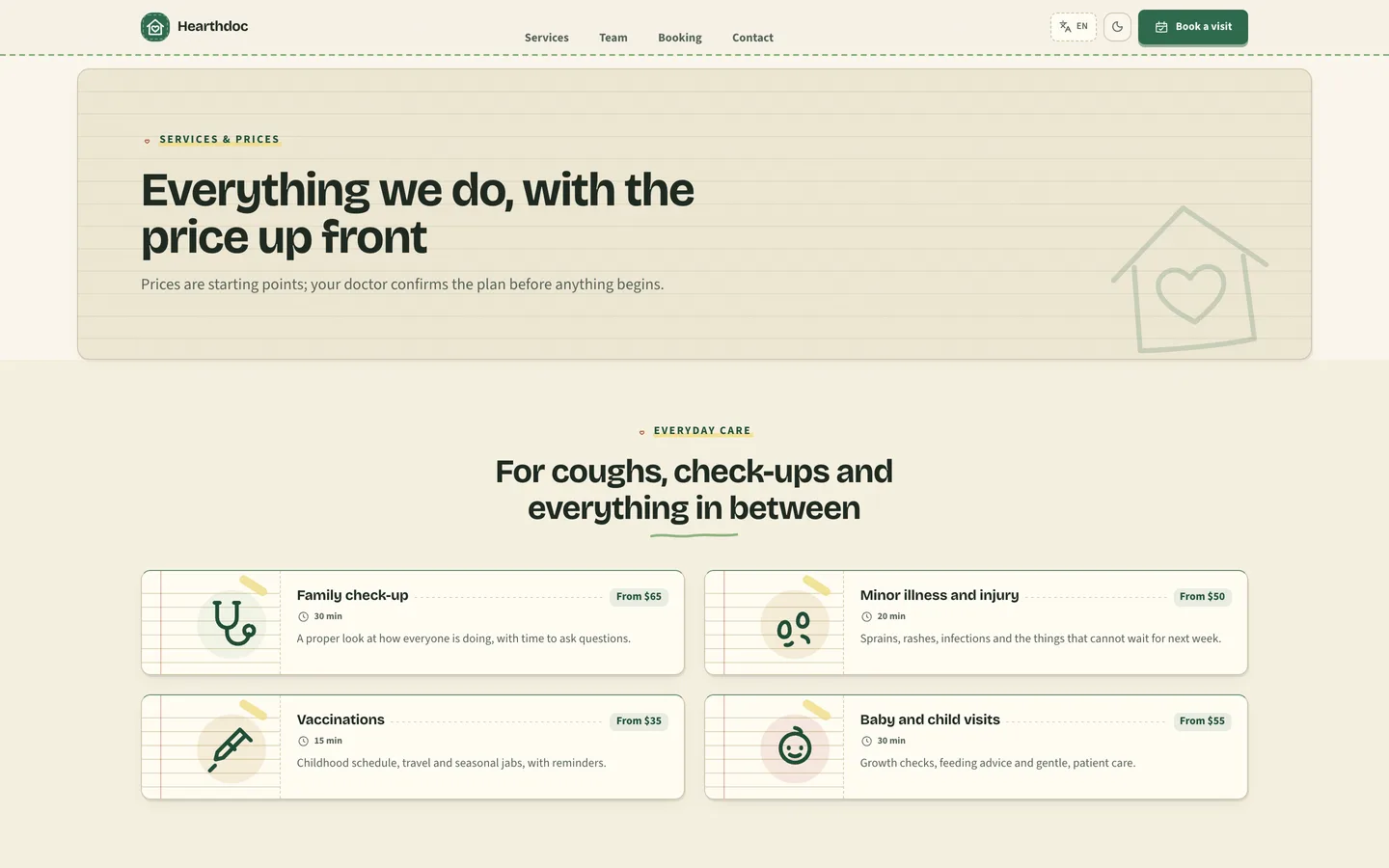
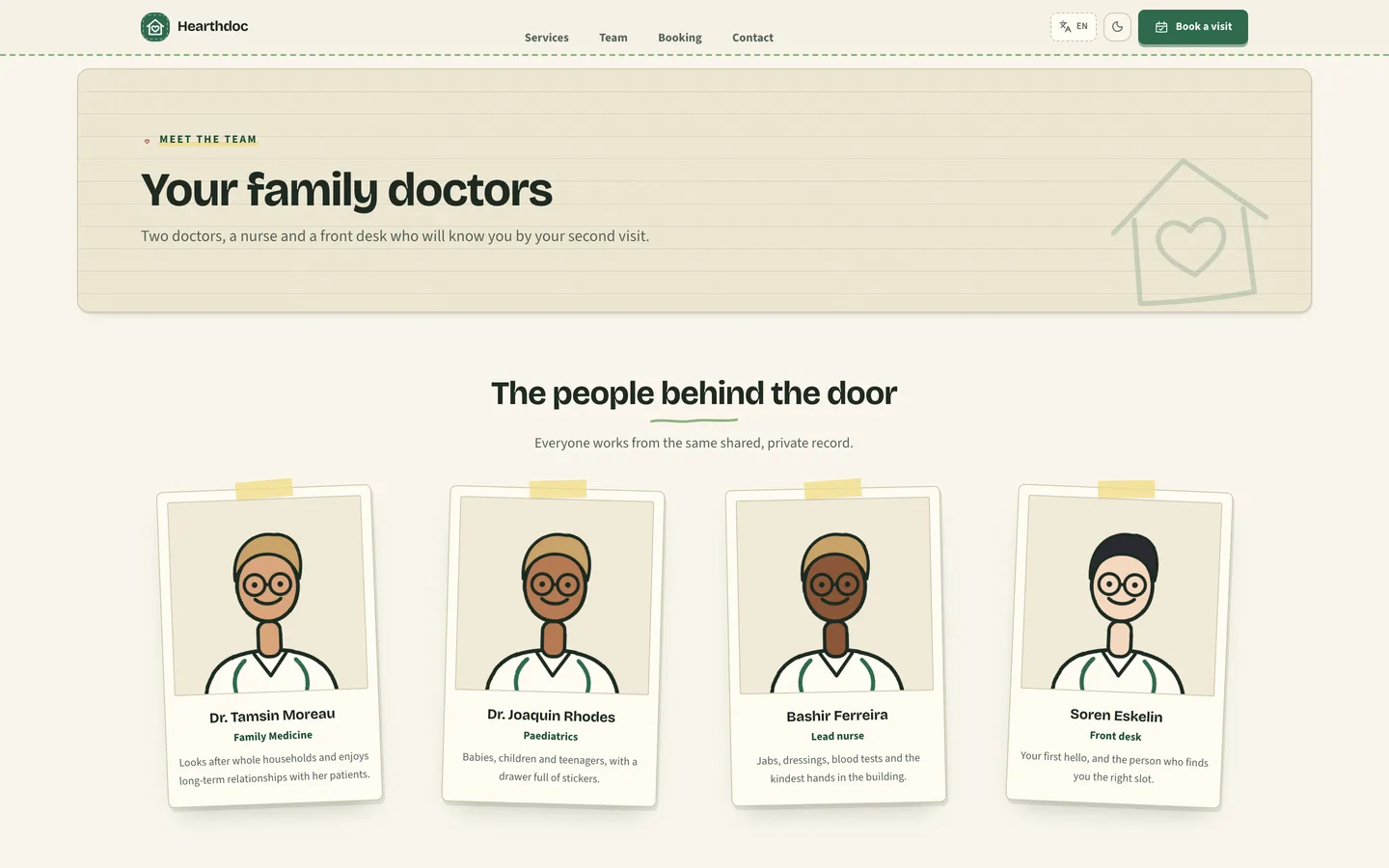
- Front-door website. The home page opens on a pencilled house with a lit window and the practice hours pinned to its frame, then an Every-age section of arched cards (baby jabs to repeat prescriptions), a one-page day book room by room, price-led service cards and polaroid doctor portraits held with tape. Every page is editable from the admin.
- Desk sign-in. Staff and patients sign in on a paper form lying on a wooden desk, with the front door drawn above it and a sticky note of house rules beside it. The wording is editable per language.
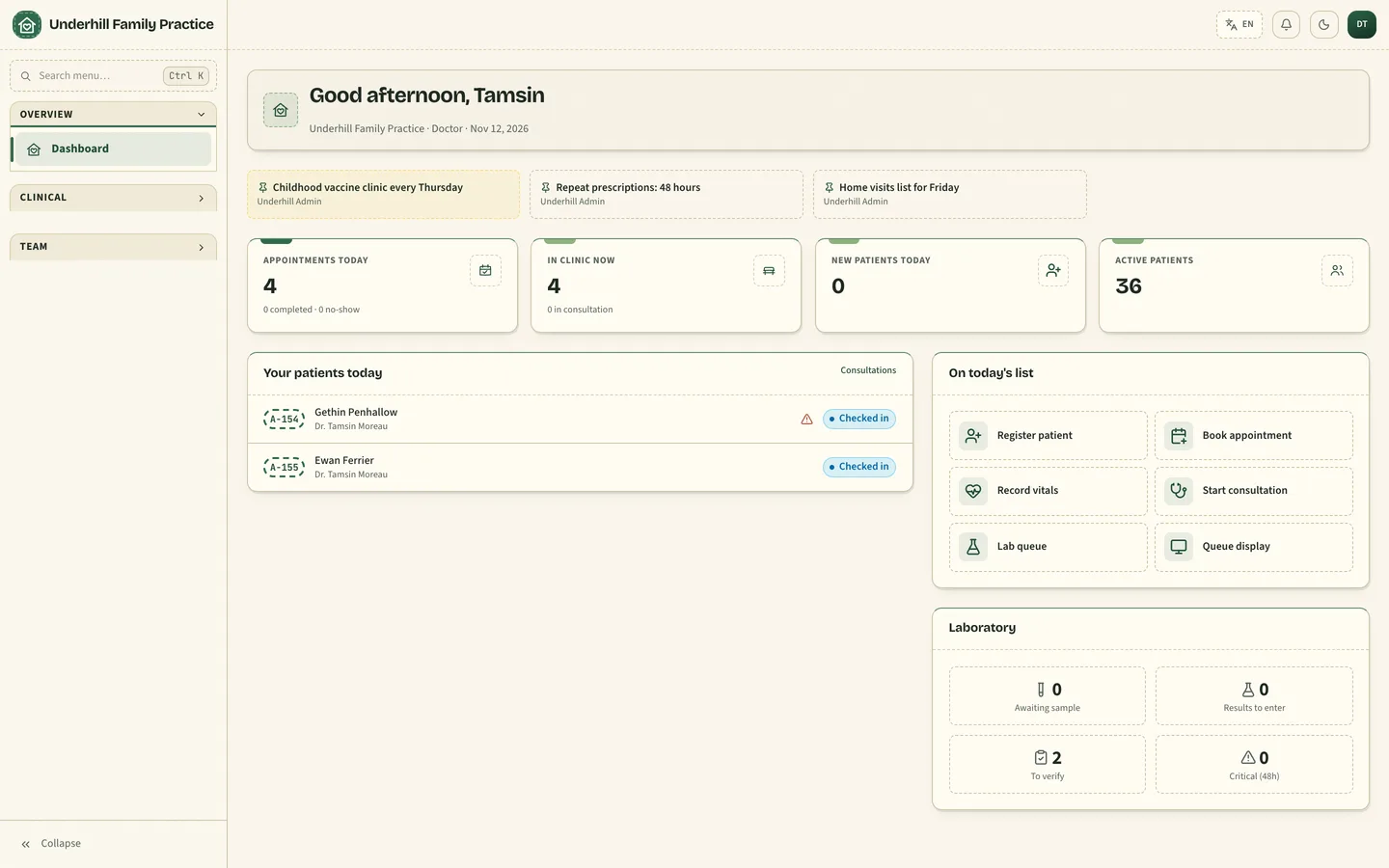
- Folder-tab admin. A left sidebar whose section headers are folder tabs, a dashboard that starts with the waiting room and today's list, and settings in leaf-style tabs.
- Card-file drawer of patients. The patients list, billing and every other list are a single stack of index cards: a hand-cut tab with the card number, the name on a red margin rule, facts on dotted leaders, the status stamped at the edge and actions underneath.
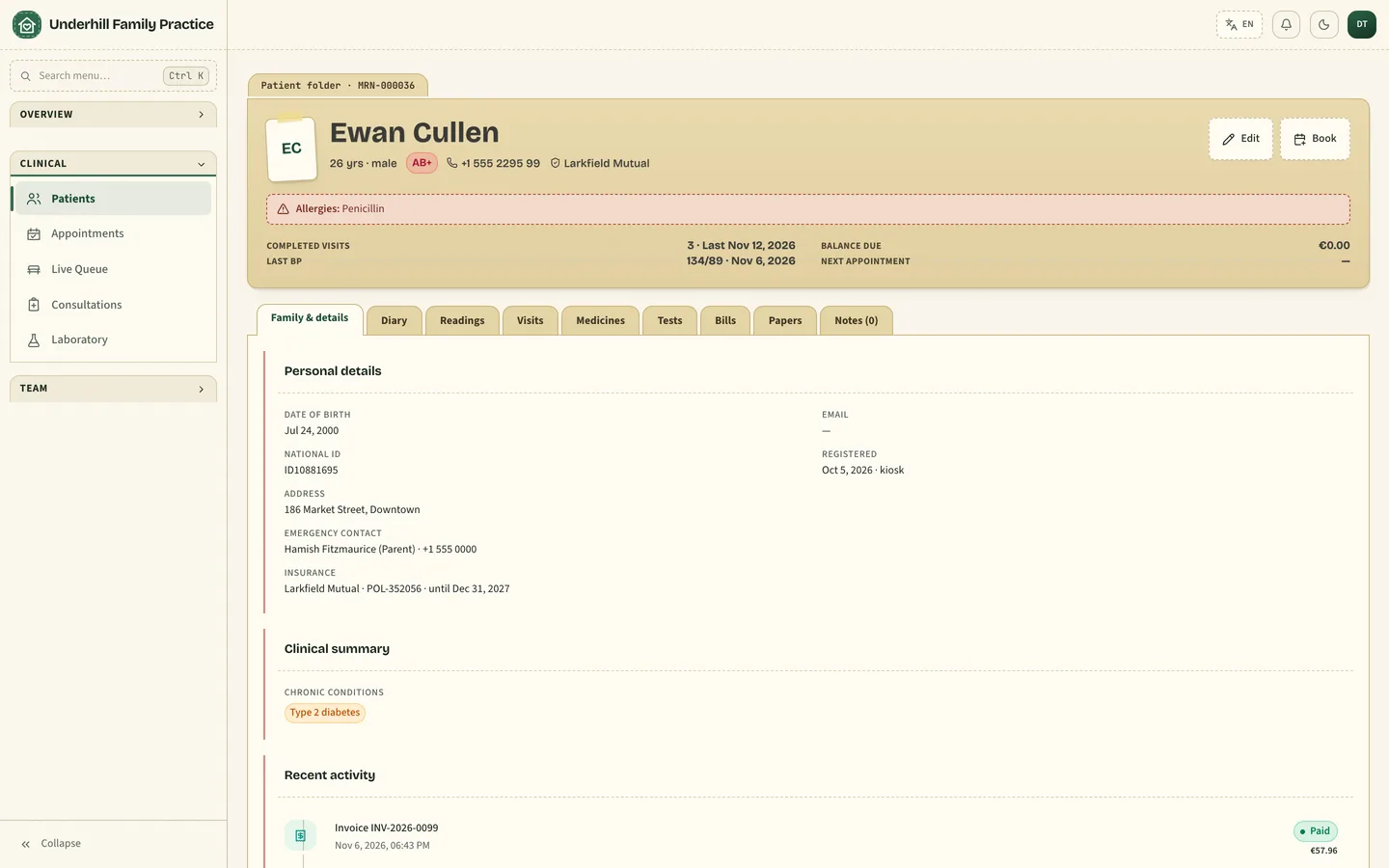
- Family-folder patient record. The record opens as a stacked manila folder: a pencilled name header with facts on dotted lines, then staggered tabs for Visits, Medicines, Family details, Tests, Bills and Notes.
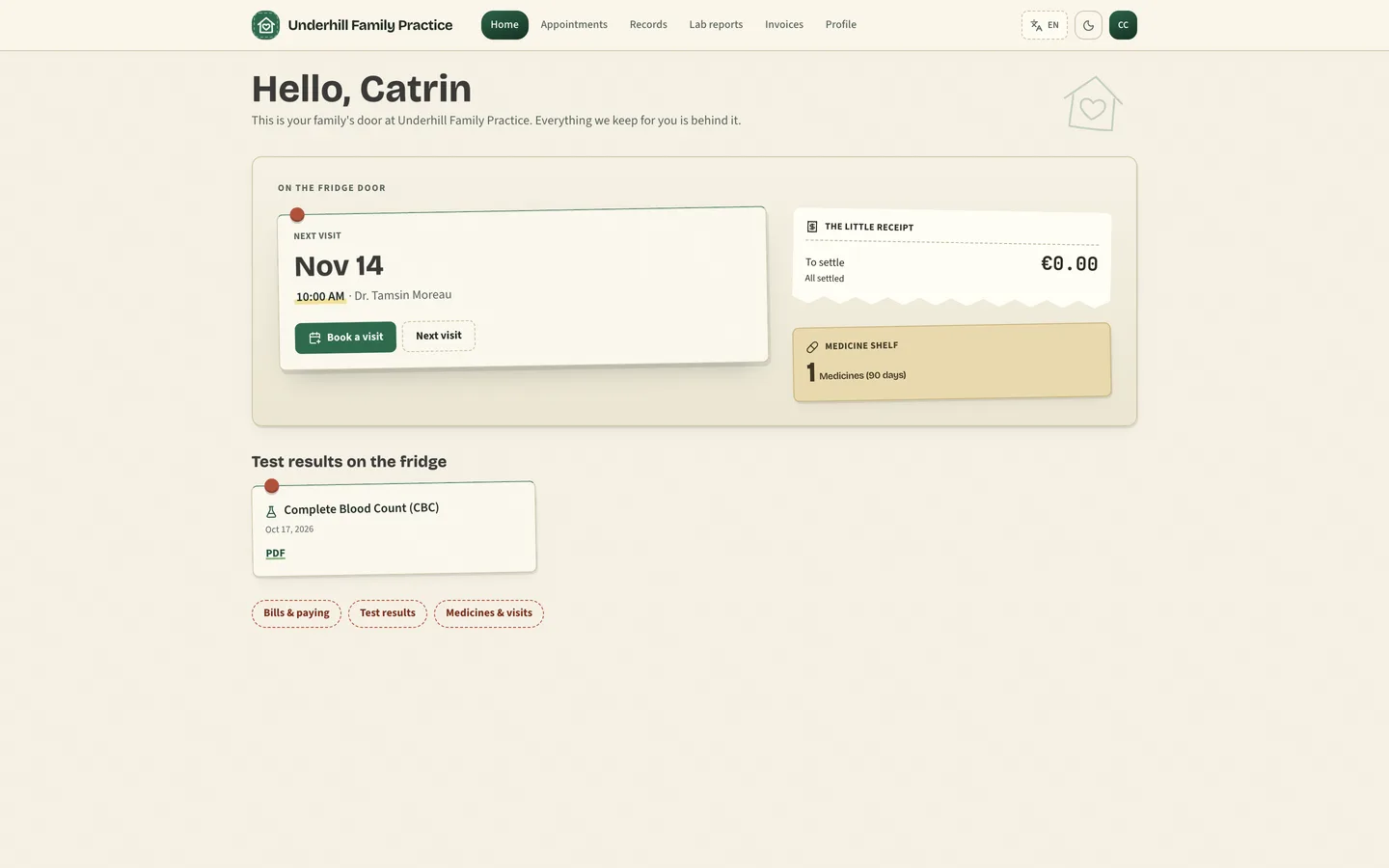
- Fridge-door portal. The next visit on a taped appointment card, the balance as a little receipt, the medicine count on a shelf label and recent results held by magnets. Appointments are tear-off calendar leaves.
- Hand-drawn icon set. Thirty-odd 1.5px line icons that draw themselves in on load (and stand still for reduced motion).
- Four languages and dark mode. English, Arabic, Hebrew and Spanish with right-to-left layouts, plus a dark forest theme with checked contrast.
Demo content
Three fictional practices: Underhill (Porto, EUR), Larkmere (Abu Dhabi, AED, Arabic) and Eastlow (Portland, USD). The demo patients are whole families: only eight surnames (Penhallow, Treharne, MacAllister, Fitzmaurice, Pryce, Cullen, Ferrier, Llewellyn), so a grandmother, her daughter and a toddler can share one. First names match the sex shown, children carry a parent as emergency contact, and the memos read like a surgery noticeboard: the Thursday baby-jab clinic, 48-hour repeat prescriptions, Friday home visits.
Under the hood
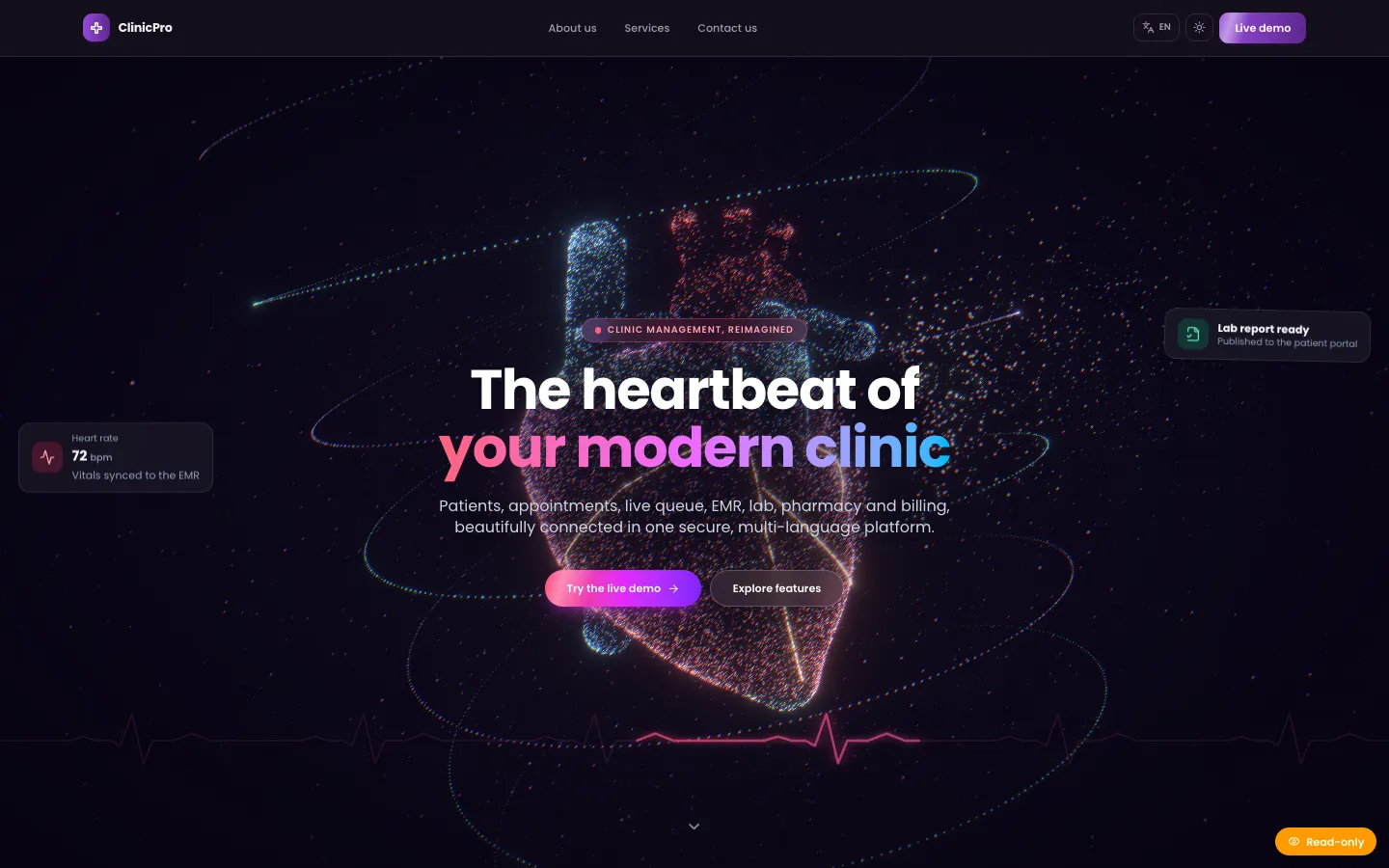
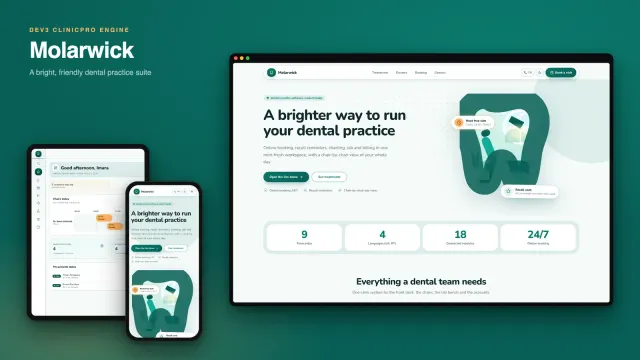
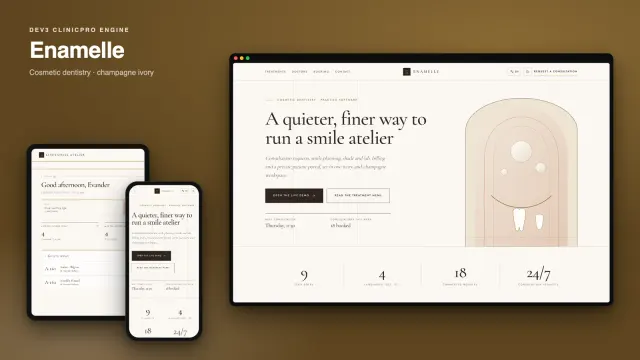
Records, lab orders, consumable stock with expiry alerts, split payments and instalments in your currency, reminders, a self check-in kiosk and a waiting-room display, all shared with every ClinicPro design.
The iPhone app
The zip contains iOS-App/, the SwiftUI source with the Hearthdoc theme: forest and brick, Bricolage Grotesque and Source Sans 3, a roof-and-door mark and three app icons. Visitors browse the practice, patients book and read results, staff run the day. It was built and checked in the iOS Simulator only; it is source you build yourself.
Publishing the iOS app
You need a Mac with Xcode and XcodeGen, an Apple Developer account of your own and your own server URL. Edit Config.xcconfig (name, bundle id, team id, URL scheme, domain, server URLs), run scripts/make-icons.sh if you change the brand colours, run xcodegen generate, then archive in Xcode and upload through App Store Connect. Review and approval are Apple's decision; nothing in the package promises a listing. Push notifications stay off until you set the Apple push key on the server.
What you should know before buying
- Same engine as the original ClinicPro. Features, database schema and APIs are identical across the design family. Choose Hearthdoc for its look and its family-practice sample content, not for different functionality.
- Demo diagnoses and prescriptions are generic. They come from the shared engine; only people, practices and memos are Hearthdoc's own.
- The portal shows one patient's own record. The fridge-door home is a layout for that patient; it does not group several family members under one login.
- Email, card payments and file uploads need your own providers (SMTP, Stripe and an image host). Without them the app runs and logs outgoing mail.
- Needs Node.js 20.9 or newer and MongoDB 5 or newer (a replica set is recommended; a hosted cluster works).
Included
Source code, a web installer that can load demo practices, the iOS app source, a buyer guide, a Docker setup, cron configuration and six months of support.
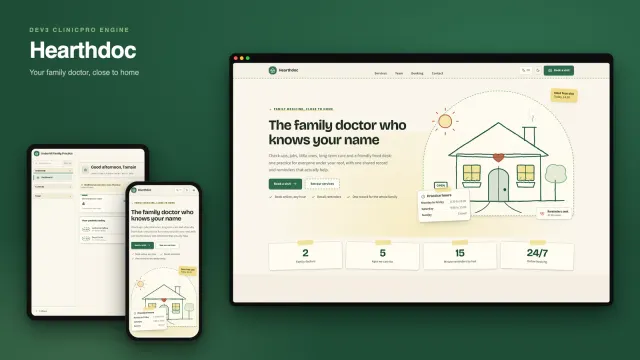
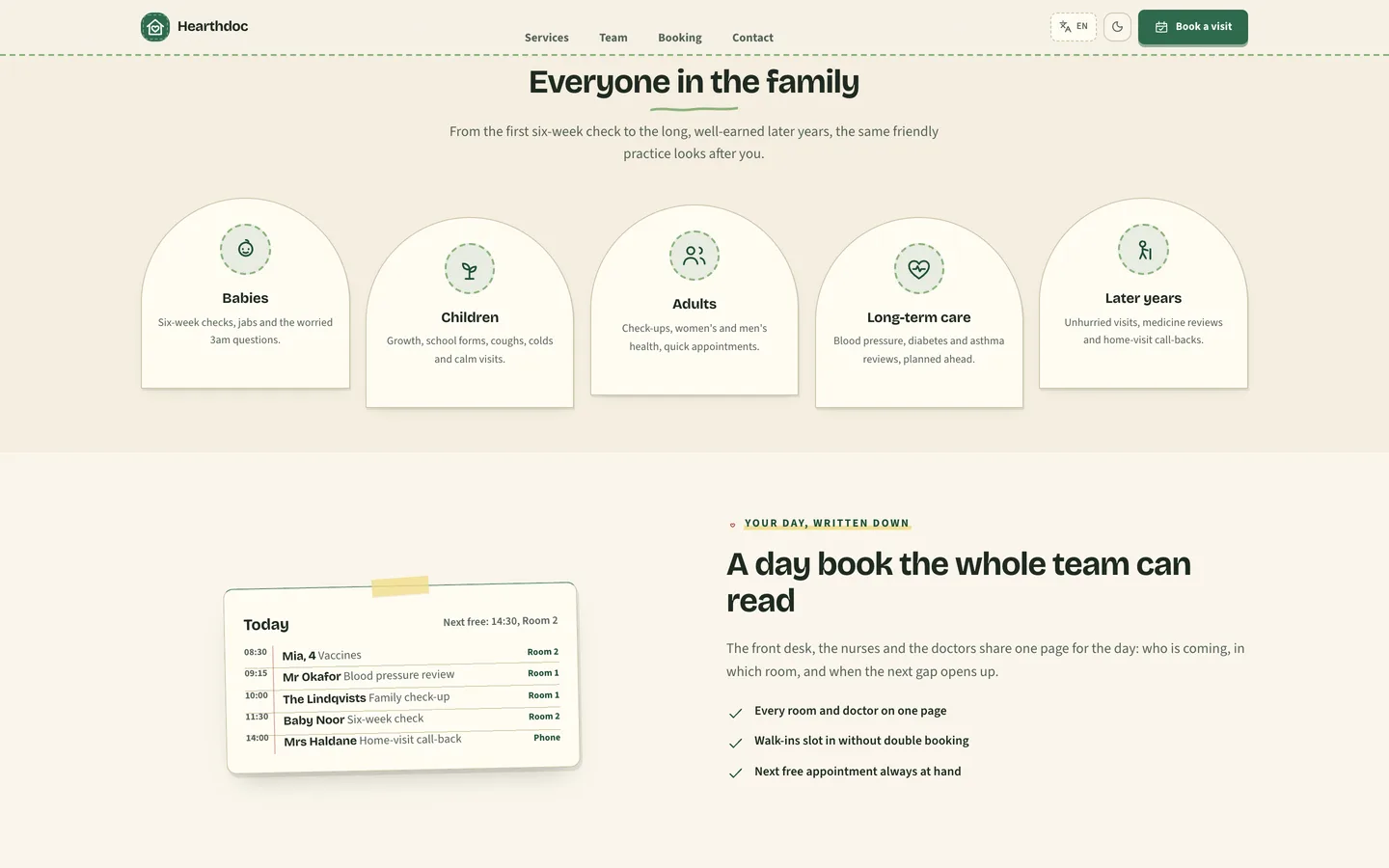 Every age at one door — arched cards from the baby's jabs to Gran's repeat prescription.