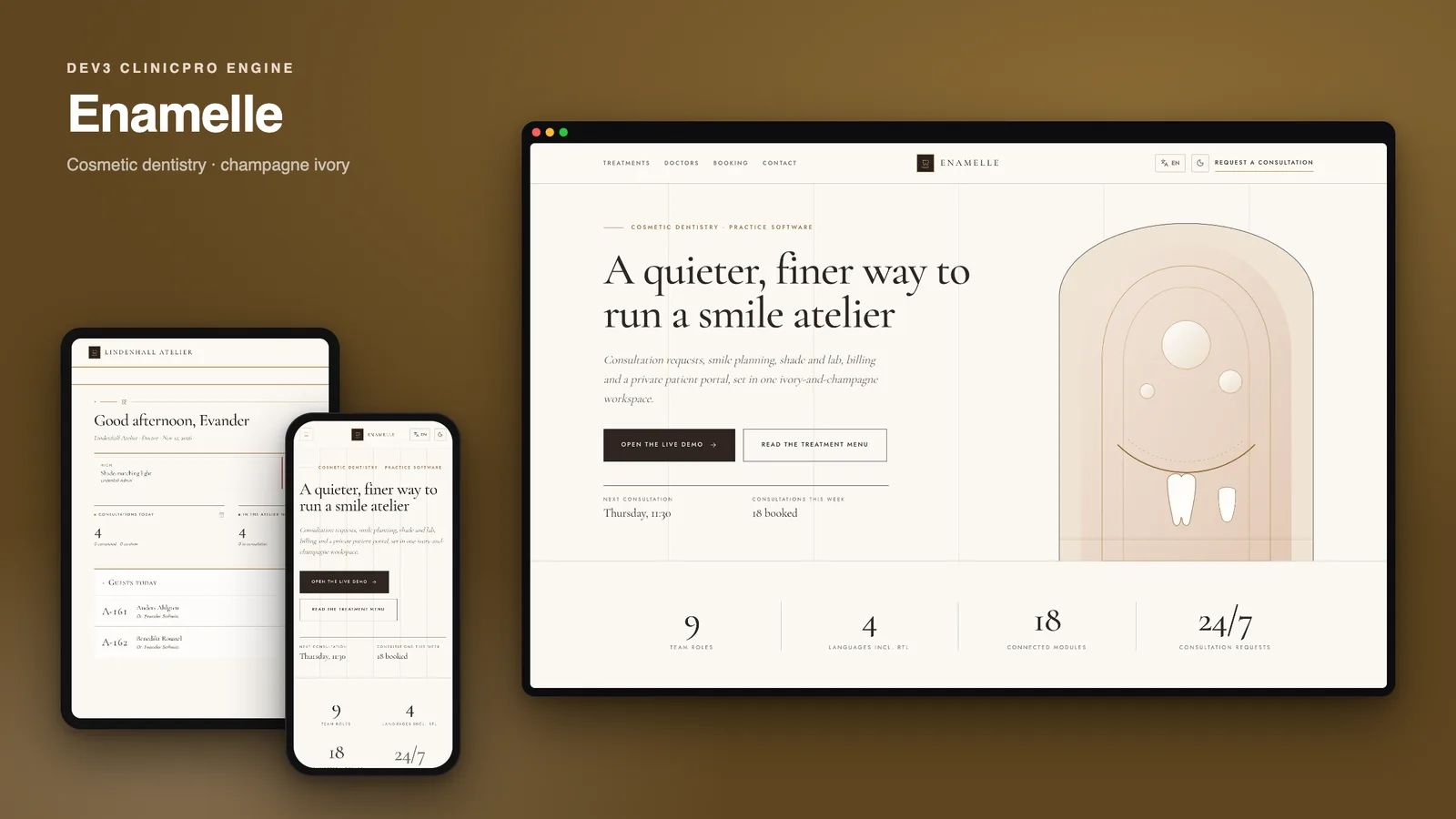
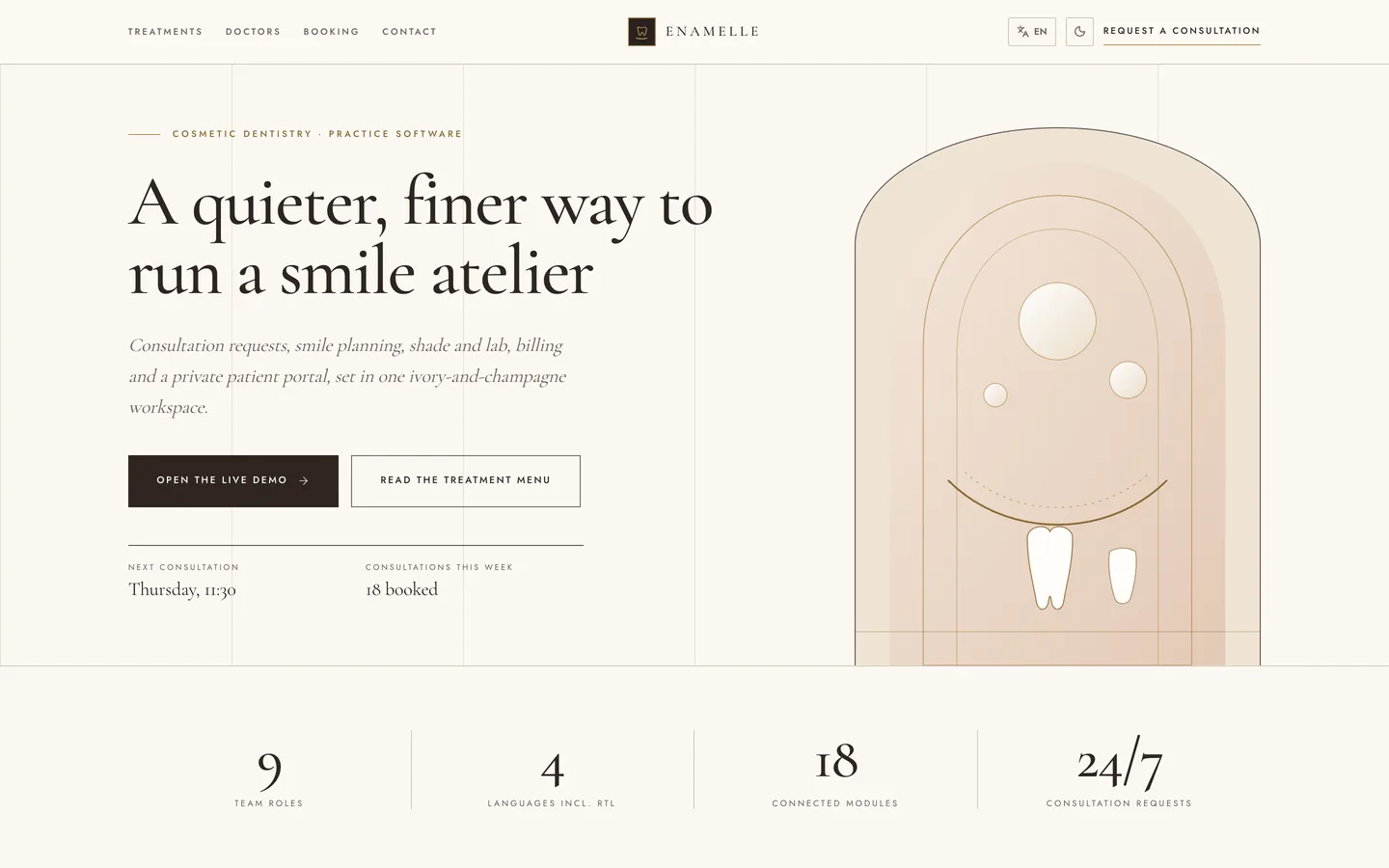
Enamelle is a cosmetic dental management suite that you host yourself, built by DEV3 Technologies on Next.js 15 (App Router and Server Actions) and MongoDB. Built on the DEV3 ClinicPro engine: the same features, a different design. The design is an ivory page with espresso ink and one champagne-gold accent, set in Cormorant Garamond headings over Jost body text, with square corners, double gold hairline rules, small-caps labels and diamond markers. There is no sidebar: the staff app is navigated from a centred, ruled contents band.
What you see first
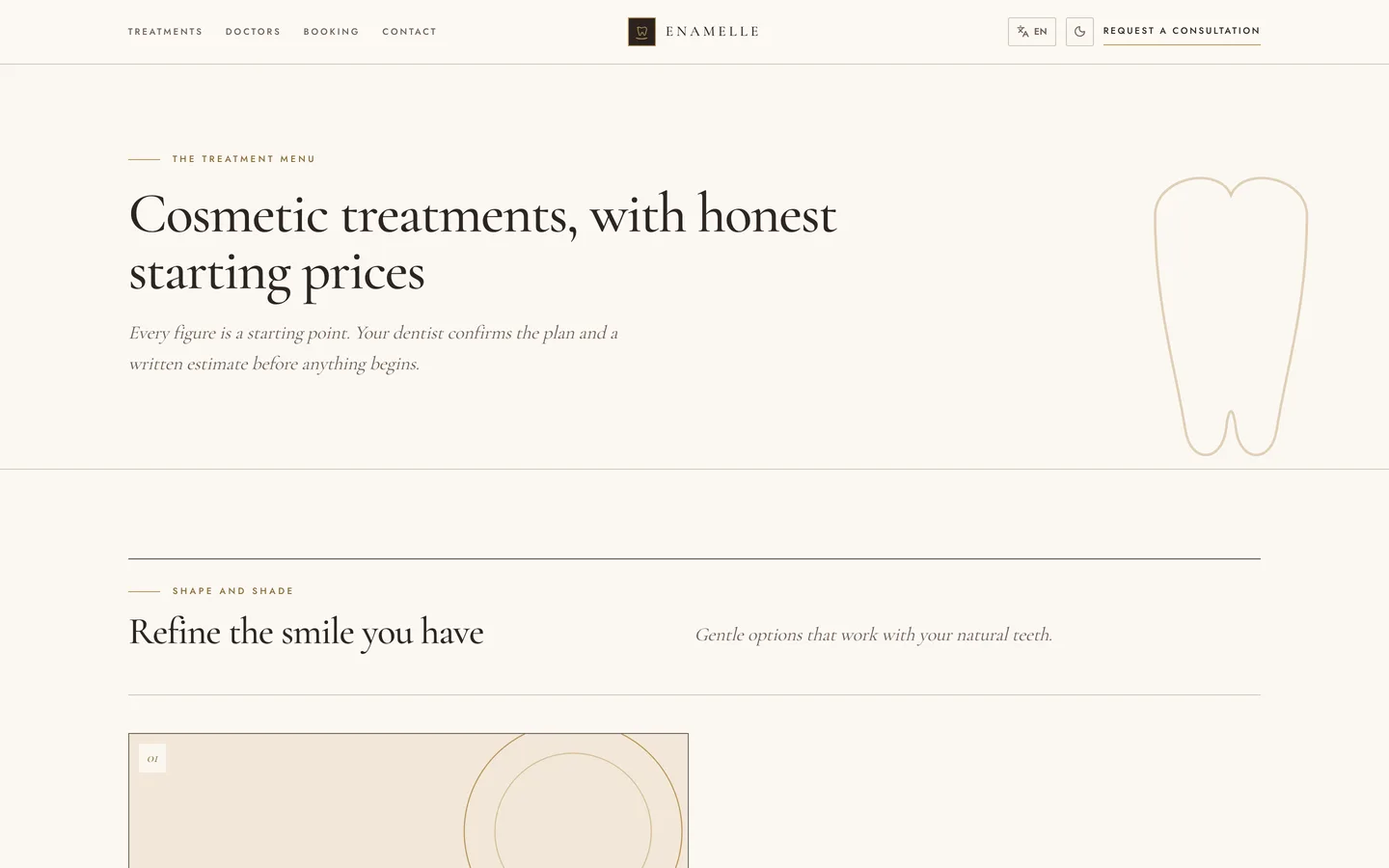
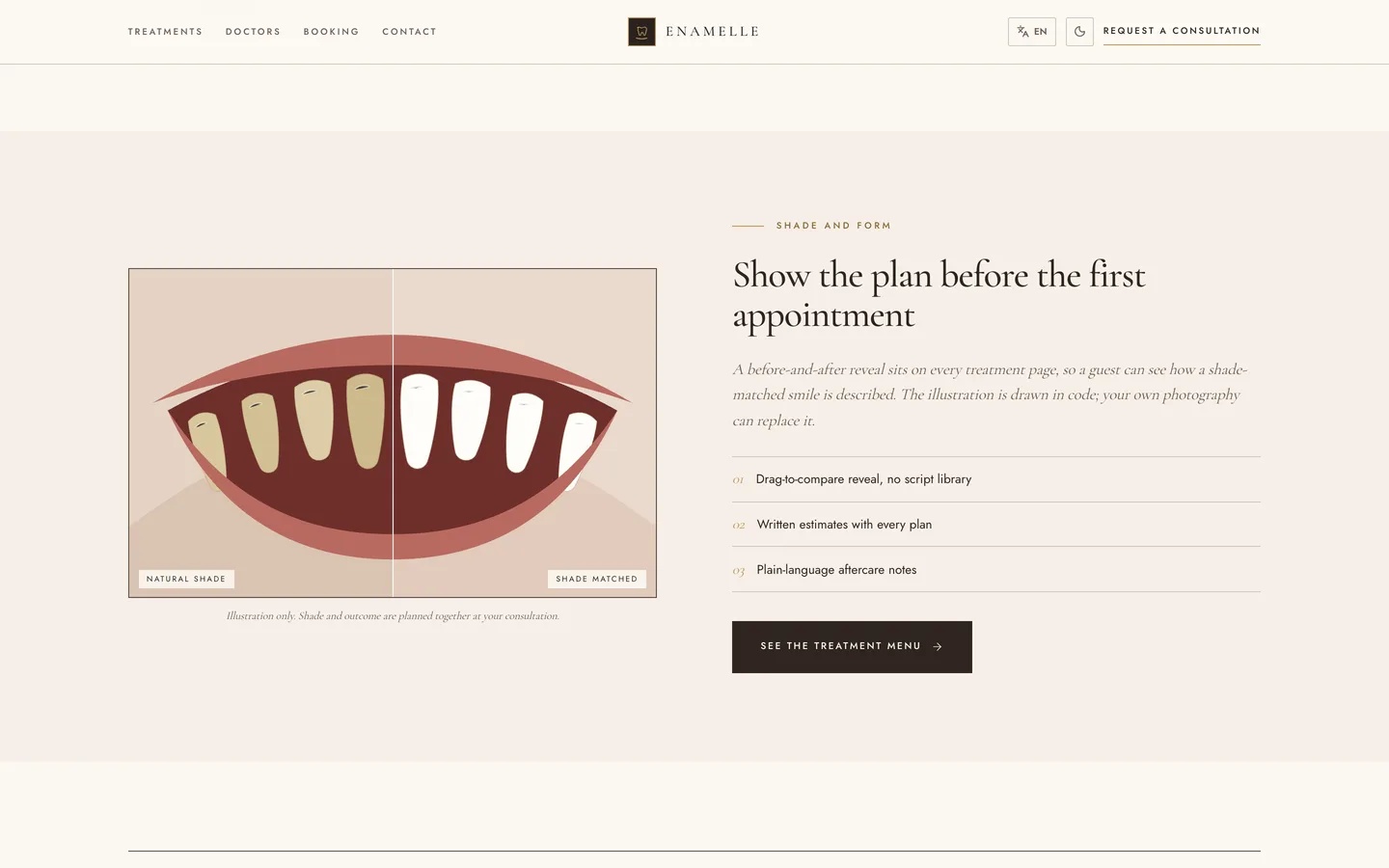
- Website. A cover page with an oversized serif headline beside a champagne arch plate, a six-chapter table of contents, a drag-to-compare before and after smile reveal, the treatment menu set as magazine spreads with a starting investment and chair time, a three-plan fee schedule, a numbered FAQ, a clinicians page with monogram plates and a three-step concierge booking form.
- Sign-in. One centred ivory card inside a double gold frame, under the masthead "Private practice ledger". The headline reads "Your appointment book, kept by hand and by design", and four short colophon lines (the day suite by suite, plans that explain themselves, shade and photograph records, quiet follow-up) sit beneath the card. The patient portal entrance uses the same frame with its own headline.
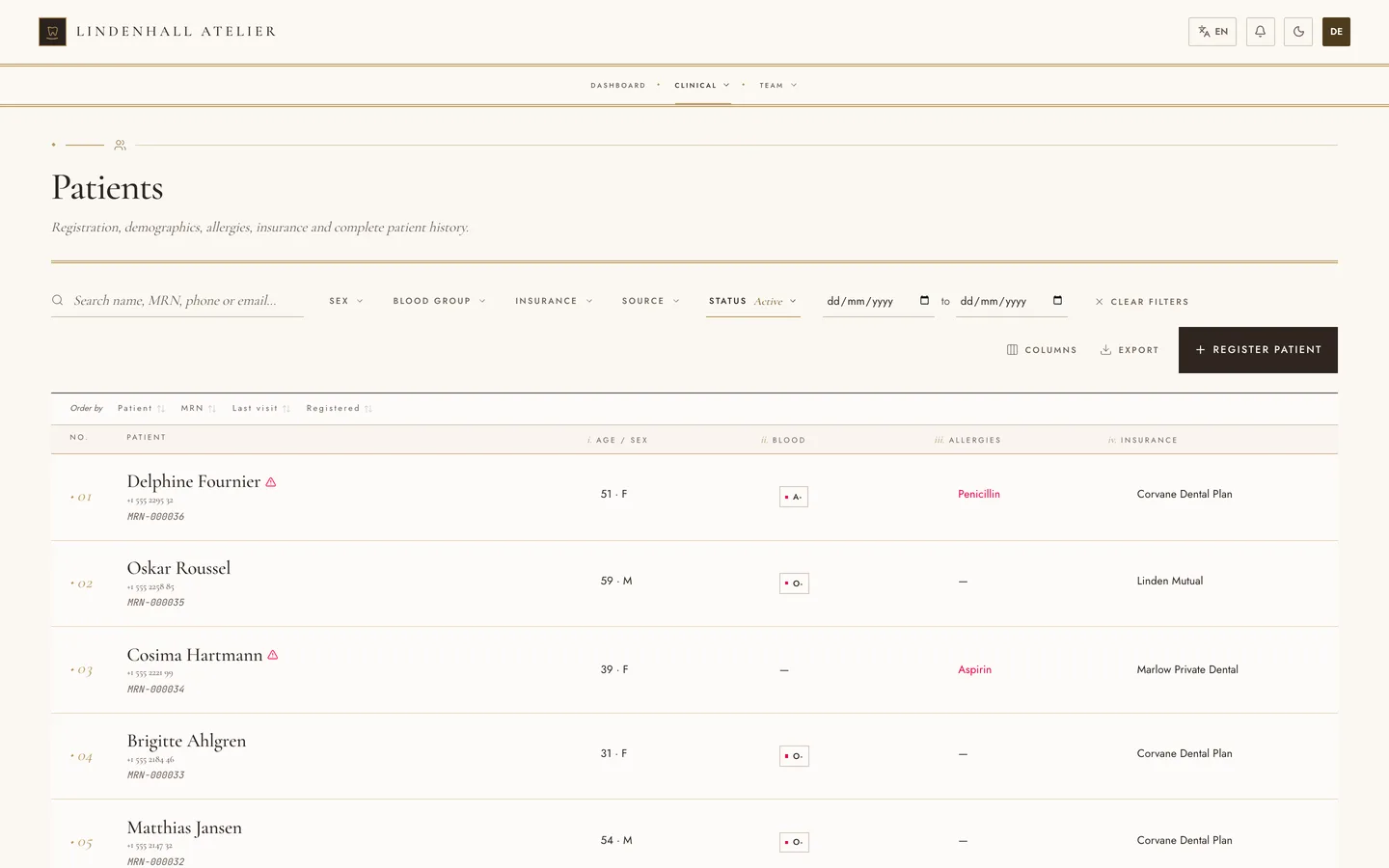
- Staff app. A centred caps band at the top with dropdown groups; lists such as patients, appointments and billing read as numbered ledgers with roman-numbered column heads and an underlined search; forms open as full pages instead of side sheets.
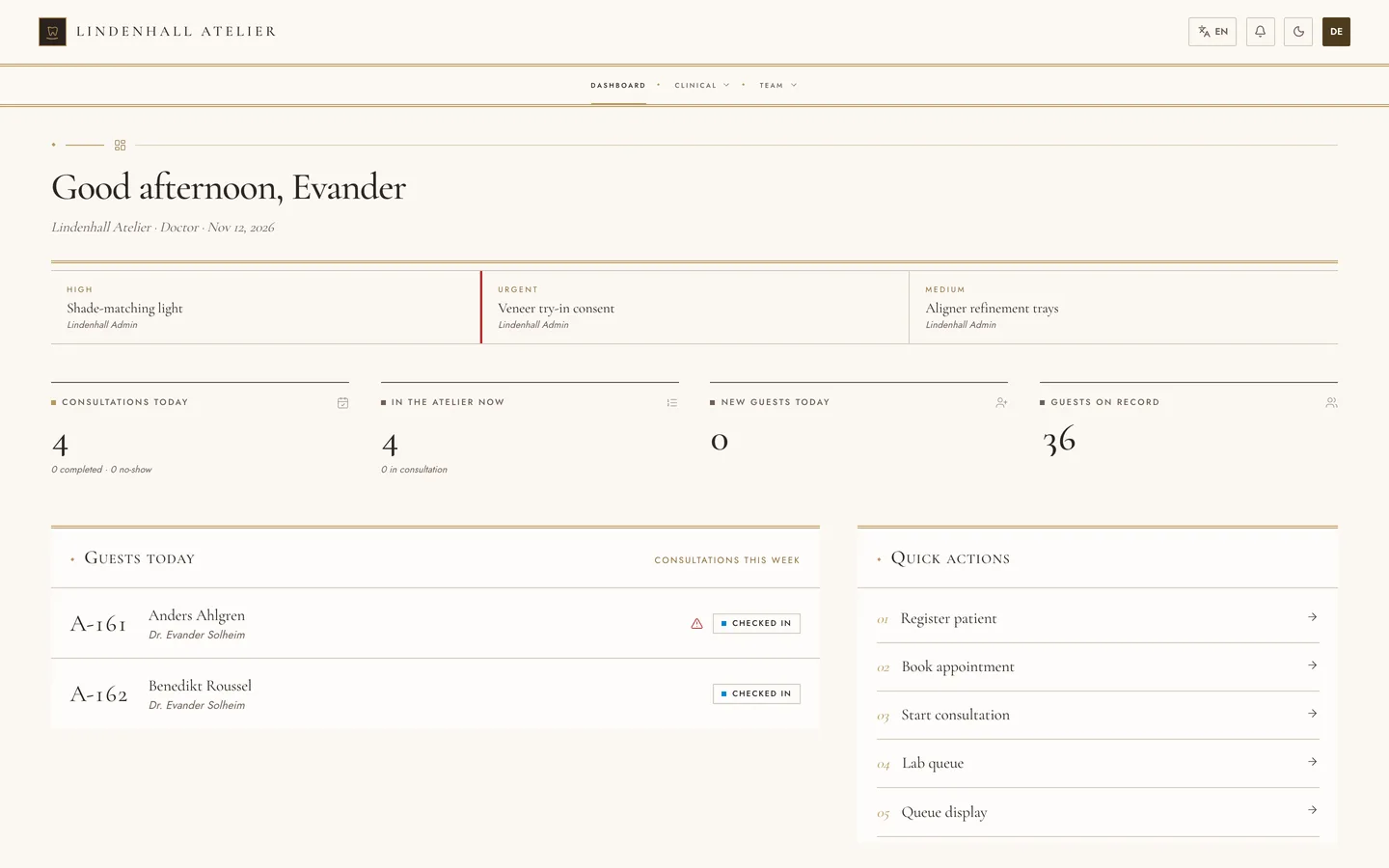
- The day's ledger. The doctor dashboard opens on large numerals for consultations this week and guests today, then a "Suite by suite" list of every booked consultation in the order it will be seen. The manager view sets revenue as printed figures beside the week of consultations.
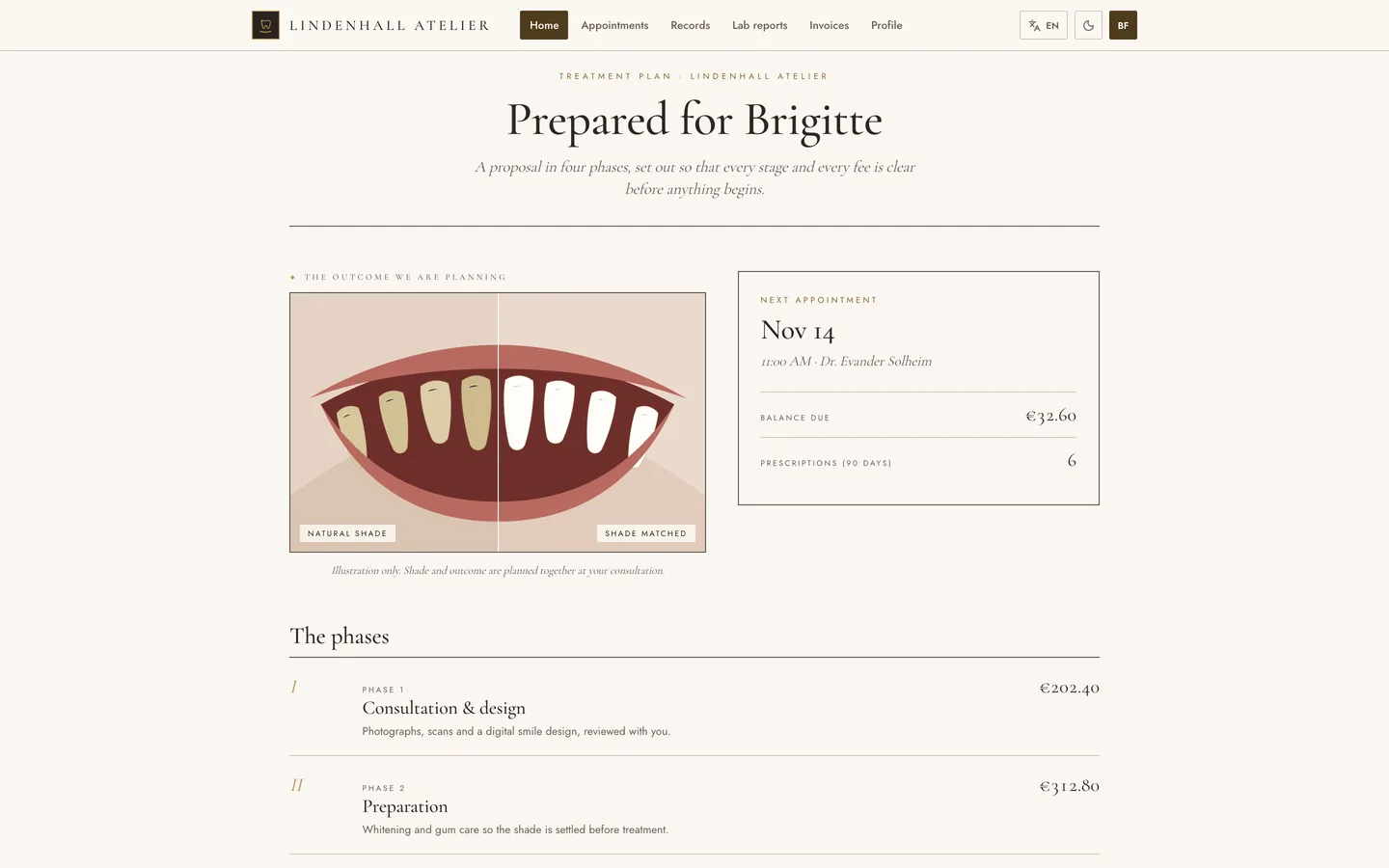
- Treatment-plan portal. The patient home is a proposal "Prepared for" the guest: a before and after reveal, four numbered phases (Consultation and design, Preparation, Veneers, Aftercare) with a fee on each and a double-ruled total, then the next consultation, the balance and shortcuts.
Demo content
Three fictional ateliers load from the installer: Lindenhall Atelier (Ghent, EUR), Vinecroft Atelier (Abu Dhabi, AED, Arabic first) and Ashcombe Atelier (Albany, USD, on a 14-day trial). Each shows Suite 1 and Suite 2, with Dr. Evander Solheim for smile design and Dr. Mirela Hartley for veneers, plus a nurse, front desk, accountant, dispensary lead and lab technician. Opening hours run 09:30 to 18:00 and the insurers are fictional dental plans.
What it does
- Concierge consultation booking. Guests request a consultation in three quiet steps from the website or the portal. Confirmations, reminders and recalls go out through your own mail settings.
- Editorial front of house. Oversized serif headlines, numbered chapters, magazine-style treatment spreads and a drag-to-compare before and after reveal, all drawn in code with no image host.
- A treatment menu with starting investments. Veneers, whitening, smile design, bonding, gum contouring and clear aligners are included as sample content with starting fees and time in the chair, editable from the admin.
- Luxury-print admin. A gold double-ruled contents band with dropdowns, small-caps labels, and ledger lists with a running number, roman-numbered column heads and gilded markers replace the usual sidebar and tables. Forms open as full pages.
- Smile planning, lab and stock. Consultation records, written estimates, dental lab orders with due dates, consumables with batch and expiry alerts and invoices with instalments and split payments.
- Treatment-plan portal. The patient home is a proposal: a before and after reveal, a plan in four numbered phases with a fee on each and a double-ruled total, then the next consultation, balance and shortcuts. The plan figures are sample content; appointments and balance are live.
- Editorial sign-in. Staff and patients sign in on a single centred card under a serif masthead and a gold frame, with four colophon lines in place of a side panel.
- Consultations, estimates and billing. Written estimates with every plan, dental lab orders with due dates, consumables with batch and expiry alerts, and invoices with instalments and split payments in a ledger stored in USD and shown in each atelier's currency.
- Several ateliers in one installation. Each has its own team, branding, currency, language, a self check-in kiosk and a waiting-room display.
- Four languages and dark mode. English, Arabic, Hebrew and Spanish with mirrored right-to-left layouts; the dark theme is espresso paper with champagne rules, and motion is CSS only and respects reduced-motion settings.
Publishing the iOS app
The archive also holds iOS-App/: a native SwiftUI iPhone and iPad app wearing the Enamelle theme (ivory and champagne palette, bundled Cormorant Garamond and Jost with their OFL licences, app icons). It signs in to the same server and covers visitors, patients and staff. It was built and checked in the Xcode simulator only. To publish it you generate the Xcode project with XcodeGen, set your own bundle id, Apple team id and server URL in Config.xcconfig, and sign it with your Apple Developer account. App Store review is your own process, and the push-notification keys are placeholders for you to fill in.
What you should know before buying
- Same engine as the original ClinicPro. Features, database schema and APIs are identical across the design family. Choose Enamelle for its luxury-print look and its cosmetic-dental sample content, not for different functionality.
- Demo guests are fictional adults aged 25 to 65, about 62% women, with first names matched to sex and drawn from Nordic, Dutch, German and French pools; there are no children and no guardians in this design.
- Sample clinical records such as diagnoses and prescriptions come from the shared engine and read like general practice, while the four dashboard memos (shade-matching light, veneer try-in consent, aligner refinement trays, whitening aftercare) are written for a cosmetic dental team. Replace both with your own after install.
- The four phases and fees on the portal treatment plan are sample content; the next consultation and the balance beside it are live, and the demo portal guest always has one booked consultation a few days ahead.
- Email, card payments and file uploads need your own providers (SMTP, Stripe and an image host). Without them the app runs and logs outgoing mail.
- Needs Node.js 20.9 or newer and MongoDB 5 or newer (a replica set is recommended; a hosted cluster works).
Included
Source code, a web installer that can load the three demo ateliers, the iOS-App source, a buyer guide, a Docker setup, cron configuration and six months of support.
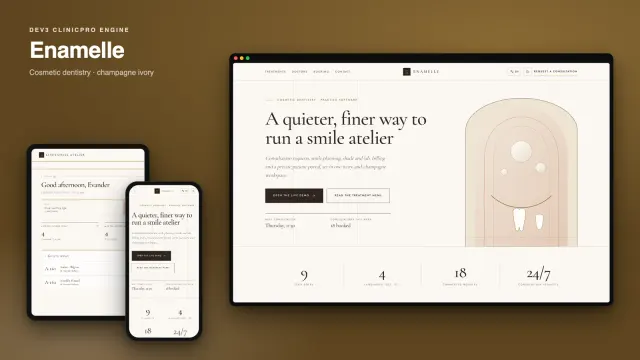
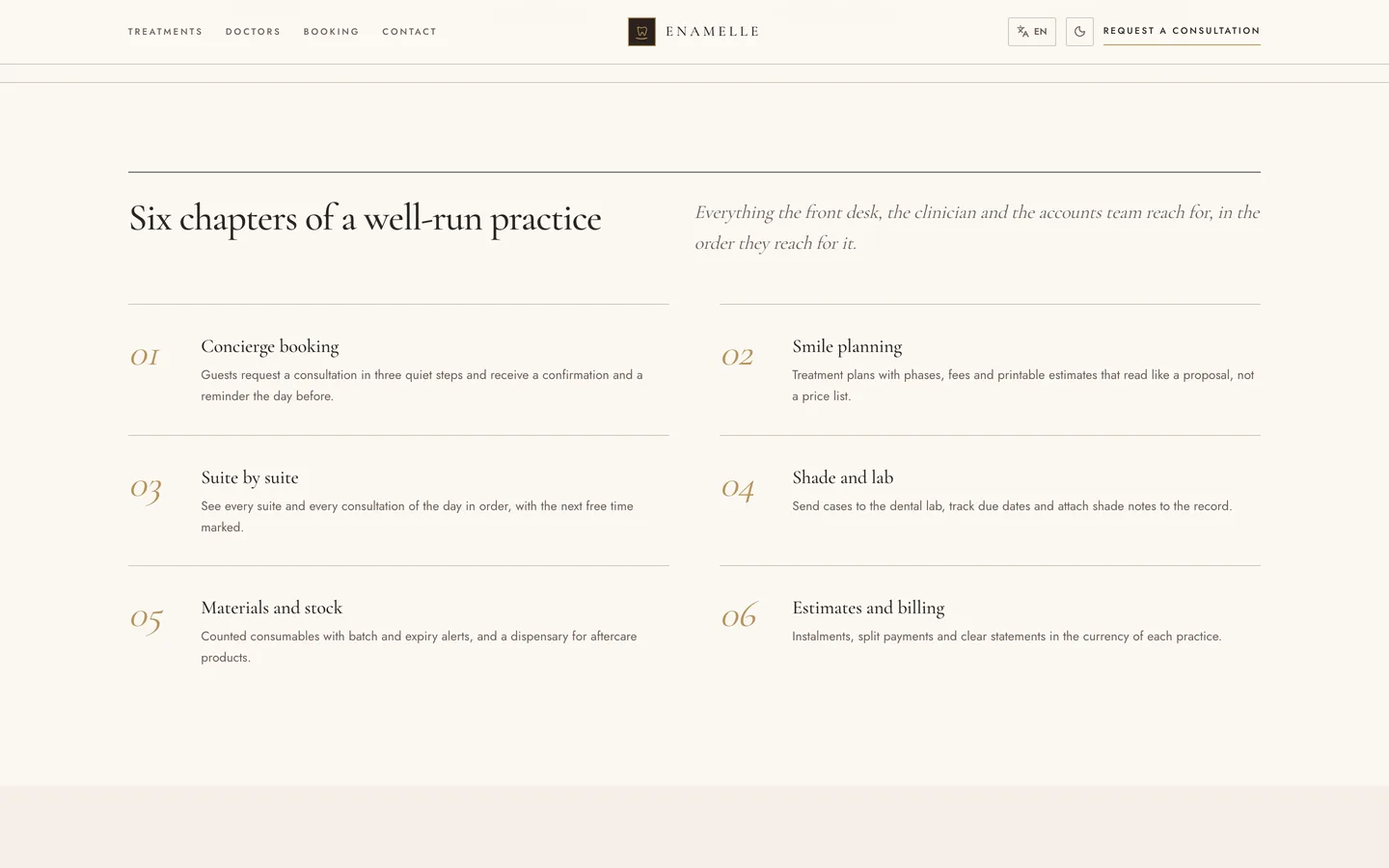 Table of contents — six numbered chapters of a well-kept practice.