Most returns in clothing and footwear aren't about faulty goods. The shopper guessed the size, guessed what the fabric would feel like, or bought on the strength of a photo, and the guess was wrong. Every one of those returns costs postage, handling and often the sale itself. The cheapest return is the one that never happens, which means giving shoppers better answers before they press Add to cart, and learning from the returns you do get.
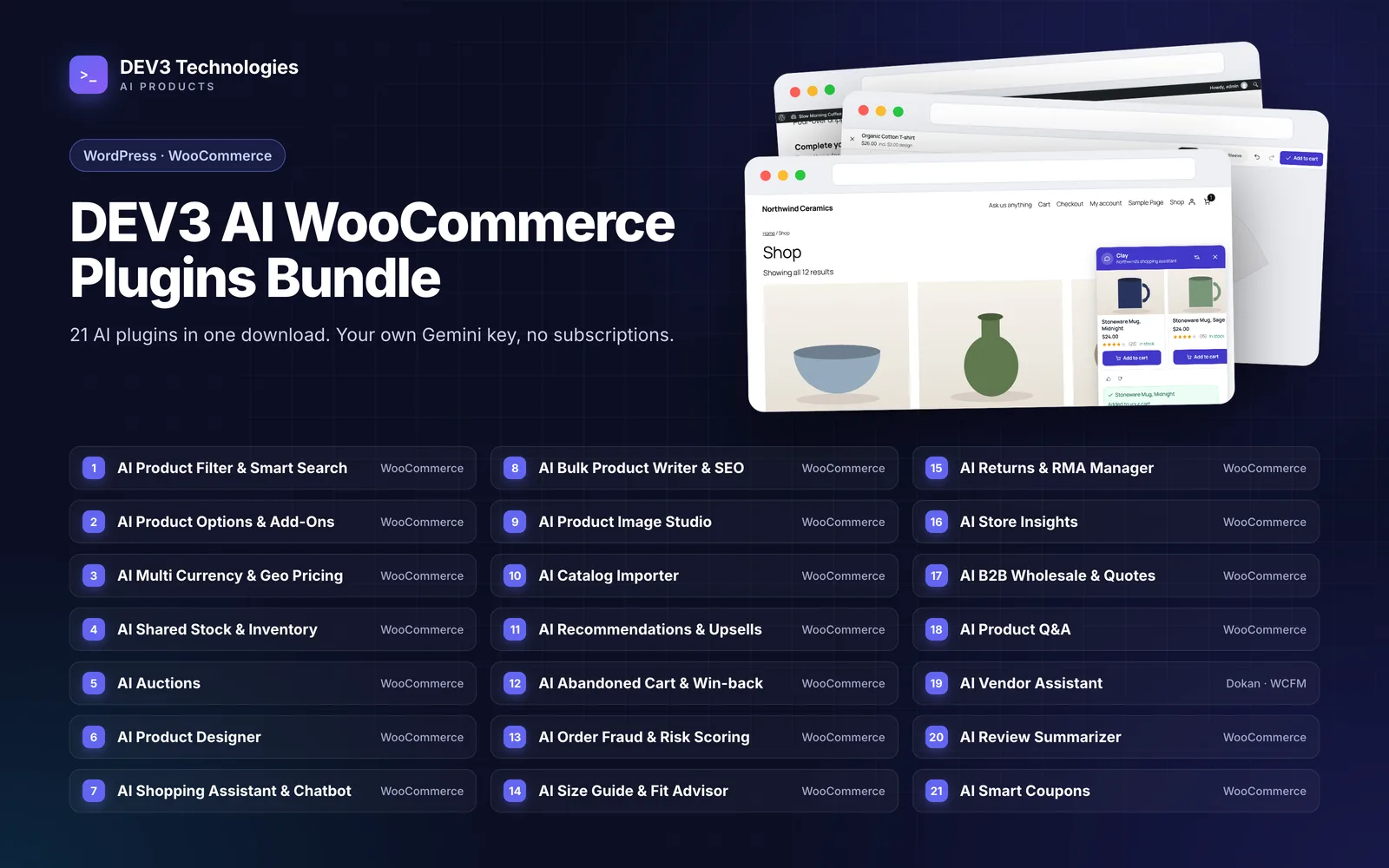
This guide shows how four plugins in the DEV3 AI WooCommerce Plugins Bundle work together on that problem: DEV3 AI Size Guide & Fit Advisor, DEV3 AI Product Q&A, DEV3 AI Review Summarizer & Sentiment Analyzer, and DEV3 AI Returns & RMA Manager, all for WooCommerce. It focuses on how they combine, including one connection that needs a deliberate step to work. Each plugin has its own how-to, linked below.
The loop in one picture
| Stage | Plugin | What it gives the shopper or the store |
|---|---|---|
| Before purchase: fit | Size Guide & Fit Advisor | Size charts with a cm/in switch and a "What size am I?" quiz |
| Before purchase: questions | Product Q&A | Answers on the product page, drafted from that product's details, reviews and earlier answers |
| Before purchase: other buyers | Review Summarizer | Pros and cons, a sentiment bar, and quality, value and fit scores from approved reviews |
| After purchase | Returns & RMA Manager | A return portal, an RMA queue, refunds, exchanges and store credit, plus reason analytics |
| Back to the start | Size Guide (learning) | Fit-related returns can shift the quiz's recommendation for a style |
All four need WooCommerce 8.0 or newer and support HPOS and the block cart and checkout.
Step 1: Give every product a size chart and a quiz
The Size Guide holds one chart per type of garment, assigned by product, tag or category (including parent categories). Measurements are stored in centimetres and kilograms and shown in either unit. On phones the guide opens as a bottom sheet with a sticky header row and size column.
The quiz recommends a size from measurement maths, not AI. It scores each size by how far the shopper's measurements fall outside the chart's ranges, then shows a recommended size, an alternative when the shopper sits between two, a confidence level and a note per measure such as "Waist: may be snug". Missing chest, waist or hip measurements can be estimated from height and weight, with lower confidence.
AI helps with the work around the quiz: drafting a chart from a pasted table, product data or a photo of a supplier's chart, writing a how-to-measure guide and suggesting category assignments. Each one is a draft you accept.
The full setup is in how to add size charts and a "What size am I?" quiz to WooCommerce, and the maths in answering "What size am I?" with maths, not AI.
Step 2: Answer the questions the chart doesn't
A size chart says a medium has a 98 cm chest. It doesn't say whether the fabric stretches, whether the colour is darker than the photo, or whether the trousers suit someone tall. Those questions go to Product Q&A.
Shoppers ask on the product page. The AI drafts an answer only from that product's facts, attributes, descriptions, up to 30 approved reviews and up to 30 published answers. Its cited sources are checked: a source it was never given is dropped, and an answer that cites nothing loses confidence. By default drafts wait in an inbox for someone to approve. Auto-publishing is an opt-in switch with a confidence threshold (85% by default) and a requirement to cite at least one real source.
What this means for returns:
- Put fit information where Q&A can read it. Q&A doesn't read the Size Guide's charts. If a style is cut slim or the fabric has no stretch, say so in the description or an attribute, and the AI can cite it.
- Import questions hidden in reviews. Q&A can pull questions out of existing reviews, which often include "does this run small?".
- Use FAQ suggestions for products that have no questions yet, and publish the ones you agree with.
Setup details are in how to add product questions and answers to WooCommerce.
Step 3: Surface what earlier buyers said
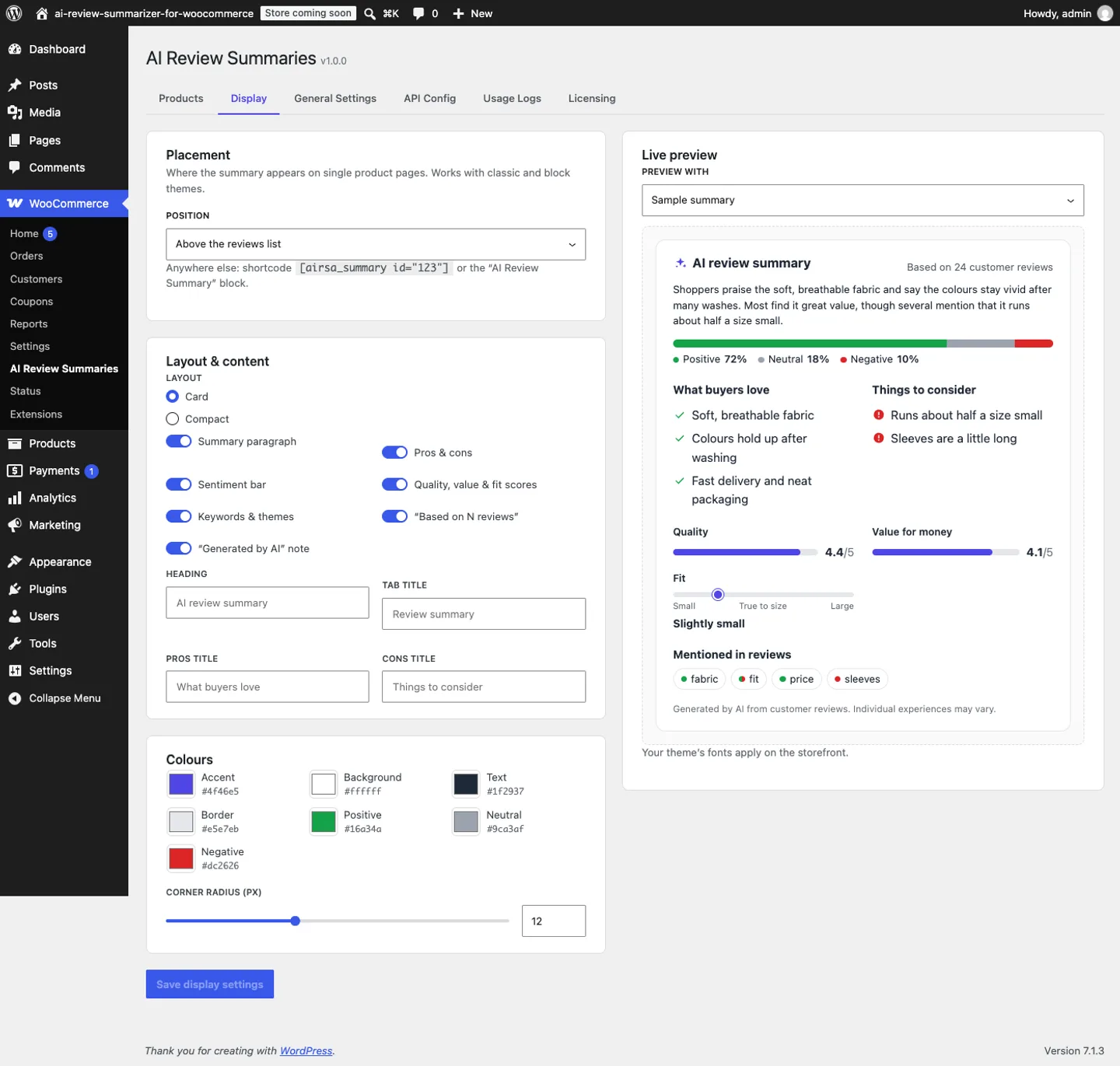
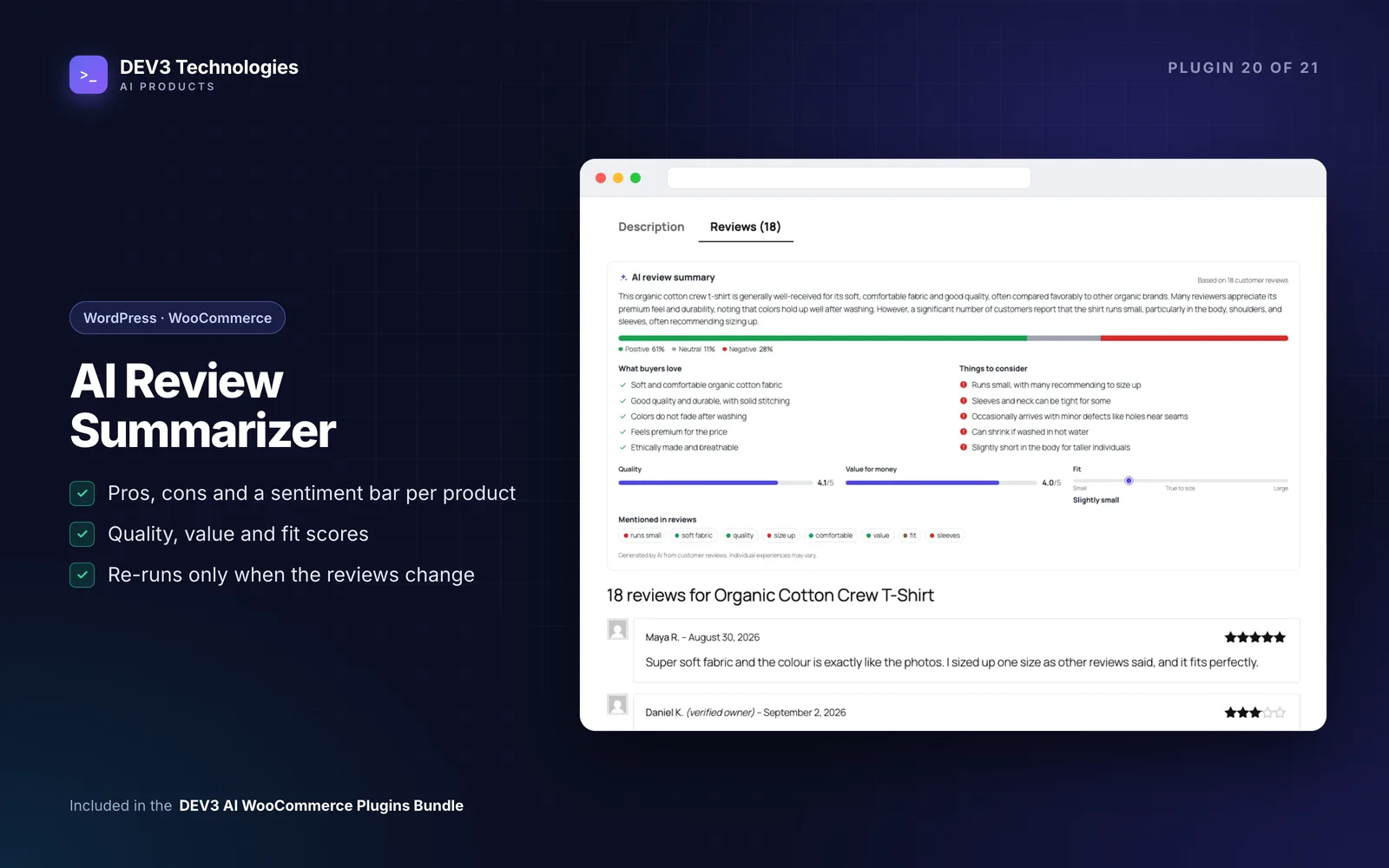
Reviews often contain the most useful fit advice, but few shoppers read thirty of them. The Review Summarizer turns a product's approved reviews into a short summary, pros and cons, a sentiment bar and quality, value and fit scores. The fit score sits on a scale from small through true to size to large, and appears in the storefront widget.
Some details that matter here:
- It runs only when the review set changes, so an unchanged product isn't re-summarised.
- Reviews are treated as untrusted data. A review that tries to instruct the AI is ignored and flagged for a moderator.
- Staff can edit and lock a summary, and a locked summary isn't regenerated automatically.
- Unlike the quiz, this plugin needs AI. There is no rule-based summary when AI is switched off.
The Size Guide and the Review Summarizer don't exchange data. Read them side by side: if the summary says a style "runs small" and the quiz still recommends the shopper's usual size, check the chart's measurements. See how to add AI review summaries, pros and cons and a sentiment bar.
Step 4: Make returns structured, not email threads
When a return does happen, Returns & RMA Manager replaces the email back-and-forth. Shoppers start a return from My Account or as a guest using their order number and billing email, choose the items and quantities, and pick a reason. The default reasons include Too small and Too large, grouped under a size and fit category, alongside defective, damaged, wrong item, not as described, changed mind and arrived late.
Requests land in an RMA queue where staff approve, reject, mark items received and resolve with a refund, an exchange, store credit or a coupon. Refunds go through WooCommerce's own refund function, and returnable quantities are worked out from WooCommerce's records, so a refund made from the normal order screen counts too. Optional AI triage classifies the reason, reviews up to three photos against the claim and suggests a resolution, but "Use suggestion" only pre-fills the refund dialog. A person still issues the refund.
The reasons analytics show which categories dominate. If size and fit are at the top, Steps 1 to 3 are where the effort should go. Setup is covered in how to set up a WooCommerce returns portal.
Step 5: Close the loop from returns to the size quiz
This is the connection that turns four separate plugins into a system, and it needs one deliberate habit.
How the Size Guide learns. It records a return each time a WooCommerce refund is created, reading the refund's reason text and the size from the refunded line's attributes (pa_size and size by default, configurable). A keyword classifier in five languages sorts each reason into too small, too large, fit fine or other. Staff can also log fit feedback in a "Fit feedback" box on the order screen, or add records manually.
When enough fit returns for a chart point one way, the merchant sees a "runs small" or "runs large" card and can shift the quiz by one size. With the default settings, that needs at least 5 fit returns within 180 days and at least 60% of them pointing the same way. The shift never moves the recommendation past the largest or smallest size, and nothing changes until a person accepts it.
The gap to know about. Refunds issued from the Returns queue are standard WooCommerce refunds, so the Size Guide sees them. But the refund's reason text comes from the "Reason (shown in the order)" field in the refund dialog, and if you leave it empty it defaults to "Return" plus the RMA number. The shopper's choice of "Too small" in the portal is not copied there automatically, so a refund with the default text teaches the quiz nothing.
Three ways to handle it:
- Type the reason when refunding. Put "Too small" or "Too large" (with any detail) in the reason field. The classifier picks it up. This costs a few seconds per refund.
- Use the Fit feedback box on the order when the return is clearly about fit.
- Automate it as a customisation. The Returns plugin fires an action when a request is created or changes status, and the Size Guide accepts return records through a developer action. A short bridge that passes every size-and-fit request across is a contained piece of work, and DEV3 can build it.
The classifier also has known blind spots: the Size Guide's own case study notes that it misreads some phrasing, such as "fit after sizing up". Glance at the learned records before accepting a shift.
A weekly routine for a small team
- Open Returns analytics: which reasons and products lead this week?
- Check the Size Guide for new "runs small" or "runs large" cards; review the records and accept or dismiss
- Clear the Product Q&A inbox; add fit details to descriptions where shoppers keep asking
- Look at Review Summarizer flags and unlock or edit summaries that are out of date
- For any product with high fit returns, compare the chart, the review fit score and recent answers
What to expect, honestly
These plugins reduce guesswork; they don't remove returns. They can't fix a product that is badly made, and the learning only helps once you have a sample of fit returns. They also work at the level of each chart or product, not each shopper. What they do give you is a shorter path from "people keep sending this back" to a change on the product page.
Closing thoughts
The four plugins cover the full loop: fit help and real answers before purchase, a structured record of why things come back, and a way for those reasons to change the advice the next shopper gets. The one link you have to maintain yourself, or have customised, is getting the shopper's fit reason into the refund.
All four are included as installable WordPress plugin zips with documentation in the DEV3 AI WooCommerce Plugins Bundle, alongside the other plugins for WooCommerce stores. For how the fit engine and the returns learning were built, read the Size Guide case study.