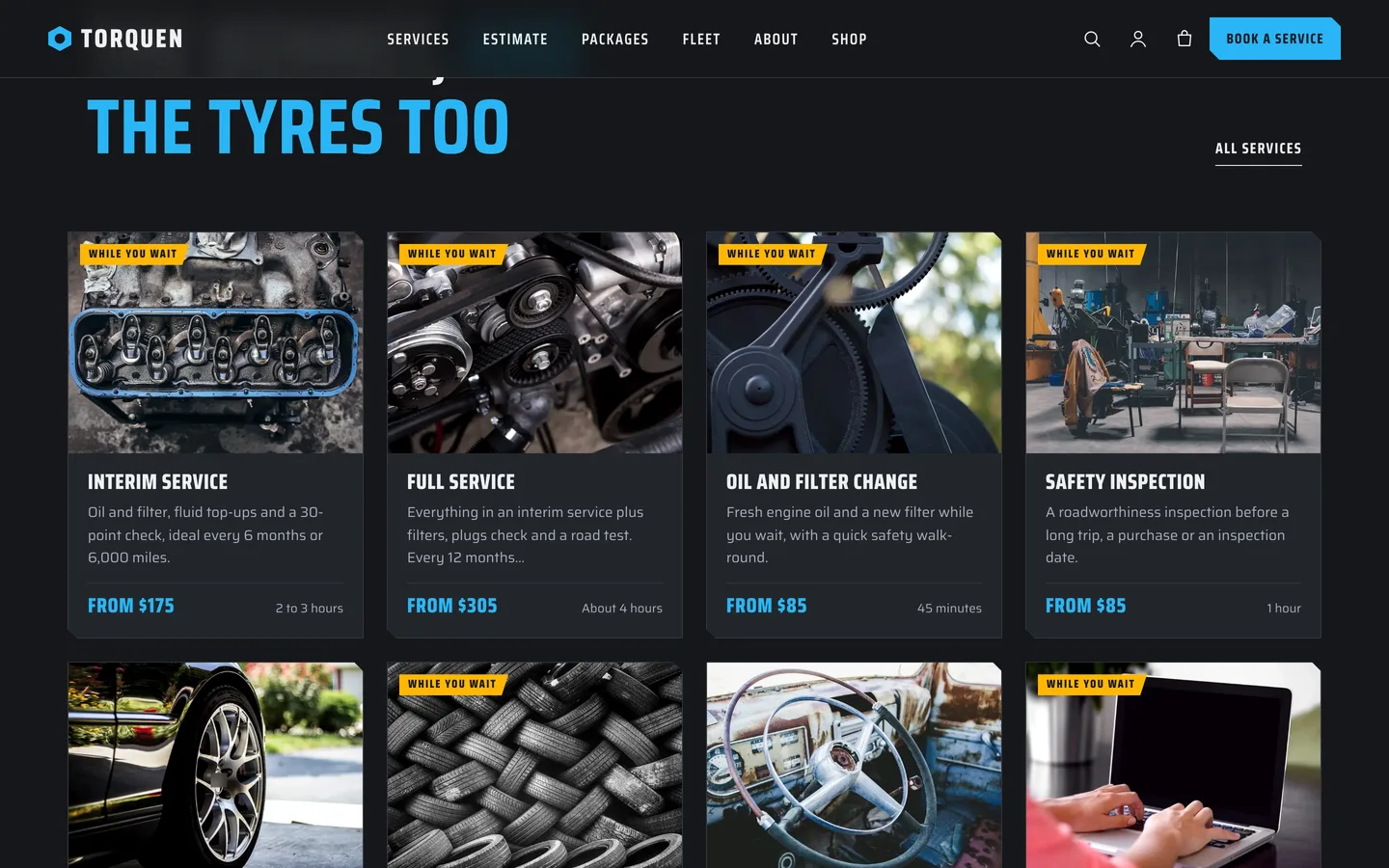
 Services — eight service cards with a calculated from-price, typical time and a while-you-wait tag.
An auto repair WordPress theme with an estimate tool: DEV3 Torquen
Last updated
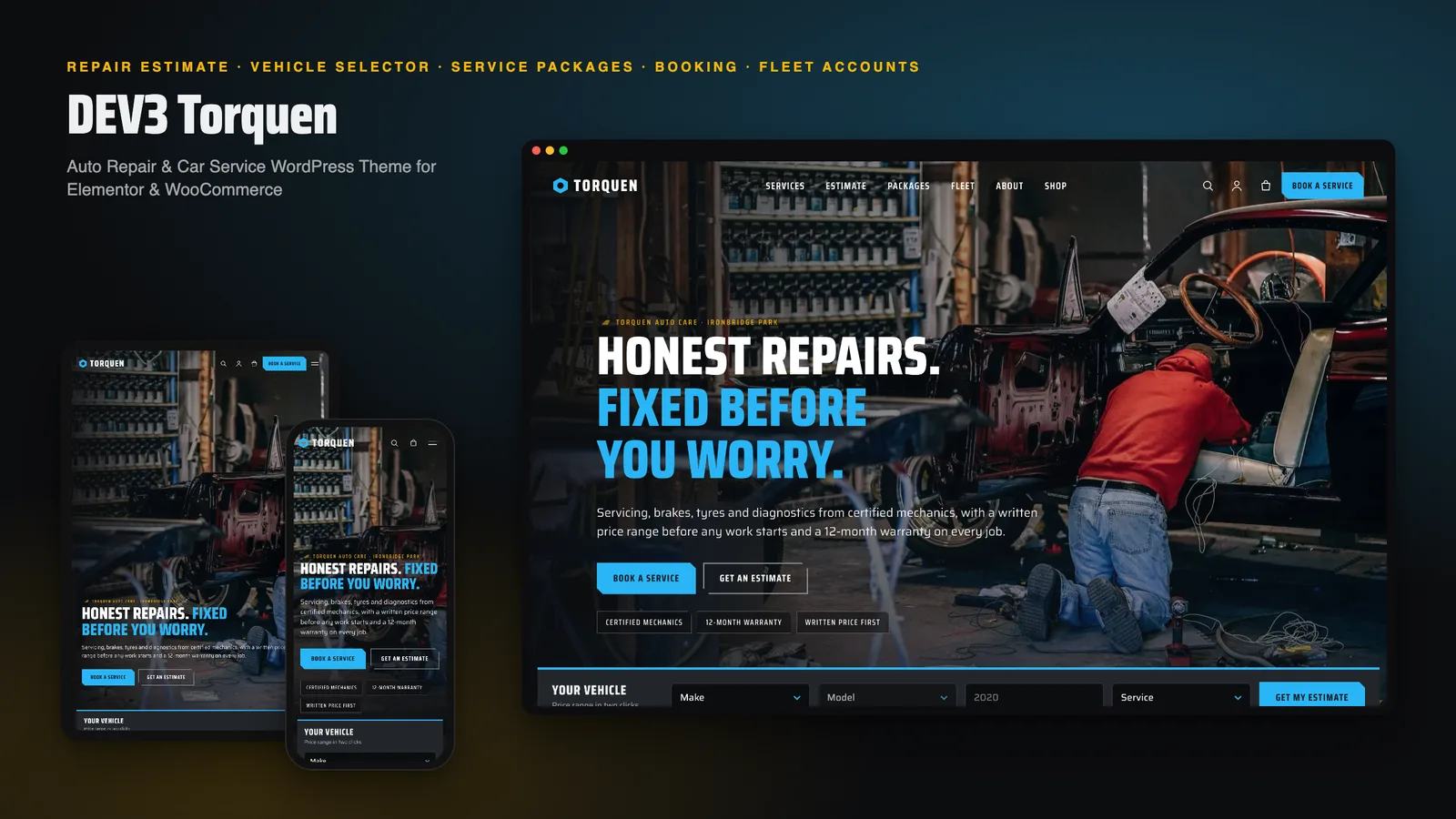
Most garage websites are a phone number and a list of services. Drivers want something else: an idea of the price before they call, and a booking that does not make them type the same car details twice. DEV3 Torquen is our auto repair WordPress theme built around those two things. This post covers who it suits, how the estimate works and how to set it up.
Who Torquen is for
- Independent garages and service centres that want a modern site without a custom build.
- Tyre and brake specialists with a few core services and clear prices.
- Small fleets and mobile mechanics who take bookings online and want vehicle details up front.
If you only need a one-page contact site, a simpler business theme will do. Torquen suits a workshop with a service list worth pricing.
A repair estimate that uses your numbers
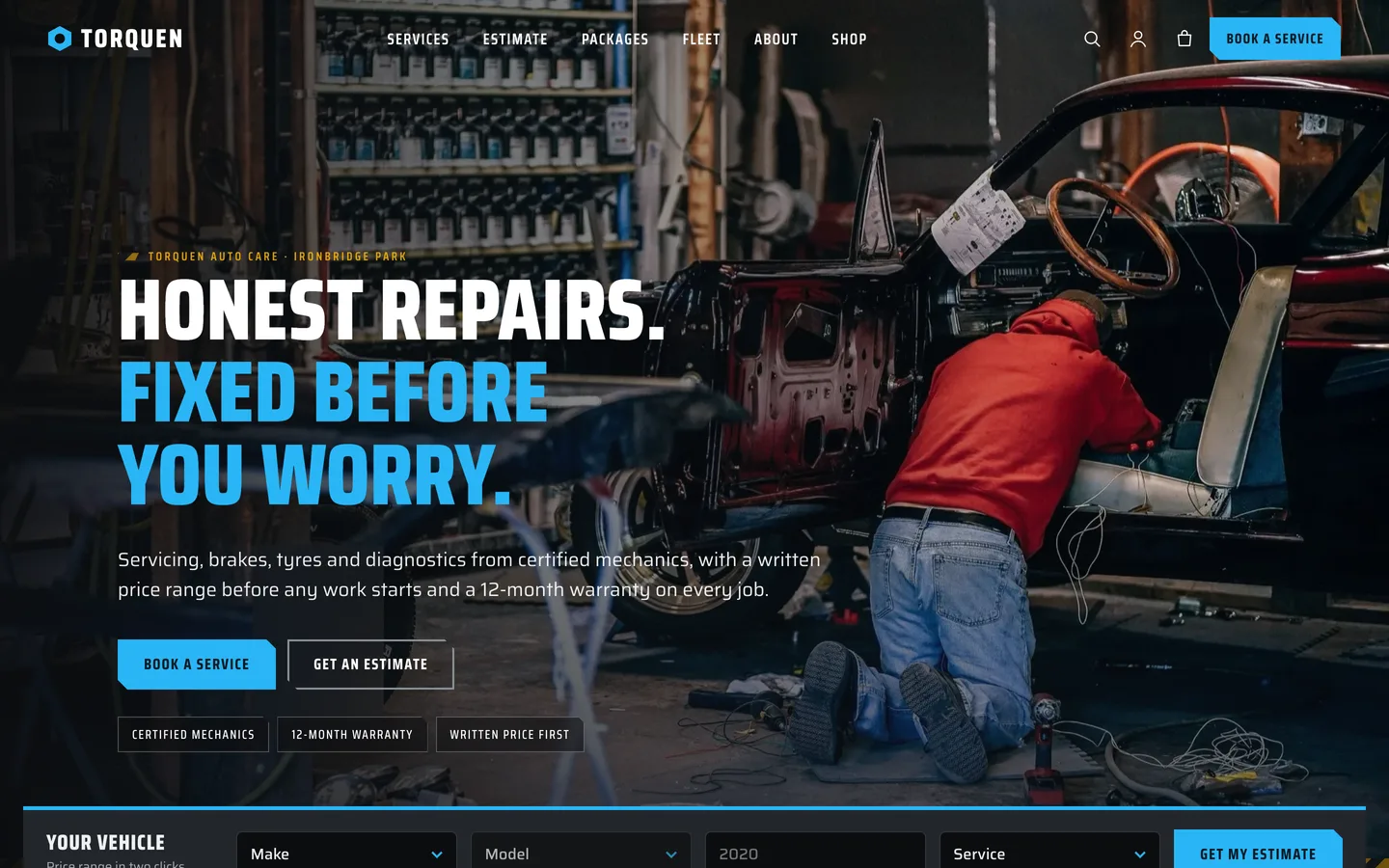
Every service stores labour hours and a parts range. Your hourly rate lives in the Customizer, and five vehicle sizes scale the result. The visitor picks make, model, year and service and sees a range, how it was built, and a button to book.
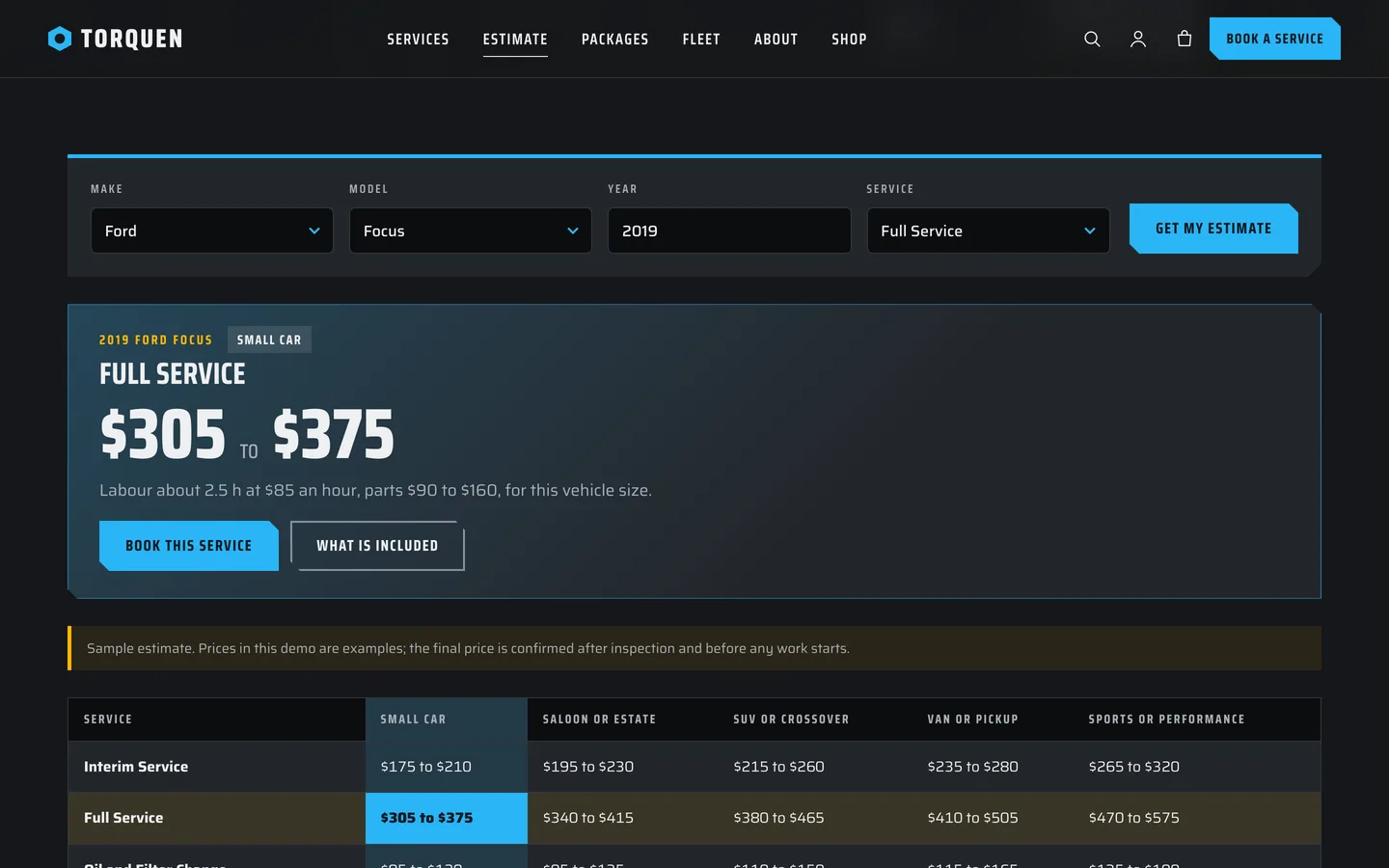
The price guide table under the tool lists every service by every vehicle size, so the page is useful even before a visitor chooses anything.
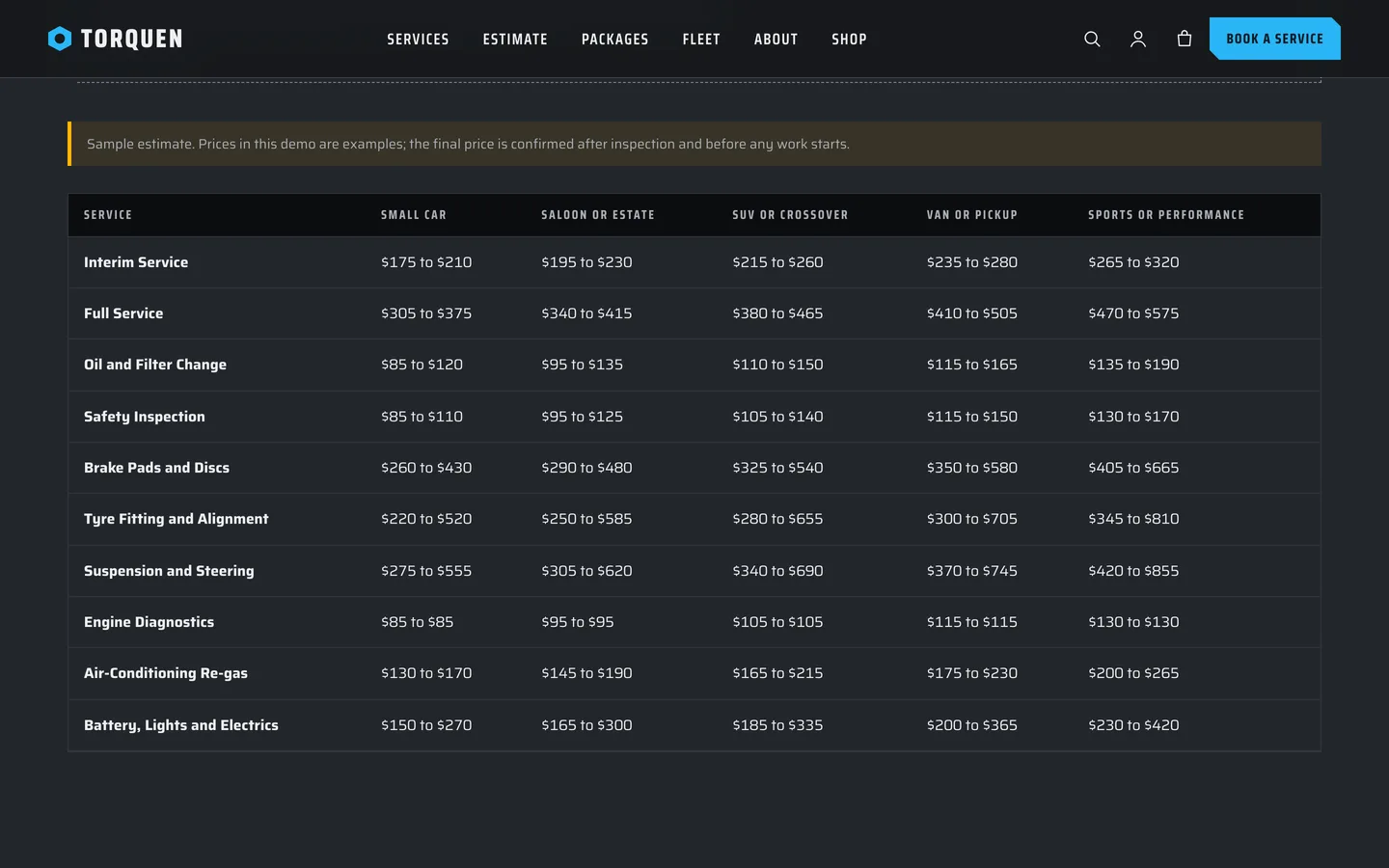
It is rendered on the server, so it works without JavaScript and can be linked to. With JavaScript the model list follows the make and the price updates instantly. Every estimate carries a disclaimer you can edit: the final price is confirmed after inspection.
Packages and booking
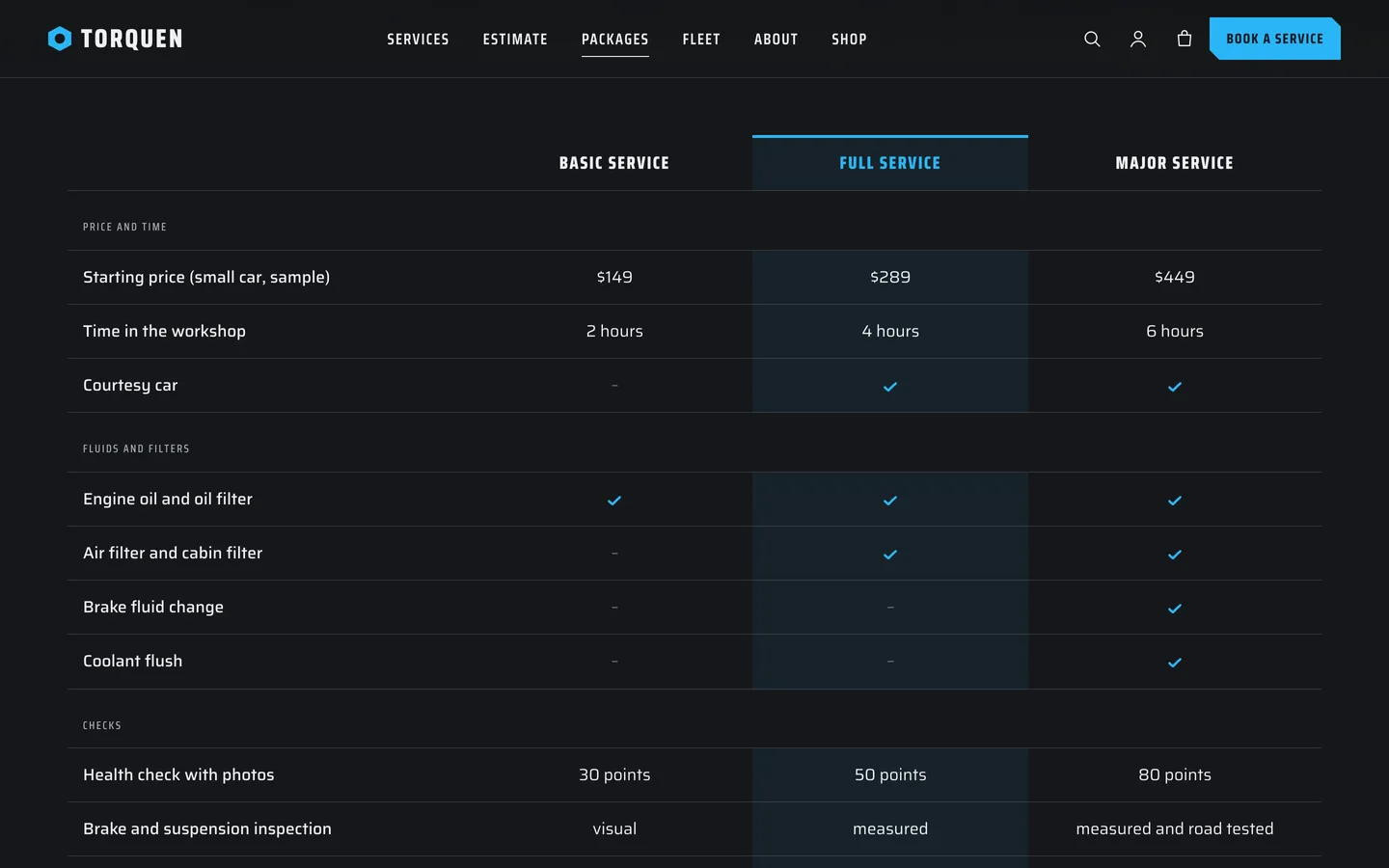
A Basic, Full and Major packages table makes the common choice easy.
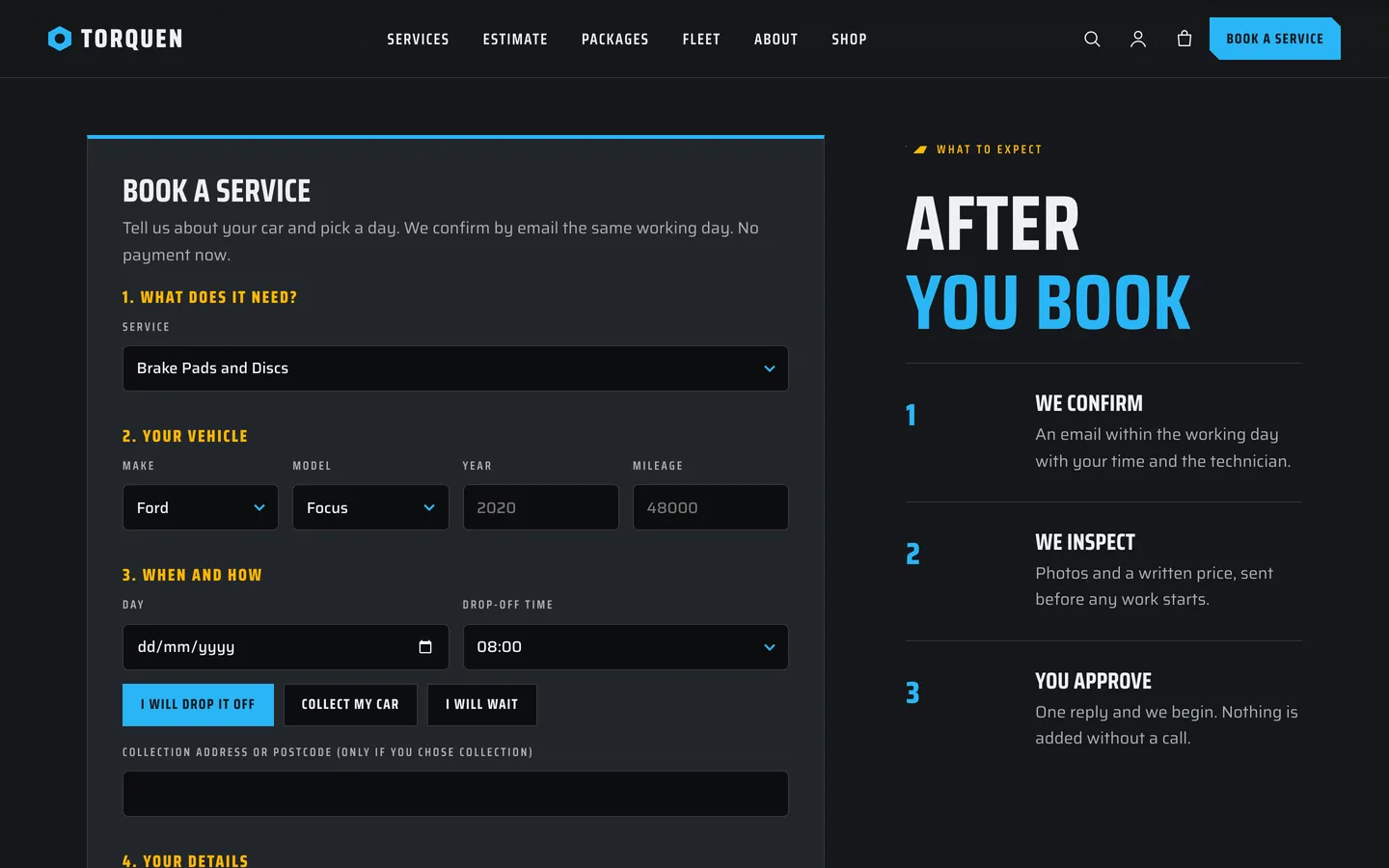
The booking form arrives prefilled from the estimate with the service and the vehicle. Visitors choose a day, a drop-off time and whether to drop off, be collected or wait. Requests are saved privately and emailed.
Mechanics, hours and fleet accounts
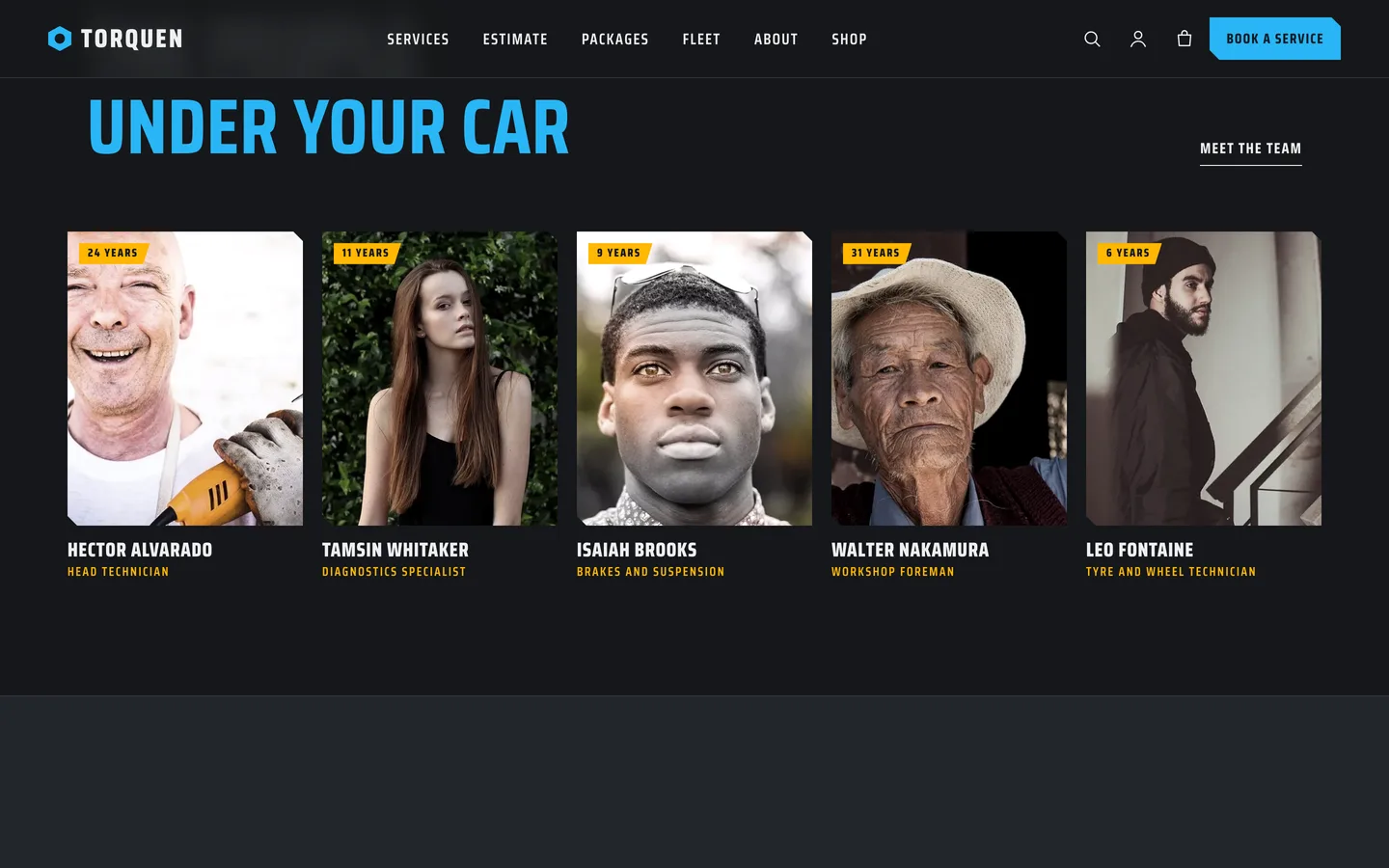
Mechanic profiles show certifications and what to ask each person. Opening hours come from the Customizer, with an open-now chip and a recovery number, and a Fleet page explains business accounts and takes an enquiry.
Set it up
- Install the theme and the DEV3 Theme Toolkit, then import the demo from Appearance → DEV3 Demo.
- Replace the demo services with your own and fill labour hours and parts for each.
- Set your labour rate, opening hours, phone and disclaimer in Appearance → Customize → Torquen: business details.
- Edit the vehicle list if you need other makes (a filter and a JSON file are documented).
Torquen works on its own. If you add a booking or review plugin, the theme ships compatible styling and a class map in the documentation. All names, prices and certifications in the demo are fictional samples.