A pest control WordPress theme with a pest identifier: Shieldnest
Last updated
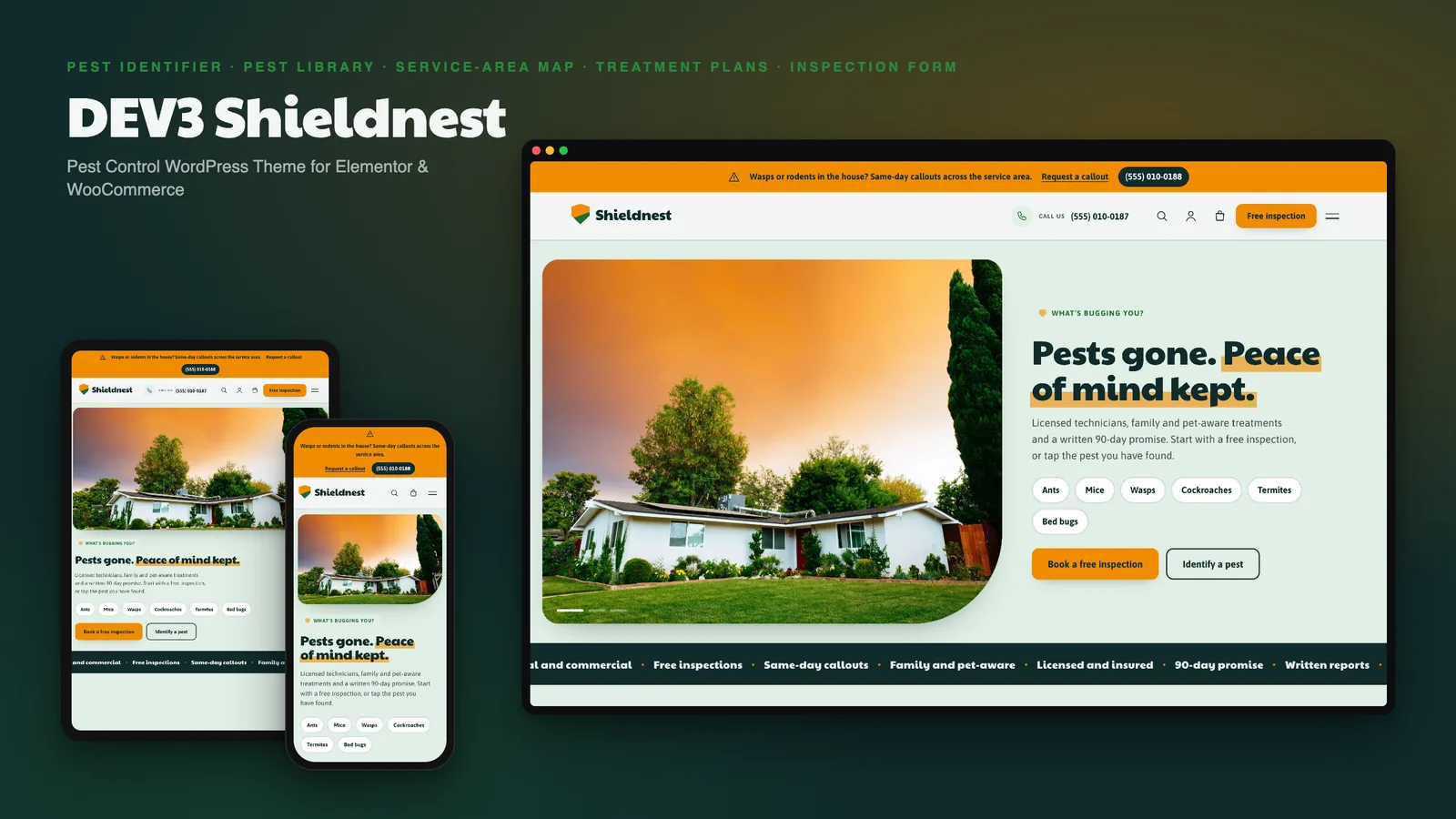
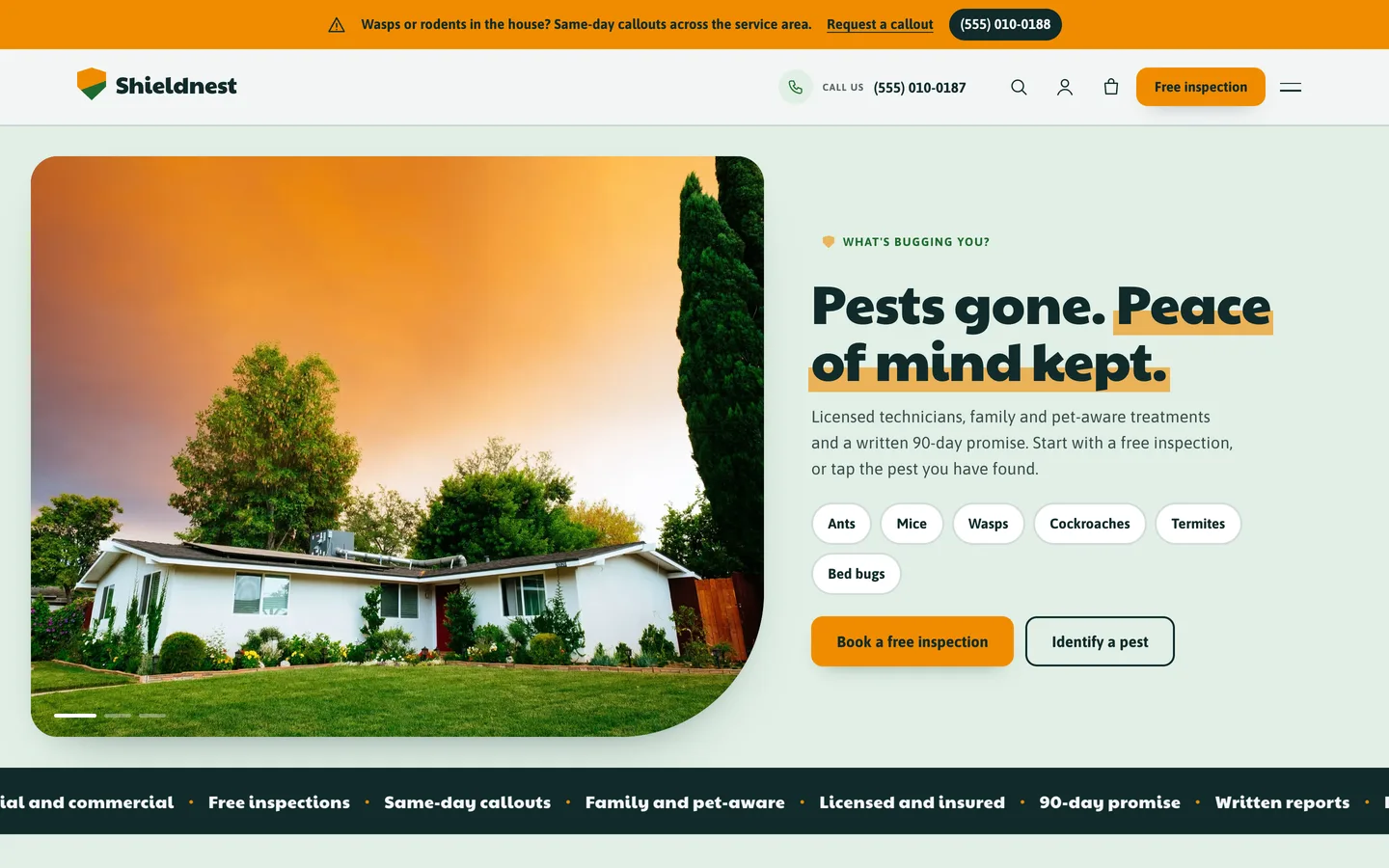
When someone finds droppings in the pantry or a wasp nest under the eaves, they do not want a brochure. They want to know what it is, whether it is dangerous, whether you cover their street and how soon you can come. DEV3 Shieldnest is a WordPress theme built around those four questions, with real photography and illustrated pest cards, and every page editable in Elementor.
Who Shieldnest is for
- Pest control and extermination companies, from a one-van firm to a multi-area operator.
- Wildlife, termite and rodent specialists that need a pest library with signs and treatment steps.
- Home-protection and property-care businesses that sell plans and prevention kits.
Start with the identifier
The pest identifier lists where it was seen, what was noticed and when. Ticking chips filters the pest cards, each with a risk level, signs to confirm and how a technician would treat it.
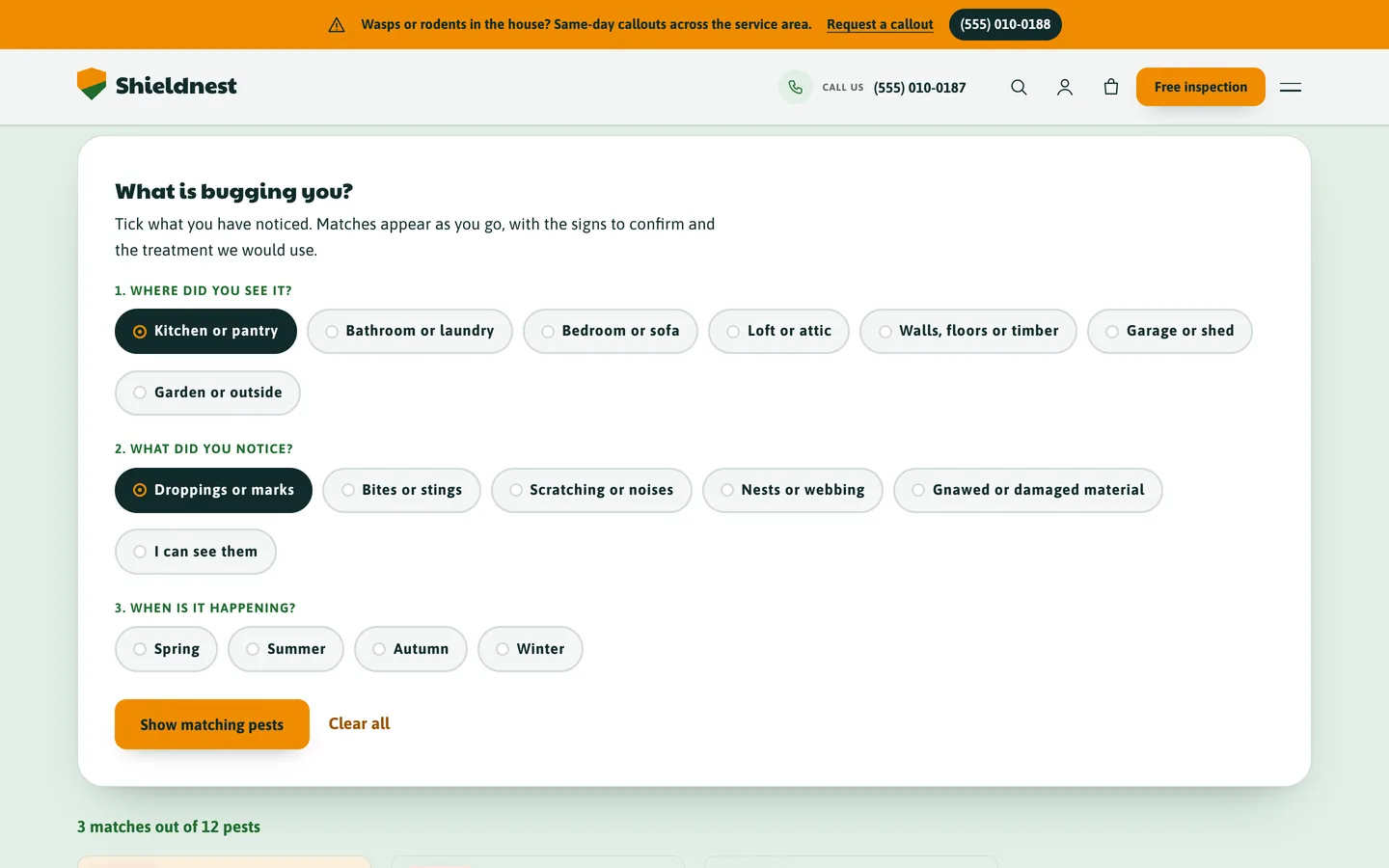
It is built as progressive enhancement: without JavaScript it is a plain form answered by the server, so the filtered result is a link you can send to a customer. With JavaScript the cards filter instantly.
A pest library that explains itself
Each pest page shows the risk, the look, the active seasons, the signs, why it matters, the treatment steps and prevention tips, with a sticky free-inspection card. The same data feeds a season calendar and the HowTo structured data.
Services, plans and the area map
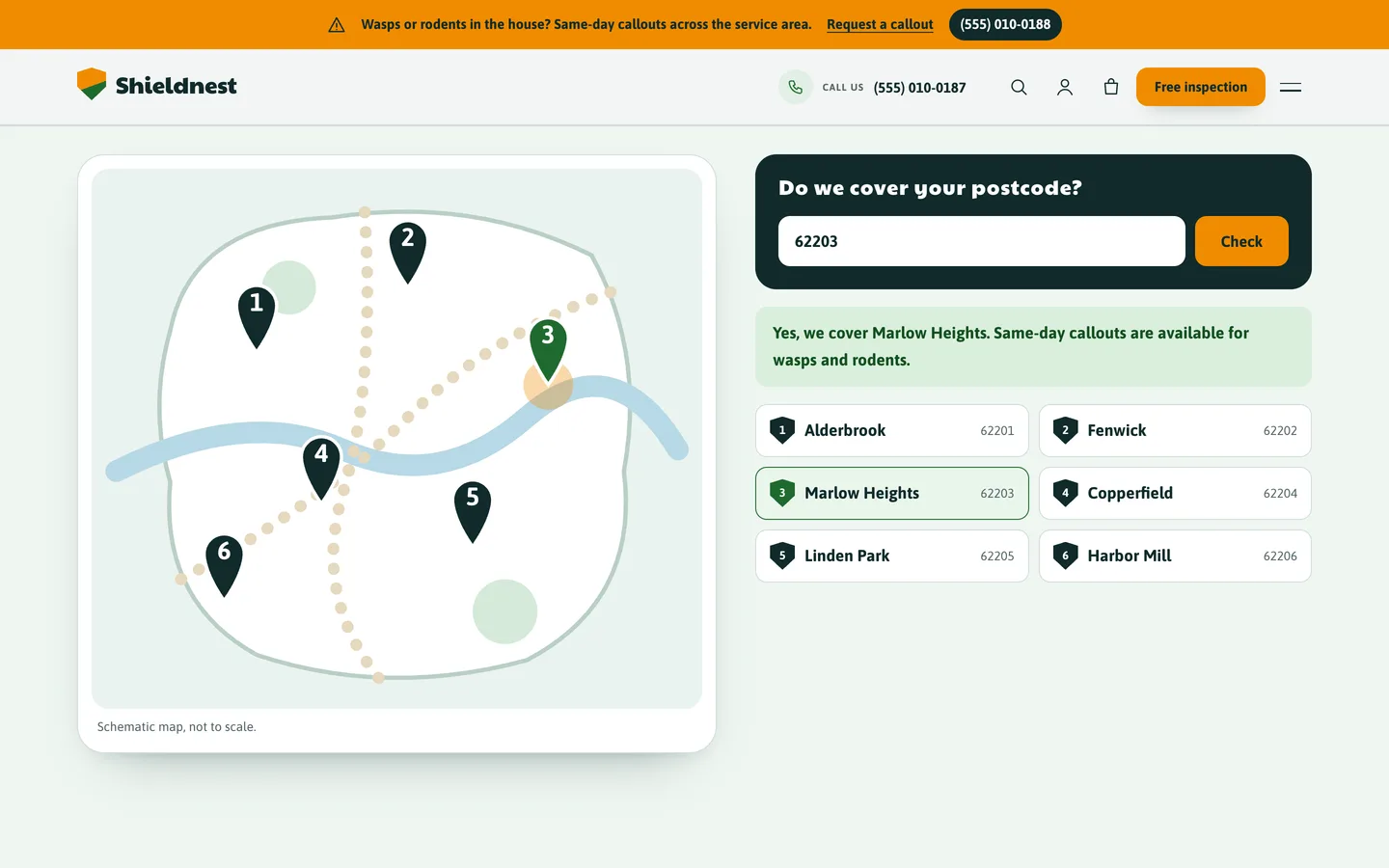
Services state the cost, visit length, included and excluded work and the pests they treat. Plans compare a one-off treatment with quarterly and annual protection. The service-area map is a schematic SVG with pins from a Customizer list, next to a postcode checker that also works without JavaScript.
A free inspection form that checks its input
Pest, treatment, property type, postcode, day and time window, with prefill from ?pest=, ?service= and ?urgent=1. The server validates every field, requests are stored privately and emailed to you, and an urgent flag is passed through.
An urgent callout banner
Wasps and rodents cannot wait. A banner above the header carries its own phone number and links to the urgent version of the form, and you can switch it off in the Customizer.
Editing in Elementor
The demo is built with the DEV3 Theme Toolkit widgets, and 29 block patterns cover the same sections for the block editor. Colours and fonts come from one token file. There is no 3D and no WebGL, and motion respects reduced motion.
Get it
Shieldnest is on DEV3 with the companion toolkit plugin, a child theme, the demo content and documentation. The demo company, people and figures are fictional, and the photos are free-licence images credited in the package.