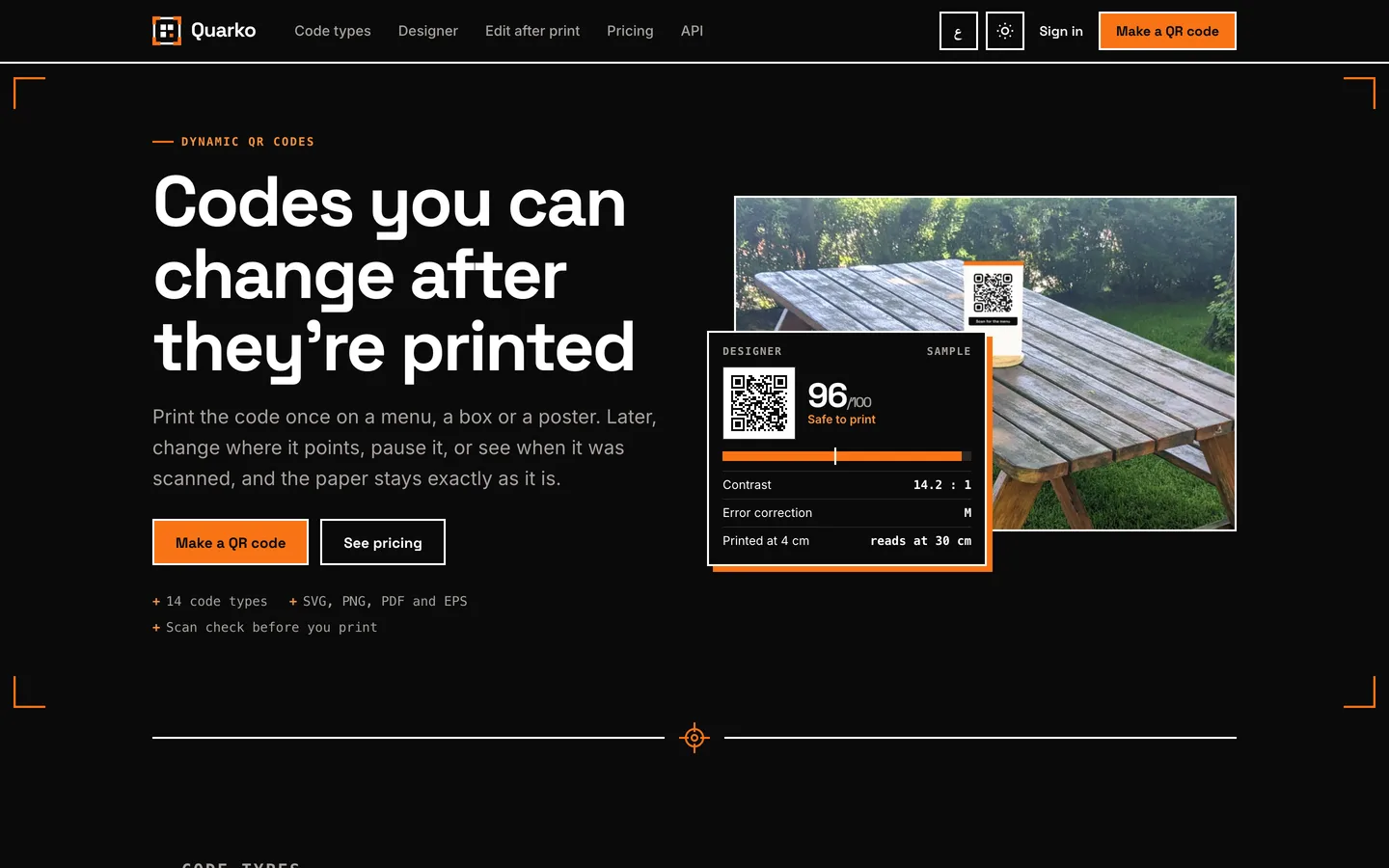
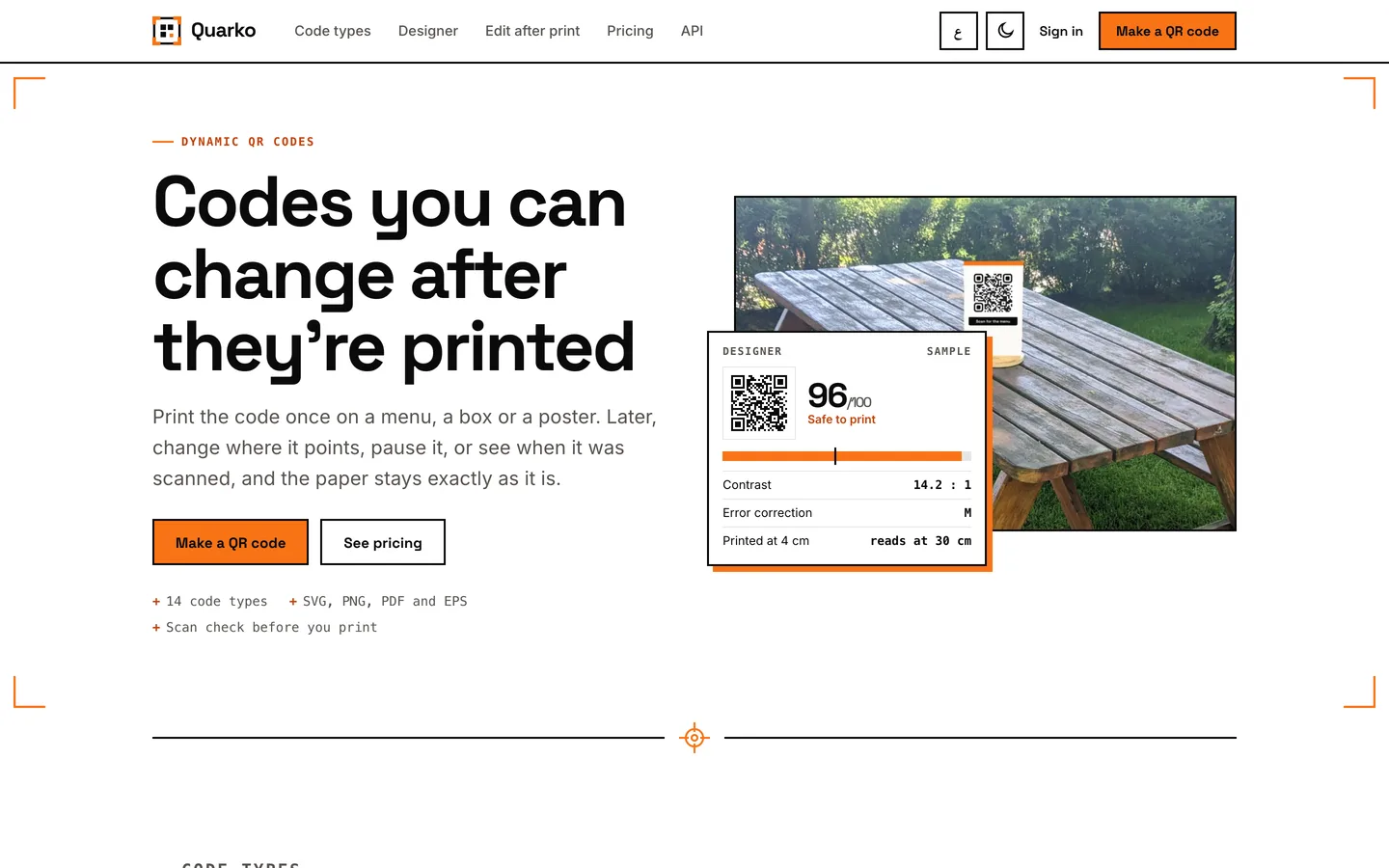
 The same page in dark mode — White on near-black with the safety orange kept, so the proof-sheet look holds at night.
QR code generator for print: 7 things to check before you print a thousand
Last updated
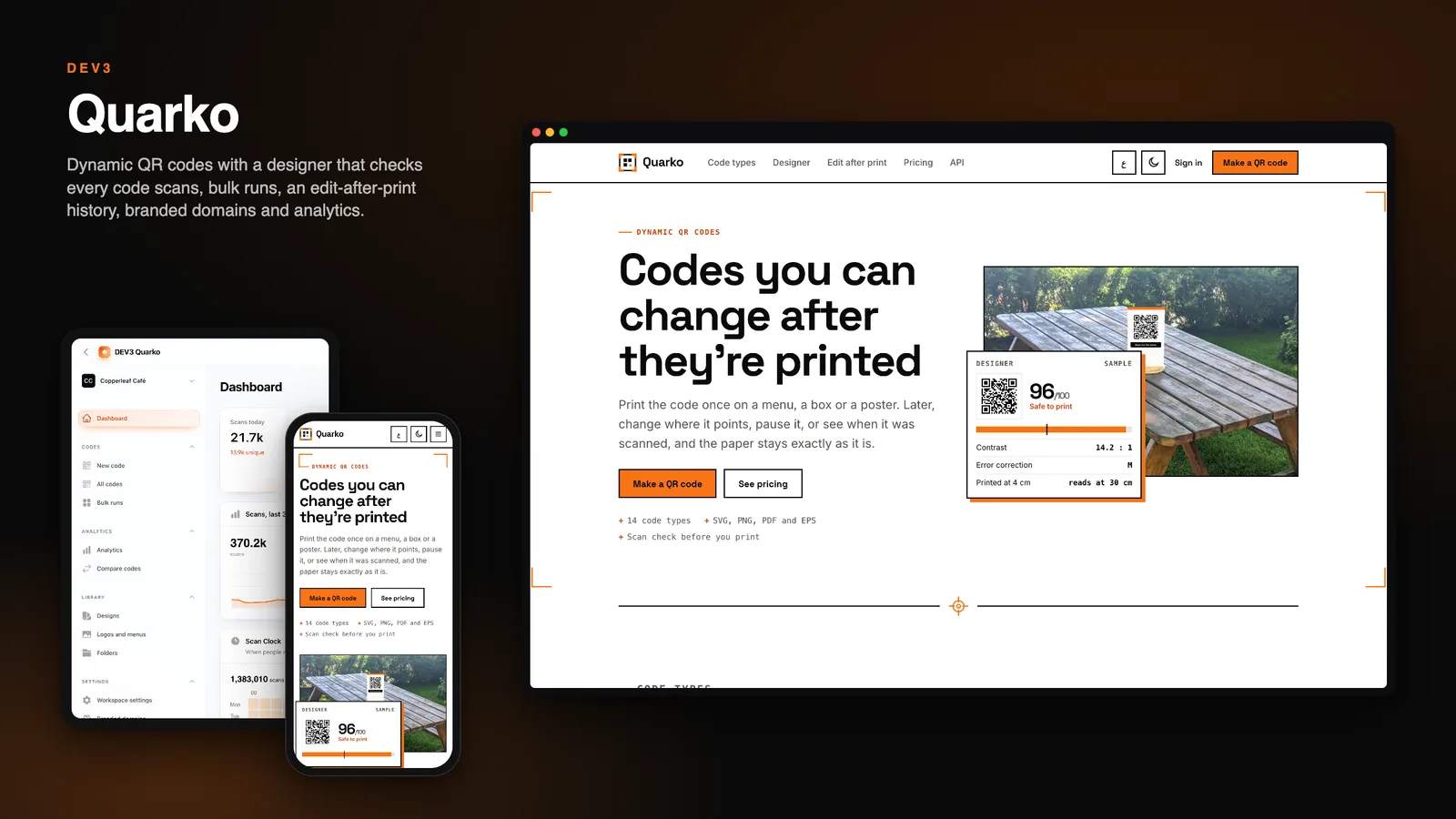
A QR code is printed once and trusted for years. Here are seven things to check before you send a thousand table tents to the printer, with DEV3 Quarko as the worked example.
1. Will it still scan after you style it?
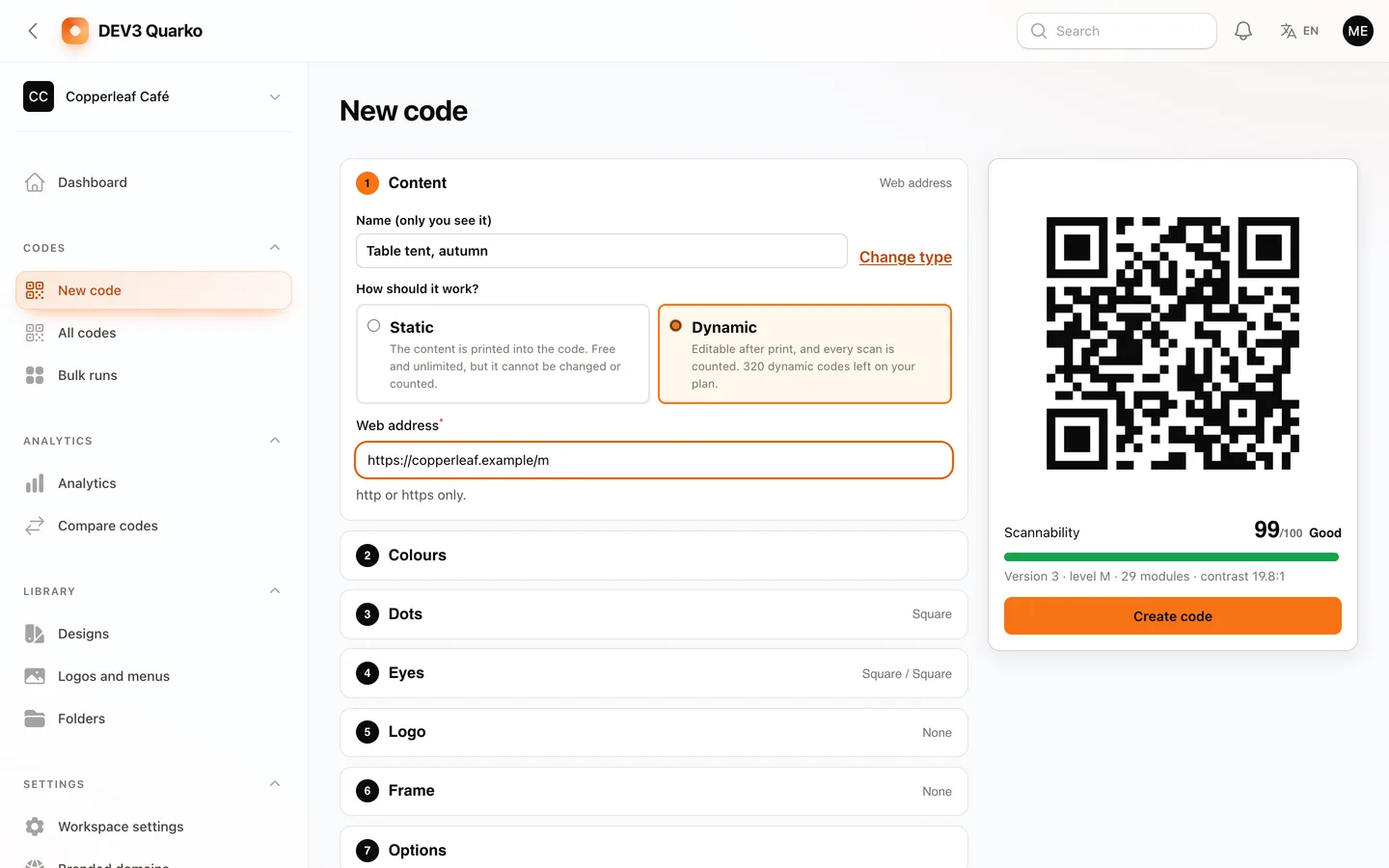
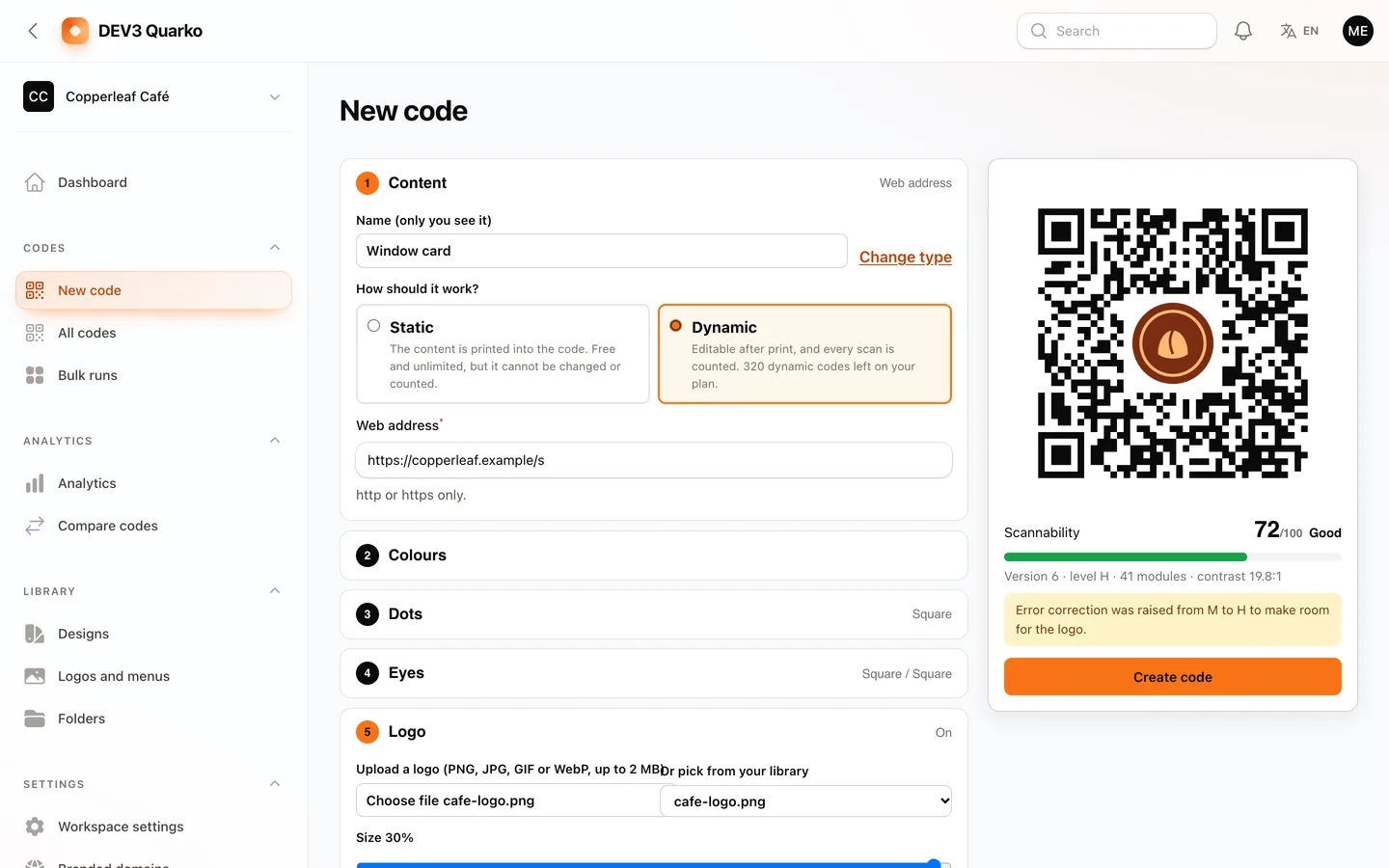
Logos, gradients and rounded dots cost modules. Look for a score that covers contrast, quiet zone, print size, error correction and logo size, and that raises correction for you when a logo needs it. Quarko refuses a design below the safe score and warns about inverted codes.
2. Can you change the destination after printing?
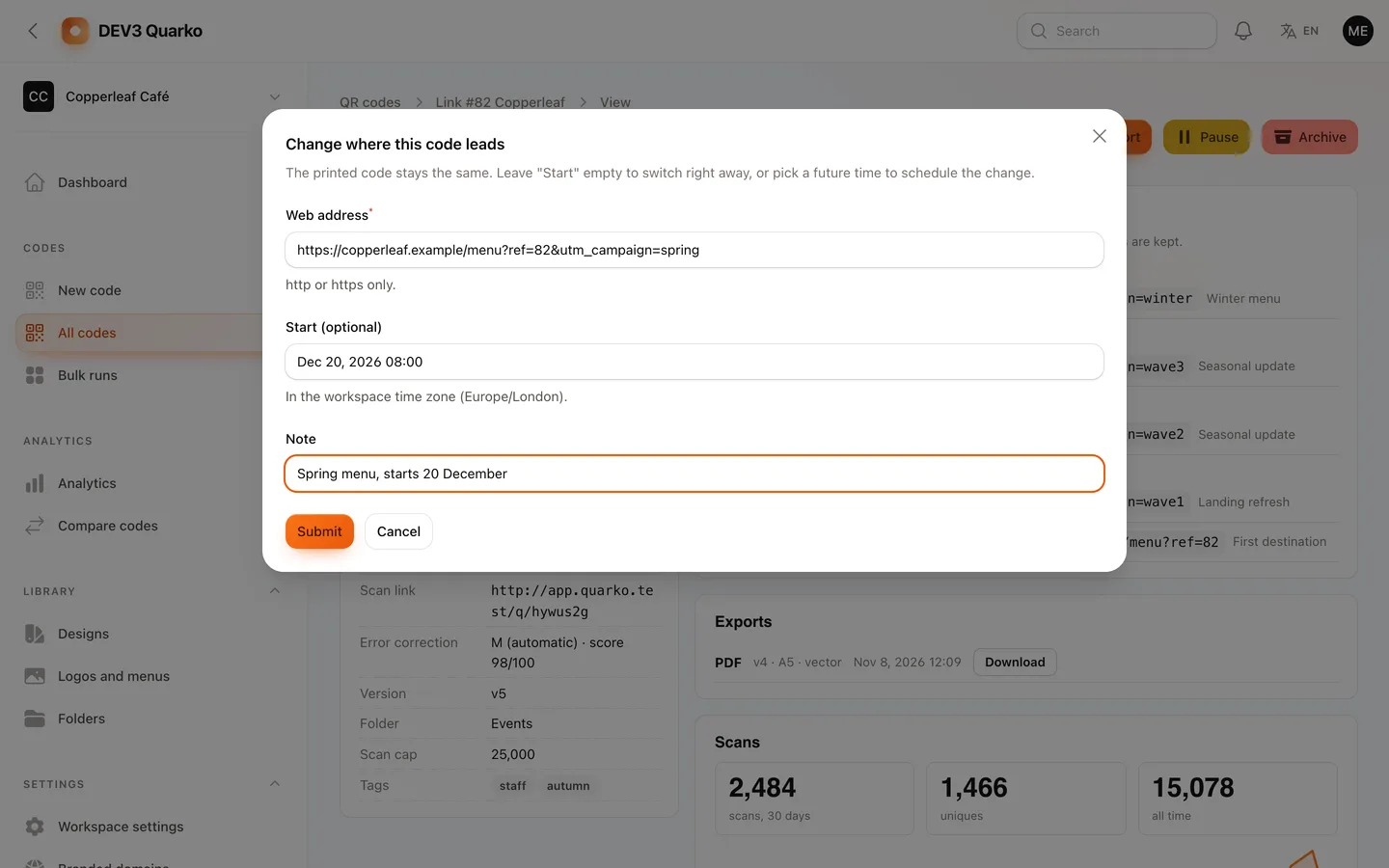
A dynamic code points at a short address, so the poster stays and the page behind it changes. Check that the redirect is not cached by browsers, that you can schedule the next destination and that earlier ones stay in a history.
3. Does it give the print shop what it asks for?
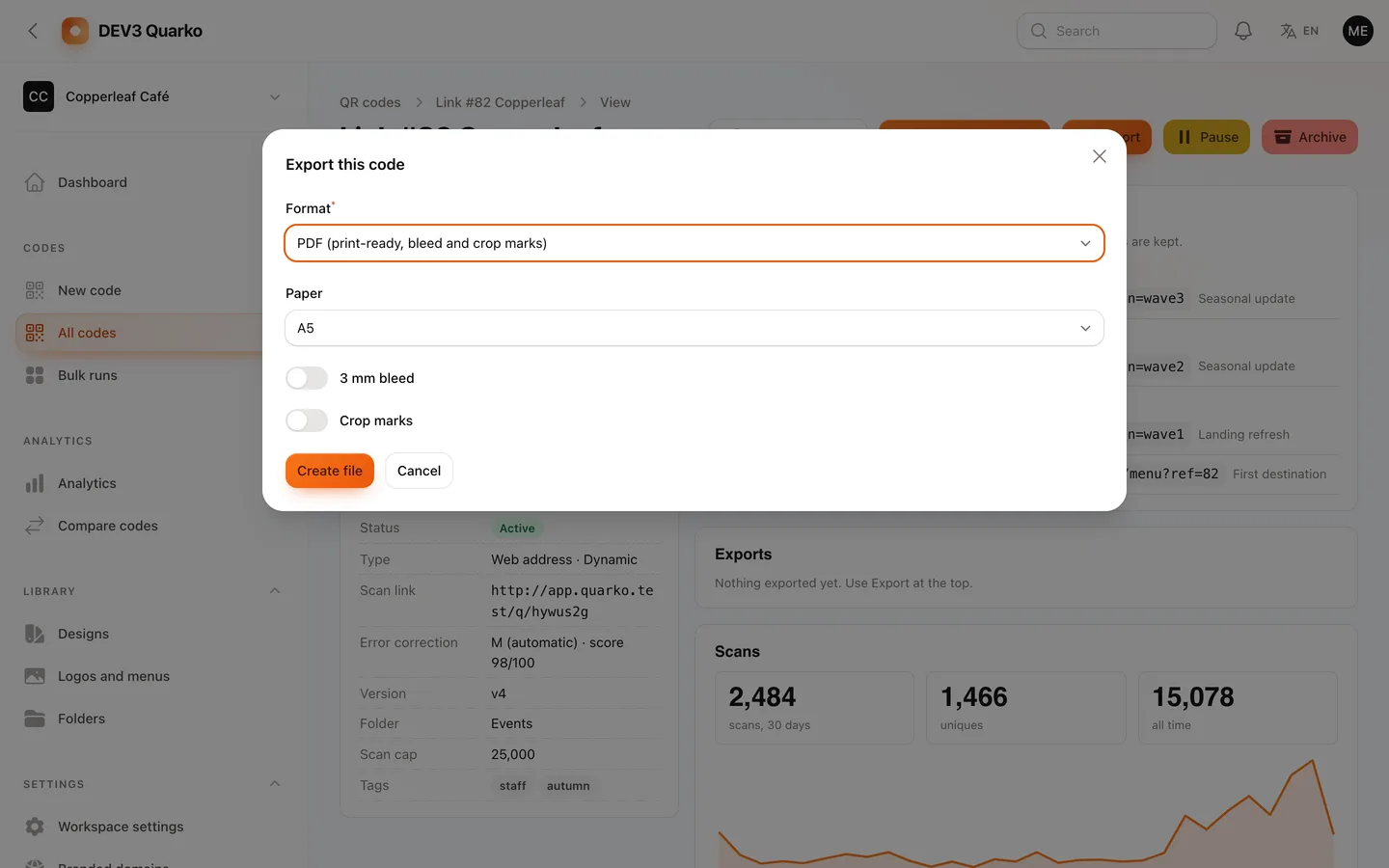
SVG and PNG with a resolution are not enough for packaging. Look for a PDF with bleed and crop marks and an EPS. Quarko writes both itself; the EPS colour is an RGB-to-CMYK approximation, so ask for a proof.
4. Can it make a thousand codes from a spreadsheet?
A bulk run should validate every row first, show the reason for each bad row and give you one ZIP with an index file.
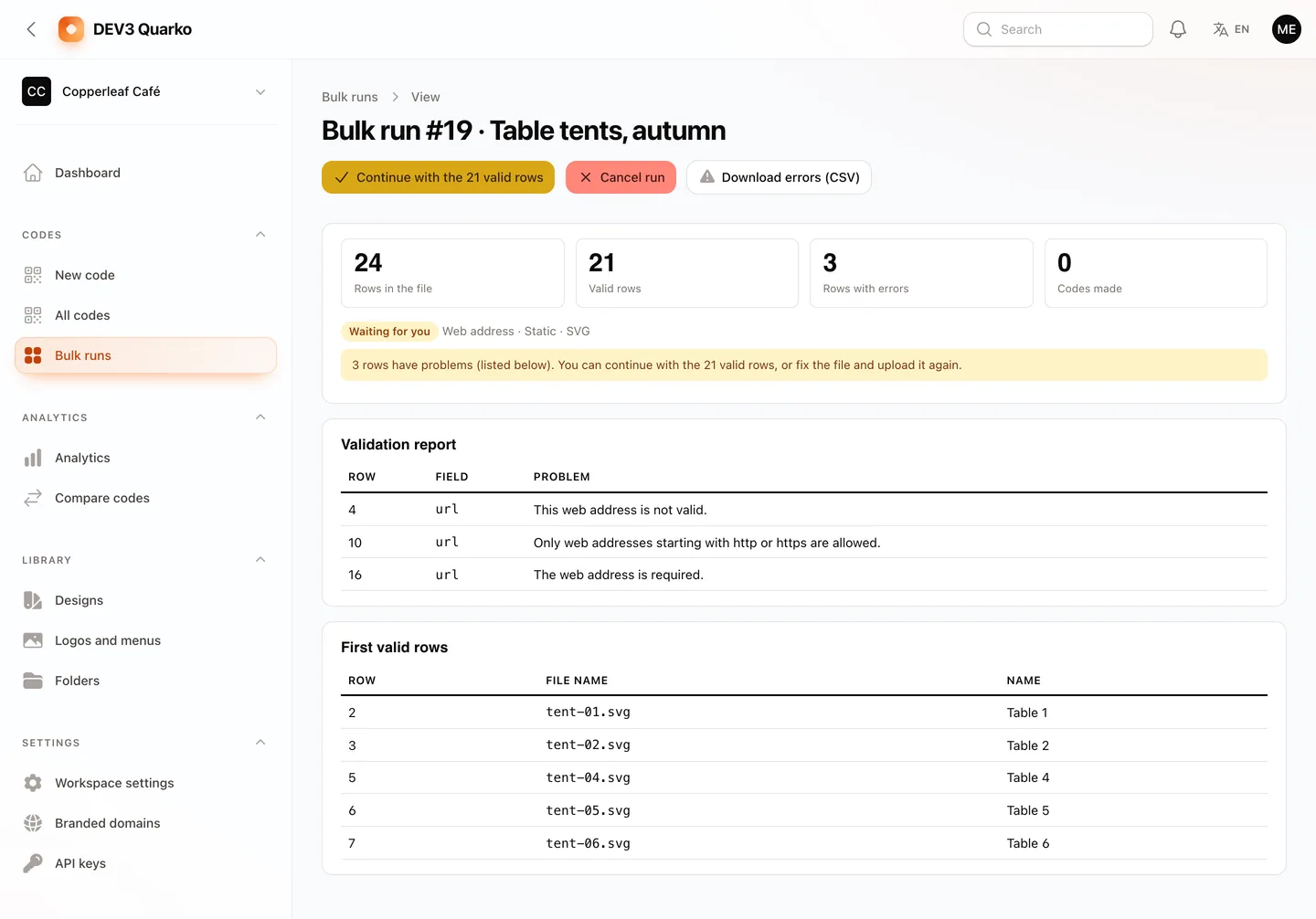
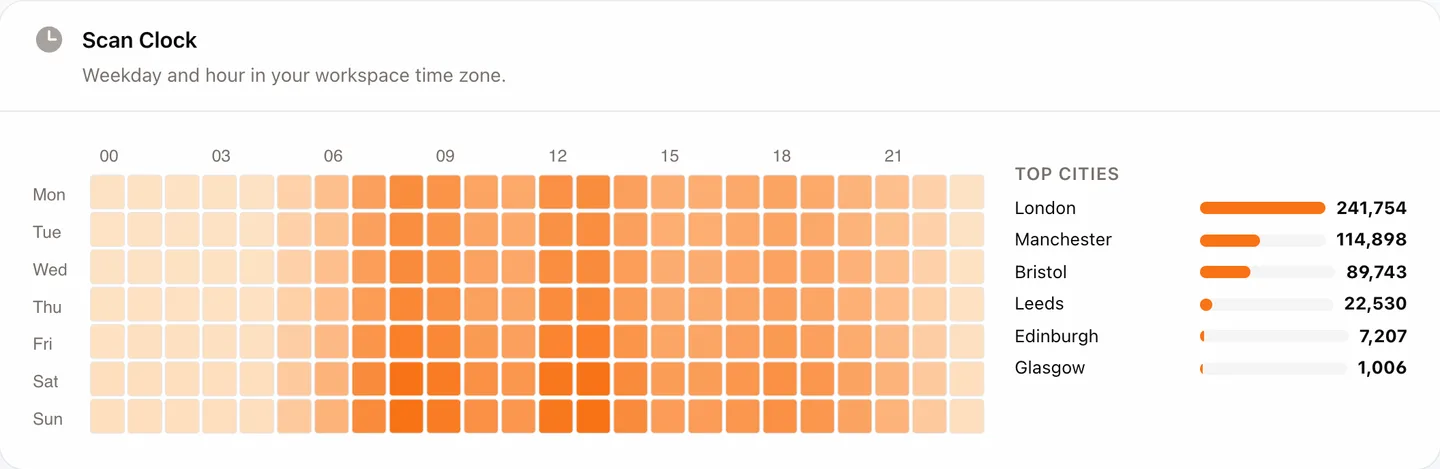
5. Do you see when and where people scan?
Totals are not enough. Quarko adds the Scan Clock, a flat weekday-by-hour chart in your own time zone, with top cities and countries.
6. Can the code carry your own domain?
A branded domain means the printed code shows your name. It needs a CNAME and TLS in front of the app; Quarko verifies the records but does not issue certificates.
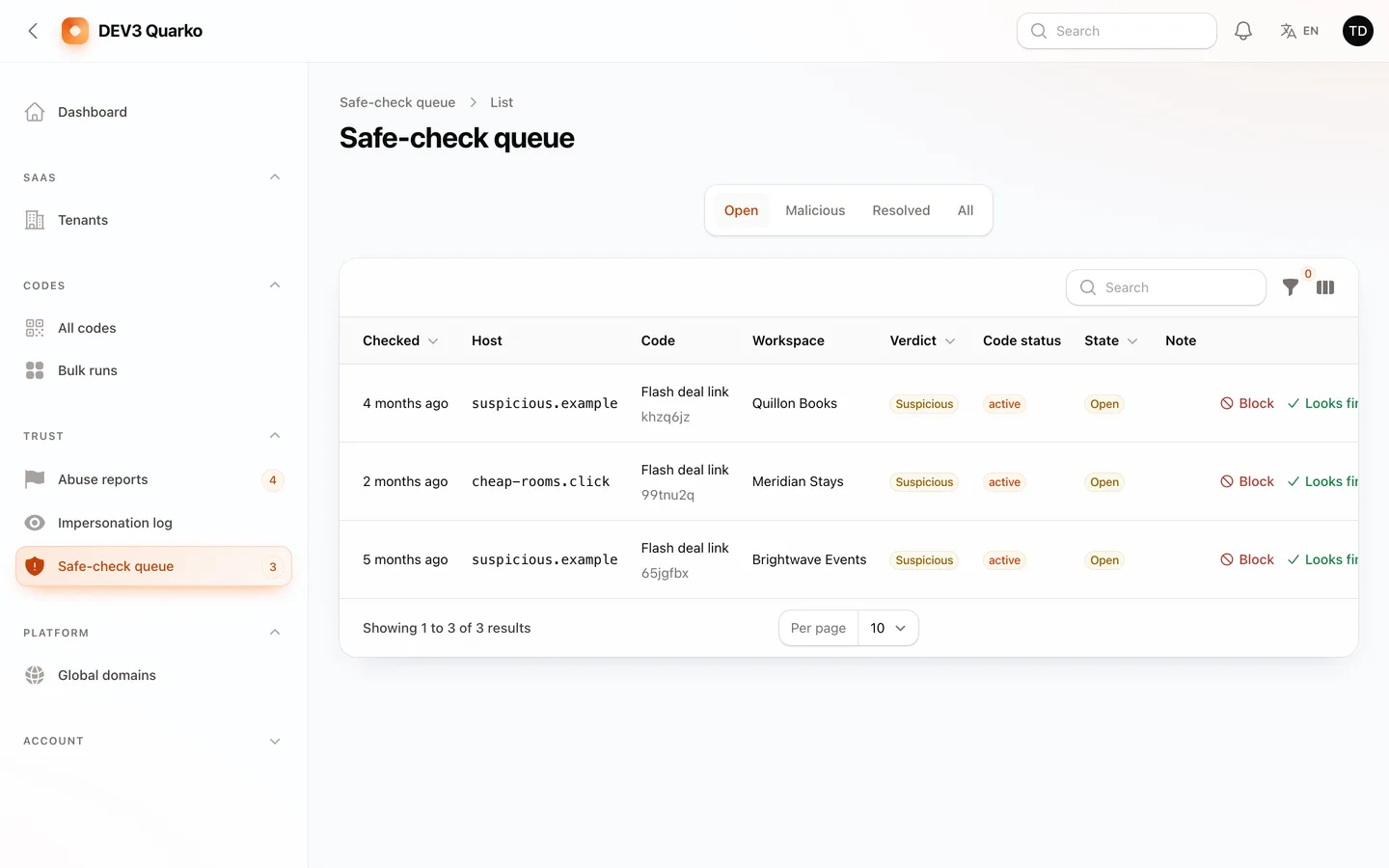
7. What happens when a destination turns bad?
Look for a report form, a safe-link queue, a takedown with a reason and a neutral page for a paused code.
Limits
Payment, mail and scan-location drivers are simulated until you configure them, and the safe-link check is off by default. You are the merchant of record for your customers. PNG uses GD (Imagick is optional), EPS colour is approximate, the fully round dots style can read less reliably in some scanner libraries than in a phone camera, and there are no mobile apps. Always scan a printed proof.