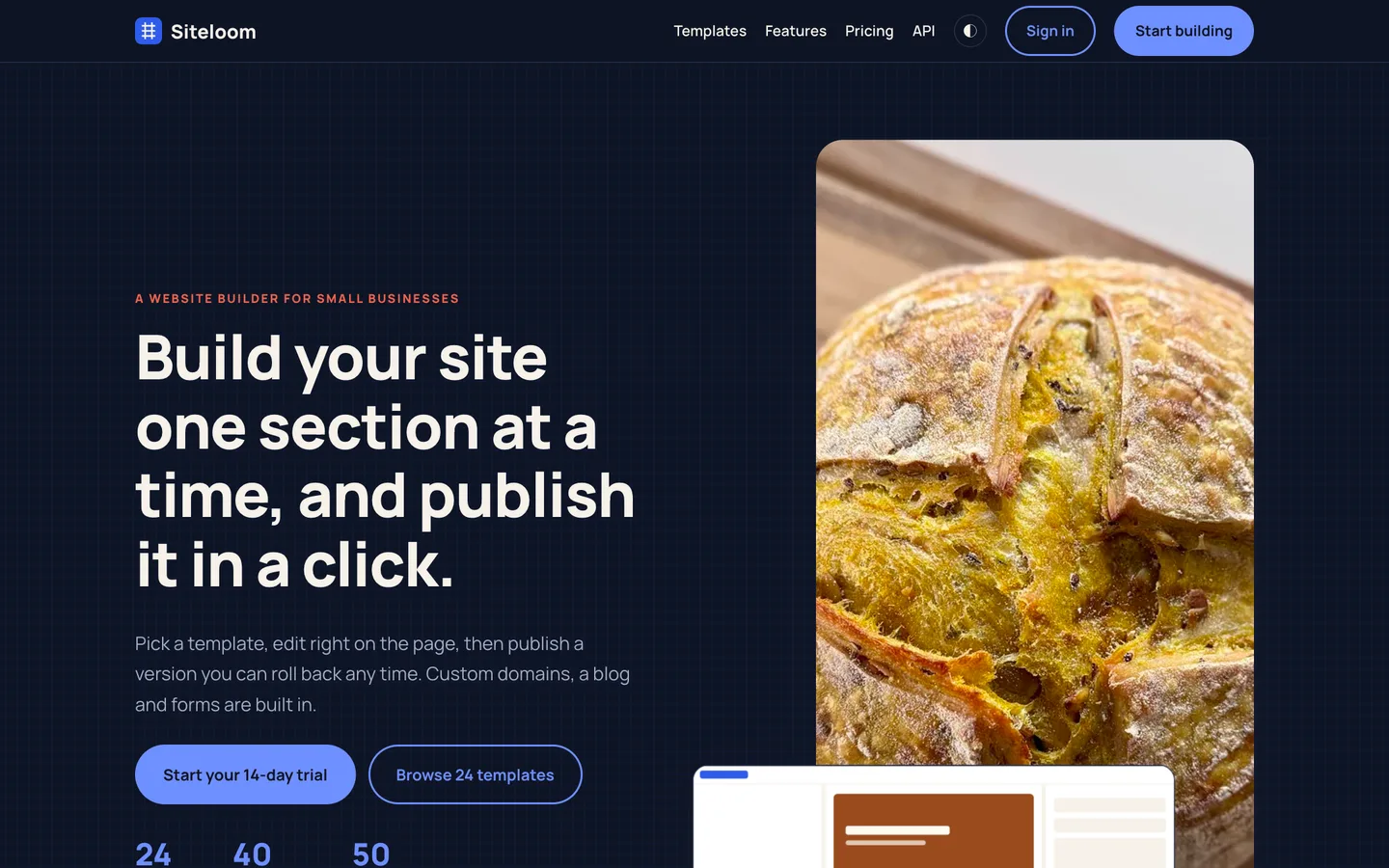
 Hero in dark mode — The same page with the night palette and the loom pattern behind it.
Website builder software: 7 things to check before you pick one
Last updated

A website builder is easy to demo and hard to run. The trouble shows up when a customer edits a page at the same moment as a colleague, pastes a script into a text box, or points a domain at the wrong address. Here are seven things to check before you pick software, with DEV3 Siteloom as the worked example.
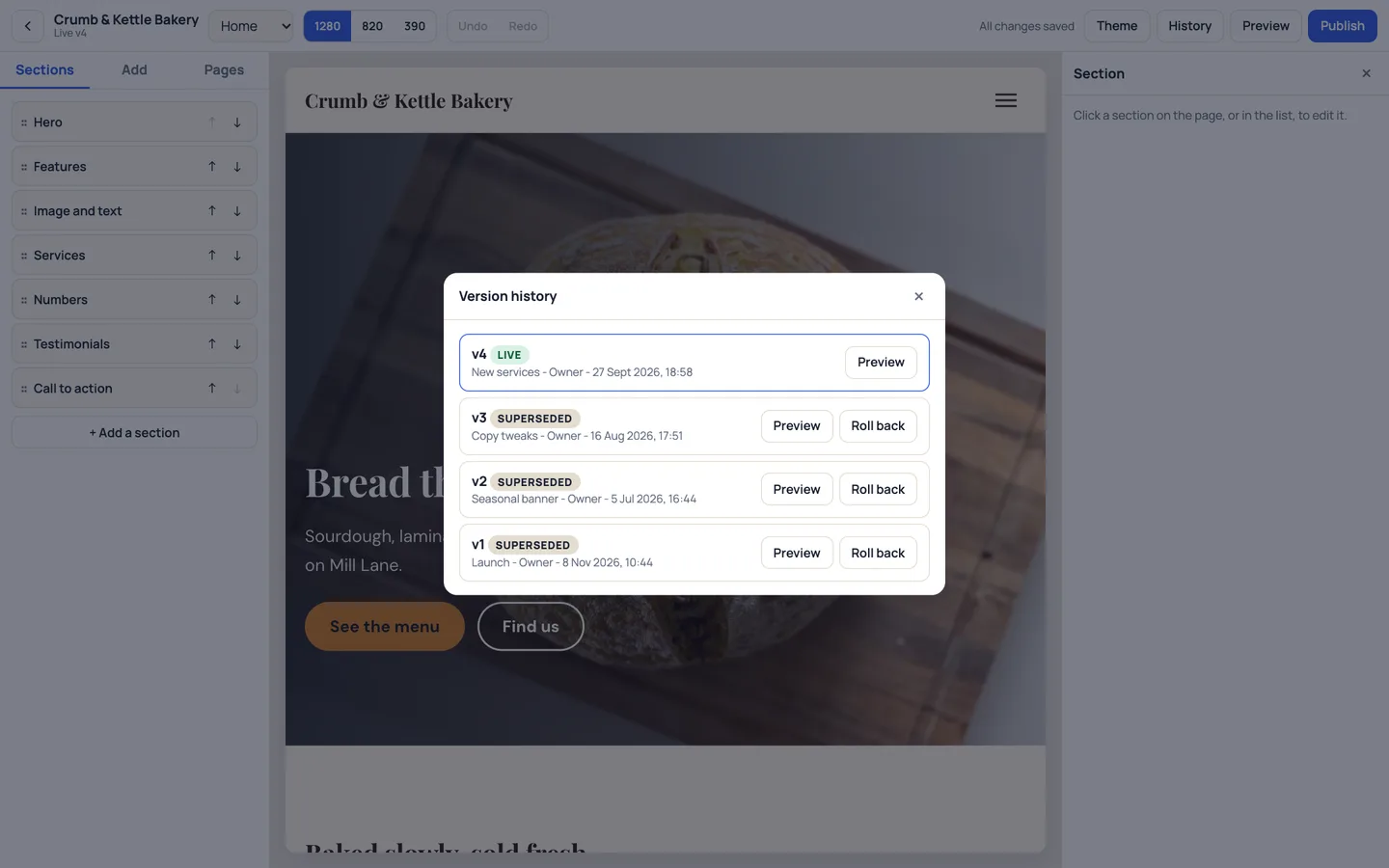
1. Can you undo a publish?
Look for versions, not just a "revert" button. Siteloom writes every publish as an immutable snapshot, shows a summary of what changed first, and rolls back by creating a new version from an old one. Drafts are left alone unless you ask for them to be reset.
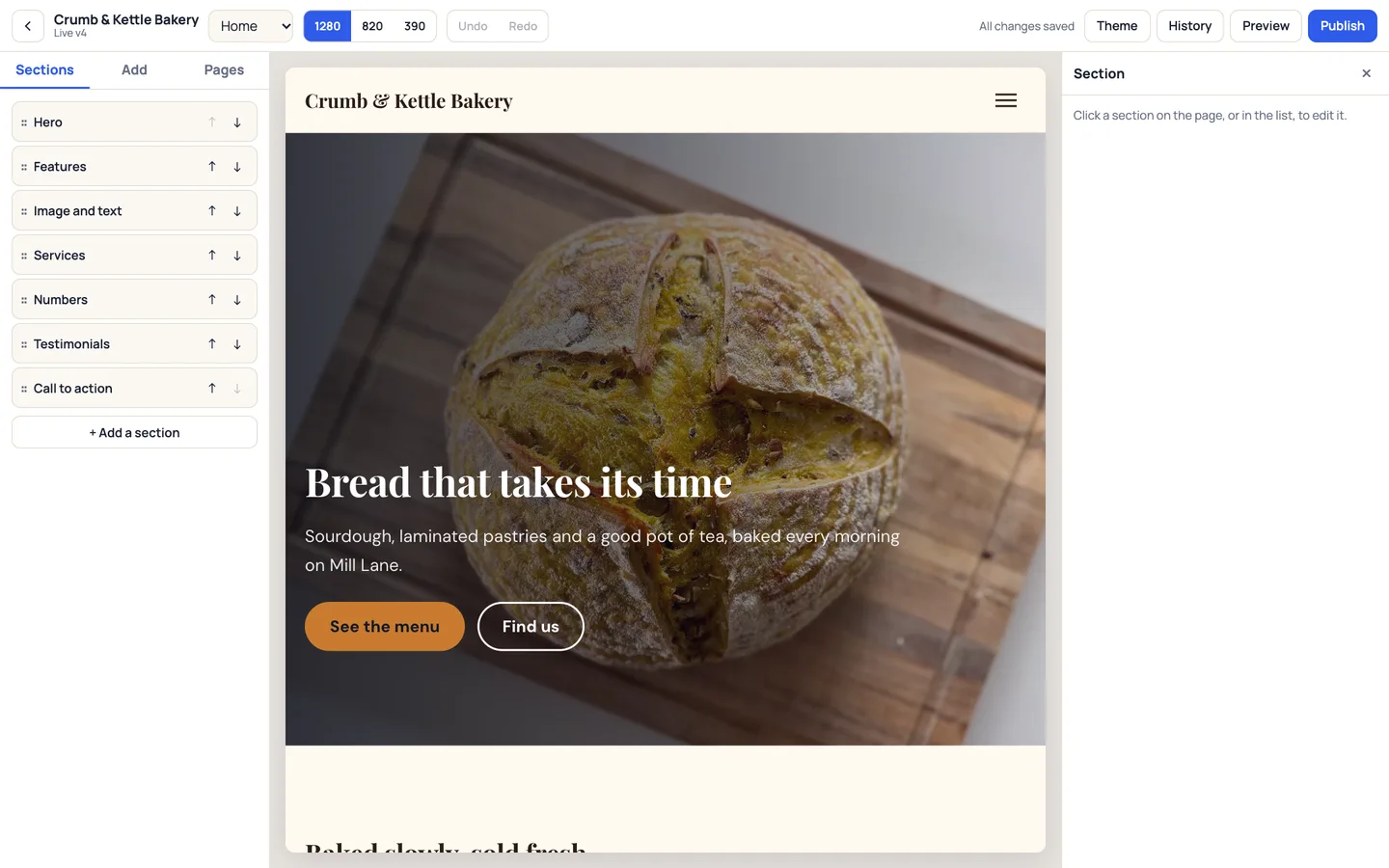
2. What happens when two people edit?
Each page draft has a revision number, and a save only succeeds if you saw the latest one. If someone saved first you get a merge prompt per section. A soft lock tells you who is on the page, and an owner can take over.
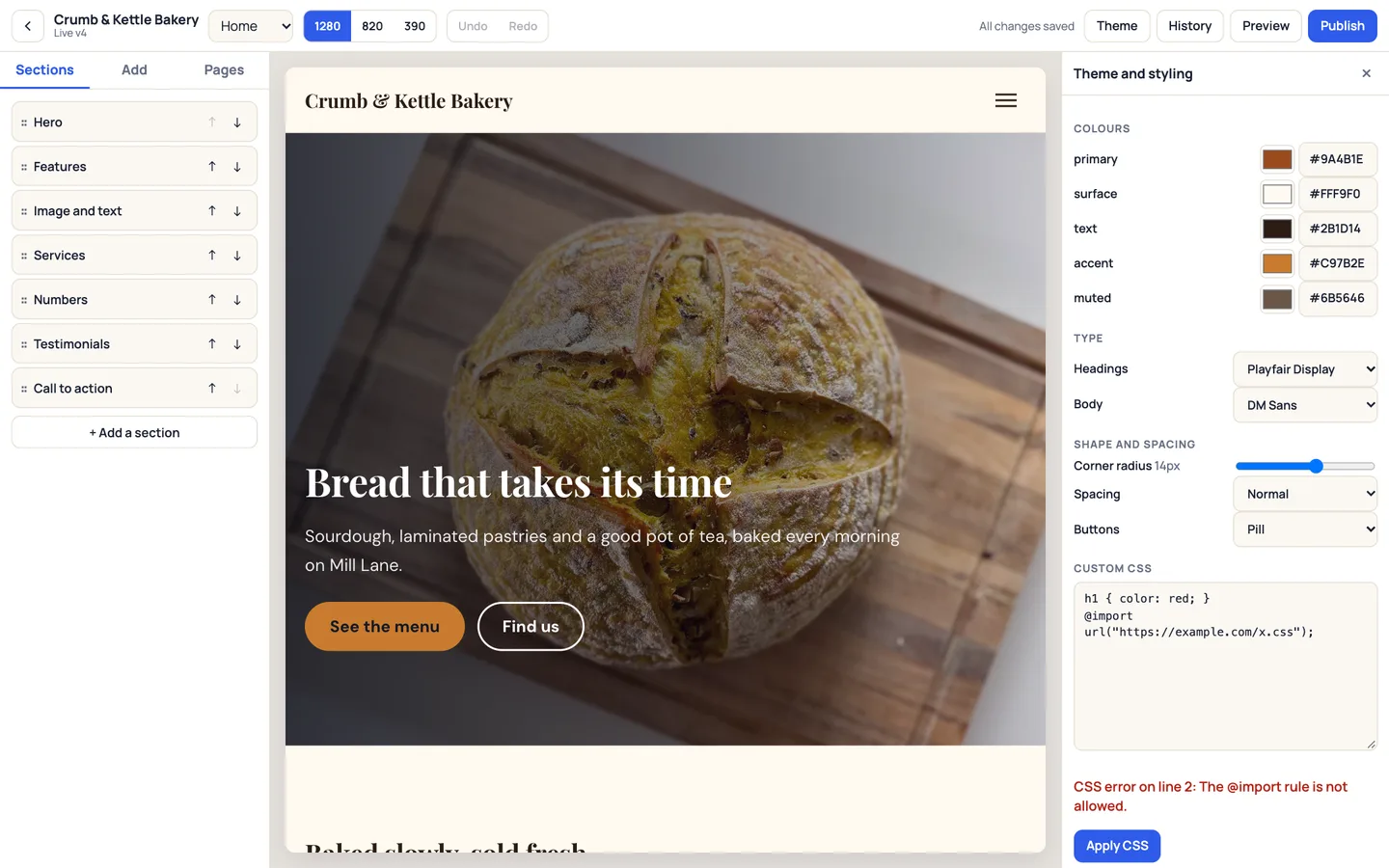
3. How does it deal with pasted code?
Text, embeds, SVG uploads and head HTML go through one allow-list. Custom CSS is parsed and every selector is prefixed with the site, so a rule cannot reach another site or the editor. @import, external urls and script tricks are refused with a line number.
4. Do custom domains explain themselves?
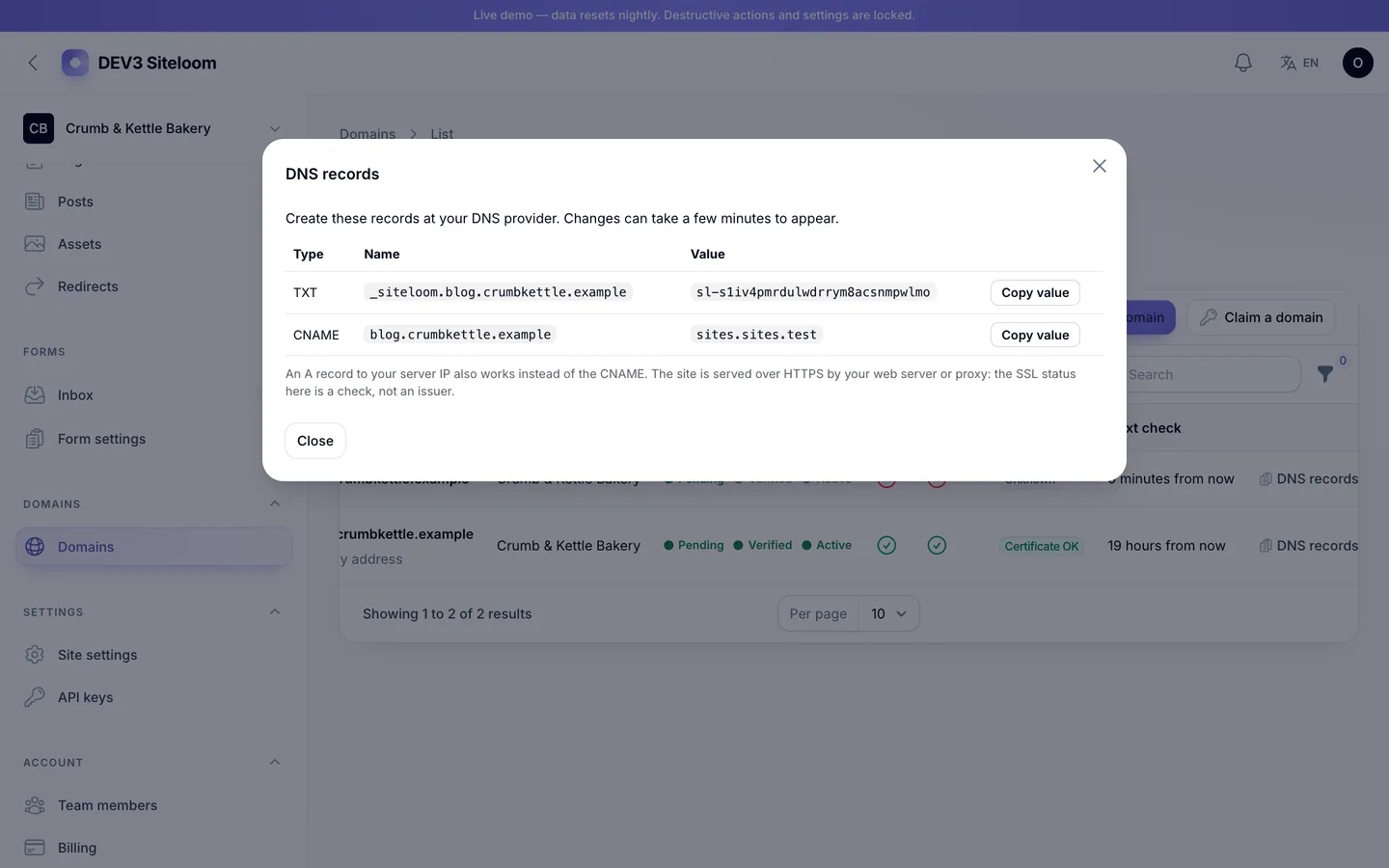
The records are shown with copy buttons, a status moves from pending to verified to active, and a domain that fails three checks is marked failed and recovers on its own. Siteloom reports SSL status but does not issue certificates: you terminate HTTPS with Caddy or nginx, and the documentation says so.
5. Where do form leads go?
An inbox with spam scoring, notification emails that never lose a submission when mail fails, CSV export and deletion of a single entry on request.
6. What happens at a plan limit?
Limits are counted live. If a customer downgrades below their number of sites, the extra sites stay published but become read-only, and nothing is deleted.
7. Can an agency use it?
Thirty sites in one workspace, and a client role that sees one site and approves a publish. See the install notes for what you need on the server.