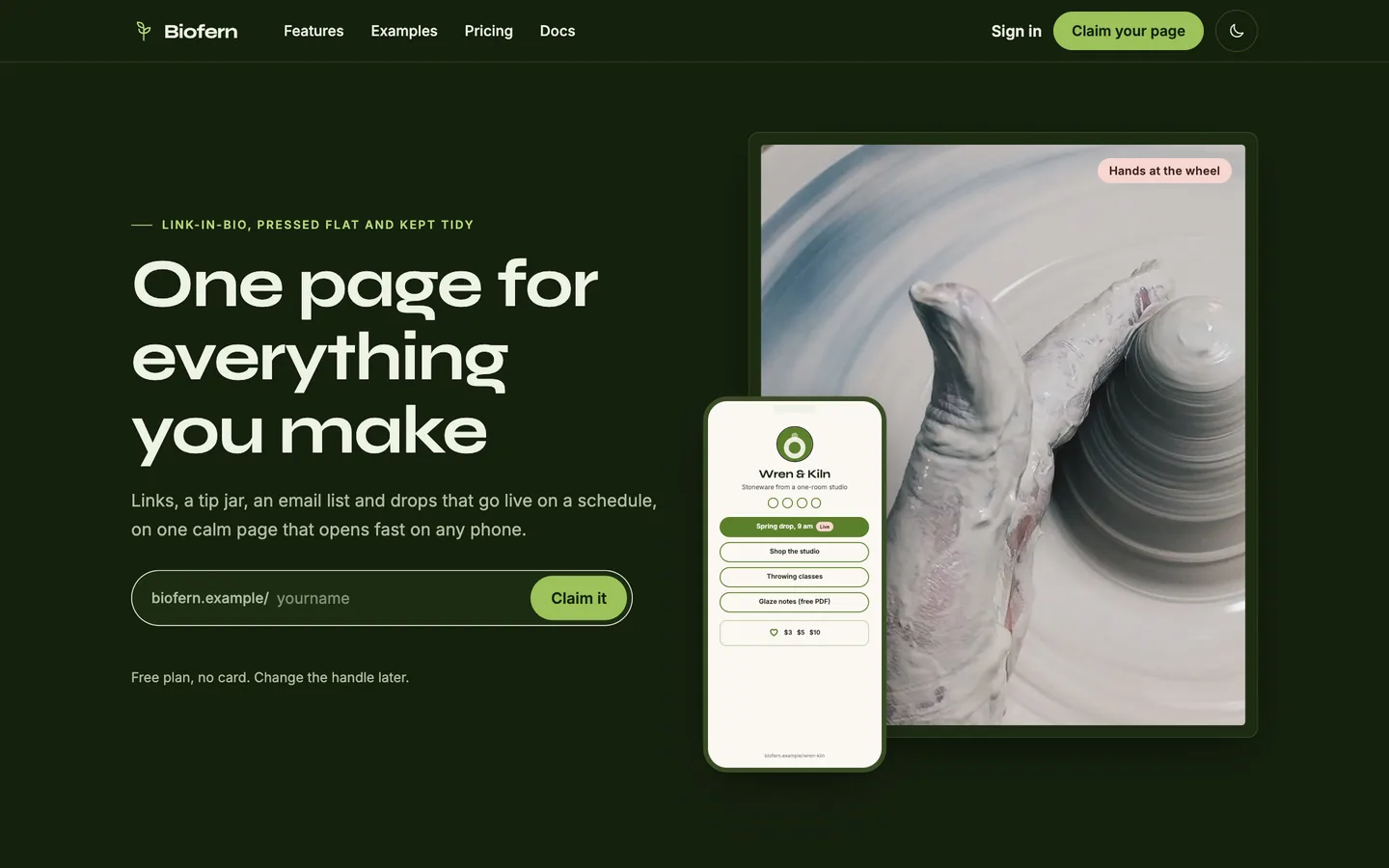
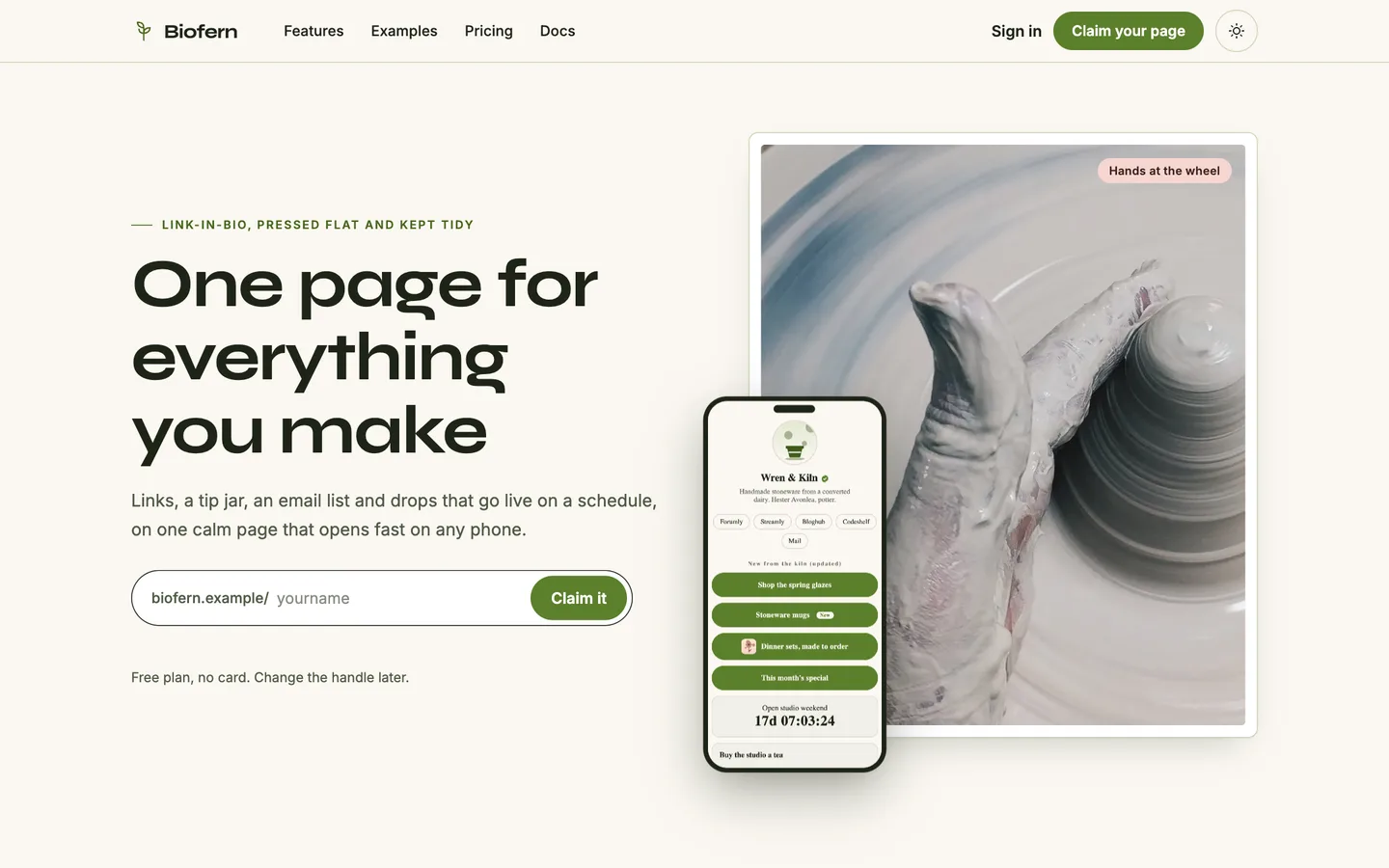
 Dark mode — The same home page on a deep fern night with the claim field, call to action and phone frame, remembered from the theme toggle in the header.
Link-in-bio page for creators: 7 things to check before you pick a tool
Last updated
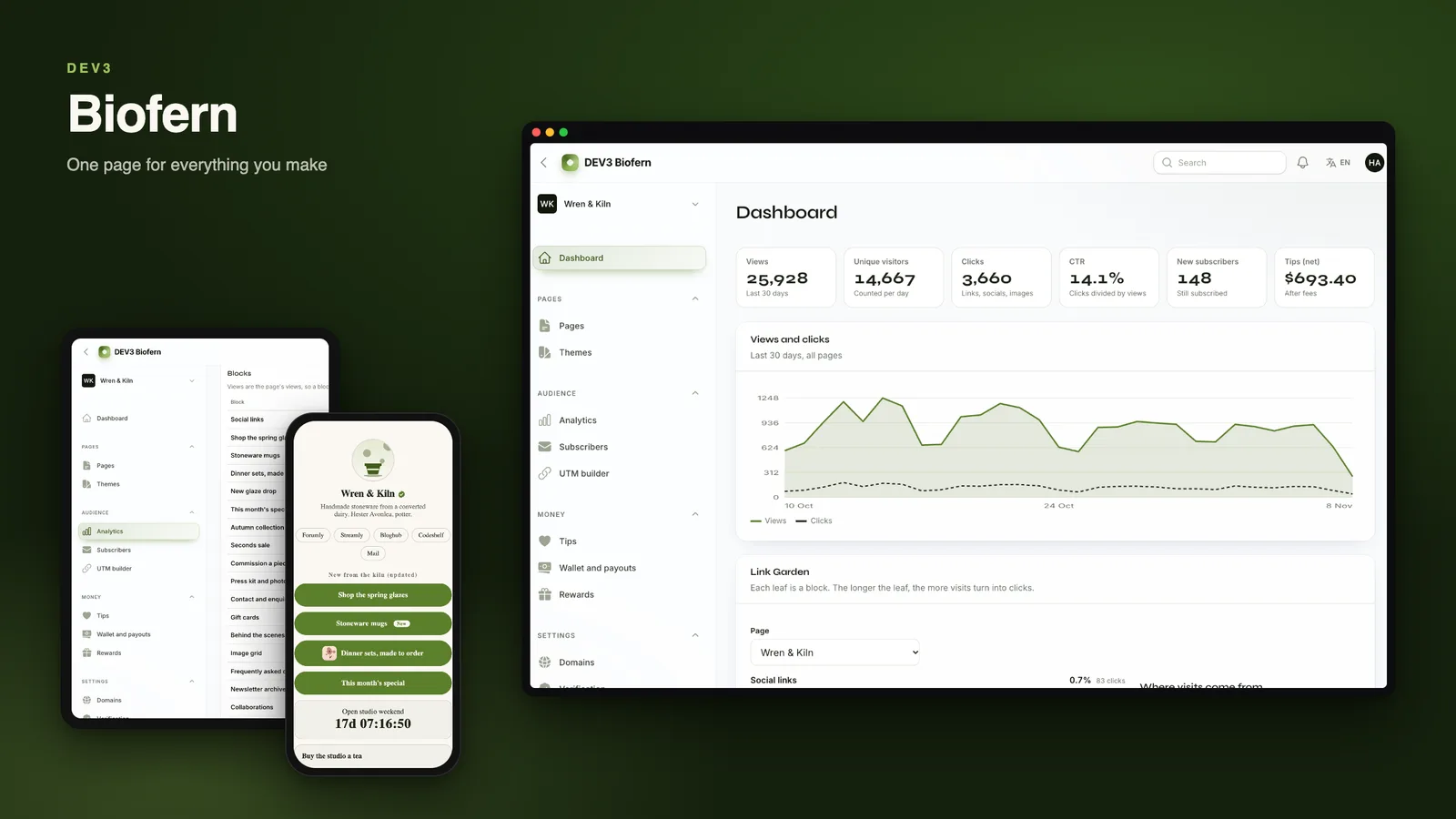
A link-in-bio page is judged in the first few seconds on a phone. Here are seven things to check before you pick a tool, with DEV3 Biofern as the worked example.
1. How fast does the page load?
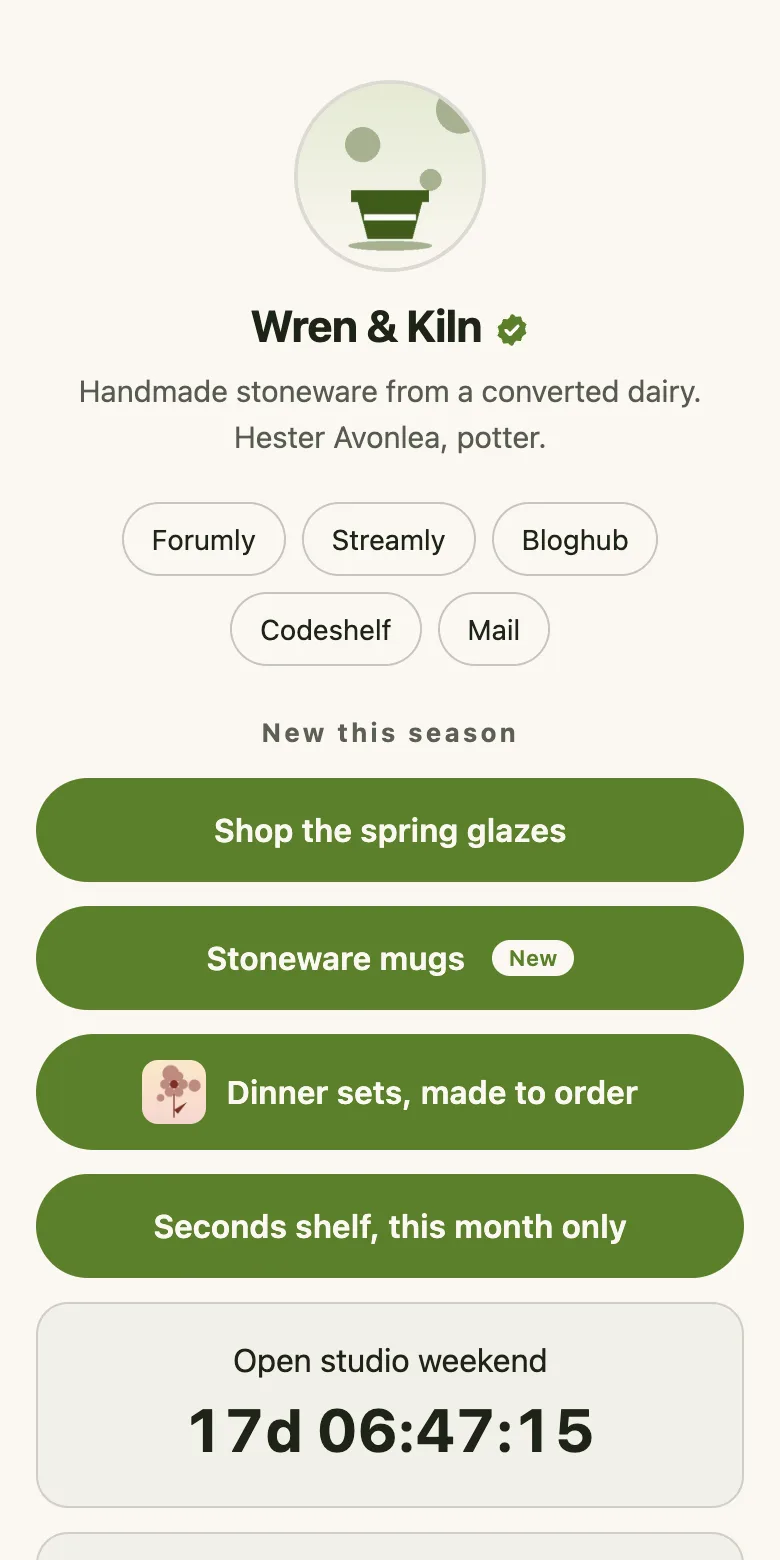
The page should be plain HTML with a little inline CSS and almost no JavaScript. Biofern renders on the server, caches until the next schedule change and keeps the page under a few dozen kilobytes plus images.
2. Can you schedule links?
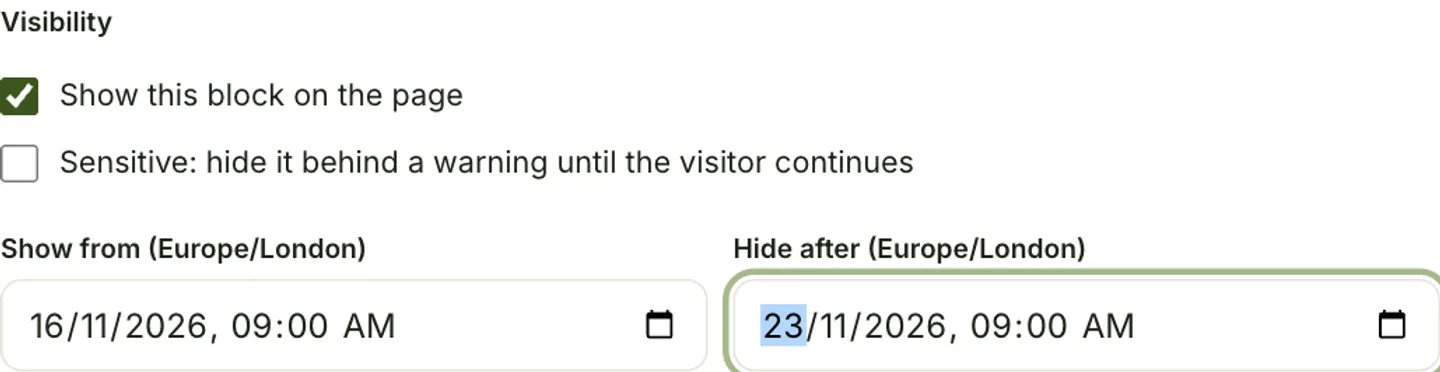
Drops, sales and events need a start and an end in your own time zone, enforced when the page is served rather than by a cron job.
3. Can people tip you, and who holds the money?
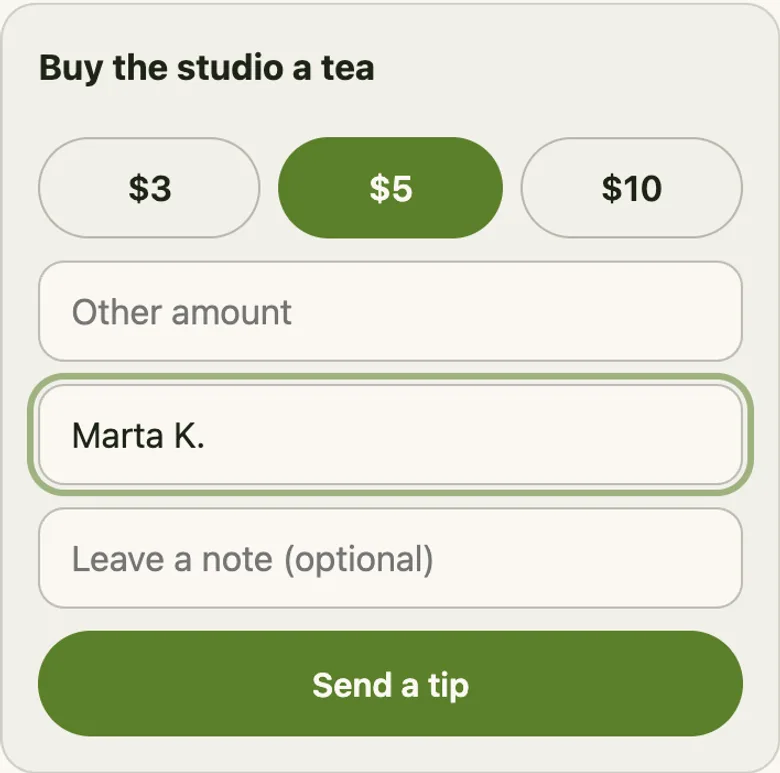
Ask who is the merchant of record, how long money is held, and what happens to a refund after payout. Biofern credits a creator wallet, holds it for a period and pays out in weekly batches.
4. Do you own your audience?
Email capture should store the consent wording and let you export a CSV.
5. Are the numbers honest?
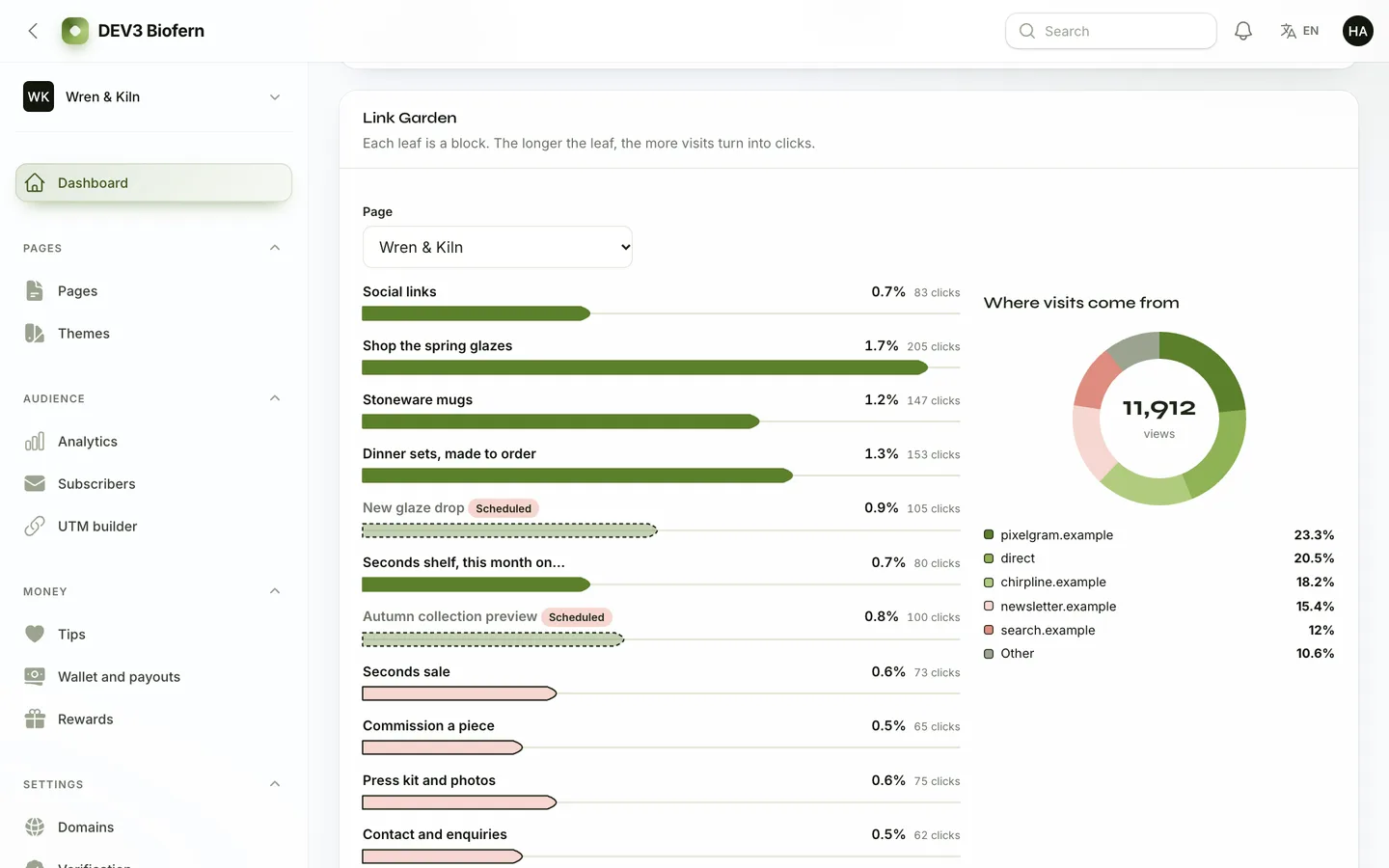
Bots and previews should not count as visitors. Biofern filters them and shows clicks, views and click-through per block.
6. Can you use your own domain?
A custom domain needs a verification step and a plan for TLS.
7. What happens with unsafe content?
Look for a sensitive-content gate, abuse reports and a verified badge process.
Limits
Creators cannot connect their own payment account in this version, so the operator pays out from a weekly batch. Payments, mail and DNS are simulated until you configure real drivers, visitor countries are fictional until you install a GeoLite2 file, and the product is web only.