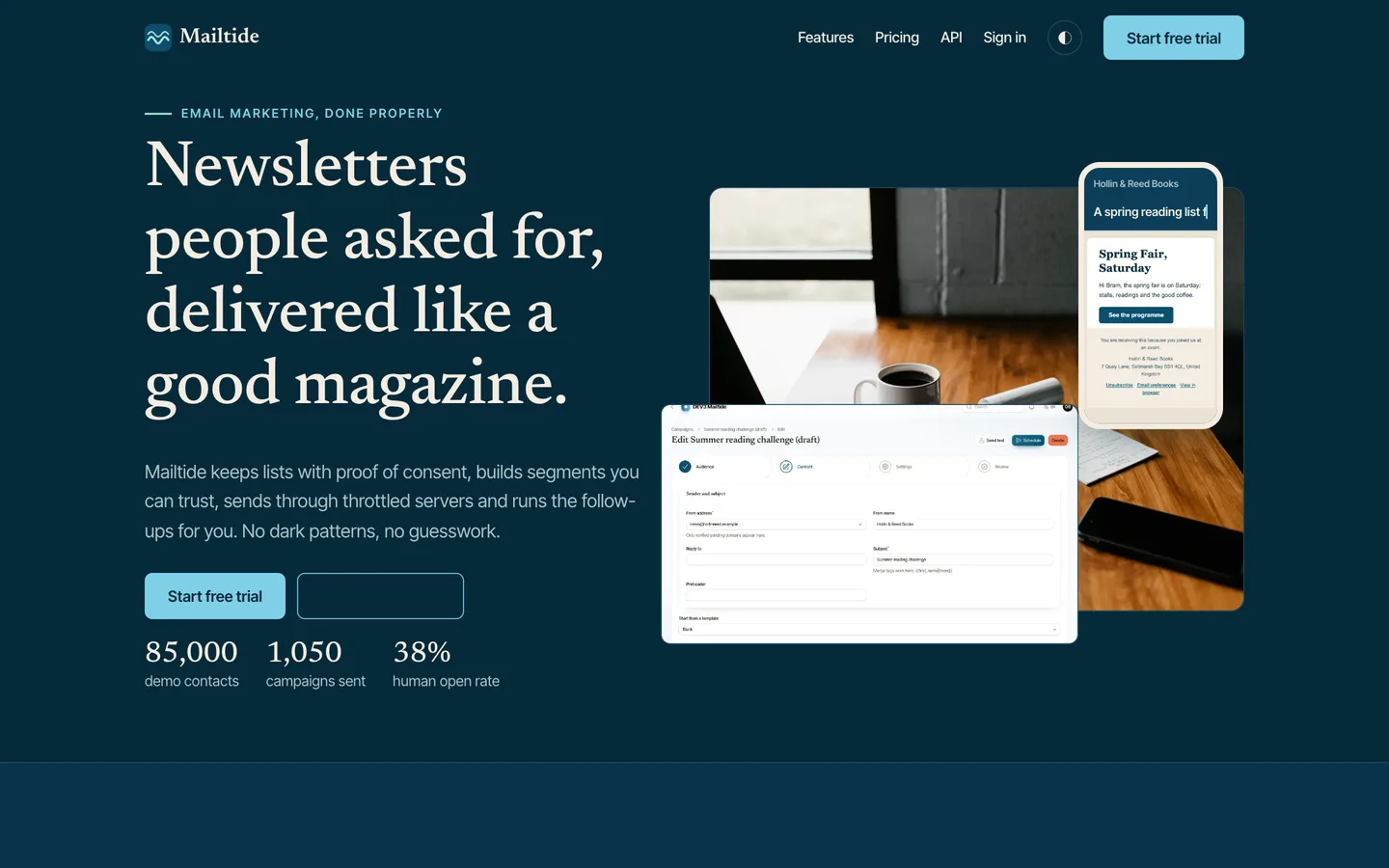
 Dark mode — The same page on deep ocean blue with sand text; the toggle in the header remembers the choice.
Email marketing software: 7 things to check before you pick one
Last updated

Sending email is easy; sending it so that people asked for it, nothing goes out twice and your figures mean something is the hard part. Here are seven things to check before you pick software, with DEV3 Mailtide as the worked example.
1. Is consent a record or a checkbox?
You should be able to open a contact and see where it came from, when, from which address and what text was shown. Mailtide stores that per membership, requires a stated basis for every import and never lets an import revive someone who unsubscribed.
2. Does unsubscribe survive link scanners?
Mail scanners open every link. An unsubscribe that works on GET removes people who never asked. Mailtide shows a page on GET and unsubscribes on POST, with the one-click header for mail clients.
3. Are opens and clicks honest?
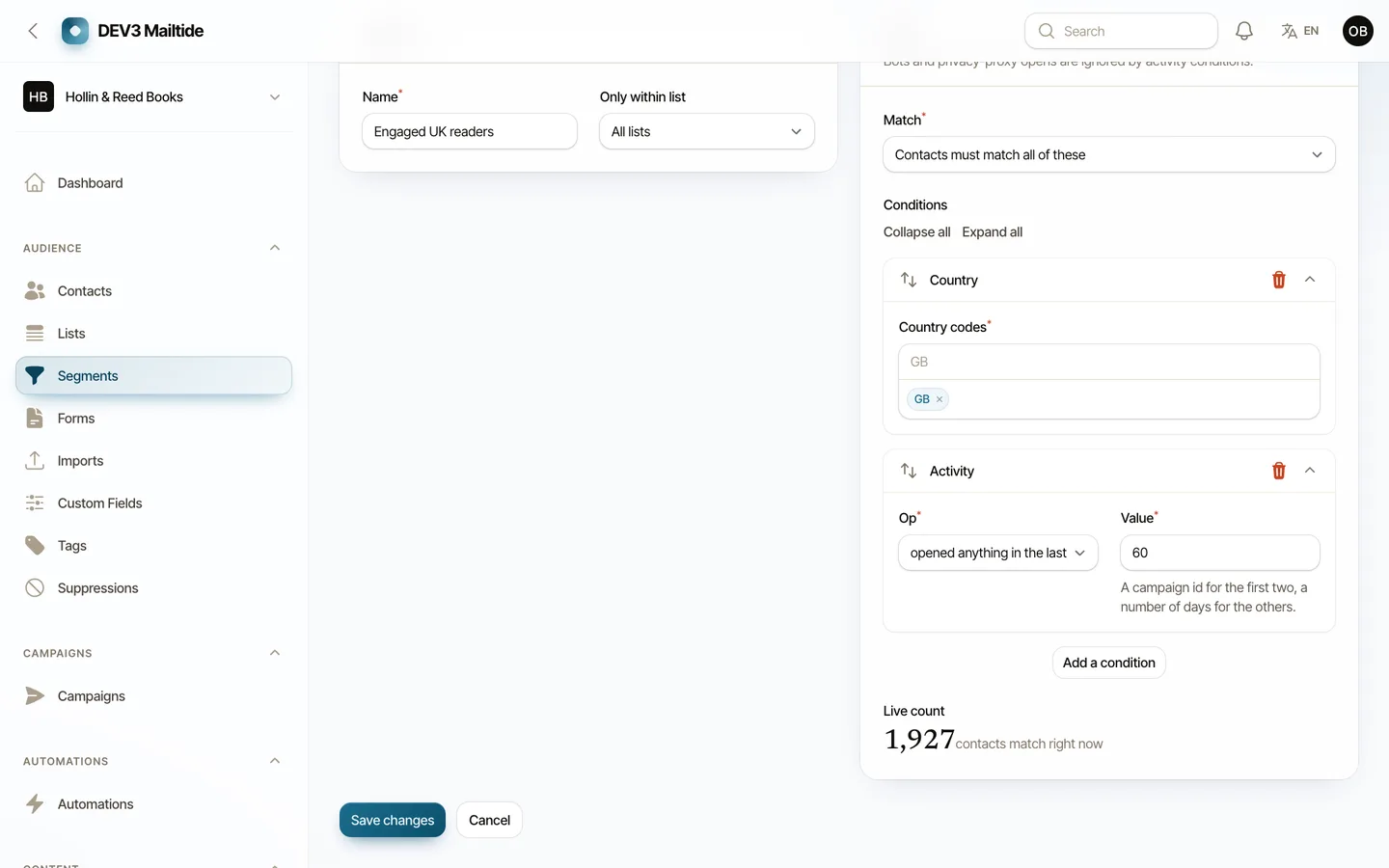
Count scanner clicks and privacy-proxy opens and your rates are fiction. Mailtide flags them and keeps them out of reports and segments.
4. What happens at the send limit?
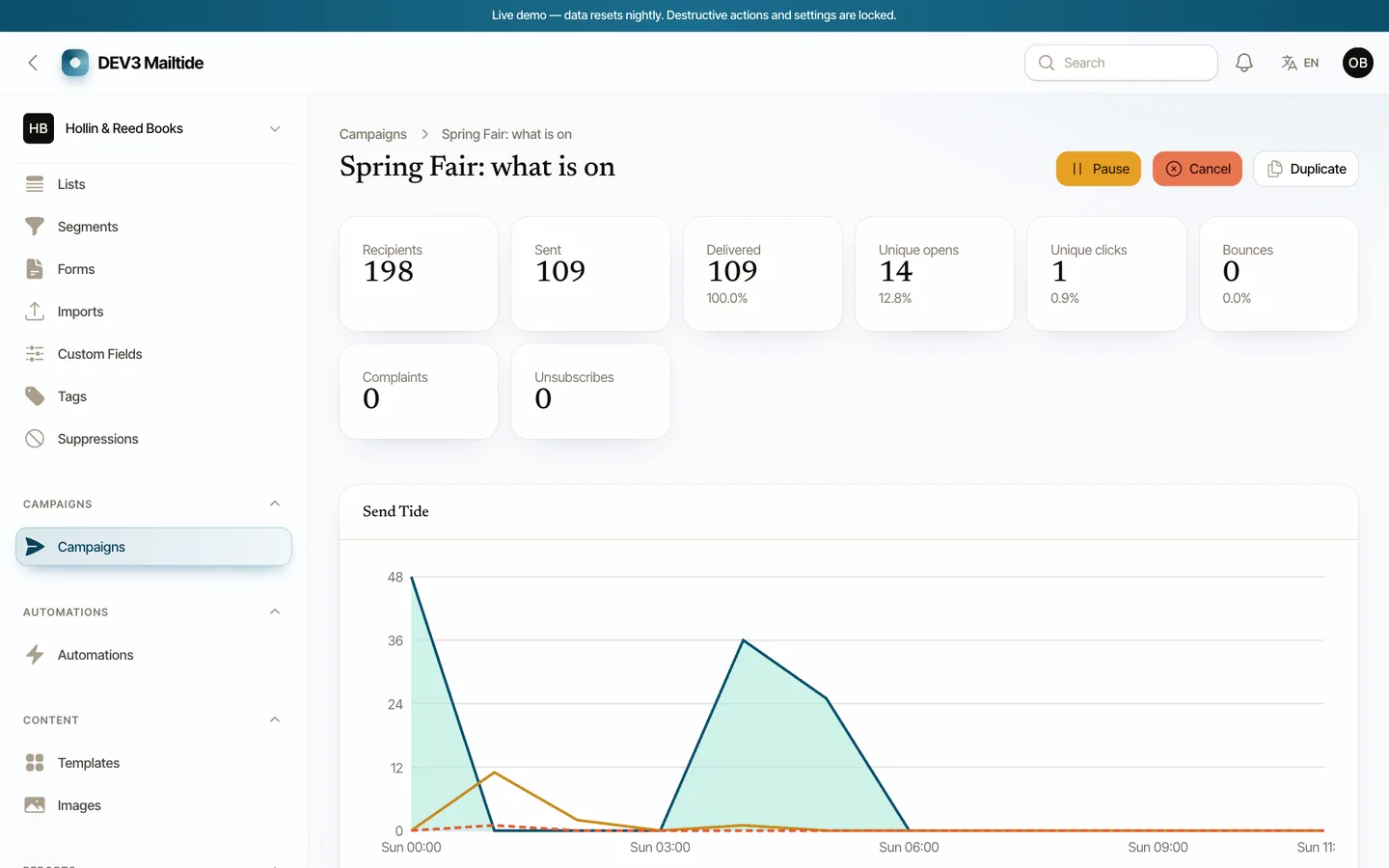
Servers have hourly, daily and warm-up limits. Mailtide parks the rest for the next hour and says so on the report instead of failing.
5. Is suppression checked at the last moment?
A contact who unsubscribes while a campaign is sending must not receive the next batch. Mailtide re-reads suppression and membership under a row lock at send time.
6. Does the quota hold under two campaigns?
Two campaigns racing for the last emails of the month must not both start. Mailtide reserves quota under a lock when a campaign is prepared.
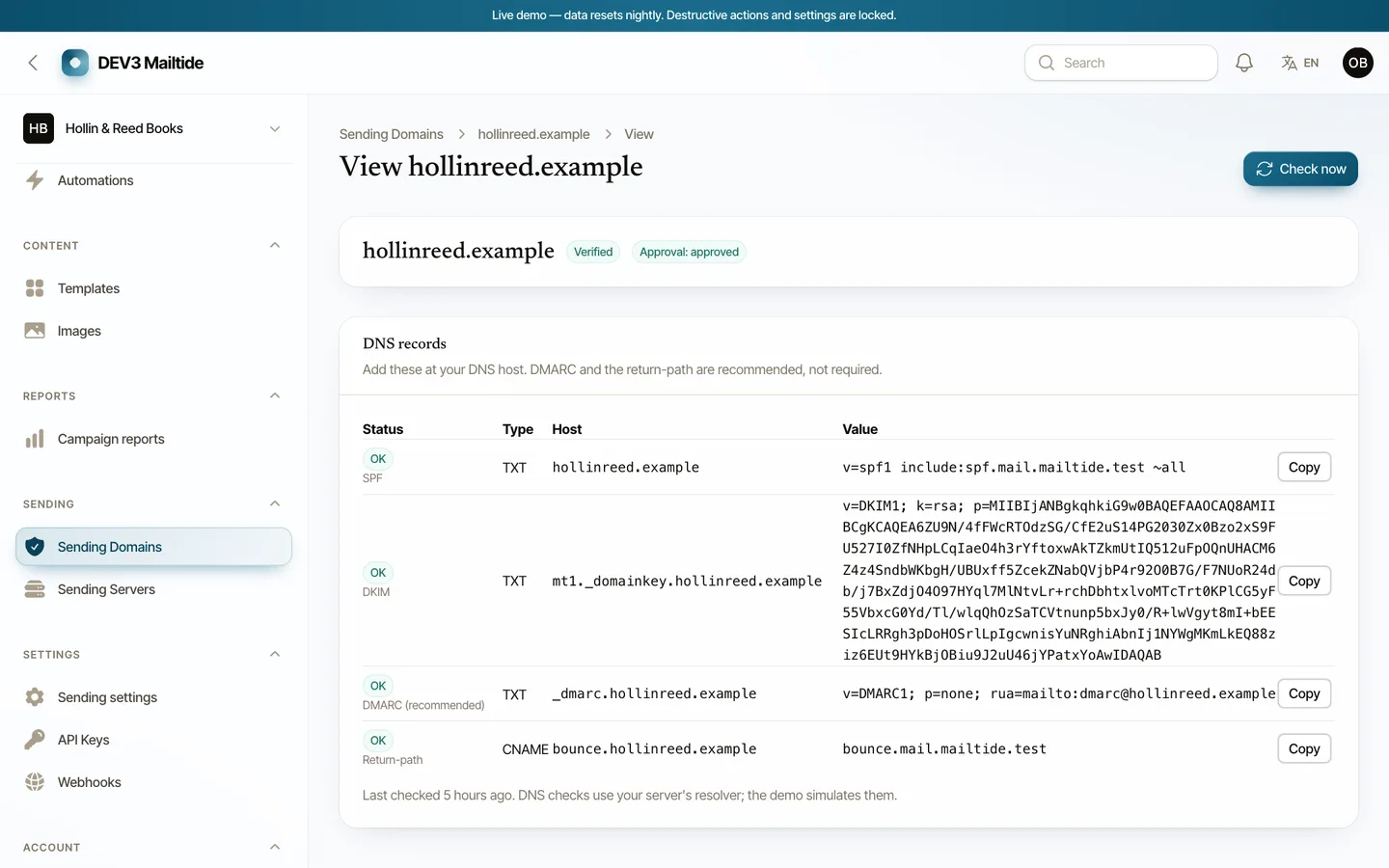
7. Can you verify your domain?
SPF, DKIM and DMARC with a daily re-check. If DKIM disappears, the campaigns on that domain pause.
Limits to know
The demo sends through a simulated server; you add your own provider. There is no inbox-placement test, and SMTP cannot be made idempotent after a crash. The buyer guide lists these plainly.