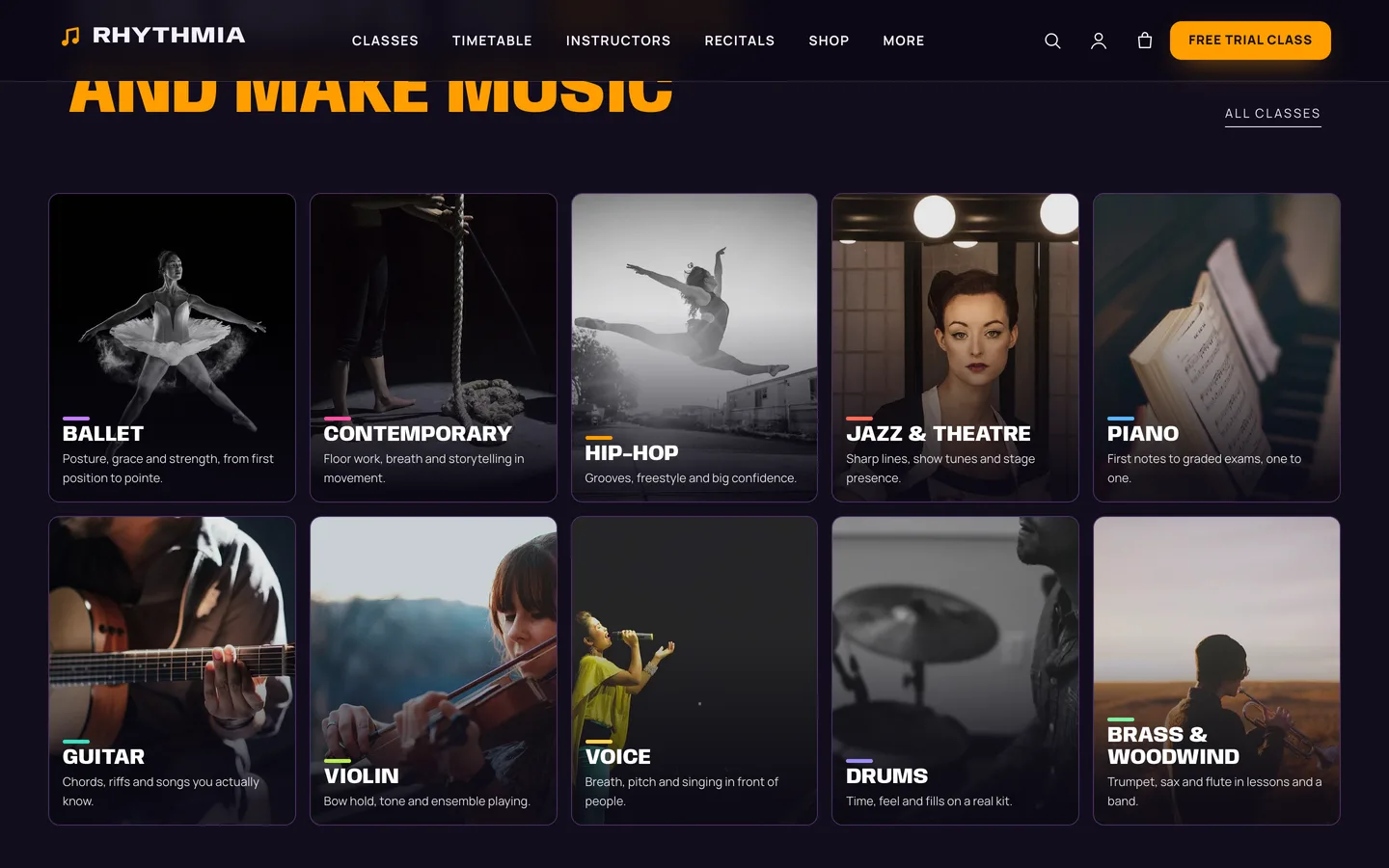
 Ten styles — ballet, contemporary, hip-hop, jazz, piano, guitar, violin, voice, drums and brass as photo tiles with a colour each.
A dance and music school WordPress theme with a timetable: DEV3 Rhythmia
Last updated
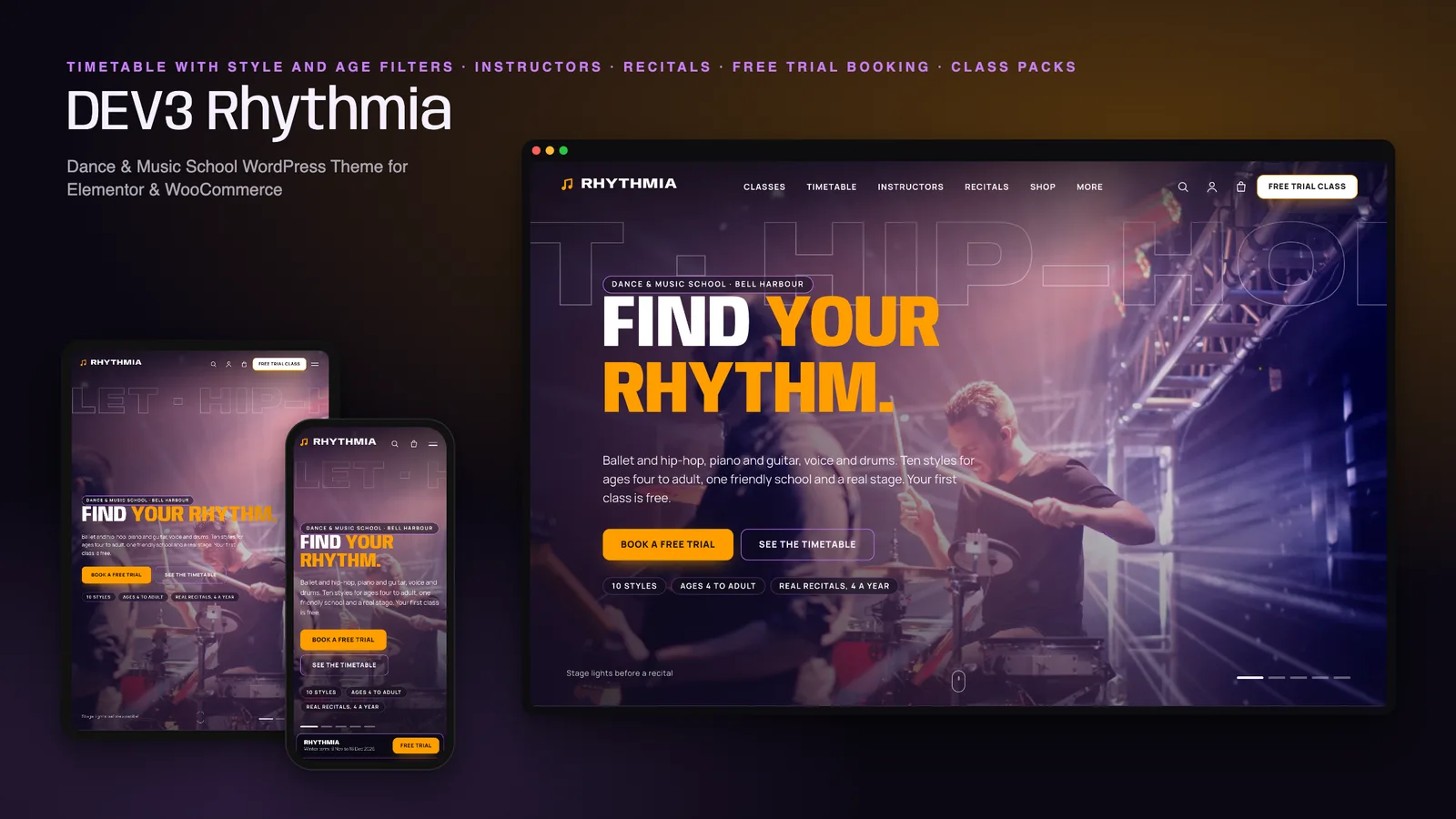
Most dance and music school websites are a list of classes and a PDF timetable. Parents want something else: to see at a glance which class fits their child's age and style, and to book a free trial without typing the same details twice. DEV3 Rhythmia is our dance and music school WordPress theme built around those two things. This post covers who it suits, how the timetable works and how to set it up.
Who Rhythmia is for
- Dance studios and ballet schools with several styles and age groups to show at once.
- Music schools that teach piano, guitar, violin, voice and drums in small groups and one-to-one slots.
- Schools that teach both, where a parent wants one place to browse by age.
If you only need a one-page contact site, a simpler business theme will do. Rhythmia suits a school with a timetable worth filtering.
A timetable that filters by style and age
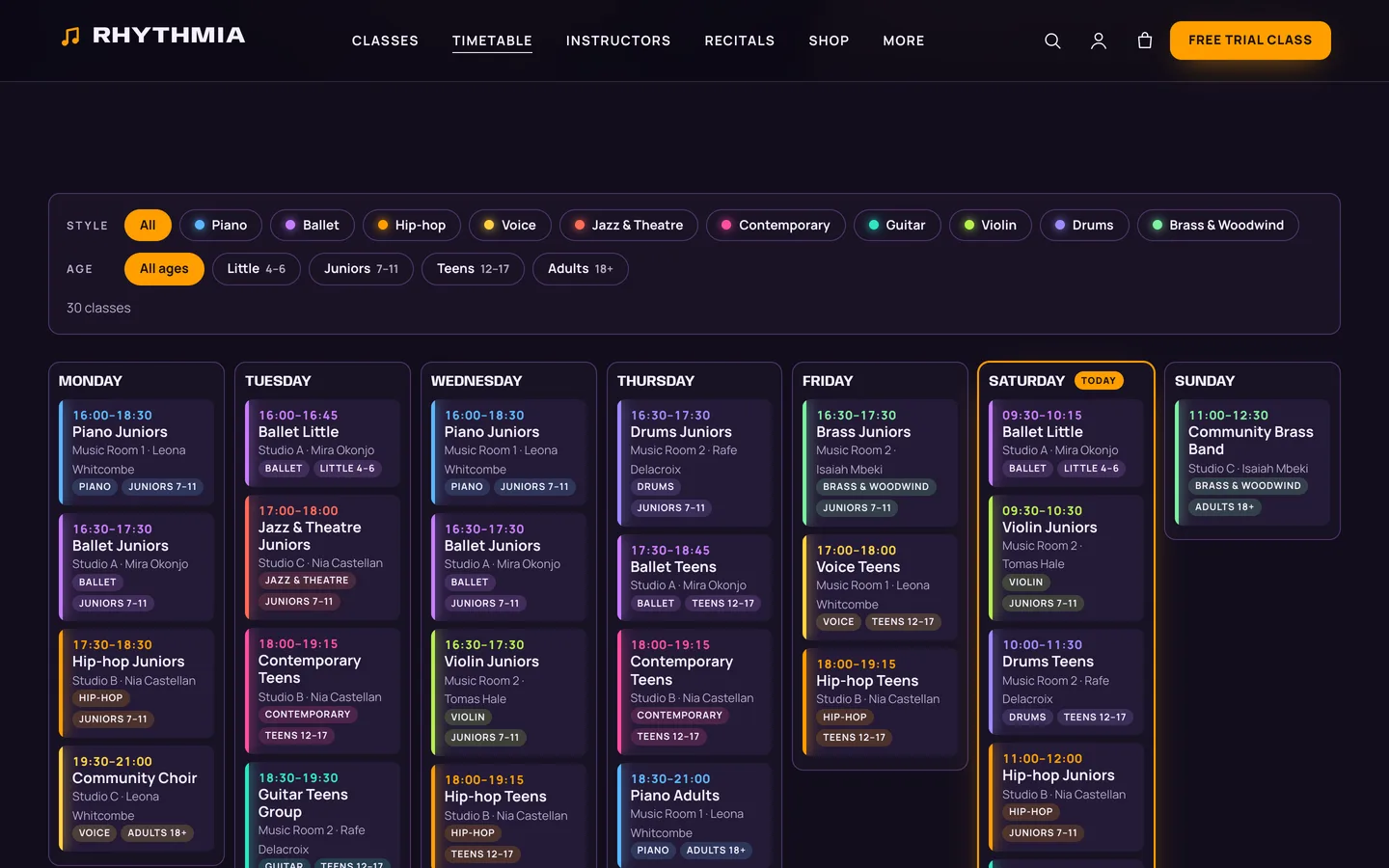
Every class stores its style, its age group and one line per weekly slot, such as Tue, Thu 17:00-18:00 | Studio A. The theme turns those lines into a week in day columns, with a colour for each style and today highlighted.
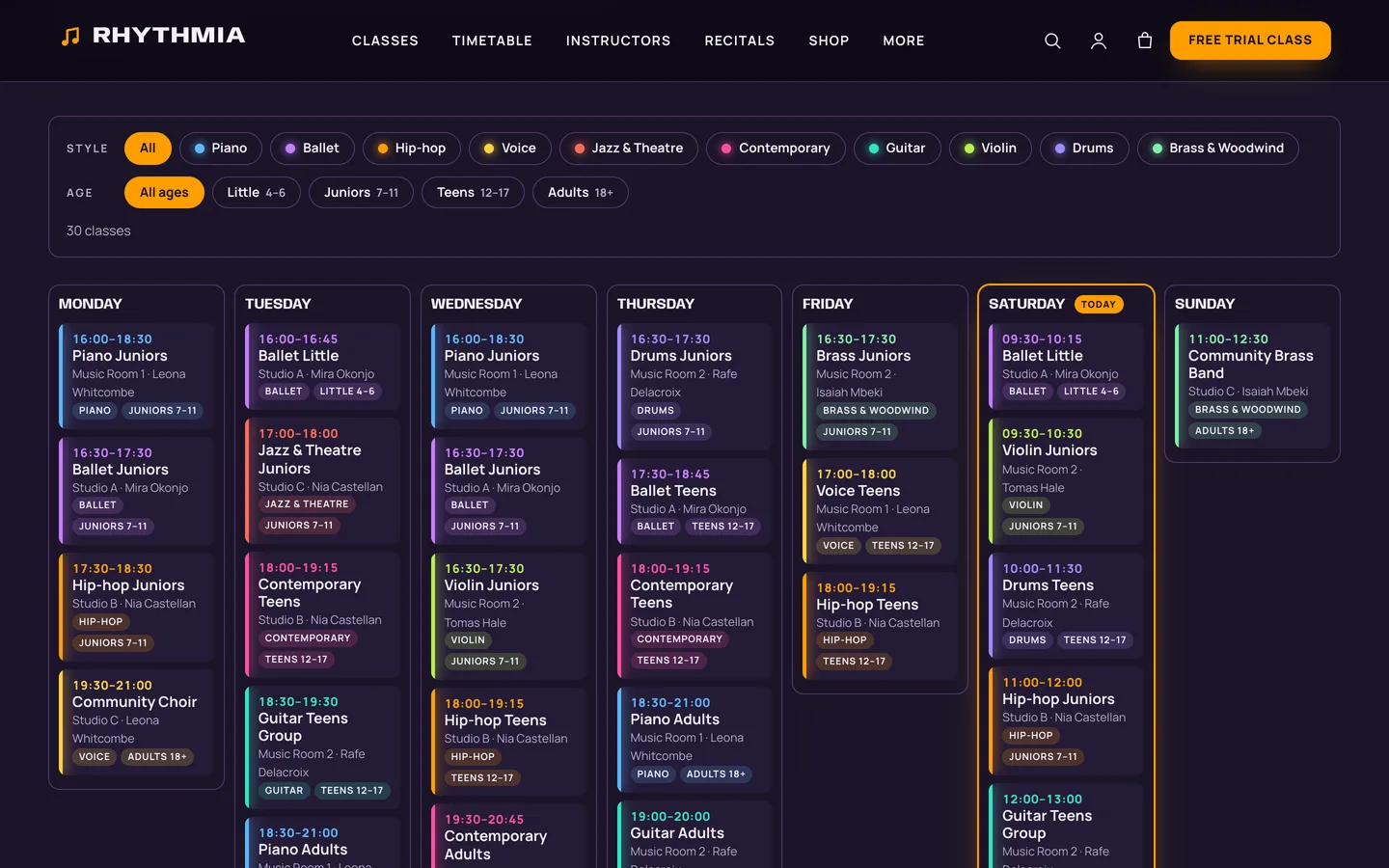
Chips for style and for age group (Little, Juniors, Teens, Adults) narrow the week and the class cards, announce how many classes match and work with a keyboard and a screen reader. It is rendered on the server, so every class is visible even without JavaScript, and the filter bar appears when the script runs.
Trial classes, instructors and recitals
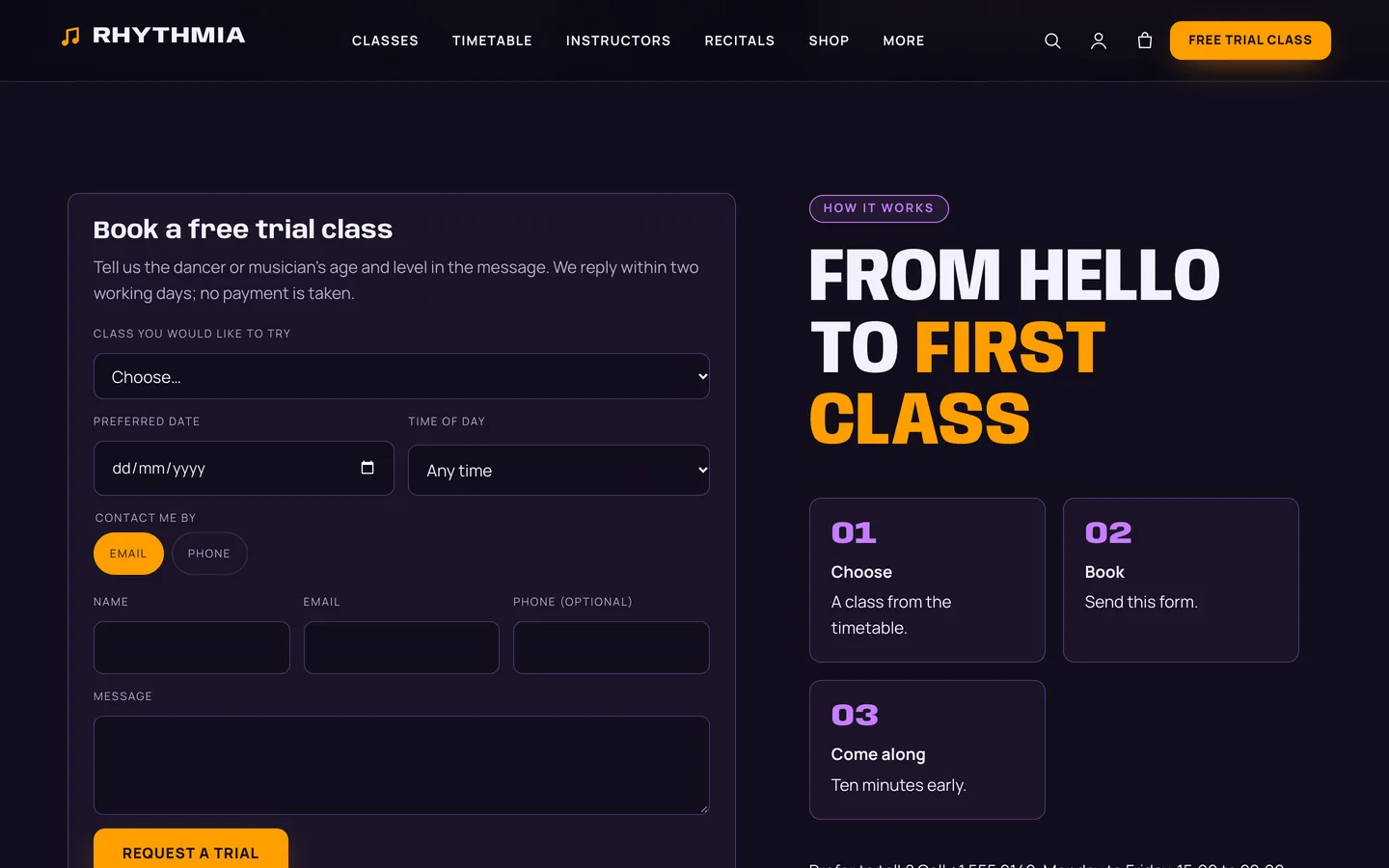
The free-trial form lists your classes, asks for a preferred date and time of day and saves the request privately, with a nonce, a honeypot and a rate limit.
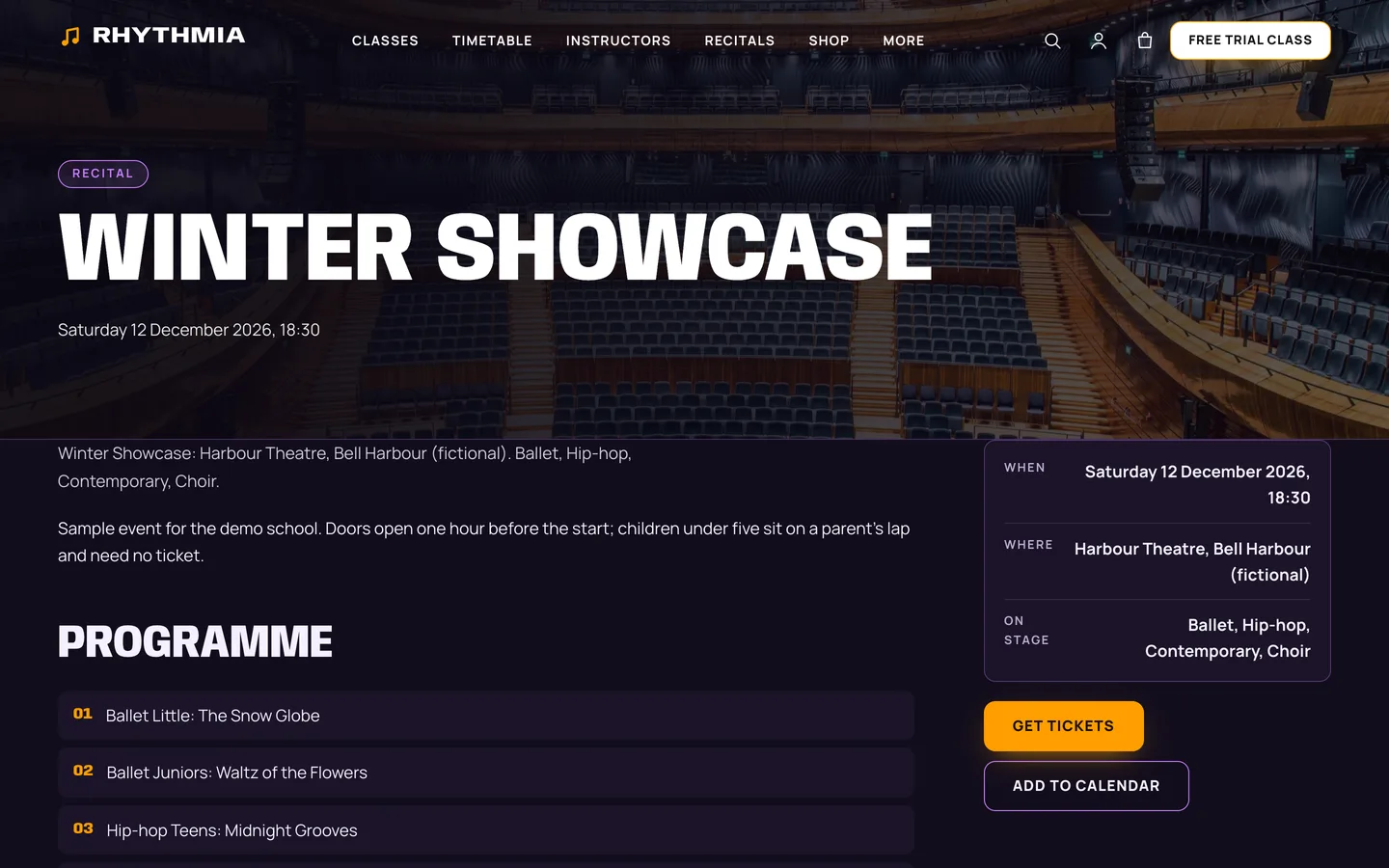
Instructor profiles show a portrait, what each person teaches and where they trained, followed by the classes they lead. Recitals list the programme, a countdown, ticket buttons and an add-to-calendar file.
Classes, packs and tickets
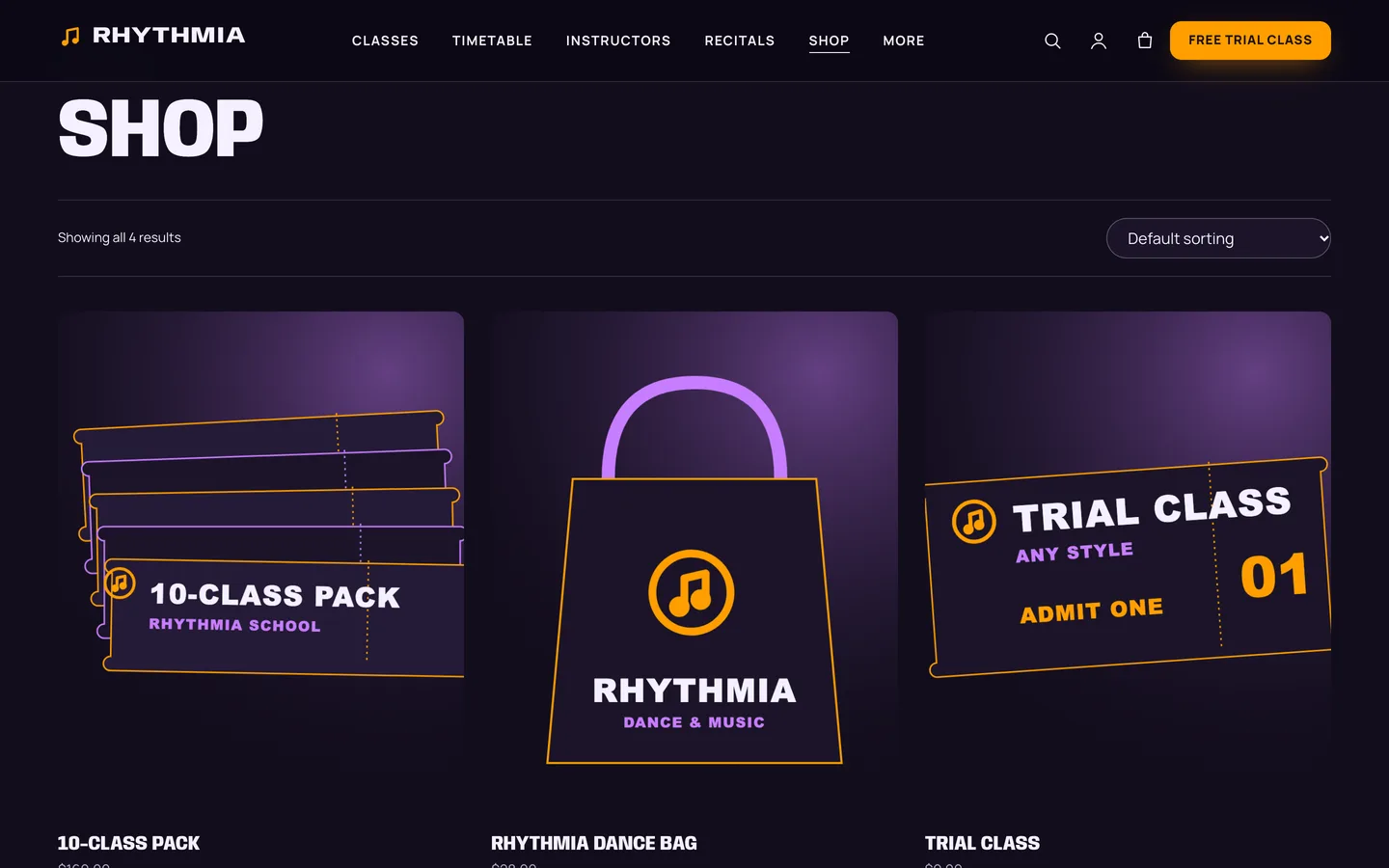
A small WooCommerce shop sells a trial class, class packs, recital tickets with adult and child options and a dance bag. The cart opens as a drawer and the checkout follows the dark stage look.
Set it up
- Install the theme and the DEV3 Theme Toolkit, then import the demo from Appearance → DEV3 Demo.
- Add your styles under Classes → Styles, then your classes with an age group and weekly slots.
- Add instructors and recitals, and set the school name, term and trial link in Appearance → Customize → Rhythmia: school details.
- Replace the demo photos and prices with your own.
Rhythmia works on its own. Contact Form 7 (optional) powers the contact form in the demo. All names, venues and prices in the demo are fictional samples.