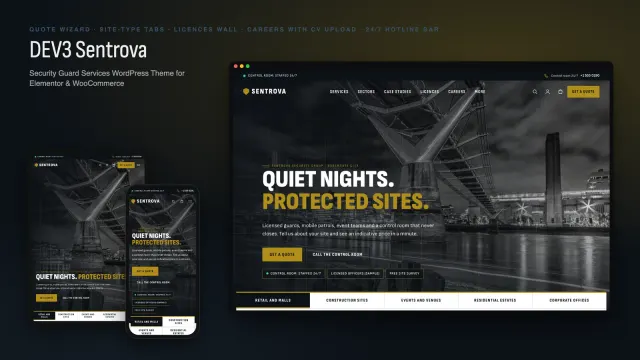
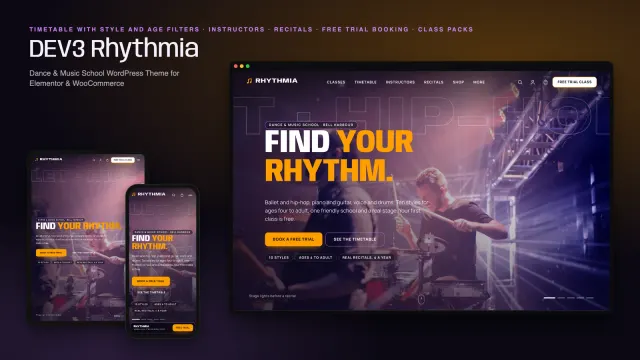
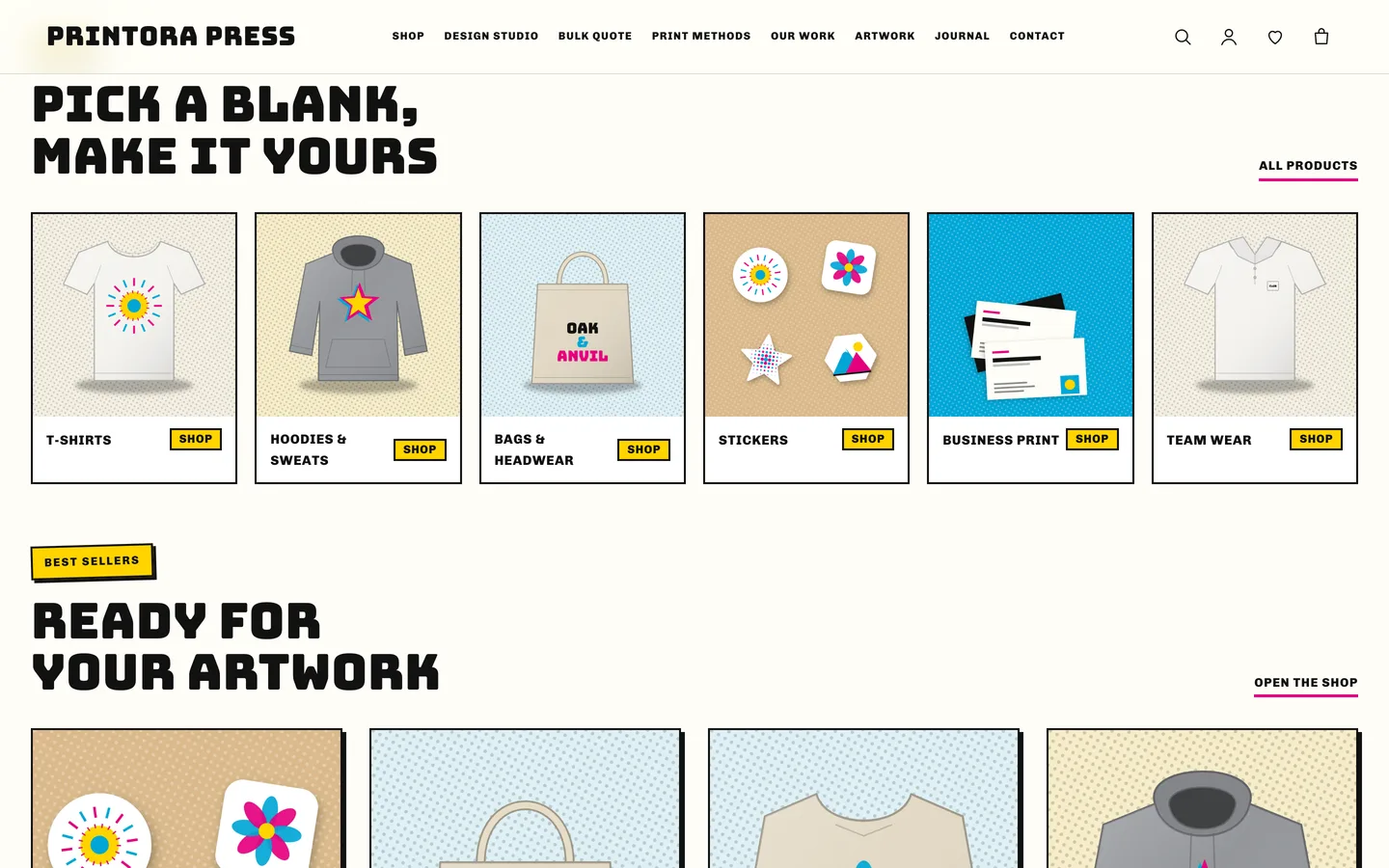
 Shop by product — six square cards for tees, hoodies, bags, stickers, business print and team wear.
A print shop WordPress theme with a 2D designer and bulk pricing: Printora
Last updated
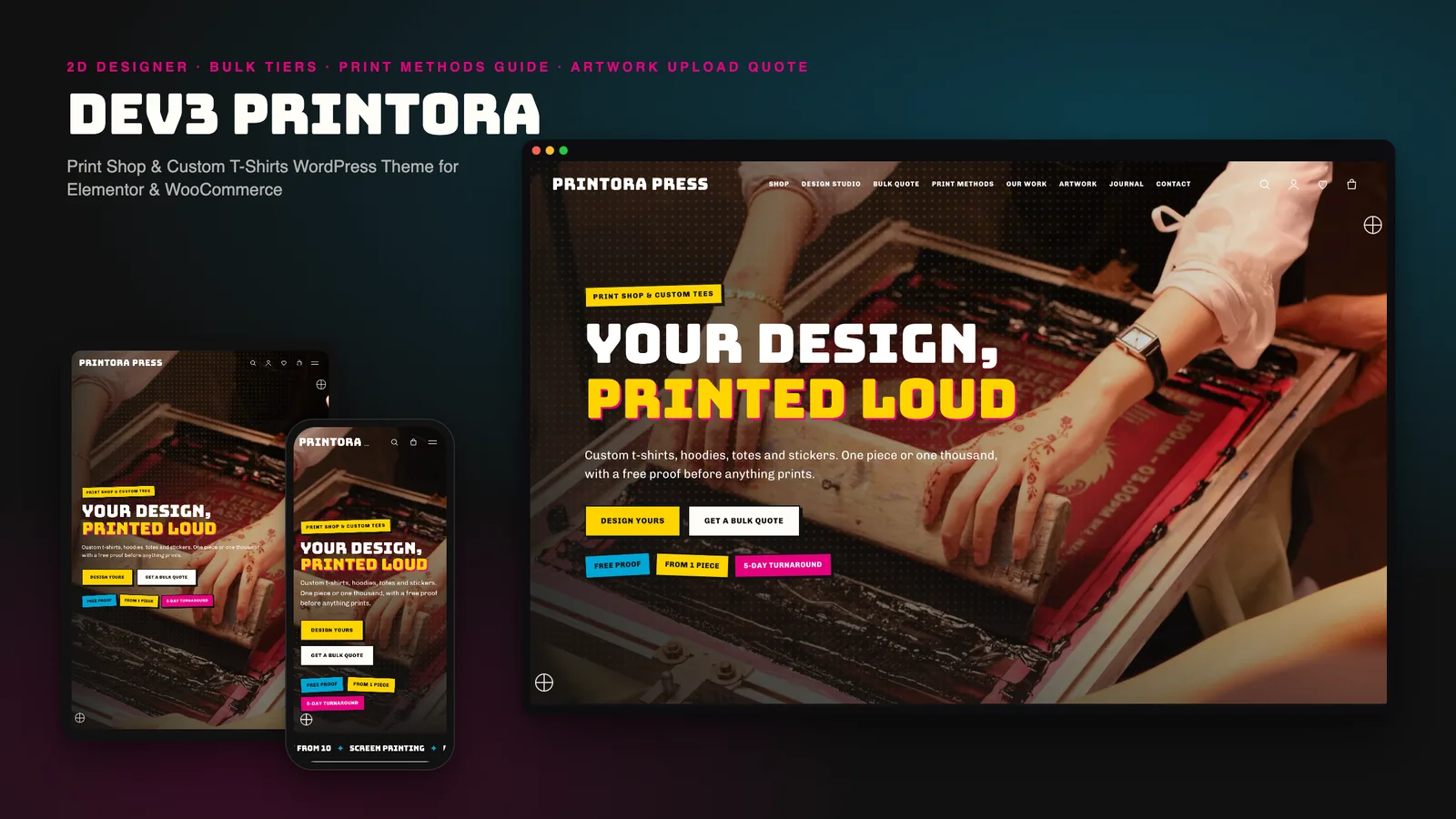
A custom t-shirt shop has two jobs a normal store does not: let people try a design before they pay, and take a bulk order without a dozen emails. Most WordPress themes treat both as an afterthought. DEV3 Printora is our WordPress theme for print shops, merch makers and custom apparel stores. It puts a live 2D designer on the product page, shows bulk prices where the price is, explains your print methods, and takes a quote request with artwork attached. This post covers who it suits, how to set it up and how the pieces fit together.
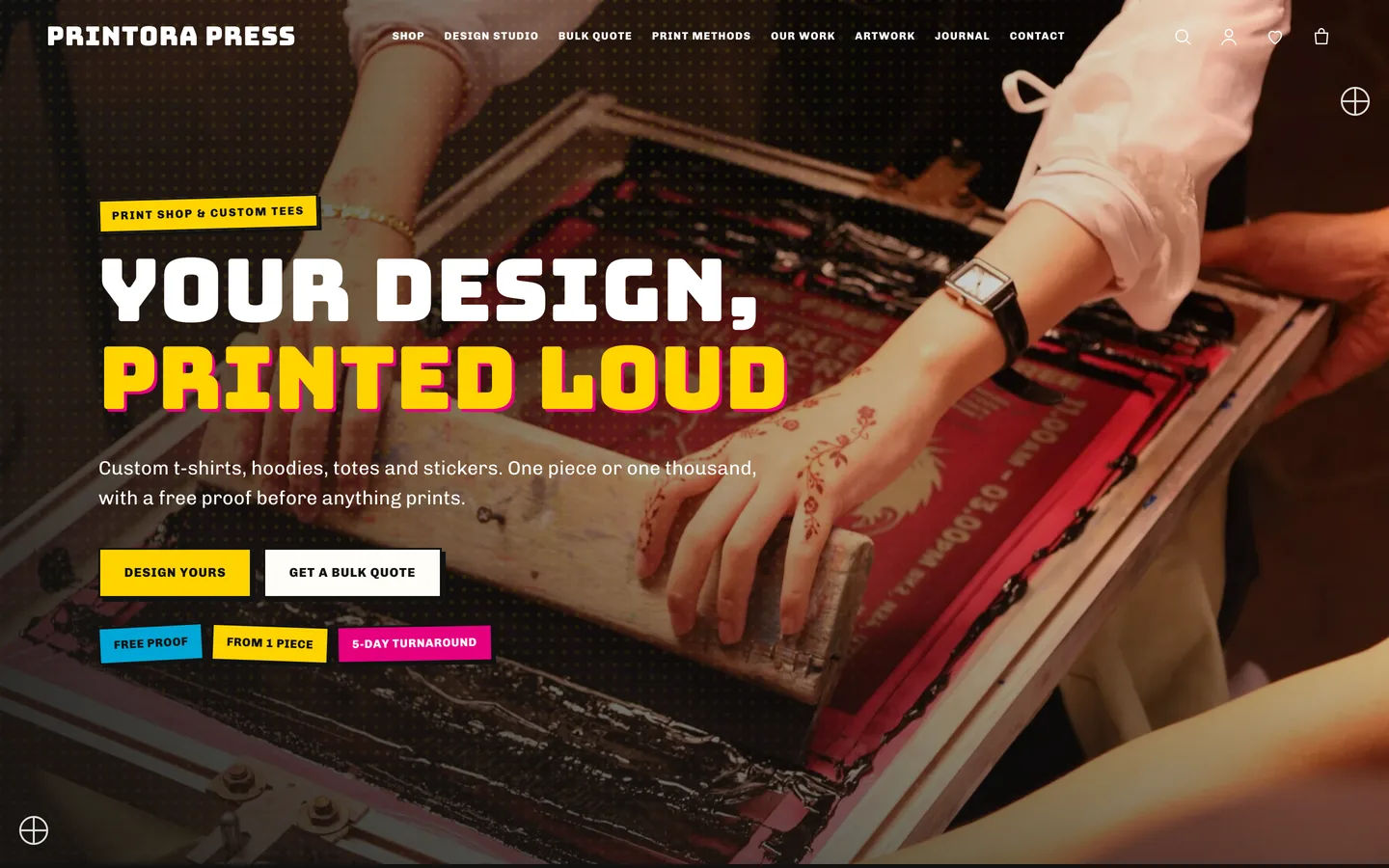
Who Printora is for
- Print shops that sell blanks with a print option and also take bulk and team orders.
- Merch and event printers with a few hero products and a lot of repeat customers.
- Embroidery, sticker and stationery printers who need a methods guide and a clean quote form.
Design on the product page
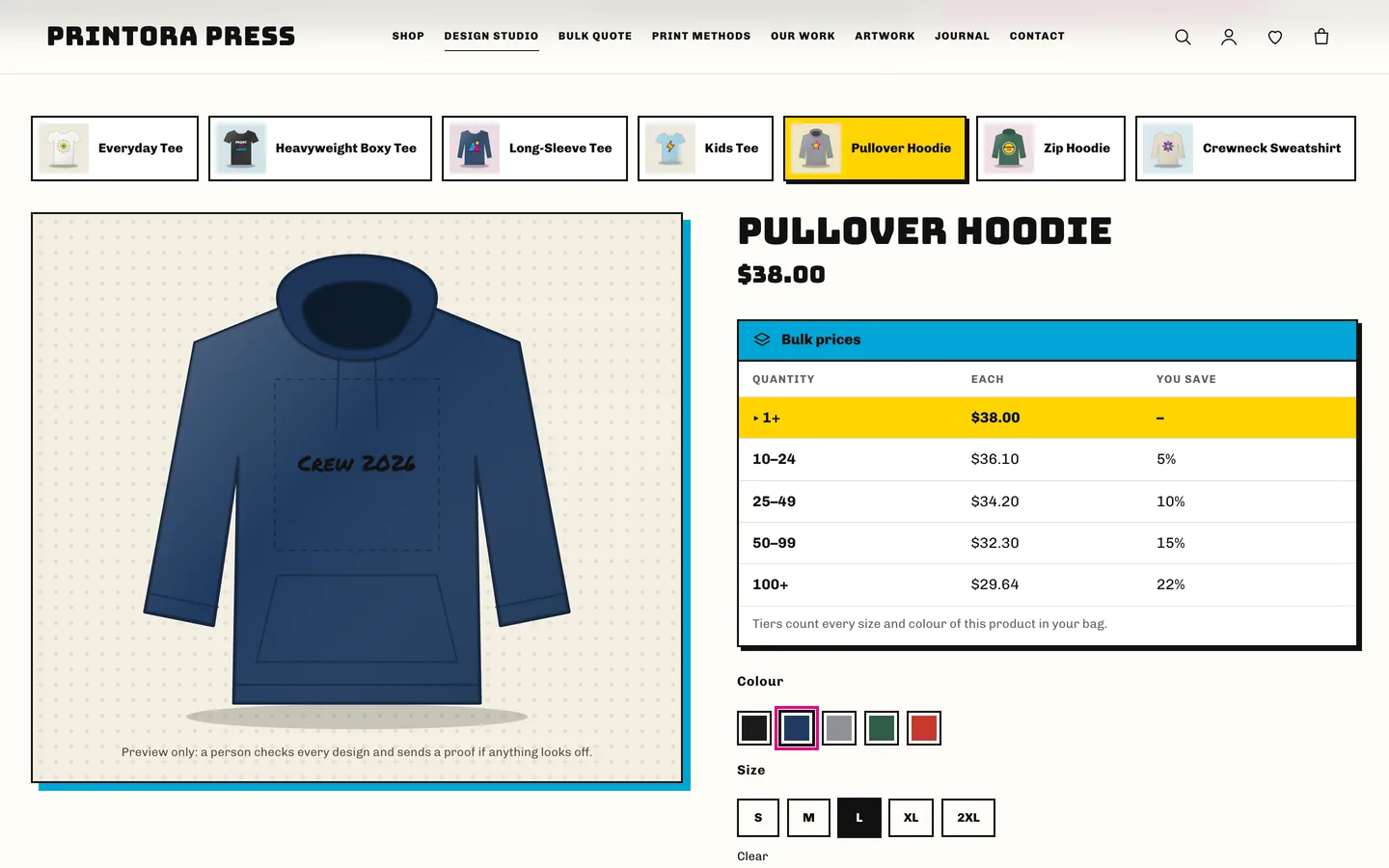
Tick Printora design panel on a variable product and the add-to-cart form gains a live preview. Shoppers choose the garment colour with the normal swatches, type a line of text, pick one of six fonts and six inks, move and size the print, and upload artwork for the front and the back.
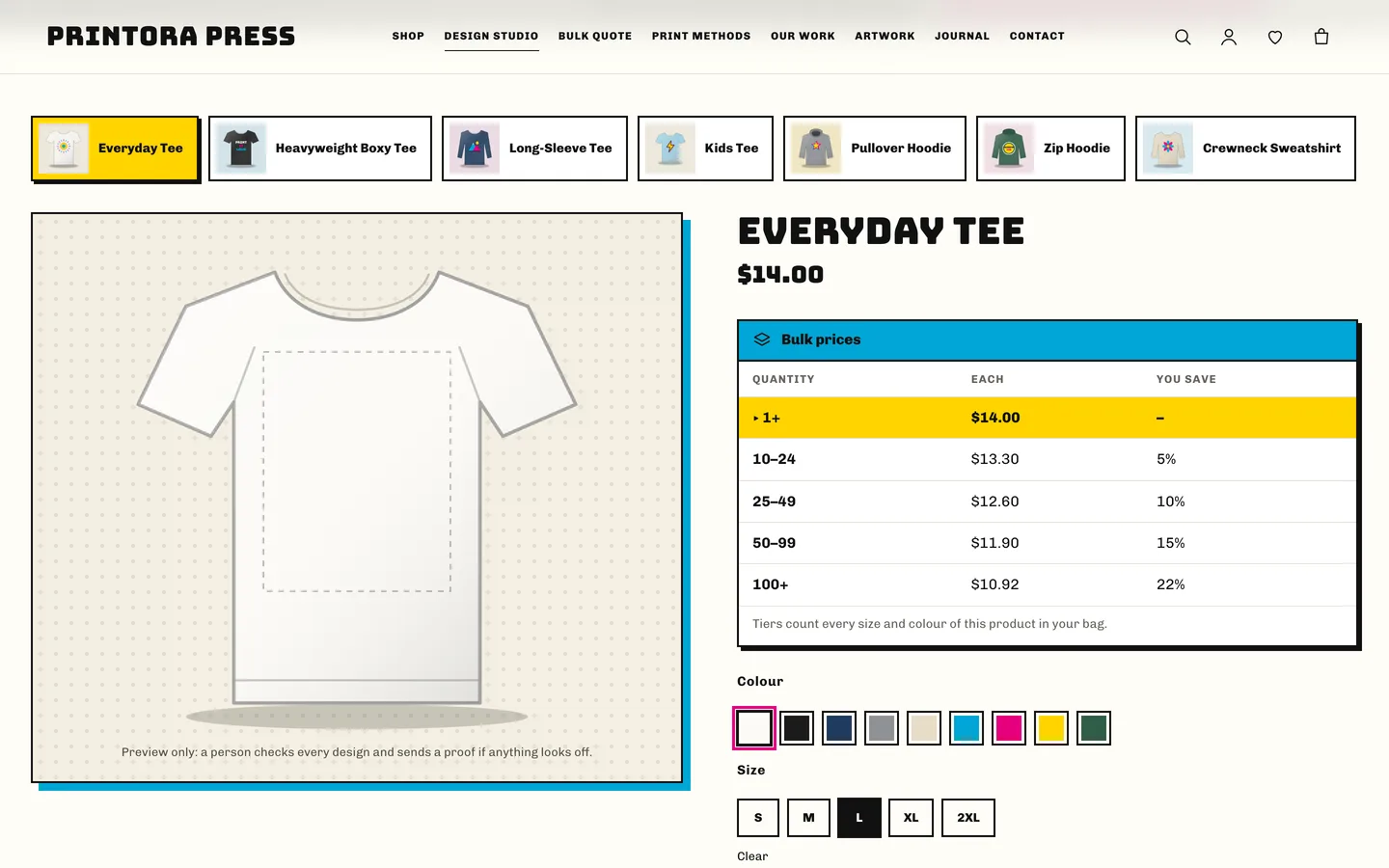
The preview is an inline SVG garment: no canvas and no WebGL. The server reads the design again when the item is added to the cart, cleans the text, checks every font and ink against an allow-list, and re-encodes the uploaded image without metadata before storing it in a private folder. Staff download the file from the order screen.
Bulk prices that show up
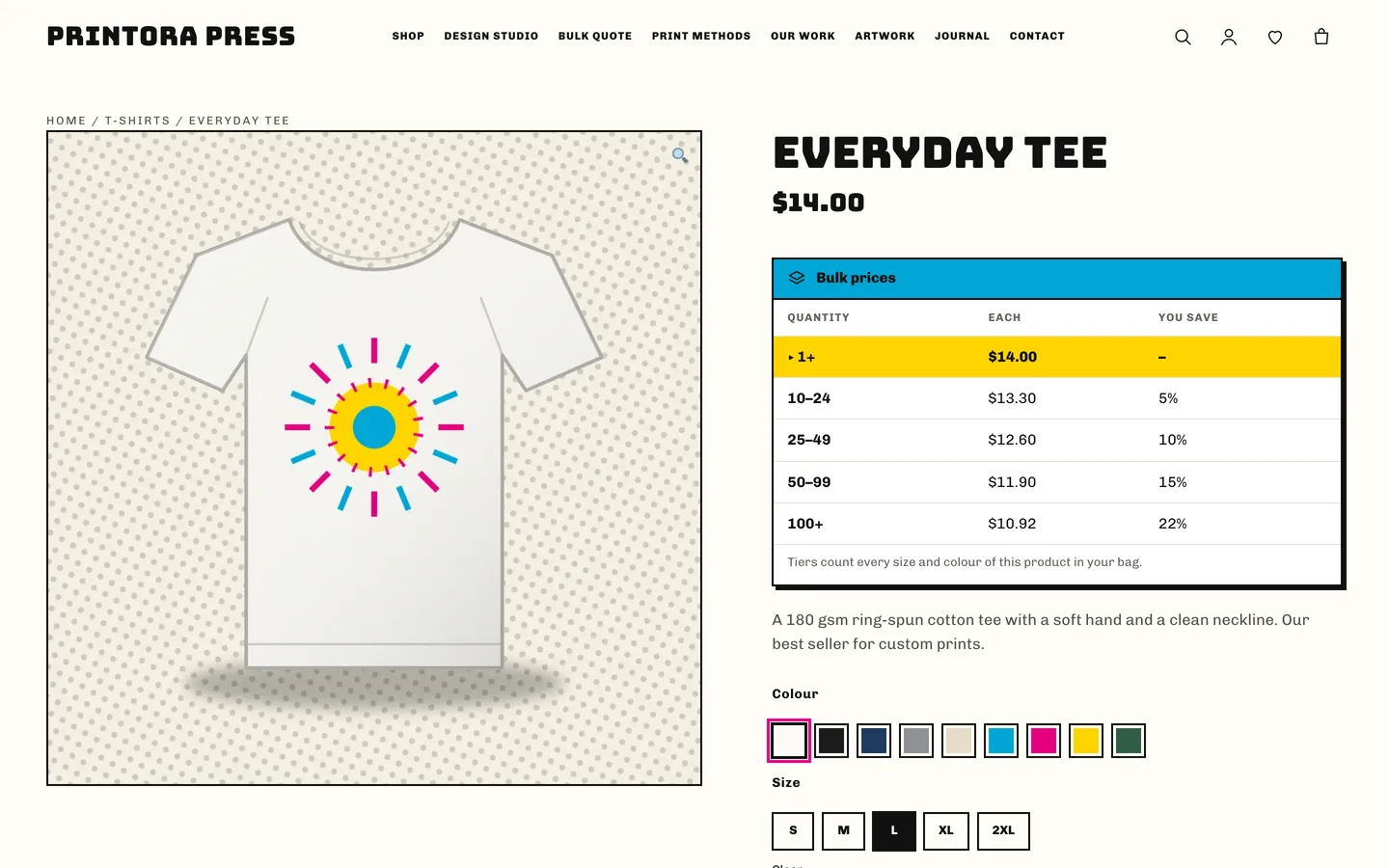
Each product can carry its own bulk tiers, or you can set default tiers once in the Customizer. A table sits under the price and highlights the row for the quantity typed; the cart applies the percentage across every size and colour of the same product.
A methods guide that sells
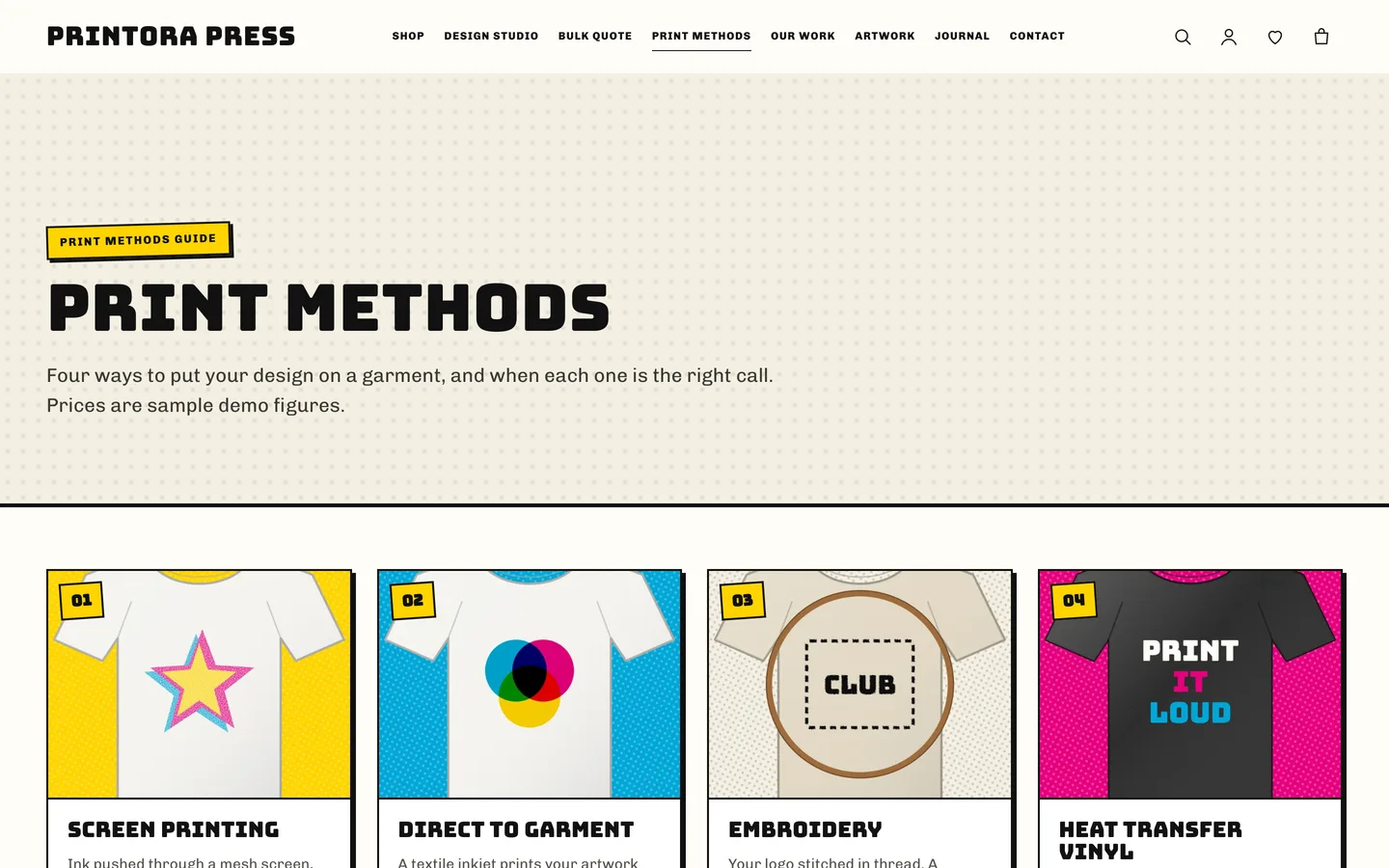
Screen printing, direct to garment, embroidery and heat transfer vinyl each get a card with ratings meters, a page with strengths, limits, steps and FAQs, and a comparison table. Every method page links to the quote form with the method preselected.
A quote form with artwork upload
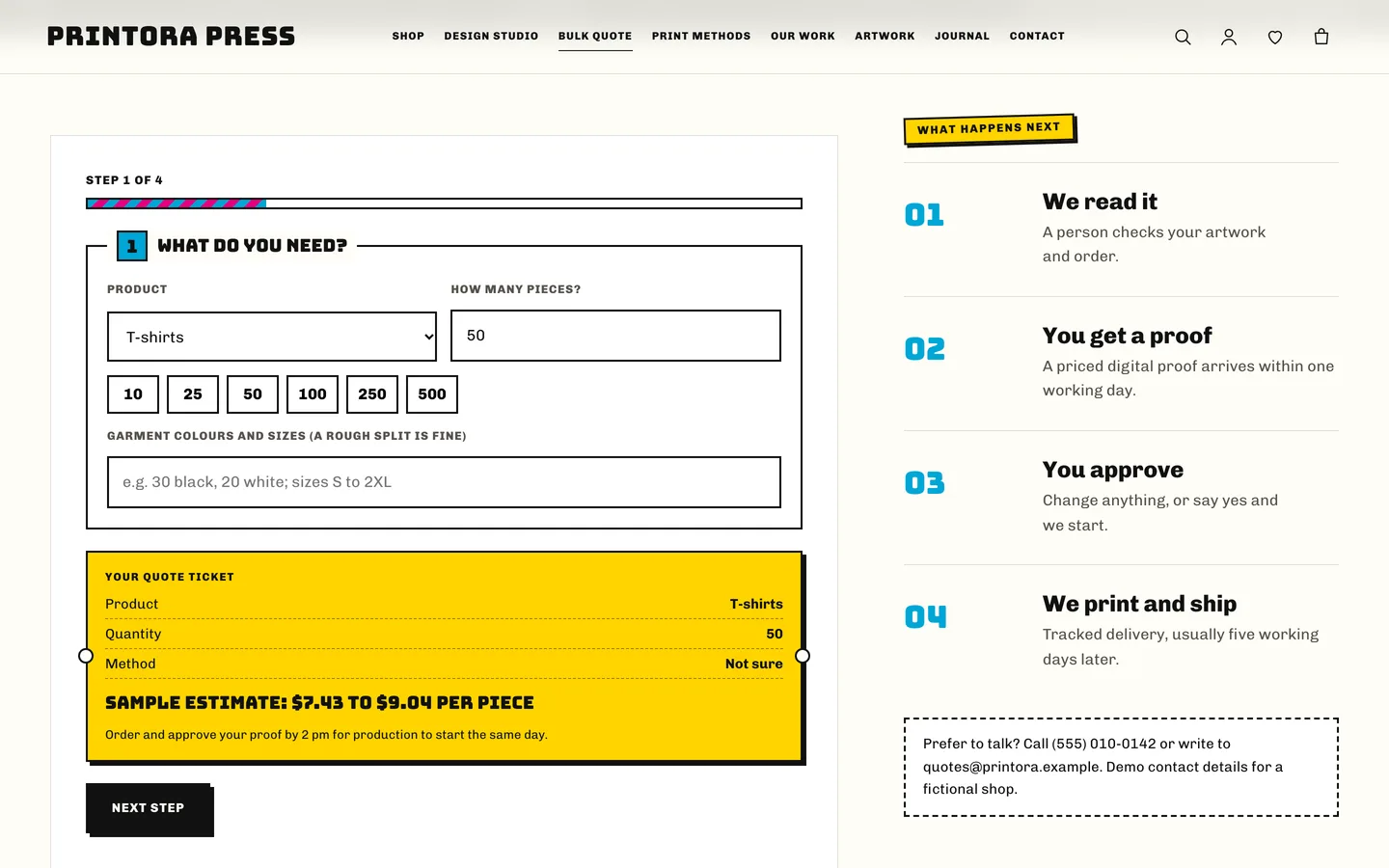
The bulk quote is a four-step form (what, how, artwork, deadline) with quick quantities and a sample estimate ticket. It works without JavaScript, checks a nonce and a honeypot, limits repeat submissions and stores uploads privately.
Set it up in an afternoon
- Install the theme and the DEV3 Theme Toolkit, then import the demo from Appearance → DEV3 Demo.
- Replace the sample products: make them variable, add a Colour attribute with swatches, and tick the design panel.
- Set your quote email, cut-off note and default tiers in Appearance → Customize → Printora: print shop details.
- Edit the home page in Elementor. The hero, grids, pricing and counters are widgets; the studio, quote form and teaser are slots you drop into an HTML widget.
Everything in the demo is fictional: the shop, the customers and the figures. Photos are free-licence stock, and the garment illustrations are original. If you want a fuller designer with clip art and templates, Printora also carries compatible styling for the optional DEV3 AI Product Designer for WooCommerce plugin; the theme looks complete without it.
Read how we built Printora for the design decisions behind the designer and the safe artwork upload.