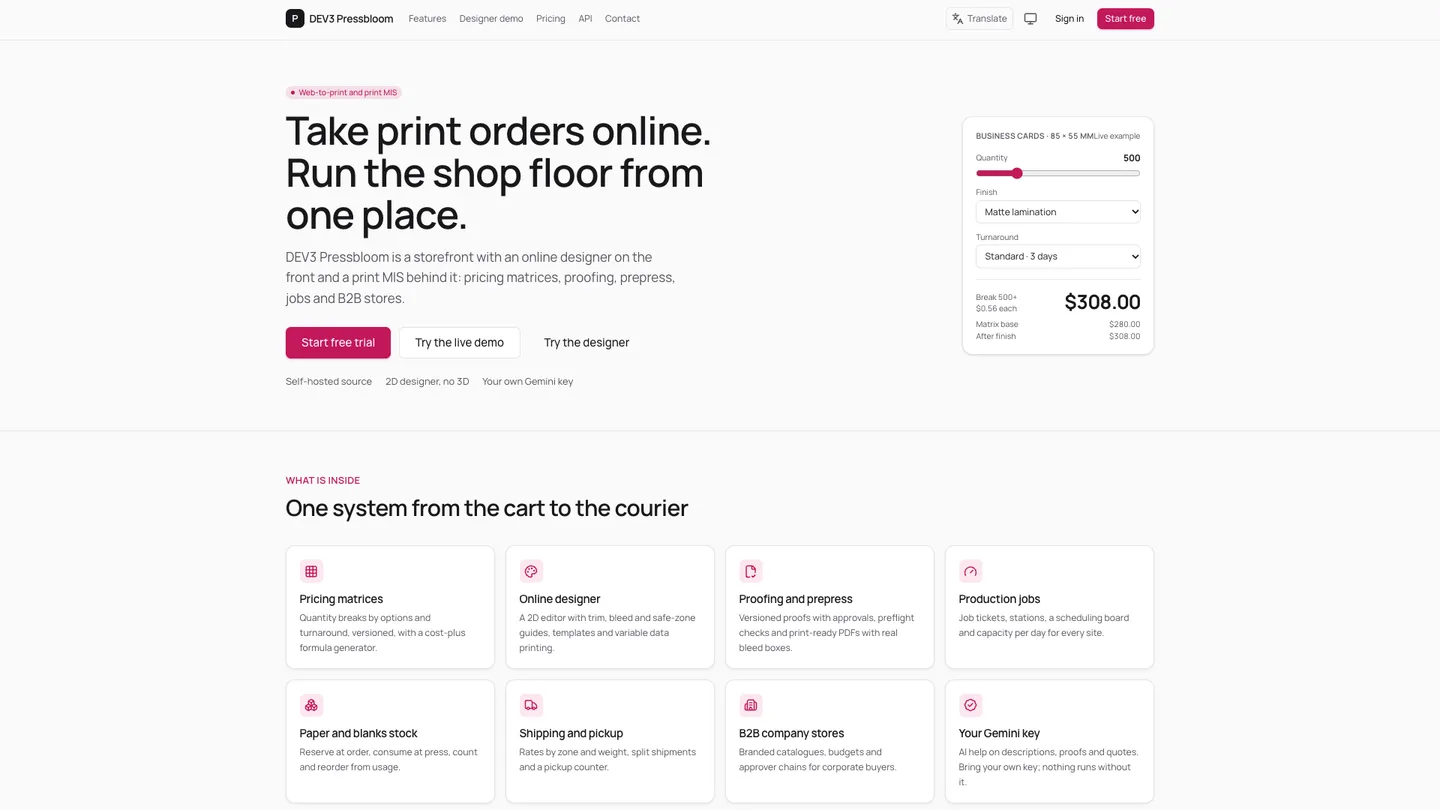
 Landing — Landing page with the live configurator widget and an instant print price.
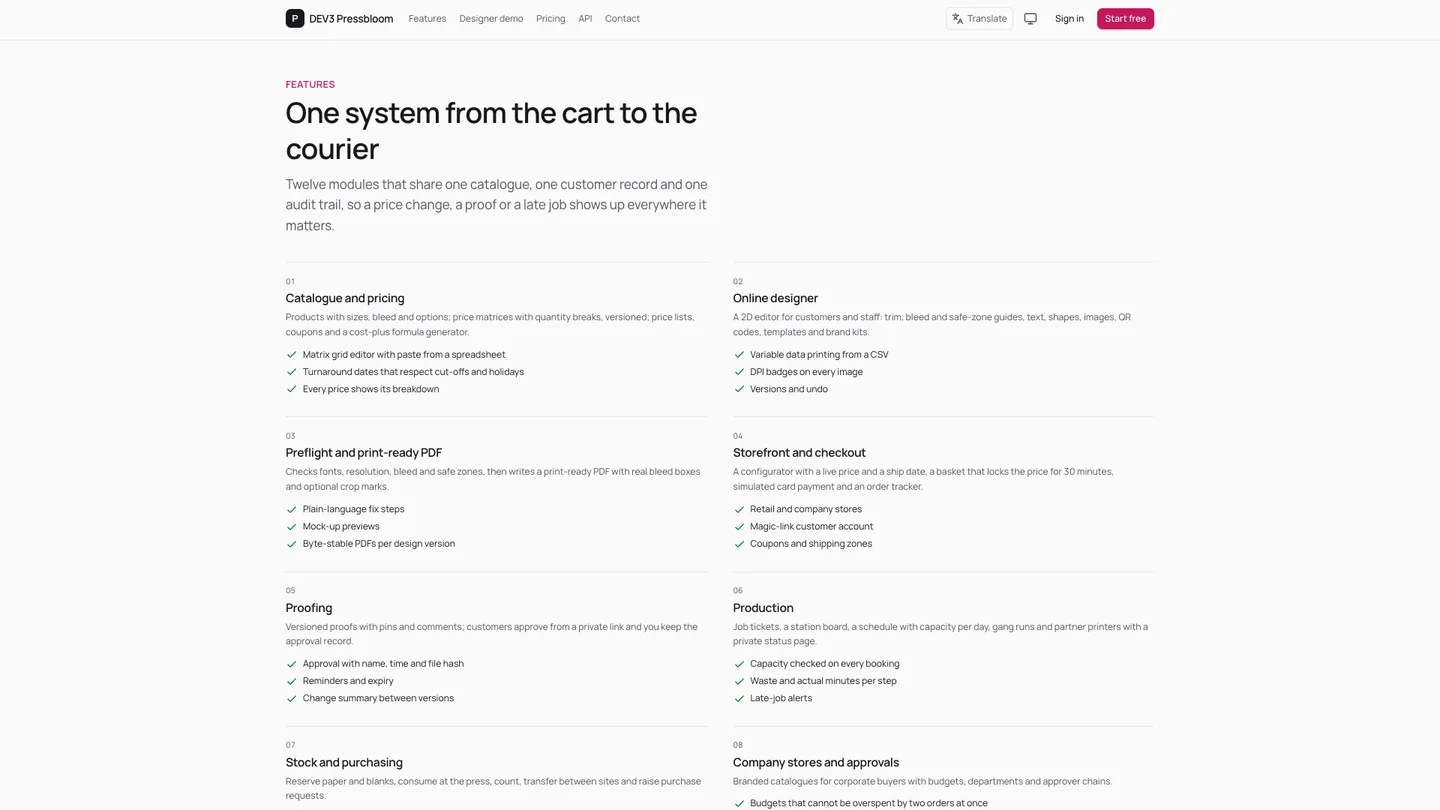 Features — Features: configurator, designer, prepress, proofing, production, B2B and reports.
Web-to-print software: 6 things to check before you pick one
Last updated
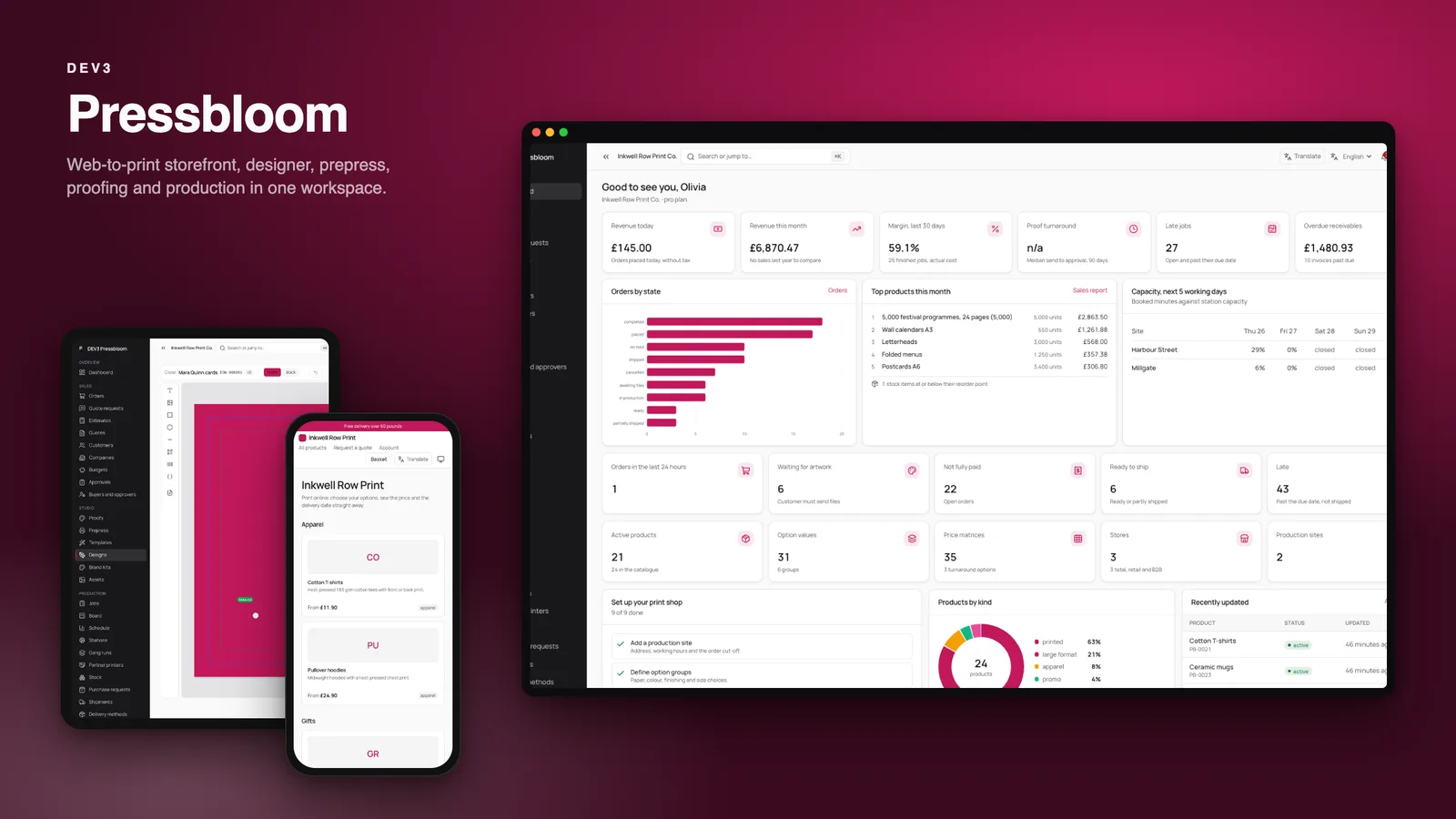
Web-to-print tools look alike in a feature list until you ask the awkward questions: what happens to a basket when prices change, how does a file with low-resolution art get caught, and who stops a job from running before the customer has approved the proof. Here are six things to check, with DEV3 Pressbloom as the worked example.
1. Can you price what you sell?
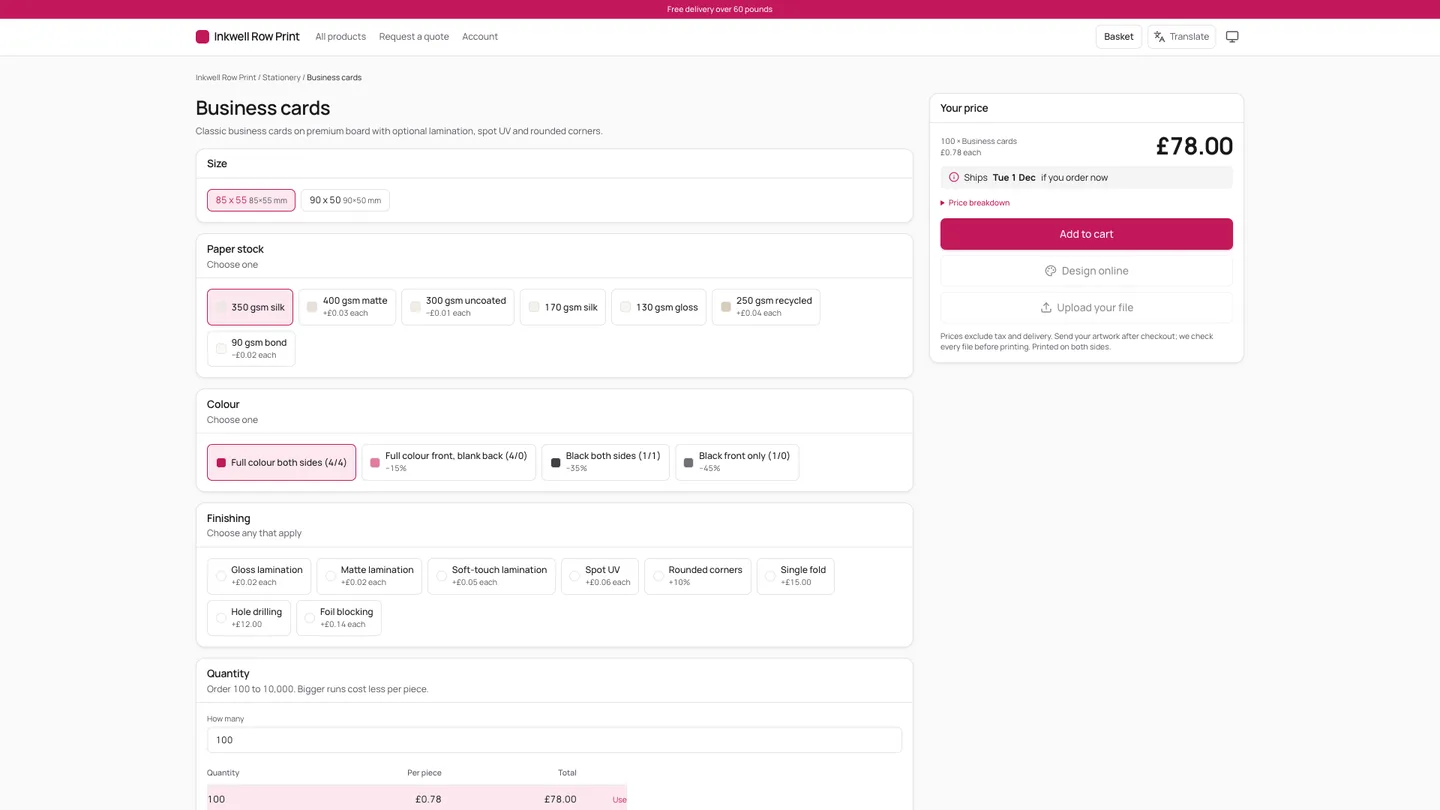
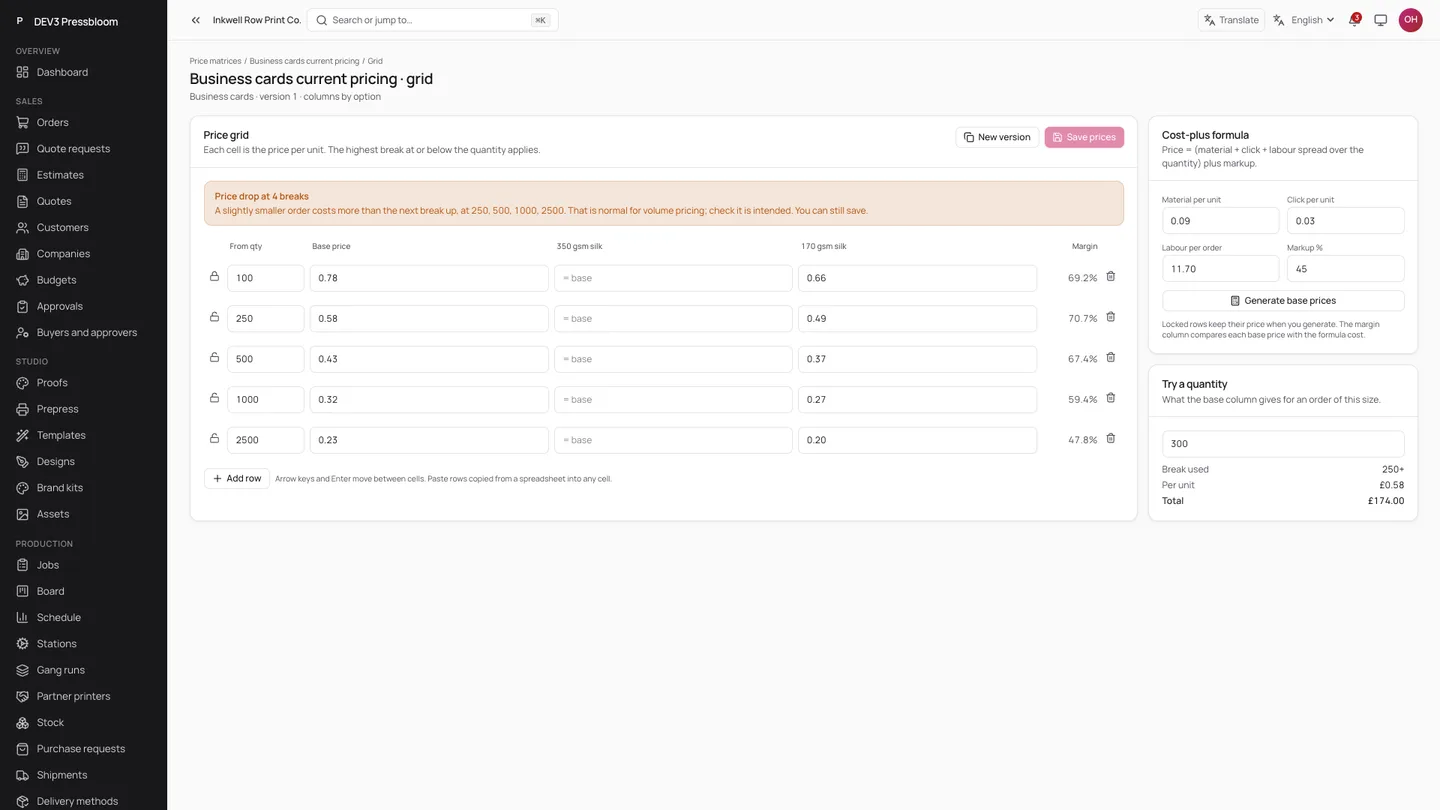
Print prices depend on size, paper, finish, quantity and turnaround. Look for a matrix with quantity breaks, versions with an effective date and a warning when a smaller order would cost more than the next break. Pressbloom edits prices in a spreadsheet-style grid and prices everything with one function, so the store, basket, quote and invoice agree.
2. Is the designer print-aware?
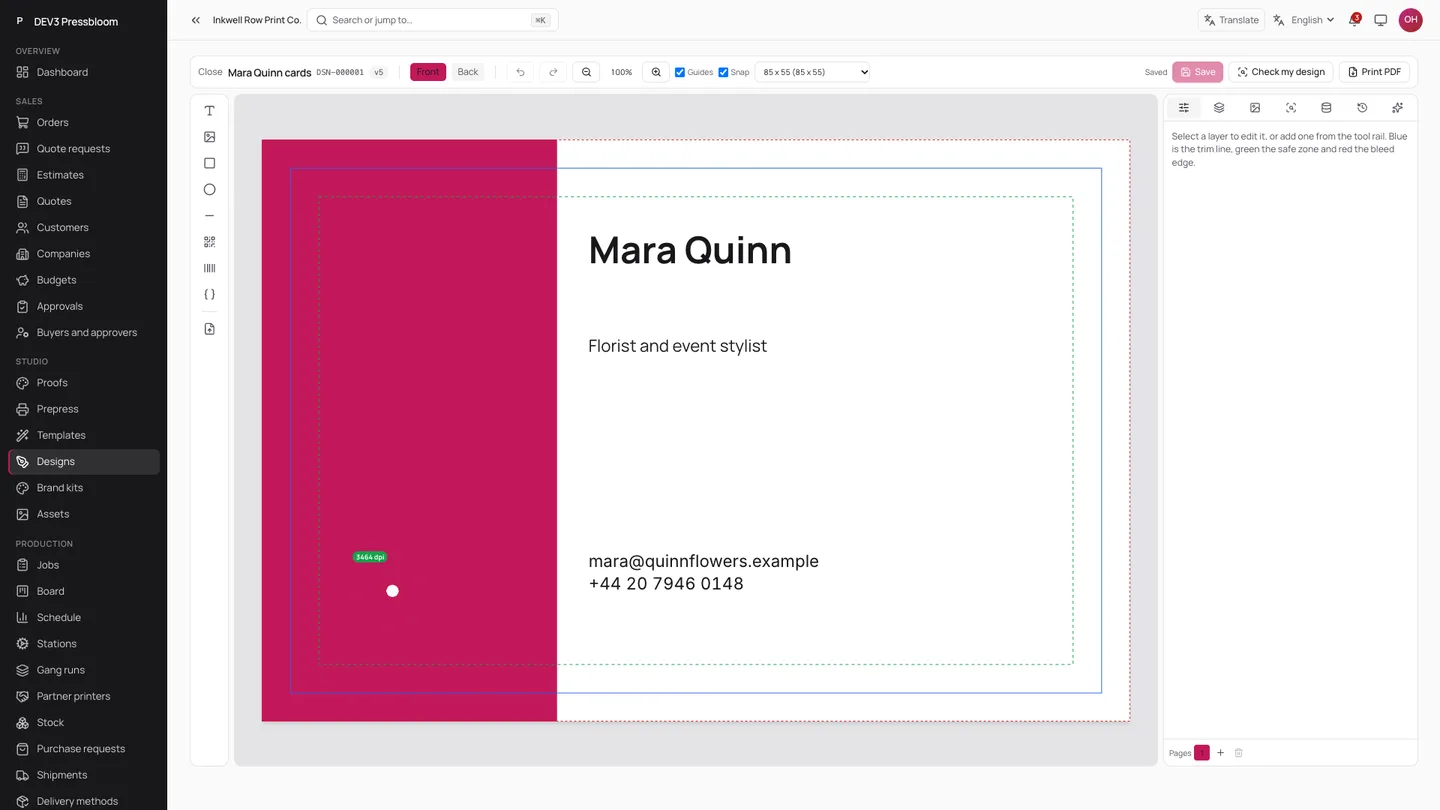
A designer that only exports a picture creates reprints. Check for trim, safe and bleed guides, resolution warnings and templates that lock the parts a customer must not move. Pressbloom's editor shows all of them and can fill a template from a CSV for variable data.
3. Does preflight say how to fix it?
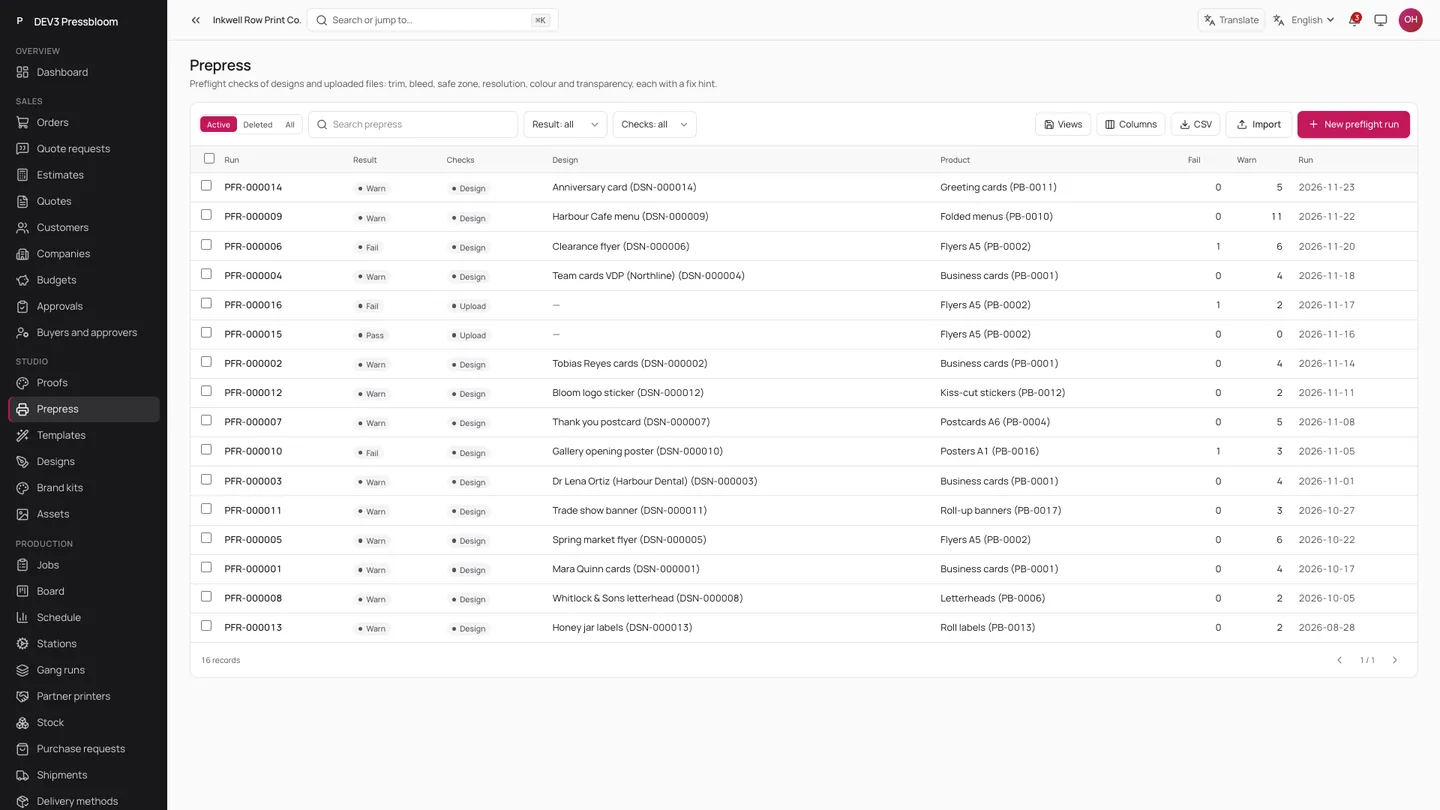
A red cross is not enough. Pressbloom checks size, bleed, safe zone, resolution and colour and gives a fix hint per check, for designs made in the editor and for files customers upload.
4. Does proofing gate production?
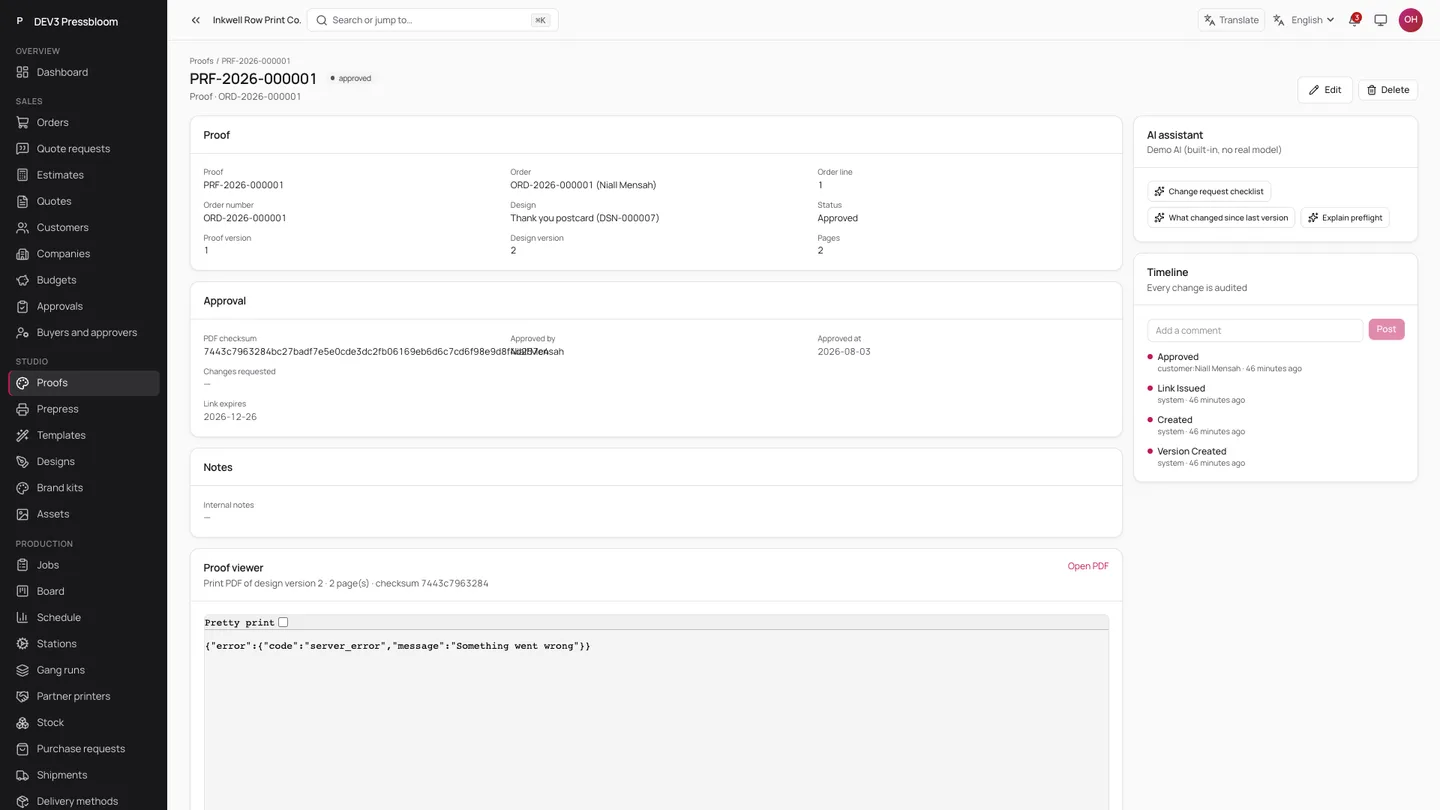
An approved proof should be the only way a job starts. Pressbloom freezes the print PDF, sends the customer a private link and refuses to release the job until the latest proof is approved.
5. Can the floor see the work?
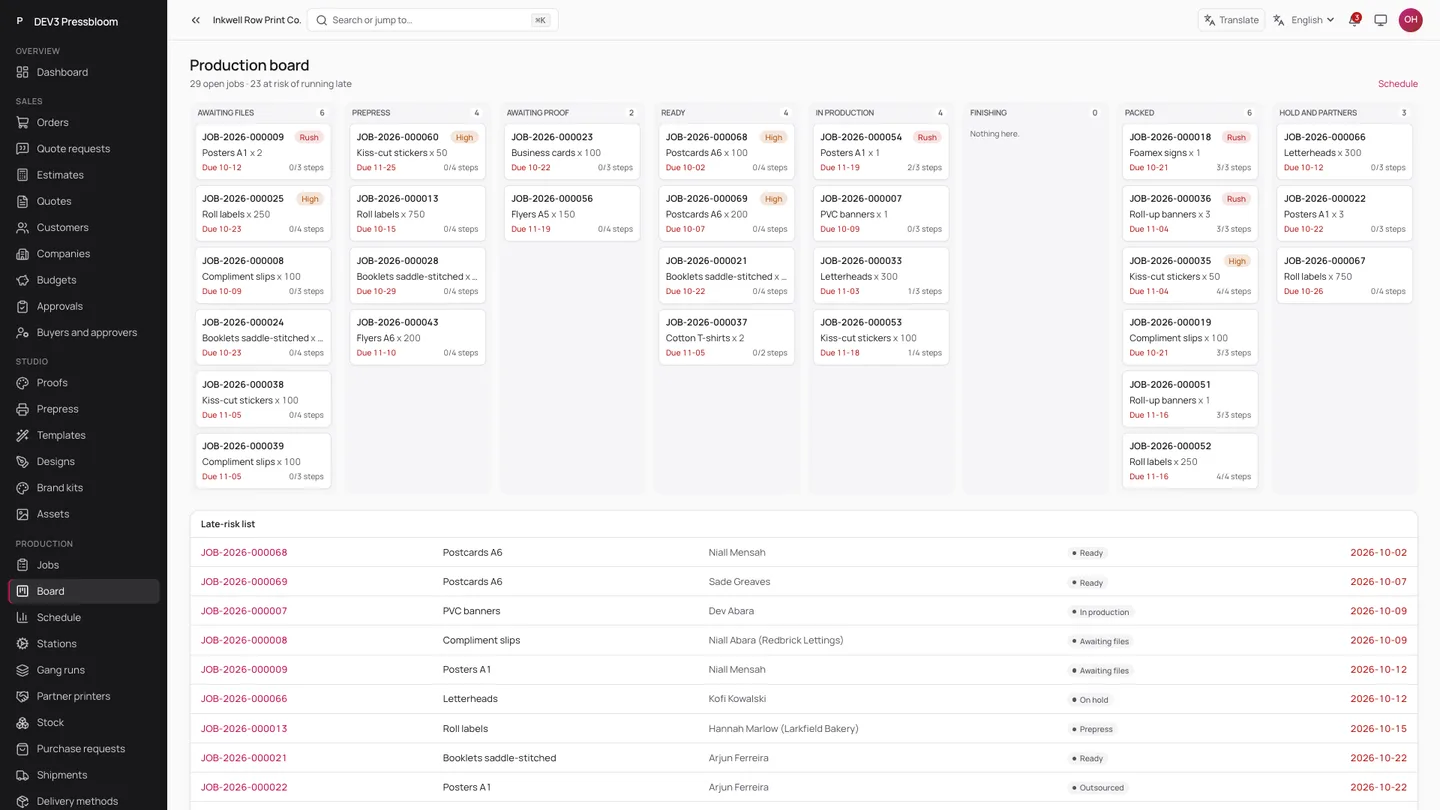
A board by station, a schedule with capacity, gang runs and outsourcing to a partner printer keep late jobs visible before they are late.
6. What are the honest limits?
Payments, mail and carrier labels are simulated until you add keys, the demo store uses monogram tiles instead of product photos, and scheduled work runs from a cron call. Pressbloom says so in the listing.
If you want to try it, the live demo has a one-click login for every role.