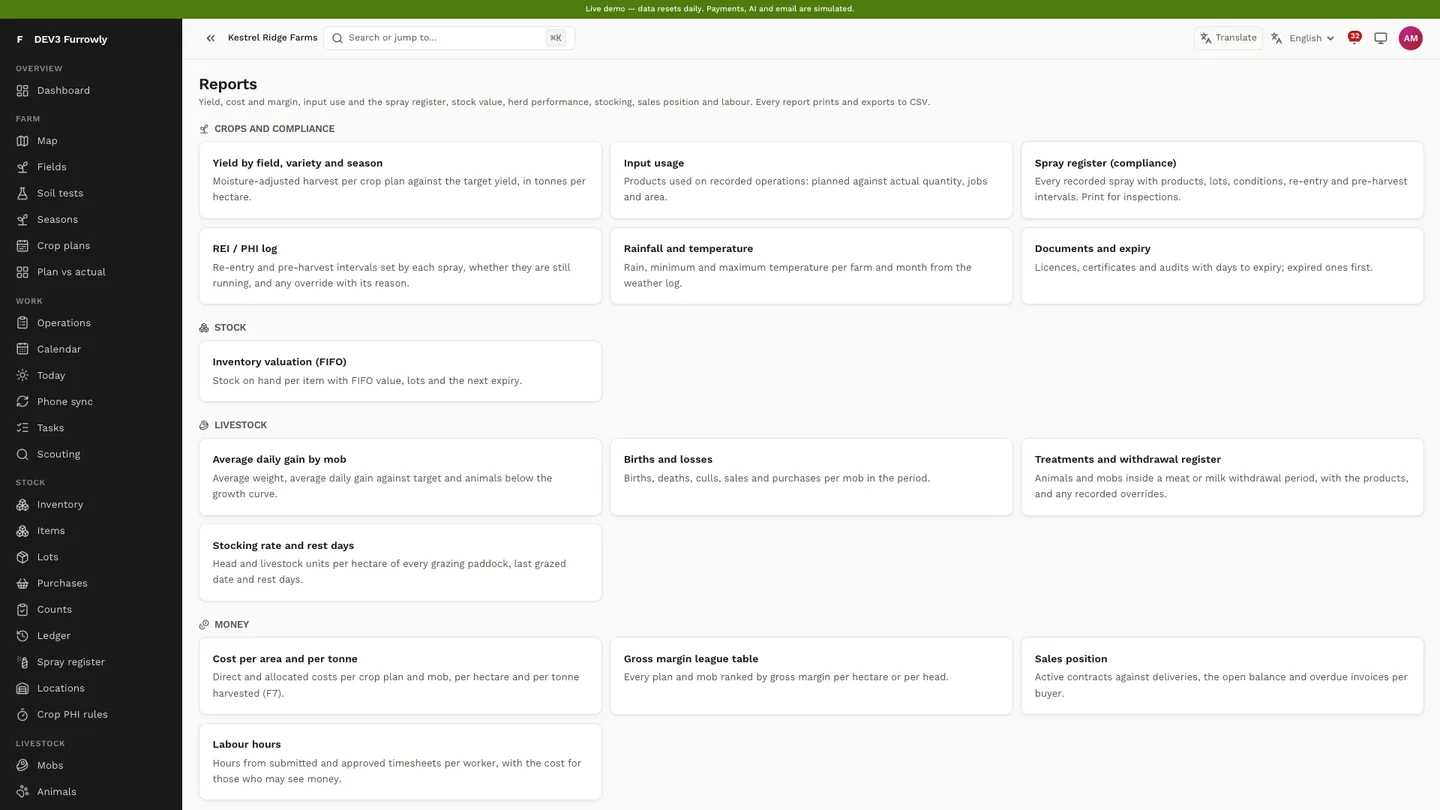
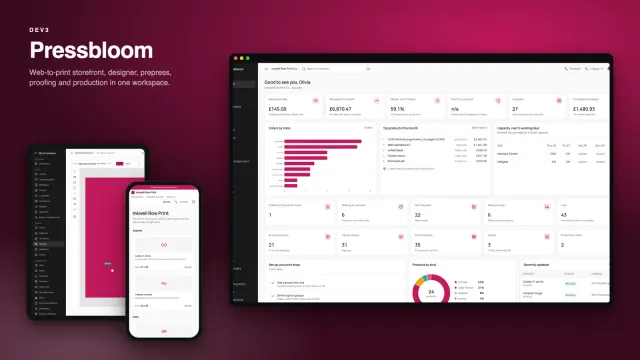
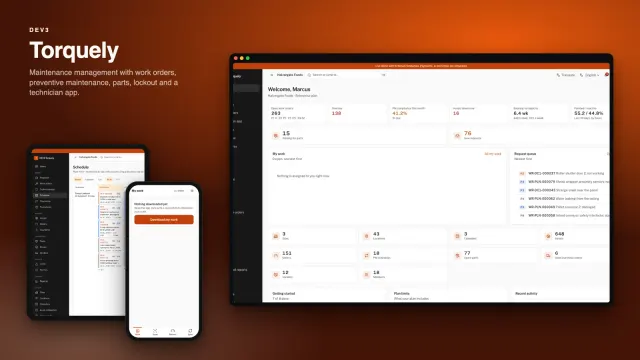
 Landing — Crops, livestock and the money in one farm record, with a field map widget.
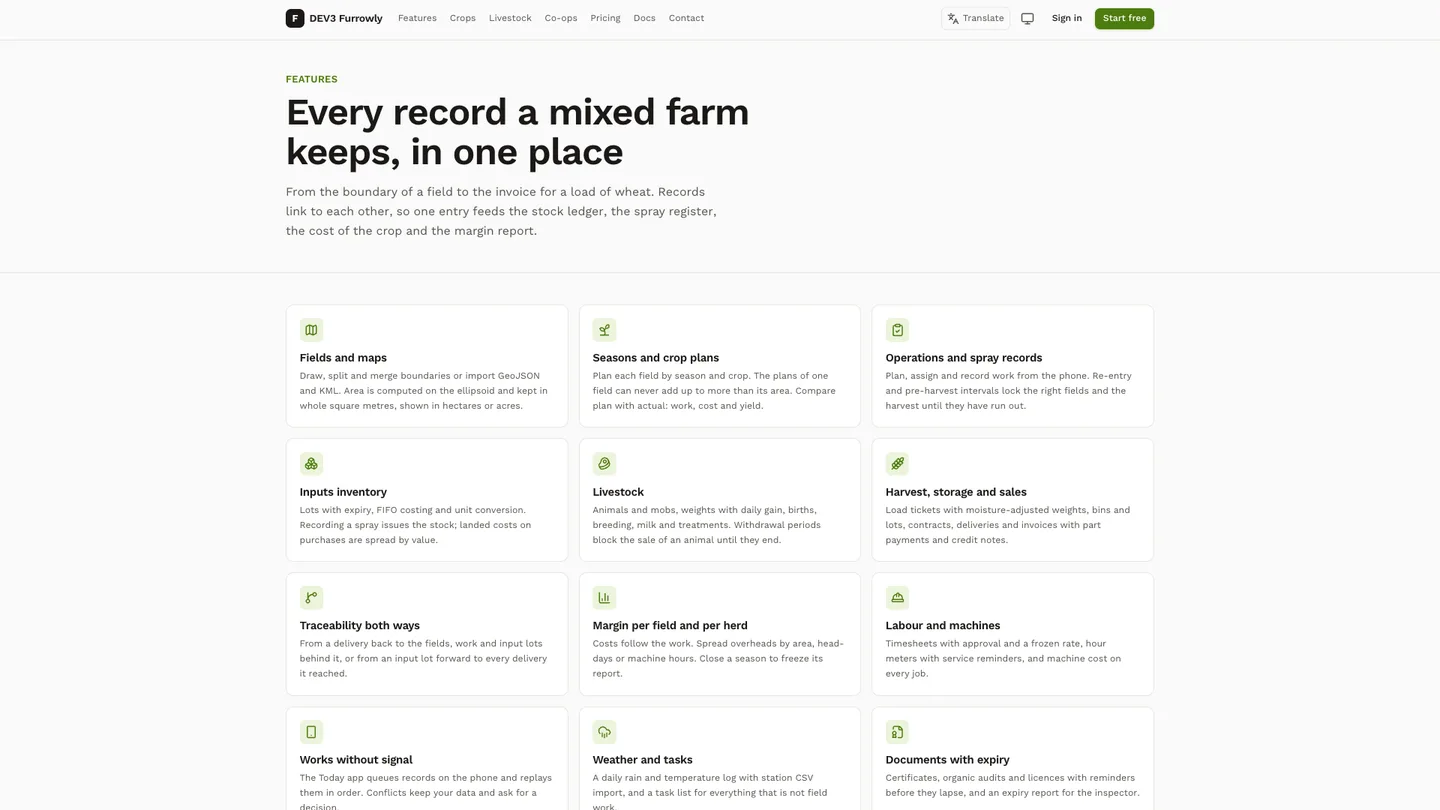 Features — Twelve modules from field boundaries to the invoice for a load of wheat.
Farm management software: 6 things to check before you pick one
Last updated
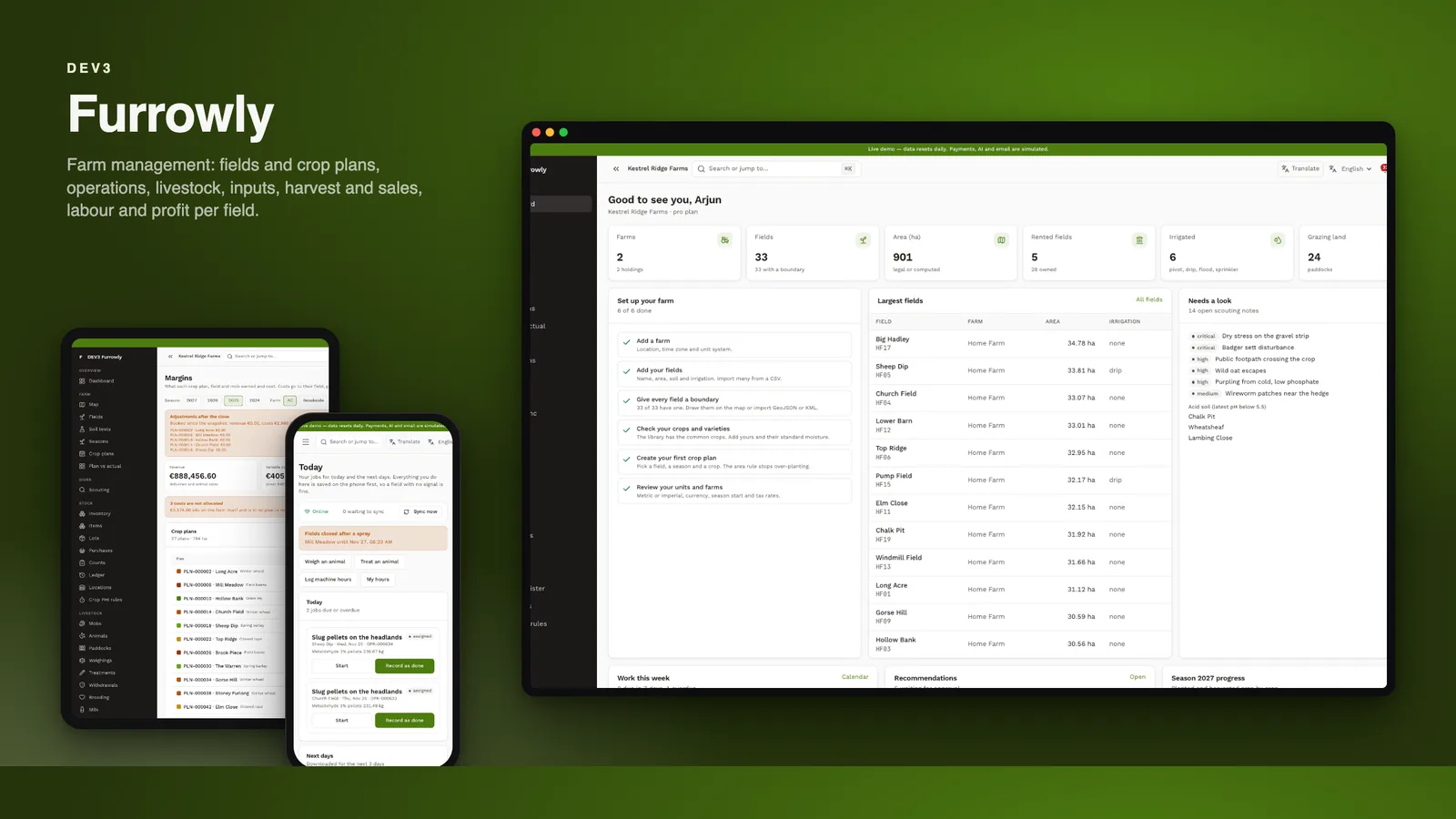
Farm software looks alike in a feature list until you ask the awkward questions: what stops a calf being sold inside a withdrawal period, what a spray does to the field you are about to harvest, and what happens when the phone has no signal. Here are six things to check, with DEV3 Furrowly as the worked example.
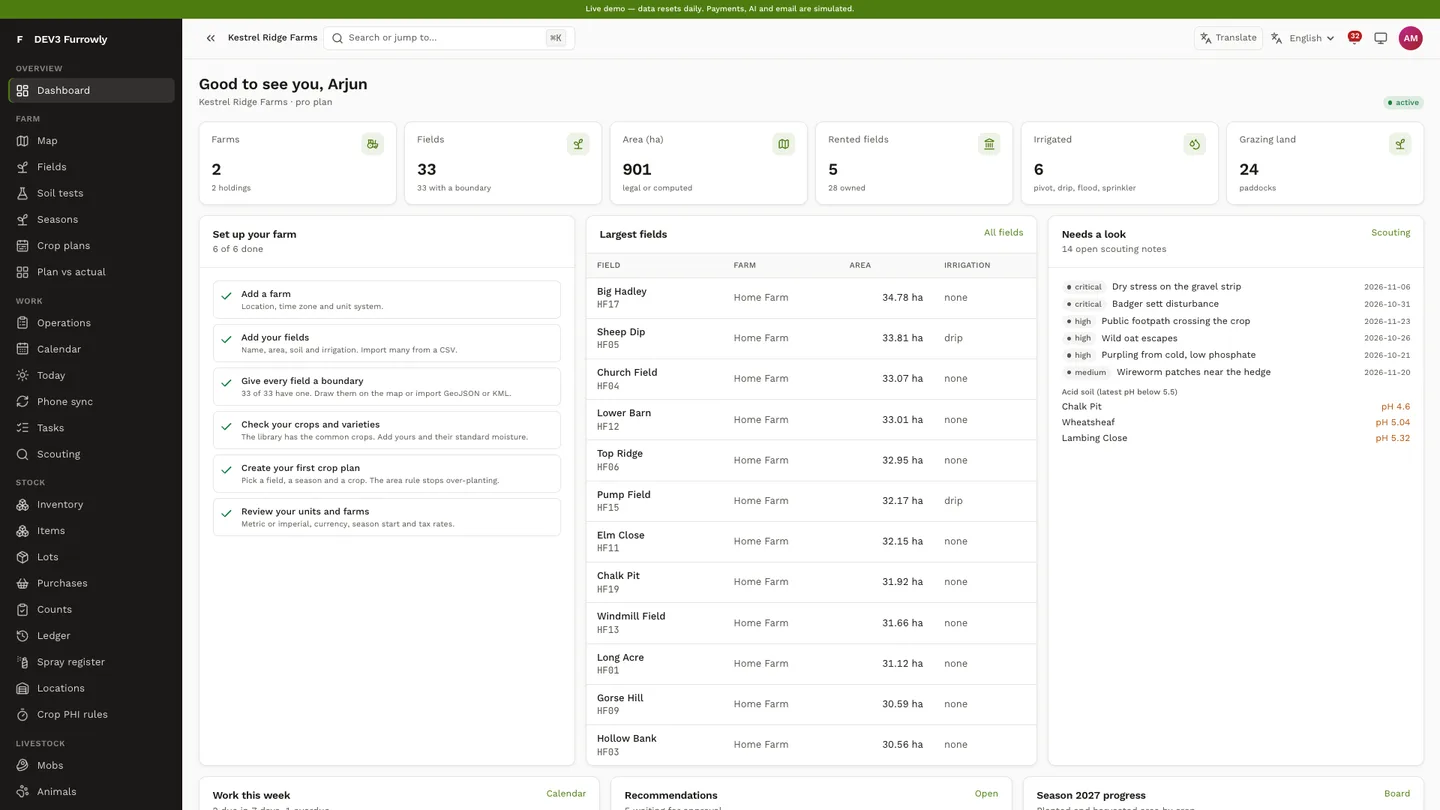
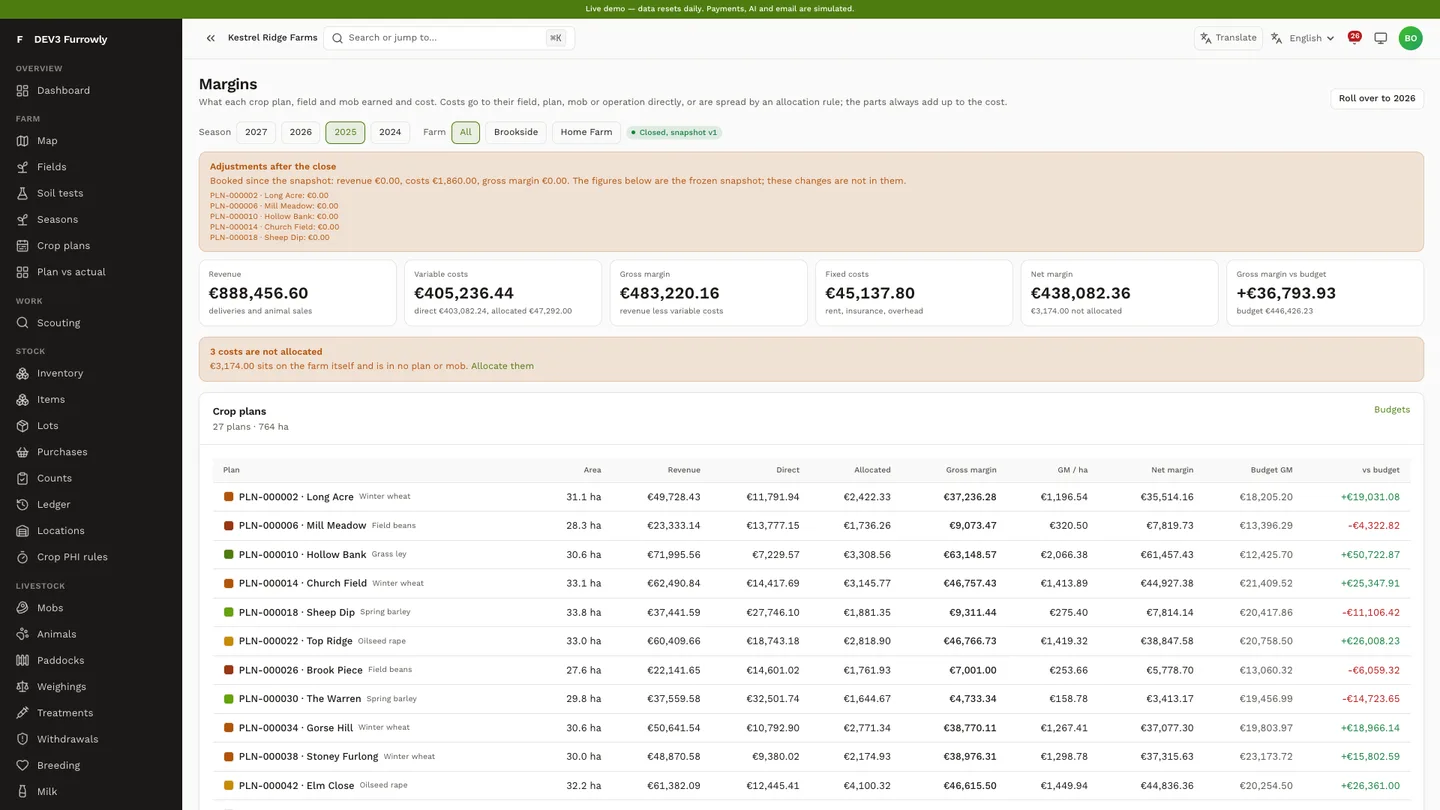
1. Does it hold crops and livestock in one record?
Splitting them means two logins and no shared costs. Furrowly keeps fields, plans, mobs and animals under one farm, with costs allocated to a plan, a field or a mob by rules whose parts always add up.
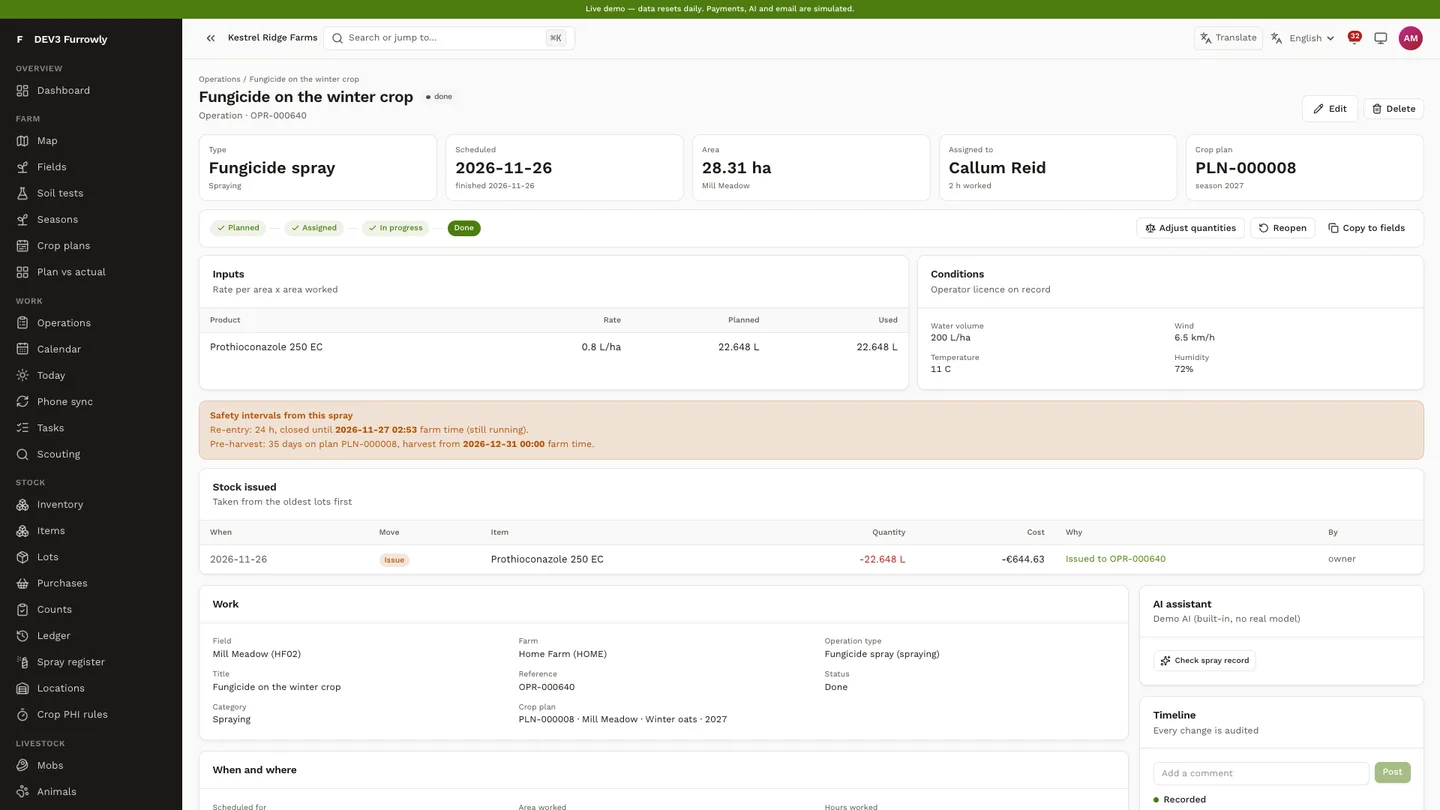
2. Does a spray actually lock anything?
Look for re-entry and pre-harvest intervals that block work and harvest, not a note. Furrowly closes the field after a spray, refuses a harvest inside the interval unless an override with a reason is recorded, and prints the spray register for audits.
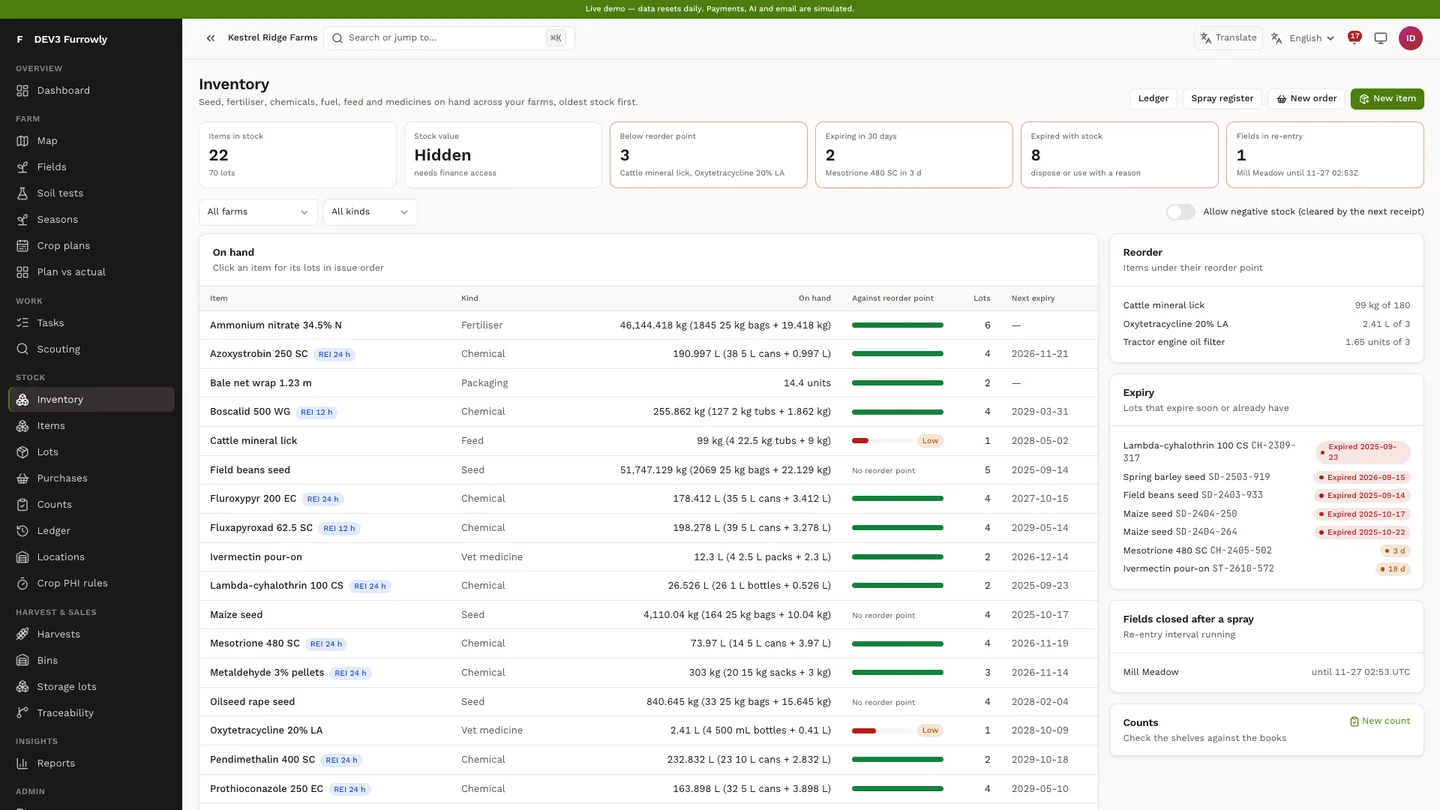
3. Is stock costed by lot?
FIFO issue with unit conversion means the cost of a spray is the cost of the lots that went in the tank. Furrowly issues from lots to operations, values receipts with landed cost and asks for approval on count variances.
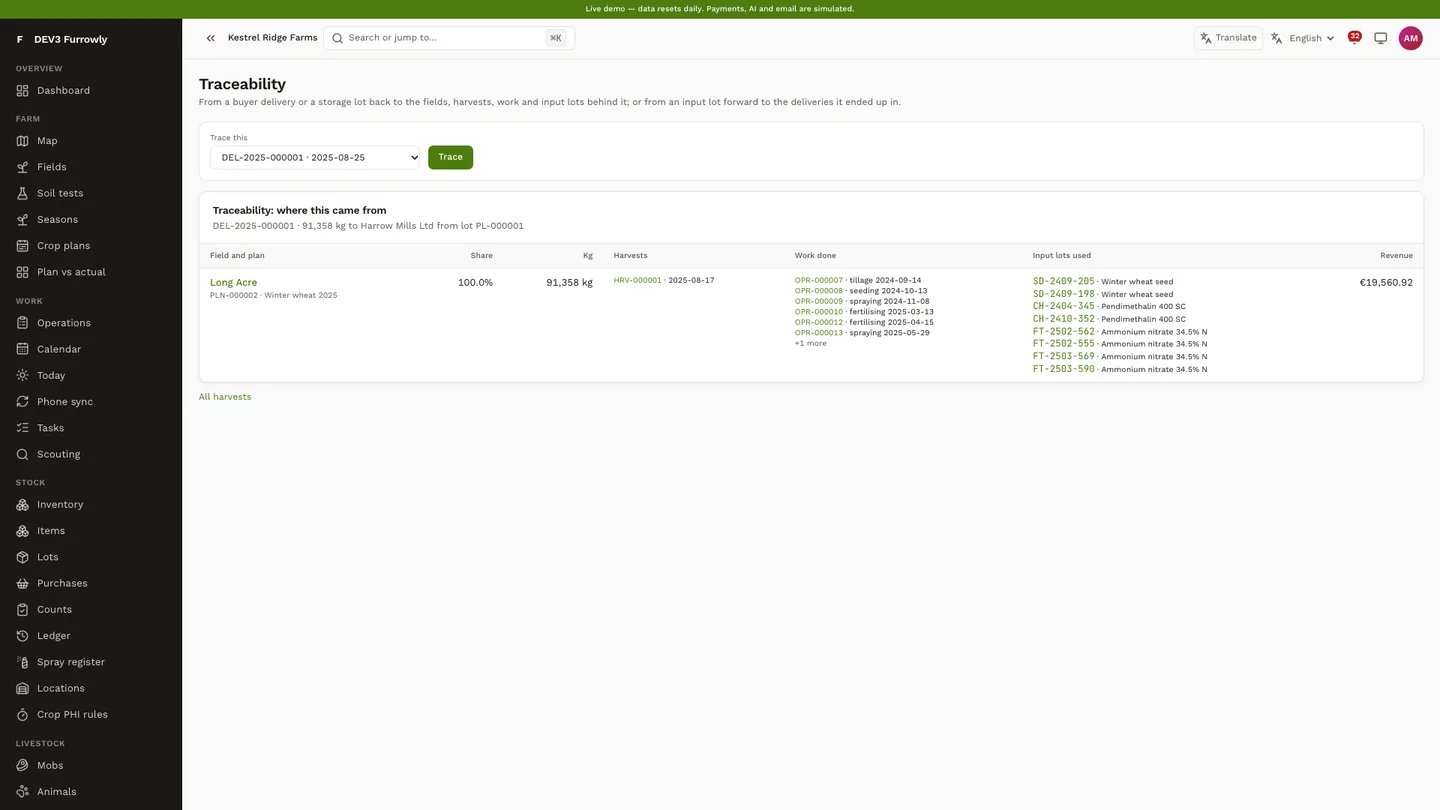
4. Can you trace a delivery back, and a lot forward?
When a buyer asks which fields a load came from, or a supplier recalls a chemical lot, you need both directions in one click.
5. Does it work without signal?
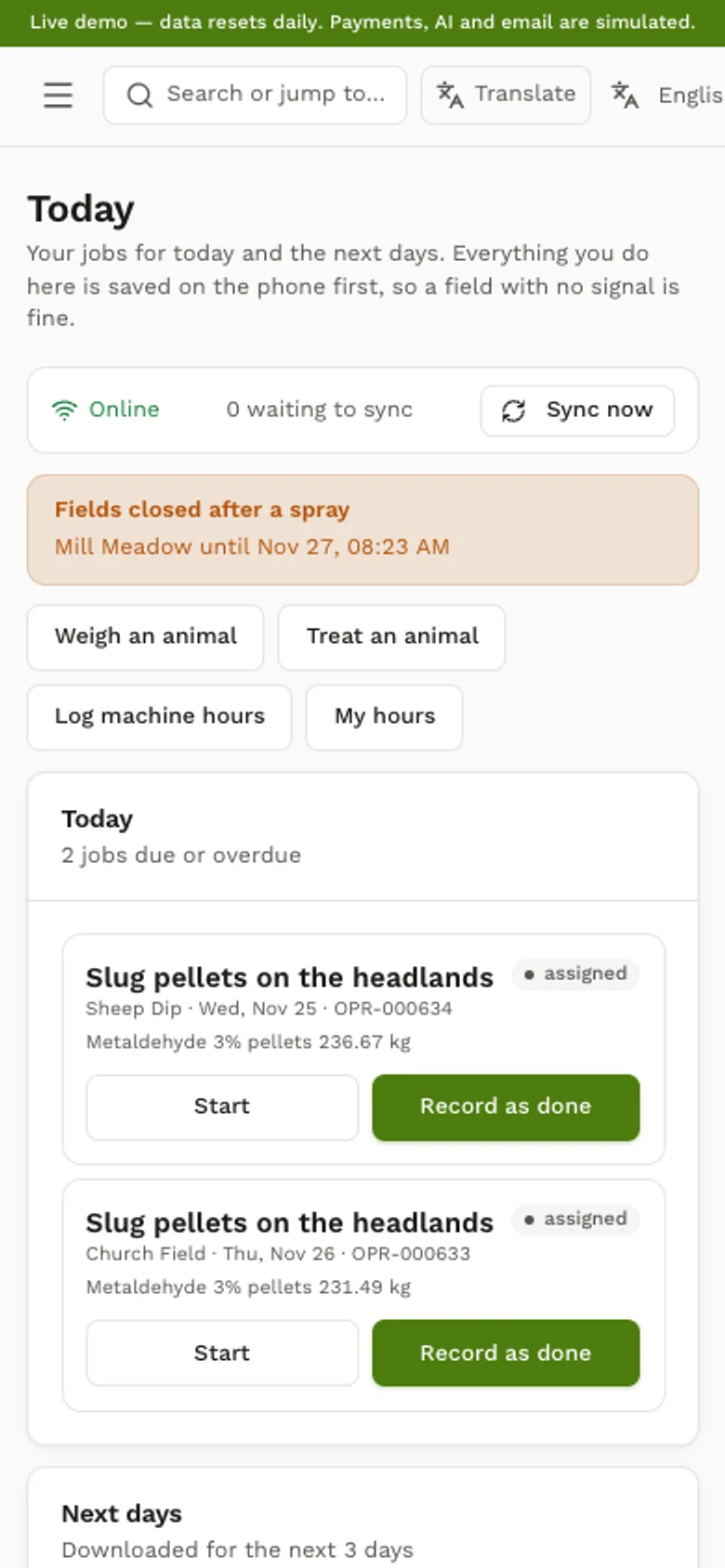
A phone queue with idempotency keys, resend that does not duplicate and a conflict list for managers is the difference between a tool the field uses and one it ignores.
6. What are the honest limits?
Furrowly records payments but does not process them, has no live accounting or machinery connectors (CSV, reports and webhooks instead), draws 2D maps on OpenStreetMap tiles, and needs your own key for AI. They are listed on the item page so you can plan around them.