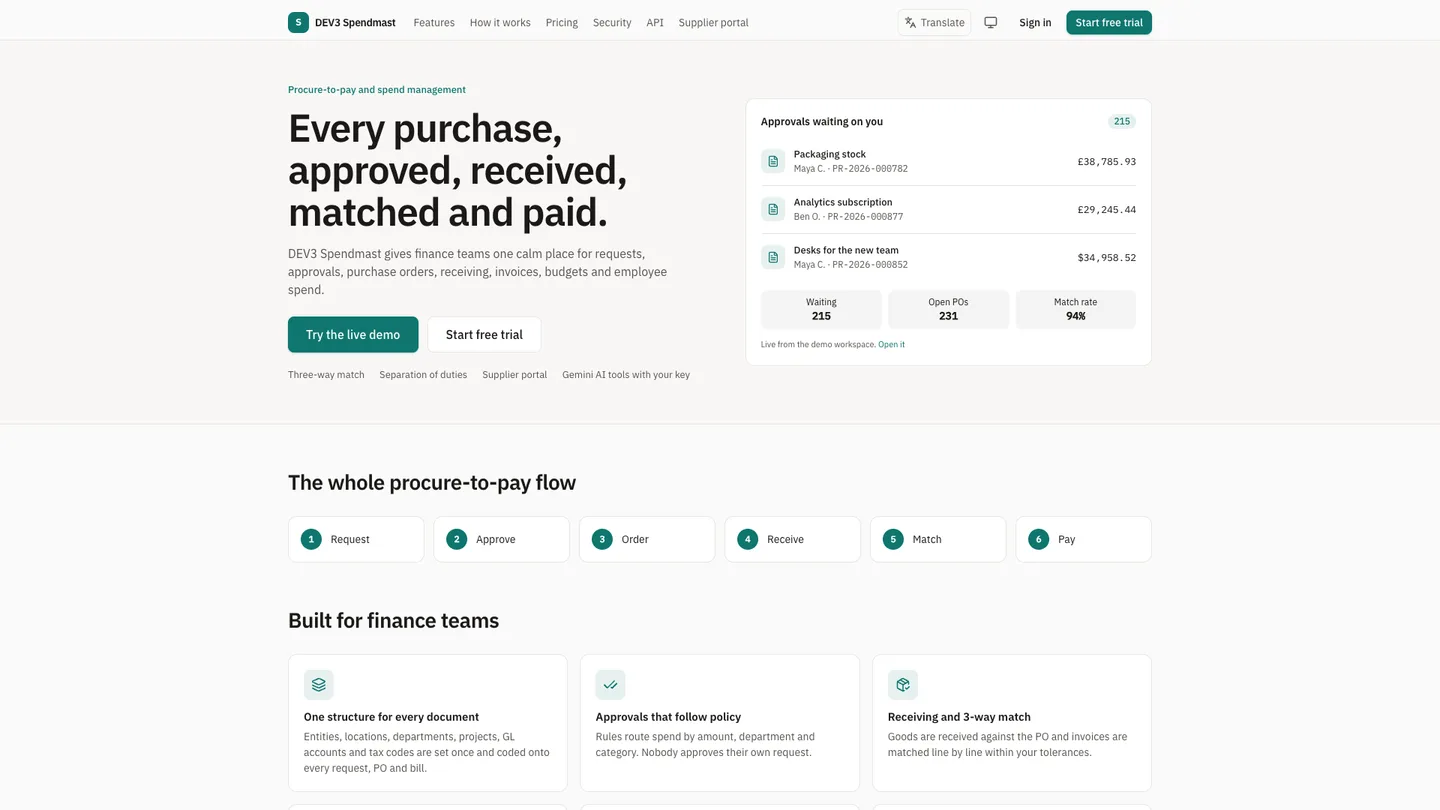
 Home — A live approval inbox on the page, the procure-to-pay flow and the plans.
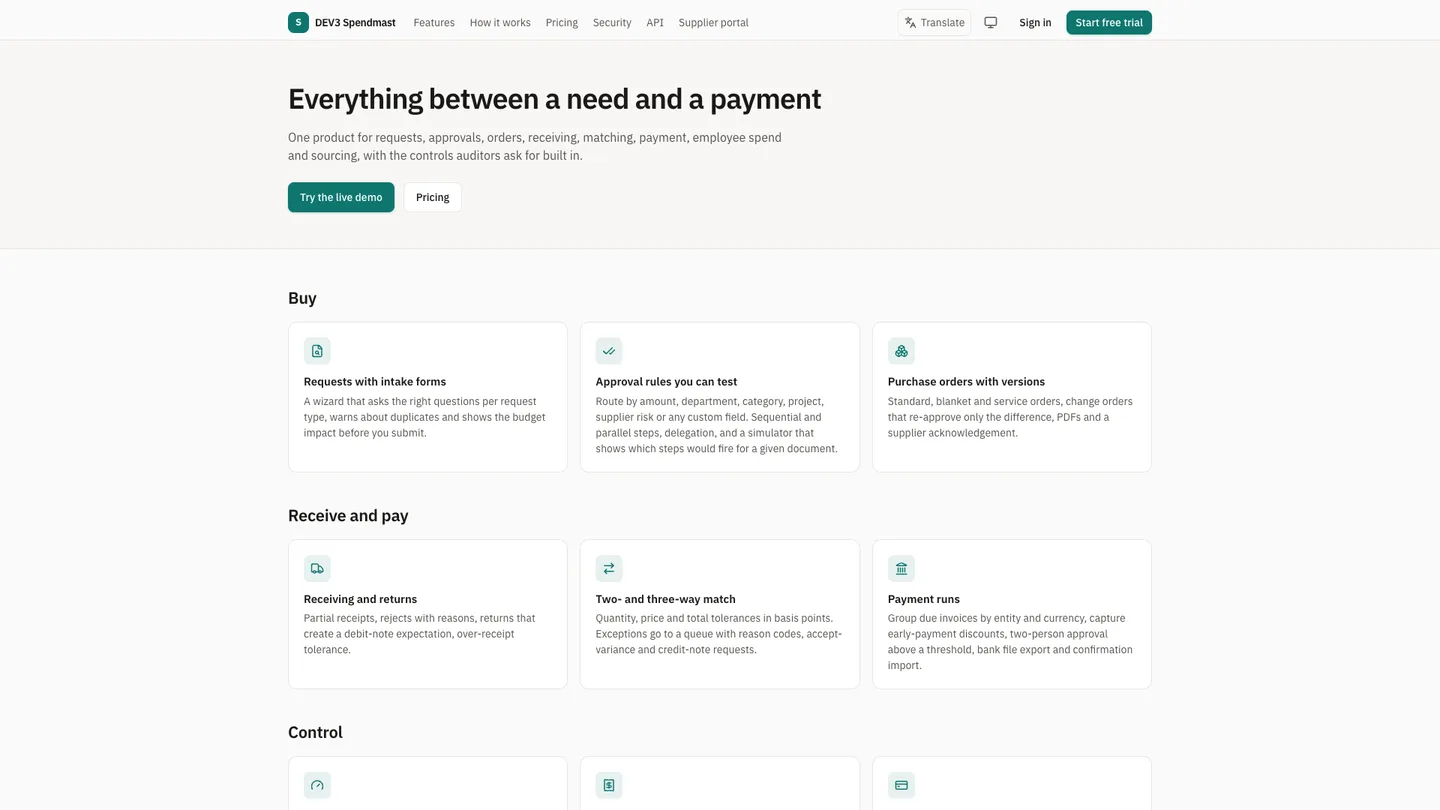 Features — Requests, approvals, orders, receiving, matching, payments, budgets and cards.
Procurement software on Next.js: 6 things to check before you pick one
Last updated
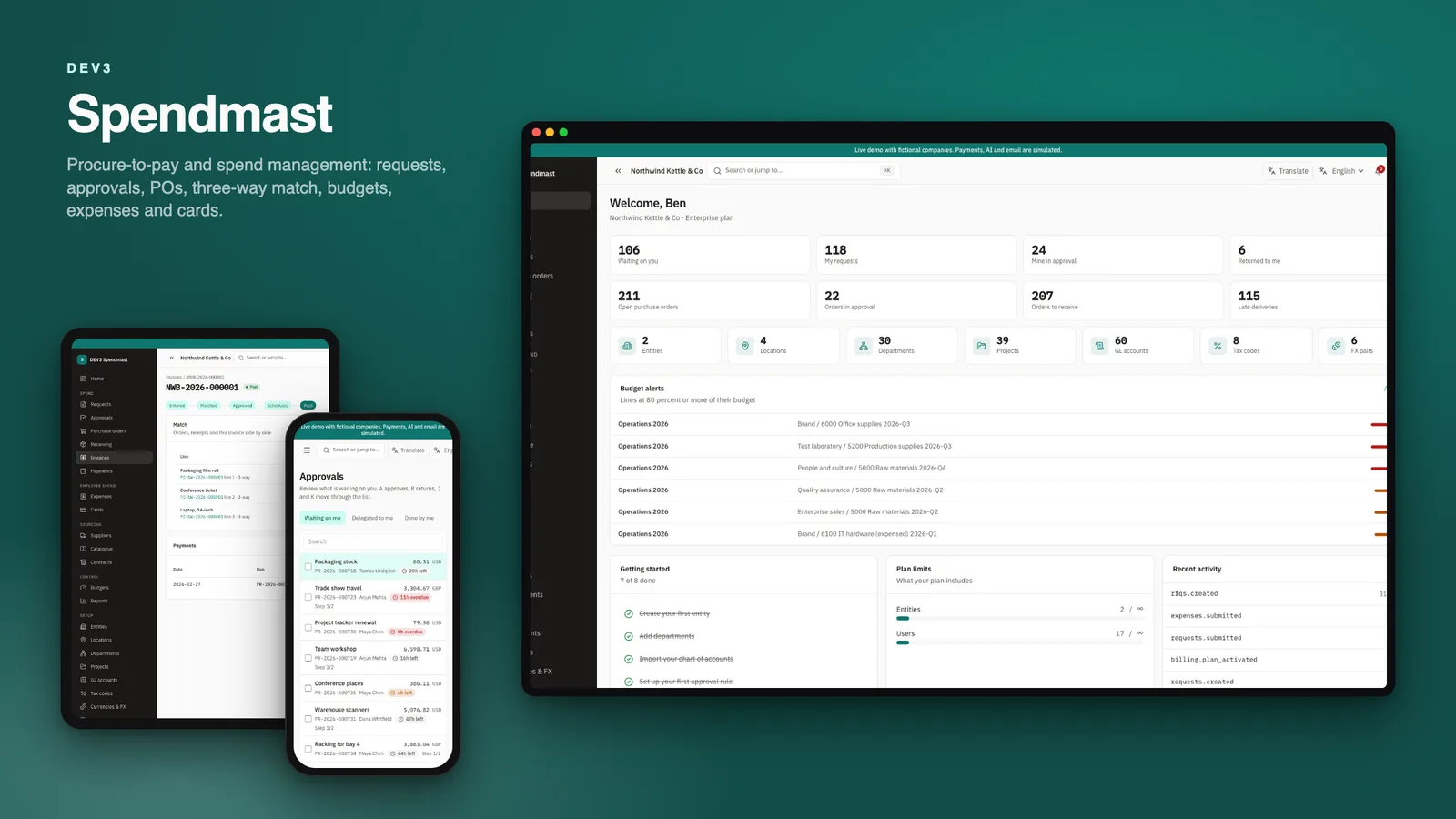
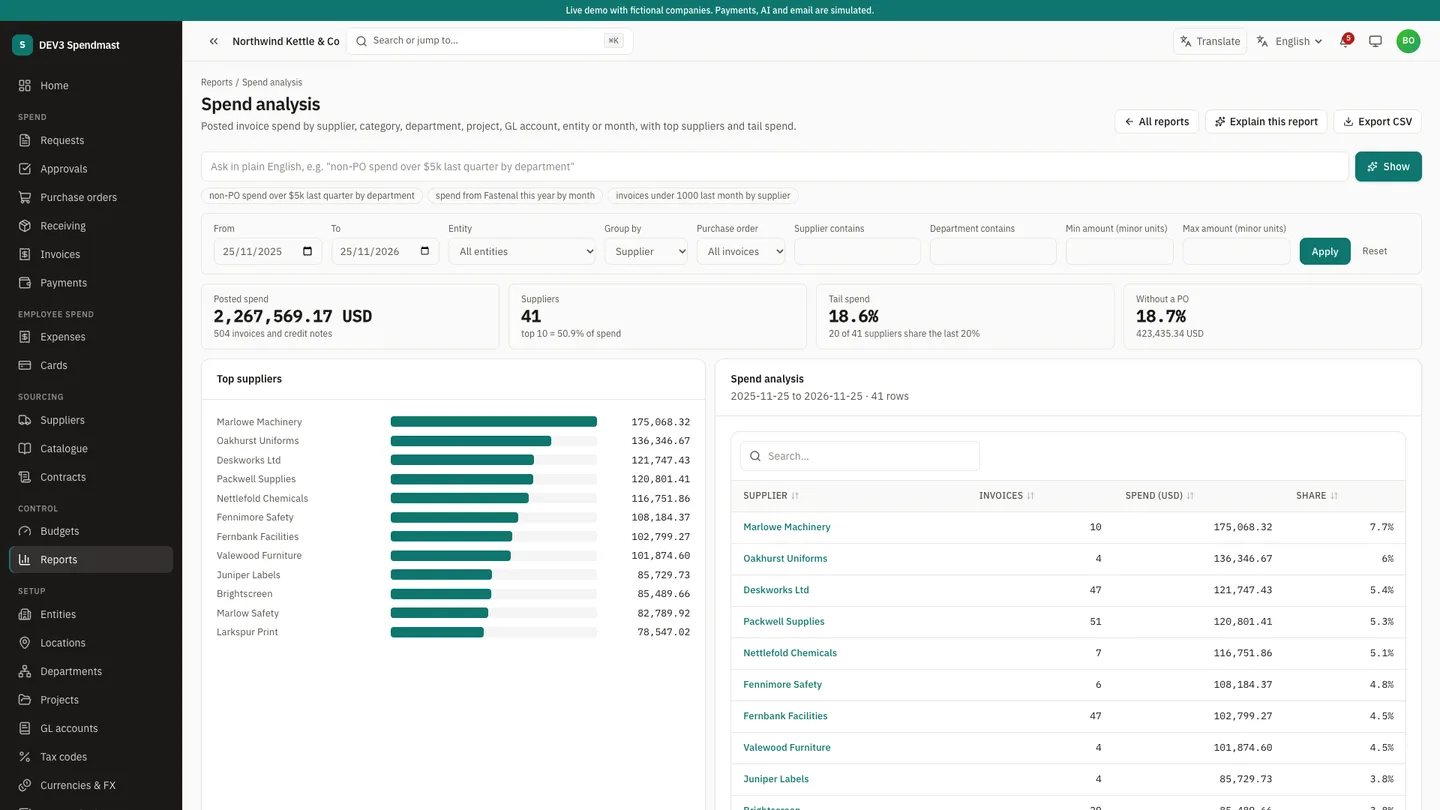
Procurement tools look alike in a feature list until you ask the awkward questions: what stops a budget being overspent when two approvals land together, what happens when an invoice does not match the order, and what a supplier can see. Here are six things to check, with DEV3 Spendmast as the worked example.
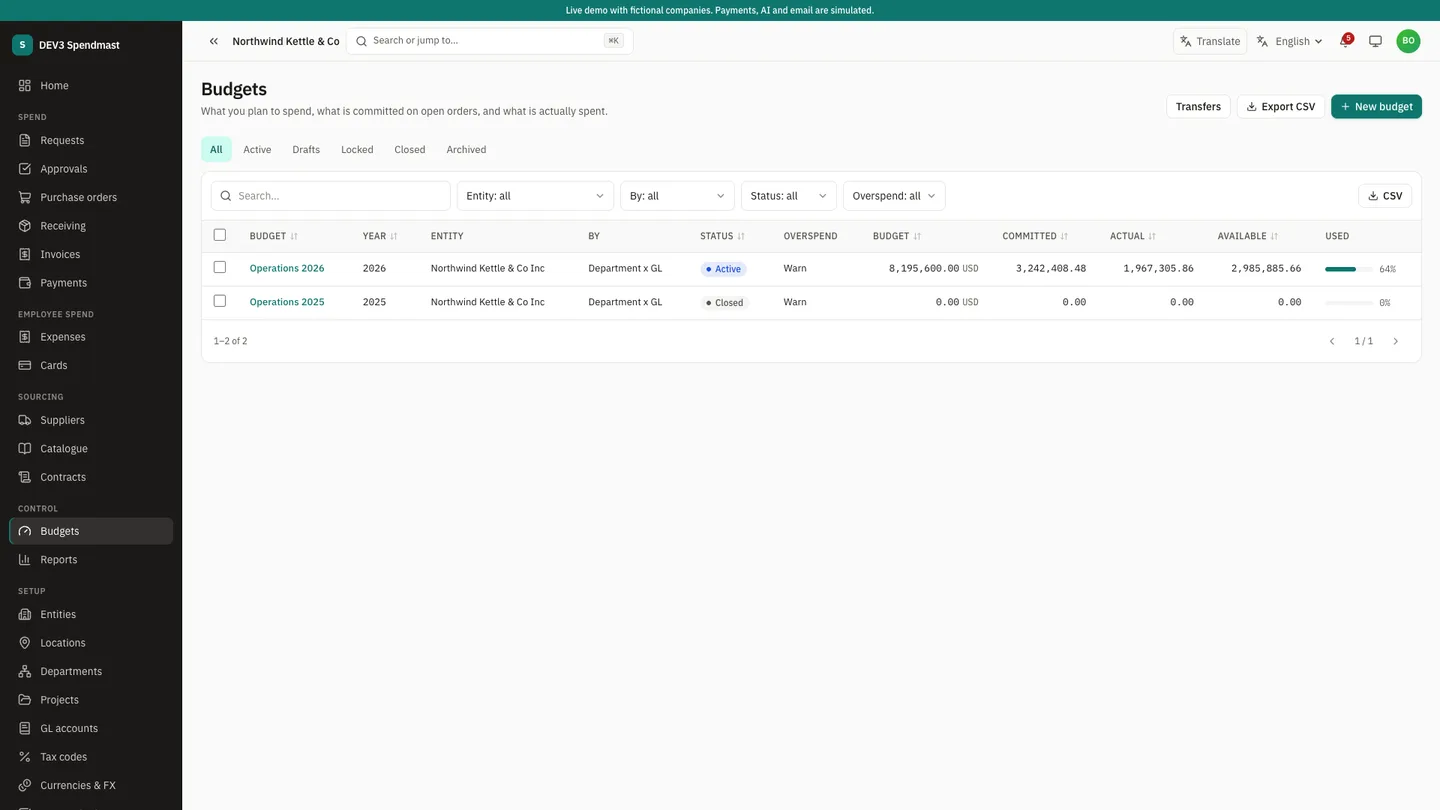
1. Does the budget count commitments, not only spend?
Money is gone when an order is approved, not when the invoice arrives. Spendmast keeps a ledger per budget line: an approved order encumbers it, an invoice moves it to actual, and each posting is keyed so a retry cannot post twice.
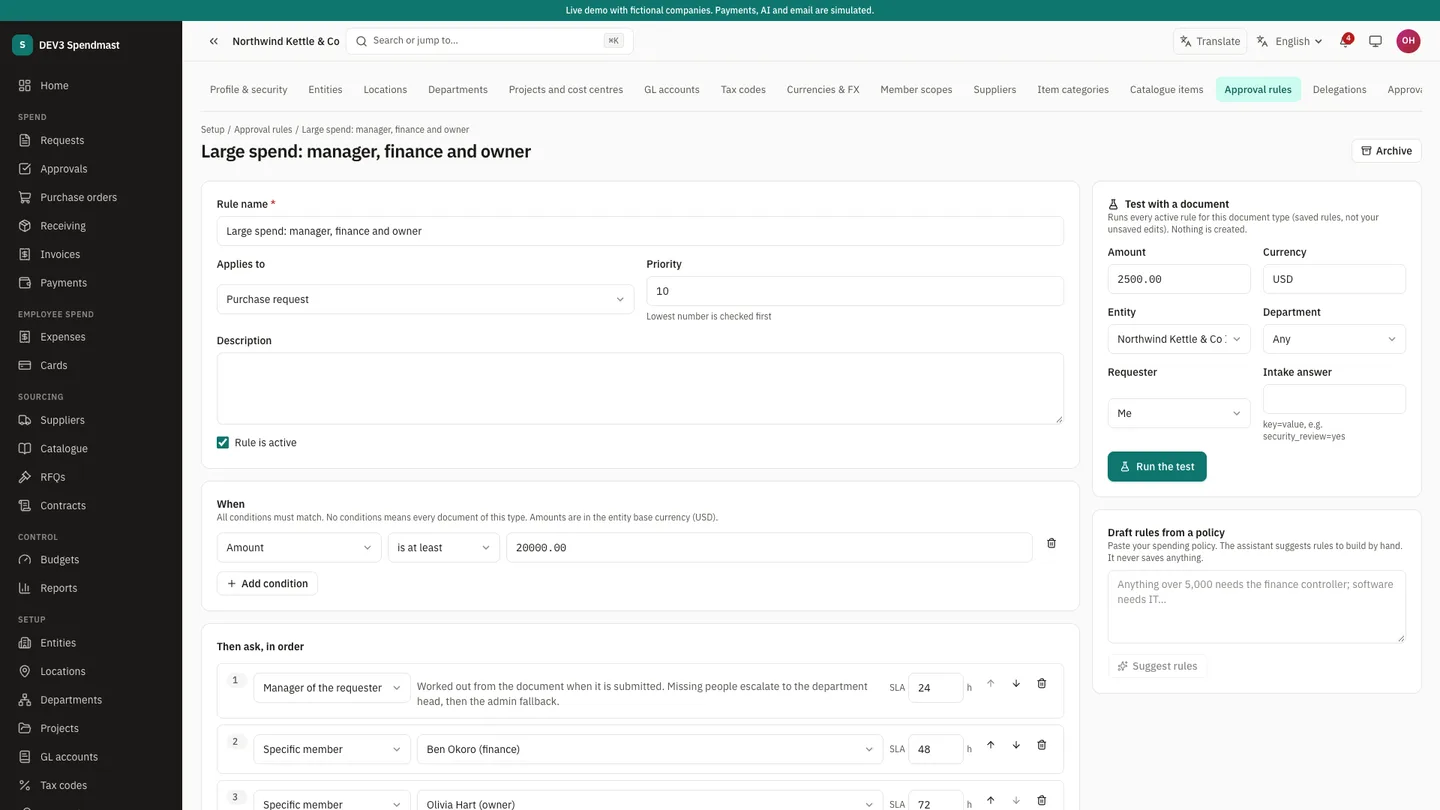
2. Can you write your approval policy as rules?
Look for amount, department, category and project conditions, parallel steps, delegation and a way to test a rule before it goes live. Spendmast has a rule builder with a simulator that shows who would approve a sample request.
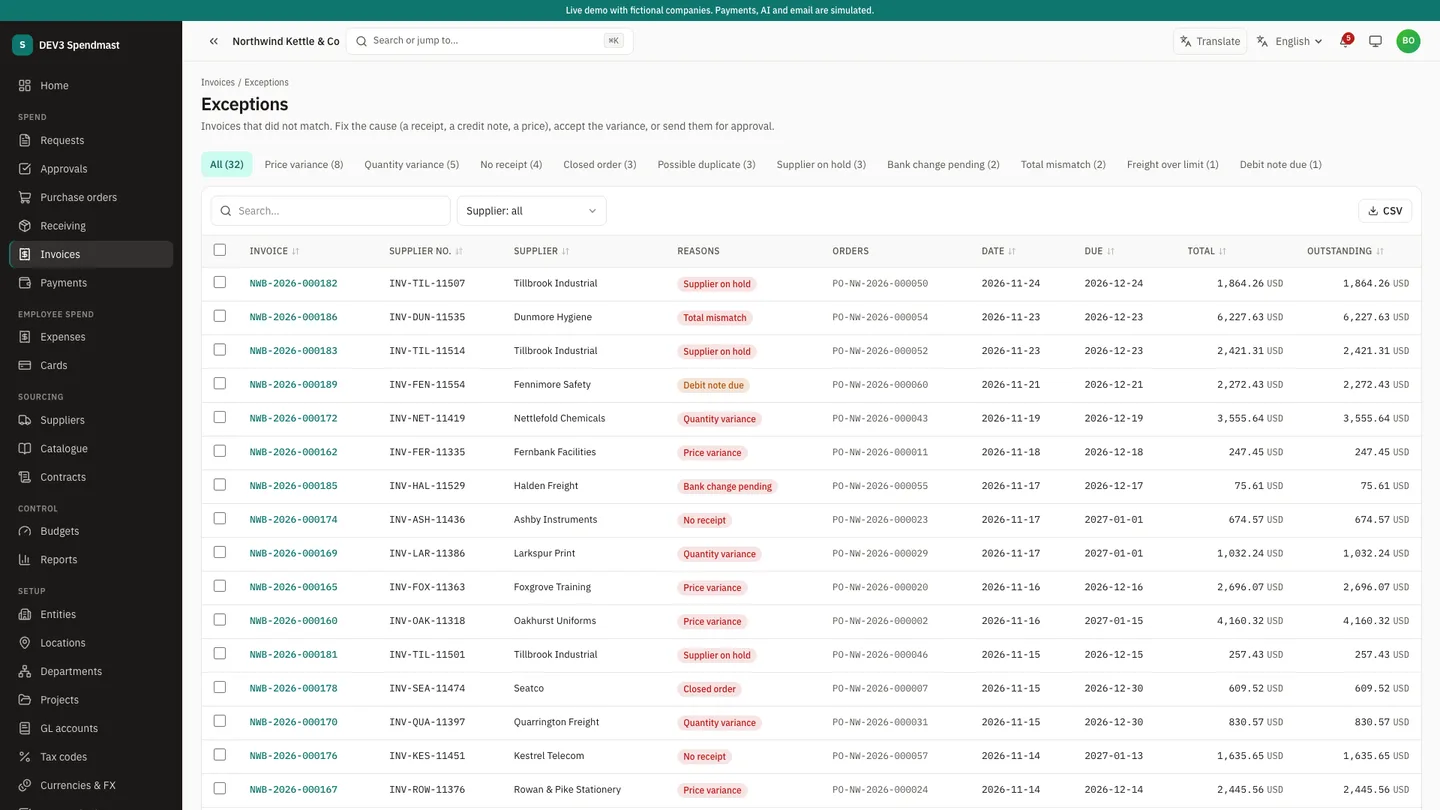
3. Does the invoice match the order and the receipt?
A three-way match compares what was ordered, received and billed, inside tolerances you set. Anything outside lands in an exceptions queue with the reason in plain words.
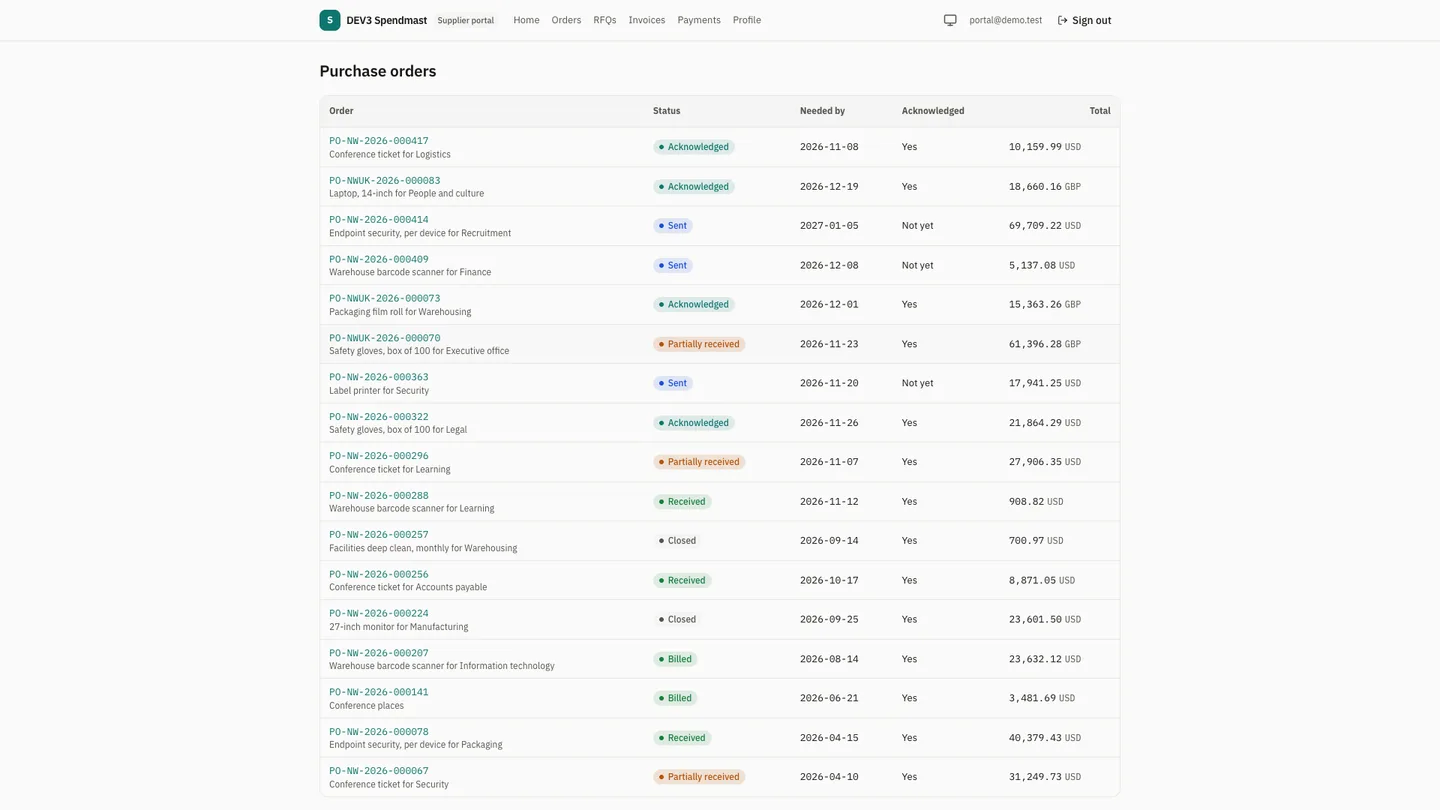
4. What can a supplier see and do?
A portal should let suppliers acknowledge orders, bid and submit invoices, and nothing else. Spendmast uses single-use magic links and scopes every read to one supplier in one company.
5. Are expenses and cards in the same picture?
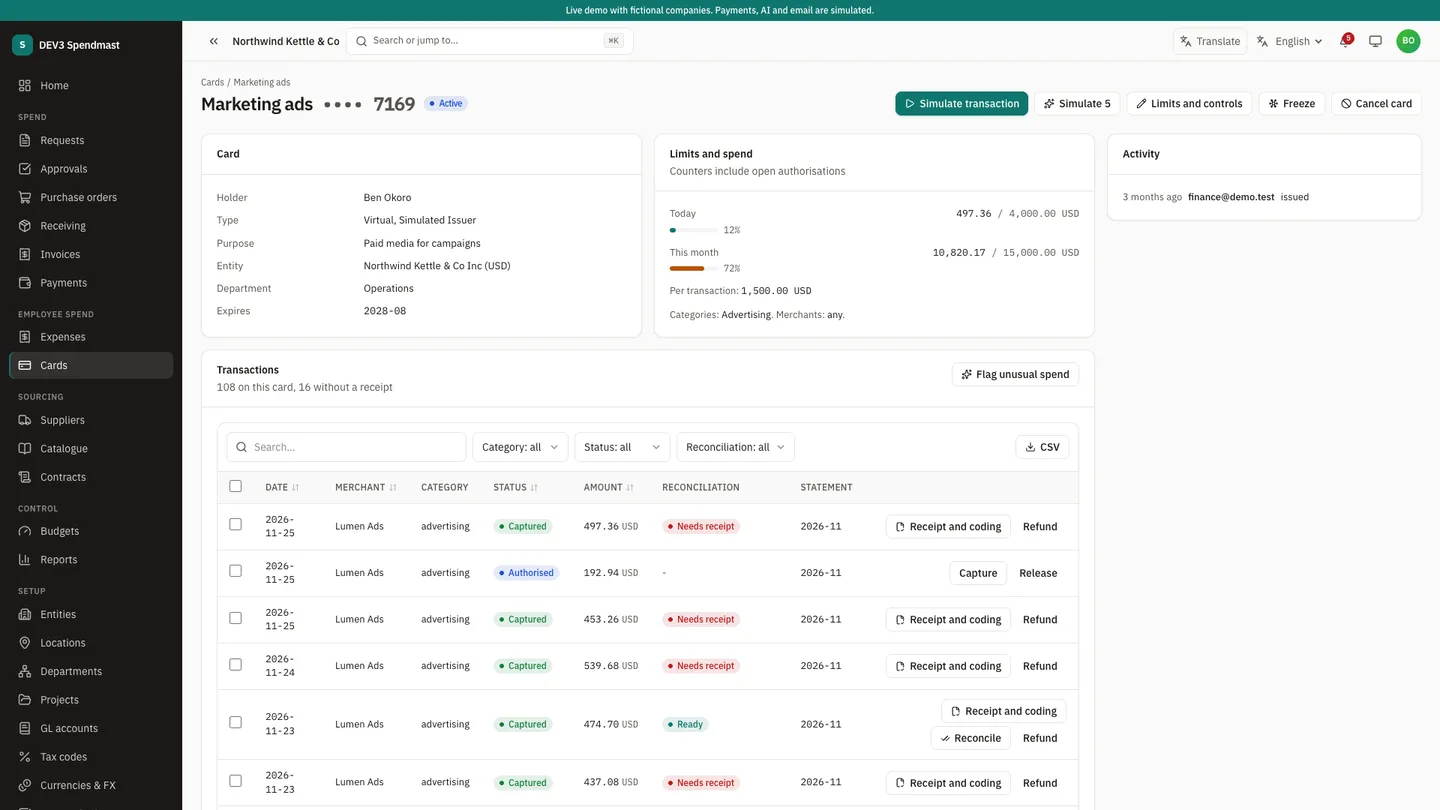
Employee expenses, mileage and company cards belong in the same budgets and approvals. Spendmast includes expense reports with server-side policy checks, reimbursement batches and a simulated card issuer.
6. What are the honest limits?
Spendmast exports payment files but does not send money. Card issuing is simulated, there are no live accounting connectors (CSV, journal export and webhooks instead), and AI needs your own key. They are listed on the item page so you can plan around them.