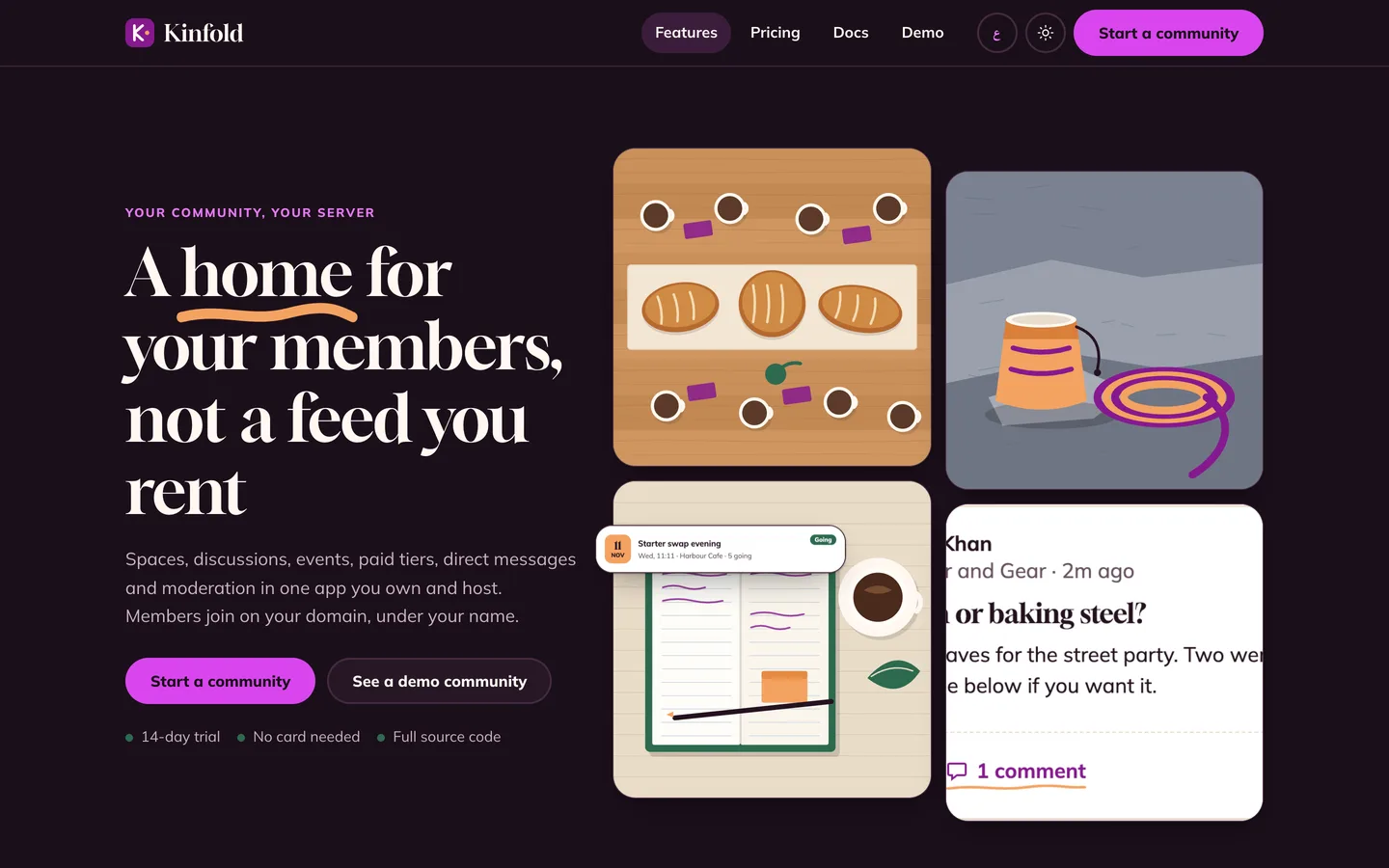
 Home in dark mode — The site follows the visitor colour scheme and keeps the same plum accent.
Paid community software: 7 things to check before you pick one
Last updated
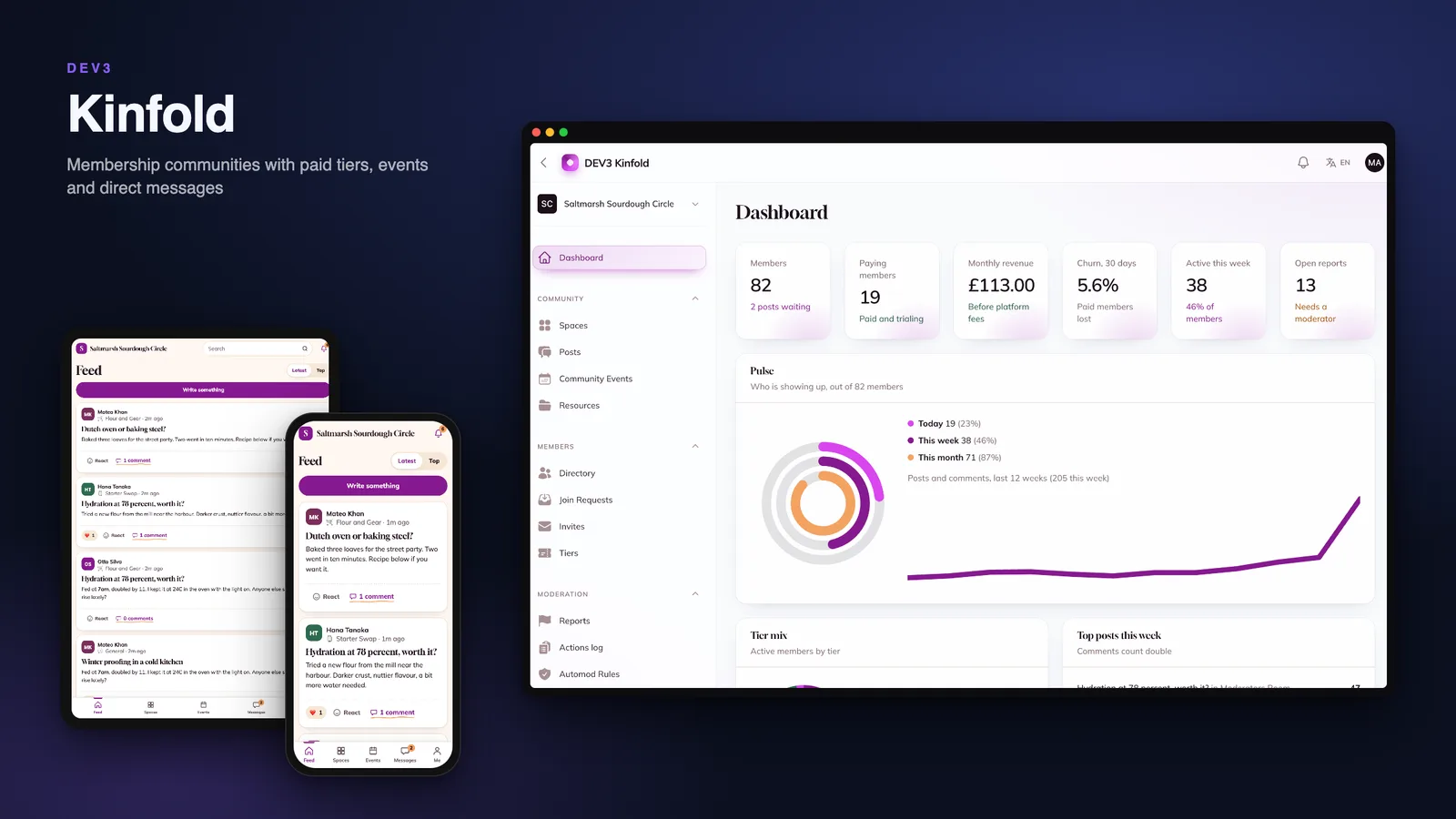
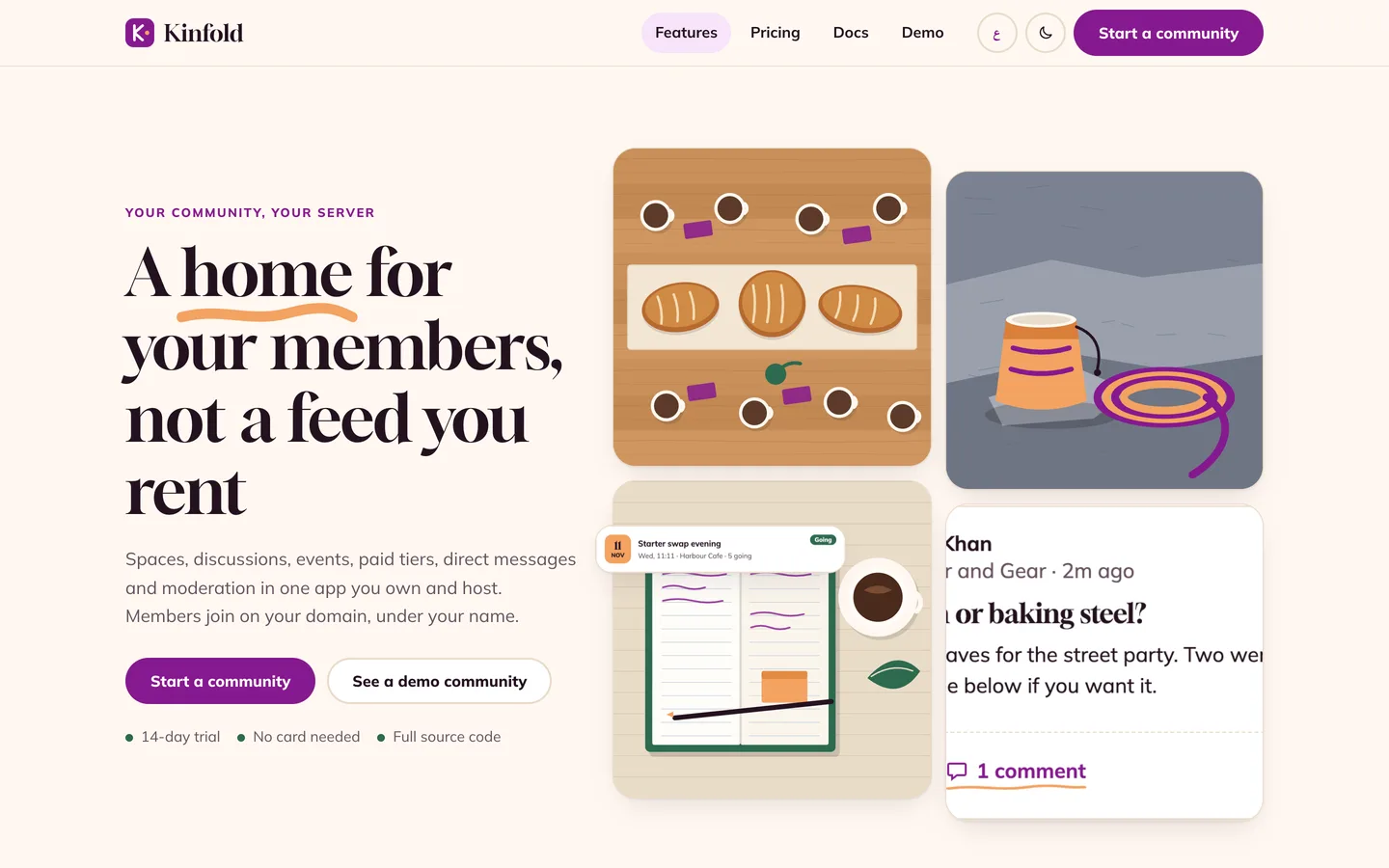
A community is the cheapest asset a creator can own, until the first member loses a payment, the first private space leaks into a digest or the twenty-first person books a twenty-seat meetup. Here are seven things to check before you pick software for one, with DEV3 Kinfold as the worked example.
1. Who can read what, everywhere?
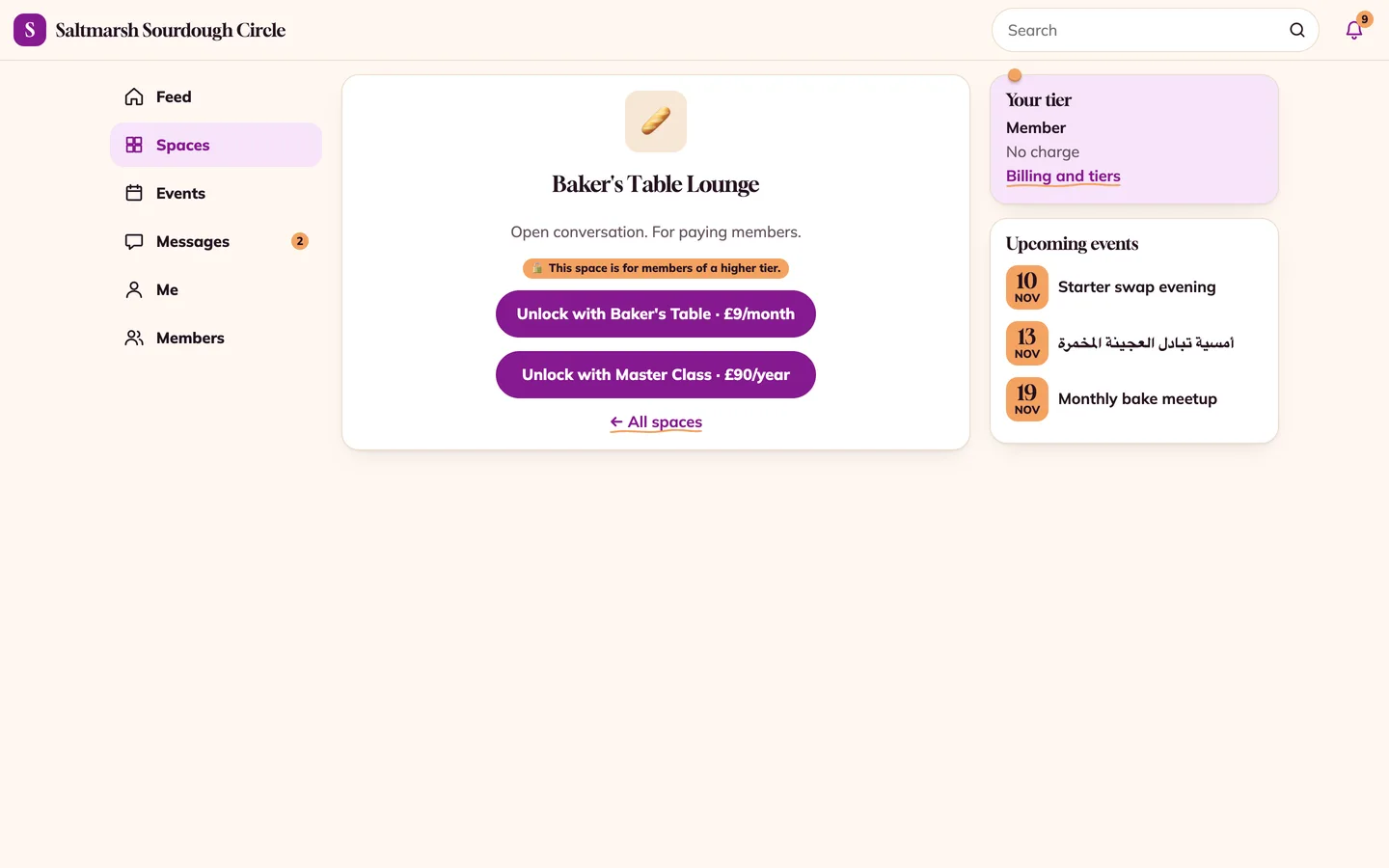
A space marked "paid" must be paid everywhere: the feed, search, notifications, the weekly digest, the API and the file links. Kinfold asks one access policy on every read and never caches the answer, so a lapsed member is locked out on the next request.
2. What happens when a payment goes wrong?
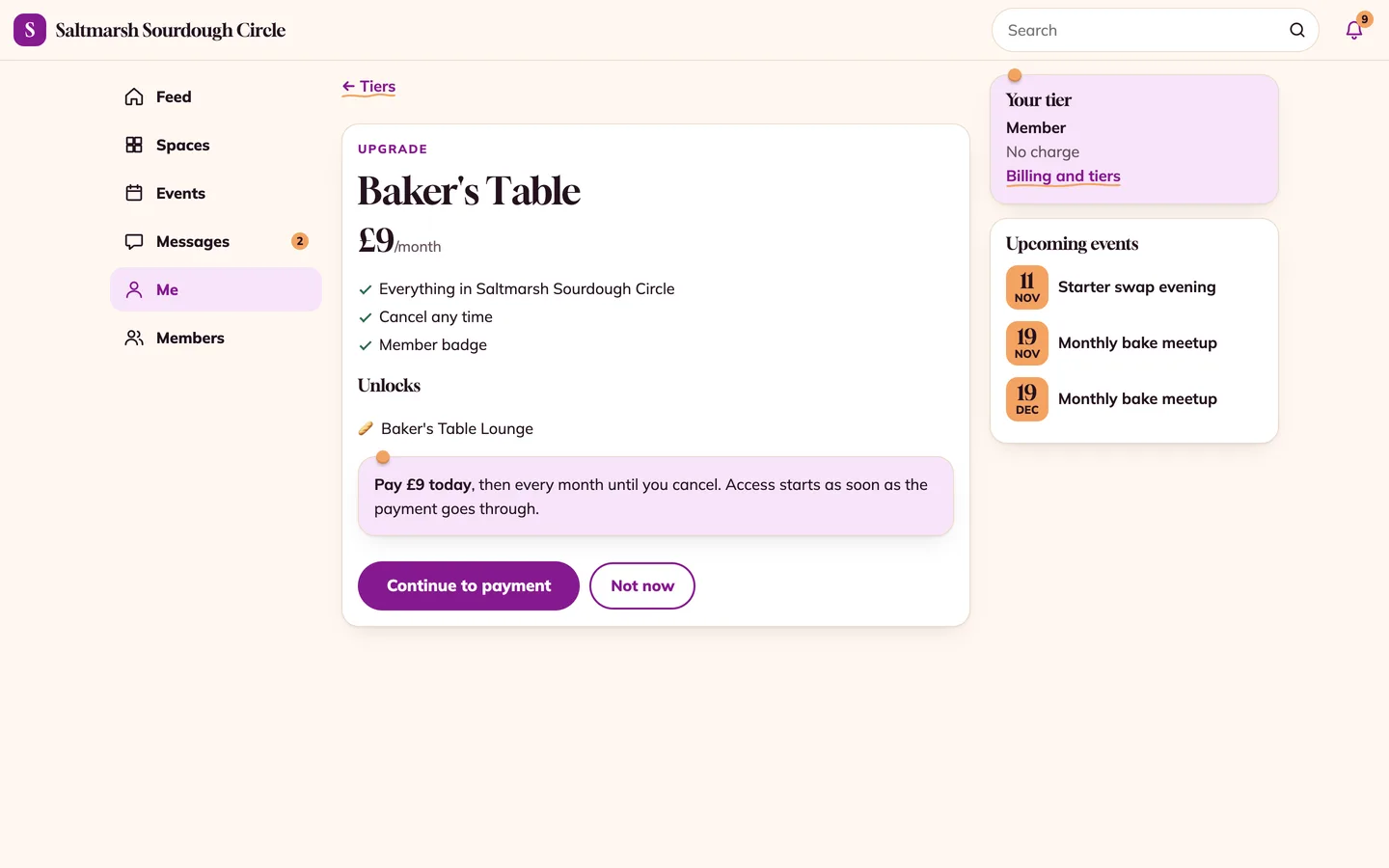
Ask about declines, late payments, double payments and refunds after a payout. Kinfold grants access only when the payment succeeds, gives a grace period, then ends access, and refunds late or duplicate payments through a queue that survives a crash.
3. Do events survive a rush?
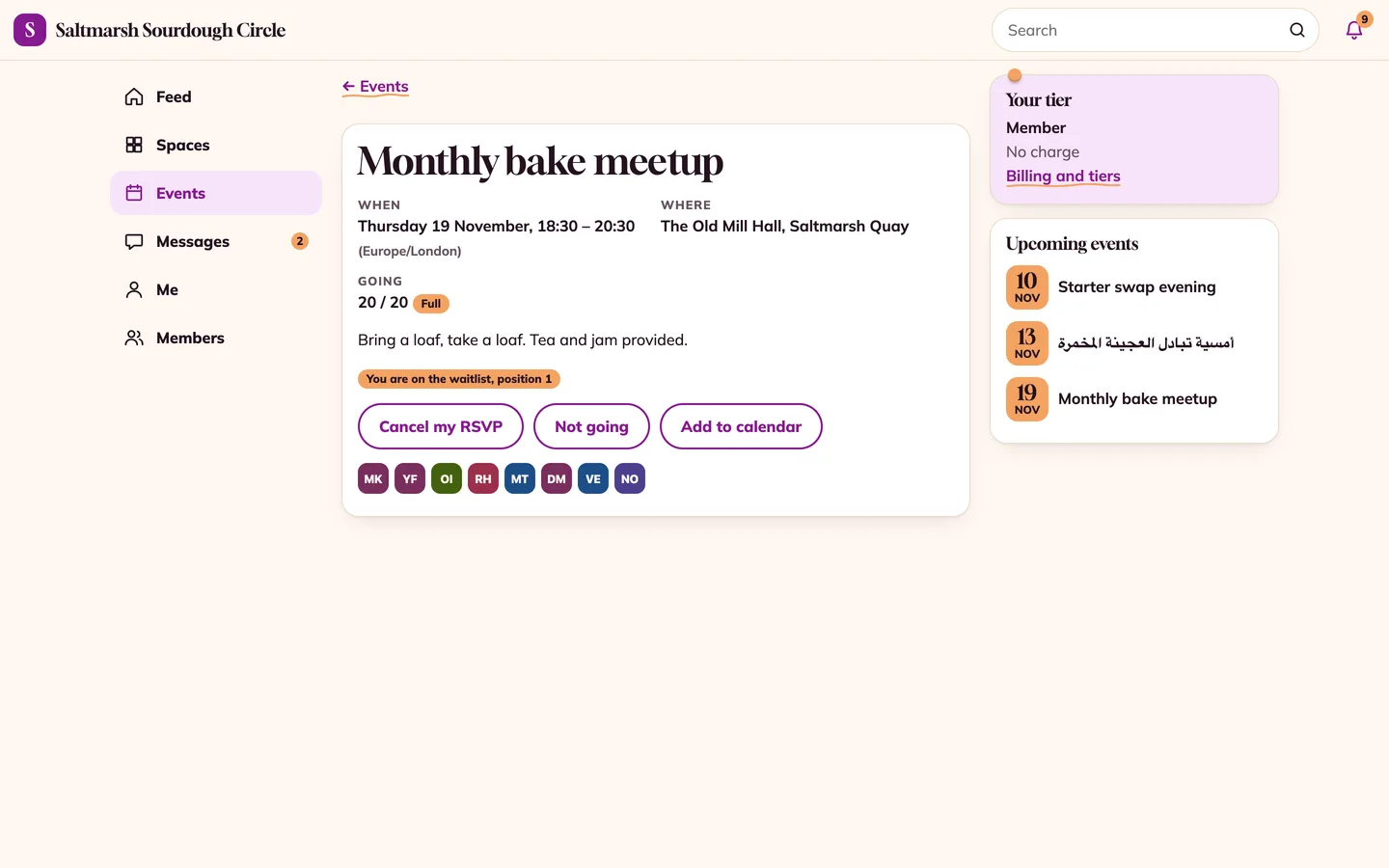
Capacity and the waitlist must be counted under a lock. Kinfold promotes the first person on the waitlist when someone cancels and checks their tier again at that moment.
4. Can moderators do their job without overreach?
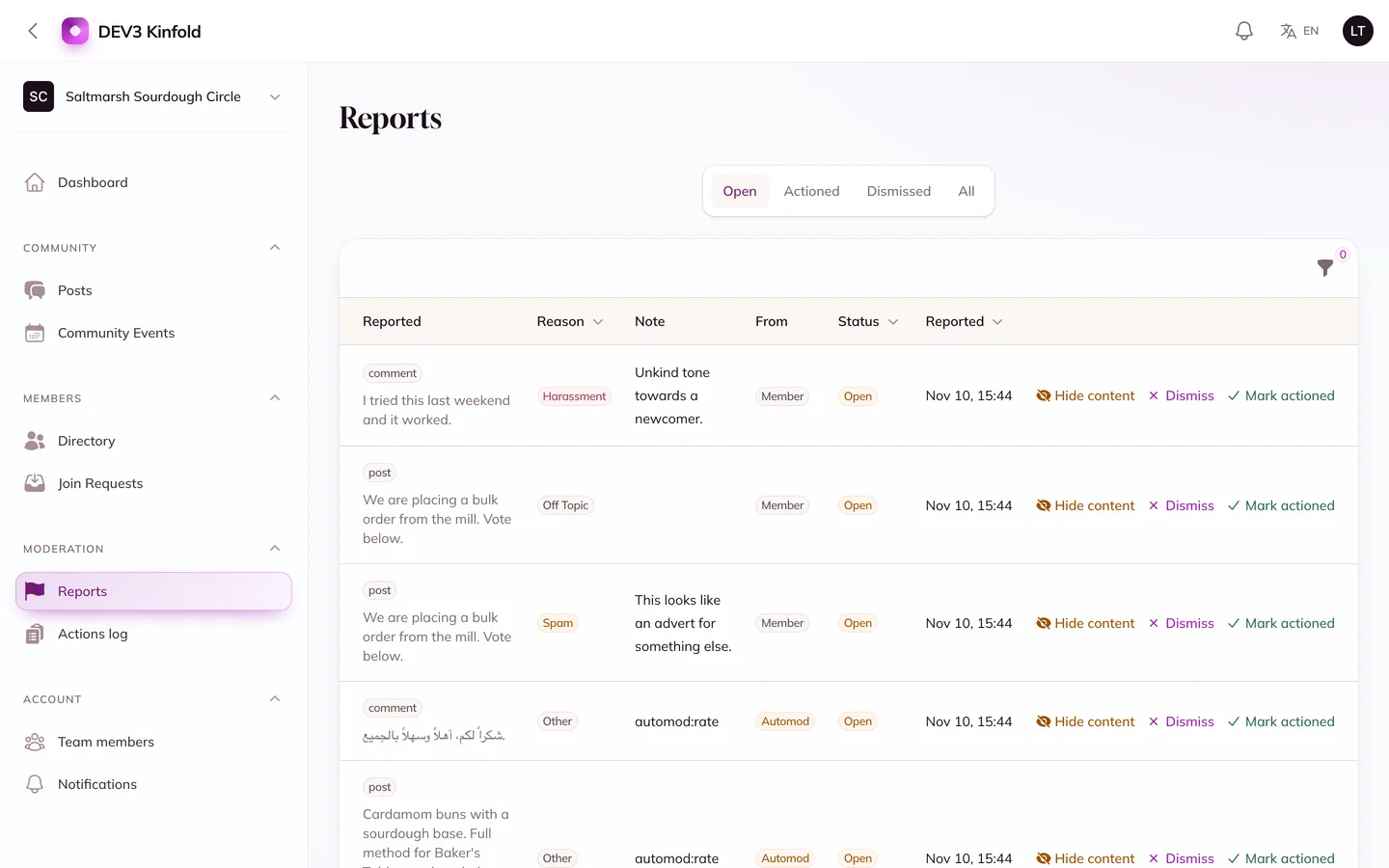
Reports, automod rules and an actions log are the basics. Look for a role hierarchy, so a moderator cannot edit the owner's post, and for DMs that moderators cannot read unless a member reports a message.
5. Are digests and notifications respectful?
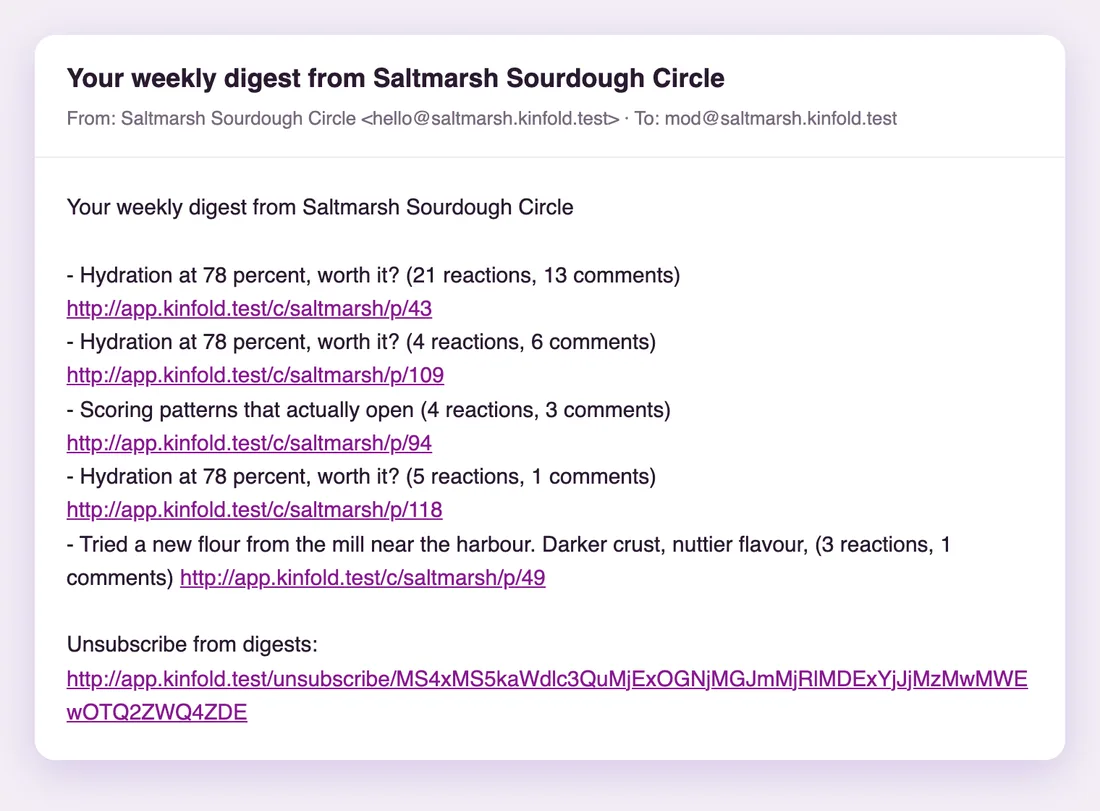
Per-type preferences, quiet hours in the member's own time zone and a one-click unsubscribe keep people subscribed.
6. Is it yours to run?
Branding, a custom domain and your own payment gateway matter. Kinfold is white-label per community, and you are the merchant of record who pays communities out weekly.
7. What are the limits?
Ask every vendor about video hosting (none here: events link to your meeting tool), recurring billing on a real gateway (you finish the driver), email and push providers (yours), and the mobile app (the Flutter member app is a v1.1 add-on; the web app installs today).