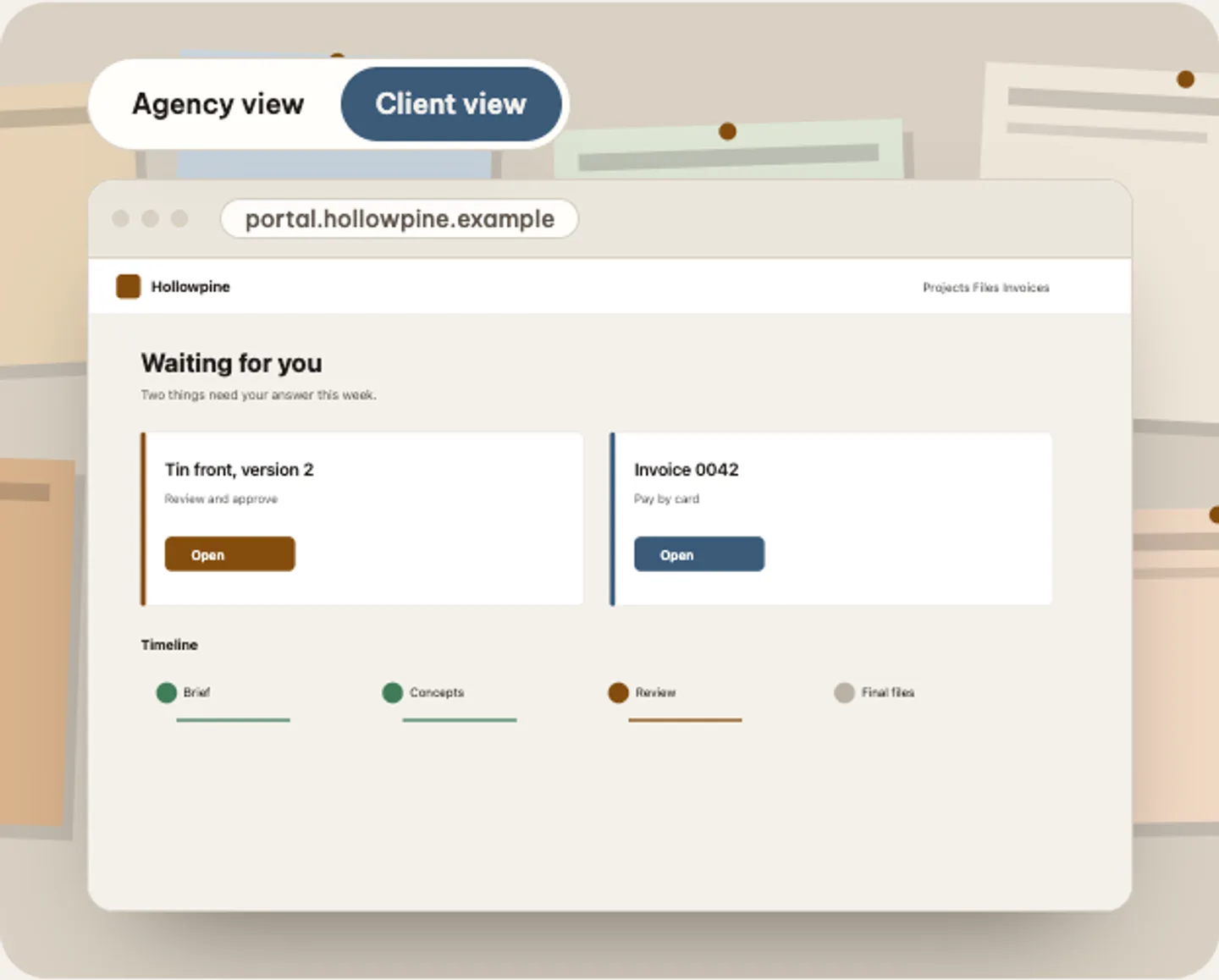
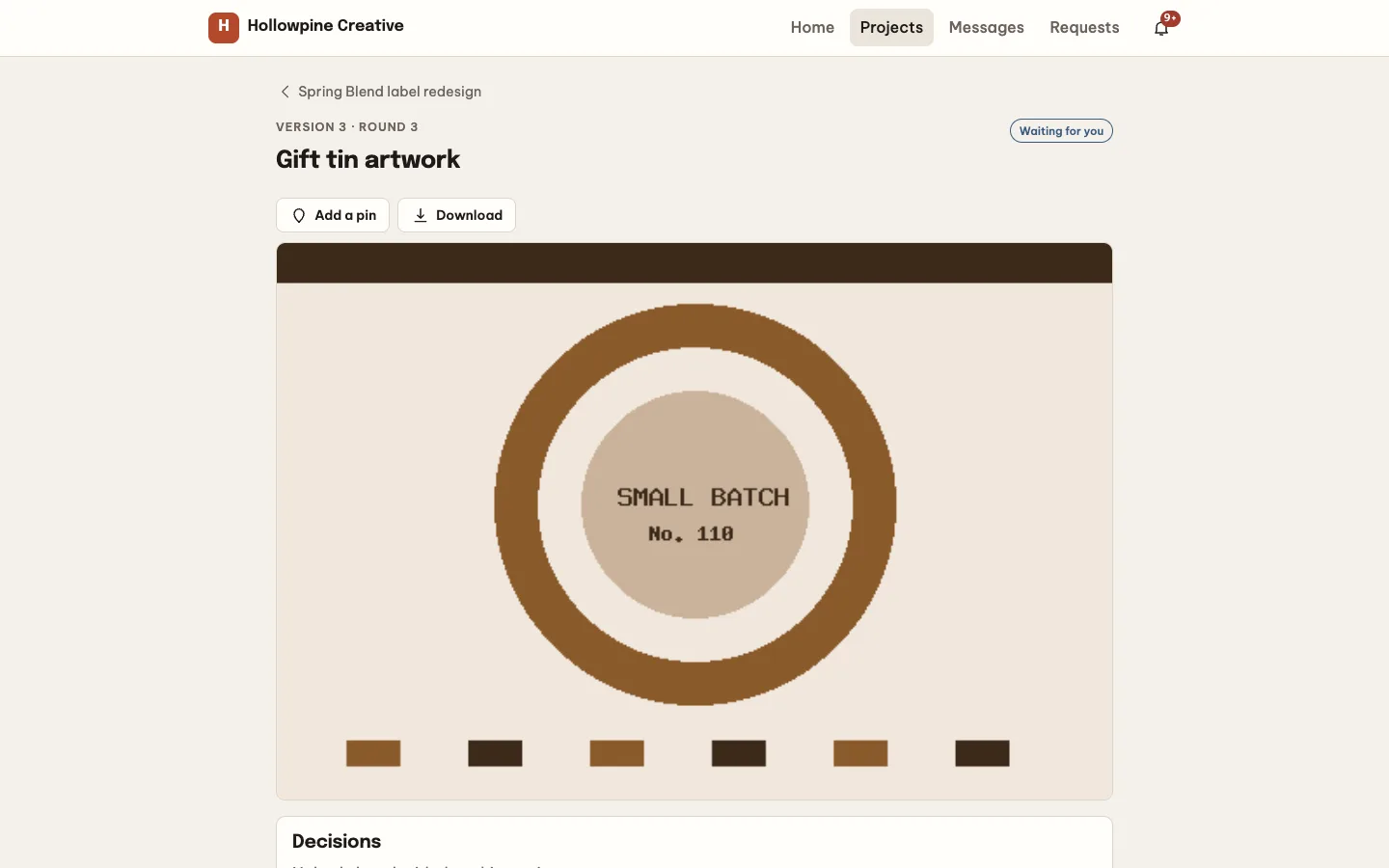
 The client view — The same project as the client sees it on the agency own portal address.
Client portal software for agencies: 6 things to check before you pick one
Last updated
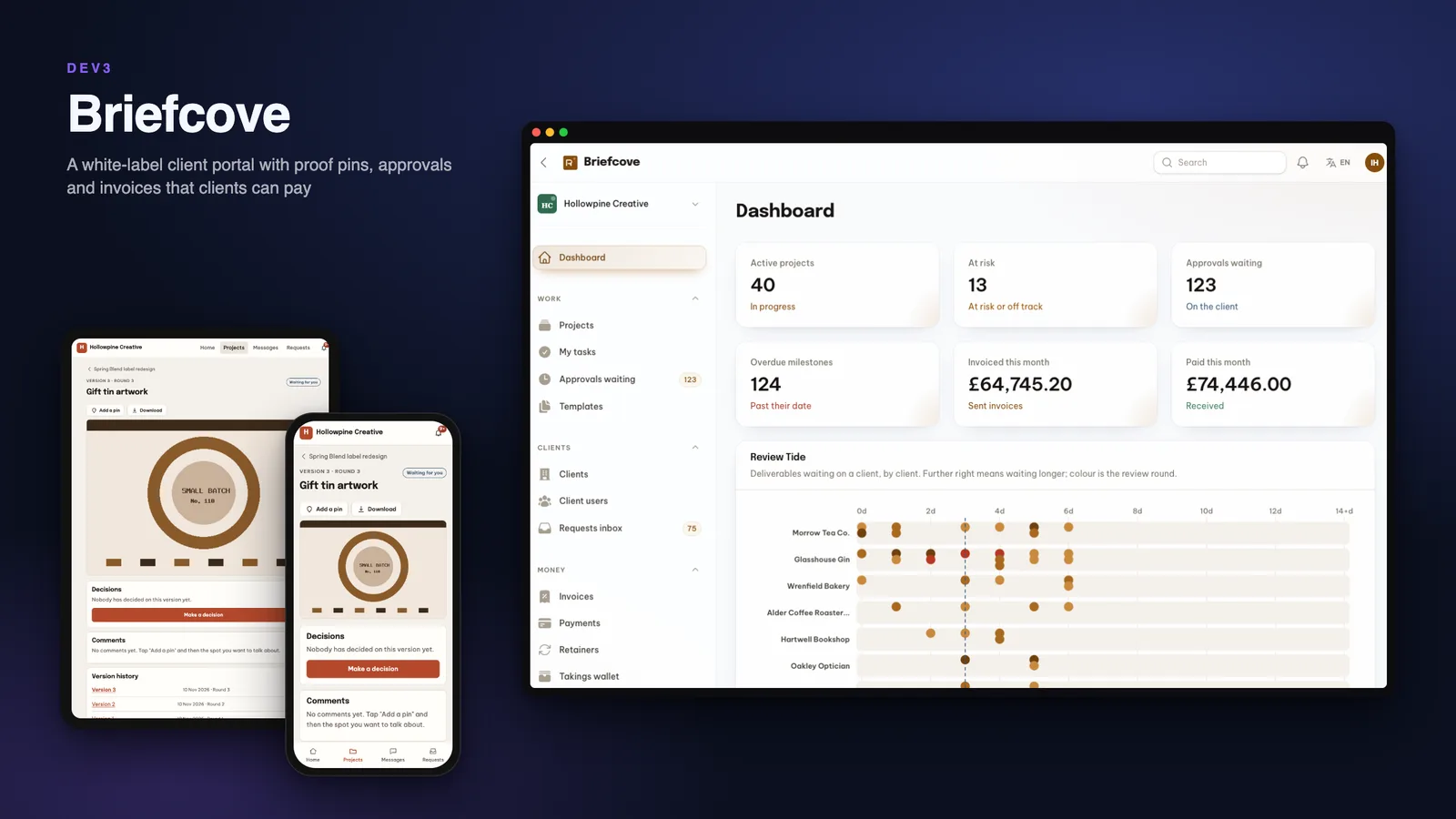
Clients do not want another login, they want to know what is waiting for them. Here are six things to check before you pick software to give clients a portal, with DEV3 Briefcove as the worked example.
1. Can a client approve without a meeting?
An approval is only useful if it is specific: which version, which round, who decided and why. Briefcove numbers every upload, lets the client drop pins on the artwork, and records approve or request-changes with a short reason. Rounds can be limited per deliverable, and a manager decides whether to allow one more.
2. Do you see what is stuck?
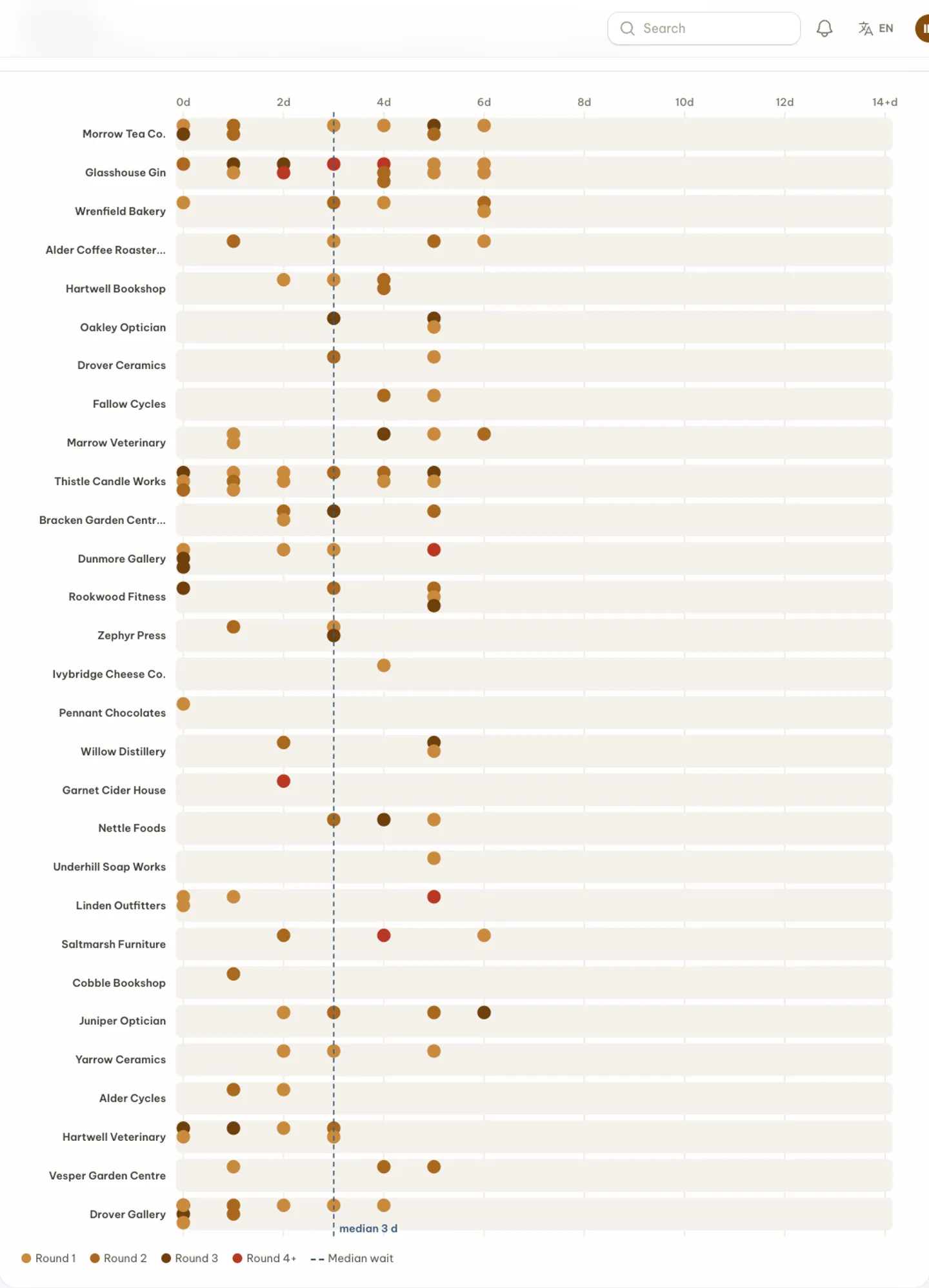
A dashboard of tasks does not tell you which client is sitting on a review. The Review Tide shows open, late and clearing reviews by client, and the approvals list carries the reply deadline.
3. Who takes the payment?
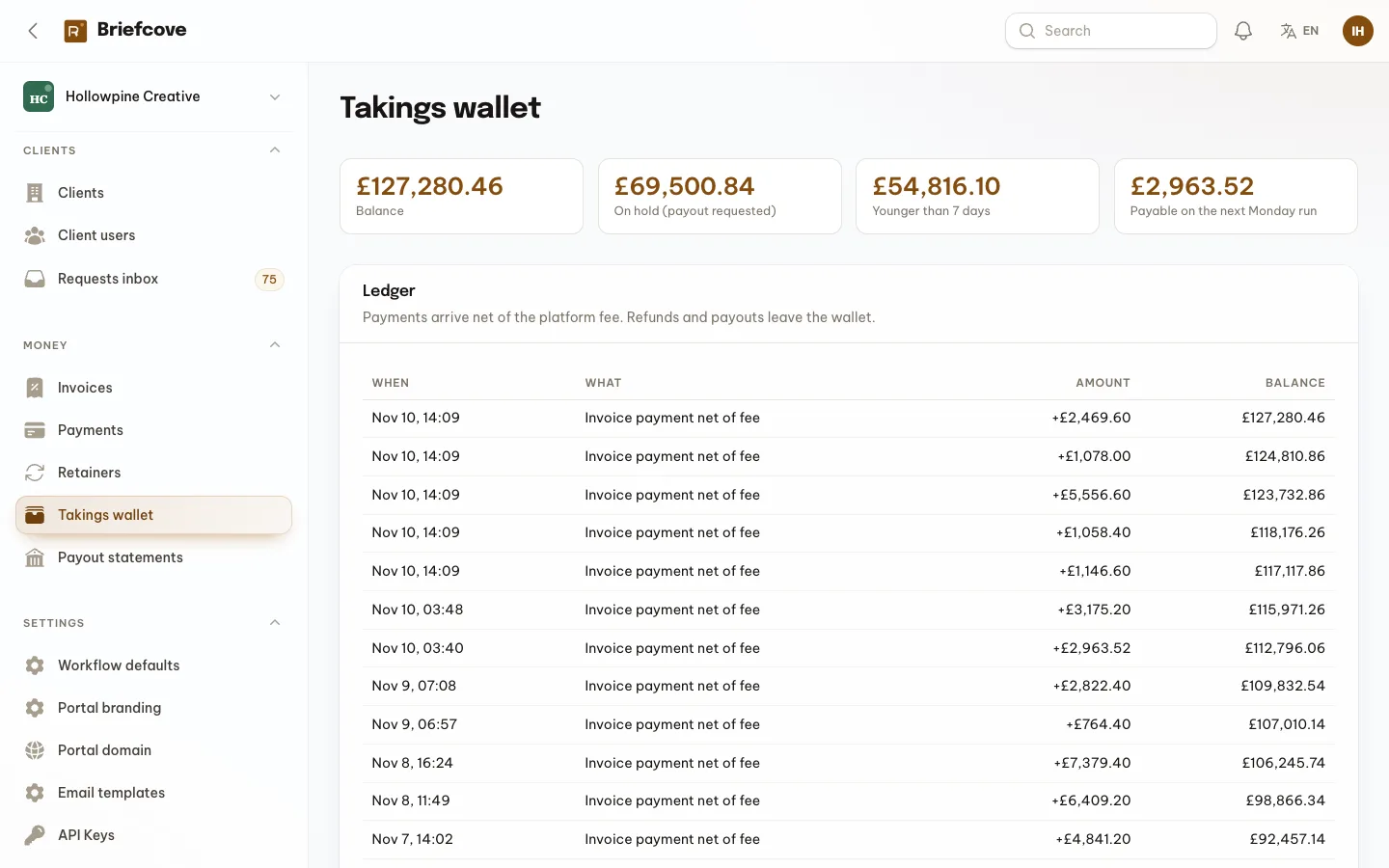
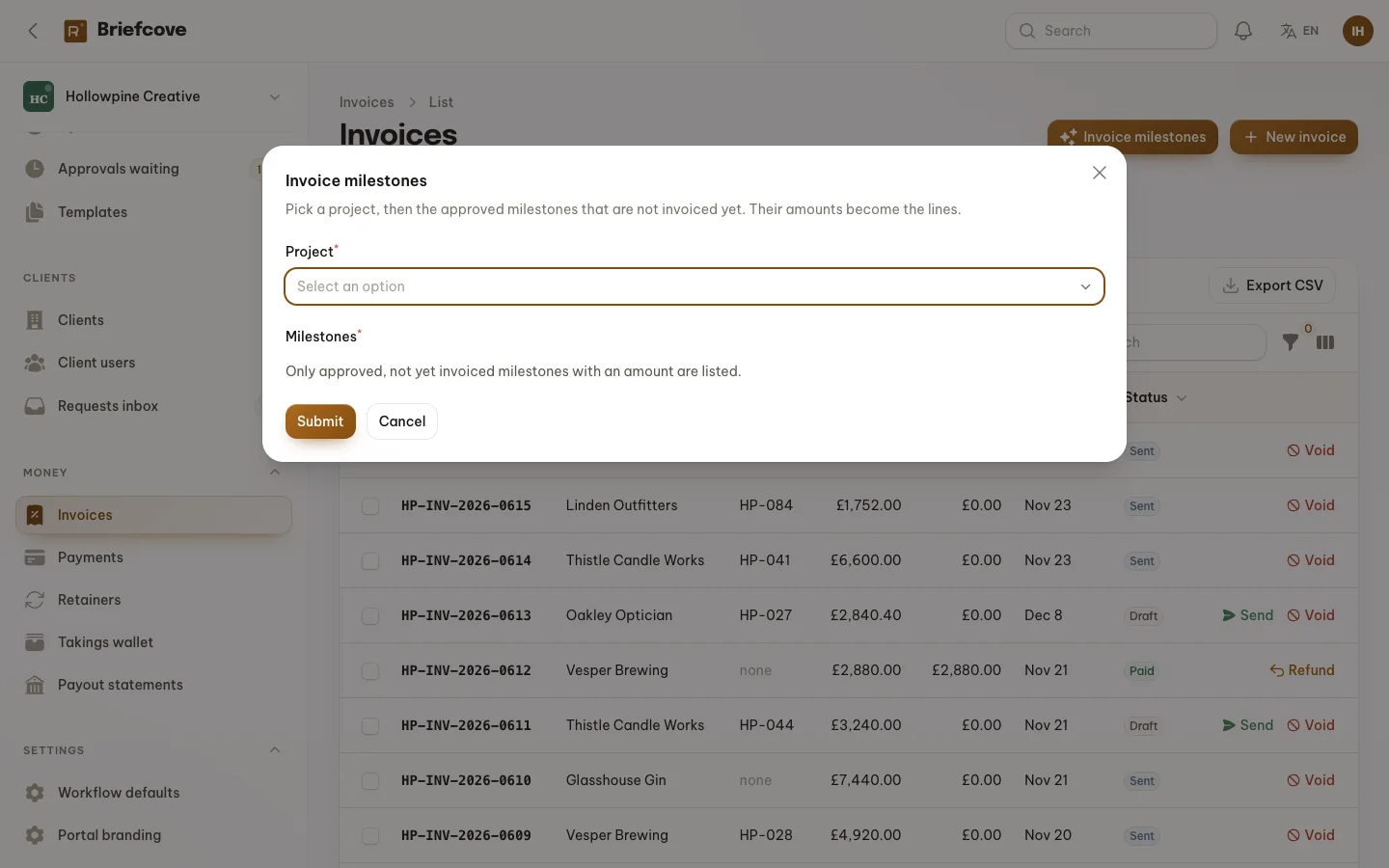
Simple invoices are enough for most agencies: lines from approved milestones, tax, a pay link, partial payments and refunds. In Briefcove the operator is the merchant of record, and each agency has a takings wallet that is paid out weekly. Agencies cannot connect their own Stripe account in this version, so say that plainly to your buyers.
4. Does it live on the agency's own address?
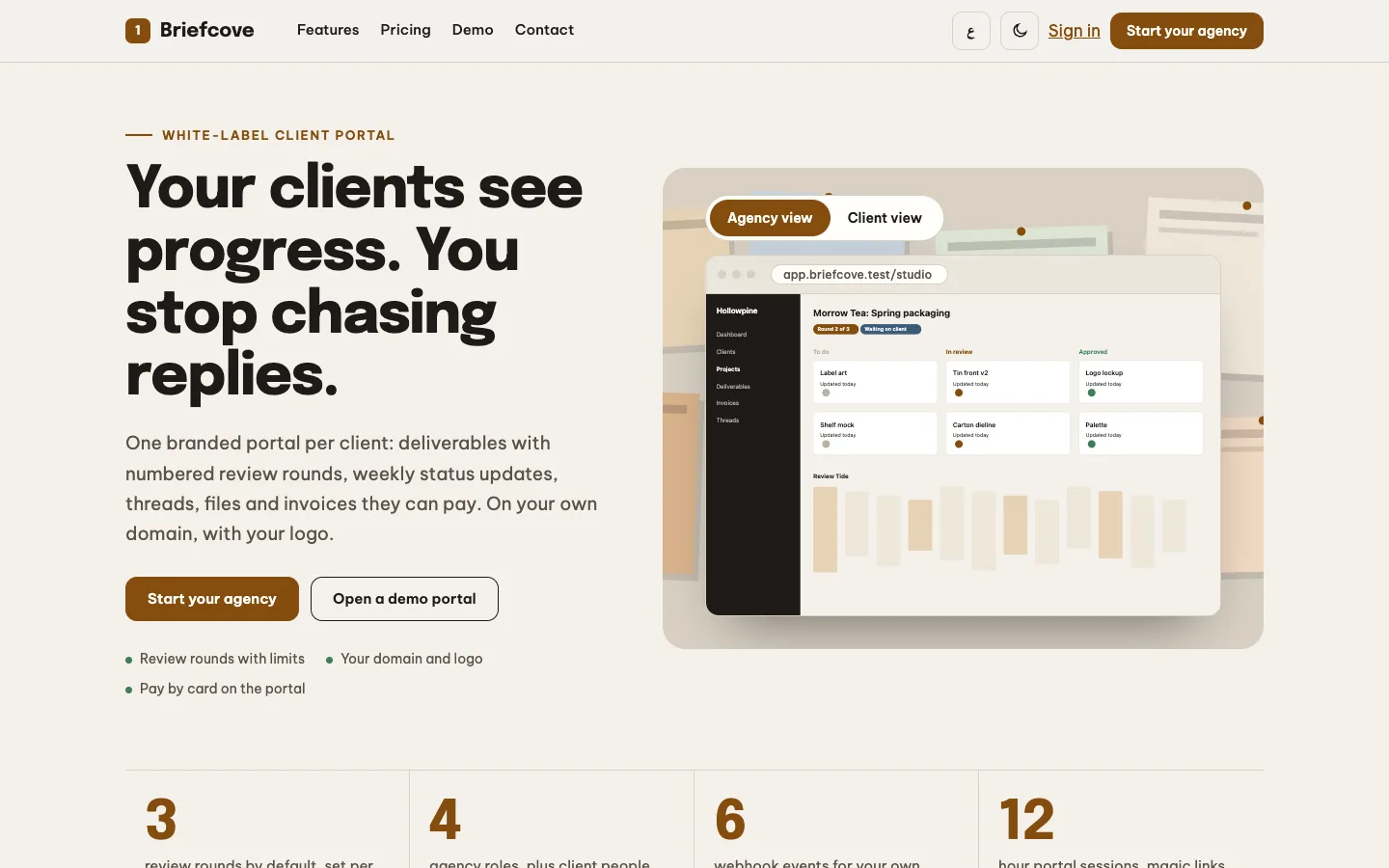
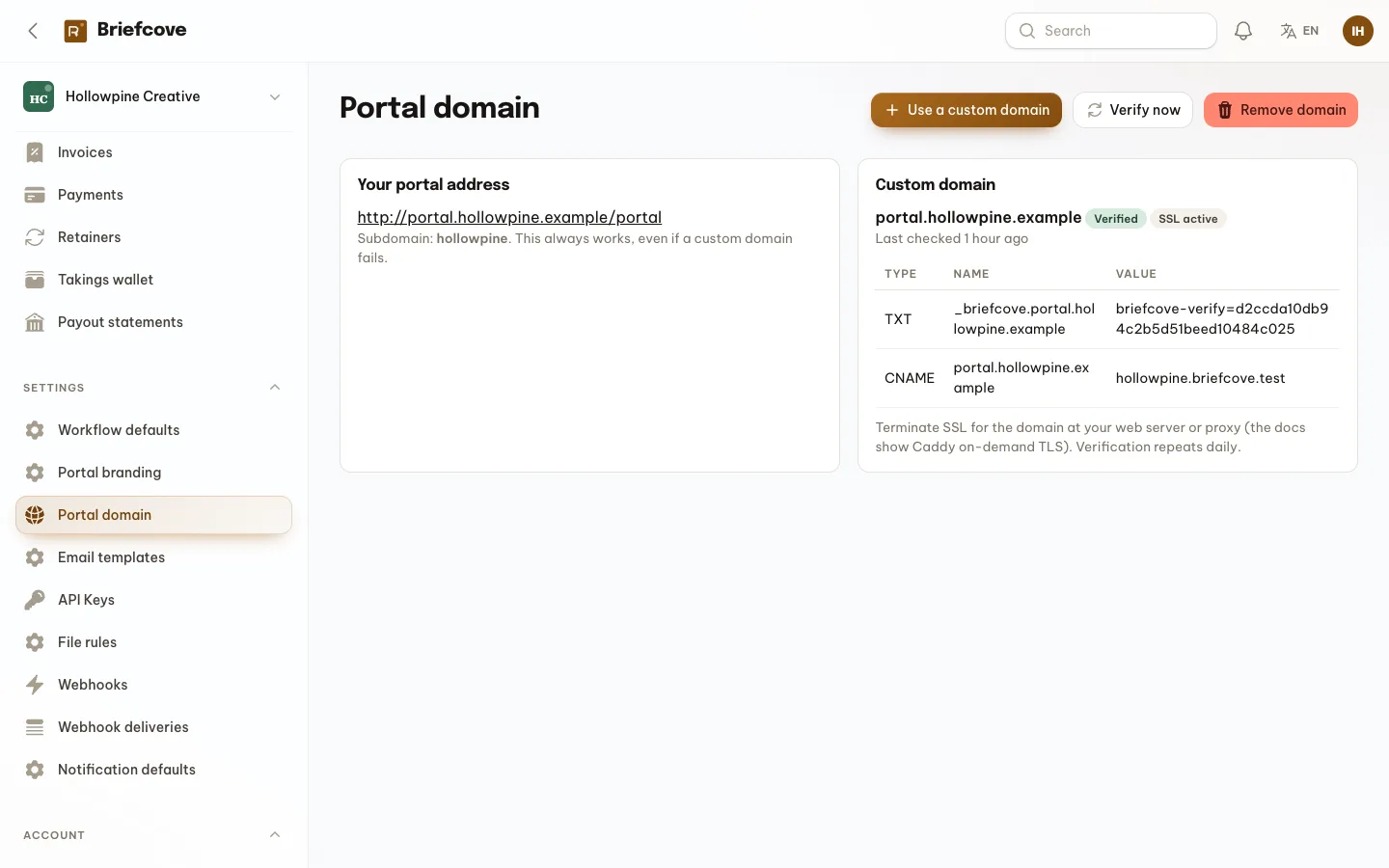
Clients trust a portal on the agency's name. Briefcove gives each agency a subdomain and, on suitable plans, a custom domain with a verification token. DNS verification is simulated by default and TLS is terminated at your proxy, with a Caddy on-demand TLS setup documented.
5. What can it preview?
Images and PDFs open in the page. Other files download, and a video poster frame needs ffmpeg on the server. Proofing is pin comments, not drawing tools. Ask every vendor for this list.
6. What are the limits?
It is not a time tracker, retainers on real gateways need your own driver, drivers for mail, payments, scanning and DNS are simulated until you add accounts, and there are no mobile apps.