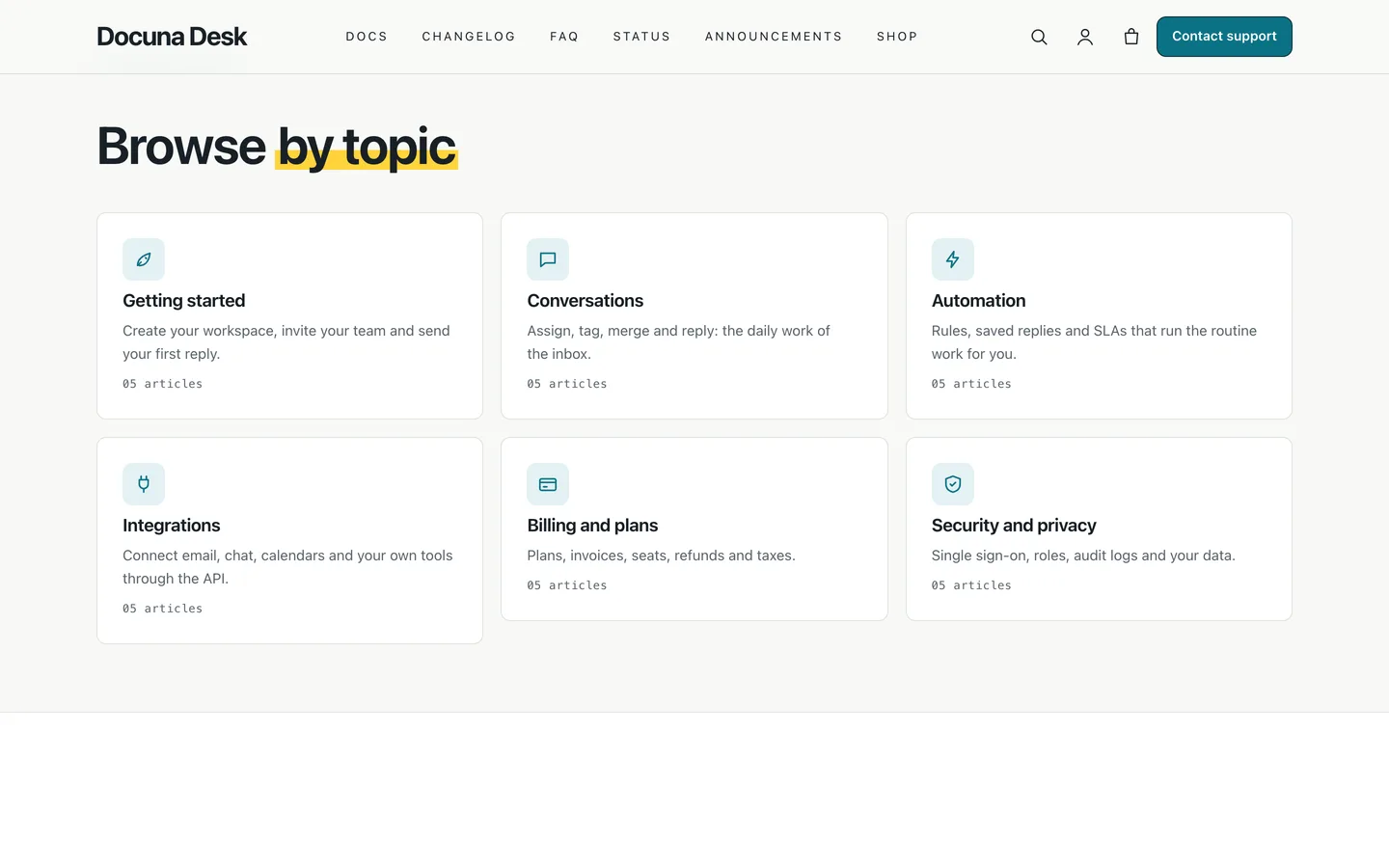
 Popular topics — six category cards with icons and article counts, linking to each docs category.
A knowledge base WordPress theme: docs search, helpful votes and a changelog with Docuna
Last updated
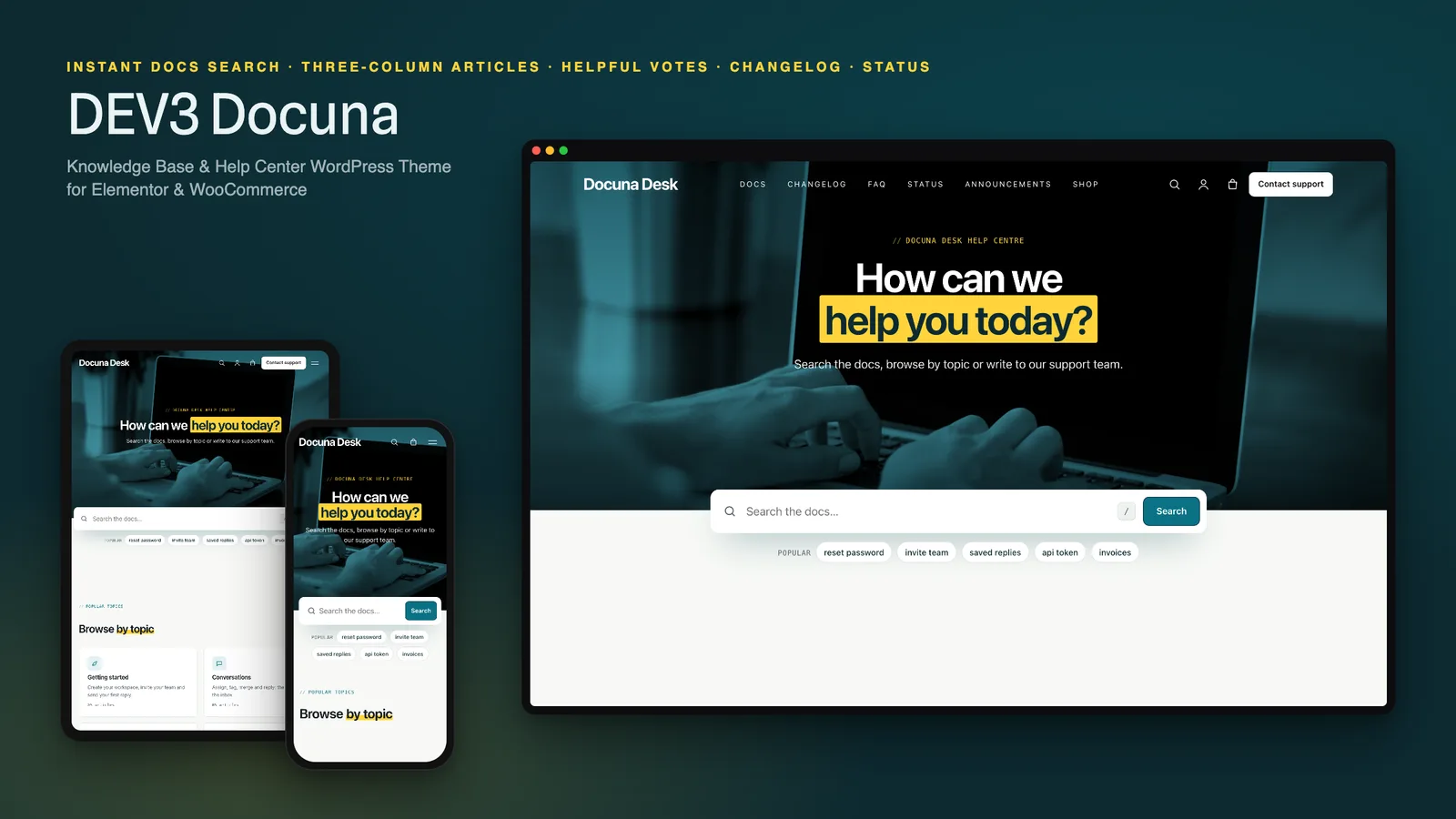
A good help centre answers the question before a ticket is opened. That takes three things: a search box people can find, articles they can navigate and trust, and a clear way to reach a human when the docs fall short. DEV3 Docuna is a WordPress theme built around exactly that, with every page editable in Elementor.
Who Docuna is for
- Software and SaaS companies that need public documentation and a changelog.
- Support teams and agencies running a help centre for several clients.
- Product makers who sell support packs or onboarding sessions next to their docs.
Search first
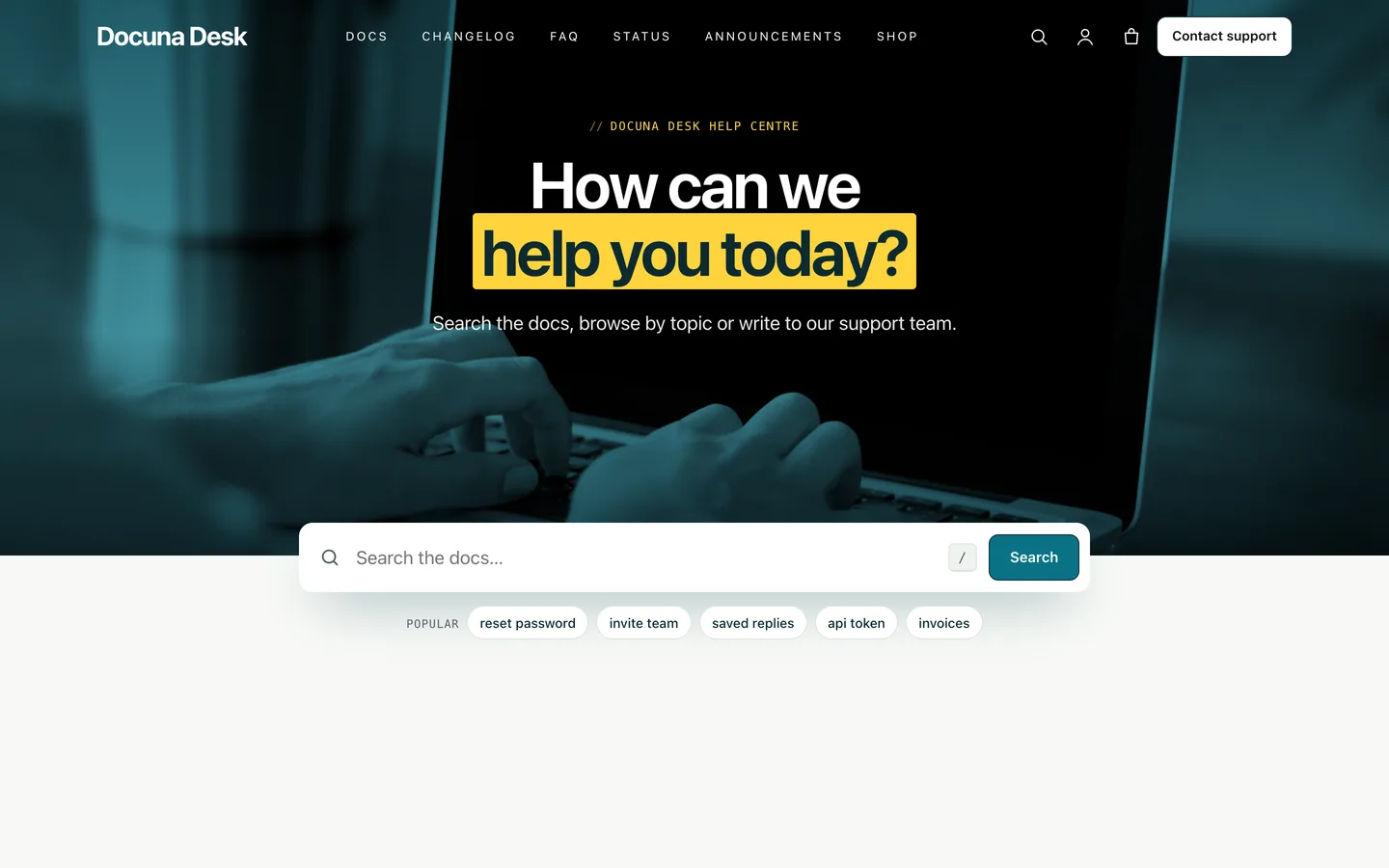
The home page opens with a short photo band and a search box that overlaps its edge. Suggestions appear as you type, arrow keys and Enter work, and pressing / anywhere focuses the box. Popular searches are plain links, and a normal site search lists documentation first, then release notes, then posts.
Articles people can finish
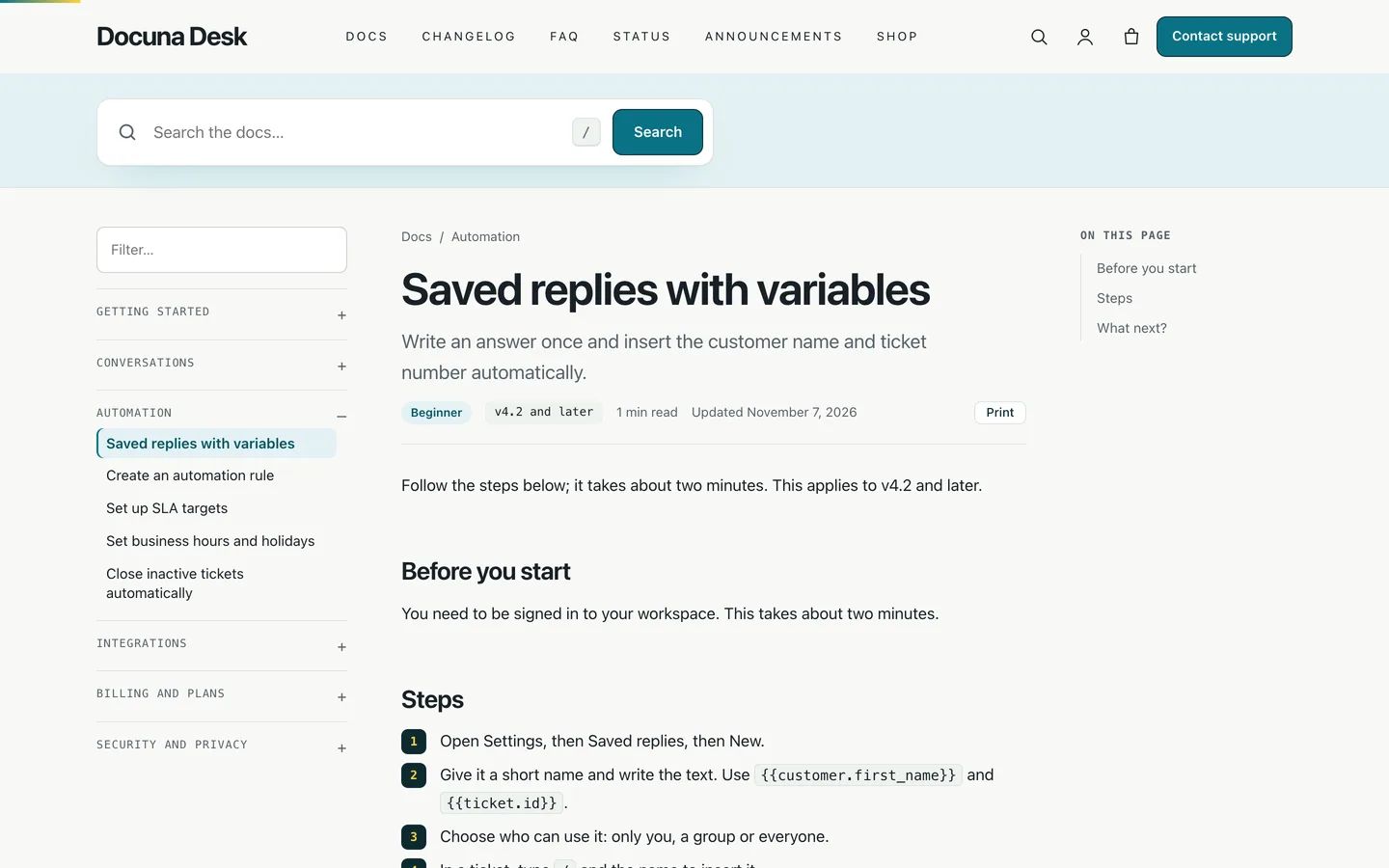
Every article uses three columns: a sticky docs navigation with a filter, the article with breadcrumbs, audience and version pills, reading time and the updated date, and an On this page list built from your headings. Numbered steps get step markers, code blocks get a Copy button, and Tip, Note and Warning callouts are block styles.
Know which articles fail
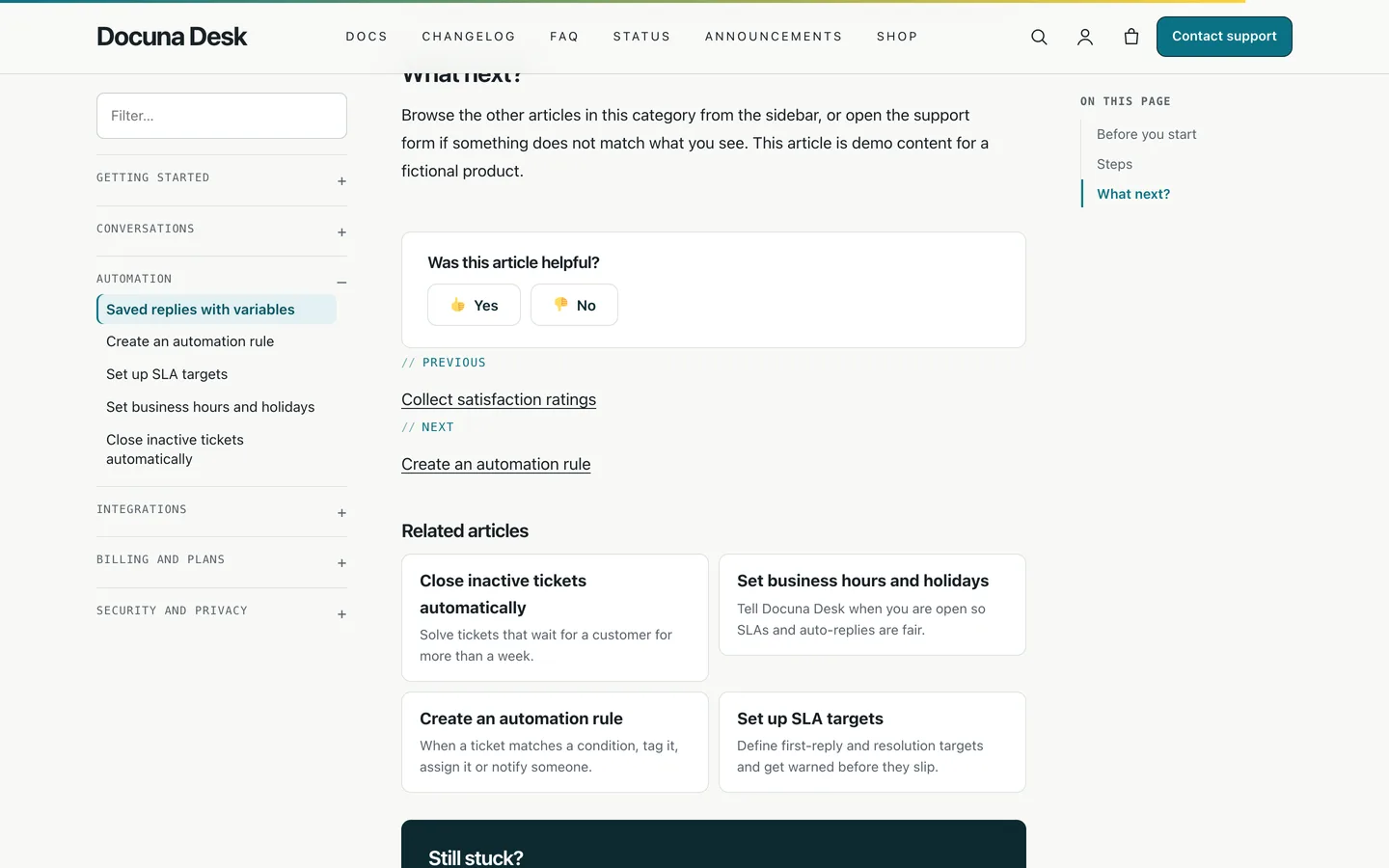
Each article ends with Was this helpful? The vote is a normal form with a nonce and a honeypot, so it works without JavaScript; with JavaScript it votes in place and remembers one vote per browser. Counts are stored on the article and listed in the docs table in the WordPress admin, which shows you what to rewrite next.
Changelog, FAQ and status
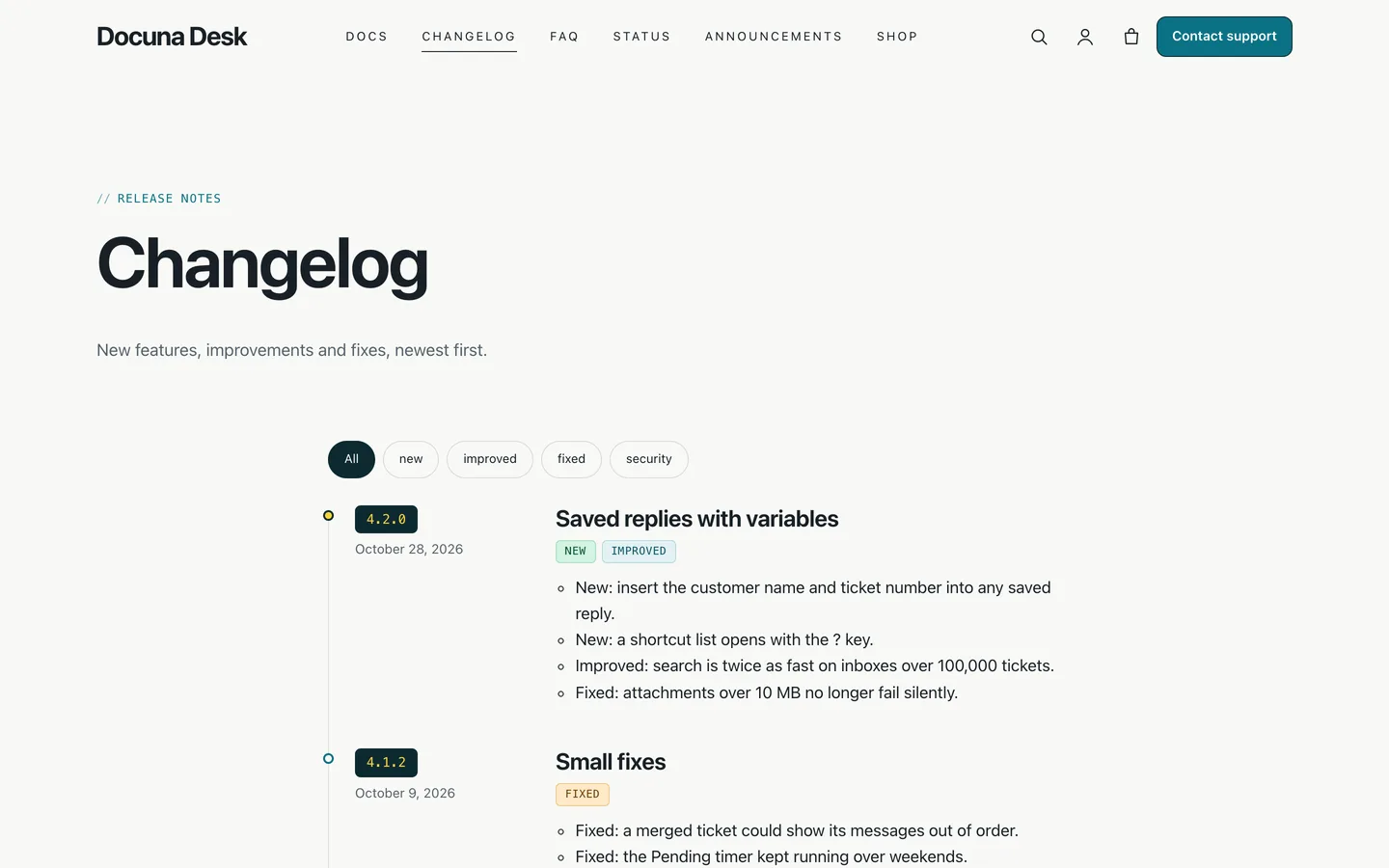
Release notes sit on a vertical timeline with version chips and coloured tags (new, improved, fixed, security, deprecated). The FAQ page adds FAQPage structured data, and the Status page shows component health, 45-day bars and past incidents. The demo's figures are sample data: link your own status page in the Customizer.
Support requests and the shop
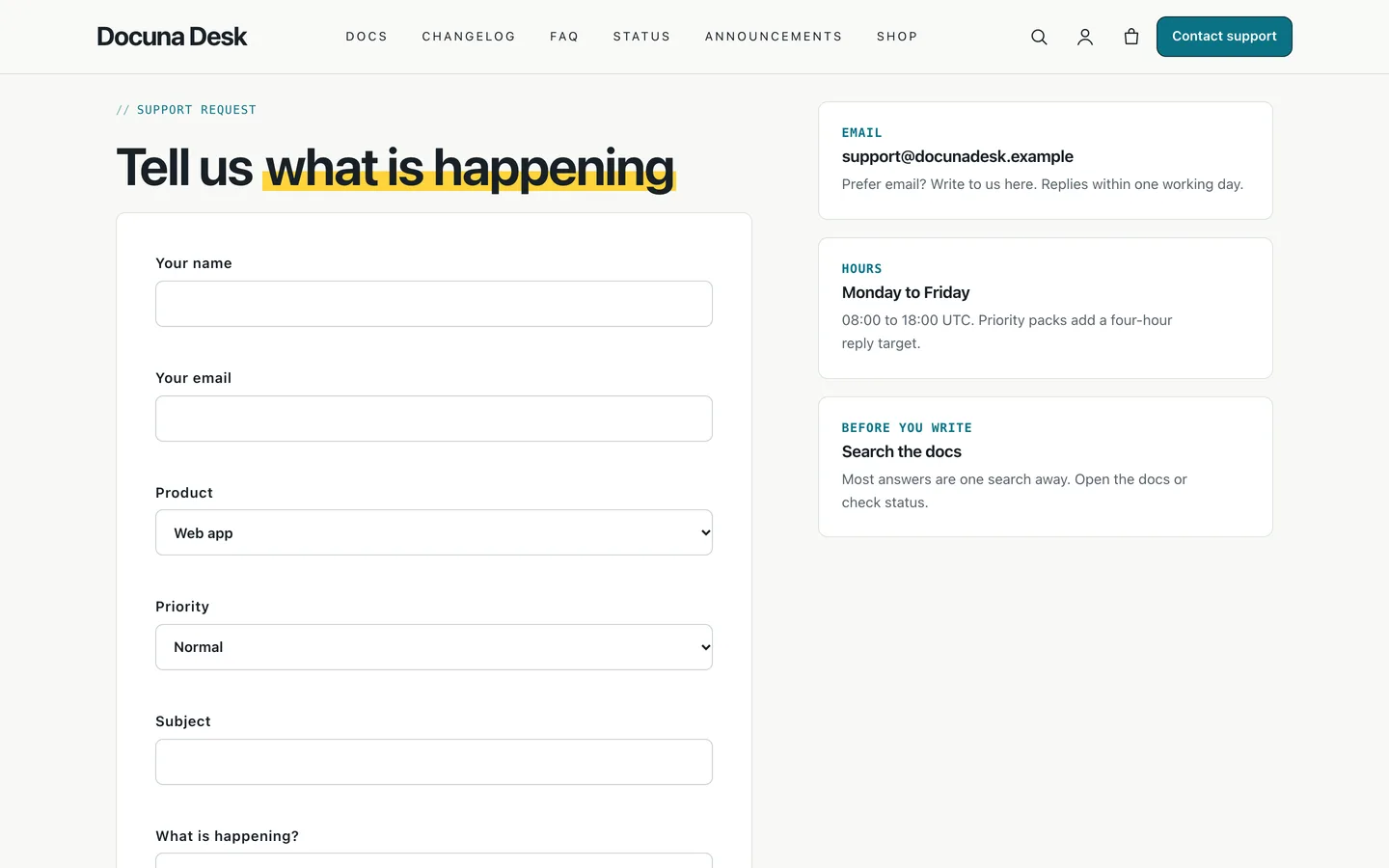
The Contact support page is a ticket-style form with product and priority, built with Contact Form 7. Support packs, onboarding sessions and training are normal WooCommerce products, so you can sell help next to the docs.
Requirements
- WordPress 6.0 or newer and PHP 7.4 or newer
- The DEV3 Theme Toolkit plugin (included and required for the widgets, post types and demo)
- Recommended: Elementor (the free version works), WooCommerce (the shop) and Contact Form 7 (the support form)
What's in the download
Unzip the download from your DEV3 account first. Do not upload the download itself to WordPress.
dev3-docuna.zip: the theme. Install this one.dev3-docuna-child.zip: an optional child theme for your own CSS and PHP.dev3-theme-toolkit.zip: the companion plugin (docs, changelog, customer stories, docs search, contents list, FAQ, request forms, Elementor widgets and blocks, demo importer).dev3-docuna-demo-content.zip: the demo package for reference.Documentation/index.html: the full guide.
Docuna Desk, its people, numbers and incidents are fictional, and the demo photos are free-licence stock listed in the credits file.