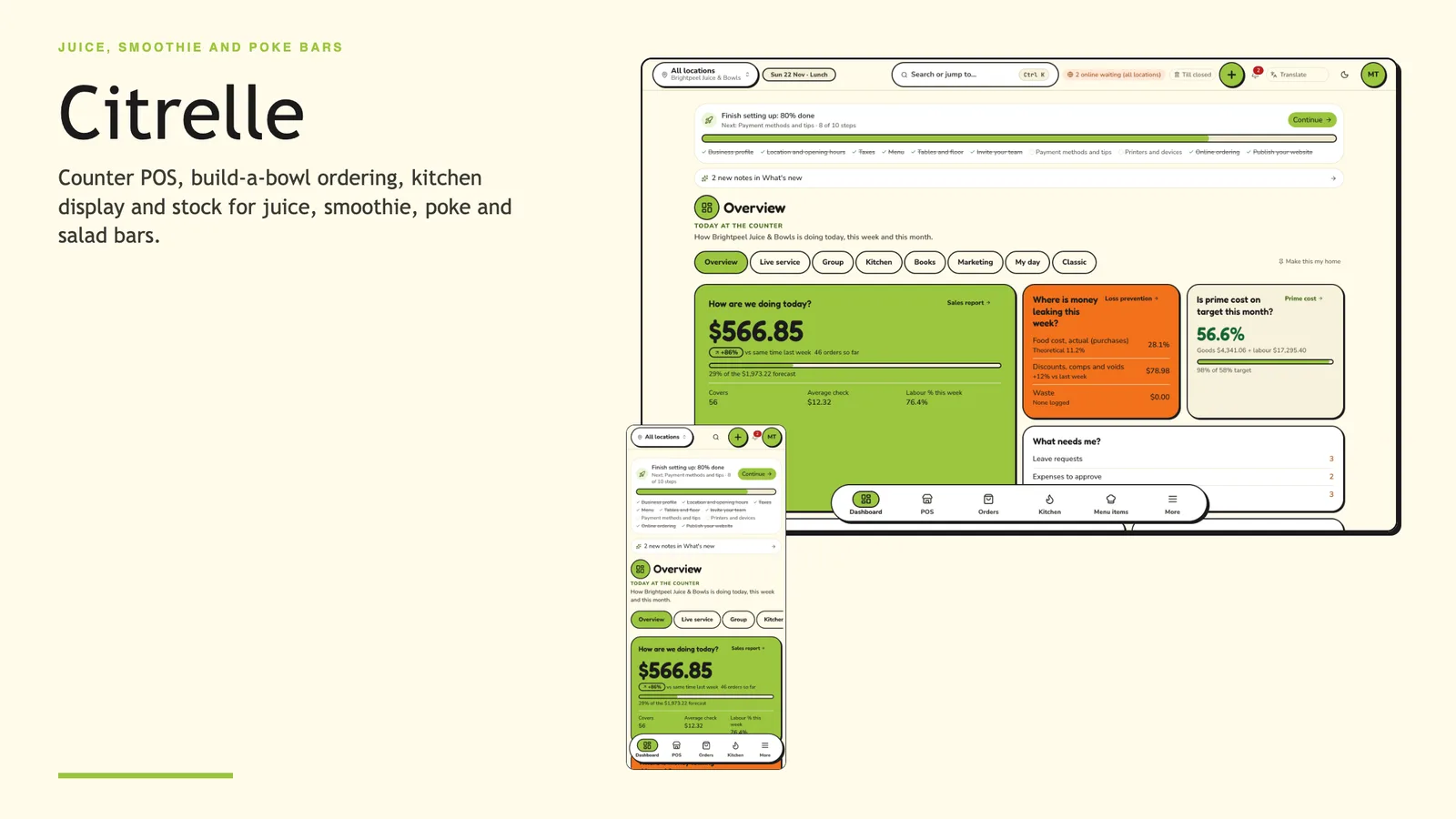
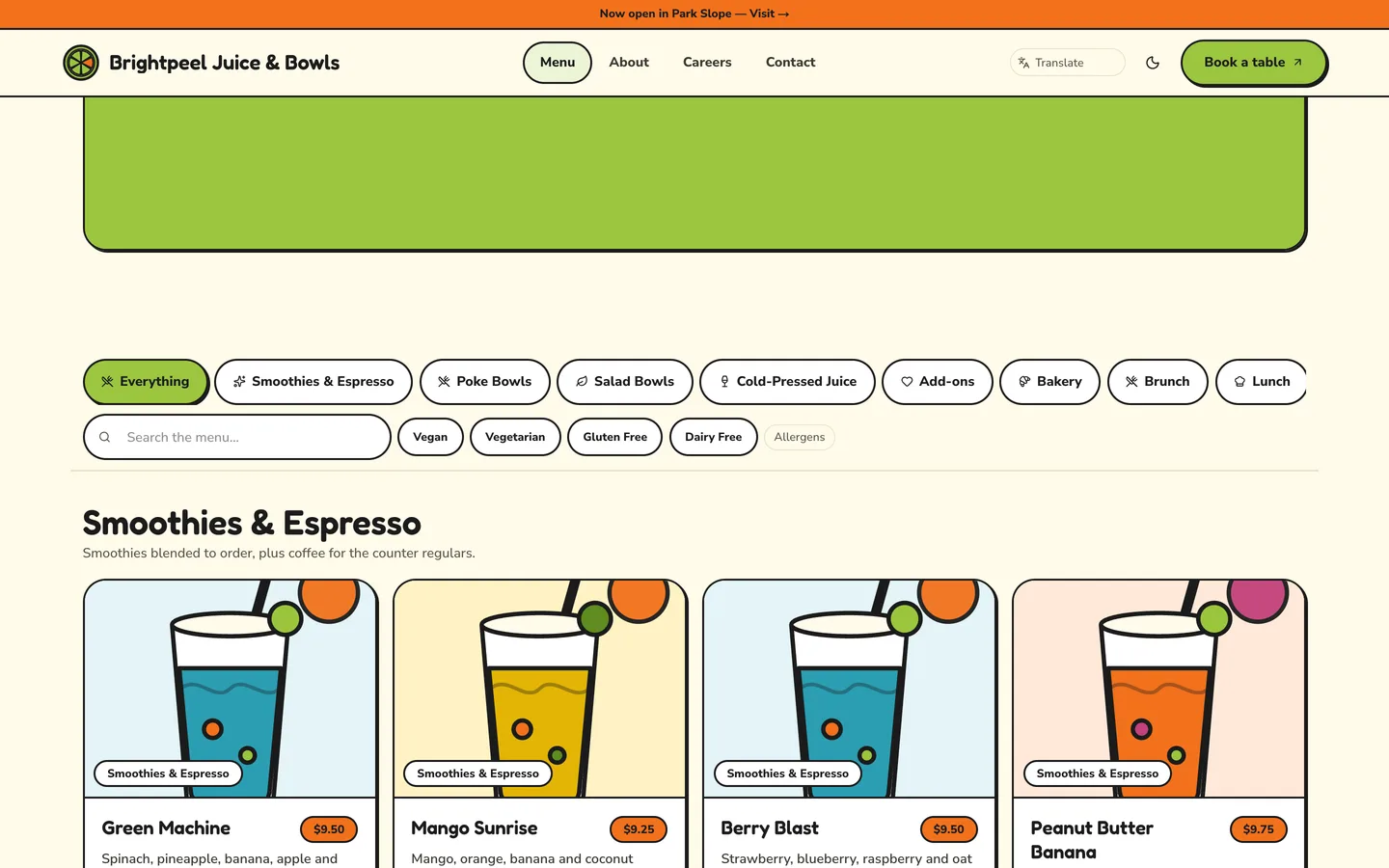
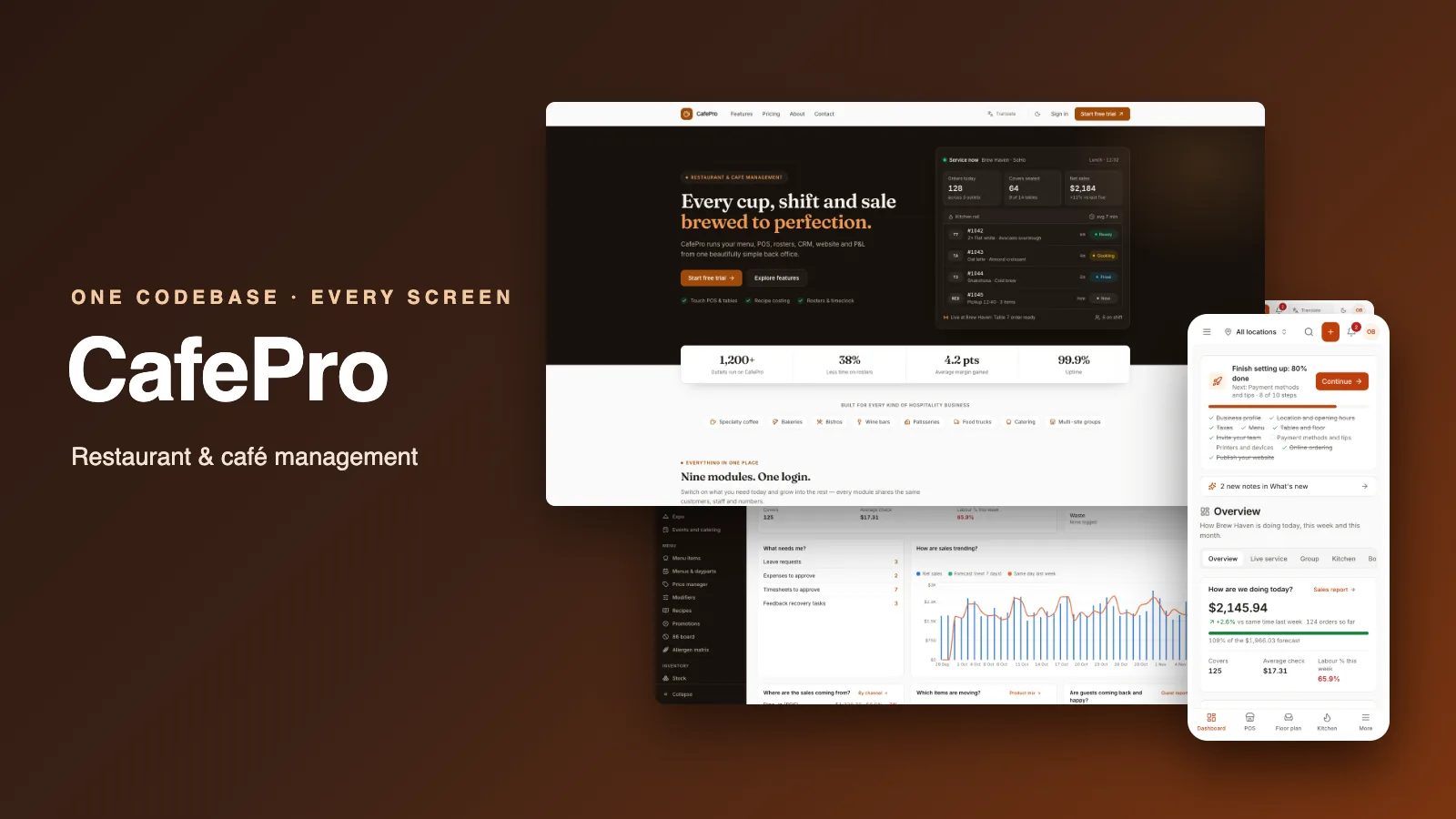
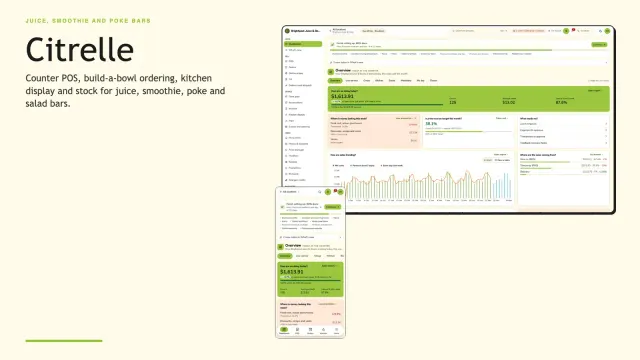
Citrelle is an ordering and management system for juice, smoothie, poke and salad bars that you host yourself, built by DEV3 Technologies on Next.js and MongoDB. It is sunny and clean: cream paper, leaf-lime buttons with ink text, rounded headings, 1 px warm borders and soft shadows. On a desktop screen it uses a slim side rail and dense tables, designed at 1920 px first; on counter iPads and phones a floating dock and big touch targets take over, and it has a Night shift dark mode. One deployment runs many venues, each with its own public website, staff, menu and books.
![Video tour of Citrelle: the website, the owner home, the till and the bowl builder]()
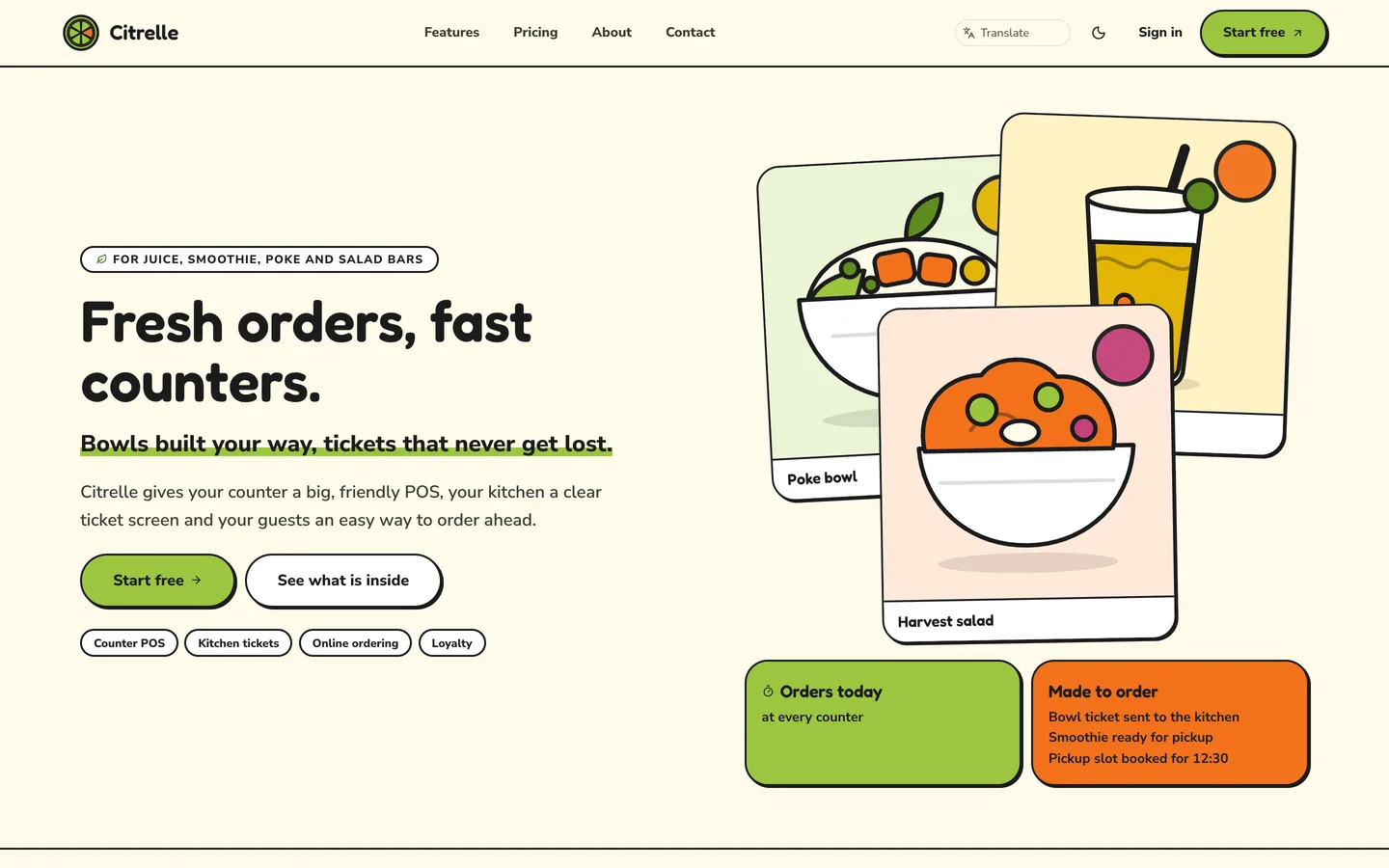
![The Citrelle home page]()
What it does
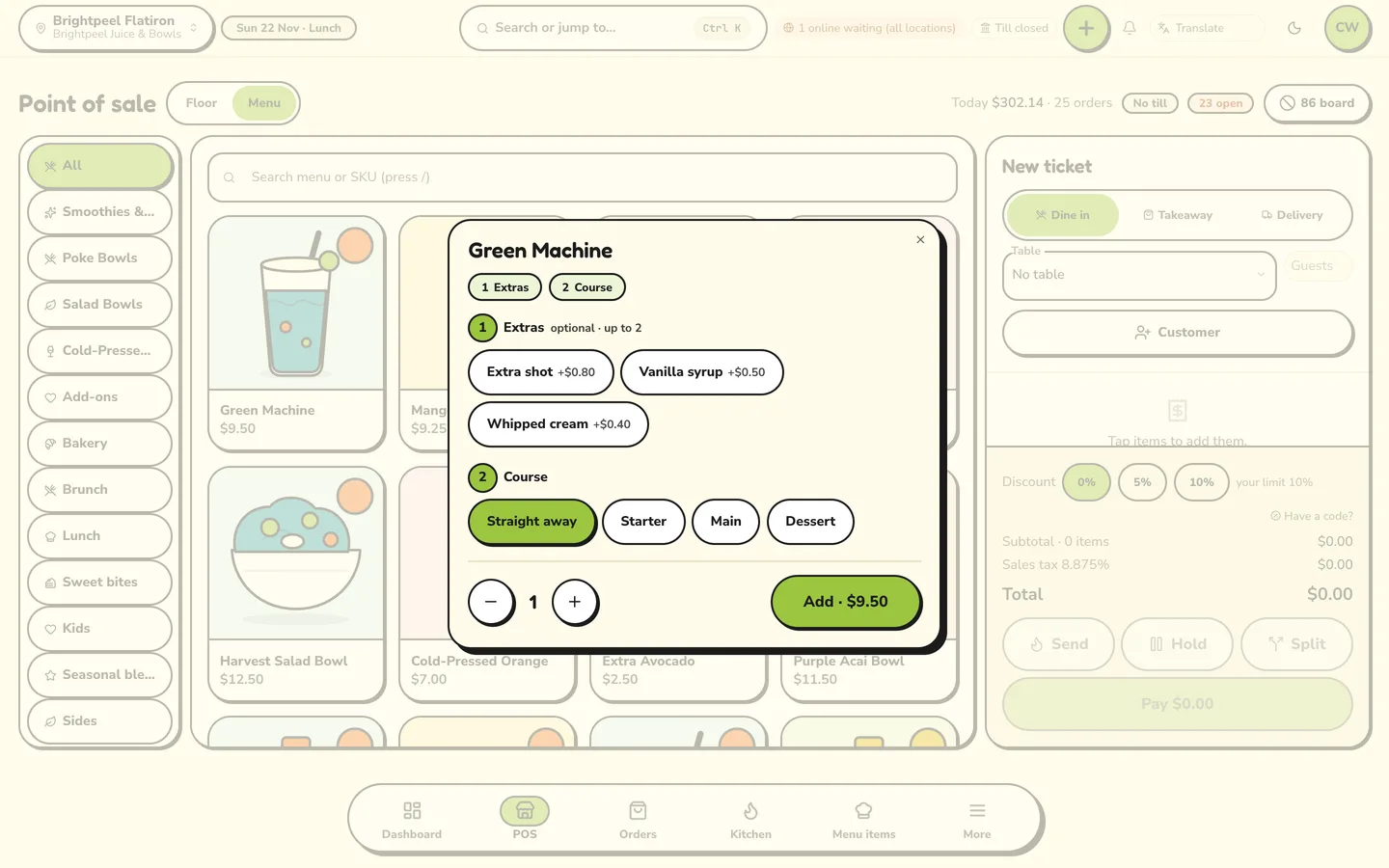
- Counter POS with a bowl builder. Big photo tiles, category pills and a ticket drawer. Every modifier group becomes a numbered step (base, protein, toppings, sauce) with pill options, min and max hints and a running total. Held tickets, split checks, notes, discounts, cash, card and points, printable receipts, voids and manager-only refunds.
- Kitchen display. A grid of ticket tiles with timers and a large bump button, plus an expo screen, prep lists and routing by station.
- Orders and lists. POS, online and kiosk orders show the number, source, first items, total and an age chip. On a desktop, lists open as dense, sortable tables; tablets get cards.
- Menu, recipes and stock. Menus by daypart, allergens, location prices, an 86 board and promotions. Recipes give a cost per serve that stays live when supplier prices change. Supplier catalogues, purchase orders, receiving, transfers, counts, waste and production, which suits fresh produce.
- Online ordering and website. Guests build a bowl on the venue site, pick a pickup or delivery slot and watch a Received, Making, Ready tracker. Table booking, a block-based site editor with SEO fields, banners and review moderation.
- Reservations and events. Bookings with pacing and a waitlist, private hire from enquiry to run sheet and invoice, and a kiosk mode.
- Guests. Profiles merged across the web and the POS, loyalty tiers, gift cards, campaigns and feedback.
- Team. Rota planner that flags clashes and short rest, timeclock, timesheets, tips, labour cost against sales, leave and payroll export, plus a hiring pipeline.
- Money. Day close with cash-up, budgets, bills, invoices, expenses with approval limits and an accounting export.
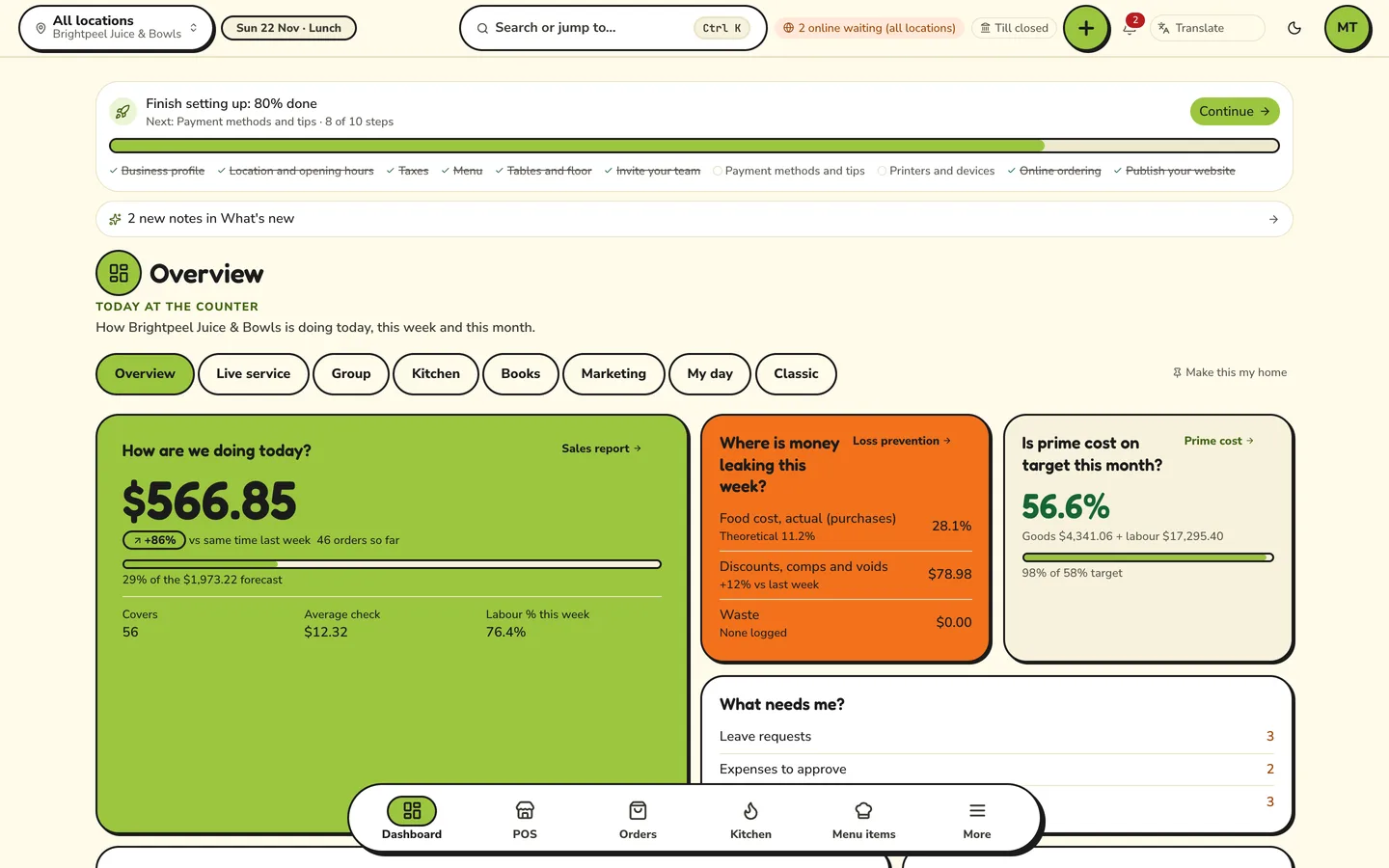
- Reports and AI. 35 reports with CSV, Excel and PDF export. Optional Gemini AI admin tools handle imports, receipt scanning and written briefings, and stay hidden until you add your own key.
![The venue site with photo cards of the menu]()
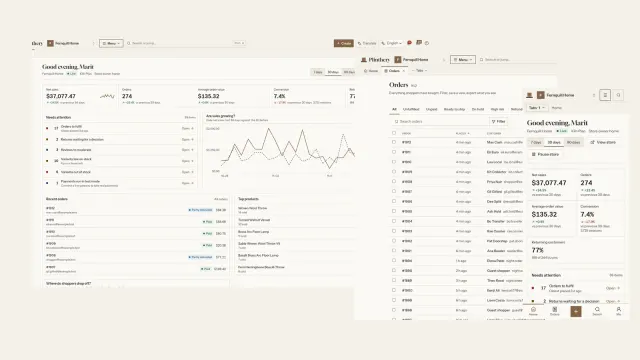
![The owner home with today's KPI strip]()
![The point of sale]()
![The bowl builder steps]()
![The kitchen display]()
Built to be used on a phone and a tablet
Every public page and every admin screen has a 390 px layout, with a full-width dock, 48 px controls and no sideways scrolling. Contrast meets WCAG AA in both the light and the Night shift modes, and the public pages are built to score 90 or more on Lighthouse mobile.
![Online ordering on a phone]()
Good to know
- Public pages and the admin ship ready. Menus, the bowl builder, the tracker, the POS, reports and every list have empty, loading and error states.
- Payments and email are yours to connect. Without keys the app runs, logs outgoing mail and the online-ordering demo takes simulated payments only.
- Gemini AI admin tools are optional and use your own Google API key.
- Needs Node.js 20.9 or newer and MongoDB 5 or newer. A replica set is required for transactions, and a hosted MongoDB replica set works.
- Demo data is included.
npm run seed creates a Super Admin and a New York juice and bowl bar with two locations, staff, a menu, bookings and sales history. Run it on a fresh database only.
Included
Full source code, a buyer guide (overview, installation guide and project documentation), a Docker setup, the demo seed and six months of support.
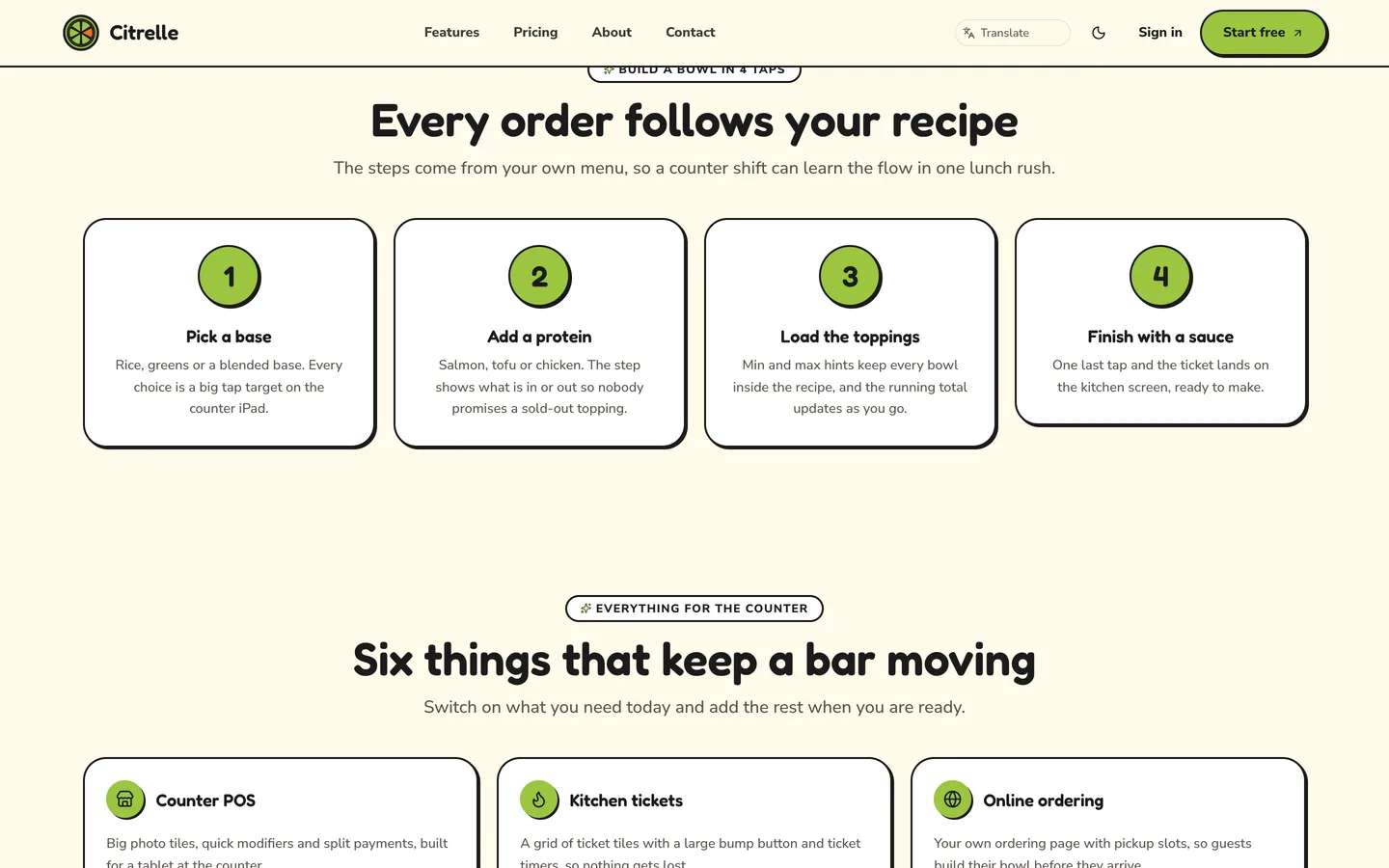 Build a bowl in four taps — The home page walks through the same steps the counter uses.