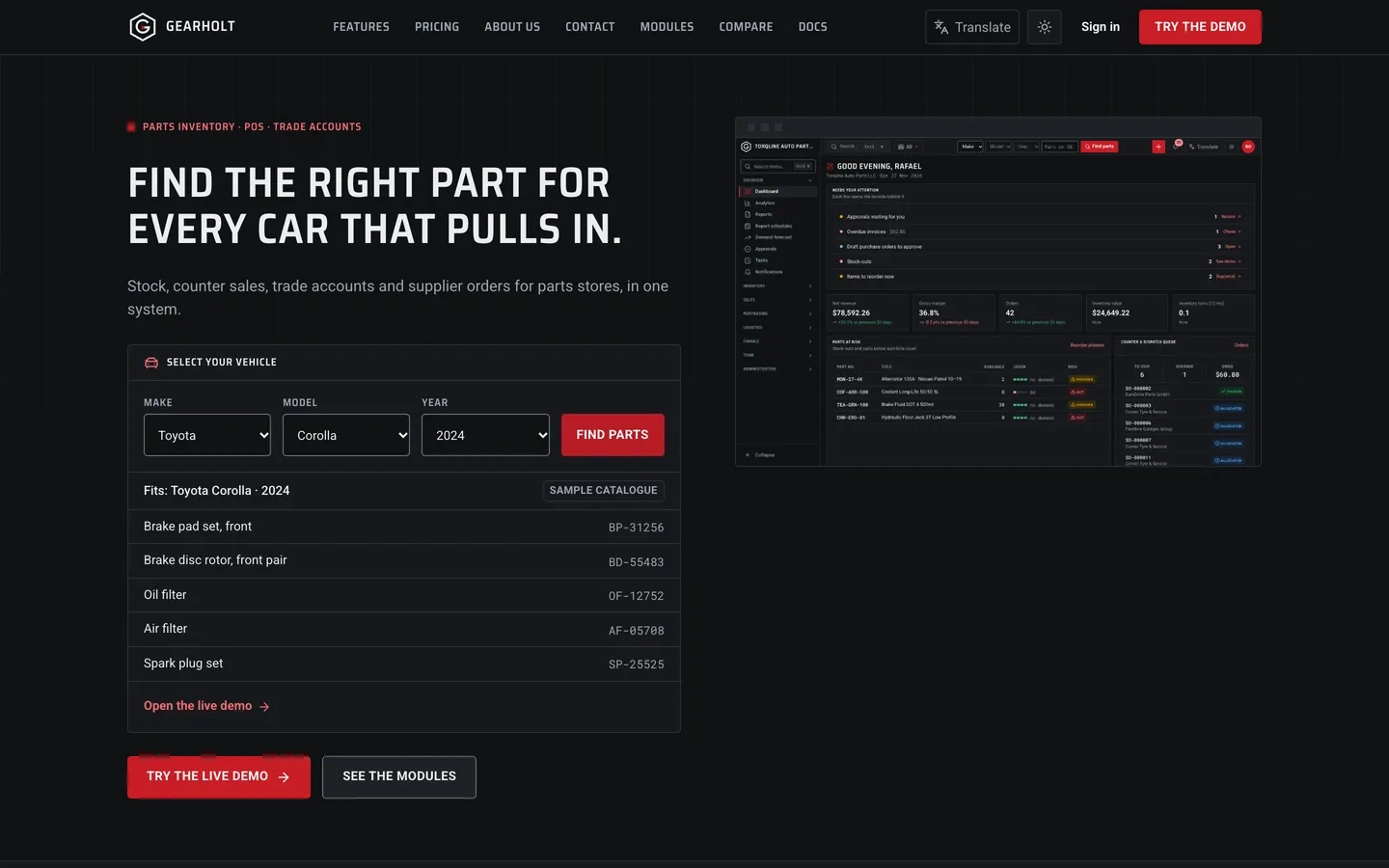
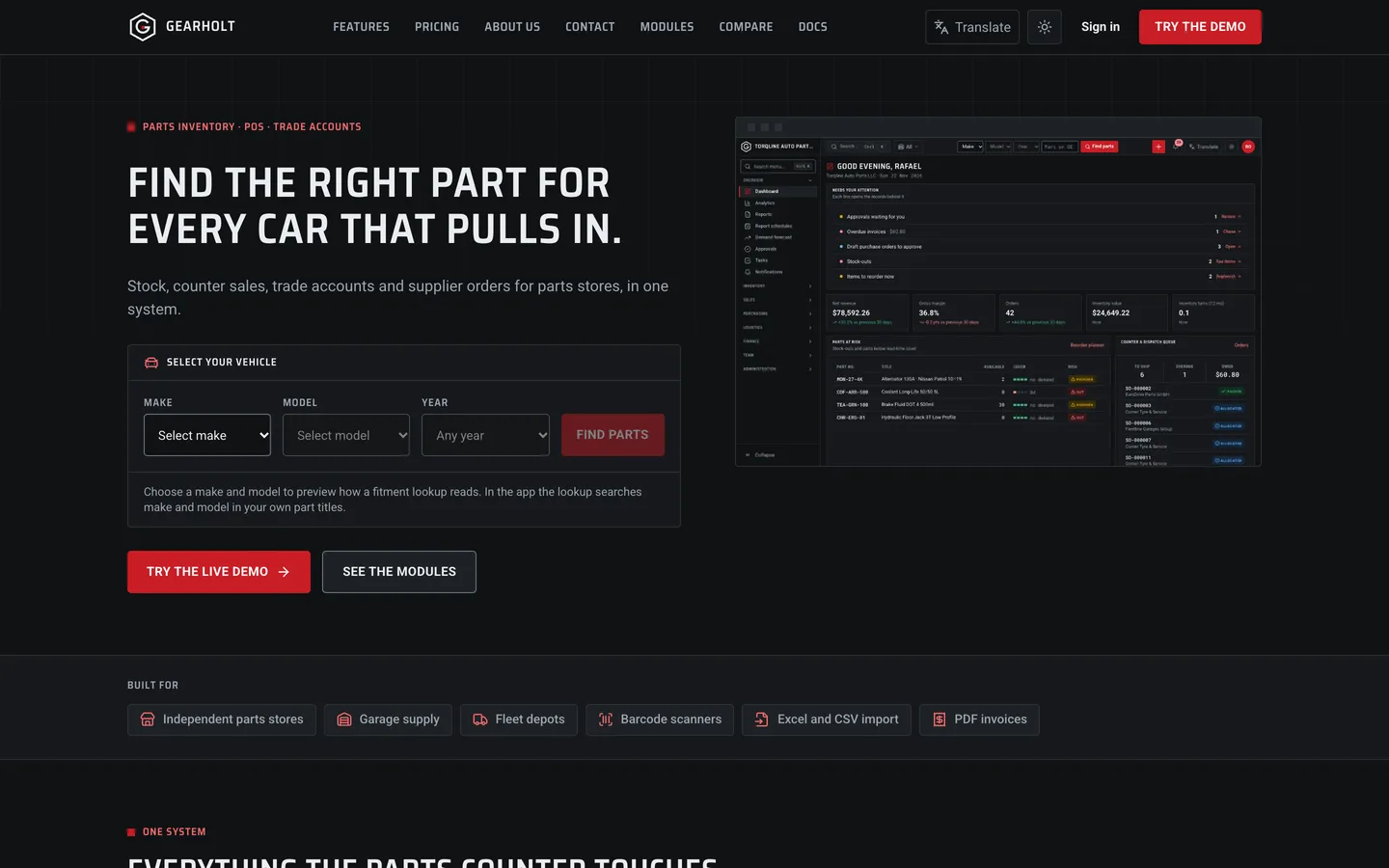
 Vehicle selector — pick a make, model and year and see a sample fitment list.
Gearholt: inventory and counter POS for auto parts and spares stores
Last updated
Choosing stock software for a parts counter is easy to demo and harder to live with on a busy Saturday. Here are three things to check before you choose a self-hosted system, with DEV3 Gearholt as the worked example.
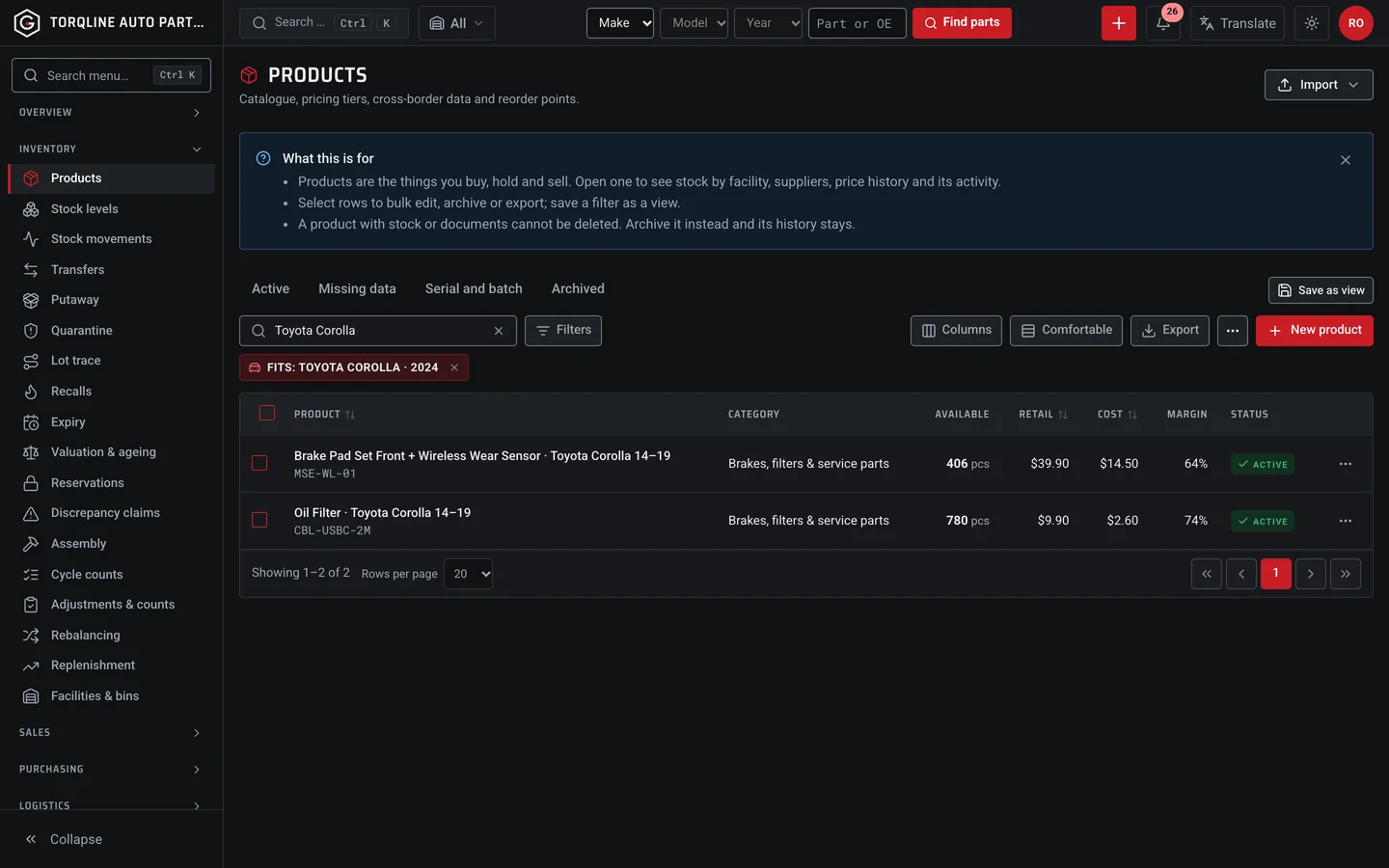
1. Can staff find the right part by vehicle?
Gearholt puts a Make, Model and Year bar in the top bar of every admin screen. It searches your part titles by make and model and shows a "Fits" chip you can clear. It is a search over your own titles, so write fitment into them or add custom fields.
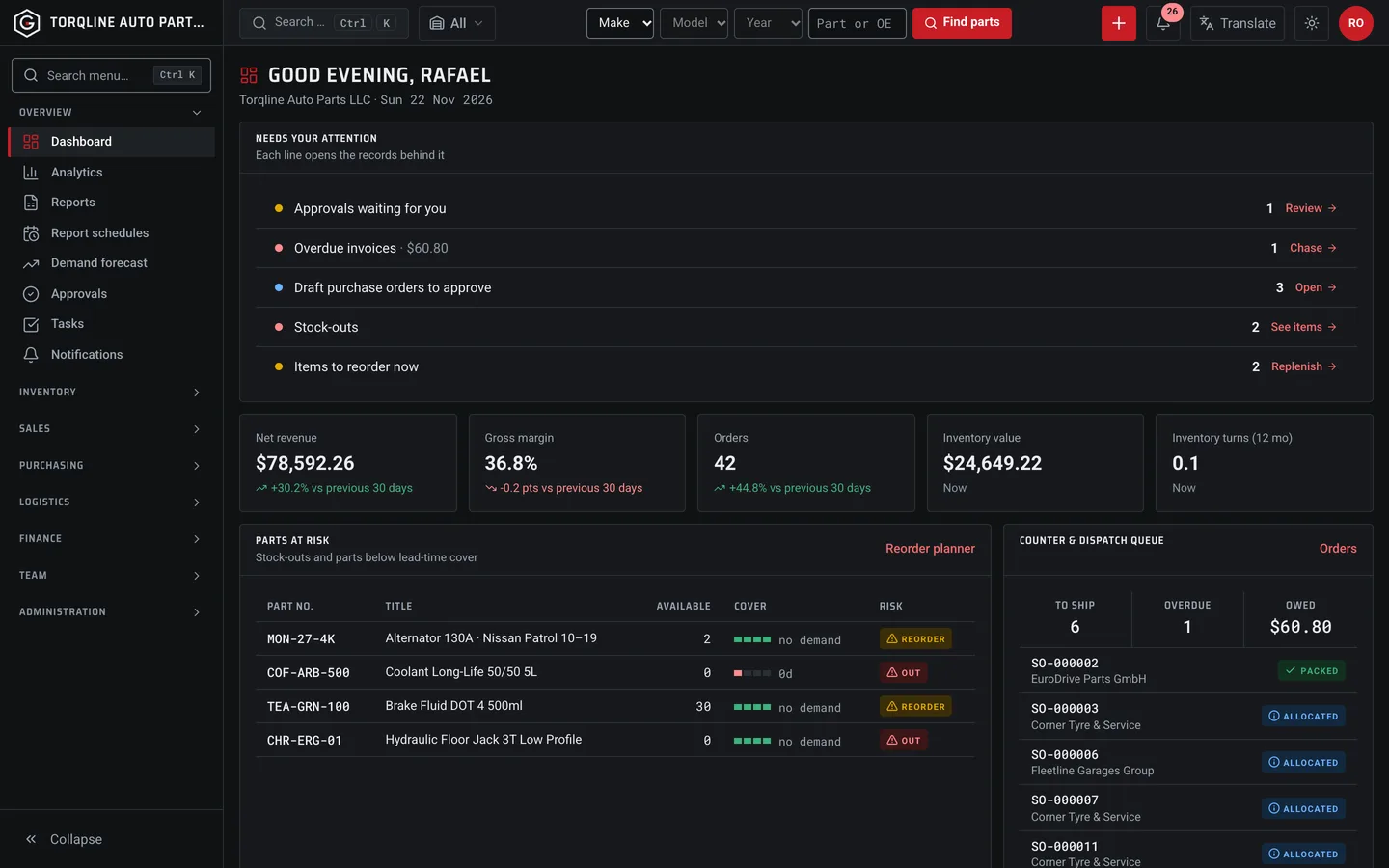
2. Can the counter see what is at risk?
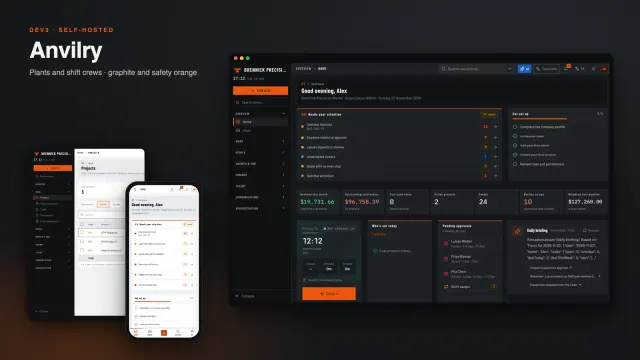
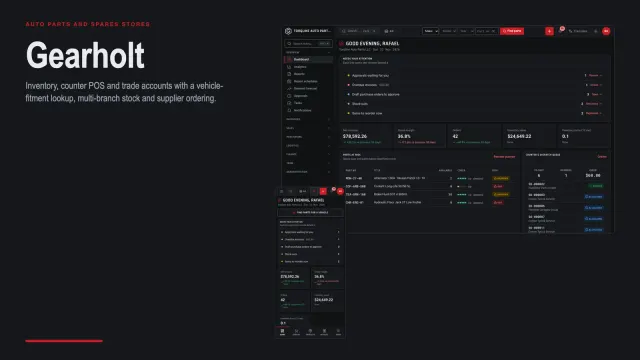
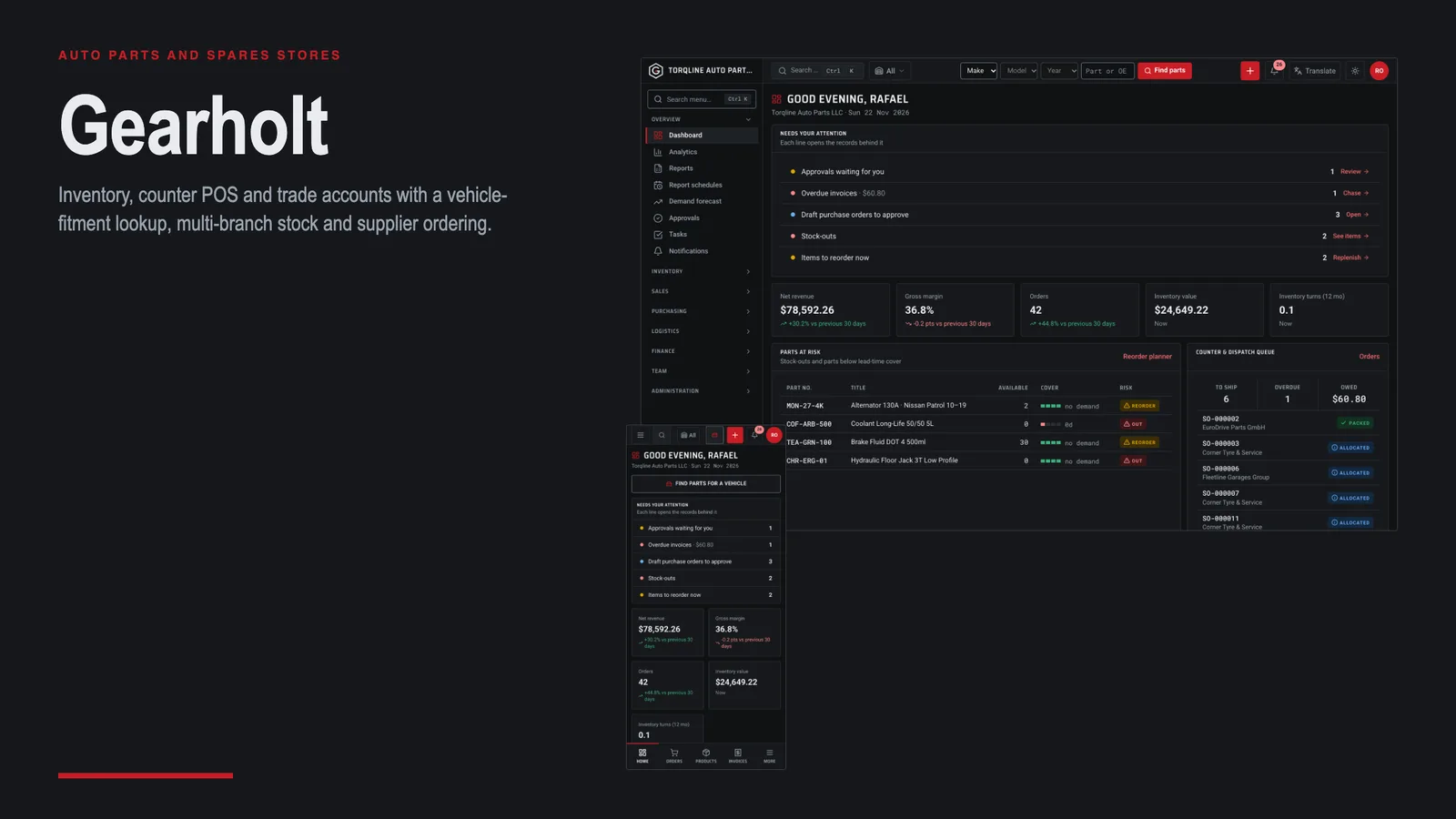
The dashboard lists parts at risk with days of cover, plus the counter and dispatch queue, so the next reorder is obvious.
3. Do trade garages order without calling?
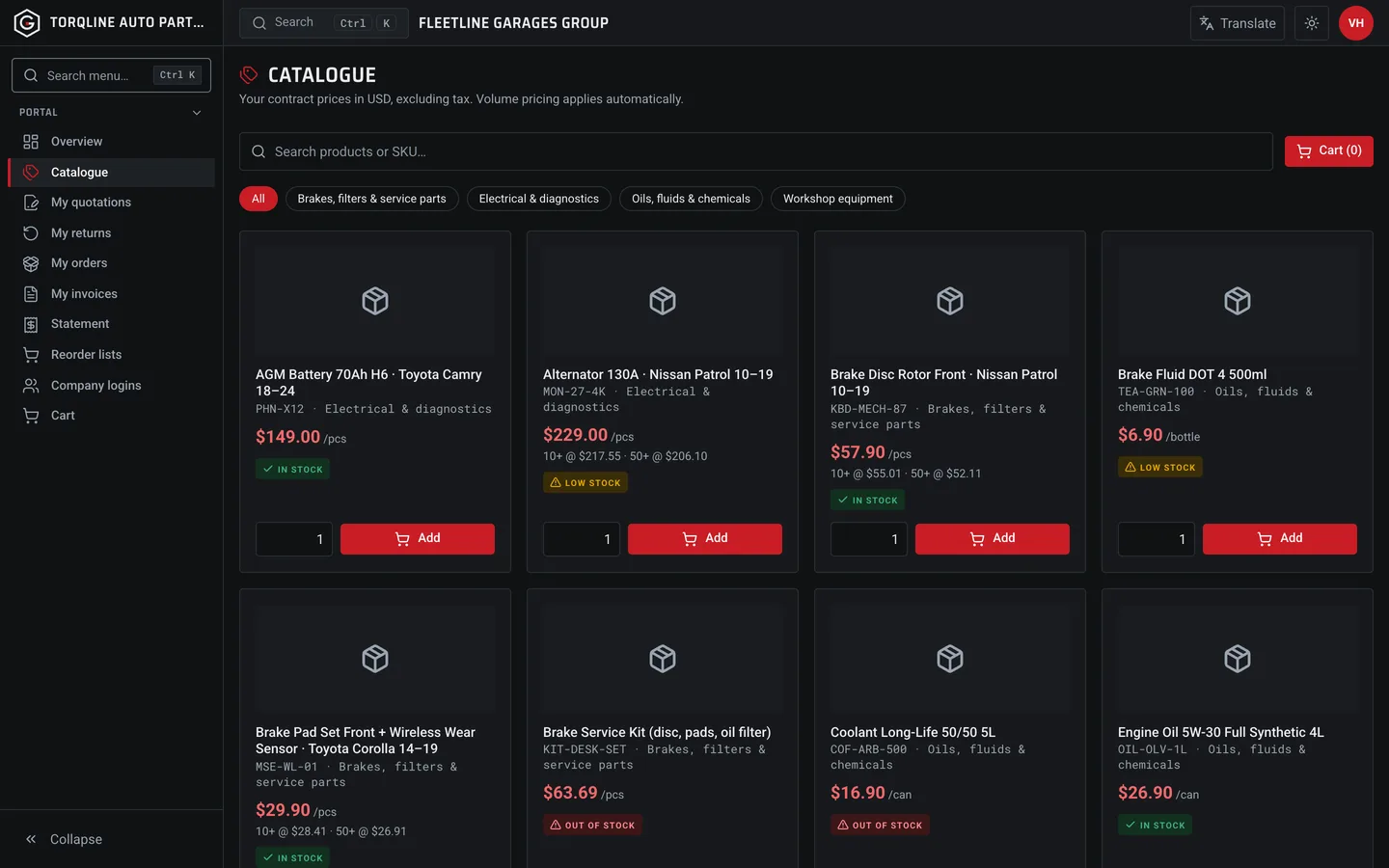
Trade customers sign in to a portal, browse the catalogue at their price list and place orders that land in your sales queue.