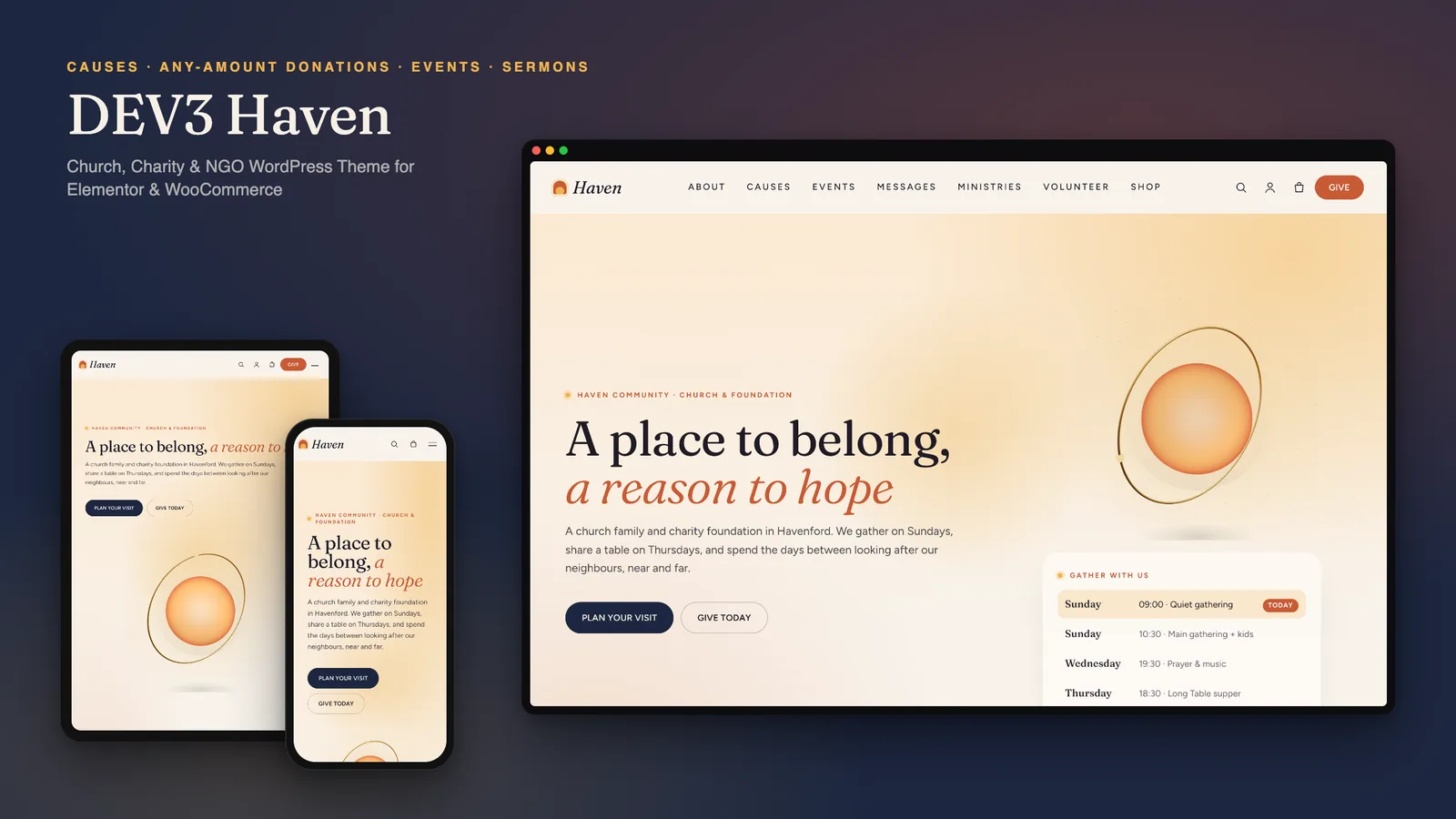
A church website is often the first place a newcomer meets a community, and for many churches it is also where the charity work is funded. So it has to do two jobs at once: tell people when to come and what to expect, and make giving to a cause simple and trustworthy. DEV3 Haven is a church WordPress theme with donations and sermons built in, and it works just as well for a charity or NGO with no Sunday service at all. This post covers who Haven is for, how giving works, and how to set up causes, events and messages.
Who Haven is for
- Churches and faith communities that want service times, sermons, events and ministries in one place, with a warm, welcoming tone.
- Charities, foundations and NGOs that raise money for specific causes and want to show honest progress towards each goal.
- Communities that are both: a congregation that also runs a food table, a shelter appeal or a water project.
- Agencies building sites for clients who will add events, sermons and appeals themselves.
The theme is deliberately inclusive. Nothing in it assumes one tradition: rename "Messages" to "Talks", hide them, or leave out the service times, and the same pages serve any community group.
How giving works
Donations are the part most themes get wrong, either by stopping at a "Donate" link to an outside form or by bundling their own payment code. Haven does neither. It gives through WooCommerce, using a single virtual "Name your price" donation product.
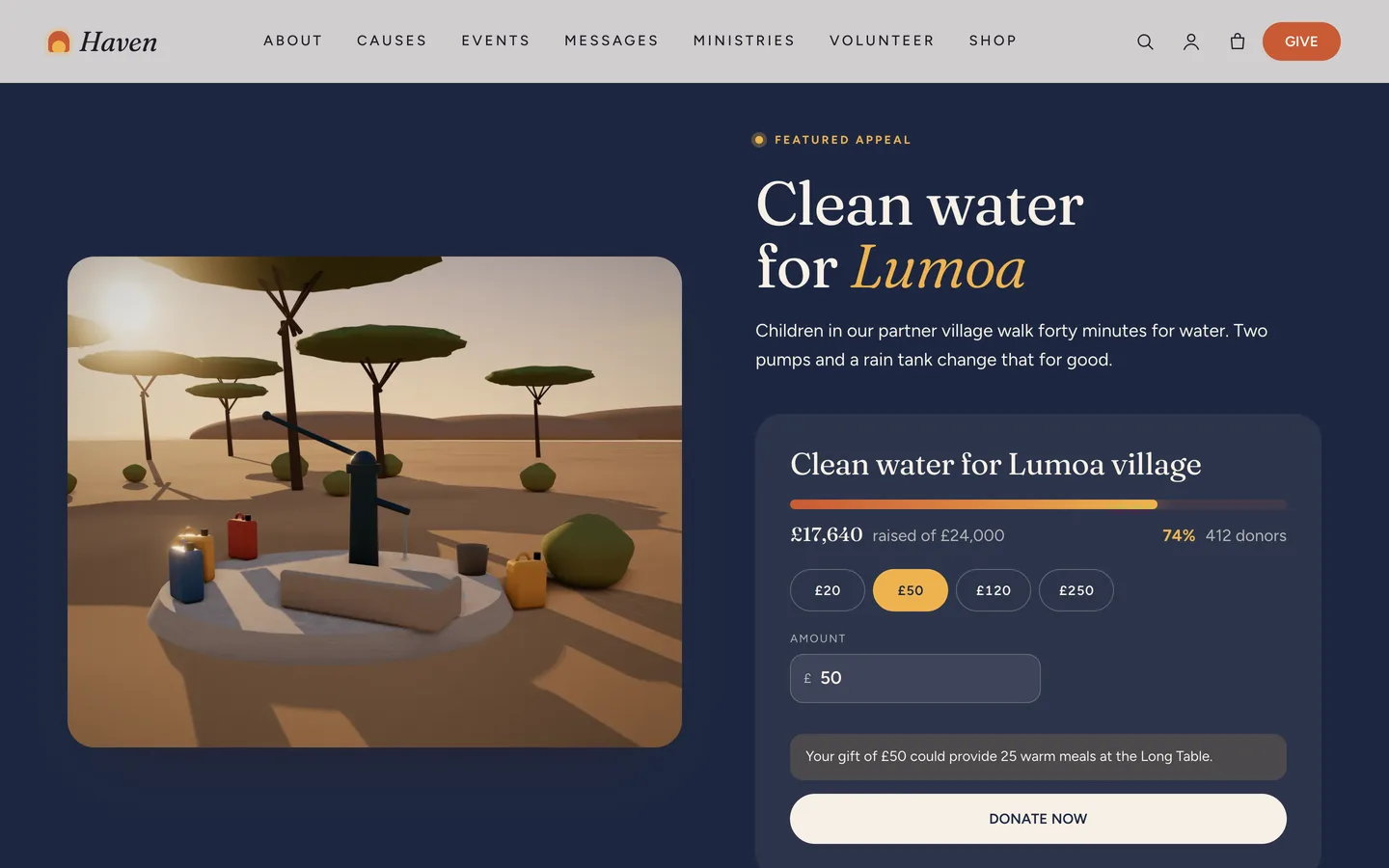
- A visitor opens a cause, picks one of the suggested amounts (for example 20, 50, 120 or 250) or types any amount above your minimum.
- Under the amount, a gentle impact line explains what the gift could provide, such as "Your gift of £50 could provide 25 warm meals".
- Donate now adds the gift to the basket with the cause attached, and checkout runs through the payment methods your WooCommerce store already has.
- When the order is paid (Processing or Completed), its amount is added to the cause's Raised total and donor count, so the progress bars move with real gifts.
The theme contains no payment gateway code of its own, which means you never wait for a theme update when a gateway changes.
Nonprofit features beyond the donate button
A good nonprofit charity WordPress theme has to earn trust, not just collect money. Haven adds:
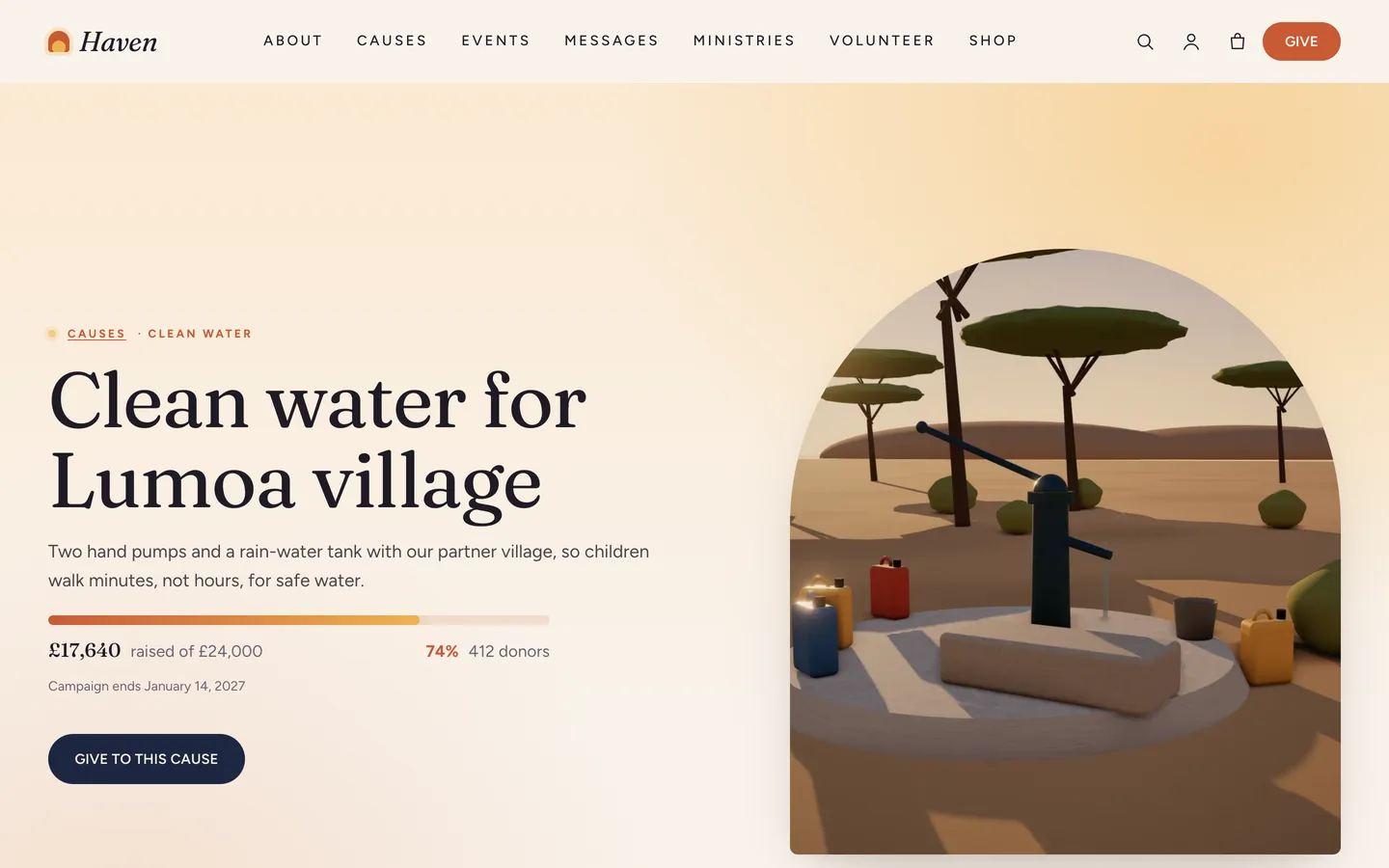
- Progress on every cause: raised, goal, percentage and donors on the cards, the cause hero and the donation card, with a bar that fills as it scrolls into view.
- Campaign end dates shown on cards and the cause page.
- A transparency section: an animated donut that shows where each pound goes.
- A Give page for gifts to the general fund, plus "gifts that give" such as a family food box or a school bag.
- A volunteer sign-up form with pill checkboxes for areas of interest, availability and consent.
- Impact counters and short stories, which can carry a "Sample" badge while you collect real ones.
Charities without WooCommerce can still use the cause pages: each cause can link to an external giving platform instead.
Setting up a church or charity site with Haven
1. Install the theme and the toolkit
Upload dev3-haven.zip under Appearance → Themes → Add New → Upload Theme and activate it. The theme asks for the DEV3 Theme Toolkit, which is required: upload dev3-theme-toolkit.zip under Plugins → Add New → Upload Plugin. It adds the causes, events, messages and ministries, the Elementor widgets and the demo importer. Install Elementor, WooCommerce and Contact Form 7 from the same prompt.
2. Import the demo
Go to Appearance → DEV3 Demo → Import demo. You get "Haven Community", a fictional church and charity foundation:
- 12 pages, including Causes, Events, Messages, Ministries, Volunteer, About & Beliefs, Give and Plan a Visit
- 6 causes, 8 events, 10 messages in 3 series, 7 ministries, 6 leaders, 6 sample stories and 6 news posts
- 10 shop products, including the donation, two forms, menus and footer widgets
Every image is an original 3D render or typographic art, with no photos of people, so nothing in the demo can be mistaken for a real congregation. Reset removes only the demo content.
3. Set up the donation product and your causes
Create one Simple, Virtual product called "Donation", tick Name your price (donation), set a suggested price and a minimum amount, and note its ID. Then, for each cause under Causes → Add New, fill the goal, raised so far, donors, currency, campaign end date, suggested amounts and that donation product ID.
4. Add your events
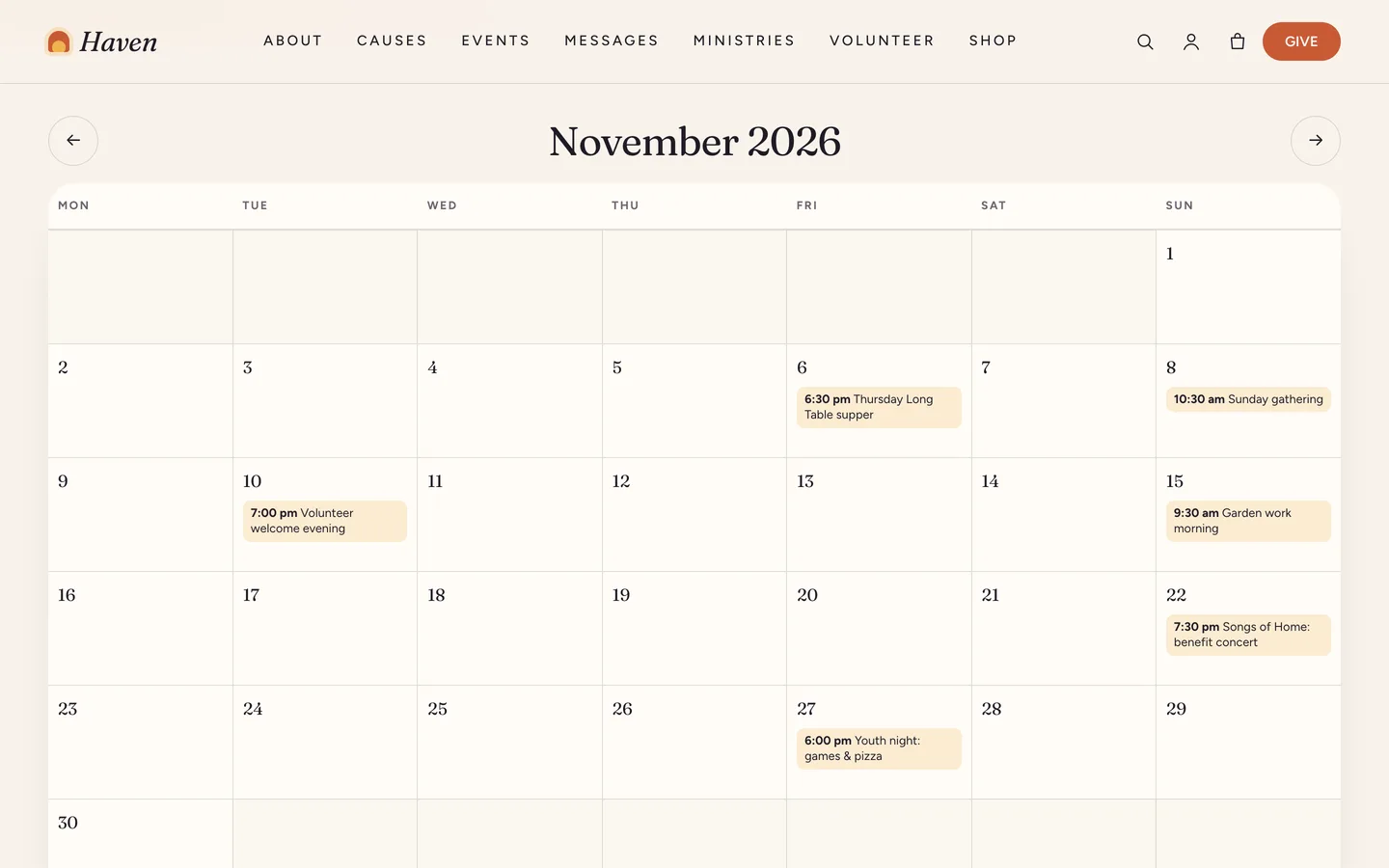
Events take a start and end, venue, city, a price line, a status (on sale, few places left, sold out, cancelled, postponed), doors and ages. The calendar page shows them as a month grid with previous and next buttons and today marked, with the upcoming list below. On phones the month becomes an agenda list, which is far easier to read than a tiny grid. Every event page has an Add to calendar button.
5. Publish sermons and messages
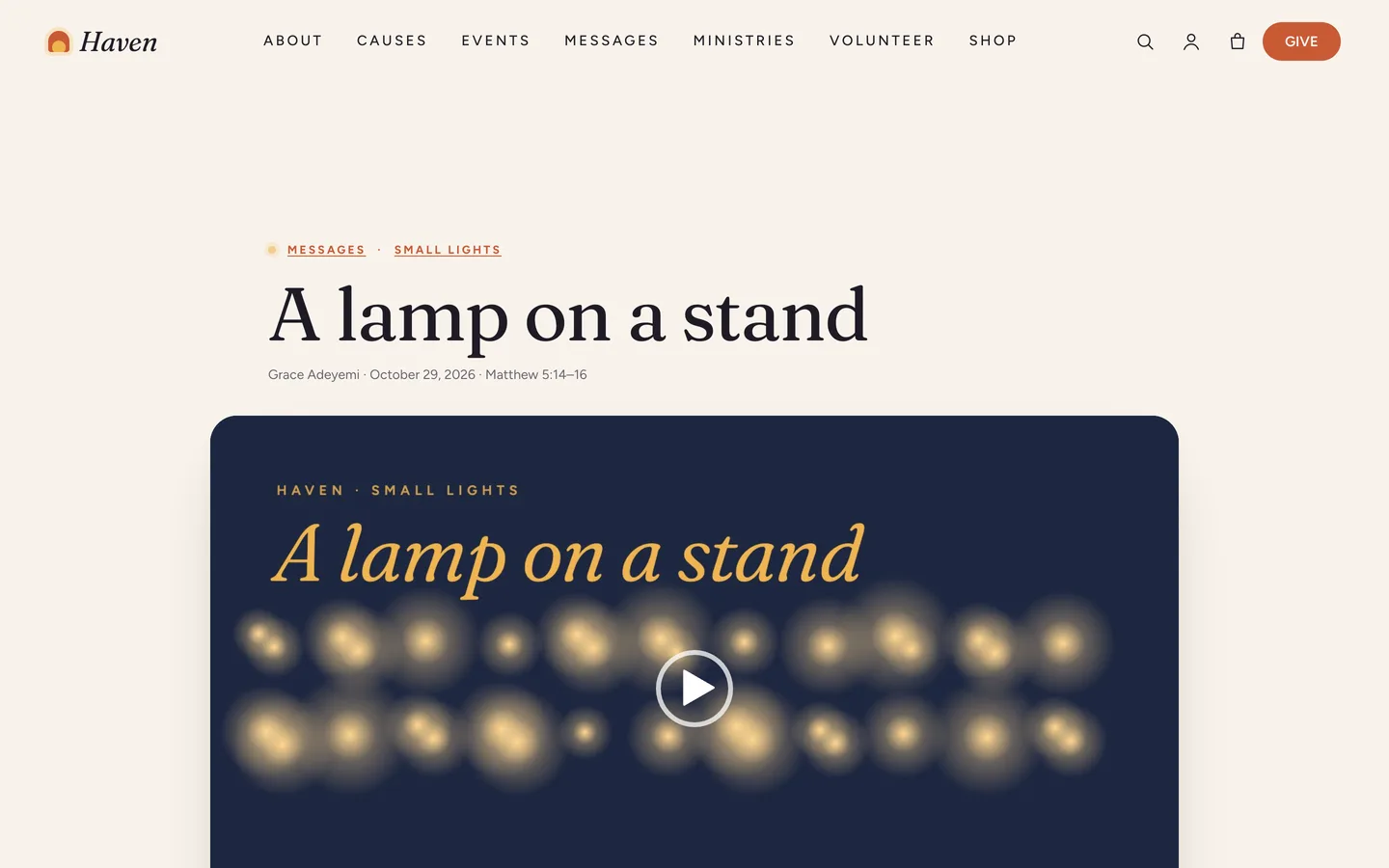
This is where Haven behaves like a sermon WordPress theme. Each message has a speaker, date, passage, duration, an MP3 file and a video (an uploaded MP4 or a YouTube or Vimeo link), plus discussion questions, one per line. Group messages into series. The message page shows the video, a waveform audio player with speed control and download, your notes, the questions for small groups and more from the series.
6. Service times and visits
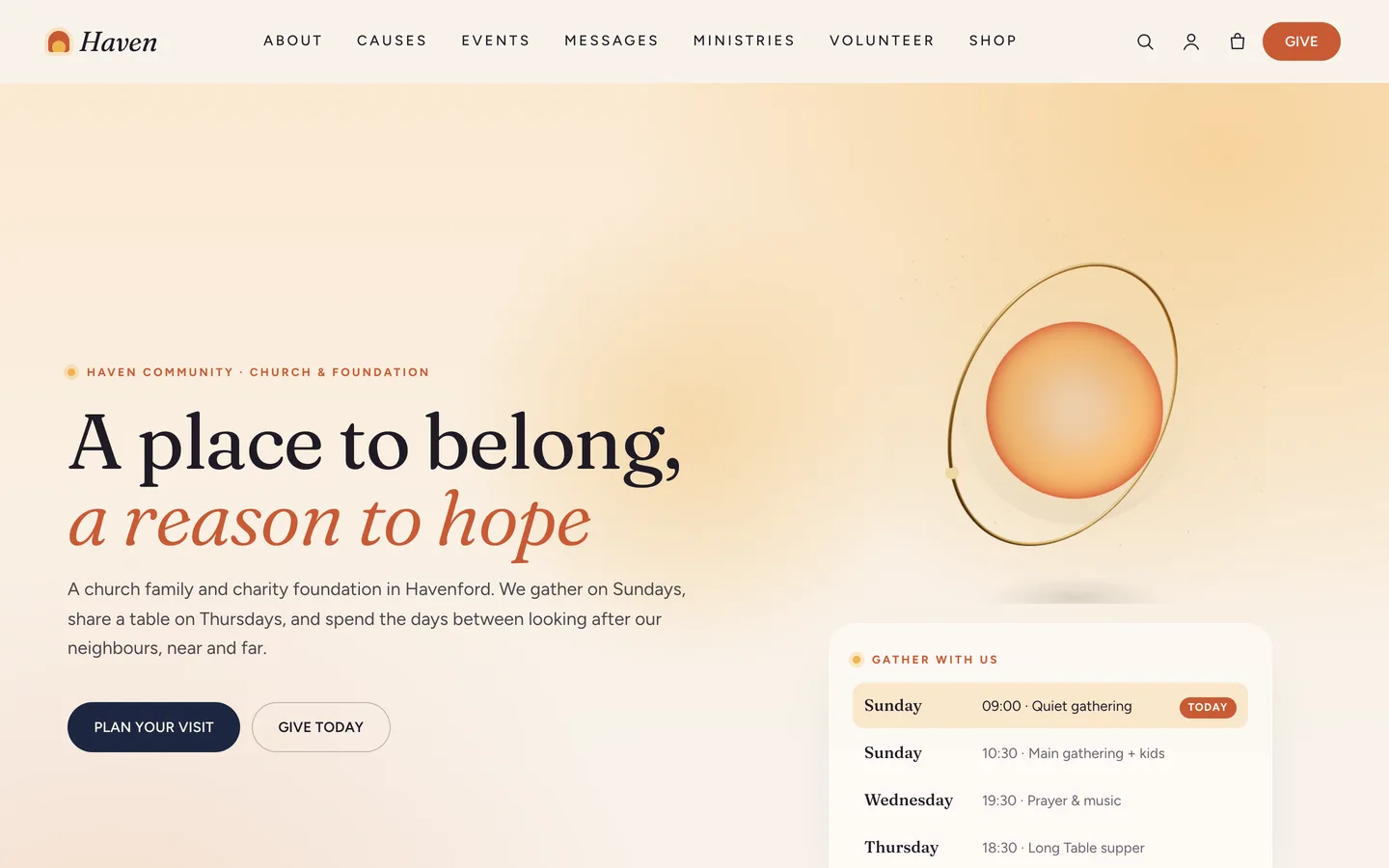
The service times in the hero are an editable list. Each row carries its day and time, so the theme highlights the next gathering automatically. The Plan a Visit page answers first-visit questions and shows a map that loads only after the visitor clicks, which keeps the page private by default.
Motion that stays calm
Haven is one of DEV3's newer themes: a modern look and rich motion, with only a small touch of 3D. Headings split and settle, images wipe in behind soft masks, cause grids appear one card at a time, counters count up and the ministries stack as sticky cards as you scroll. Every effect comes from the Advanced → DEV3 Motion panel on any Elementor widget or container, or from a CSS class in the block editor.
The 3D accent is a glass orb of warm light in the hero, or a globe of light on the About page. It breathes slowly with no flashing, loads only when it comes near the screen and pauses when you scroll past. You can change its light colour, ring metal and motes of light in Elementor, or delete the widget; nothing else depends on it, and the 3D engine is then not loaded at all.
Visitors who prefer reduced motion see the final state of every effect and a still image of the orb.
See it in motion
There is no public live demo. The video tour runs from the dawn hero through the causes, a cause page and the calendar to checkout.
Before you launch
- Set up real payment methods under WooCommerce → Settings → Payments and turn off Cash on delivery, which the demo enables for testing only.
- Replace the demo goals, raised totals and donor counts with your own figures before the first gift arrives.
- Replace the sample stories, or keep their Sample badge until you have real ones with consent.
- Check what your local charity and data-protection rules require on donation and volunteer pages; the theme gives you the pages, not the legal wording.
Haven is on the DEV3 marketplace. The case study explains why giving runs through WooCommerce and how the cause progress follows real orders.