All case studies

DEV3 Technologies · own product

DEV3 Haven: a church, charity and NGO WordPress theme with any-amount giving and a 3D orb of light

Our own WordPress theme for churches, charities and NGOs: causes with donation progress and any-amount giving through WooCommerce, an events month calendar, sermons with audio and video, ministries and volunteering, with rich motion and one small 3D orb of light.

Industry
Faith and non-profit (WordPress theme)

Live project preview

Client systems are private — screenshots shown where permitted.

DEV3 Technologies · own product — screenshots
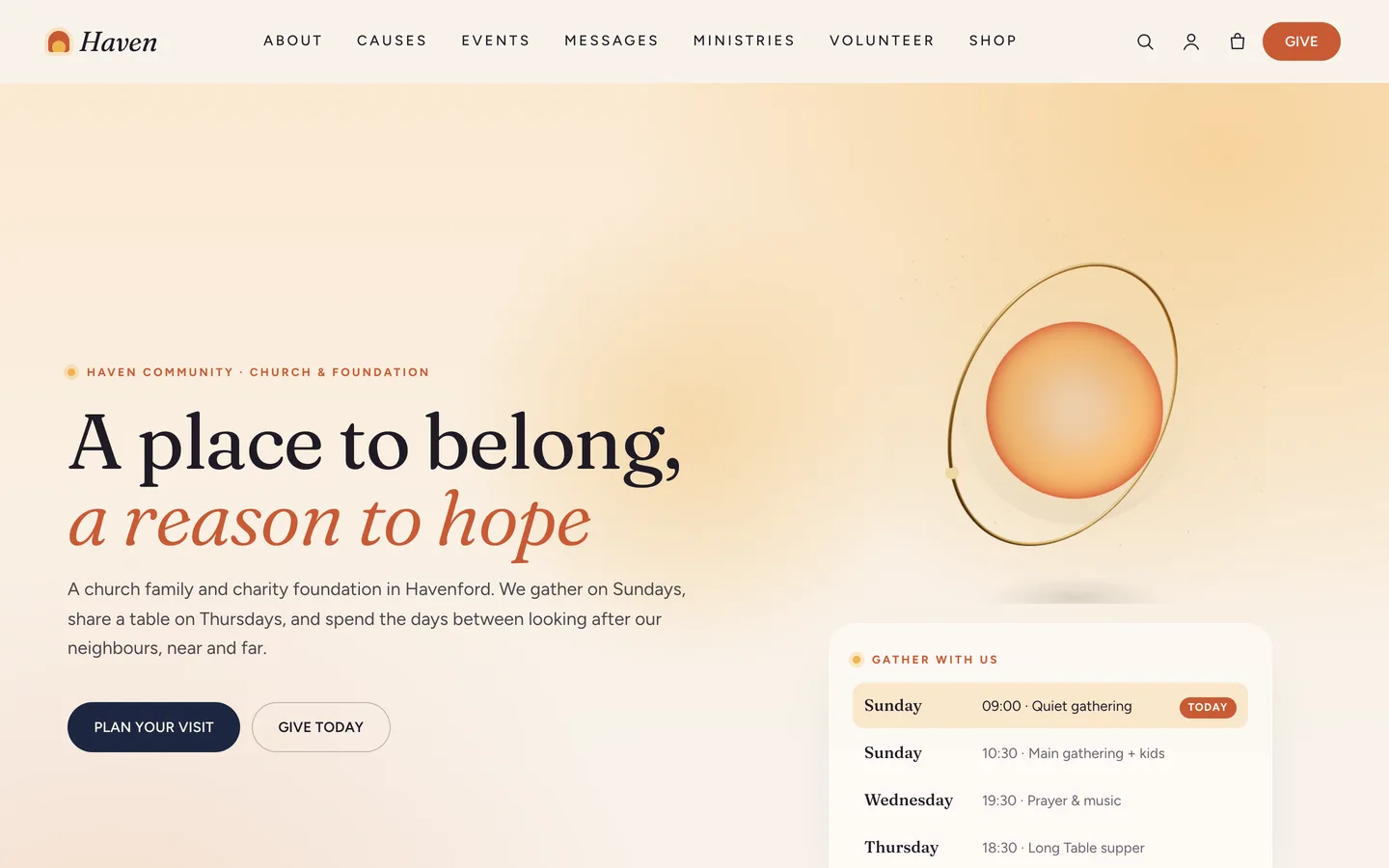
Hopeful hero — a dawn gradient, a split serif headline, service times with the next gathering highlighted and a 3D glass orb of warm light.

Hopeful hero — a dawn gradient, a split serif headline, service times with the next gathering highlighted and a 3D glass orb of warm light.

The challenge

Many churches run a charity, and many charities grew out of a church, yet themes usually pick one side. Church themes stop at sermons and service times; charity themes stop at a donate button that hands off to a third-party form. Neither suits a community that gathers on Sunday, serves meals on Thursday and raises money for a water project in between. Giving was the hardest part: small organisations need any-amount donations with honest progress, but a theme that ships its own payment code becomes a liability the moment a gateway changes. And the tone had to be right: warm, respectful and inclusive, with motion that feels calm rather than showy and a 3D detail that never stands between a visitor and the Give button.

Our solution

Haven is a classic PHP theme with theme.json, built on DEV3's shared theme core and the DEV3 Theme Toolkit plugin. The theme owns presentation, the cause, event and message templates and its 3D preset. The toolkit owns functionality: the cause, event, message and ministry post types, the Donation and Audio Player widgets with block twins, the DEV3 Motion controls, WooCommerce extras and the demo importer.

Key design decisions

  • Giving through WooCommerce, not around it. A donation is a virtual "Name your price" product with a minimum amount. The Donation widget sends the chosen or typed amount to the basket with the cause attached, and checkout uses whatever payment methods the site already runs. The theme contains no gateway code.
  • Progress that follows real orders. When a donation order reaches Processing or Completed, its amount is added to the cause's Raised total and donor count, which feed the progress bars and the DonateAction structured data.
  • Church and charity in one model. Causes, events, messages and ministries are separate post types, so a charity can hide messages (or rename them Talks) and a church can skip causes without anything breaking.
  • A calendar people can read. Events show as a month grid with today marked on desktop and turn into an agenda list on phones; each event offers an add-to-calendar file.
  • Service times that know the day. The hero's service list highlights the next gathering automatically from each row's day and time.
  • A quiet 3D accent. The orb of light is a procedural three.js object that breathes slowly with no flashing. It loads only near the viewport, pauses offscreen and shows a poster without WebGL or with reduced motion.

Results

Haven ships as a complete theme with a one-click demo of a fictional church and charity foundation: 12 pages, 6 causes, 8 events, 10 messages in 3 series, 7 ministries, 6 leaders, 6 sample stories, 6 news posts and 10 shop products, plus 22 block patterns.

  • Theme Check: 0 required-level failures and 0 warnings in the WordPress Theme Check plugin.
  • Coding standards: phpcs with WPCS 3 and PHPCompatibilityWP 7.4+ at 0 errors and 0 warnings.
  • Flows tested: the WooCommerce add-to-cart to order-received flow, a custom-amount donation to a cause through to the order-received page with the cause attached, and an Elementor editor test where the orb's style control updates the 3D accent live.
  • Frame rate: about 60 fps on all 22 tested pages in browser QA at 1440 px and 390 px.
  • Weight: the 3D engine is about 207 KB gzip and loads only on pages that use it; the motion module is a 6 KB chunk loaded on demand.

Haven is on the DEV3 marketplace. Watch its video tour there.

Setup guide

Requirements

  • WordPress 6.0 or newer and PHP 7.4 or newer
  • The DEV3 Theme Toolkit plugin (included and required)
  • Recommended: Elementor (free), WooCommerce (donations and shop) and Contact Form 7 (volunteer and contact forms). Elementor Pro is supported but not required.

What's in the download

Unzip the download from your DEV3 account first. Do not upload the download itself to WordPress.

  • dev3-haven.zip: the theme. Install this one.
  • dev3-haven-child.zip: an optional child theme for your own CSS and PHP.
  • dev3-theme-toolkit.zip: the companion plugin (causes, events, messages, ministries, donations, audio player, Elementor widgets and blocks, motion controls, WooCommerce extras, demo importer).
  • dev3-haven-demo-content.zip: the demo package for reference. The importer already has a copy inside the theme.
  • Documentation/index.html: the full guide. Open it in a browser.

Install the theme

  1. Go to Appearance → Themes → Add New → Upload Theme, choose dev3-haven.zip, click Install Now, then Activate.
  2. The theme asks for the DEV3 Theme Toolkit (required). Go to Plugins → Add New → Upload Plugin, choose dev3-theme-toolkit.zip and activate it.
  3. Install and activate Elementor, WooCommerce and Contact Form 7 from the same prompt.
  4. Optional: if you plan to change code, upload dev3-haven-child.zip the same way and activate DEV3 Haven Child. The parent theme must stay installed.

Import the demo

  1. Make sure you are logged in as an administrator. Elementor keeps every widget setting only when an administrator runs the import.
  2. Go to Appearance → DEV3 Demo and click Import demo.
  3. The import adds:
    • the Home, Causes, Events, Messages, Ministries, Volunteer, About & Beliefs, Give, Plan a Visit, Contact, News and Shop pages
    • 6 causes, 8 events, 10 messages in 3 series, 7 ministries, 6 leaders, 6 sample stories and 6 news posts
    • 10 shop products (a "Name your price" donation, two gifts that give, books, a journal and Haven goods), two Contact Form 7 forms, menus, footer widgets and the WooCommerce pages, with Cash on delivery enabled for testing
  4. Open the home page and scroll through it.

Imported items are tagged, so Reset on the same screen removes only them. With WP-CLI you can run wp dev3tk demo import --user=admin.

After the import

  • Set up your real payment methods in WooCommerce → Settings → Payments and turn off Cash on delivery. Donations use the same checkout; the theme has no payment code of its own.
  • Open the Donation product and check its suggested amount and minimum amount.
  • Replace each cause's goal, raised so far and donor count with your own figures.
  • Replace the demo's fictional names, address and charity number in the footer widgets and the Contact page.

Updates

Download the new version from your DEV3 account and upload dev3-haven.zip again. WordPress offers to replace the installed version. Changes you made in the child theme, the Customizer and your pages are kept.

How to use

Set up the donation product

  1. Go to Products → Add New and create a Simple, Virtual product called "Donation".
  2. In General, tick Name your price (donation), set the regular price as the suggested amount (for example 50) and a Minimum amount (for example 5).
  3. Publish it and note its ID. You will put this ID into each cause, or into the Donation widget for gifts to the general fund.

Visitors choose an amount chip or type any amount, the gift goes to the basket with the cause attached, and checkout uses your WooCommerce payment methods. When an order is paid (Processing or Completed), its amount is added to the cause's Raised total and donor count.

Add a cause

  1. Go to Causes → Add New. Add a title, the story, an excerpt, a featured image and an area (for example Clean water or Food & meals).
  2. Fill the cause fields:
    • Goal amount, Raised so far, Number of donors: for example 24000, 17640, 412. They drive the progress bars.
    • Currency: for example GBP.
    • Campaign ends: a date, shown on cards and the cause hero.
    • Suggested amounts: for example 20, 50, 120, 250, shown as amount chips.
    • Donation product ID: the ID of your donation product.
    • External donation link: a giving platform URL, used instead when WooCommerce is not active.
  3. Publish. The cause page shows an arched hero with progress and the deadline, then your story beside a sticky donation card.

The impact line under the amount ("Your gift of £25 could provide 12 warm meals") can be changed with the dev3hv_impact_unit filter or through translation.

Add events

  1. Go to Events → Add New and fill the start and end, venue, city, price line, status (on sale, few places left, sold out, cancelled, postponed), doors, ages and an optional ticket product.
  2. The calendar page shows a month grid with previous and next navigation and the upcoming list; on phones it becomes an agenda list. Each event page has an Add to calendar button.
  3. Use the Event List widget anywhere (the home page, the Events page). It also prints Event structured data.

Publish messages (sermons)

  1. Go to Messages → Add New and fill the speaker, date, passage, duration, Audio file (an MP3 URL), Video (an uploaded MP4 or a YouTube or Vimeo link) and discussion questions, one per line.
  2. Assign a Series to group messages.
  3. The message page shows the video, a waveform audio player with speed control and download, your notes, the questions for small groups and more from the series. The Audio Player widget can play any message on any page.

Not a church? Call them "Talks" in your menu and page titles, or leave them out of the menu.

Service times

The hero's service times are an HTML widget. Edit the list and keep each row's data-day (0 = Sunday) and data-time (24 h), so the next gathering is highlighted automatically:

<ul class="haven-times"><li data-day="0" data-time="10:30"><strong>Sunday</strong><span>10:30 · Main gathering</span></li></ul>

Ministries, leaders, stories and forms

  • Ministries: when, who it is for, where, led by and a get-involved link, grouped by ministry group.
  • Leadership: name, role and portrait, shown by the Team widget.
  • Stories: short testimonies with a role line. Tick Sample content to show a badge.
  • The demo's Volunteer sign-up and Contact forms are Contact Form 7 forms, placed with the Form and Contact / Map widgets. The map loads only after the visitor clicks.

Change the 3D orb

  1. Open the home page with Edit with Elementor and select the 3D Scene widget in the hero.
  2. It uses the preset Haven · light of hope in Accent object mode, ratio 1 / 1.
  3. Set the Style (Light: a candle-warm glow; Globe: a dotted world inside the glass), Light colour, Deep colour, Ring metal, Motes of light, idle spin and scroll turn.
  4. To remove the 3D, delete the widget. Nothing else depends on it, and the 3D engine is then not loaded.

Motion and styling

  • Select any widget or container and open Advanced → DEV3 Motion, or type a class: dev3-m-split-chars / -words, dev3-m-reveal, dev3-m-stagger, dev3-m-mask-right / -up / -circle, dev3-m-stack, dev3-m-tilt, dev3-m-follow and dev3-m-progress.
  • Section backgrounds: haven-band--dawn, --sand, --sage, --ink or --night (add haven-on-dark to dark ones). Images: haven-frame or haven-frame--arch.
  • Appearance → Customize → DEV3 Haven Options: header style, sticky header, the header button, 3D quality, smooth scrolling, cursor, footer and newsletter, shop columns, mini-cart drawer, quick view and blog layout.
  • Without Elementor, insert patterns from Patterns → DEV3 Haven (22 of them).
Related case studies

DEV3 Technologies · own product · Legal services (WordPress theme)

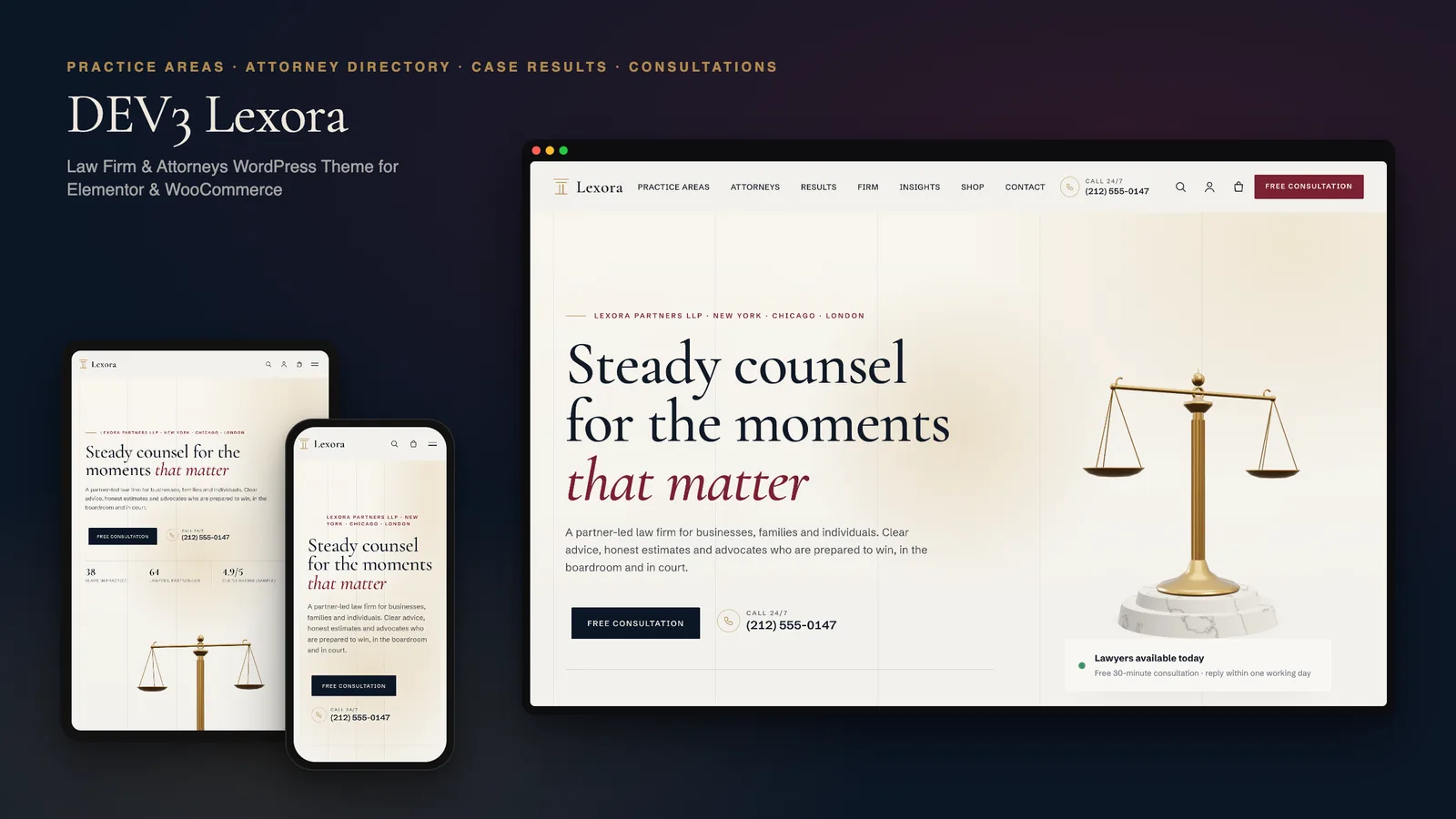
DEV3 Lexora: a law firm WordPress theme with an attorney directory, case results and brass 3D scales

Our own WordPress theme for law firms and attorneys: practice-area pages that build themselves from short fields, a filterable attorney directory with vCards, case results that always carry their disclaimer, and consultation booking, with rich motion and one small 3D accent of brass scales.

DEV3 Technologies · own product · News and publishing (WordPress theme)

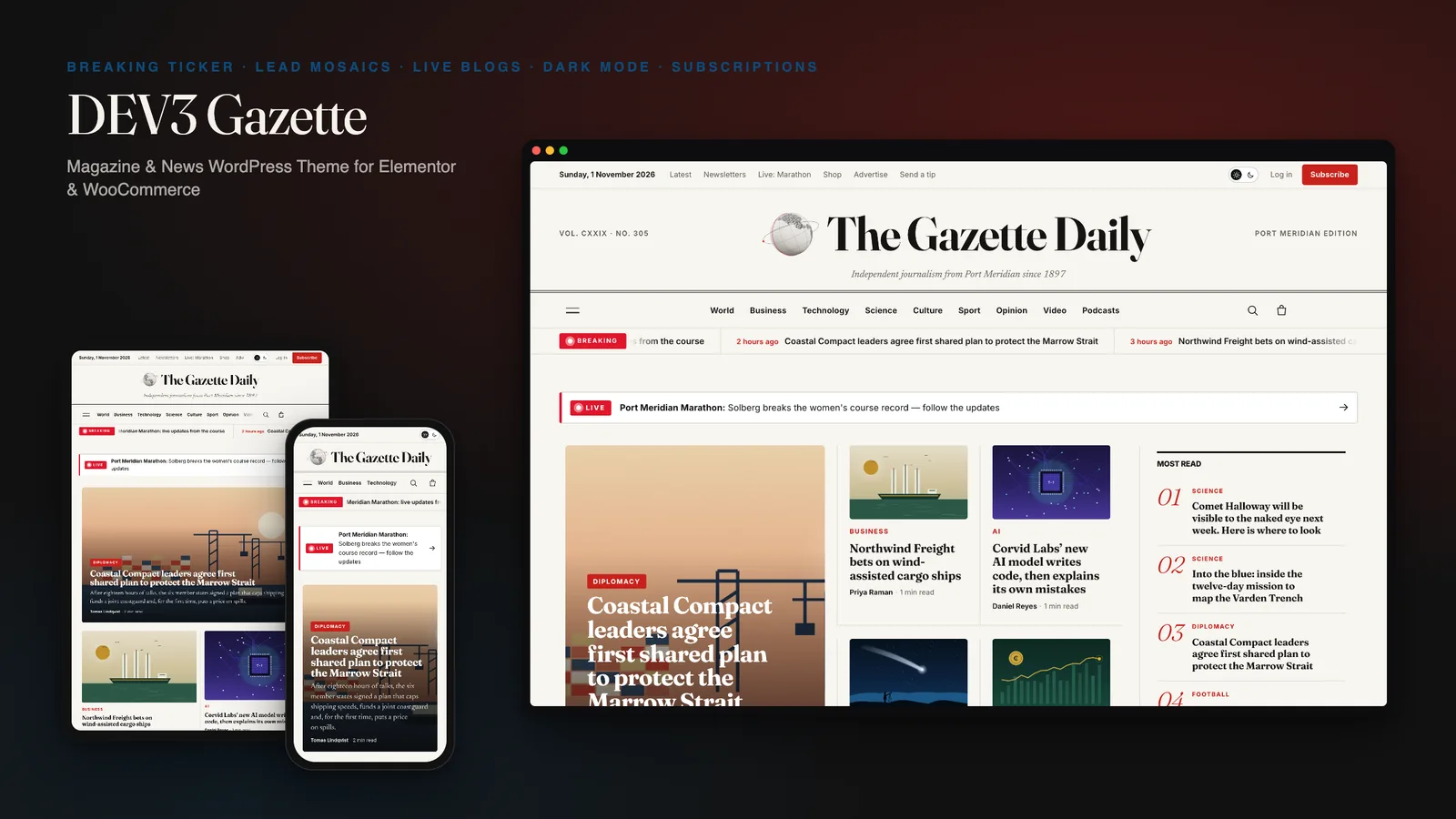
DEV3 Gazette: a magazine and news WordPress theme with live blogs, dark mode and a 3D globe

Our own WordPress theme for newspapers, magazines and news blogs: a classic masthead, breaking-news ticker, lead-story mosaics and section blocks, most read by real views, live blogs, reading tools, true dark mode, subscriptions, newsletters and ad slots, with reading-first motion and one small 3D globe.

DEV3 Technologies · own product · SaaS and startups (WordPress theme)

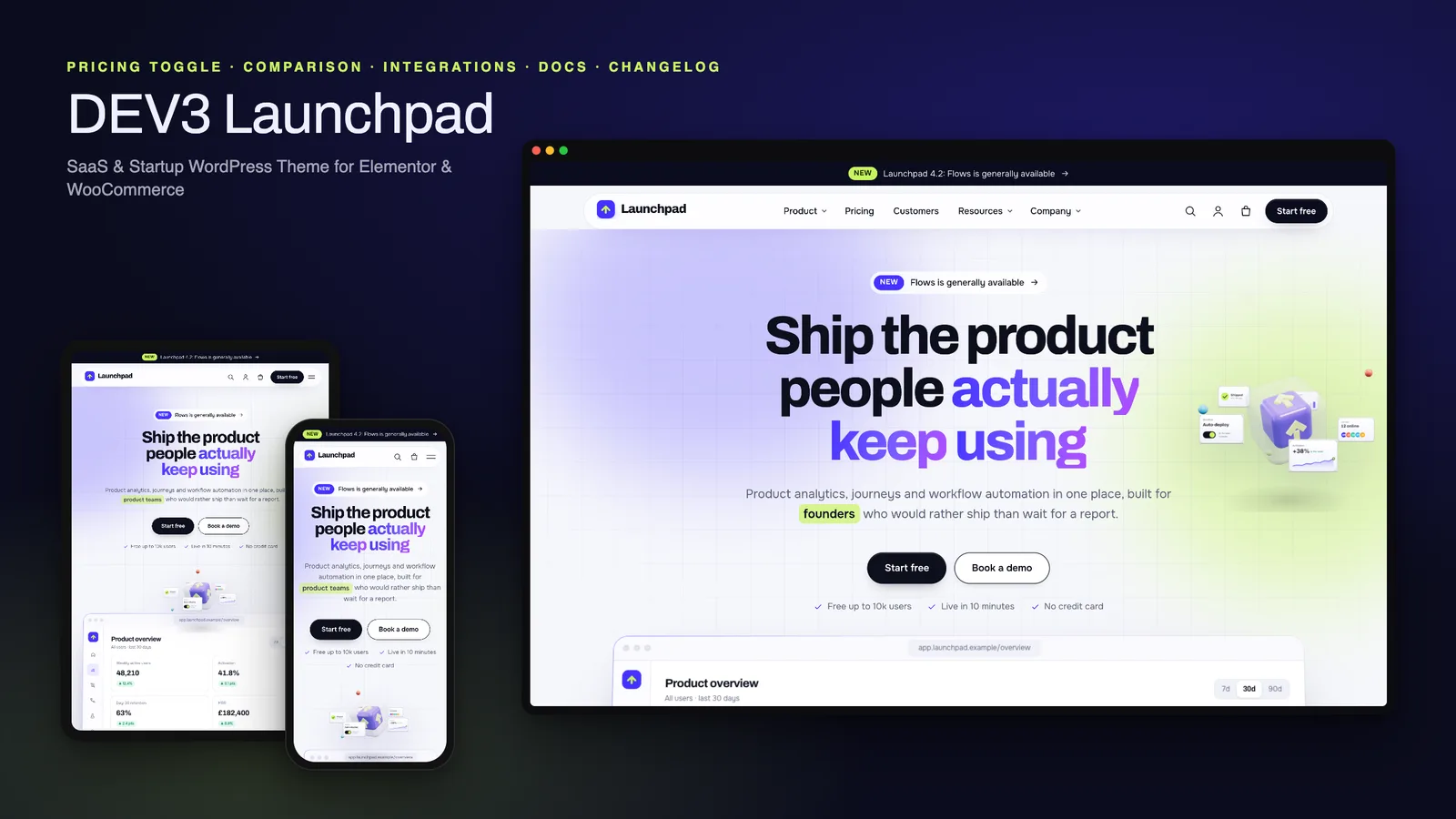
DEV3 Launchpad: a SaaS and startup WordPress theme with live product UI, pricing, docs and a 3D app cube

Our own WordPress theme for SaaS products and startups: a hero with a live HTML product mockup, a feature tour, pricing with a monthly / yearly toggle and a comparison matrix, integrations, customer stories, a changelog and a docs / help centre, with rich motion and one small 3D app cube.