All case studies

DEV3 Technologies · own product

DEV3 Lexora: a law firm WordPress theme with an attorney directory, case results and brass 3D scales

Our own WordPress theme for law firms and attorneys: practice-area pages that build themselves from short fields, a filterable attorney directory with vCards, case results that always carry their disclaimer, and consultation booking, with rich motion and one small 3D accent of brass scales.

Industry
Legal services (WordPress theme)

Live project preview

Client systems are private — screenshots shown where permitted.

DEV3 Technologies · own product — screenshots
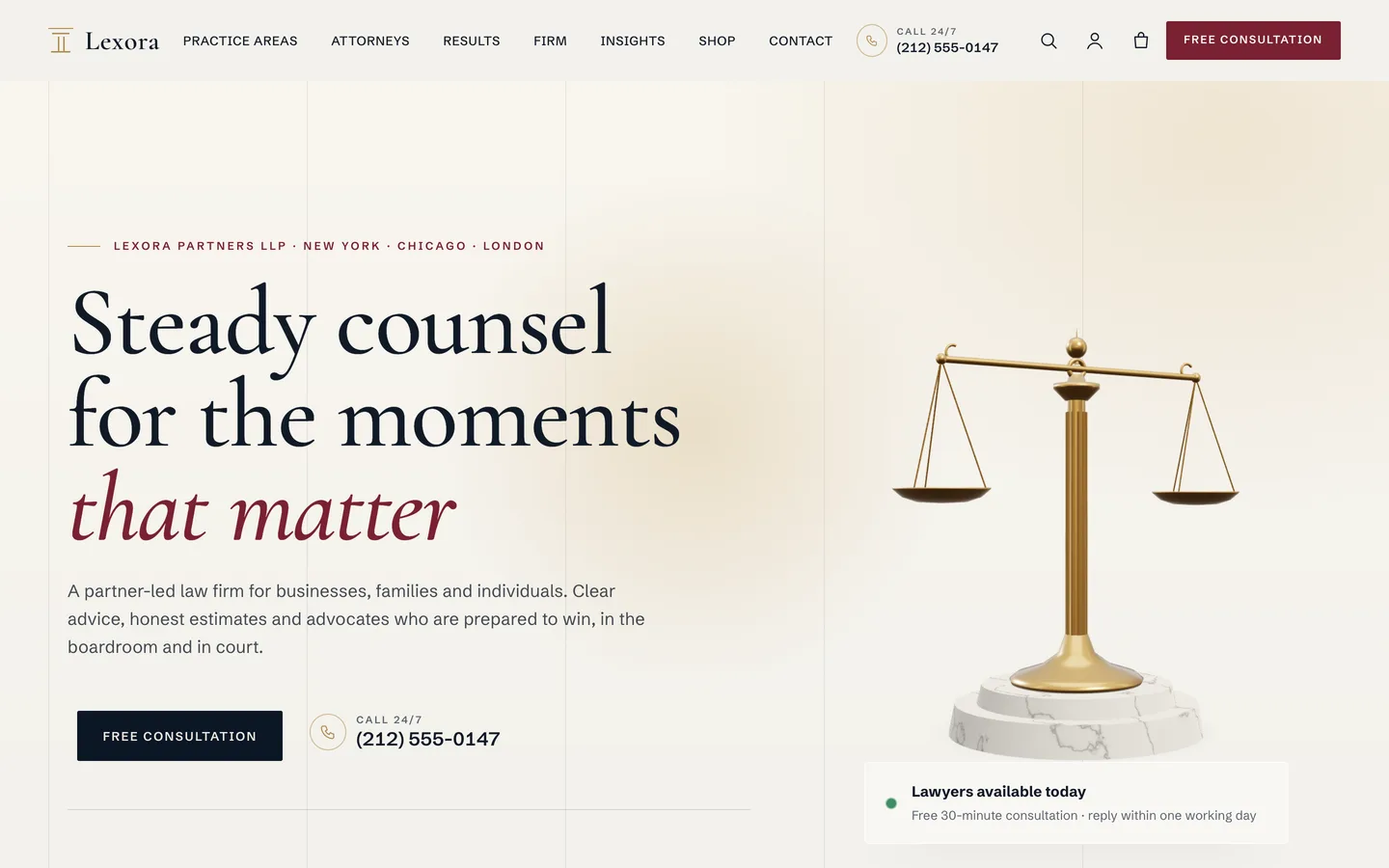
Trust hero — a split serif headline, a Free consultation button and click-to-call phone beside 3D brass scales of justice that find their balance as you scroll.

Trust hero — a split serif headline, a Free consultation button and click-to-call phone beside 3D brass scales of justice that find their balance as you scroll.

The challenge

Law firm websites have to look authoritative without looking dated, and most legal themes pick one: heavy columns and stock gavels, or a generic corporate template with a "Lawyers" menu item. The content is also more structured than it first appears. Every practice area needs the same sections (how the firm helps, results, the attorneys who do the work, FAQs, a way to ask for a consultation), every attorney needs credentials such as bar admissions and languages, and visitors want to find the right lawyer by practice, office or language. On top of that, legal marketing carries obligations a theme should respect by default: results need a disclaimer wherever they appear, articles should not read as advice, and a contact form should not suggest that a relationship has started. And the motion and 3D had to feel measured, never theatrical, on a site where trust matters more than spectacle.

Our solution

Lexora is a classic PHP theme with theme.json, built on DEV3's shared theme core and the DEV3 Theme Toolkit plugin. The theme owns presentation, the practice-area and attorney templates, the firm-details settings and its 3D preset. The toolkit owns functionality: the post types, the Results, Request Form, Team and Accordion widgets with block twins, the DEV3 Motion controls, WooCommerce extras and the demo importer.

Key design decisions

  • Practice pages from short fields. Steps, results and FAQs are one line each ($48.5M | Jury verdict | 2025 | Breach of a supply agreement). The single template turns them into sections with a sticky On this page navigation, and leaves out any section without data.
  • Attorneys linked to practices by slug. An attorney lists practice-area slugs, so each practice page shows the right people and the directory can filter by practice without a separate taxonomy to maintain.
  • A directory that works without JavaScript. Filters by name, practice, office, language and role run instantly in the browser with an announced result count, and fall back to a plain GET form.
  • Disclaimers by default. The Results widget's disclaimer field defaults to "Prior results do not guarantee a similar outcome", practice-area results print the same note, Insights articles end with a not-legal-advice note, and a footer disclaimer is one Customizer setting.
  • Consultations in context. The consultation form opens with the current practice preselected, saves each request in the dashboard and emails the site admin, with a nonce, honeypot and rate limit. Every Free consultation button follows one Customizer link.
  • vCards and structured data. Each profile offers a standard .vcf download, and LegalService, Person, Service and FAQPage JSON-LD describe the firm, its people and its practices.
  • A quiet 3D accent. The brass scales are a procedural three.js object whose beam tips a little with scroll or the pointer and settles level again. It loads only near the viewport, pauses offscreen and shows a poster without WebGL or with reduced motion.

Results

Lexora ships as a complete theme with a one-click demo of a fictional three-office firm: 8 practice areas in 3 practice groups, 8 attorneys, 6 client stories, 6 insight articles, 9 products and the firm, legal and WooCommerce pages, plus 22 block patterns.

  • Theme Check: 0 required-level failures and 0 warnings in the WordPress Theme Check plugin.
  • Coding standards: phpcs with WPCS 3 and PHPCompatibilityWP 7.4+ clean.
  • Flows tested: the WooCommerce add-to-cart to order-received flow with the variable Contract Review Package, and an Elementor editor test where the scales' brass control updates the 3D accent live.
  • Frame rate: about 60 fps on all 21 tested pages in browser QA at 1440 px and 390 px.
  • Weight: the 3D engine is about 207 KB gzip and loads only on pages that use it; the motion module is a 6 KB chunk loaded on demand.

Lexora is on the DEV3 marketplace. Watch its video tour there.

Setup guide

Requirements

  • WordPress 6.0 or newer and PHP 7.4 or newer
  • The DEV3 Theme Toolkit plugin (included and required)
  • Recommended: Elementor (free), WooCommerce (paid consultations and the shop) and Contact Form 7 (contact form). Elementor Pro is supported but not required.

What's in the download

Unzip the download from your DEV3 account first. Do not upload the download itself to WordPress.

  • dev3-lexora.zip: the theme. Install this one.
  • dev3-lexora-child.zip: an optional child theme for your own CSS and PHP.
  • dev3-theme-toolkit.zip: the companion plugin (practice areas, attorneys, client stories, results, request forms, Elementor widgets and blocks, motion controls, WooCommerce extras, demo importer).
  • dev3-lexora-demo-content.zip: the demo package for reference. The importer already has a copy inside the theme.
  • Documentation/index.html: the full guide. Open it in a browser.

Install the theme

  1. Go to Appearance → Themes → Add New → Upload Theme, choose dev3-lexora.zip, click Install Now, then Activate.
  2. The theme asks for the DEV3 Theme Toolkit (required). Go to Plugins → Add New → Upload Plugin, choose dev3-theme-toolkit.zip and activate it.
  3. Install and activate Elementor, WooCommerce and Contact Form 7 from the same prompt.
  4. Optional: if you plan to change code, upload dev3-lexora-child.zip the same way and activate DEV3 Lexora Child. The parent theme must stay installed.

Import the demo

  1. Make sure you are logged in as an administrator. Elementor keeps every widget setting only when an administrator runs the import.
  2. Go to Appearance → DEV3 Demo and click Import demo.
  3. The import adds:
    • the Home, About the firm, Case results, Client stories, Free consultation, Offices, Contact, Careers, FAQ, Insights, Shop, Privacy policy, Legal disclaimer and Attorney advertising pages
    • 8 practice areas in 3 practice groups, 8 attorneys (partners, counsel and associates), 6 client stories and 6 insight articles
    • 9 shop products (consultations, document reviews and downloadable guides), a Contact Form 7 form, menus, footer widgets and the WooCommerce pages, with Cash on delivery enabled for testing
  4. Open the home page and scroll through it.

Imported items are tagged, so Reset on the same screen removes only them. With WP-CLI you can run wp dev3tk demo import --user=admin.

After the import

  • Go to Appearance → Customize → Lexora: firm details and set your phone number and label, the consultation page link and the footer disclaimer.
  • Replace the fictional firm name, people, results, client stories, awards, quotes and addresses with your own. The demo text is placeholder copy, not legal advice.
  • Review the Privacy policy, Legal disclaimer and Attorney advertising pages with your own wording, and check your bar's or regulator's advertising rules before you publish results or testimonials.
  • If you sell consultations or reviews, set up real payment methods in WooCommerce → Settings → Payments and turn off Cash on delivery.

Updates

Download the new version from your DEV3 account and upload dev3-lexora.zip again. WordPress offers to replace the installed version. Changes you made in the child theme, the Customizer and your pages are kept.

How to use

Firm details and disclaimers

Go to Appearance → Customize → Lexora: firm details:

  • Phone and label: shown in the header on wide screens, in the mobile menu, on practice-area pages and in consultation bands. Leave it empty to hide it.
  • Consultation page link: every "Free consultation" button links here (by default, the page with the slug consultation).
  • Footer disclaimer: a small line above the copyright on every page, for example "Attorney advertising. Prior results do not guarantee a similar outcome."

The header button text is under DEV3 Lexora Options → Header. Insights articles end with a "not legal advice" note automatically.

Add a practice area

  1. Go to Practice areas → Add New. Add a title, the overview (content), an excerpt for cards, a featured image and a practice group (for example Business & transactions or Disputes & litigation).
  2. Fill the fields:
    • Fee model and Typical timeline: short text, for example Free first consultation and 3–9 months.
    • Lead sentence: the hero lead (falls back to the excerpt).
    • How we help: one step per line, Title | text.
    • Case results: one per line, amount | outcome | year | summary, for example $48.5M | Jury verdict | 2025 | Breach of a supply agreement.
    • FAQs: one per line, Question? | Answer. They also print FAQPage structured data.
    • Card numeral (optional, for example IV) and an optional Consultation link.
  3. Publish. The page shows the hero, a sticky On this page navigation, the overview, how we help, results with the disclaimer, the attorneys who list this practice, FAQs and a consultation form with this practice preselected. Empty sections are left out.

Add an attorney

  1. Go to Attorneys → Add New. The title is the full name, the content is the biography, and the featured image is a 4:5 portrait. Choose a role (Partners, Counsel or Associates).
  2. Fill the title, office (city), practice areas (practice-area slugs, comma separated, for example corporate-ma,real-estate), email, direct phone, languages, year first admitted, focus areas, bar admissions and education (one per line) and LinkedIn.
  3. The profile shows the contact details, a Download vCard link, a Book a consultation button, the biography, credentials and colleagues. The Attorneys page lists everyone with filters for name, practice area, office, language and role.

Solo practice? Keep one attorney, remove the directory from the menu and link to the profile as your About page.

Show case results

Use the Results / Case Outcomes widget (Elementor) or block. Each row has an amount or headline, outcome, area, year and summary; set the columns and turn count-up on or off. The Disclaimer field defaults to "Prior results do not guarantee a similar outcome". Keep a disclaimer wherever results appear, and publish only results your bar or regulator allows.

Consultation requests

  • The Request Form widget, kind Consultation / appointment, asks for the practice area, preferred date, time of day, contact preference, name, email, phone and message.
  • Submissions are saved under Requests and emailed to the site admin, with a nonce, honeypot and rate limit.
  • To use Contact Form 7 or WPForms instead, paste the form's shortcode into the widget's shortcode field.
  • The demo Contact page uses a Contact Form 7 form with an acknowledgement that sending it does not create an attorney-client relationship.

Fixed fees and the shop

The demo sells consultations, document reviews (the Contract Review Package has Standard and Express turnaround variations) and downloadable guides. Make your own as Virtual products (tick Downloadable for guides), and link them from the Pricing widget on the consultation page.

Change the 3D scales

  1. Open the home page with Edit with Elementor and select the 3D Scene widget in the hero.
  2. It uses the preset Lexora · scales of justice in Accent object mode, ratio 10 / 11.
  3. Set Brass, Marble, Marble veins, the Marble plinth on or off, Balance sway (how far the beam tips on scroll or pointer before it settles), idle spin and scroll turn.
  4. To remove the 3D, delete the widget or swap in an image. Nothing else depends on it, and the 3D engine is then not loaded.

Motion and styling

  • Select any widget or container and open Advanced → DEV3 Motion, or type a class: dev3-m-split-chars / -words, dev3-m-reveal, dev3-m-reveal-scale, dev3-m-stagger, dev3-m-mask-up / -left, dev3-m-stack, dev3-m-progress, dev3-m-follow and dev3-m-parallax-6.
  • Section backgrounds: lexora-band--ink (add lexora-on-dark), --stone or --paper. Image frames: lexora-frame, lexora-frame--hero or lexora-frame--arch. Stacked cards: lexora-stack-card--paper, --stone, --navy or --oxblood inside a dev3-m-stack container.
  • Appearance → Customize → DEV3 Lexora Options: header style, sticky header, header button, 3D quality, smooth scrolling, footer and newsletter, shop columns, mini-cart drawer, quick view and blog layout.
  • Without Elementor, insert patterns from Patterns → DEV3 Lexora (22 of them), including a consultation hero, case results band, results disclaimer, attorney feature and not-legal-advice notice.
Related case studies

DEV3 Technologies · own product · News and publishing (WordPress theme)

DEV3 Gazette: a magazine and news WordPress theme with live blogs, dark mode and a 3D globe

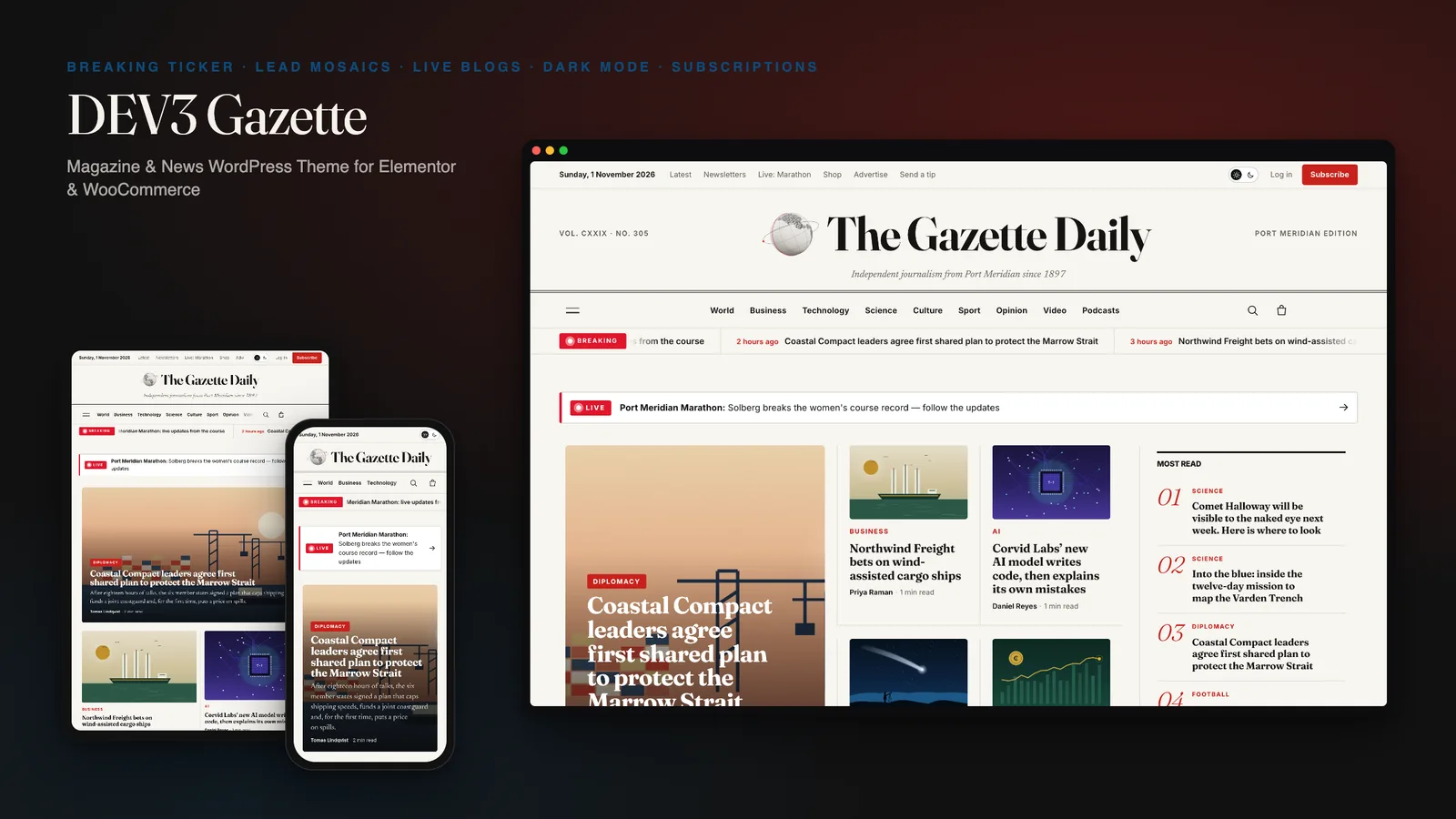
Our own WordPress theme for newspapers, magazines and news blogs: a classic masthead, breaking-news ticker, lead-story mosaics and section blocks, most read by real views, live blogs, reading tools, true dark mode, subscriptions, newsletters and ad slots, with reading-first motion and one small 3D globe.

DEV3 Technologies · own product · SaaS and startups (WordPress theme)

DEV3 Launchpad: a SaaS and startup WordPress theme with live product UI, pricing, docs and a 3D app cube

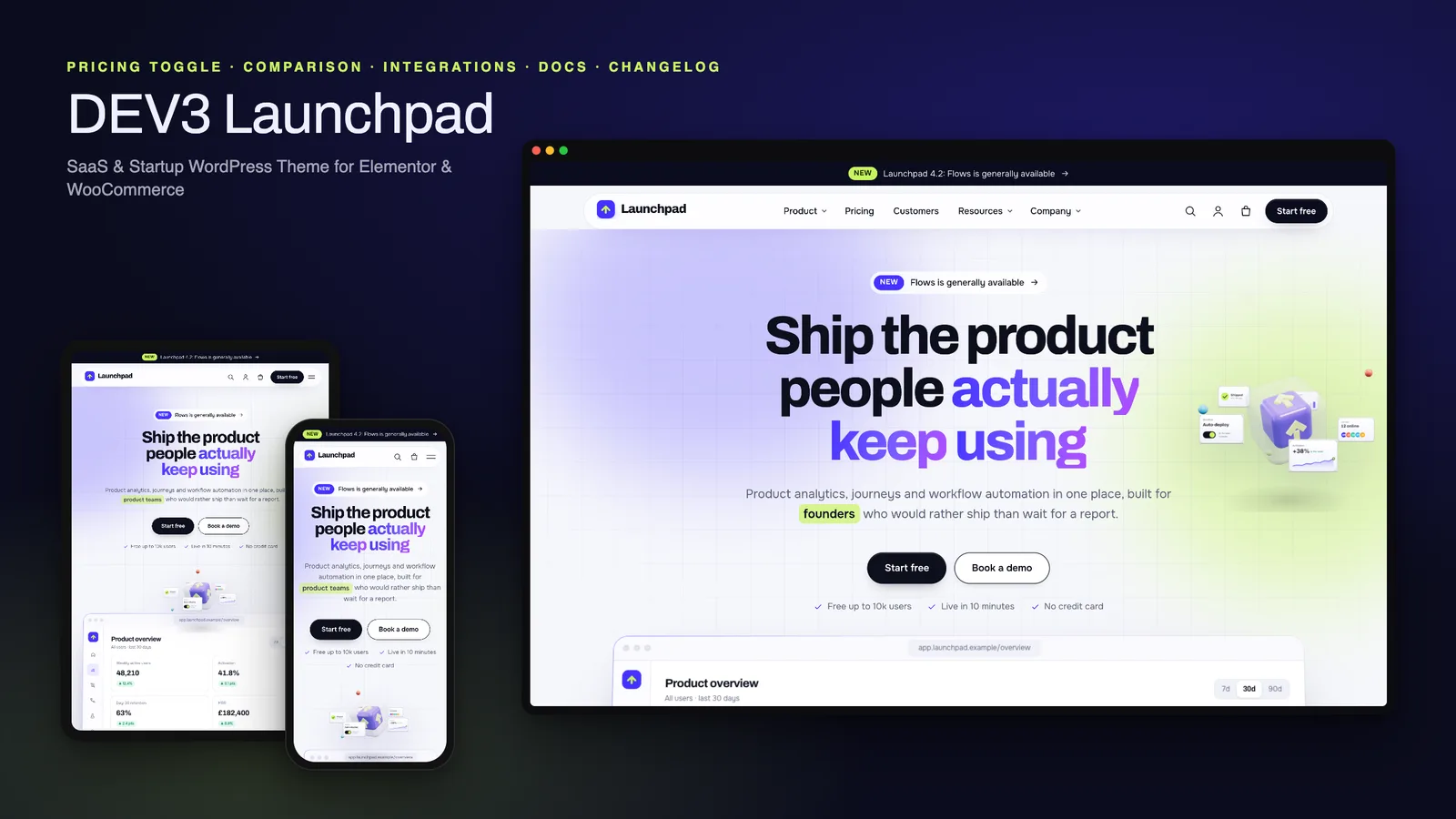
Our own WordPress theme for SaaS products and startups: a hero with a live HTML product mockup, a feature tour, pricing with a monthly / yearly toggle and a comparison matrix, integrations, customer stories, a changelog and a docs / help centre, with rich motion and one small 3D app cube.