Architects look at a website the way they look at a drawing. They notice proportion, line weight, whether the type is calm and whether the details hold up. Most architecture firm WordPress themes answer that with a full-bleed image slider and a grid of thumbnails. That can be handsome, but it says little about how a practice works.
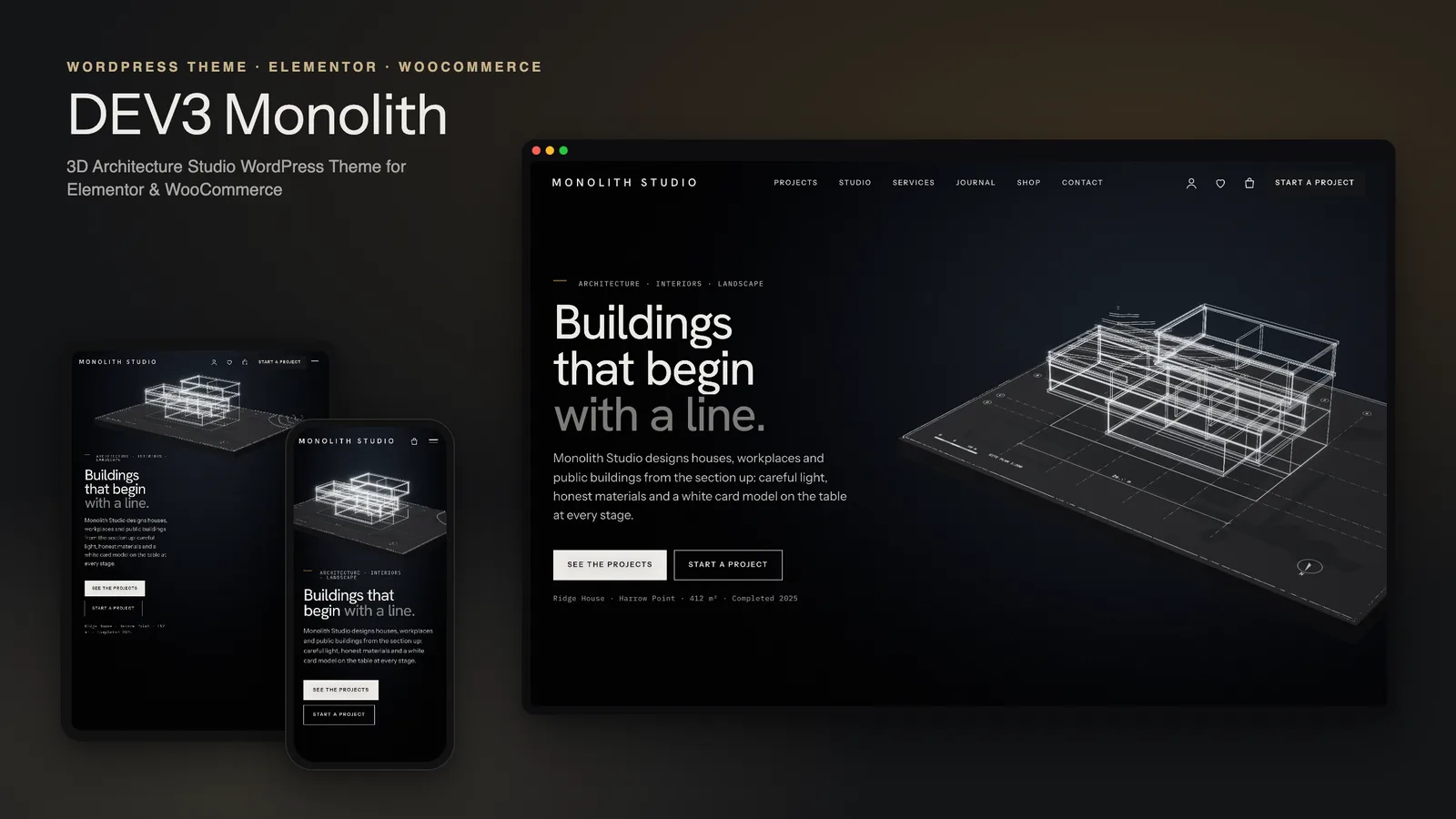
With DEV3 Monolith we tried something closer to the studio itself. The home page is a massing model that goes through the same stages a building does on its way from sketch to site: line, volume, material, light, section and dusk. The rest of the theme is a structured portfolio and studio site that a small practice can keep current. This post walks through the six chapters, how the model is built, and how projects, the shop and the editing tools fit around it.
Six chapters, one model
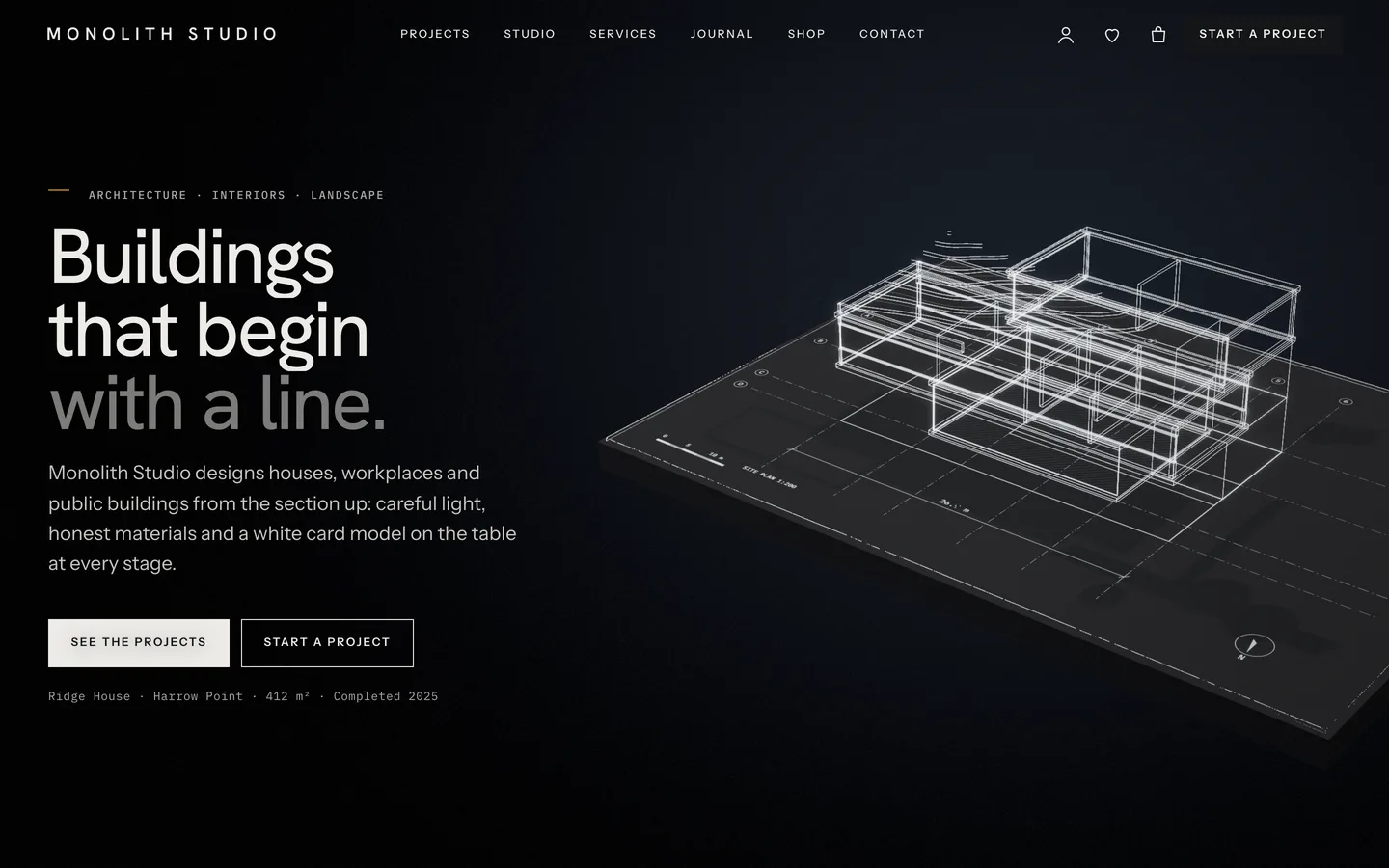
The home page has a single 3D Scene widget set to the "Monolith: massing model" preset in "Fixed background" mode, followed by six chapter containers. Each chapter is a camera stop with a state, and the model moves between those states as the visitor scrolls.
1. Drawing
The story opens in the dark. The building appears as a glowing line drawing on a site plan, with grid axes, dimensions and a north point. It is the first thing an architect makes, and it reads well as a hero: simple lines, a lot of space, and the headline on the other side of the screen.
2. Massing
The lines become a volume. The model builds up floor by floor in white card while a cut line rises with it. Beside it, the copy carries a level-by-level schedule, for example "Level 01 · Bedroom bar, cantilever 6 m · +4.20".
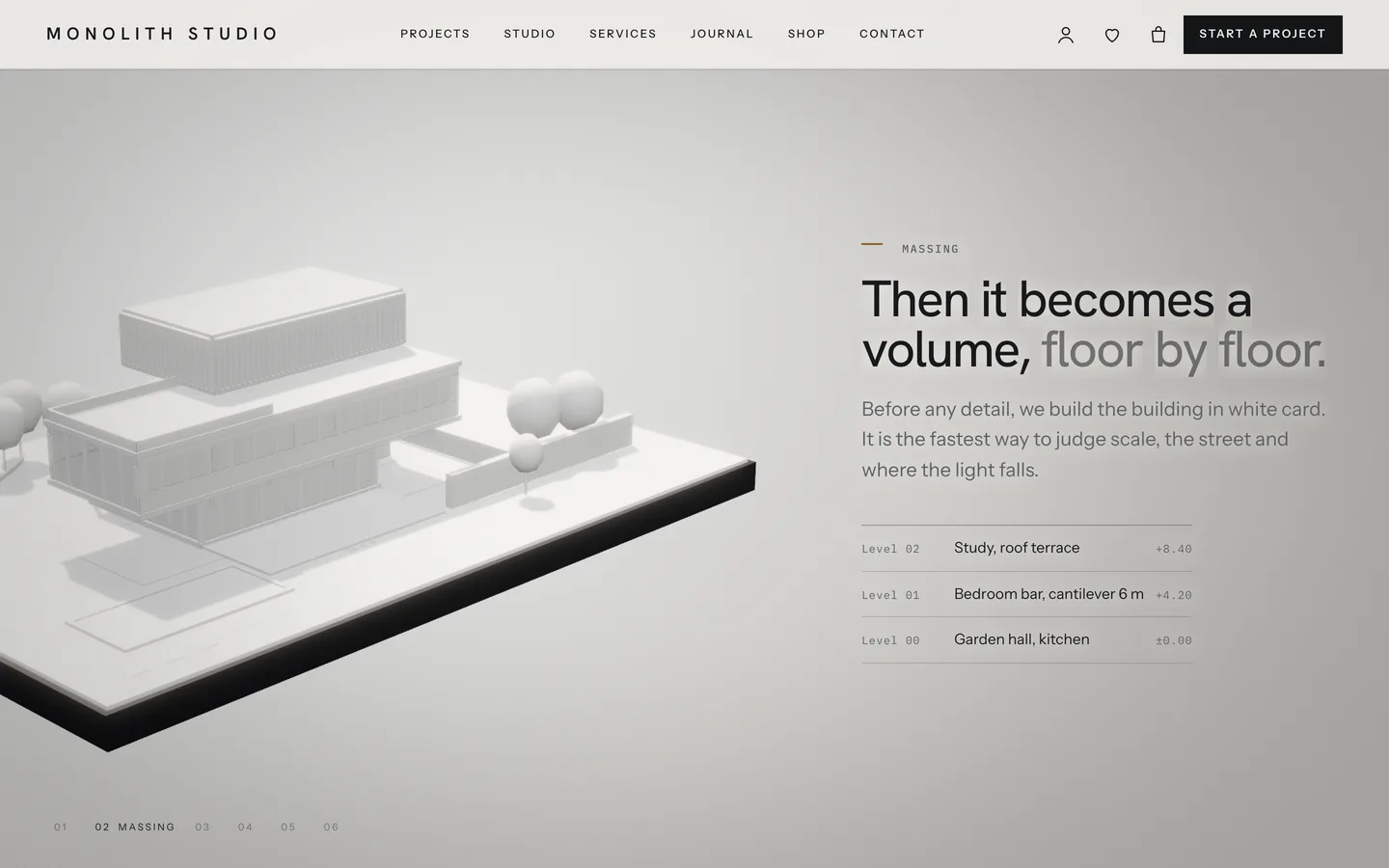
White card is how most practices judge scale and the relationship to the street before any detail is drawn. We kept the lighting soft and the palette almost monochrome so the chapter feels like a model on a studio table, not a render.
3. Material
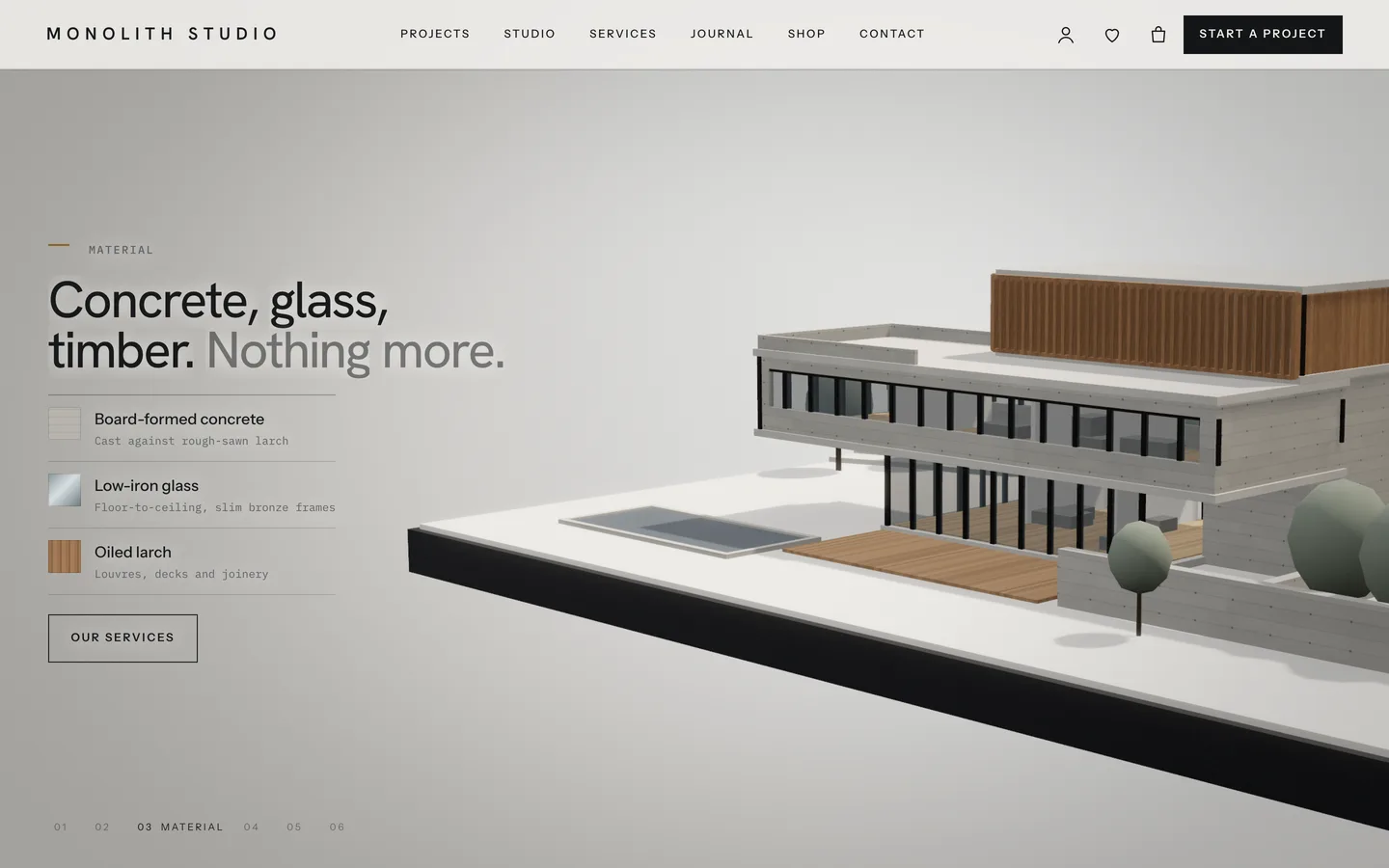
Board-formed concrete, reflective low-iron glass and oiled timber resolve on the model, with real shadow maps. The copy shows a matching material legend, so the 3D view and the text describe the same palette.
4. Light
This is the chapter we are proudest of. The sun sweeps through a day along a sun-path arc with hour marks, and the model's shadows race across the site. Beside it, a small readout shows the current time, azimuth and altitude.
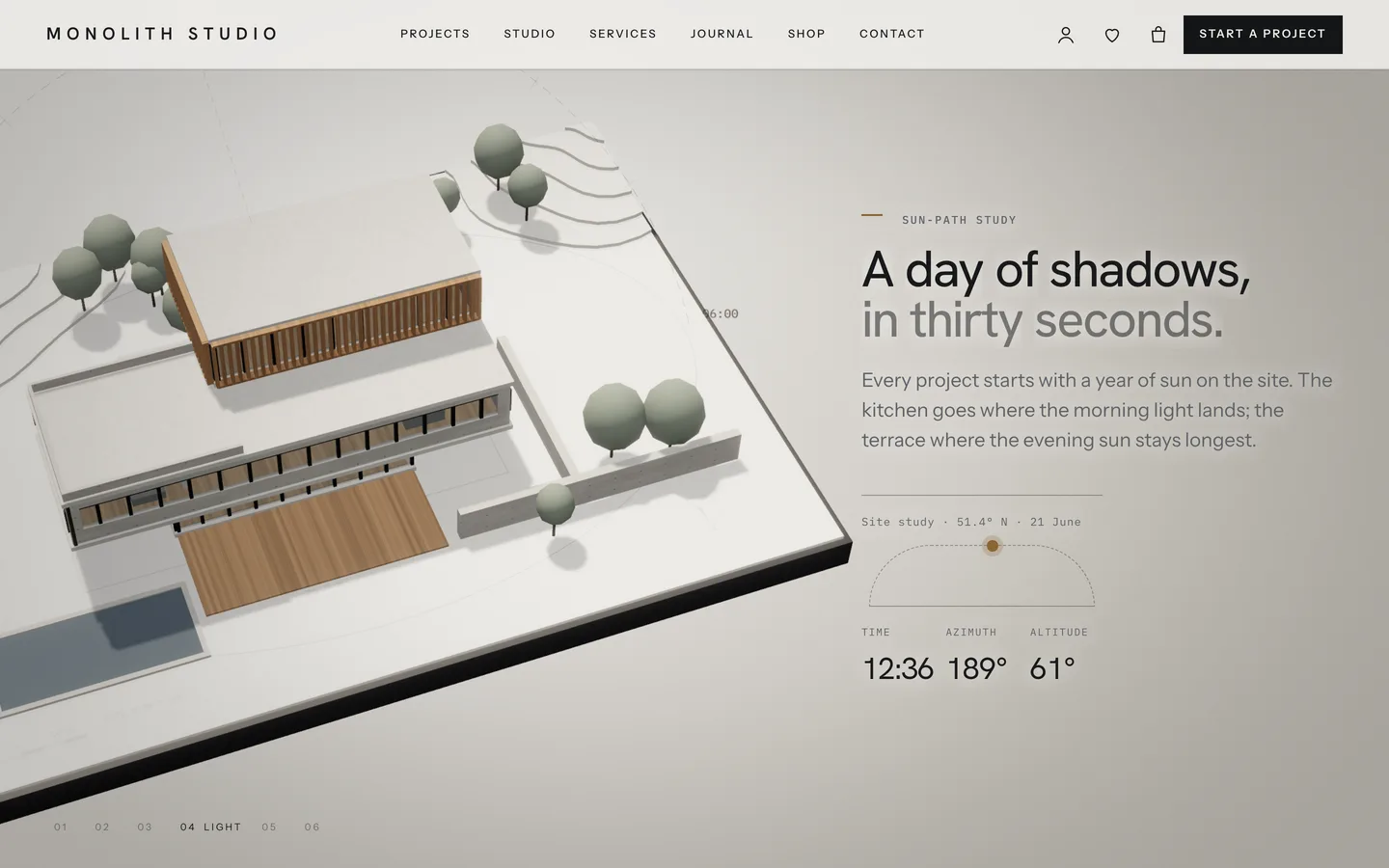
The readout is real text, not pixels in the canvas. A <div data-ml-sun></div> placed in the chapter's copy is filled in by the engine as the sun moves. Search engines and screen readers see the numbers, and the copy around it is ordinary editable content. The demo copy shows how a practice might talk about it: the kitchen goes where the morning light lands, the terrace where the evening sun stays longest.
5. Section
The floors lift apart into an exploded axonometric, and the front half is cut away with dark poché, the filled-in black that architects use for cut walls in a section drawing. It is a small detail, but architects will notice it.
6. Dusk
The story ends at blue hour, with a low sun, warm interior lights and garden lamps. It is a good place for the call to action.
Chapters are not fixed. Add, remove or reorder them and the camera path is rebuilt from whatever chapters the page has. Each chapter's state is a small JSON value such as {"sun":1}, so a studio could, for example, end on the sun study instead of at dusk.
Five buildings, all procedural
The model is not one fixed building. The massing preset can show five: a house (Ridge House), an office tower, a timber pavilion, a housing scheme and a library. Each is generated in code, so there are no model files to license or download, and both Monolith presets together are a lazy-loaded chunk of about 15 KB gzip on top of the shared engine.
That matters for the portfolio. Every project has a "3D model design" field, so a house project can show the house and a library project can show the library, even before a studio has its own models. When it does, the 3D Scene widget accepts an uploaded GLB file, and the chapters still drive the camera. Inline models on project pages can be dragged to orbit.
A portfolio built from project facts
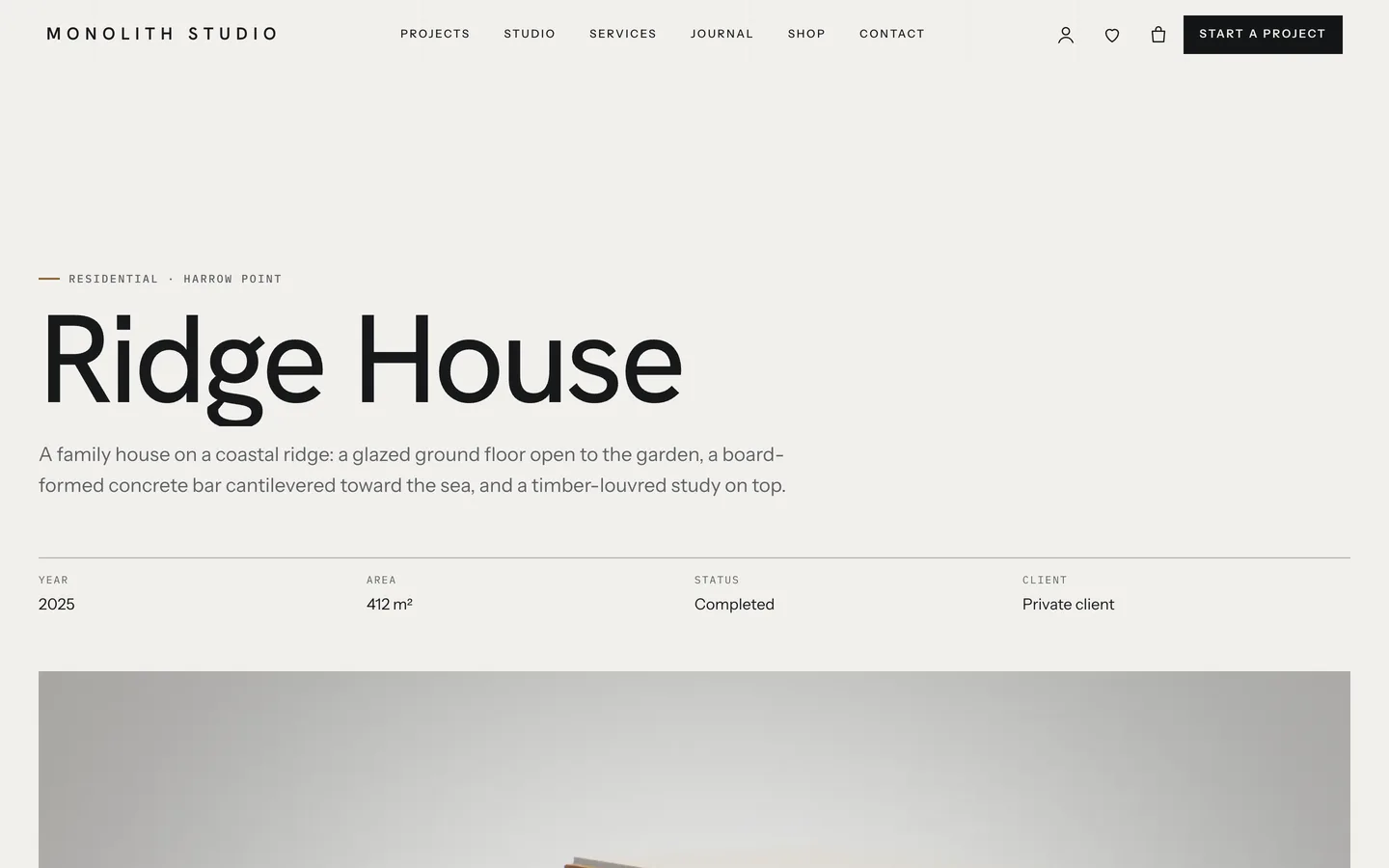
Projects are a post type from the bundled DEV3 Theme Toolkit, with the fields architects expect: Location, Year, Area, Status, Client, Team, Credits and the 3D model design. The project's category is its typology, such as houses, offices, pavilions, housing or libraries.
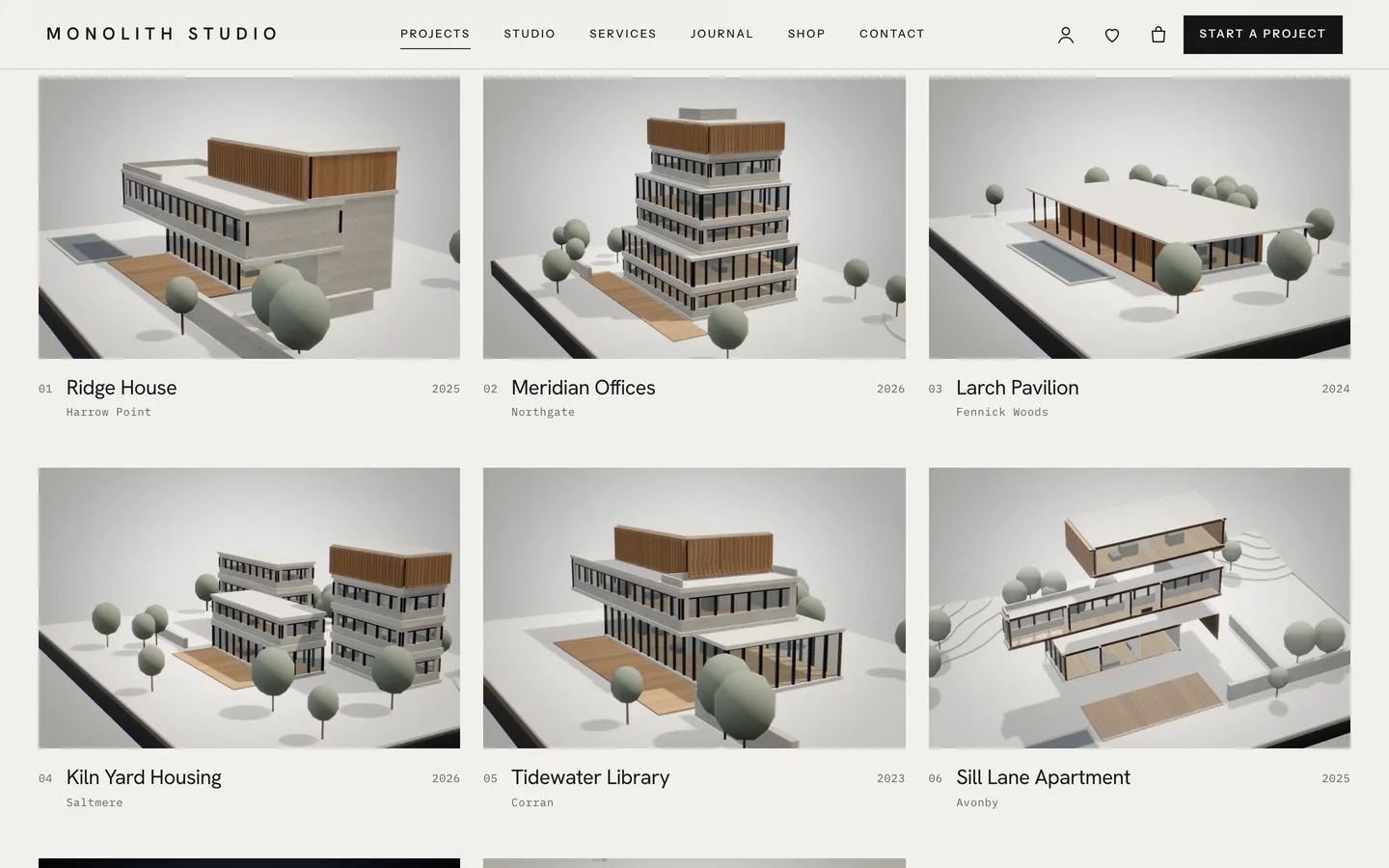
The project index is placed with a single marker in an HTML widget or Custom HTML block:
data-ml-projects="all"shows every project, with typology filters and a grid or index toggle.data-ml-projects="featured:6"shows the first six by order, with no toolbar.data-ml-projects="typology:housing"shows one typology.data-ml-factsshows the facts table of the current project.
The /projects/ archive and the typology archives use the same index. A visitor's choice of grid or list is remembered in their browser, and the default is set in the Customizer. Project pages built without Elementor show the facts table above the content automatically. Gallery and drawing images with data-ml-zoom on their link open in a full-screen lightbox, which suits plans and sections that need to be read at full size.
Around the portfolio are the pages a practice needs: Studio, People, Services, Process, Awards & press, Careers and Contact. Services and studio members are post types shown with the Post Type Grid and Team widgets. Press uses the Hover-Reveal List. Awards are a plain table that is easy to edit, and careers pair a list of roles with an application form. The Contact page carries a project enquiry form on Contact Form 7 that asks for project type, budget, timeline and site.
A shop for books, prints and objects
Many studios publish monographs, sell prints or produce small objects, so Monolith includes a WooCommerce shop styled in the same quiet palette. Every demo product has a 3D view from the "Monolith: shop object studio" preset: a book with a drawing on its cover, a framed print, a lamp, a vessel, a stool, a card model, bookends or candle holders. Variation swatches for cover, frame, finish and timber recolour the 3D object live.
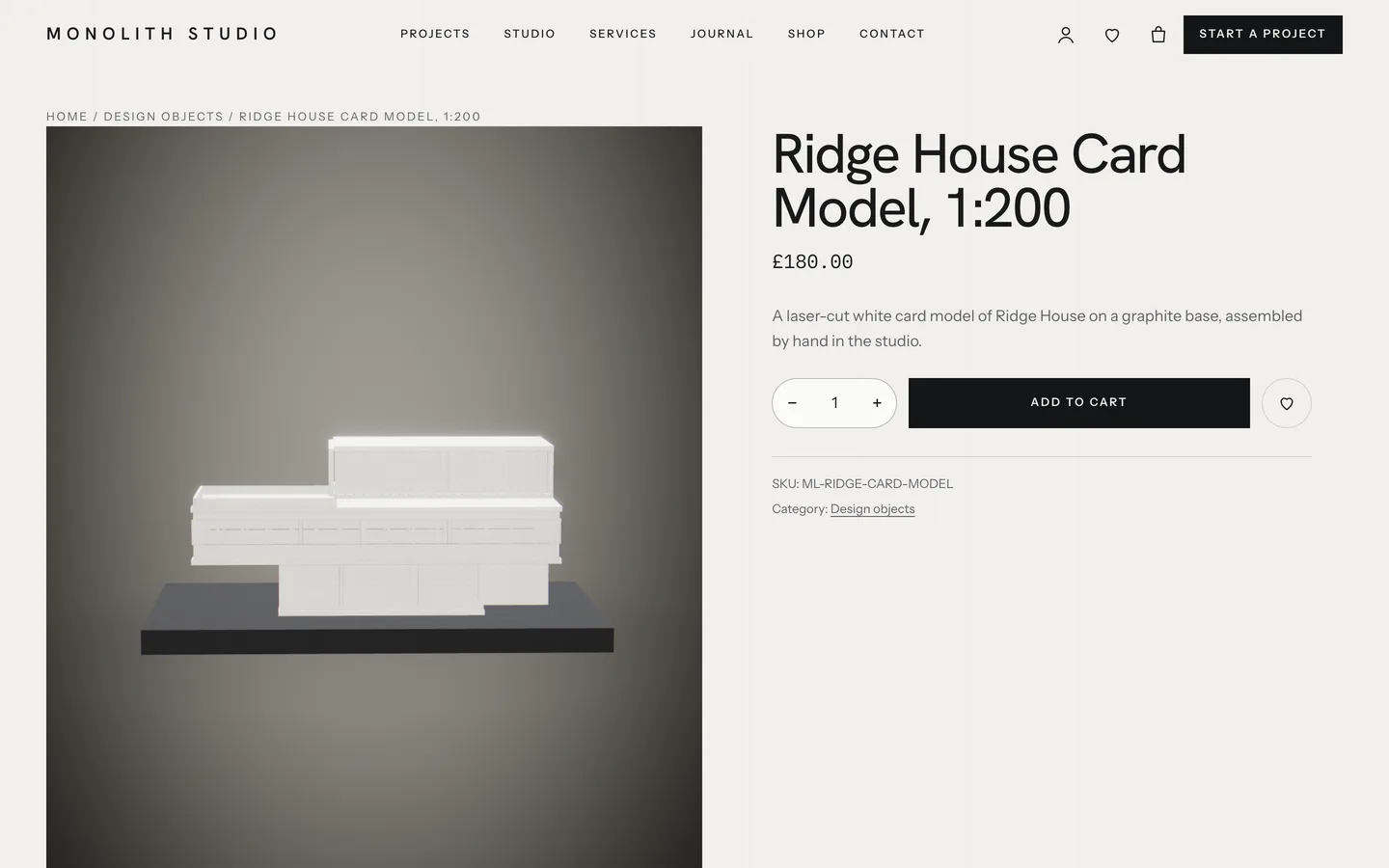
The toolkit adds an AJAX mini-cart drawer, quick view and a wishlist. The checkout keeps the understated look, with underlined fields and an order summary card, in both the classic and block versions.
Editing it as a studio
Every demo page is a stack of Elementor containers, including the eight project pages and four service pages. The toolkit adds a 3D chapter panel to every container under the Advanced tab: switch it on, give the chapter a label, choose where the copy sits (left, right or centre) and set the header tone (dark or light), so the navigation stays readable over a dark drawing or a pale model. Optional fields set a camera position and target.
The massing widget has its own controls: the view (the full story or a single stage), the building, model trees, sun study speed and the poché tint. Changes show live in the editor. Studios that prefer the block editor get block twins of the widgets and 26 patterns. These include a facts schedule, plans and sections, a materials palette, a sun study with readout, awards, press quotes and the project index. Block styles such as Drawing sheet, Annotation and Schedule give pages a drawing-set feel.
Performance
Desktop GPUs hold 60 fps on every demo page. Quality tiers adapt to the device, and shadow maps run on the high tier only. three.js loads only on pages with a scene, at about 208 KB gzip for the engine. Visitors who prefer reduced motion, have Save-Data on or have no WebGL see a still poster, and all the copy, including the sun readout, stays in the HTML. Fonts (Hanken Grotesk, Instrument Sans and IBM Plex Mono) are self-hosted. The theme meets WCAG 2.2 AA basics: focus rings, a skip link, keyboard menus and pressed states on the project filters.
See it in motion
A sun study is hard to show in a still. The tour runs through the demo from the first line to checkout.
Get the theme
Monolith is on the DEV3 marketplace with the theme, a child theme, the DEV3 Theme Toolkit plugin, the one-click demo and HTML documentation. The case study covers the design decisions in more depth.