All case studies

DEV3 Technologies · own product

DEV3 Monolith: an architecture WordPress theme with a live 3D massing model

Our own WordPress theme for architecture and interior design studios: a scroll-driven three.js massing model that draws, builds, takes materials and runs a sun-path study, a filterable projects portfolio and a WooCommerce shop, all editable in Elementor.

Industry
Architecture & design (WordPress)

Live project preview

Client systems are private — screenshots shown where permitted.

DEV3 Technologies · own product — screenshots
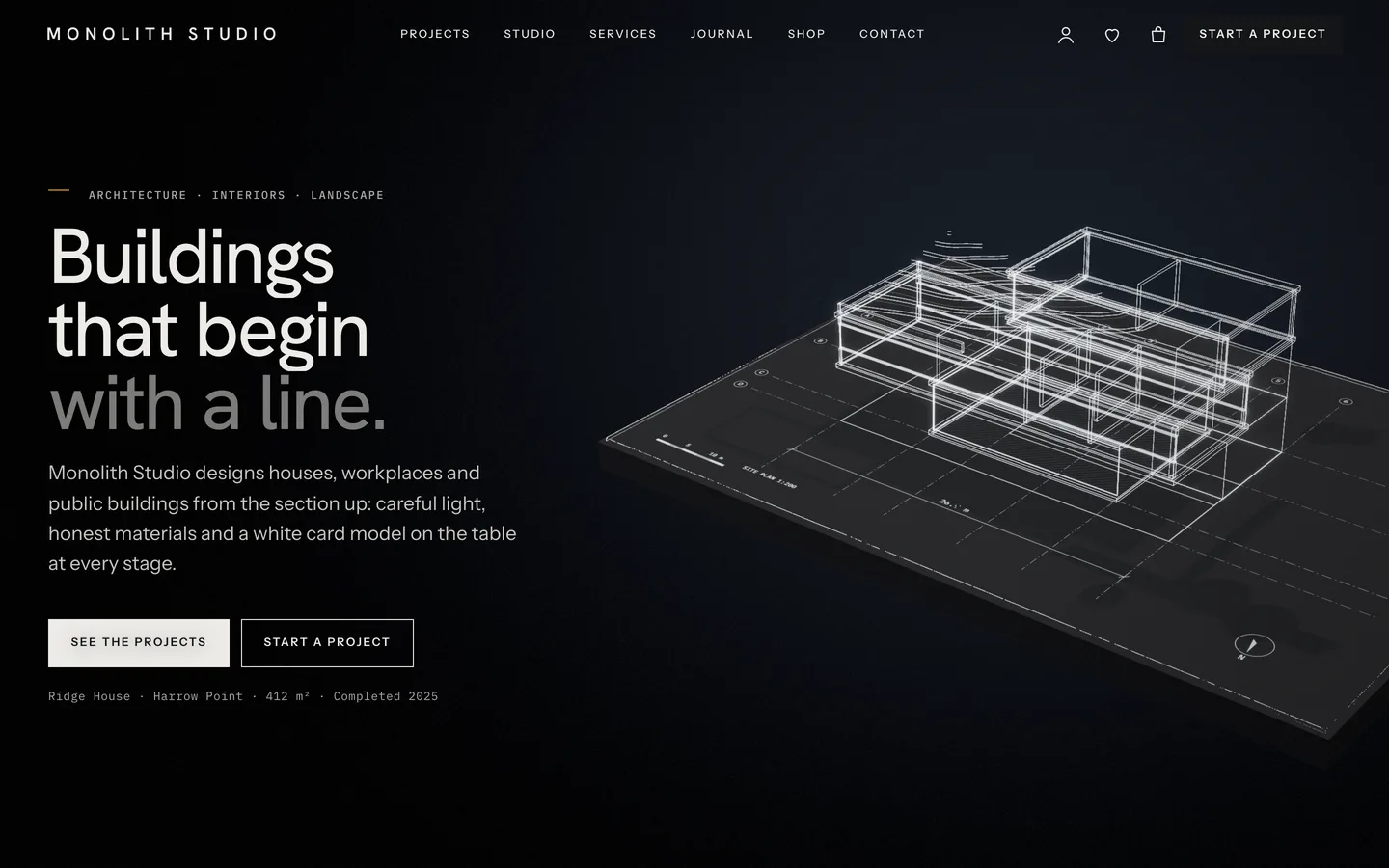
Blueprint 3D hero — a glowing wireframe building drawn on a dark site plan beside the Buildings that begin with a line headline.

Blueprint 3D hero — a glowing wireframe building drawn on a dark site plan beside the Buildings that begin with a line headline.

The challenge

Architects judge a website the way they judge a drawing: proportion, restraint and whether the details are right. Most architecture themes are a full-bleed image slider and a grid of thumbnails, which says little about how a practice thinks. We wanted the home page to show the design process itself (line, volume, material, light) in a way that feels like an architect's model rather than a game, while the portfolio stays structured content with real project facts, and the whole site stays quick to edit for a small studio.

Our solution

We built Monolith as a classic PHP theme with theme.json, on a shared DEV3 theme core and the DEV3 Theme Toolkit plugin that powers all nine DEV3 themes.

Key design decisions

  • The process as the story. Six chapters follow how a building is designed: a line drawing on a site plan, a white card massing model, board-formed concrete, glass and timber, a sun-path shadow study, an exploded section with dark poché and a dusk view with interior lights. Each is a state of one procedural three.js model.
  • Five buildings, no model files. A house, an office tower, a pavilion, housing and a library are generated in code, so project pages can show a 3D model without licensed assets, and studios can still upload their own GLB.
  • Real readouts. The sun study's time, azimuth and altitude are written into the page as text, so they are readable by search engines and screen readers rather than painted into the canvas.
  • A portfolio from markers. The project index is placed with a marker such as data-ml-projects="typology:housing" and offers typology filters and a grid or index view; project pages get a facts table from the project fields.
  • Quality tiers. Shadow maps run only on the high tier; reduced-motion, Save-Data and no-WebGL visitors see a still poster while the text stays in the HTML.

Results

Monolith ships as a complete theme with a one-click demo: 8 project pages and 4 service pages built in Elementor, 8 studio members, 4 sample-badged client quotes, 6 journal posts, 12 WooCommerce products with 3D views and 3 forms, plus 26 block patterns and a child theme.

It passes the suite's quality gates: php -l and phpcs (WordPress Coding Standards 3 and PHPCompatibilityWP 7.4+) with zero errors, the Theme Check plugin, the engine size budget (about 208 KB gzip, with both presets in a 15 KB lazy chunk), an automated WooCommerce run from add to cart to the order-received page, and an Elementor editor test where changing a control updates the live scene. Desktop GPUs hold 60 fps on every demo page.

Monolith is available on the DEV3 marketplace.

Setup guide

Requirements

  • WordPress 6.0 or newer and PHP 7.4 or newer
  • Elementor (free), WooCommerce and Contact Form 7 (WordPress offers to install them)
  • Elementor Pro is supported but not required

Install

  1. Download the ZIP from your DEV3 account and unzip it. Do not upload the download itself.
  2. In WordPress go to Appearance → Themes → Add New → Upload Theme, choose dev3-monolith.zip and click Install Now, then Activate.
  3. Follow the notice to install and activate the DEV3 Theme Toolkit (required) and the recommended plugins: Elementor, WooCommerce and Contact Form 7. You can also upload dev3-theme-toolkit.zip under Plugins → Add New → Upload Plugin.
  4. Optional: upload and activate dev3-monolith-child.zip if you plan to change the theme's code.

Import the demo

  1. Log in as an administrator. On a multisite network, use a super admin account so the HTML widgets keep their markup.
  2. Go to Appearance → DEV3 Demo and click Import.
  3. Wait for the import to finish. It creates the Elementor pages (Home with the 3D story, Projects, Studio, People, Services, Process, Awards & press, Careers, Contact, Journal), 8 project pages and 4 service pages, 8 studio members, 4 sample-badged client quotes, 6 journal posts, 12 products, 3 Contact Form 7 forms (project enquiry, contact, careers application), menus, footer widgets and Customizer settings.
  4. Visit the home page and scroll through the 3D story.

Everything the importer creates is tagged, so Reset removes only demo content. WooCommerce's Shop, Cart and Checkout pages are reused rather than duplicated.

After importing

  • Set your studio phone, email, address, hours and enquiry link in Appearance → Customize → Monolith: studio & projects.
  • The studio, people, places, awards and publications in the demo are fictional. Replace them before you go live.

Updates

Download the new version from Account → Downloads on dev3.tech and upload dev3-monolith.zip again. Your changes in the child theme are kept.

How to use

Change the 3D story

Open the home page with Edit with Elementor. It has one 3D Scene widget with the preset Monolith: massing model in Fixed background mode, followed by six chapter containers: Drawing, Massing, Material, Light, Section and Dusk.

  • On any container, open Advanced → 3D chapter, switch it on, give the chapter a label, choose where the copy sits (left, right or centre) and the header tone (dark or light).
  • Optional fields set a camera position, a target and a JSON state, for example {"sun":1}. The states are wire, build, mat, sun, explode and dusk.
  • Add, remove or reorder chapters; the camera path is rebuilt from the chapters on the page.
  • In the widget, choose the View (story or a single stage), the Building (Ridge House, Meridian tower, Larch Pavilion, Kiln Yard housing, Tidewater library), model trees, sun study speed and poché tint, or upload your own GLB.
  • Put <div data-ml-sun></div> in the Light chapter's copy to show the live time, azimuth and altitude.

Add projects

Go to Projects in the dashboard. Fill in Location, Year, Area, Status, Client, Team, Credits and the 3D model design (ridge, tower, pavilion, housing or library), and set the category to the project's typology.

Place the project index with an Elementor HTML widget or a Custom HTML block:

  • <div data-ml-projects="all"></div> – every project, typology filters and a grid / index toggle
  • <div data-ml-projects="featured:6"></div> – the first six by order, no toolbar
  • <div data-ml-projects="typology:housing"></div> – one typology
  • <div data-ml-facts></div> – the facts table of the current project

Add data-ml-zoom to the link of a gallery or drawing image to open it in a full-screen lightbox.

Services, people, awards and careers

Services and Studio members are post types; show them with the Post Type Grid and Team widgets. Awards are a table in an HTML widget, press uses the Hover-Reveal List, and careers pair a list of roles with the Contact Form 7 Careers application form.

Customizer settings

Monolith Options covers the logo, colours, fonts, header style, 3D quality or off, loader, smooth scroll, chapter rail and WooCommerce options. Monolith: studio & projects holds the phone, email, address, hours, enquiry link, the default project index view, the faint column grid behind pages and the sun study caption.

Run the shop

Products use the Monolith: shop object studio 3D preset (book, framed print, lamp, vessel, stool, card model, bookends, candle holders). Add variation swatches for cover, frame, finish or timber; they recolour the 3D object live.
Related case studies

DEV3 Technologies · own product · Gyms, fitness and yoga studios (WordPress theme)

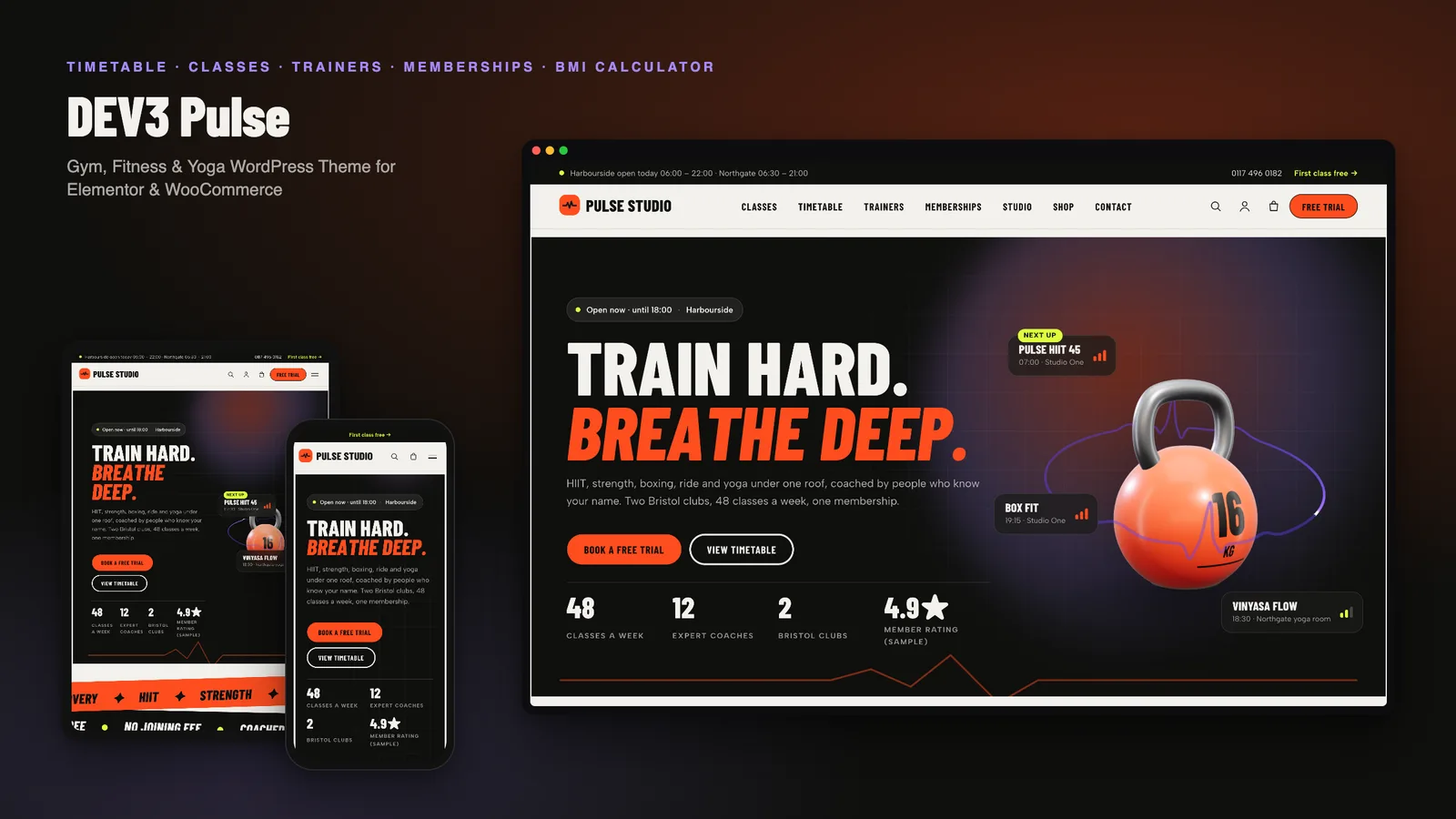
DEV3 Pulse: a gym, fitness and yoga WordPress theme with a self-building class timetable and a 3D kettlebell

Our own energetic WordPress theme for gyms, fitness and yoga studios: classes with intensity, a weekly timetable built from class schedules, trainers, memberships with a yearly toggle and comparison, calculators with a health note, workshops and free-trial booking.

DEV3 Technologies · own product · Creative agencies and portfolios (WordPress theme)

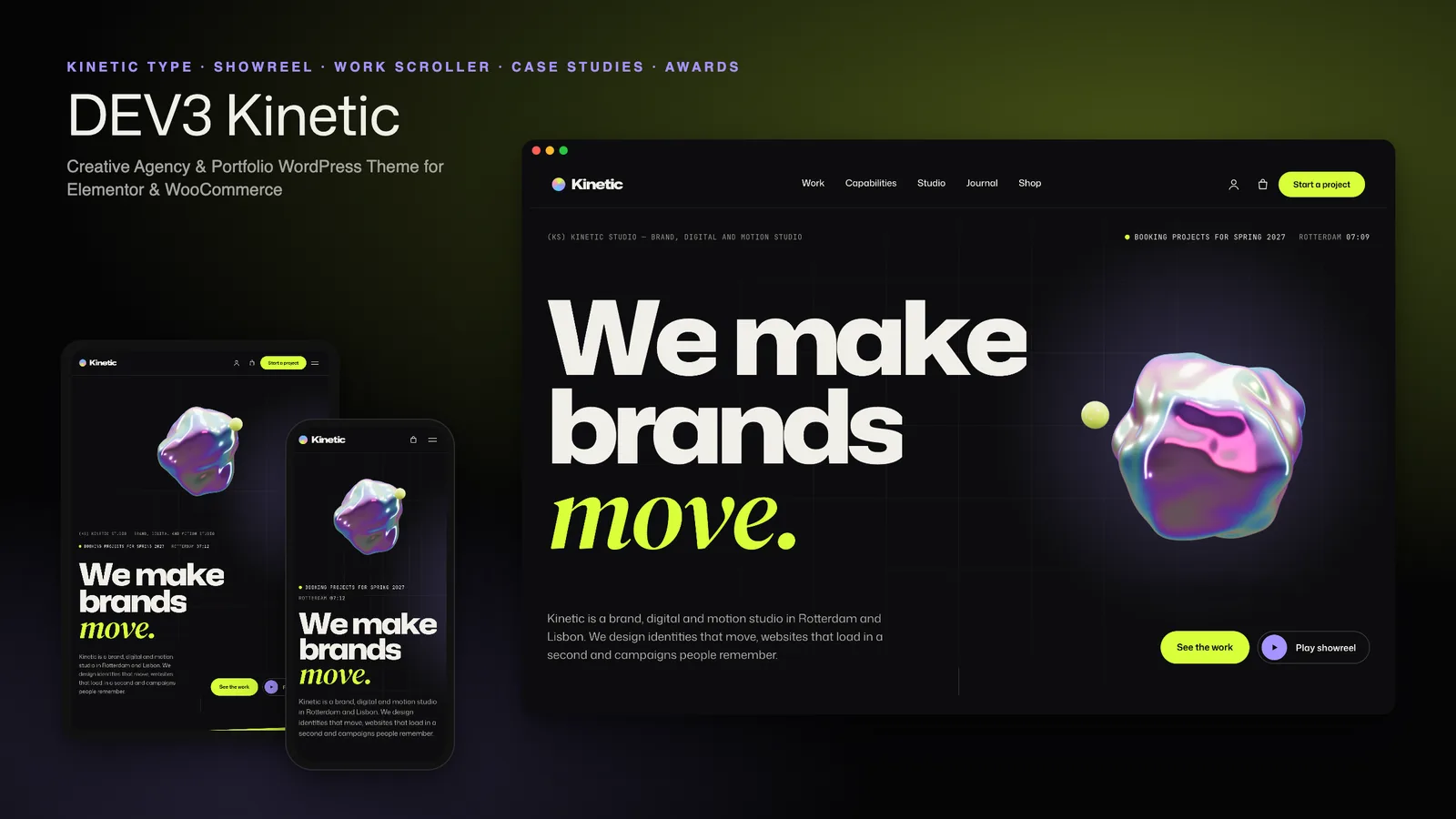
DEV3 Kinetic: a type-led creative agency WordPress theme with a work scroller, case studies and a 3D blob

Our own dark, type-led WordPress theme for creative agencies and portfolios: kinetic variable-font type, cursor labels, a pinned horizontal work scroller, self-building case studies, work filters with a list view, a showreel player and a project brief, with one small 3D accent.