Where things live
| File |
What it controls |
lib/lore.ts |
All chapter copy: kicker, title, tagline, four stats, field note, accent colour and HUD values (local time and air) |
lib/mood.ts |
The light mood of each chapter: sky, fog, both suns, ambient, night, stars, aurora and wave |
lib/world.ts |
The valley layout, the scatter of plants, pods and towers, and the camera SHOTS for each chapter |
components/scene/ |
The 3D scene: space, sky and terrain, flora, habitat, the stone ring and the creatures |
components/ui/ |
Loader, HUD, chapter rail and panels, field notes, glyph effects, the signal form and cursor |
app/globals.css |
Page colours, spacing and type styles |
app/layout.tsx |
Fonts, page title and description |
Edit the story
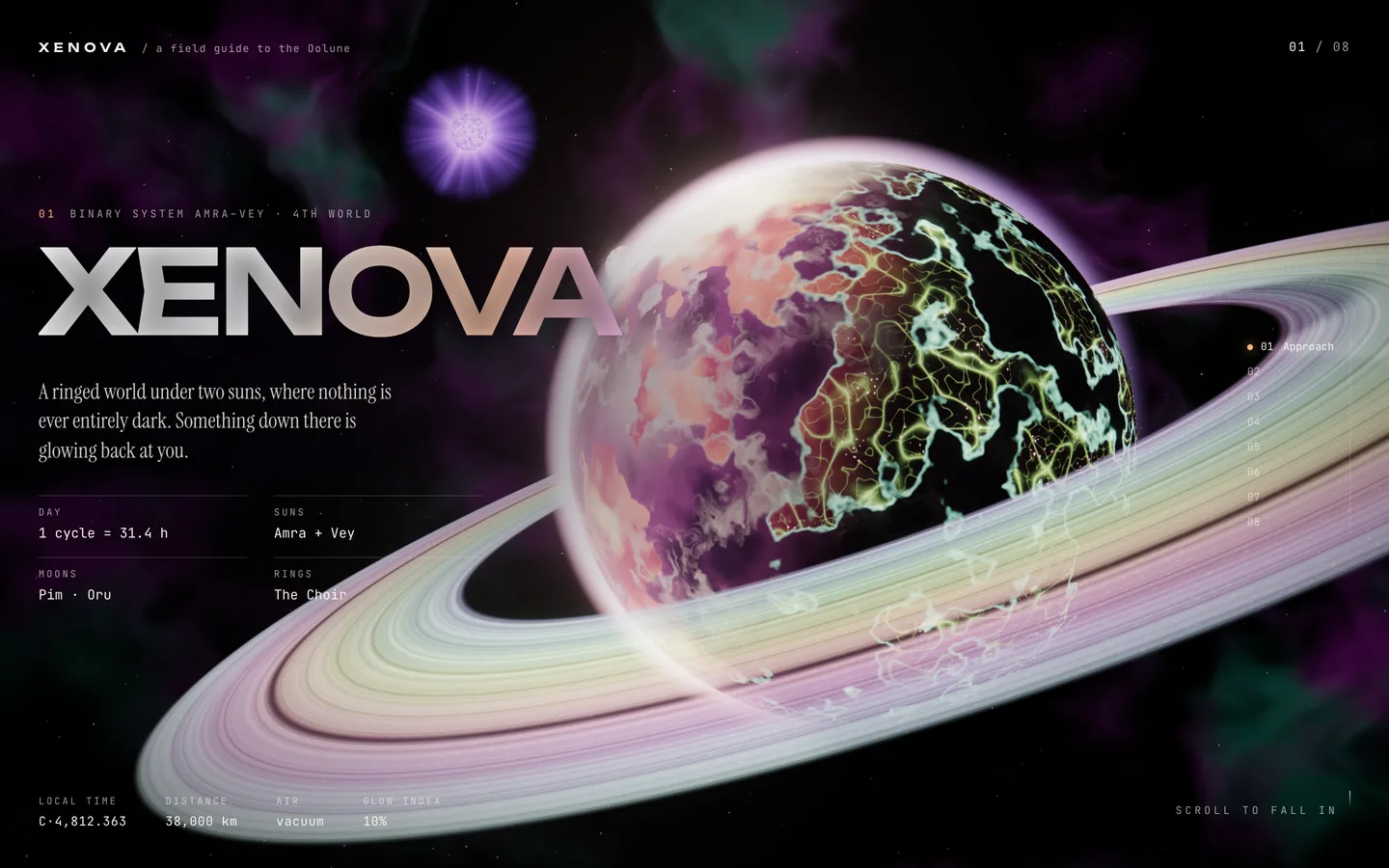
Open lib/lore.ts. The CHAPTERS array has one entry per chapter, in order. Change the title, kicker, tagline, stats (label and value pairs) and fact (the field note) to your own text. All names and figures in the demo are fiction, so replace them before you go live.
Each chapter fills one screen of scroll and has a matching camera shot in lib/world.ts and a light mood in lib/mood.ts. If you remove or add a chapter, keep those three lists the same length and in the same order.
Change colours and light
- Page colours: edit the CSS variables at the top of
app/globals.css: --bg, --fg, --dim, --faint, --accent and --lume (the glow green).
- Per-chapter accent: the
accent field of each chapter in lib/lore.ts tints the kicker, rail and HUD for that chapter.
- Scene light: each row of the moods table in
lib/mood.ts sets the sky zenith and horizon, fog colour and density, the two suns (elevation, azimuth and intensity), ambient light and the night, star, aurora and wave levels. The scene blends between rows as the visitor scrolls.
- Glow and grade: bloom, tone mapping, grain and vignette are set in
components/scene/Experience.tsx.
Change fonts
The three typefaces (Unbounded for display, Instrument Serif for body, JetBrains Mono for the HUD) are loaded with next/font/google in app/layout.tsx. Swap the imports for other Google fonts, or use next/font/local with your own files, and keep the --font-display, --font-serif and --font-mono variable names.
Change camera moves
Each entry of SHOTS in lib/world.ts is a camera position and a look-at point. Move them to reframe a chapter; the camera follows a smooth curve through them. PORTRAIT_LOOK overrides the look-at point on portrait phones.
Swap or add 3D content
The template draws everything procedurally, so there are no model or texture files to replace. To restyle the world, adjust the shapes, counts and colours in the scene components and the GLSL in lib/shaders*.ts. To show your own model (a ship, a character, a logo), load a GLB with three.js's GLTFLoader (or R3F's useLoader) in a new component and add it inside the scene in Experience.tsx, placed near the camera shot of the chapter it belongs to. Keep models compressed and light so phones stay smooth.
The signal form
The last chapter's form (components/ui/Signal.tsx) shows the message in glyphs and a canned reply; it sends nothing anywhere. To collect sign-ups, call your own newsletter or form endpoint in its submit handler.
Interaction and accessibility
Visitors can tap to make the creatures flash, and use the arrow keys or Page Up / Page Down to move between chapters. Reduced-motion visitors get instant chapter jumps and calmer animation automatically; keep that behaviour if you add new effects by checking journey.reduced.