Requirements
- Node.js 20.9 or newer and npm
- A modern browser with WebGL 2 (current Chrome, Edge, Safari or Firefox)
- No environment variables, database or API keys
Install and run
Download the ZIP from your DEV3 account and unzip it.
Open a terminal in the project folder and install the dependencies:
npm install
Start the development server and open the address it prints (port 3180 by default):
npm run dev
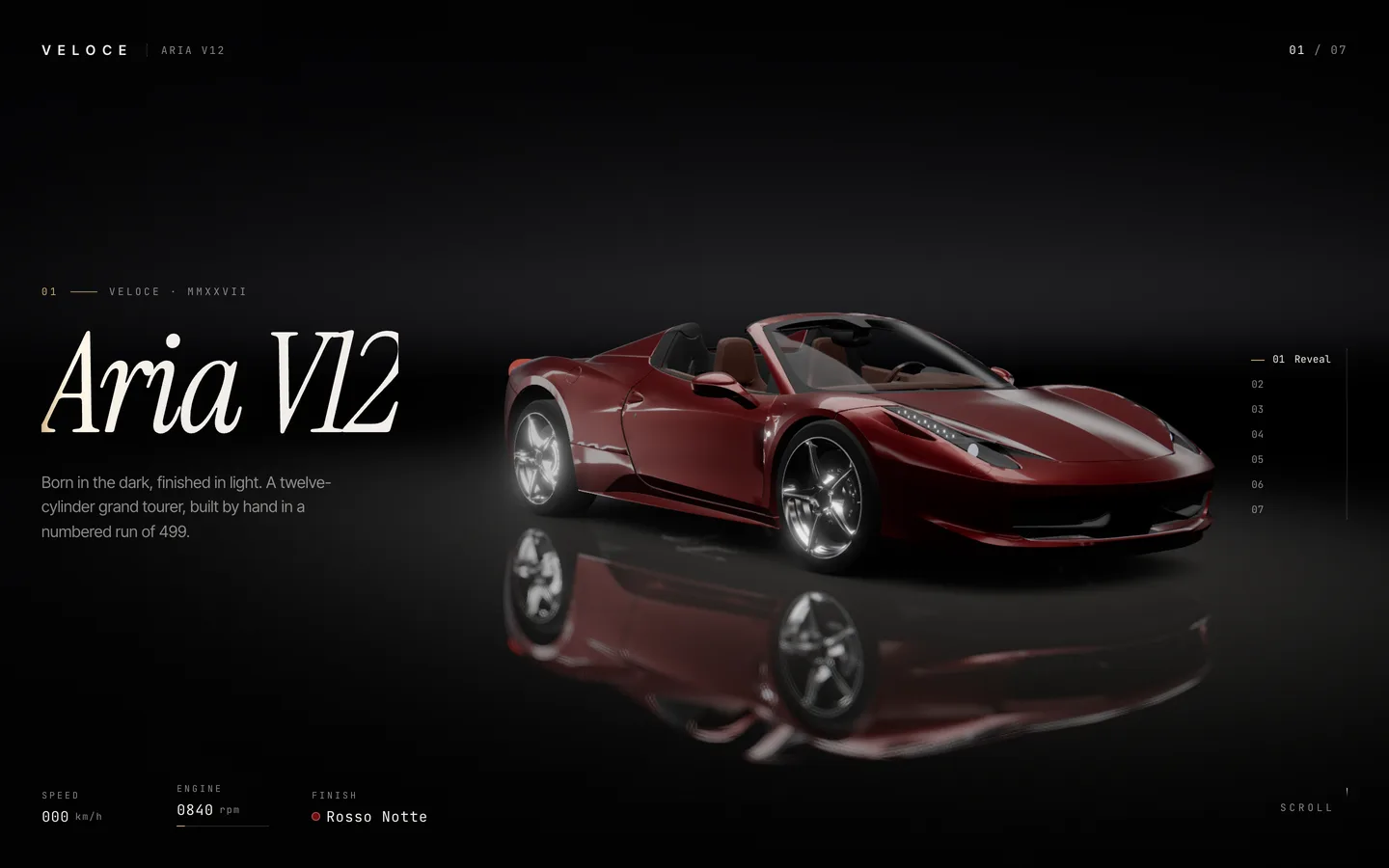
Scroll through the seven chapters. The loader waits until the car is decoded and every shader is compiled, so the first visit takes a moment longer.
To change the port, edit the dev and start scripts in package.json.
Build for production
npm run build
npm run start
Run npm run lint to check the code.
Deploy to Vercel
Push the project to a Git repository and import it in Vercel. The defaults (framework Next.js, build command npm run build) work as they are, and no environment variables are needed.
Static export
The project can also be exported as plain files for any static host. next.config.ts switches to a static export when DEMO_EXPORT_BASE is set to the sub-path the site will live under:
DEMO_EXPORT_BASE=/veloce npx next build
Upload the generated out/ folder to that path on your host. To serve the export from the domain root instead, set output: "export" and images: { unoptimized: true } in next.config.ts and run npm run build.
Do not use npm run build:demo for your own site: it is the script for DEV3's hosted live demo and adds a "Get this template" badge.
Licence note
The car model in public/models/ is licensed CC BY 4.0 (by vicent091036, from the three.js examples) and has been modified. The credit is shown in the Reserve chapter. Keep an attribution if you keep the model, or replace it with your own. VELOCE and the Aria V12 are fictional.