VELOCE – Immersive 3D Car Landing Page & Configurator Template (Next.js, React Three Fiber)

A scroll-driven 3D car website template: a real-time grand tourer on a mirror stage across seven cinematic chapters, a drive sequence with speed lines and HUD, and a live paint, wheel and lighting configurator. Next.js 16, React Three Fiber 9, three.js and Lenis.

by DEV3 TechnologiesVerified Author(0) 0 sales 1 viewsUpdated 31 Oct 2026

VELOCE is a scroll-driven 3D car website template built with Next.js 16, React Three Fiber and three.js. It tells the story of a fictional luxury marque and its twelve-cylinder grand tourer, the Aria V12, as a seven-chapter film. One real-time car sits on a mirror-black stage, and every scroll step moves the camera, the lights and the copy to a new shot. It suits car launches, dealerships, motorsport teams, detailing and wrap studios, EV start-ups, or any premium product that deserves a cinematic landing page.

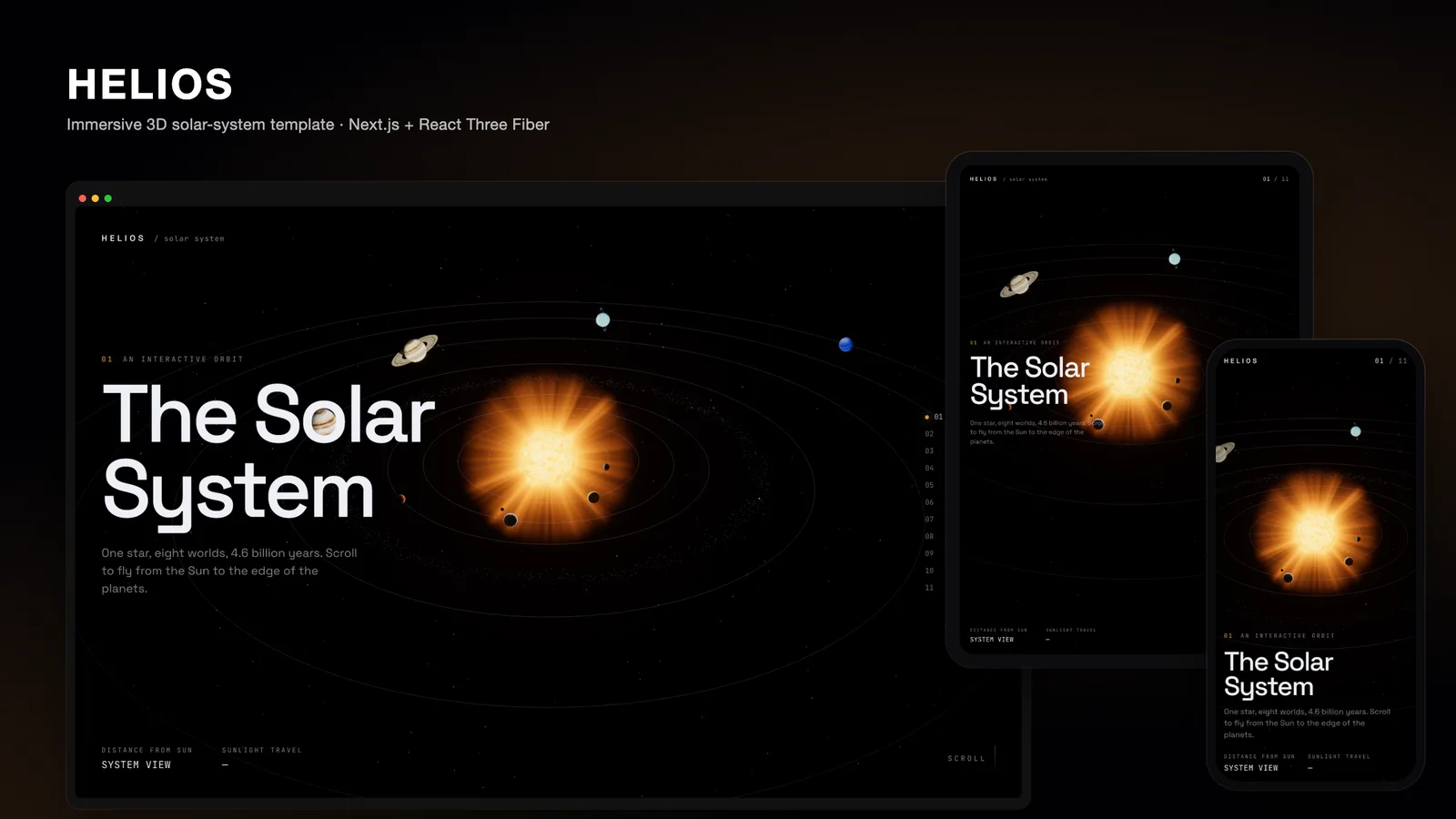
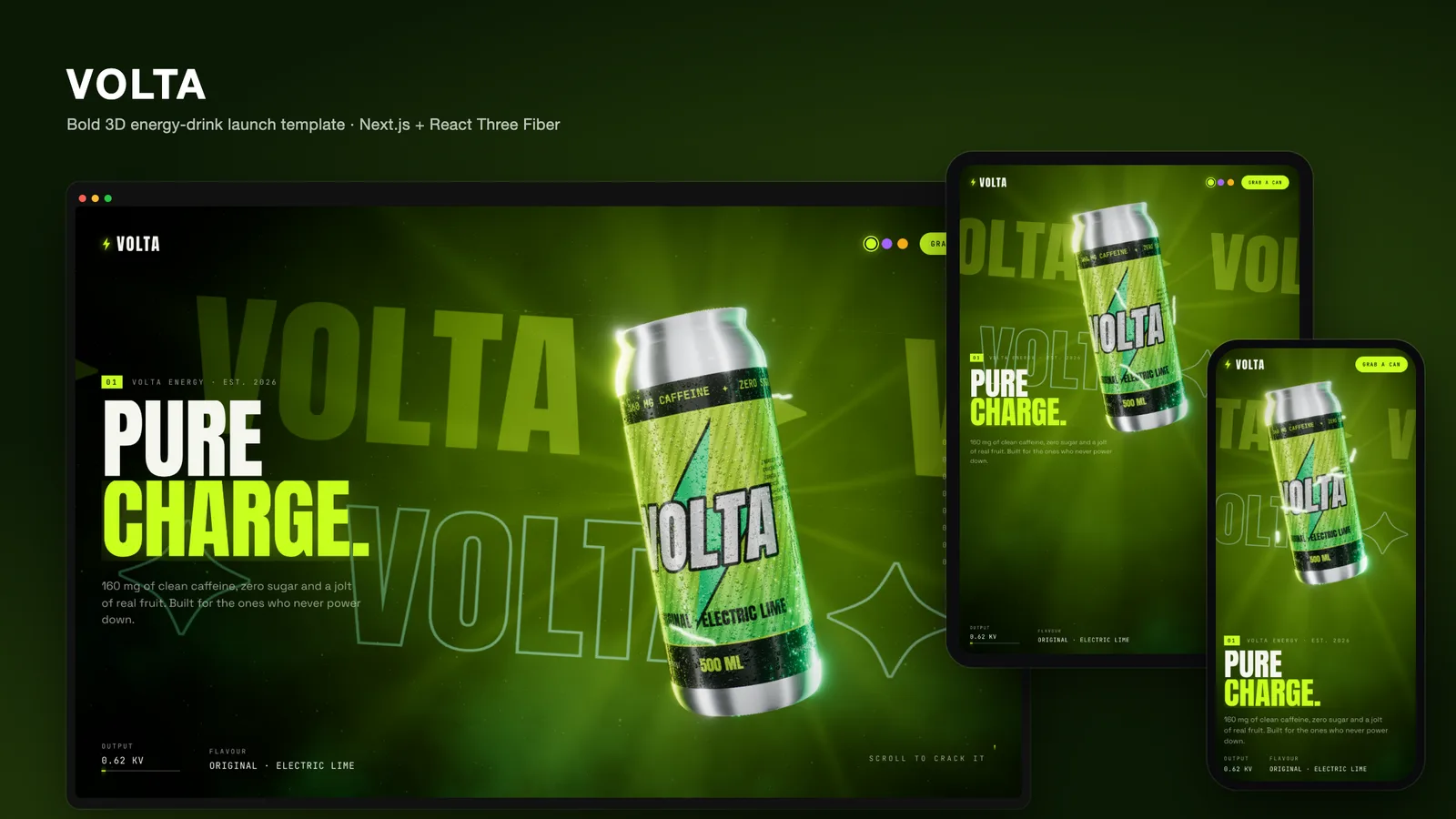
Try the live demo at the top of this page (it runs the same code you download), or watch the video tour and step through the screenshots at desktop, tablet and phone sizes.

Seven chapters, one car

  1. Reveal – the loader holds until the model is decoded and every shader is compiled, then the car emerges from black: the environment light rises, a rect-area light sweeps the flank, the lamps flicker on and a sheen crosses the title.
  2. Silhouette – a long-lens side profile in near darkness while a strip light traces the roofline nose to tail.
  3. Performance – the car "drives": the wheels spin, motion-blurred lane markings scroll under the mirror floor, speed-line streaks and tunnel lights rush past, the camera buzzes, chromatic aberration rises and the HUD speedo and rev counter climb.
  4. Details – a close-up on the forged wheel and carbon-ceramic brake.
  5. Cabin – an overhead look into the open two-seat cockpit, leather and carbon.
  6. Configure – a live configurator with six paints, three wheel finishes and a Studio/Night light switch. Each paint change runs a clear-coat wipe from nose to tail with a lacquer sheen line; the car turns slowly and can be dragged.
  7. Reserve – a head-on hero shot with lamps lit, the call to action and the credits.

Shaders and effects

  • Car paint – a clear-coated MeshPhysicalMaterial extended with onBeforeCompile for the nose-to-tail colour wipe and sheen band; leather with sheen, carbon, glass and emissive lamps are re-materialed in code.
  • Stage – studio and night environment maps baked at load time from lightformer scenes with PMREMGenerator (no HDR files to download), a choreographed RectAreaLight rig, a blurred planar-mirror floor with a custom shader, a light pool and a horizon dome.
  • Speed – a road-marking shader and speed-line streaks driven by one shared "distance travelled" value.
  • Post-processing – Bloom, velocity-driven ChromaticAberration, AgX tone mapping, film noise and a vignette.
  • Camera – Catmull-Rom camera and look-at curves through the chapter stops, a smootherstep ease per leg, damping, an intro dolly, a field of view per shot and a turntable orbit in the configurator.

Performance, accessibility and responsiveness

  • Scroll state lives in a small mutable store read every frame; React subscribes only to coarse values (chapter, ready, configuration), so scrolling never re-renders React.
  • All shaders are compiled with compileAsync before the loader lets go, so the first scroll does not hitch. The device pixel ratio is capped at 1.75.
  • prefers-reduced-motion gives instant chapter jumps, no fly-in, no text scramble, no parallax, camera shake or chromatic aberration, a near-static road and instant paint swaps.
  • On portrait screens the camera pulls back, widens its lens and frames the car above the copy, so phones and tablets get the same shots rather than a cropped desktop layout. The configurator controls are laid out for touch.
  • All chapter copy is real HTML text over the canvas, with a chapter rail for keyboard and pointer navigation.

Rebrand it

  • Copy and staging live in one file, lib/content.ts: chapter titles, taglines, stats, camera stops, per-chapter lighting looks, paints and wheel finishes.
  • Colours and fonts are CSS variables in app/globals.css and three next/font families (Instrument Serif, Inter Tight, JetBrains Mono) in app/layout.tsx.
  • Your own car or product – replace public/models/car.glb with a Draco-compressed glTF and map its mesh names to the materials in components/scene/Car.tsx.

What's in the download

  • The complete Next.js project: app/, components/ (scene and UI), lib/, public/models/ (the car glTF and its baked shadow), public/draco/ (Draco decoder) and the screenshot script
  • Documentation/index.html and README.md, plus START-HERE.txt
  • Licence note: the car model is a CC BY 4.0 model by vicent091036 from the three.js examples, modified (re-materialed, badges removed). The template shows this credit in the Reserve chapter; keep an attribution if you keep the model. VELOCE, the Aria V12 and every figure on the site are fictional, with no affiliation to any real manufacturer.

Requirements

  • Node.js 20.9 or newer and npm
  • A browser with WebGL 2
  • No environment variables, database or API keys

Deploy it to Vercel like any Next.js app, or build a static export for any web host. Read how we built VELOCE for the design decisions behind the film.

Frequently asked questions

The complete source code (version 1.0.0) as a download from your account, with the setup and usage guides shown on this page. You can modify the code to suit your product.

Buying guides: Immersive 3D website templates in Next.js

More from this author

View all

Related in Immersive 3D Websites

View all