Tags and metafields the theme reads
Create the metafields under Settings → Custom data → Products. All are optional; empty fields are hidden.
thread.fit: single-line text, one of slim, true, relaxed or oversized. The fit scale, its advice and the fit finder's suggestion.thread.material: single-line text, e.g. 100% merino wool. The fabric chip.reviews.rating and reviews.rating_count: stars on the product page (written by review apps).- Tag
men: the men's table in the size guide drawer.
- Category tags such as
knitwear or dresses: mega menu links like /collections/women/knitwear.
Product page and cards
- The Thread product section is the standard product section (gallery, swatches and pills, sticky add-to-cart bar, recently viewed) plus two blocks: Fit + size guide and Fabric chips.
- The size guide drawer shows the size table with a cm/in toggle and the fit finder: shoppers pick their usual size and fit preference, and the drawer suggests a size and can select it.
- Cards show colour swatches for a Colour option and a hover size bar for a Size option on desktop. Turn off Quick add under Theme settings → Products to hide the size bar.
Home page sections
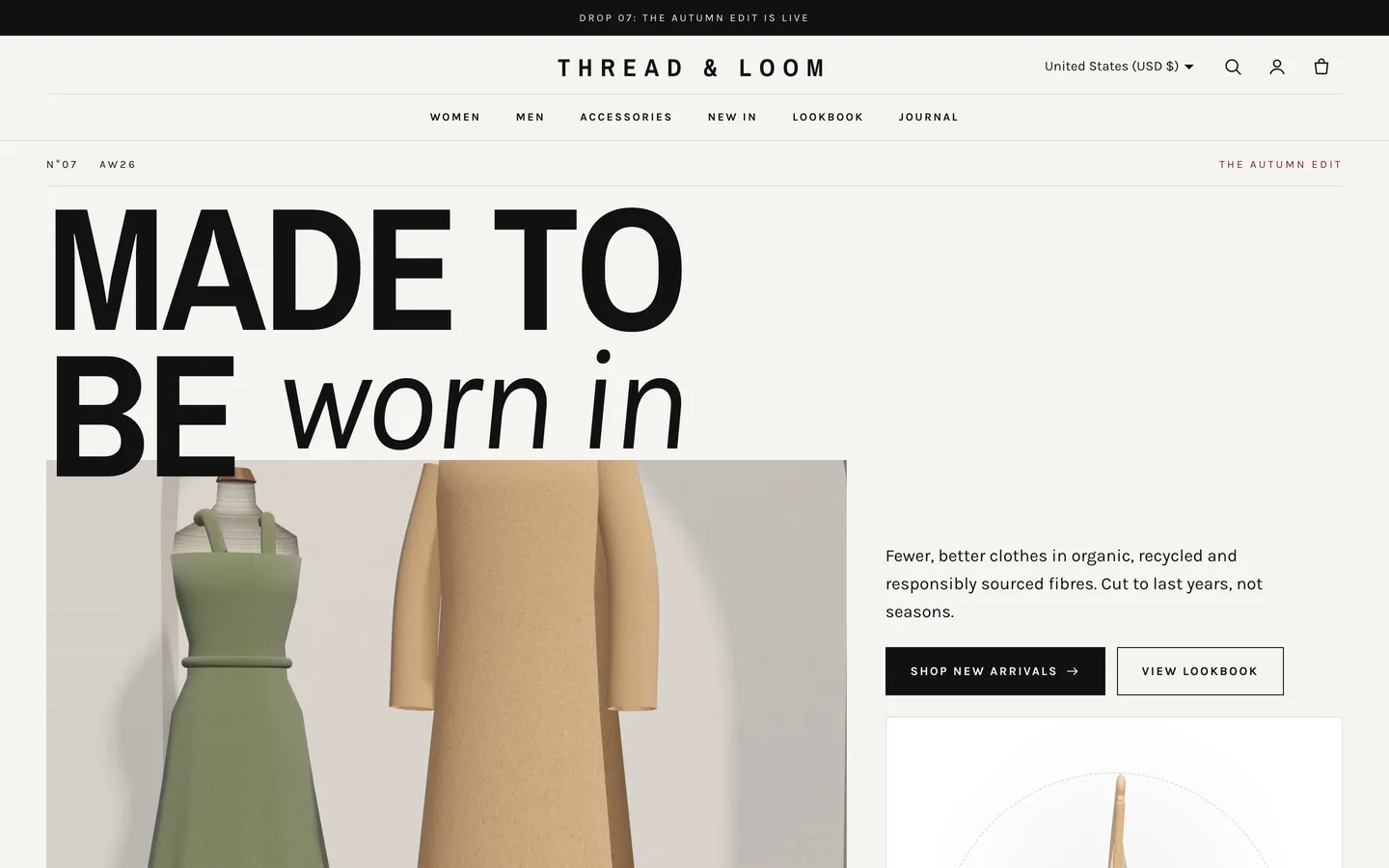
- Thread hero: issue line, letter-by-letter heading, masked campaign image and the fabric card with the 3D hanger. Add up to 5 Fabric colour blocks; their dots recolour the cloth. Paste a GLB link to use your own model.
- Shop by: one block per row (collection, optional title, link, hover image and note).
- Shop the look: an image plus up to 8 Hotspot blocks (product, position across and down in %). Layouts: wide with the list below, or image left or right.
- Drop banner: heading, countdown date (ISO, e.g.
2026-11-20T10:00:00Z), text, newsletter form and badge image. The countdown is display only.
- Community grid: up to 9 Post blocks, each with an image, a handle and an optional product. Use only photos you have permission to repost.
- Size chart (for
page.size-guide): one table block per chart, rows like Size | Bust | Waist | Hip, numbers in centimetres.
Mega menu
Use the two-tier header (Logo centre). Any top-level link with children opens a full-width panel; turn on Use mega menu for all dropdowns to add a promo image.
Motion
Letter-by-letter headings, mask and parallax reveals, slide-fill buttons, cursor-follow images, popping hotspots and a flip-in countdown. Set the animation level (Off, Subtle or Full), reveal style, duration and stagger under Theme settings → Motion. With reduced motion or animation off, everything is static and the hanger rests.