All case studies

DEV3 Technologies · own product

DEV3 Aurelle: a fine-jewellery Shopify theme with a 3D ring turntable, ring sizer and engraving preview

Our own Online Store 2.0 theme for fine jewellers: a 3D ring that recolours from metal and stone swatches, a ring-size converter with a printable sizer, engraving with a live preview, gift wrap, consultation requests, a sourcing story and deep zoom.

Industry
Jewellery (Shopify theme)

Live project preview

Client systems are private — screenshots shown where permitted.

DEV3 Technologies · own product — screenshots
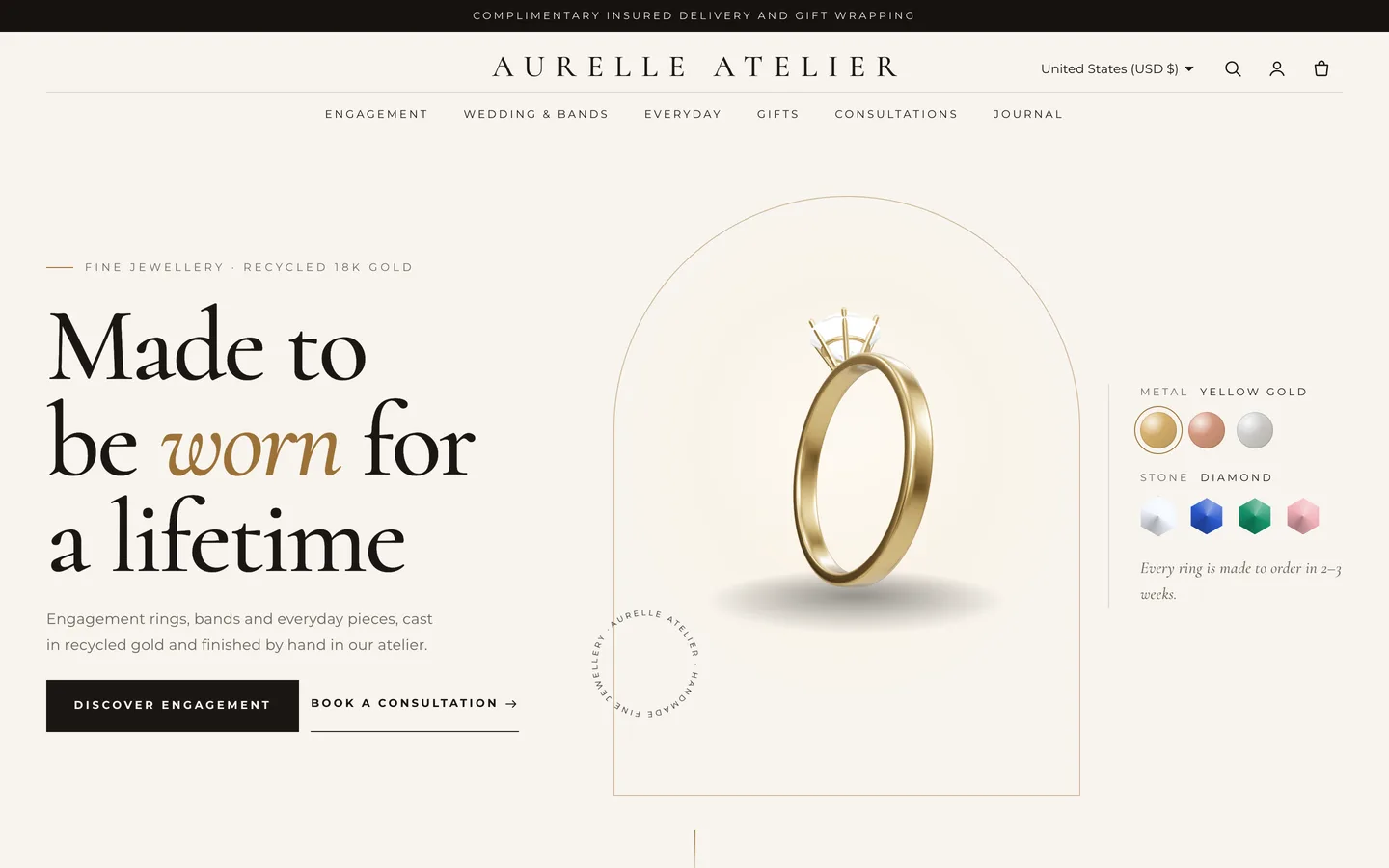
3D ring hero — A 3D ring turns inside an arch beside a serif headline, with metal and stone swatches.

3D ring hero — A 3D ring turns inside an arch beside a serif headline, with metal and stone swatches.

The challenge

Fine jewellery is expensive, personal and hard to judge on a screen. Buyers want to see the metal and stone they have in mind, worry about ordering the wrong ring size, often want an engraving or a gift note, and for the biggest purchases still want to talk to someone first. Many jewellery themes stop at a large gallery and a size dropdown, and leave sizing, personalisation and appointments to separate apps. We wanted those buying steps inside the theme, done honestly: a size converter that works at true scale, engraving and gift notes that travel with the order, and a consultation form that is clearly a request, not a booking. All of it had to fit a quiet, luxurious look with one small 3D detail.

Our solution

Aurelle is an Online Store 2.0 theme built from scratch on DEV3's own Shopify theme base, not a fork of Dawn. The base supplies the standard templates, the cart drawer, predictive search, filters, swatches, the motion system and a lazy 3D accent engine; Aurelle adds its own sections, product blocks and 3D preset on top.

Key design decisions

  • A ring the shopper can restyle. Eight procedural ring styles and merchant-edited metal and stone lists; swatches ease the colours rather than swapping images.
  • Sizing at true scale. The converter takes a circumference or a diameter, highlights the matching row, and prints a sizer strip with a 50 mm calibration bar so a scaled printout is easy to spot.
  • Personalisation as line-item properties. Engraving, lettering style, gift wrap and gift note are saved only when filled in and appear on the cart, the order and the packing slip.
  • A request, not a fake booking. The consultation form is a Shopify contact form: no payment and no reserved slot, and the copy says so.
  • Luxury without weight. Arches, slow glints and a condensing wordmark come from CSS; the 3D ring loads lazily, rests under reduced motion and falls back to a poster.

Results

Aurelle ships with the fictional Aurelle Atelier house: 16 pieces with 198 variants, 5 collections, 7 pages, 3 journal articles, 134 rendered images and a GLB ring model, as a product CSV with images.

  • Theme Check: 0 errors and 0 warnings in Shopify Theme Check.
  • Store test: tested on a Shopify development store, from add to cart to the cart drawer and cart page.
  • Browser QA: an automated harness at desktop and phone sizes confirmed the 3D accent renders, reduced motion turns animation off, and the console shows 0 errors.
  • Weight: about 25 KB gzip of initial JavaScript; three.js loads only near the hero.

Aurelle is on the DEV3 marketplace. Watch its video tour there.

Setup guide

Requirements

  • A Shopify store with the Online Store sales channel
  • No app is required. Optional: the free Shopify Search & Discovery app for collection filters, a reviews app that writes the standard rating metafields, and a product options app if you want to charge for engraving.

What's in the download

Unzip the download from your DEV3 account first. Do not upload the download itself to Shopify.

  • dev3-aurelle-1.0.0.zip: the theme. Upload this zip as it is; do not unzip it.
  • Documentation/index.html: the full guide. Open it in a browser.
  • Demo-Content/: products.csv, seed.json, images/, models/aurelle-lumiere-solitaire.glb and a README for the manual import.
  • LICENSE.txt and START-HERE.txt.

Install the theme

  1. In Shopify admin go to Online Store → Themes.
  2. Click Add theme → Upload zip file and choose dev3-aurelle-1.0.0.zip.
  3. When the upload finishes, click Customize to preview it in the theme editor.
  4. Click Publish when you are ready. Your current theme stays in the theme library.

Import the demo content (optional)

The demo house Aurelle Atelier is fictional; every product, review, atelier, person and image is sample content rendered for this theme.

  1. Go to Products → Import and upload Demo-Content/products.csv. The CSV has no image URLs.
  2. Add each product's images from Demo-Content/images/, following the file names in the demo README (<handle>-<metal>[-<stone>]-1.jpg, -2.jpg, and -box.jpg for rings).
  3. Content → Files: upload the aurelle-* theme images listed in the README (the templates refer to them by name).
  4. Settings → Custom data → Products: add aurelle.metal, aurelle.stone, aurelle.band and aurelle.setting (single-line text) for the Specifications block.
  5. Upload aurelle-lumiere-solitaire.glb as media on the Lumière Solitaire Ring for the 3D/AR gallery view.
  6. Create the 5 collections, the pages with their templates (The atelier, Book a consultation, Ring size guide, Materials & care, FAQ, Contact, Delivery & returns), the journal articles and the menus listed in the README.

A scripted seed that does all of this in one command is available from DEV3 support on request. It runs against your own store with your own Admin API token, and it tags everything it creates so it never touches your other products.

After the import

  • Tag pieces engravable to show the Engraving block, and give ring products a size option for the Ring size helper.
  • Replace the ateliers, addresses and provenance story with your own, and set your store's contact email so consultation requests reach you.
  • Set up payments, shipping and taxes in Shopify's own settings; checkout is Shopify's.

Updates

Download the new version from your DEV3 account and upload the new theme zip under Online Store → Themes → Add theme. It arrives as a new theme in your library: copy your settings across in the theme editor or re-apply your changes, then publish it.

How to use

Options, tags and metafields the theme reads

  • Option names Metal and Stone: metallic and gem swatches (Theme settings → Products → Swatch colours; add a Name: colour or gradient line for any new value).
  • An option name containing size: the Ring size helper drawer.
  • Tag engravable: the Engraving block and the "Engravable" card note.
  • aurelle.metal, aurelle.stone, aurelle.band, aurelle.setting (single-line text): the Specifications block.
  • reviews.rating and reviews.rating_count: stars on the product page (written by review apps).

Aurelle product section

The standard product section with deep zoom (click any image; zoom 100–400%) plus these blocks:

  • Engraving: a text field with a live preview on a gold band and a lettering choice (Script, Serif, Block). Saved as the line-item properties Engraving and Engraving font, only when filled in.
  • Gift wrap & note: a checkbox and a note with a character counter, saved as Gift wrap and Gift note.
  • Ring size helper: opens the ring sizer in a drawer.
  • Specifications and a Consultation link card.

Line-item properties appear on the cart, the order and the packing slip. Engraving and gift wrap are free by default; use a product options app to charge for them.

Home page sections

  • Aurelle hero: split-letter heading, the 3D ring in an arch and swatches. Pick the ring style; edit Metals and Stones as Name: #hex lines. Upload a GLB to replace the ring (swatches then change only the glow) and set a poster image.
  • Occasions: up to 5 arched collection tiles; each can override the title and image.
  • Provenance: up to 5 Step blocks (icon, kicker, title, text, image) and up to 4 Stat blocks.
  • Ring sizer: edit the size table rows as US | UK | EU | inside mm. Print the paper sizer prints the strip at true scale with a 50 mm calibration bar.
  • Consultation: the request form (visit type, atelier, date, time, interest, budget). Turn off Show the booking form to use it as a teaser with a button. Requests arrive in your contact email; no payment is taken and no slot is reserved.
  • Journal: the latest articles of a blog, one lead story and a list.

Page templates: assign page.about, page.appointment, page.ring-size, page.care, page.faq or page.contact under Online Store → Pages → Theme template.

Motion

Letters rise out of a soft blur, arches unveil, cards catch a slow glint and the header wordmark condenses on scroll. Set the animation level (Off, Subtle or Full), reveal style, duration and stagger under Theme settings → Motion. With reduced motion or animation off, everything is static and the ring stands still.
Related case studies

DEV3 Technologies · own product · Supplements and wellness (Shopify theme)

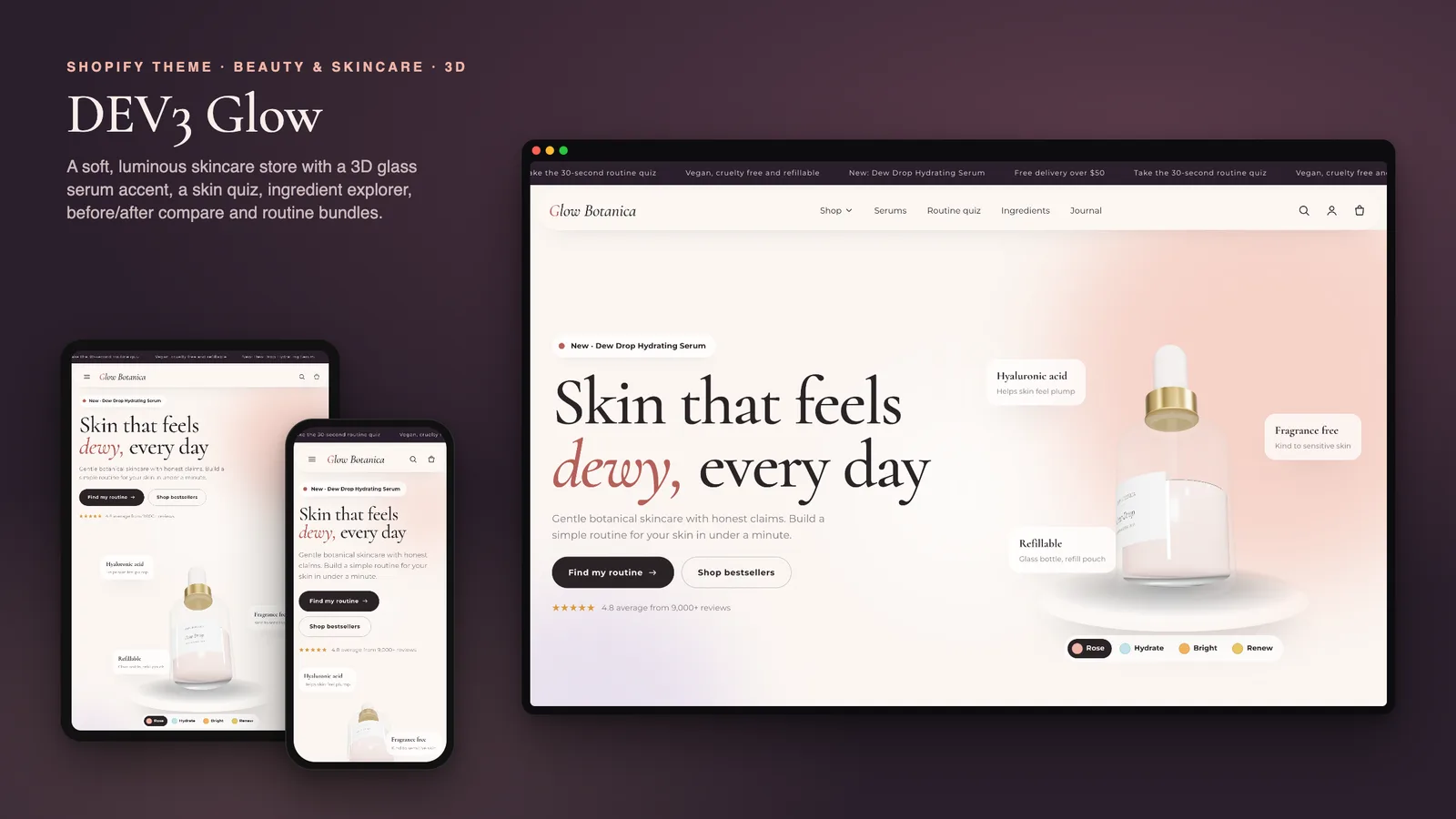
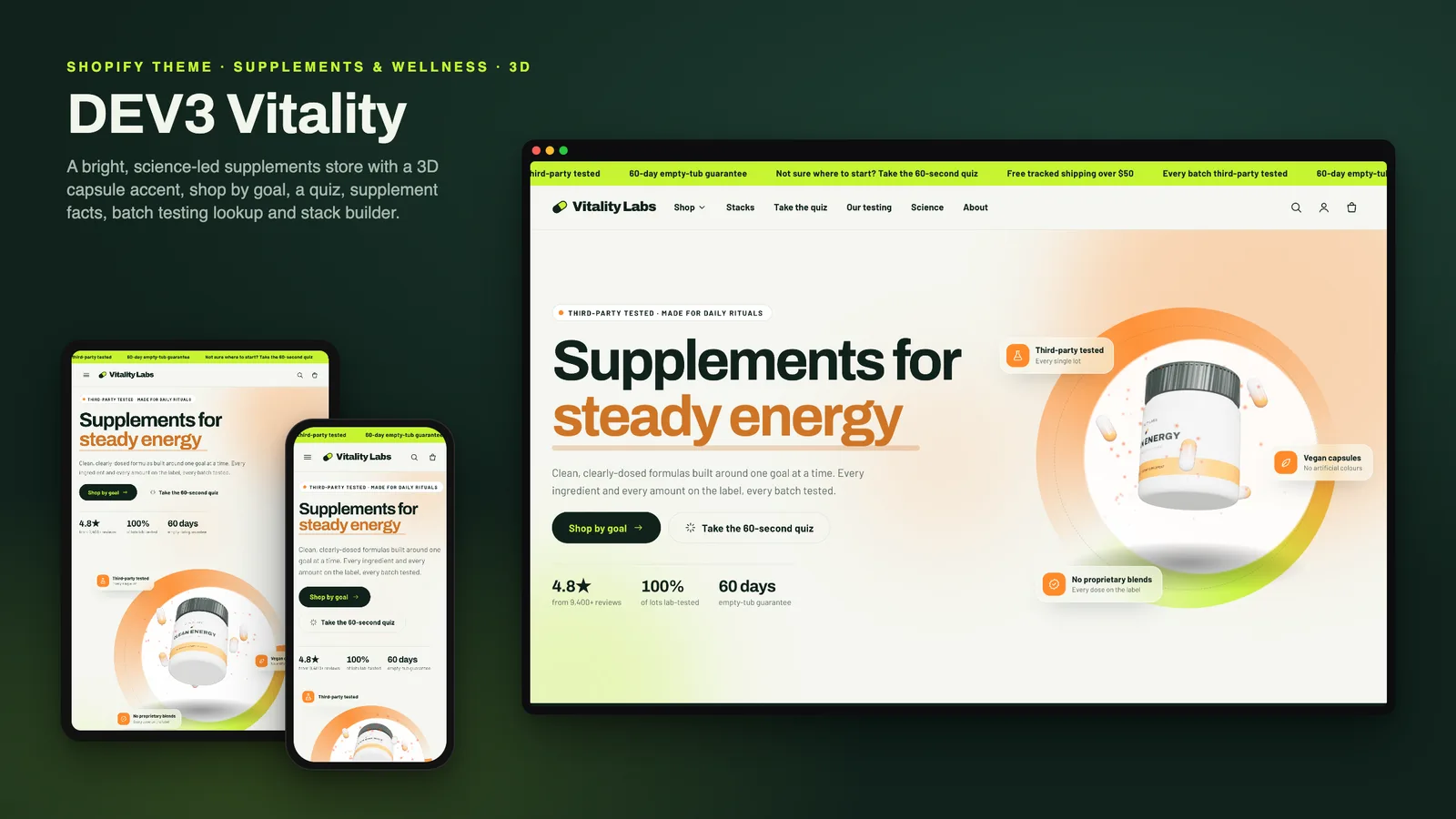
DEV3 Vitality: a supplements Shopify theme with supplement facts, a goal quiz and honest subscriptions

Our own Online Store 2.0 theme for supplement and wellness brands: shop by goal, a tag-matched product finder quiz, accessible supplement facts tables, subscribe & save that appears only with real selling plans, stacks, a testing story with lot lookup, a disclaimer block and a 3D tub hero.

DEV3 Technologies · own product · Furniture and home décor (Shopify theme)

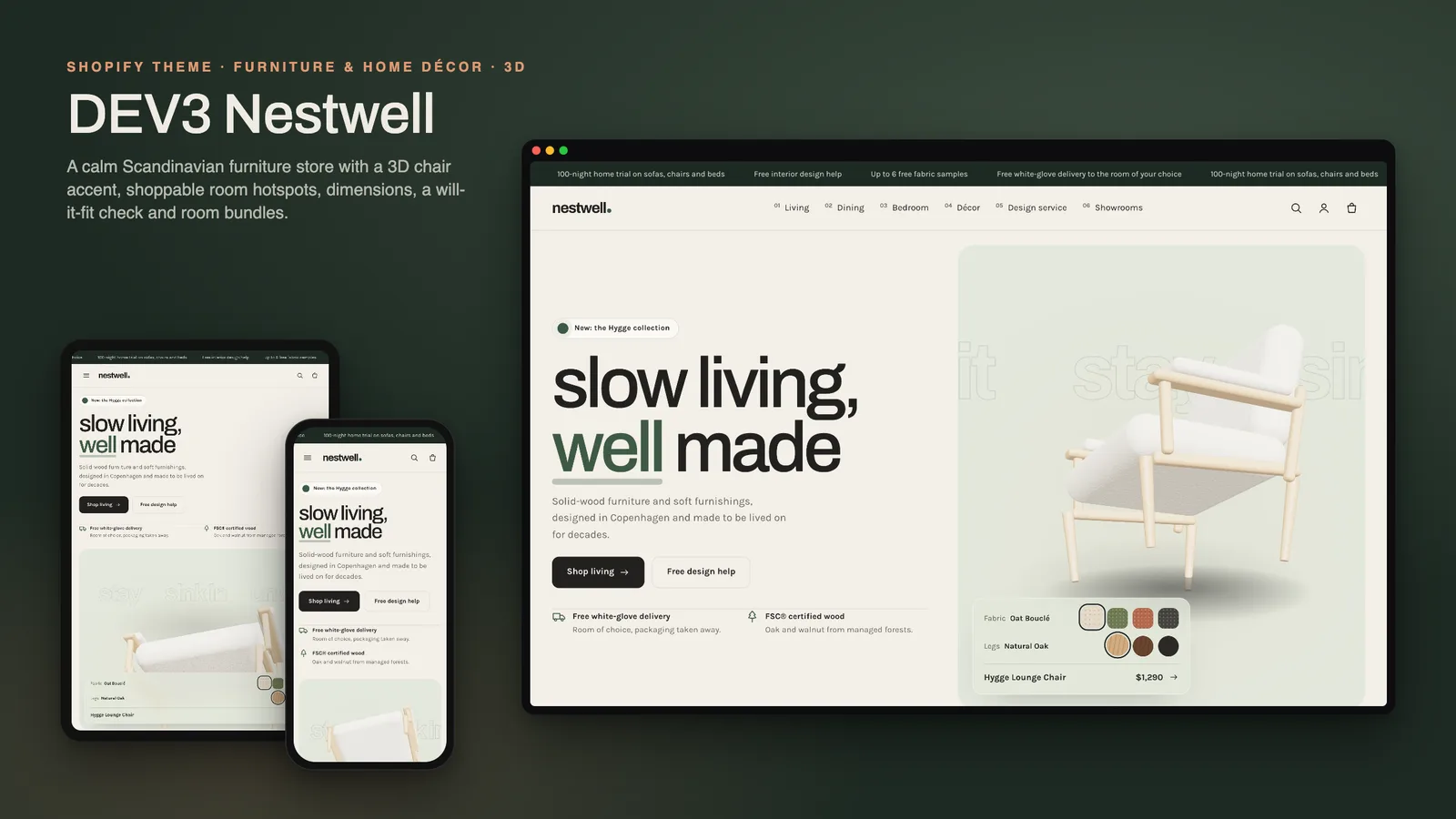
DEV3 Nestwell: a furniture Shopify theme with shop-the-room, a "will it fit" check and a 3D chair

Our own Online Store 2.0 theme for furniture and décor stores: a 3D lounge chair that recolours from fabric and leg swatches, shop-the-room hotspots, complete-the-room bundles, dimensions with a doorway and floor-space check, delivery estimates, showrooms and trade enquiries.