Requirements
- A Shopify store with the Online Store sales channel
- No app is required. Optional: the free Shopify Search & Discovery app for collection filters, a reviews app that writes the standard rating metafields.
What's in the download
Unzip the download from your DEV3 account first. Do not upload the download itself to Shopify.
dev3-solo-1.0.0.zip: the theme. Upload this zip as it is; do not unzip it.Documentation/index.html: the full guide. Open it in a browser.Demo-Content/: products.csv, seed.json, images/, models/oriel-one.glb and a README for the manual import.LICENSE.txt and START-HERE.txt.
Install the theme
- In Shopify admin go to Online Store → Themes.
- Click Add theme → Upload zip file and choose
dev3-solo-1.0.0.zip.
- When the upload finishes, click Customize to preview it in the theme editor.
- Click Publish when you are ready. Your current theme stays in the theme library.
Import the demo content (optional)
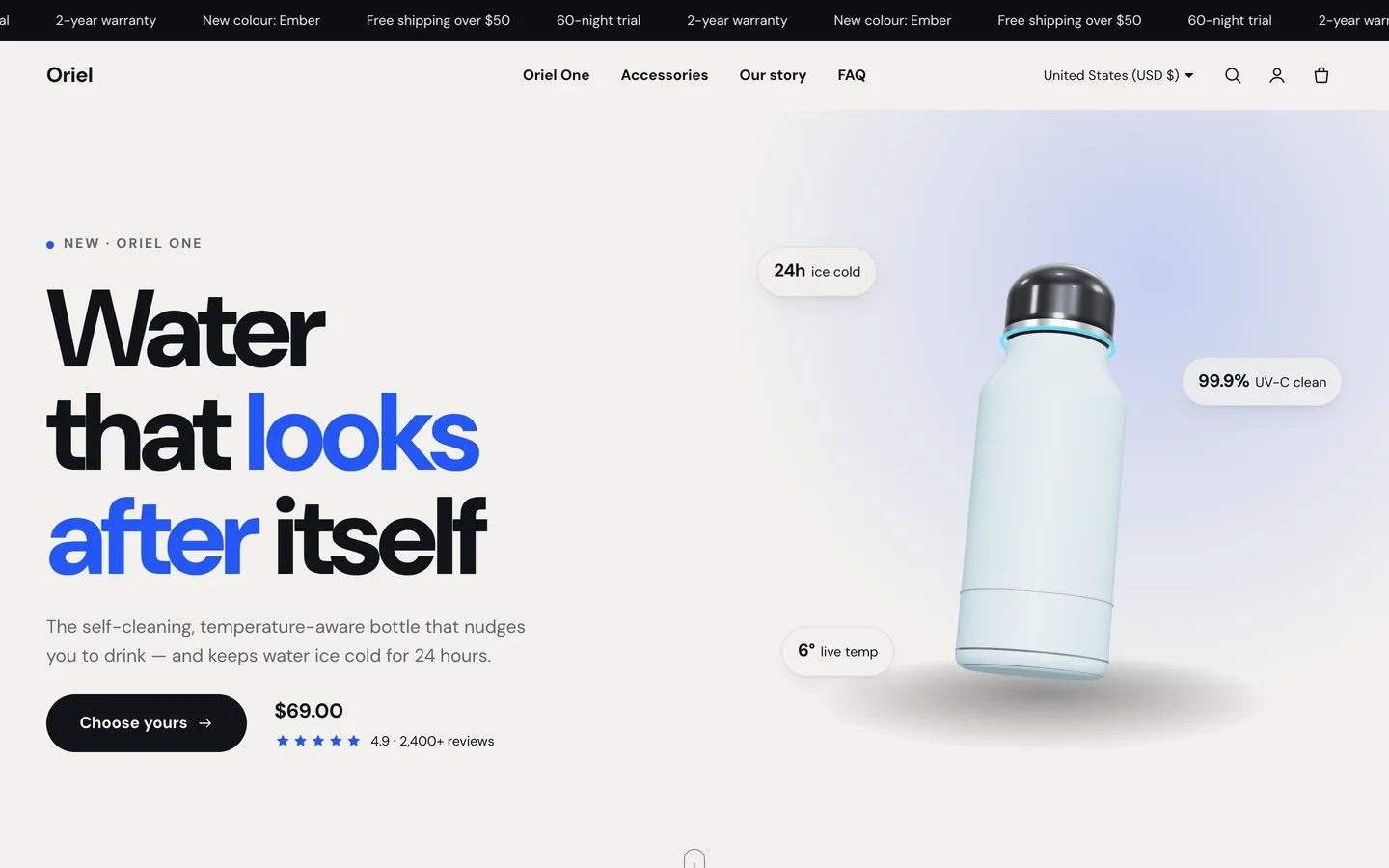
The demo brand Oriel One is fictional; every product, review and image is sample content rendered for this theme.
- Go to Products → Import and upload
Demo-Content/products.csv. The CSV has no image URLs.
- Add each product's images from
Demo-Content/images/, following the file names in the demo README.
- On the Oriel One product, choose Add media and upload
Demo-Content/models/oriel-one.glb for the 3D/AR gallery view.
- Content → Files: upload the hero poster, callout, story and lifestyle images listed in the demo README. The home page already refers to these file names.
- Create the Oriel Accessories collection (handle
oriel-accessories); the cart drawer upsell uses it. Then create the pages and menus listed in the README.
A scripted seed that does all of this in one command is available from DEV3 support on request. It runs against your own store with your own Admin API token, and it tags everything it creates so it never touches your other products.
After the import
- Give your own product a Pack option (1 bottle, 2 bottles, 3 bottles) and price each pack, so the bundle offer can calculate savings.
- Set the free-shipping threshold and upsell collection under Theme settings → Cart.
- Set up payments, shipping and taxes in Shopify's own settings; checkout is Shopify's.
Updates
Download the new version from your DEV3 account and upload the new theme zip under Online Store → Themes → Add theme. It arrives as a new theme in your library: copy your settings across in the theme editor or re-apply your changes, then publish it.