Change the 3D story
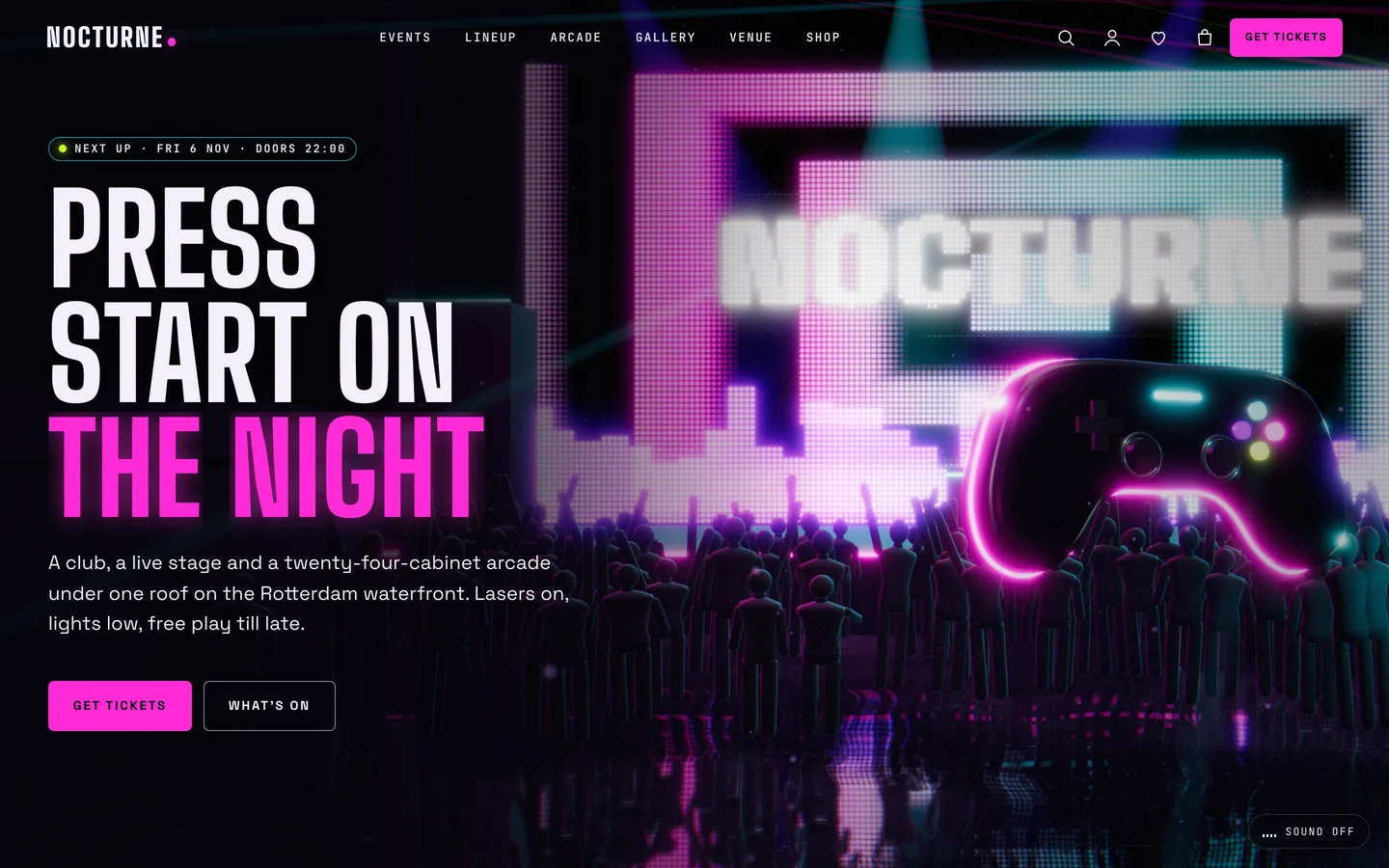
Open the home page with Edit with Elementor. It has one 3D Scene widget with the preset Nocturne: neon club & arcade in Fixed background mode, and five containers with Advanced → 3D chapter switched on: 01 dance floor and controller, 02 stage and lasers, 03 arcade aisle, 04 synthwave grid, 05 the horizon.
- For each chapter set the label (shown on the chapter rail), the copy side (left, right or centre) and, optionally, a state JSON such as
{"laser":1.4,"haze":1.2}.
- Keep the kicker numbers in your copy in step with the rail (rail 01 is the first chapter).
- In the scene widget, change the beat (BPM), lights pulse, neon colours A and B, laser intensity, haze, the LED wall text and the floating controller.
Add events, artists and games
- Events: set Starts, Ends, Doors, Room, Lineup (one artist per line,
Name | set time), Age policy, Ticket product ID and Price line. Genres are Event categories; add the categories low-tickets or sold-out to show a badge.
- Artists & DJs: set the Sound (for example "Techno · DJ") and a booking contact, and file each artist under Residents or Guests.
- Games: set the Genre, Platform (cabinet, sim rig, VR), Players and the studio or price per play. Categories drive the Arcade page filters.
Show them with the Post Type Grid (with filters), Team and Hover-Reveal List widgets, and add a Countdown to the next night.
Sell tickets and merch
- Tickets are variable, Virtual WooCommerce products with a Ticket attribute (General admission, VIP, VIP table). Put the product's ID in the event's Ticket product ID field.
- Merch uses Colour (swatches) and Size attributes. In the product's DEV3 3D panel choose Nocturne: merch viewer with parameters such as
{"object":"tee","design":"logo"}; colour swatches recolour the 3D item live.
Venue settings
Appearance → Customize covers the logo, colours, fonts, header style and button, 3D quality or off, loader, cursor and footer. Venue & night holds the venue strip above the footer, the 18+ notice (title, text, leave link), the sound toggle and the footer newsletter form shortcode.
Forms
Place the VIP table request, Newsletter and Contact forms with the toolkit Form widget or any Contact Form 7 or WPForms shortcode.