All case studies

DEV3 Technologies · own product

DEV3 Cadence: a podcast, music and artist WordPress theme with a persistent player and a 3D vinyl

Our own WordPress theme for podcasters, musicians and artists: episodes with chapters and transcripts, a waveform player with a mini dock that keeps playing across pages, discography, tour dates with tickets and MusicEvent data, merch and a press kit, with audio-reactive motion and one small 3D vinyl.

Industry
Music and podcasting (WordPress theme)

Live project preview

Client systems are private — screenshots shown where permitted.

DEV3 Technologies · own product — screenshots
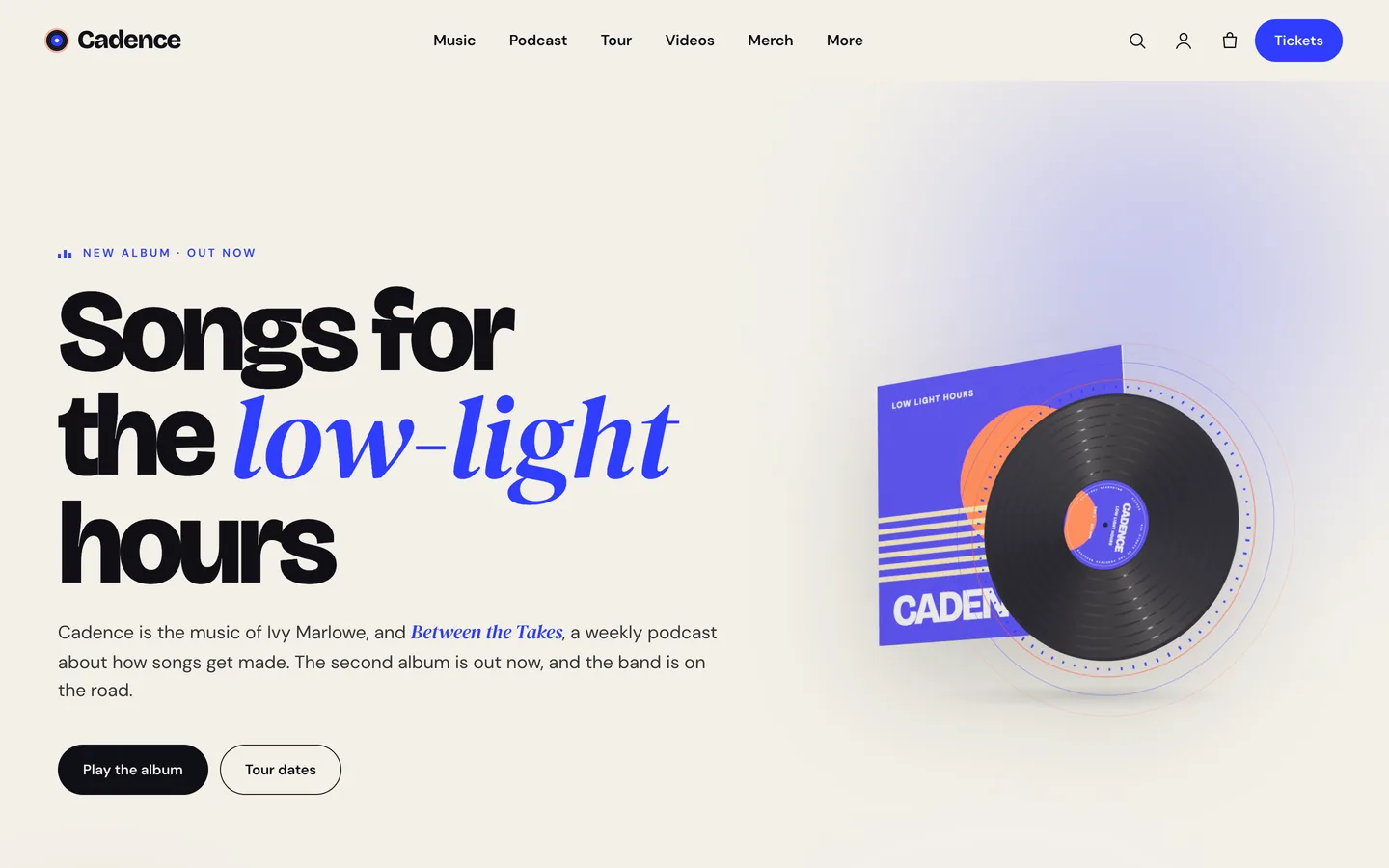
Editorial hero — huge display type with a serif italic accent, the new album on a waveform player and a 3D vinyl record whose sound rings pulse to the music.

Editorial hero — huge display type with a serif italic accent, the new album on a waveform player and a 3D vinyl record whose sound rings pulse to the music.

The challenge

An artist's or podcaster's website is about sound, yet most themes treat audio as an afterthought: an embedded player per page that stops the moment a listener clicks to the tour dates or the shop. Podcasters need chapters, transcripts and links to every platform; musicians need releases with track lists, tour dates that search engines understand and somewhere to sell records and tickets. Many creators do both. We wanted one editorial theme for both audiences where the audio keeps playing while people browse, the page visibly responds to the music, and the 3D is a small, fun detail that never delays the play button. The demo also had to be safe to ship, with no borrowed songs or samples.

Our solution

Cadence is a classic PHP theme with theme.json, built on DEV3's shared theme core and the DEV3 Theme Toolkit plugin. The theme owns presentation, the episode, release and tour templates, the audio layer and its 3D preset. The toolkit owns functionality: the episode, release, tour date, band and press quote post types, the Audio Player and Event List widgets with block twins, the DEV3 Motion controls, WooCommerce extras and the demo importer.

Key design decisions

  • One player, everywhere. Only one audio plays at a time. When its player scrolls away, a mini dock takes over with play/pause, ±15 seconds and a seek bar, and it remembers the position across pages so a listener can open the tour dates without losing their place.
  • Chapters and transcripts as plain fields. Chapters are typed one per line as a timestamp and a title and become seek buttons; the transcript is plain text with speaker labels in a native disclosure. If a trailer file is shorter than the stated duration, chapters map proportionally.
  • Audio-reactive, but never silent. Levels are published as CSS variables that drive glows, equalisers, kickers and the vinyl. Self-hosted audio is analysed live; audio on another host follows its waveform instead, so cross-origin files still play.
  • Tour dates search engines can read. Each date carries venue, lineup, status and tickets, and the tour widget can print MusicEvent structured data with performers and ticket offers. Tickets are either WooCommerce products or external links.
  • A small 3D record. The vinyl spins at 33⅓ rpm and fires sound rings while music plays. It loads lazily near the viewport, pauses offscreen and falls back to a rendered poster.
  • Original demo audio. Every preview clip, episode clip and visualiser video was synthesized offline for the theme, with no samples, so the demo can be shipped and shown freely.
Results

Cadence ships as a complete theme with a one-click demo of a fictional artist and podcast: 9 pages, 12 episodes, 4 releases, 10 tour dates, the band, press quotes and 13 merch and ticket products, plus 24 block patterns.

  • Theme Check: 0 required-level failures and 0 warnings in the WordPress Theme Check plugin.
  • Coding standards: phpcs with WPCS 3 and PHPCompatibilityWP 7.4+ at 0 errors and 0 warnings.
  • Flows tested: a WooCommerce flow from choosing a tee variation through the mini-cart drawer and cart to the order-received page, and an Elementor editor test where the vinyl's controls update the 3D accent live.
  • Frame rate: about 60 fps on the demo pages in phone-size browser QA at 390 px.
  • Loading: the 3D engine loads only on pages with a scene and the audio layer only on pages with players or cards; fonts are self-hosted.

Cadence is on the DEV3 marketplace. Watch its video tour there.

Setup guide

Requirements

  • WordPress 6.0 or newer and PHP 7.4 or newer
  • The DEV3 Theme Toolkit plugin (included and required)
  • Recommended: Elementor (free), WooCommerce (merch and tickets) and Contact Form 7 (booking, guest pitch and newsletter forms). Elementor Pro is supported but not required.

What's in the download

Unzip the download from your DEV3 account first. Do not upload the download itself to WordPress.

  • dev3-cadence.zip: the theme. Install this one.
  • dev3-cadence-child.zip: an optional child theme for your own CSS and PHP.
  • dev3-theme-toolkit.zip: the companion plugin (episodes, releases, tour dates, band, press quotes, audio player, Elementor widgets and blocks, motion controls, WooCommerce extras, demo importer).
  • dev3-cadence-demo-content.zip: the demo package for reference. The importer already has a copy inside the theme.
  • Documentation/index.html: the full guide. Open it in a browser.

Install the theme

  1. Go to Appearance → Themes → Add New → Upload Theme, choose dev3-cadence.zip, click Install Now, then Activate.
  2. The theme shows a notice until the DEV3 Theme Toolkit is active. Go to Plugins → Add New → Upload Plugin, choose dev3-theme-toolkit.zip and activate it.
  3. Install and activate Elementor, WooCommerce and Contact Form 7 from the notice.
  4. Optional: if you plan to change code, upload dev3-cadence-child.zip the same way and activate DEV3 Cadence Child. The parent theme must stay installed.

Import the demo

  1. Make sure you are logged in as an administrator. Elementor keeps every widget setting only when an administrator runs the import.
  2. Go to Appearance → DEV3 Demo and click Import.
  3. The import adds:
    • the Home, Podcast, Music, Tour, Videos, About & Press, Contact & Booking, Journal and Merch pages, and sets the front page
    • 12 episodes, 4 releases, 10 tour dates, the band and press quotes
    • 13 products (vinyl, tees, a hoodie, prints, a cassette, a CD, a digital album, totes, pins and e-tickets), menus, forms and footer widgets, with Cash on delivery enabled for testing
  4. Open the home page and press Play the album.

Imported items are tagged, so Reset on the same screen removes only them. With WP-CLI you can run wp dev3tk demo import --user=admin.

After the import

  • Replace the demo audio clips, visualiser videos and artwork with your own files. The demo artist, podcast, venues, label and press quotes are fictional.
  • Set up your real payment methods in WooCommerce → Settings → Payments and turn off Cash on delivery.
  • To hide ticket products from the main shop, set their Catalog visibility to "Search results only" or "Hidden"; the tour list still links to them.

Updates

Download the new version from your DEV3 account and upload dev3-cadence.zip again. WordPress offers to replace the installed version. Changes you made in the child theme, the Customizer and your pages are kept.

How to use

Publish a podcast episode

  1. Go to Episodes → Add Episode. Add the title, show notes, an excerpt and a square featured image (the episode artwork).
  2. Fill the Episode details:
    • Episode number, season, published: shown on cards ("Ep. 12 · 52:18") and in the hero.
    • Duration: 52:18 or 1:04:33. Also used to place chapters.
    • Audio file (MP3): upload it in the Media Library and paste the URL, or use your podcast host's MP3 link.
    • Guests, guest role: fill the guest card in the sidebar.
    • Chapters: one per line, 12:40 | What a bridge is for. Each becomes a button that seeks the player.
    • Transcript: plain text, paragraphs separated by a blank line. Start a paragraph with NAME: to label the speaker.
    • Waveform peaks: optional comma-separated values from 0 to 1 for a real waveform. Without them the player draws a stable waveform from the file name.
    • Spotify, Apple Podcasts, YouTube, RSS: platform buttons under the player and in the sidebar.
  3. Use Episode categories as topics; they become the filter chips on the episodes archive.

The audio player and mini dock

  • Add the Audio Player (waveform) widget to play the current item, a post by ID, the latest episode or any MP3 URL.
  • While audio plays and its player scrolls out of view, the mini dock slides in and remembers the position across pages. Switch it off in Customizer → Audio & player.
  • Give any button or link the class cd-play-trigger (or link it to #play) to play the first player in its section, as the home hero's Play the album does.

Add a release

  1. Go to Discography → Add Release. Set the cover as the featured image.
  2. Fill the type (album, EP, single, live, mixtape), release date, label, tracks (one per line, Title | 3:41), a preview MP3, streaming links and an optional WooCommerce product ID for Buy the record.
  3. The release page shows the sleeve with its record, the preview player, the track list with running time and the story.

Add tour dates and sell tickets

  1. Go to Tour dates → Add Tour date and fill the date and time, venue, city, address, lineup (one per line), doors, age policy, price and ticket status (on sale, few tickets left, sold out, cancelled, postponed).
  2. Sell tickets either way:
    • WooCommerce: create a virtual product and enter its ID in Ticket product ID.
    • External seller: paste the link in Ticket link.
  3. The Event List / Tour Dates widget prints upcoming dates soonest first and can output MusicEvent structured data, with performers from the lineup.

Press kit, forms and newsletter

  • On the About page, upload your EPK as a PDF to the Media Library and point the Download the EPK button at it.
  • Booking (subject, date, city, budget), podcast guest pitch and newsletter forms are Contact Form 7. To use a mailing-list provider instead, paste its shortcode into the shortcode widgets and into Customizer → Audio & player → Footer newsletter form shortcode.

Change the 3D vinyl

  1. Open the home page with Edit with Elementor and select the 3D Scene widget.
  2. It uses the preset Cadence · vinyl record with sound rings in Accent object mode.
  3. Set the label title and artist, label colour, vinyl colour (black, cobalt, coral, smoke clear), two ring colours, the sleeve, audio reaction and idle spin.
  4. To remove the 3D, delete the widget. Nothing else depends on it.

Motion, colour slabs and audio-reactive visuals

  • Select any widget or container and open Advanced → DEV3 Motion, or type a class such as dev3-m-split-chars, dev3-m-mask-up or dev3-m-hscroll.
  • Colour slabs: give a container cd-band cd-band--ink, --cobalt, --coral or --paper2. Use cd-display on a Kinetic Heading for oversized type and cd-kicker on a Heading for a small label with a meter that dances while audio plays.
  • Add an HTML widget with <div class="cd-eq" data-bars="32"></div> for an equaliser that reacts to the music.
  • Turn audio-reactive visuals off in Customizer → Audio & player.

Style the site

  • Appearance → Customize: header style, sticky header, the header button (Tickets in the demo), search, colours and fonts (synced to Elementor), motion, cursor, smooth scrolling, 3D quality, footer, shop columns, mini-cart drawer and quick view.
  • Without Elementor, insert patterns from Patterns → DEV3 Cadence (24 of them).

Related case studies

DEV3 Technologies · own product · Legal services (WordPress theme)

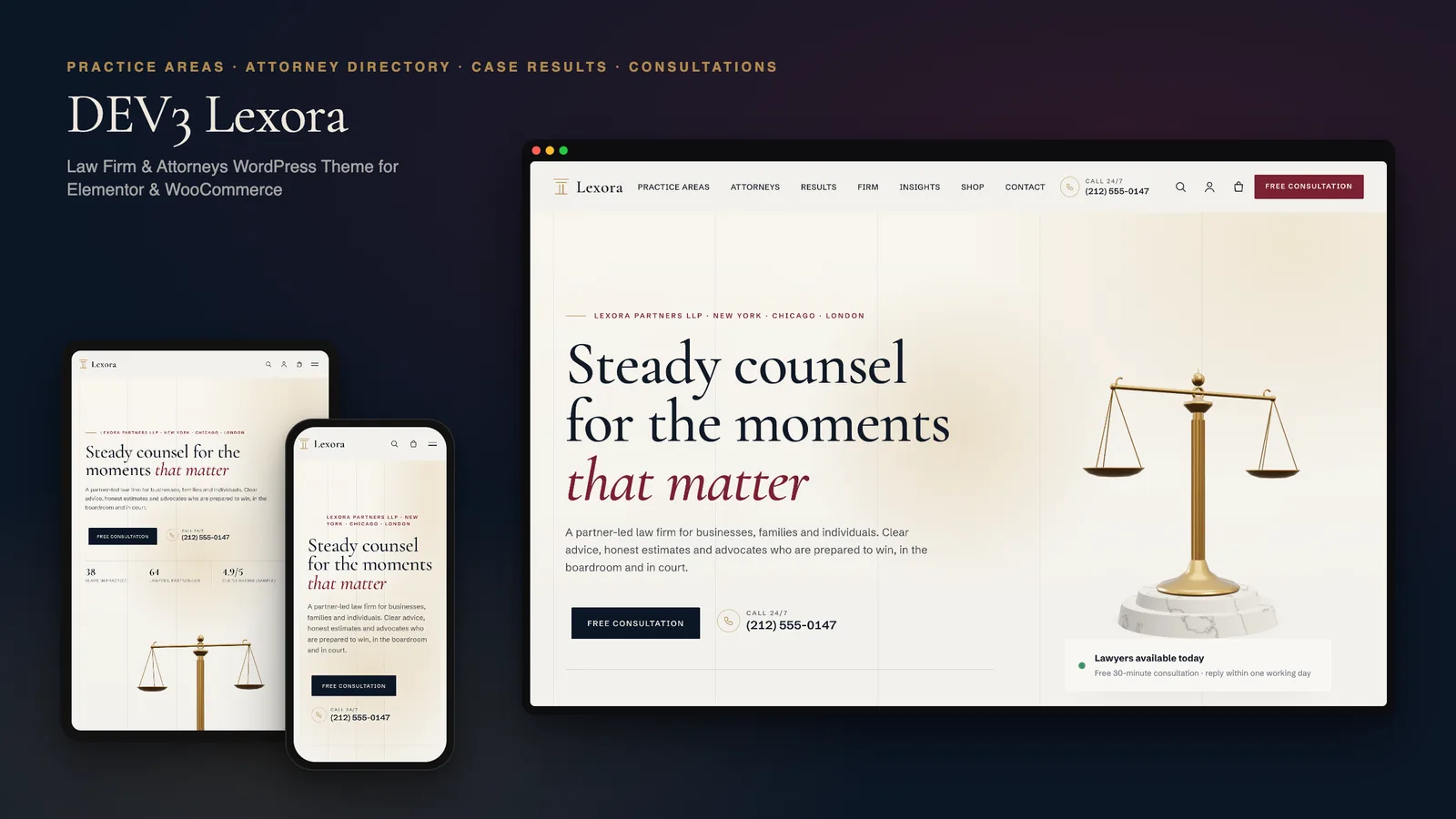
DEV3 Lexora: a law firm WordPress theme with an attorney directory, case results and brass 3D scales

Our own WordPress theme for law firms and attorneys: practice-area pages that build themselves from short fields, a filterable attorney directory with vCards, case results that always carry their disclaimer, and consultation booking, with rich motion and one small 3D accent of brass scales.

DEV3 Technologies · own product · News and publishing (WordPress theme)

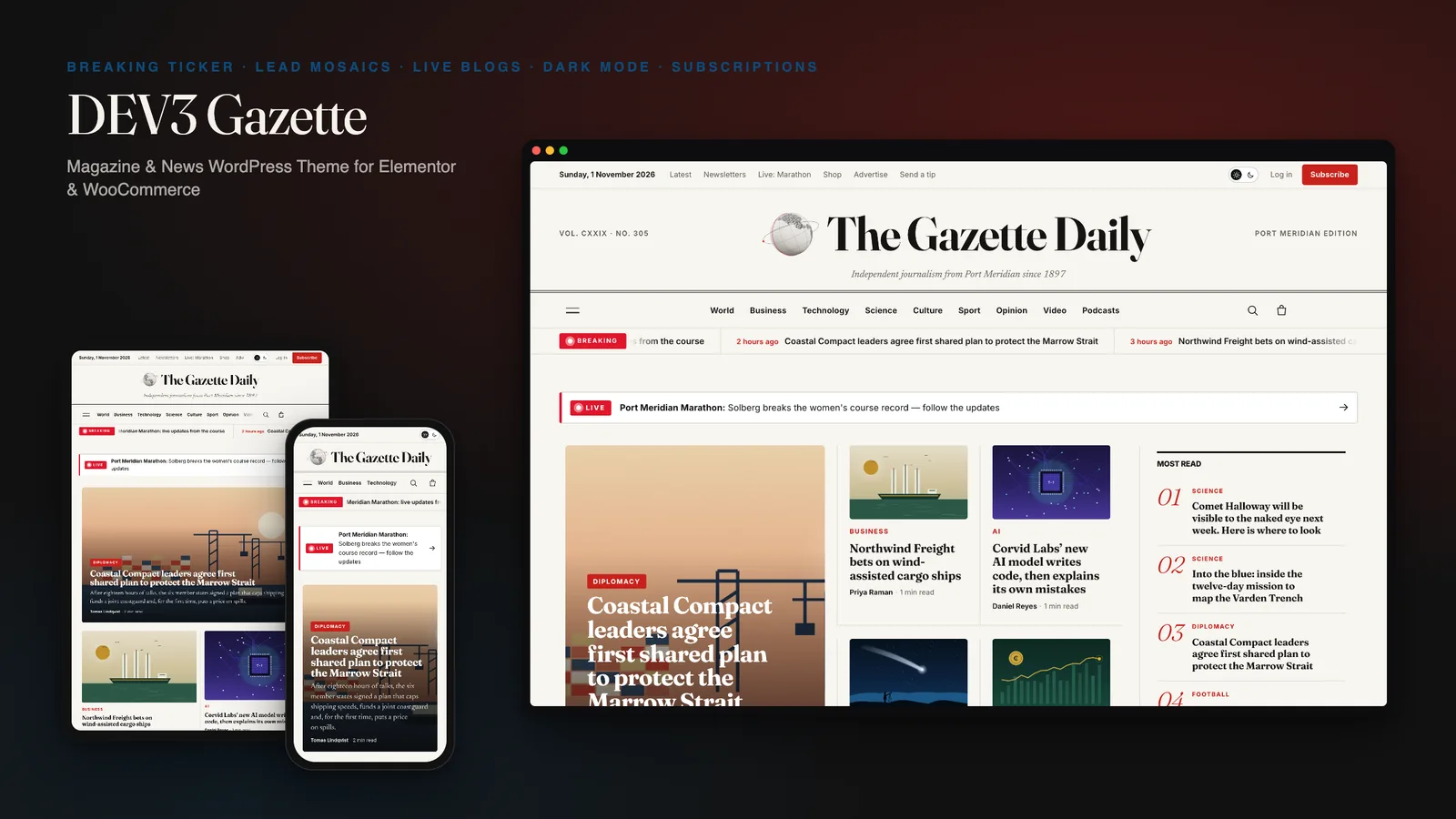
DEV3 Gazette: a magazine and news WordPress theme with live blogs, dark mode and a 3D globe

Our own WordPress theme for newspapers, magazines and news blogs: a classic masthead, breaking-news ticker, lead-story mosaics and section blocks, most read by real views, live blogs, reading tools, true dark mode, subscriptions, newsletters and ad slots, with reading-first motion and one small 3D globe.

DEV3 Technologies · own product · SaaS and startups (WordPress theme)

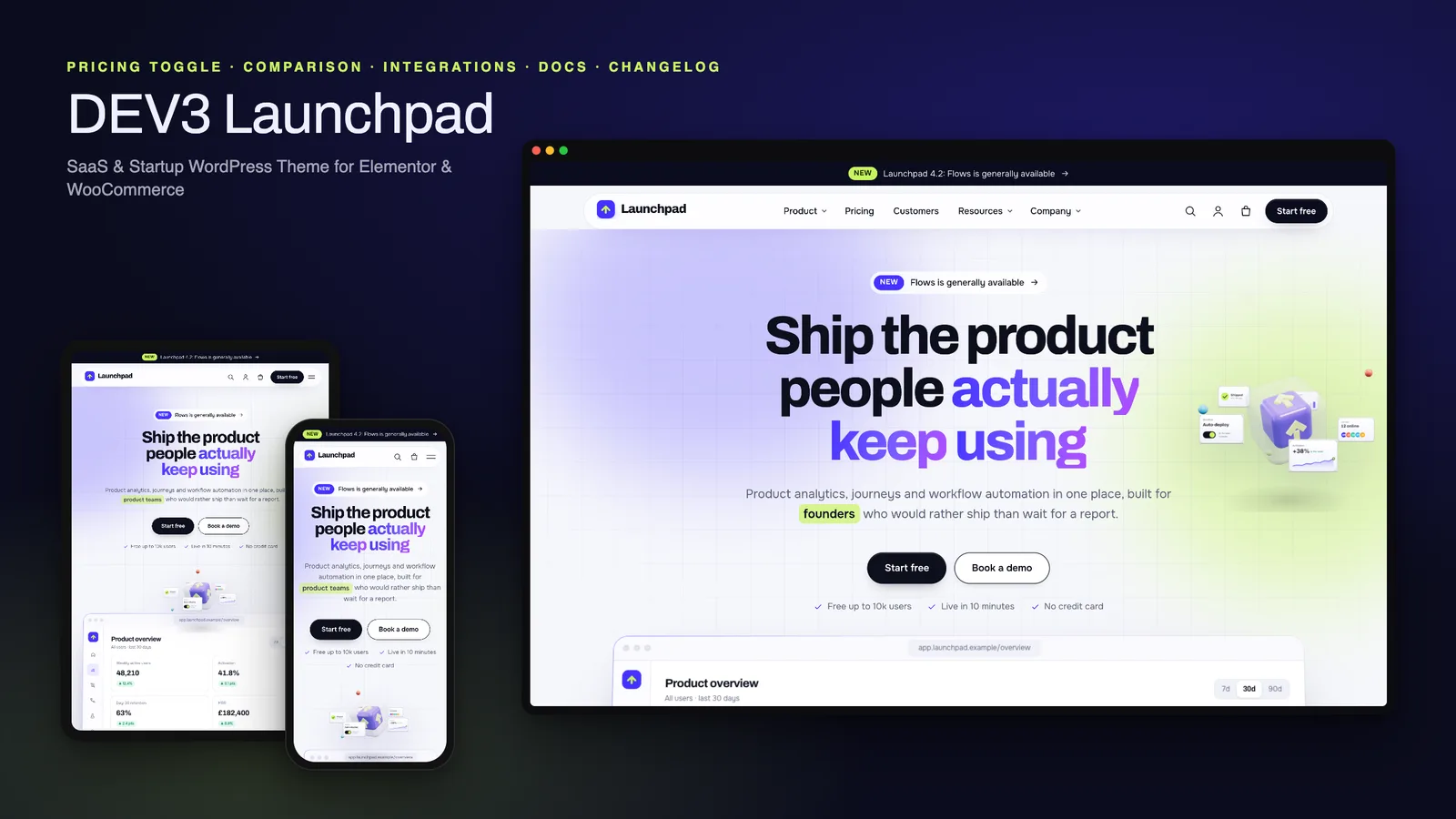
DEV3 Launchpad: a SaaS and startup WordPress theme with live product UI, pricing, docs and a 3D app cube

Our own WordPress theme for SaaS products and startups: a hero with a live HTML product mockup, a feature tour, pricing with a monthly / yearly toggle and a comparison matrix, integrations, customer stories, a changelog and a docs / help centre, with rich motion and one small 3D app cube.