All case studies

DEV3 Technologies · own product

DEV3 Kindred: a pet store Shopify theme with a size finder, honest repeat delivery and a 3D toy

Our own Online Store 2.0 theme for pet supply stores: shop by pet and by need, a weight-based size finder and feeding guide, repeat delivery through real selling plans or reminders, pet-photo reviews and a rescue counter, with a bouncing 3D toy hero.

Industry
Pet supplies (Shopify theme)

Live project preview

Client systems are private — screenshots shown where permitted.

DEV3 Technologies · own product — screenshots
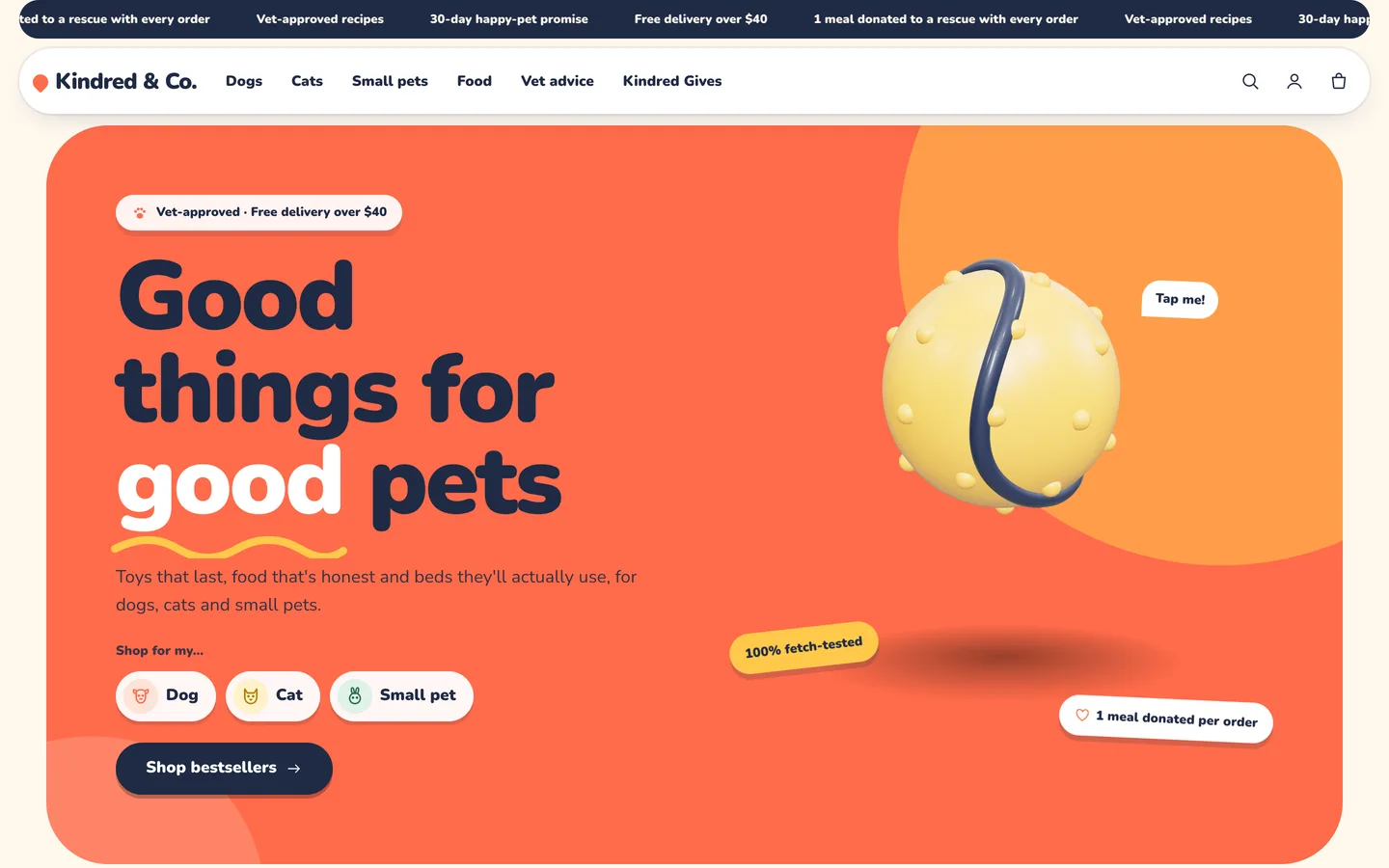
Bouncy 3D toy hero — A squash-and-stretch 3D ball hops on tap beside a playful headline and shop-by-pet chips.

Bouncy 3D toy hero — A squash-and-stretch 3D ball hops on tap beside a playful headline and shop-by-pet chips.

The challenge

Pet owners shop by animal first and by need second, and they worry about getting the size or the portion wrong. Pet stores also depend on repeat orders of food and treats, but many small stores do not run a subscription app, and themes that show a "subscribe" option without one mislead customers. We wanted a theme that guides owners by pet, weight and need, explains portions and sizes on the product page, supports real subscriptions when an app provides selling plans and falls back to an honest reminder when it does not, and feels friendly and fun without looking cheap.

Our solution

Kindred is an Online Store 2.0 theme built from scratch on DEV3's own Shopify theme base, not a fork of Dawn. The base supplies the standard templates, the cart drawer, predictive search, filters, swatches, the motion system and a lazy 3D accent engine; Kindred adds its own sections, product blocks and 3D preset on top.

Key design decisions

  • Two honest repeat modes. With selling plans from any subscription app, the block offers real plans; without them, the chosen rhythm is saved as a reorder reminder on the order and the store sends the reminder. The theme never bills.
  • Size and portion from data. The size finder uses one block per size row; the feeding guide calculates a daily portion from two integer metafields and hides when they are missing.
  • Tags drive the pet experience. pet-dog, pet-cat, pet-small, autoship and sized tags switch on chips, badges and blocks without extra configuration.
  • No invented numbers. The rescue counter and progress bar show figures the merchant enters, and pet reviews are presented as the merchant's own content, with a reviews app block for verified reviews.
  • A playful, small 3D accent. The procedural ball or bone bounces with squash-and-stretch and is a real button; it loads lazily, rests under reduced motion and falls back to a poster.

Results

Kindred ships with the fictional Kindred & Co. store: 16 products with 35 variants, 8 collections, 6 pages, 3 vet-advice articles and 59 rendered images, as a product CSV with images.

  • Theme Check: 0 errors and 0 warnings in Shopify Theme Check.
  • Live store test: tested on a Shopify development store, from add to cart through the cart drawer to the Shopify checkout handoff.
  • Browser QA: an automated harness at desktop and phone sizes confirmed the 3D accent renders, reduced motion turns animation off, and the console shows 0 errors.
  • Weight: about 24 KB gzip of initial JavaScript; three.js loads only near the hero.

Kindred is on the DEV3 marketplace. Watch its video tour there.

Setup guide

Requirements

  • A Shopify store with the Online Store sales channel
  • No app is required. Optional: the free Shopify Search & Discovery app for collection filters, a reviews app that writes the standard rating metafields, and a subscription app that uses selling plans.

What's in the download

Unzip the download from your DEV3 account first. Do not upload the download itself to Shopify.

  • dev3-kindred-1.0.0.zip: the theme. Upload this zip as it is; do not unzip it.
  • Documentation/index.html: the full guide. Open it in a browser.
  • Demo-Content/: products.csv, seed.json, images/, models/kindred-bounce-ball.glb and a README for the manual import.
  • LICENSE.txt and START-HERE.txt.

Install the theme

  1. In Shopify admin go to Online Store → Themes.
  2. Click Add theme → Upload zip file and choose dev3-kindred-1.0.0.zip.
  3. When the upload finishes, click Customize to preview it in the theme editor.
  4. Click Publish when you are ready. Your current theme stays in the theme library.

Import the demo content (optional)

The demo brand Kindred & Co. is fictional; every product, review and image is sample content rendered for this theme.

  1. Go to Products → Import and upload Demo-Content/products.csv. The CSV has no image URLs.
  2. Add each product's images from Demo-Content/images/, following the file names in the demo README.
  3. Content → Files: upload the kindred-* section images listed in the README (the templates refer to them by name).
  4. Settings → Custom data → Products: add kindred.grams_per_kg and kindred.grams_base (integers) for the feeding guide.
  5. Upload kindred-bounce-ball.glb as media on the Squeaky Bounce Ball for the 3D/AR gallery view.
  6. Create the 8 collections, the pages with their templates (About, Size guide, Kindred Gives, FAQ, Contact, Delivery & returns), the Vet Advice blog articles and the menus listed in the README.

A scripted seed that does all of this in one command is available from DEV3 support on request. It runs against your own store with your own Admin API token, and it tags everything it creates so it never touches your other products.

After the import

  • Tag products pet-dog, pet-cat or pet-small for pet chips, autoship for the repeat-delivery block and sized for the size table.
  • Repeat delivery: install a subscription app that uses selling plans to sell real subscriptions. Without one, the block saves a reorder reminder on the order and there is no repeat billing; send reminders with Shopify Flow or your email tool.
  • Update the rescue partner numbers in the editor; nothing is calculated automatically.
  • Set up payments, shipping and taxes in Shopify's own settings; checkout is Shopify's.

Updates

Download the new version from your DEV3 account and upload the new theme zip under Online Store → Themes → Add theme. It arrives as a new theme in your library: copy your settings across in the theme editor or re-apply your changes, then publish it.
How to use

Tags the theme reads

  • pet-dog, pet-cat, pet-small: pet chips on cards and the product page.
  • autoship: shows the Repeat delivery block and a "Repeat" card badge.
  • sized: shows the Size table block.

Kindred product section

  • Repeat delivery: if the product has selling plans from any subscription app, customers pick a real plan and it is added with the cart line. Without selling plans, customers choose a rhythm (every 2–8 weeks) that is saved as a Reorder reminder line-item property. There is no repeat billing in that mode; send the reminder with Shopify Flow or your email tool.
  • Feeding guide: a weight slider that calculates a daily portion from the integer metafields kindred.grams_per_kg and kindred.grams_base. Hidden when they are not set.
  • Size table: rows such as M | 10–25 kg | 80 cm.
  • Pet chips: "For dogs / cats / small pets" from the tags.

Home page sections

  • Kindred hero: a rounded hero card with a 3D toy (ball or bone) and its colours. Visitors can tap it to jump higher (it is a real button). Add up to 4 pet link chips, two floating stickers and a "Tap me!" hint. Custom GLB models rotate but do not bounce.
  • Shop by pet: up to 4 round cards with image, colour and collection; the product count shows automatically.
  • Shop by need: up to 6 tabs, each showing a collection's products. Arrow keys work.
  • Size guide: customers pick a pet and slide to its weight; each row is a block (pet, size, weight range, note), in kg or lb.
  • Pet reviews: polaroid cards with pet photo, name, breed, paw rating, quote, owner and linked product. Use real customer photos with permission; add a reviews app block for verified reviews.
  • Rescue partner: partner badge, image, an animated counter and a progress bar towards a goal. Update the numbers in the editor.
  • Vet advice: the latest articles from a chosen blog with a "Vet reviewed" badge.

Tinted sections render as rounded colour "islands": any section with colour scheme 2, 3 or 4 gets that look automatically.

Theme settings

  • Cream, navy, mint and coral colour schemes; Nunito; 24 px radius and pill buttons; square product cards with pet chips and rating (from the standard reviews.rating metafield).
  • Cart: free-delivery threshold and the upsell collection for the drawer.

Motion

Springy reveals, squiggle underlines, wobbling cards and stickers. Set the animation level (Off, Subtle or Full), reveal style, duration and stagger under Theme settings → Motion. With reduced motion or animation off, everything is static and the toy rests.

Related case studies

DEV3 Technologies · own product · Supplements and wellness (Shopify theme)

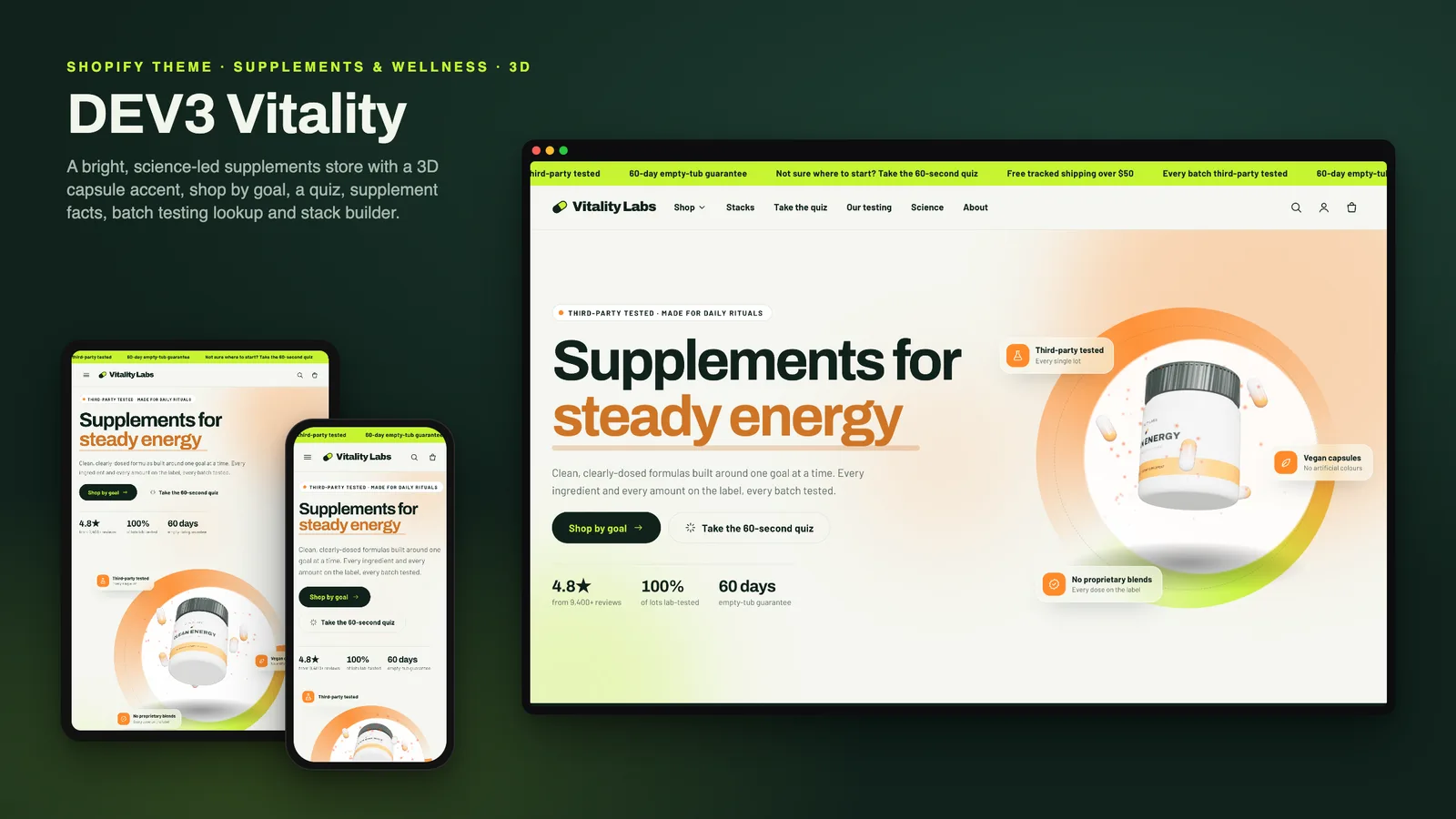
DEV3 Vitality: a supplements Shopify theme with supplement facts, a goal quiz and honest subscriptions

Our own Online Store 2.0 theme for supplement and wellness brands: shop by goal, a tag-matched product finder quiz, accessible supplement facts tables, subscribe & save that appears only with real selling plans, stacks, a testing story with lot lookup, a disclaimer block and a 3D tub hero.

DEV3 Technologies · own product · Furniture and home décor (Shopify theme)

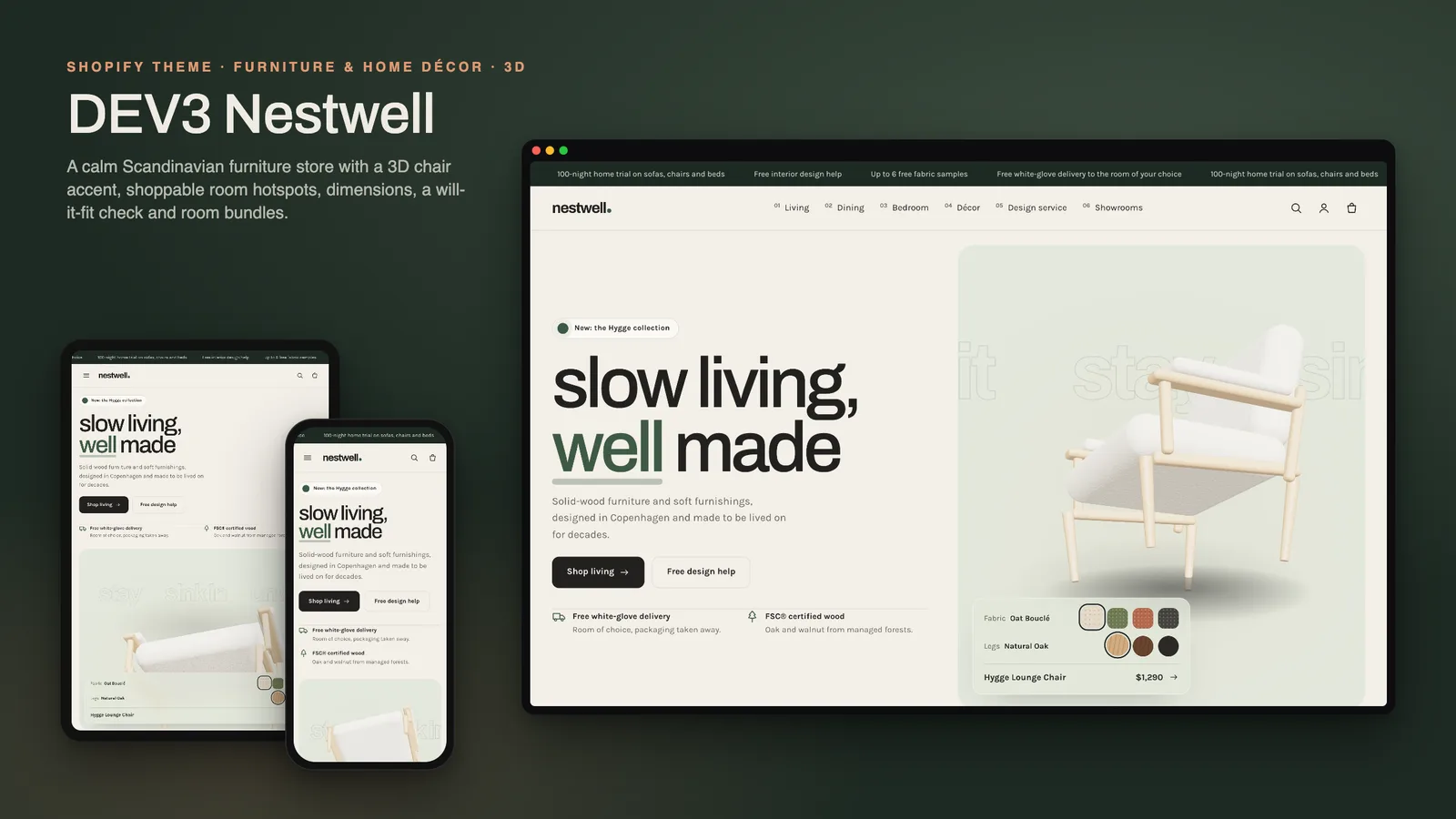
DEV3 Nestwell: a furniture Shopify theme with shop-the-room, a "will it fit" check and a 3D chair

Our own Online Store 2.0 theme for furniture and décor stores: a 3D lounge chair that recolours from fabric and leg swatches, shop-the-room hotspots, complete-the-room bundles, dimensions with a doorway and floor-space check, delivery estimates, showrooms and trade enquiries.