All case studies

DEV3 Technologies · own product

DEV3 Domus: a real estate WordPress theme with listings, motion and a 3D model house

Our own WordPress theme for estate agencies, developers and rentals: searchable property listings, a property page with facts, map, agent and mortgage estimate, stored viewing requests, rich scroll motion and one small 3D model house, all editable in Elementor.

Industry
Real estate (WordPress theme)

Live project preview

Client systems are private — screenshots shown where permitted.

DEV3 Technologies · own product — screenshots
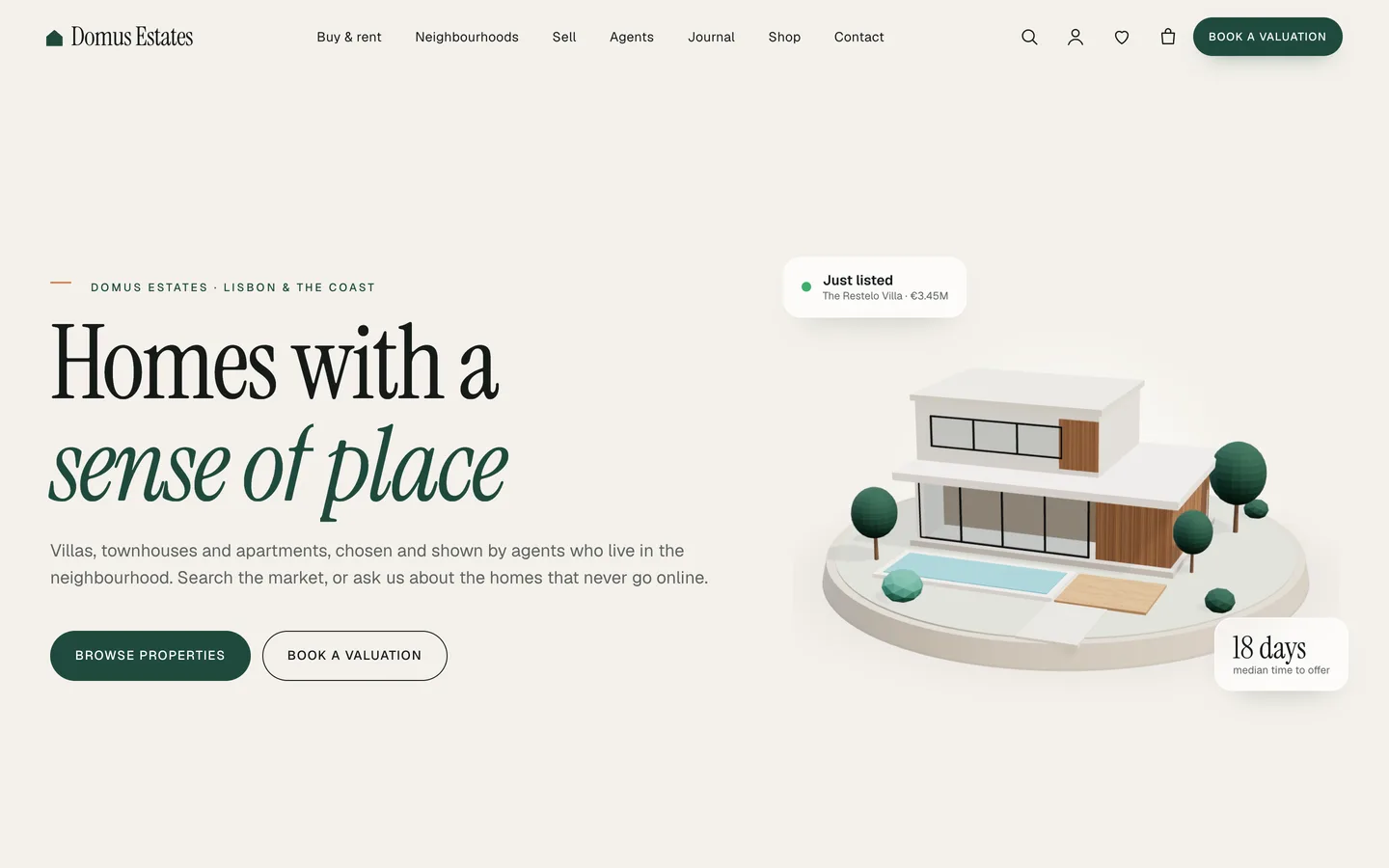
Home hero — a big serif headline and two calls to action beside a small 3D model house that turns as you scroll.

Home hero — a big serif headline and two calls to action beside a small 3D model house that turns as you scroll.

The challenge

Real estate sites have to do two jobs at once. Buyers and renters want to search, compare and book a viewing quickly; the agency wants to look premium enough to win the next instruction. Most real estate themes solve the first job with a plugin stack (an IDX add-on, a forms plugin, a maps API key) and give up on the second. We wanted listings, search and requests that work out of the box as ordinary WordPress content, a property page that answers the questions people actually ask (how much, how big, where, who do I call, what would it cost me each month), and a look with real motion. The 3D had to stay a small accent that never gets in the way of the listings, never loads a map or a 3D engine before it is needed, and disappears gracefully for visitors who prefer reduced motion.

Our solution

Domus is a classic PHP theme with theme.json, built on DEV3's shared theme core and the DEV3 Theme Toolkit plugin. The theme owns presentation, the property templates and its 3D preset. The toolkit owns functionality: the property, agent and neighbourhood post types, property search, stored requests, Elementor widgets with block twins, the DEV3 Motion controls, WooCommerce extras and the demo importer.

Key design decisions

  • Listings as plain post meta. Price, status, beds, baths, area, coordinates and the agent are simple meta fields. A numeric copy of the price is indexed for price searches and sorting, and any importer that writes post meta can fill them from a feed.
  • Status drives the interface. Six statuses (for sale, for rent, new development, under offer, sold, let agreed) set the card badge, the archive tabs and whether the property page shows a mortgage estimate or a rental affordability note.
  • Requests without a forms plugin. The Request Form widget stores viewing, valuation and contact requests privately in the dashboard and emails them, sending viewing requests to the listing's agent as well. Each form has a nonce, a honeypot and a rate limit.
  • Privacy by default. The map loads from OpenStreetMap only after the visitor clicks, and fonts are self-hosted, so a property page makes no third-party requests on load.
  • Motion as a control panel. Every Elementor widget and container gets a DEV3 Motion panel (split headings, mask wipes, parallax, counters, stacked cards, a pinned horizontal rail), with matching CSS classes for the block editor.
  • One 3D accent, loaded late. The model house is a small procedural three.js scene on a transparent canvas. It loads only when it scrolls near, pauses offscreen, turns with the scroll and falls back to a still poster.
Results

Domus ships as a complete theme with a one-click demo of a fictional agency: 14 listings across every status, 5 agents, 6 neighbourhood guides, 4 services, 4 sample testimonials, 6 journal posts and 6 WooCommerce seller-service products. The theme adds 24 block patterns on top of the toolkit's widgets.

  • Theme Check: 0 required-level failures and 0 warnings in the WordPress Theme Check plugin.
  • Coding standards: phpcs with WPCS 3 and PHPCompatibilityWP 7.4+ at 0 errors and 0 warnings.
  • Flows tested: the WooCommerce add-to-cart to order-received flow, and an Elementor editor test where switching the model house from villa to gabled house updates the 3D accent live.
  • Weight: the motion module is about 6 KB gzip and loads only where motion is used; three.js loads only on pages with the accent, once it scrolls near.

Domus is on the DEV3 marketplace. Watch its video tour there.

Setup guide

Requirements

  • WordPress 6.0 or newer and PHP 7.4 or newer
  • The DEV3 Theme Toolkit plugin (included and required)
  • Recommended: Elementor (free) and WooCommerce. Contact Form 7 is optional; the theme's own request forms work without it. Elementor Pro is supported but not required.

What's in the download

Unzip the download from your DEV3 account first. Do not upload the download itself to WordPress.

  • dev3-domus.zip: the theme. Install this one.
  • dev3-domus-child.zip: an optional child theme for your own CSS and PHP.
  • dev3-theme-toolkit.zip: the companion plugin (property, agent and neighbourhood post types, property search, requests, Elementor widgets and blocks, motion controls, WooCommerce extras, demo importer).
  • dev3-domus-demo-content.zip: the demo package for reference. The importer already has a copy inside the theme.
  • Documentation/index.html: the full guide. Open it in a browser.

Install the theme

  1. Go to Appearance → Themes → Add New → Upload Theme, choose dev3-domus.zip, click Install Now, then Activate.
  2. Go to Plugins → Add New → Upload Plugin, choose dev3-theme-toolkit.zip, then Activate.
  3. A notice offers the recommended plugins (Elementor, WooCommerce, Contact Form 7). Click Begin installing plugins, then install and activate them.
  4. Go to Settings → Permalinks and click Save once, so /properties/, /agents/ and /neighbourhoods/ work.
  5. Optional: if you plan to change code, upload dev3-domus-child.zip the same way and activate DEV3 Domus Child. The parent theme must stay installed.

Import the demo

  1. Make sure you are logged in as an administrator. Elementor keeps every widget setting only when an administrator runs the import.
  2. Go to Appearance → DEV3 Demo and click Import demo.
  3. The import adds:
    • the Home, Neighbourhoods, Sell, Agents, About, Journal, Contact, Shop, Cart, Checkout, My account and Saved homes pages
    • 14 listings across every status, 5 agents, 6 neighbourhood guides, 4 services, 4 sample testimonials and 6 journal posts
    • 6 WooCommerce products (listing packages, photography, a valuation report and guides), with Cash on delivery enabled for testing
    • the menus and theme settings
  4. Open the home page and scroll through it.

Imported items are tagged, so Reset on the same screen removes only them. On a server with WP-CLI you can run wp dev3tk demo import --user=admin and wp dev3tk demo reset.

After the import

  • Replace the demo agents with your own under Agents, with the right email address on each: viewing requests go to the listing's agent.
  • Check the mortgage estimate defaults under Appearance → Customize → Domus listings.
  • Set up real payment methods in WooCommerce → Settings → Payments and turn off Cash on delivery if you do not want it.

Updates

Download the new version from your DEV3 account and upload dev3-domus.zip again. WordPress offers to replace the installed version. Changes you made in the child theme, the Customizer and your pages are kept.

How to use

Add a property

  1. Go to Properties → Add new. Give it a title, a description, a featured image and a type under Property categories (Villa, Apartment and so on).
  2. Fill the Details box:
    • Price, Price suffix, Currency: write the price as it should appear, such as €1,250,000. For rentals add / month as the suffix. A numeric copy is stored automatically for price searches and sorting.
    • Status: For sale, For rent, New development, Under offer, Sold or Let agreed. It sets the card badge and the archive tabs.
    • Bedrooms, Bathrooms, Floor area and unit, Parking, Year built: shown on cards and as key facts.
    • Street address, City / area, Latitude, Longitude: the map appears when coordinates are set and loads only after a click.
    • Features: one per line.
    • Gallery: attachment IDs, comma separated. The featured image comes first.
    • Agent: the agent's post ID.
    • Virtual tour / video link: shown as a button.
  3. Publish. The property page is built automatically from these fields.

Search and the archive

  • The Property Search widget (or block) filters by keyword, type, status, minimum and maximum price, beds and baths. It filters /properties/ by default; set Show results to "Below this form" to show results on the same page.
  • The archive has quick tabs (All, For sale, To rent, New homes), a price sort, type filters and a grid/list toggle.

Agents, neighbourhoods and requests

  • Agents: role, email, phone, languages and a photo. The agent page lists their homes.
  • Neighbourhoods: area, average price, commute and highlights. The guide lists homes whose City / area contains the neighbourhood name, or the text you enter in "Listings whose city contains".
  • Requests: viewing, valuation and contact requests from the Request Form widget are stored under Requests and emailed to the site admin. Viewing requests also go to the listing's agent. To use Contact Form 7 or WPForms instead, paste its shortcode into the widget.

Change the 3D model house

  1. Open the home page with Edit with Elementor and select the 3D Scene widget in the hero.
  2. It uses the preset Domus · Model house in Accent object mode with an aspect ratio of 1 / 1.
  3. Choose the house (modern villa with pool or gabled family house), the garden colour, Lights on (dusk), the idle spin and how far it turns while scrolling.
  4. Write an Accessible description. To use your own model, paste a .glb URL into the custom model field. To remove the 3D, delete the widget.

Add motion

  • Select any widget or container and open Advanced → DEV3 Motion: reveal, stagger, split heading (lines, words or characters), mask wipe, parallax, counter, marquee, magnetic, hover tilt, sticky stacked cards or a pinned horizontal scroll.
  • In the block editor use the DEV3 Motion panel, or add a class such as dev3-m-reveal, dev3-m-split-words, dev3-m-mask-up or dev3-m-parallax-10.
  • Visitors who prefer reduced motion see the final state, and the editor stays static while you work.

Style the site

  • Appearance → Customize holds colours and fonts (Instrument Serif and Geist, self-hosted), the header (style, sticky, search and the "Book a valuation" button), 3D and motion, footer, shop and blog. Elementor's global colours and fonts follow.
  • Customize → Domus listings sets the mortgage estimate (on or off, default rate, deposit and term), the viewing form title and similar homes.
  • Without Elementor, insert patterns from Patterns → DEV3 Domus (24 of them).

Related case studies

DEV3 Technologies · own product · Legal services (WordPress theme)

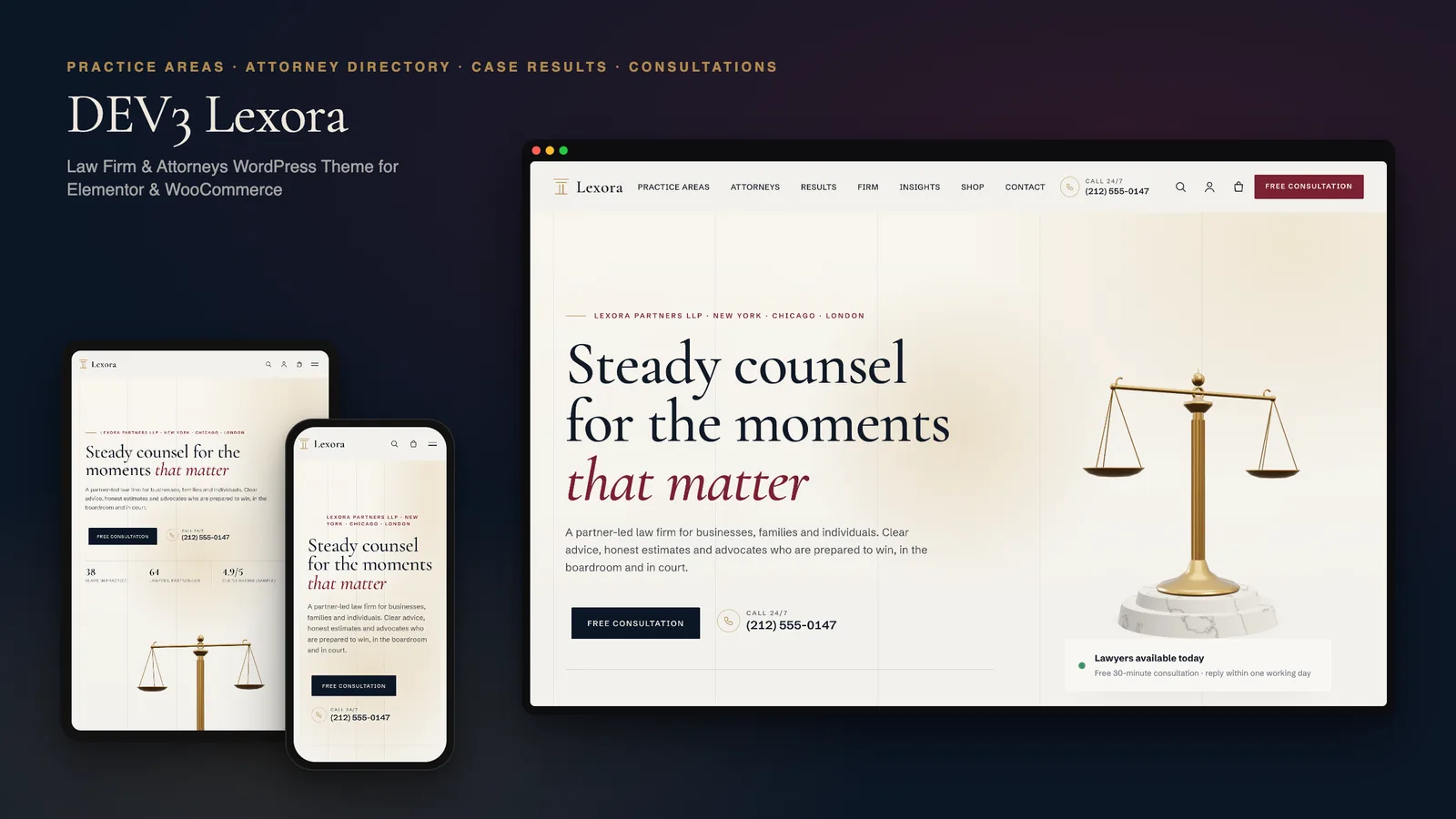
DEV3 Lexora: a law firm WordPress theme with an attorney directory, case results and brass 3D scales

Our own WordPress theme for law firms and attorneys: practice-area pages that build themselves from short fields, a filterable attorney directory with vCards, case results that always carry their disclaimer, and consultation booking, with rich motion and one small 3D accent of brass scales.

DEV3 Technologies · own product · News and publishing (WordPress theme)

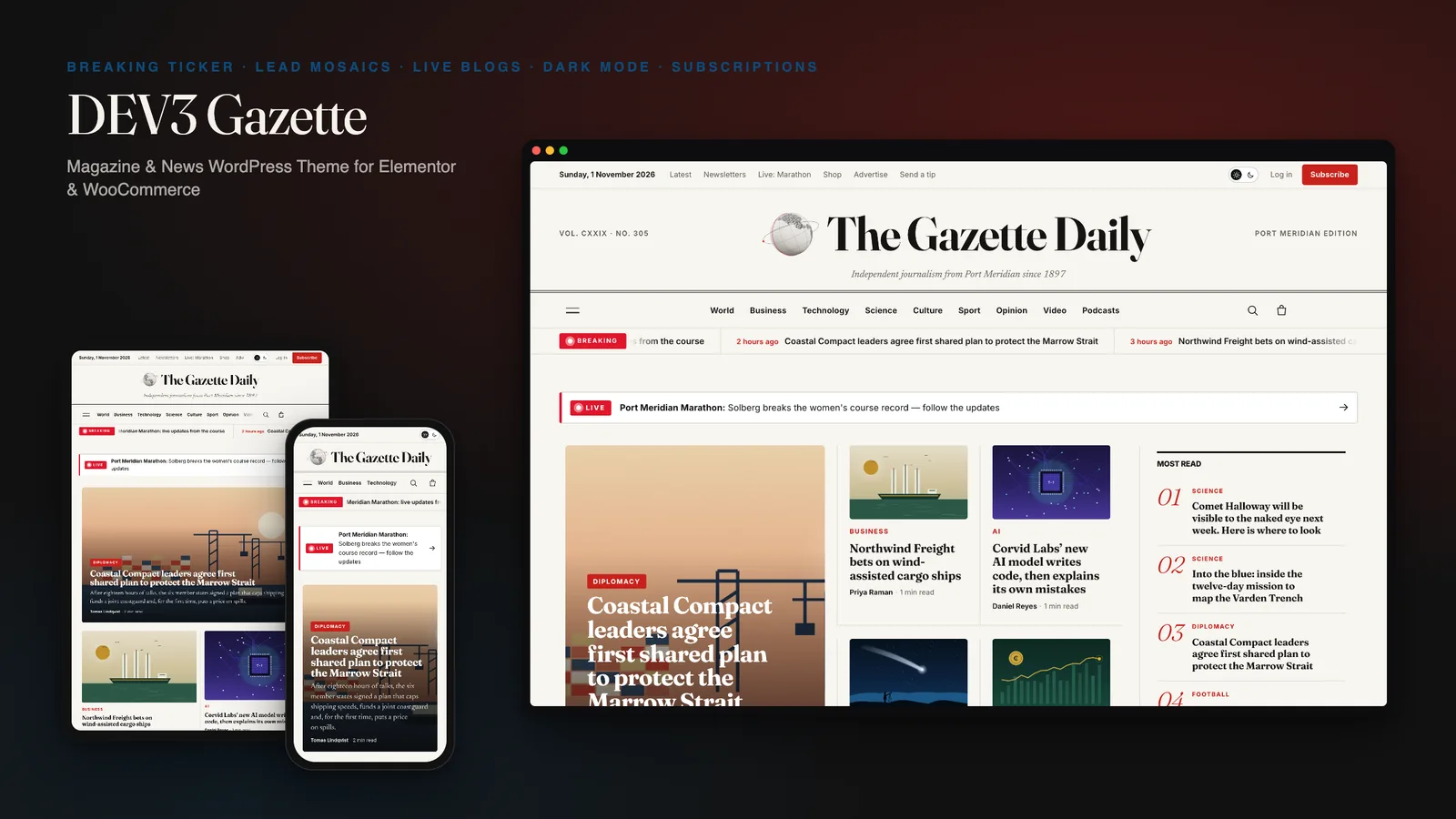
DEV3 Gazette: a magazine and news WordPress theme with live blogs, dark mode and a 3D globe

Our own WordPress theme for newspapers, magazines and news blogs: a classic masthead, breaking-news ticker, lead-story mosaics and section blocks, most read by real views, live blogs, reading tools, true dark mode, subscriptions, newsletters and ad slots, with reading-first motion and one small 3D globe.

DEV3 Technologies · own product · SaaS and startups (WordPress theme)

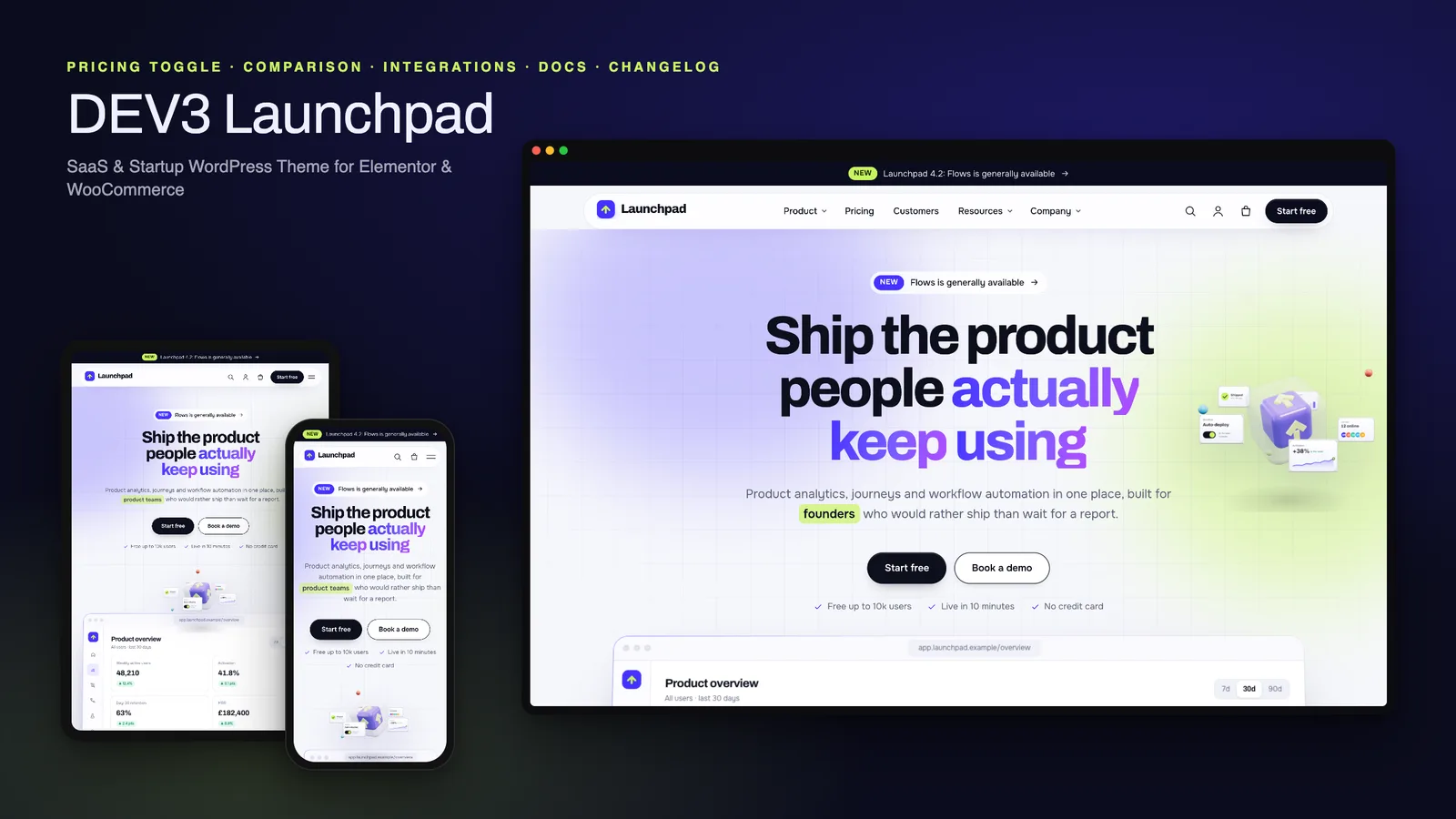
DEV3 Launchpad: a SaaS and startup WordPress theme with live product UI, pricing, docs and a 3D app cube

Our own WordPress theme for SaaS products and startups: a hero with a live HTML product mockup, a feature tour, pricing with a monthly / yearly toggle and a comparison matrix, integrations, customer stories, a changelog and a docs / help centre, with rich motion and one small 3D app cube.