Choose a style
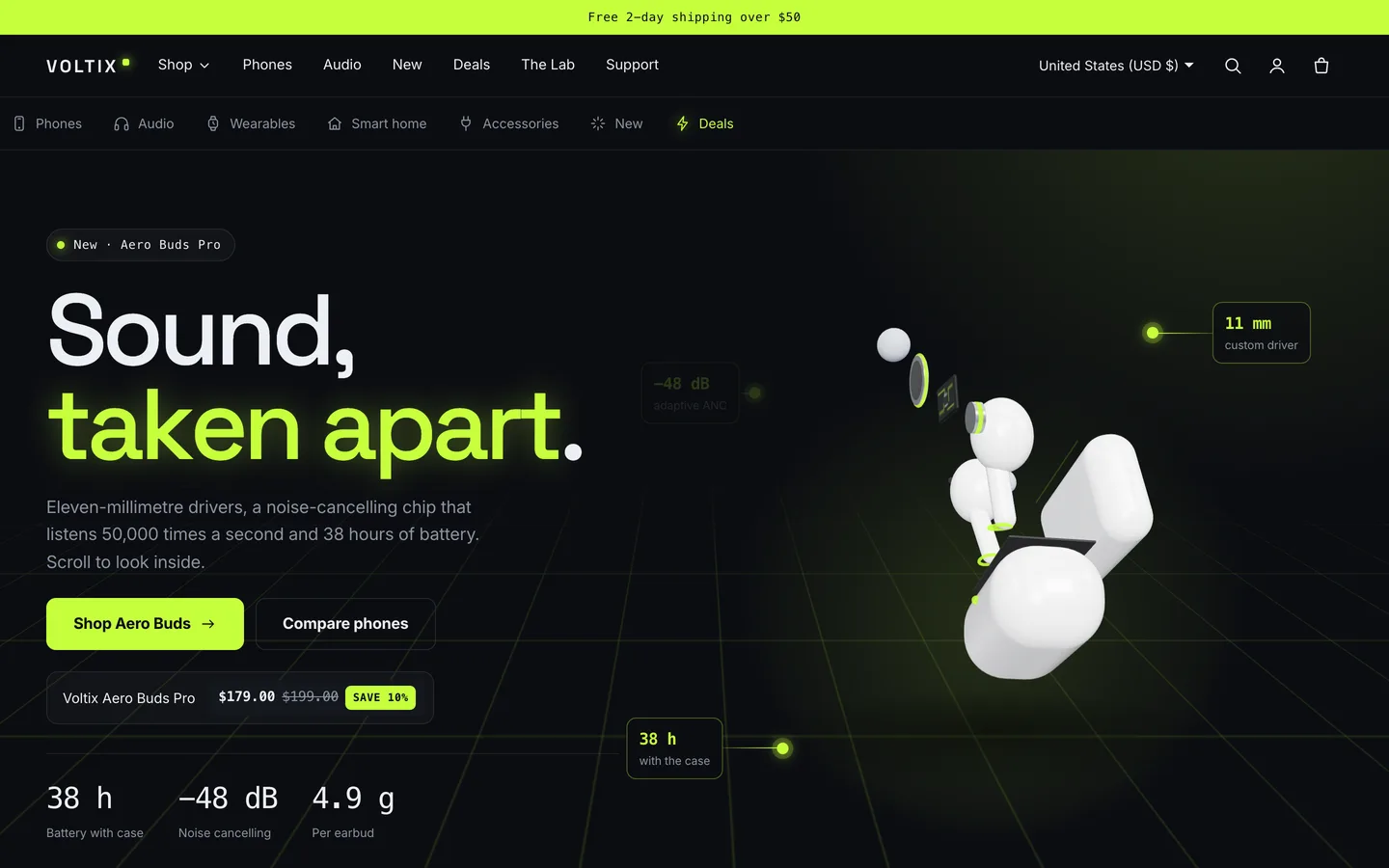
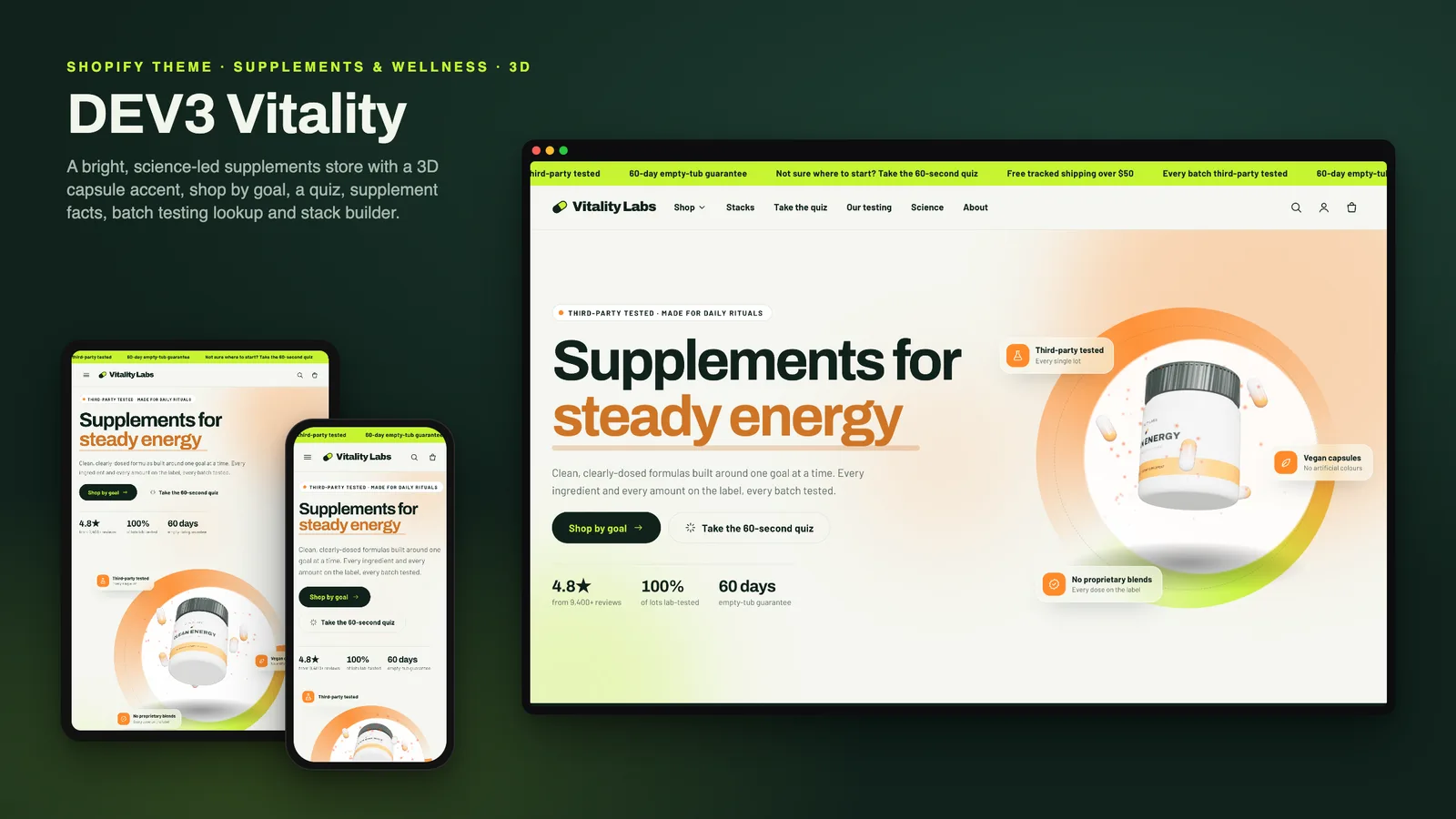
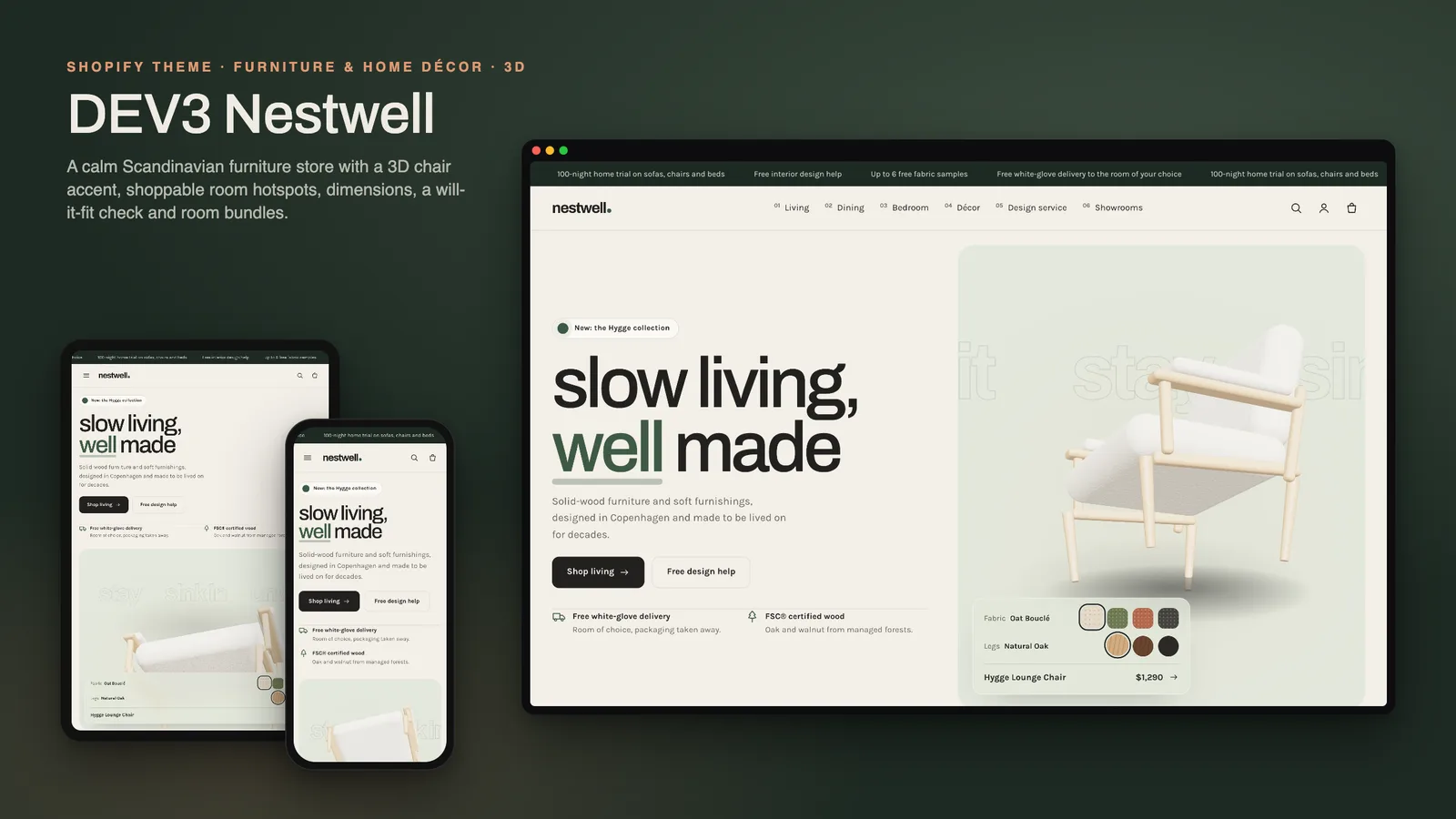
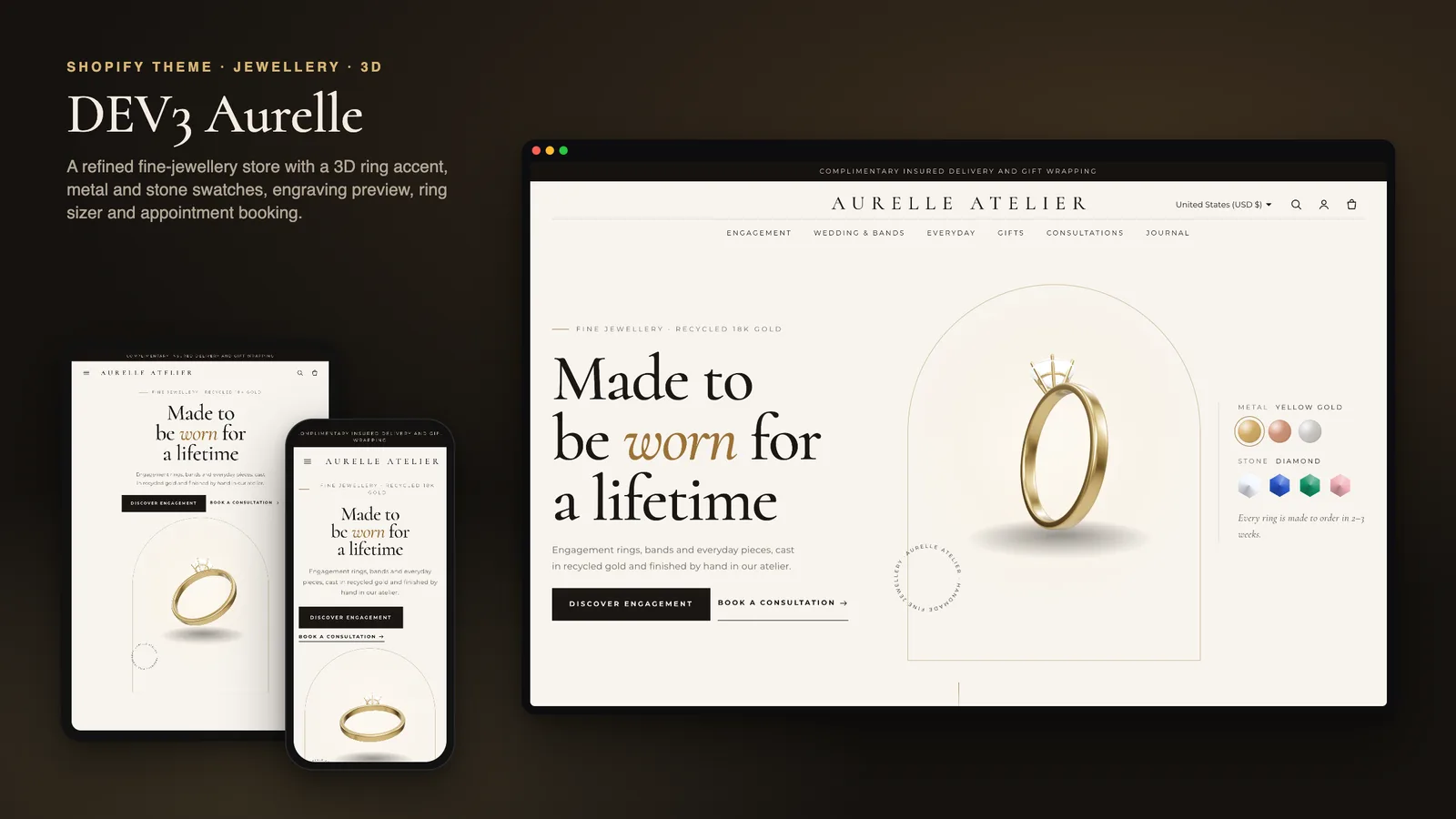
Theme settings → Theme style: Neon (graphite, volt-lime glow, Space Grotesk and monospace spec type) or Clean (light grey and white, blue accent, Inter). Scheme 1 is the base, 2 the deep footer, 3 the panel tint and 4 the brand colour. The glow, spotlight and neon lines follow the scheme's accent colour.
Mega menu and category bar
- Give a menu item children (categories) and grandchildren (products or sub-categories) and the header shows a mega menu. Turn on Header → Use mega menu for all dropdowns for the promo image.
- Circuit category bar (header group): icon chips with a label, link, icon and optional neon highlight. The current page's chip is marked automatically.
Spec metafields
Create these under Settings → Custom data → Products (all optional):
custom.specs: multi-line text, one Name: value per line, e.g. Battery: 5,000 mAh. Feeds the Tech specs tab, the compare table and the compare tray.custom.highlights: list of single-line text (2–4 short items). Chips on cards and highlight tiles on the product page.custom.in_the_box: multi-line text, one item per line. The In the box tab.
Use the same spec names on every product; compare rows line up by name.
Compare
- Theme settings → Products → Compare on cards shows a Compare checkbox on every card.
- The Circuit compare tray (footer group) holds up to 4 products. Compare now opens a dialog with a "Differences only" switch; no app is needed.
- The Circuit spec compare section is a fixed table of 2–4 products you choose, with an optional badge per product.
Product page, bundles and deals
- Circuit tech tabs: highlight tiles, then Overview, Tech specs, In the box and Warranty & support. Empty tabs hide.
- Circuit bundle: a main product and up to 3 add-ons; Add bundle to cart adds every ticked item at its normal price. For a bundle discount, create an automatic discount in Discounts.
- Circuit deals countdown: pick a collection and set Ends at as an ISO date such as
2026-12-31T23:59:00 (shopper's time zone) or with an offset for a fixed zone. An end message shows at zero.
- product.landing is an alternative template for launches.
The 3D hero
- The Circuit hero shows procedural earbuds and a case that come apart as the shopper scrolls. Set Body colour, Glow colour and the starting separation with
{"explode":0.45} (0 closed, 1 fully apart).
- Spec callout blocks fade in as the parts separate; set each block's position and its "appears at" percentage.
- Paste a
.glb link from Content → Files into GLB file URL to use your own model. Without WebGL or with 3D turned off, the poster shows and every callout is visible.
Motion
Theme settings → Motion: animation level (Off, Subtle or Full), reveal style (Circuit uses blur), duration, stagger, split headings, magnetic buttons and tilt. Reduced motion is always respected.