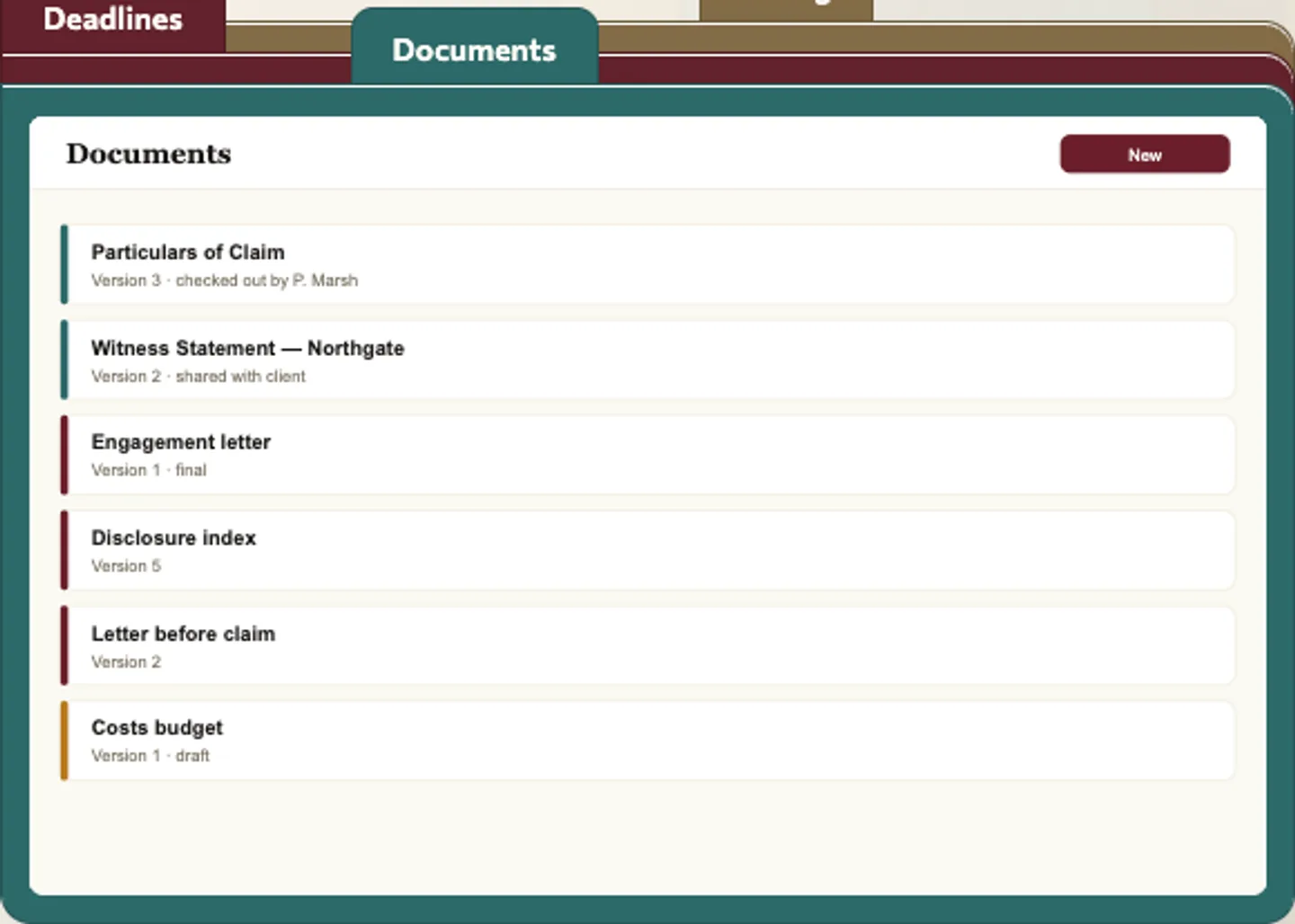
 Documents folder — Click the second tab and the documents folder slides to the front with versions and a check-out marker.
Law firm case management software: 6 things to check before you pick one
Last updated
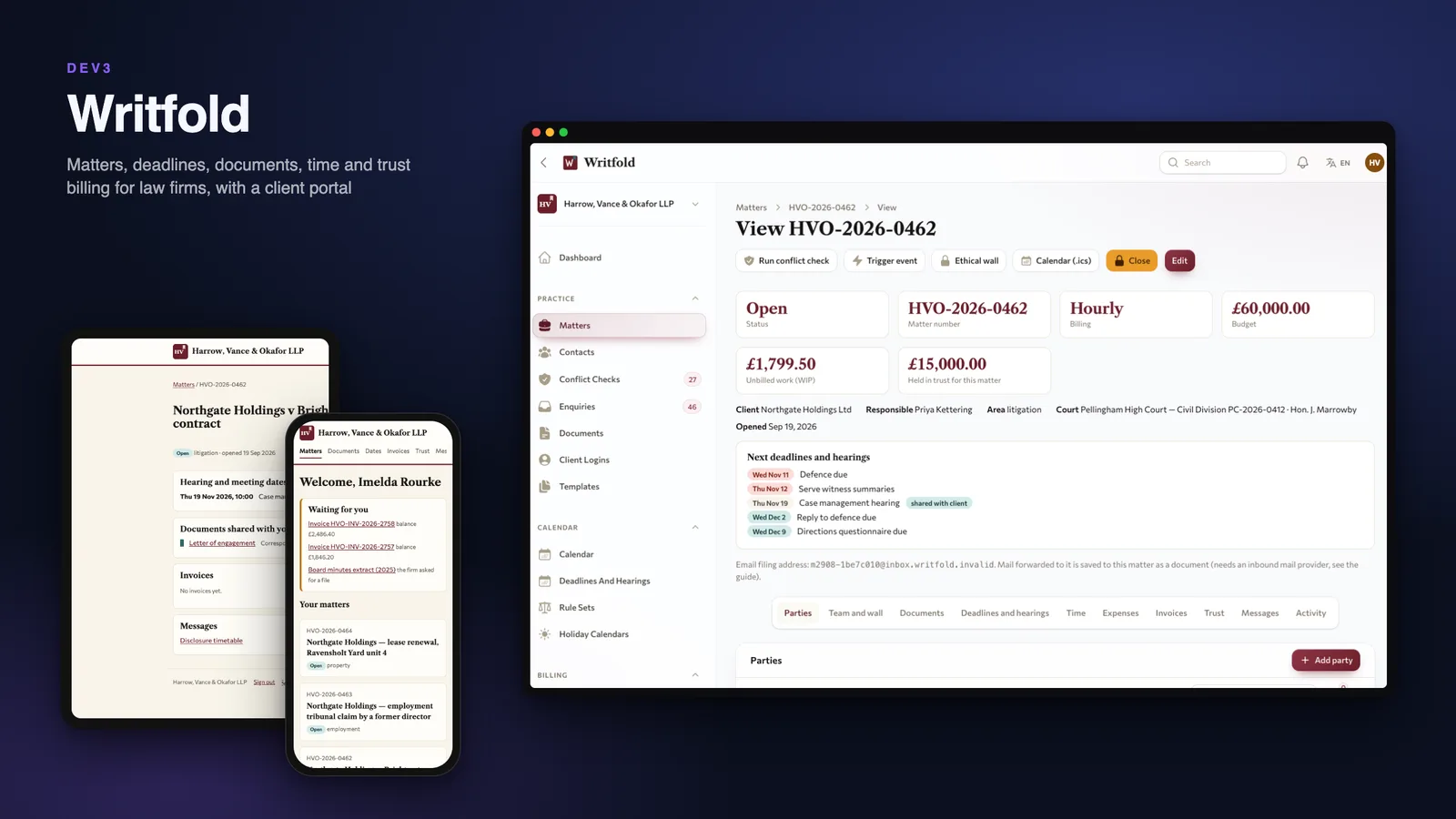
A law firm does not need another file list, it needs to know what is due, who may see what and where client money stands. Here are six things to check before you pick matter management software, with DEV3 Writfold as the worked example.
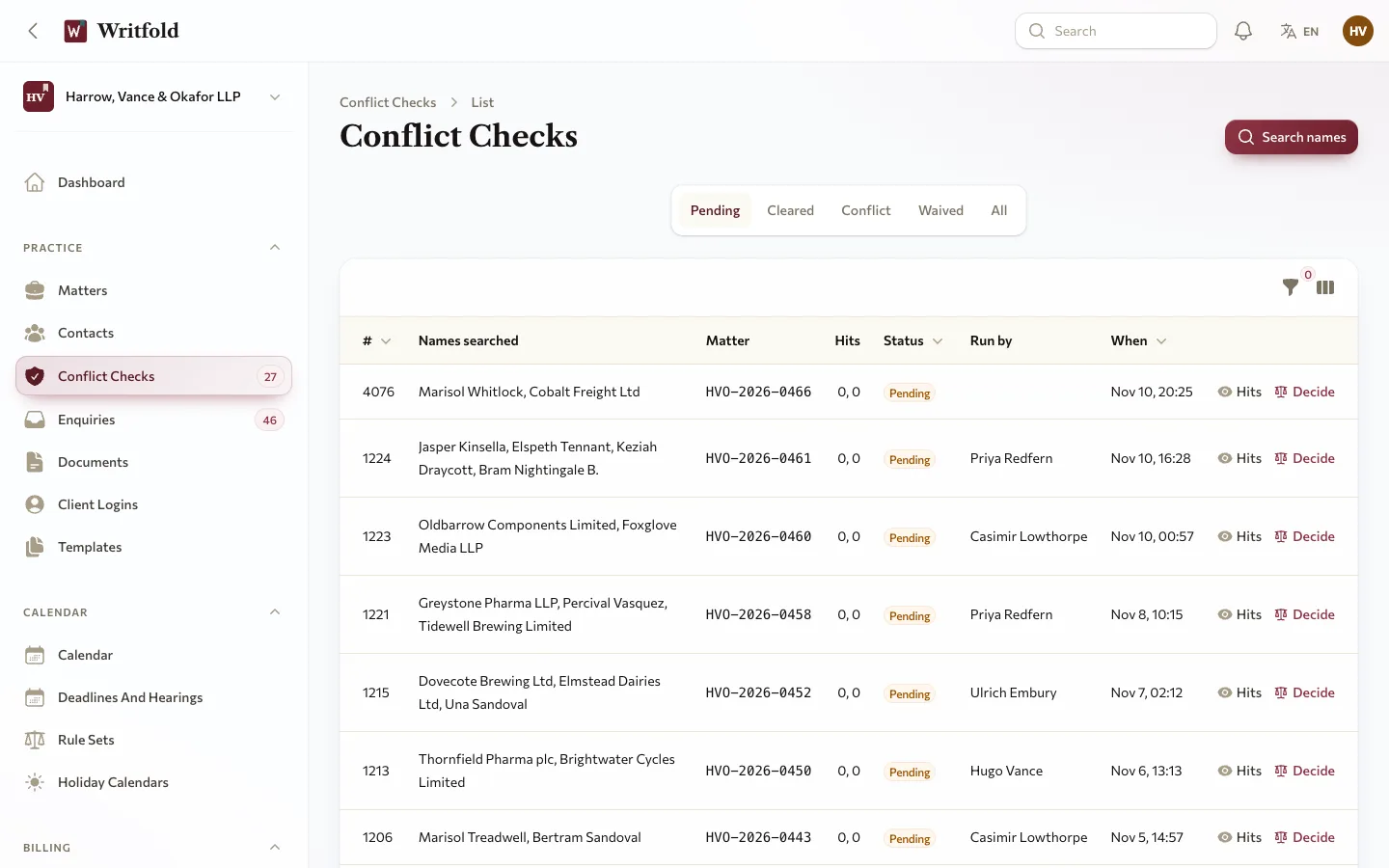
1. Does a conflict check come before the matter opens?
Search names and aliases across contacts and parties before you take a client. Writfold normalises company suffixes and initials, snapshots the result and will not open a matter without a cleared or waived check covering every party. Adding a party later starts a new check.
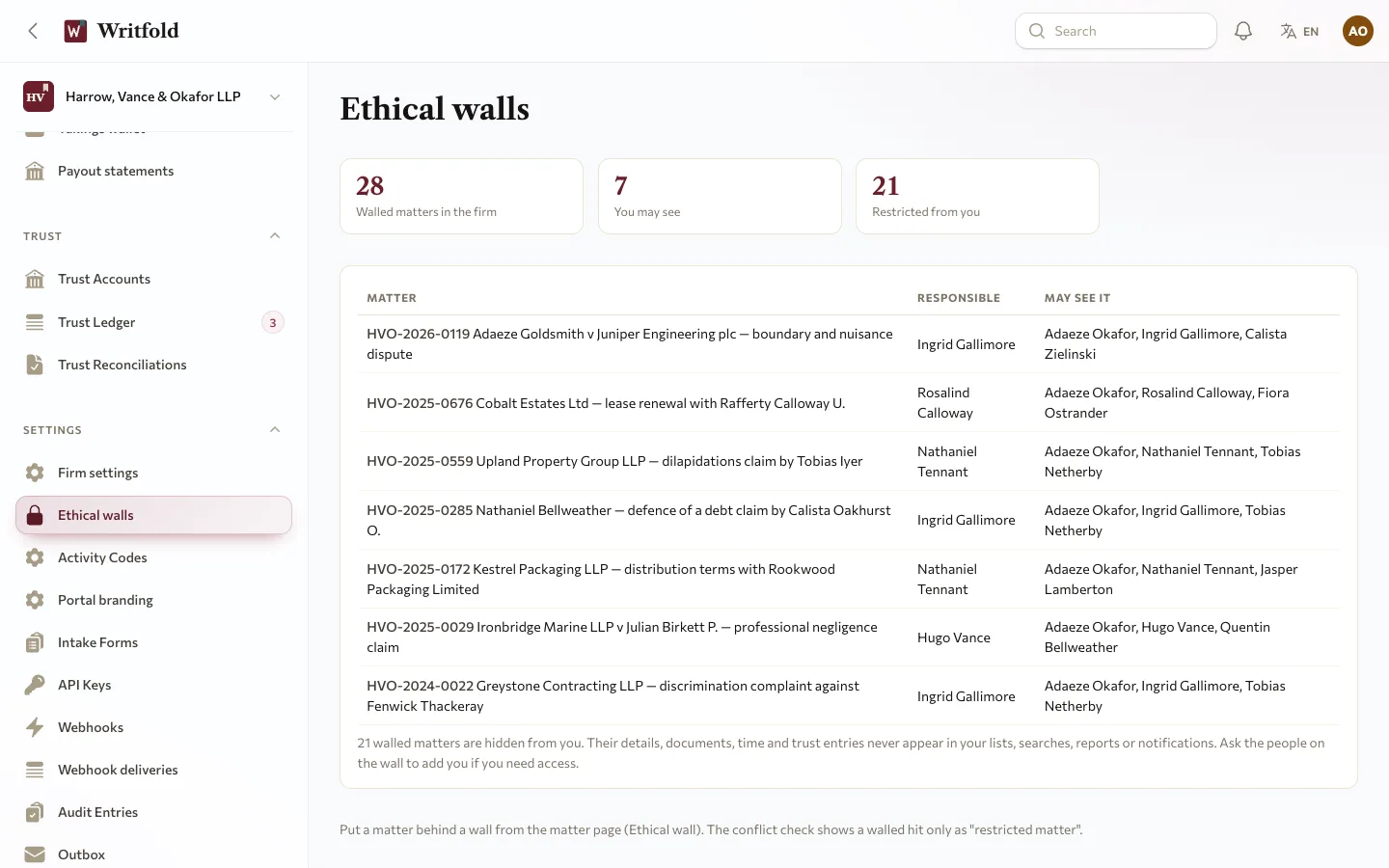
2. Can you wall a matter off?
An ethical wall has to hold in lists, search, reports, notifications and downloads, not only on the matter page. In Writfold one rule is applied to every table that belongs to a matter, and a test walks every screen as someone outside the wall.
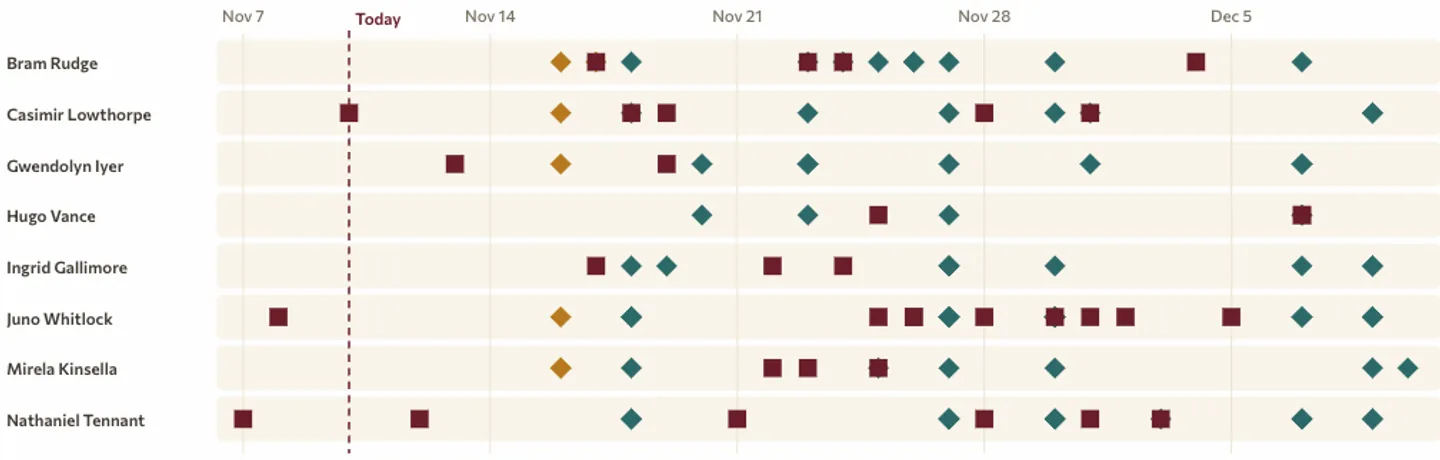
3. How are deadlines calculated?
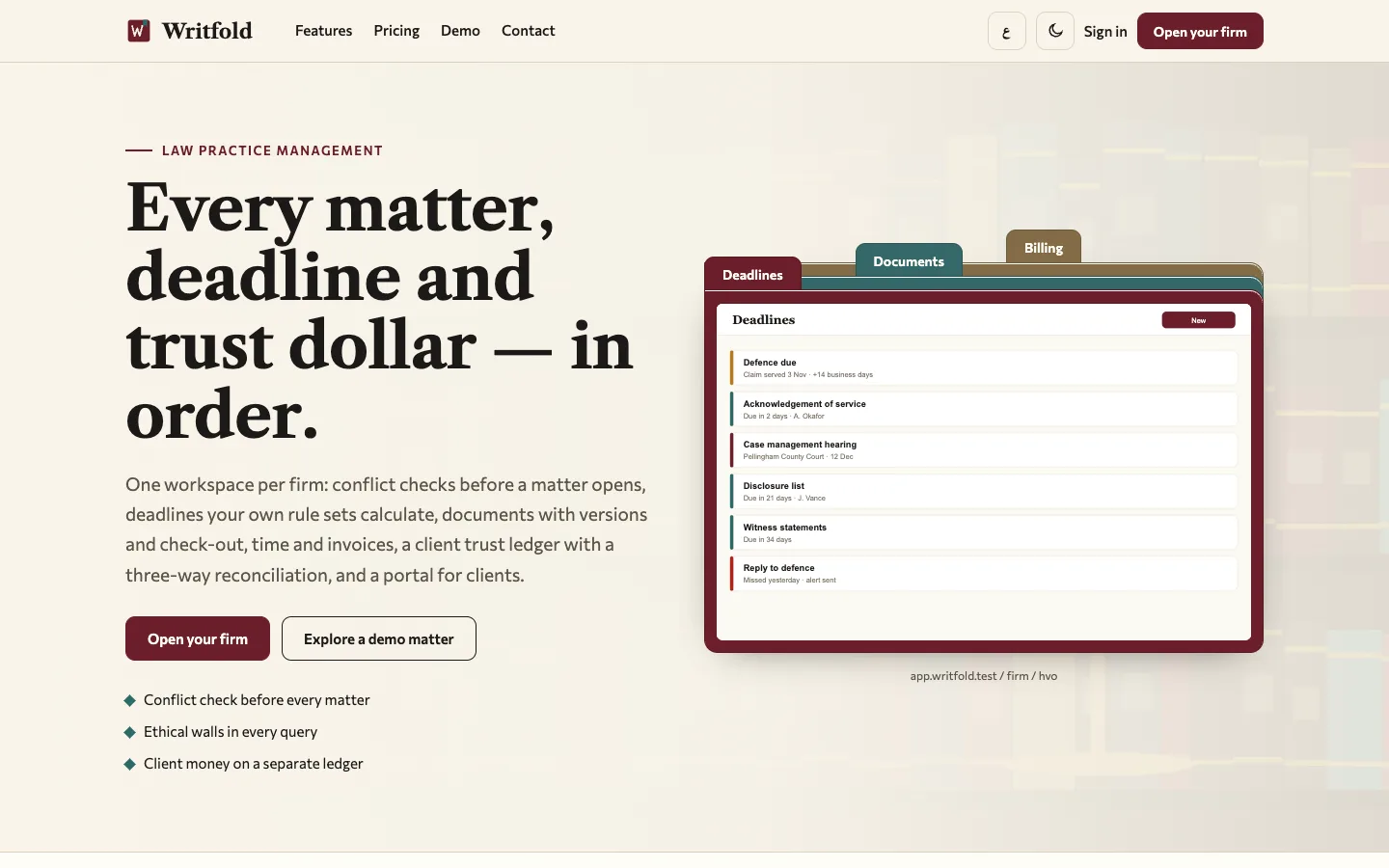
Rule sets you configure turn a trigger such as "Claim served" into dated deadlines in calendar or business days, past weekends and holidays. Correct the trigger date and generated deadlines recompute while manual ones are kept. They are aids, not legal advice or court calendaring: check every date.
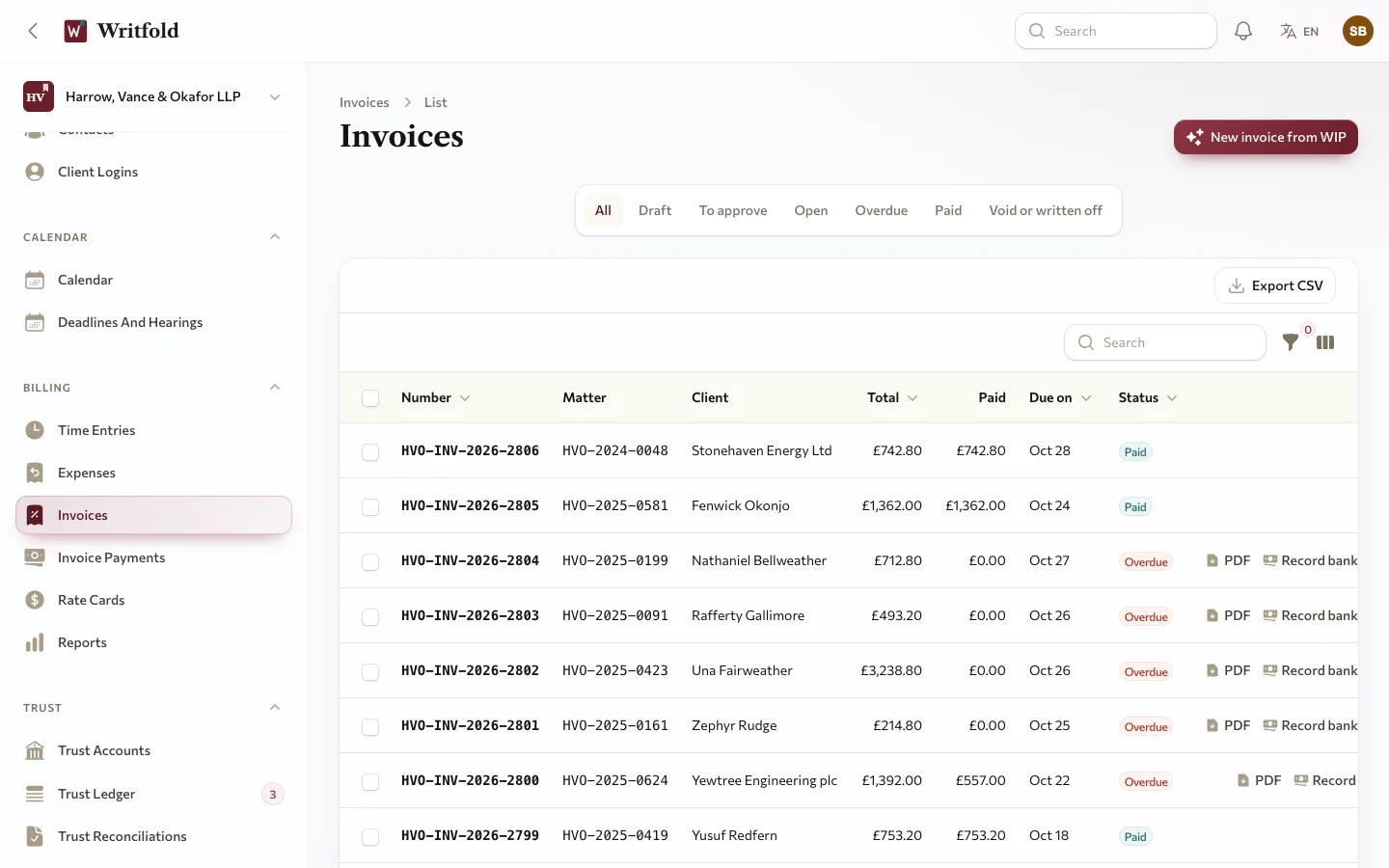
4. Do time and invoices stay honest?
Time in six-minute units, rates fixed at approval, invoices built from work in progress with a write-down as its own line, and each entry on one live invoice line only.
5. What happens to client money?
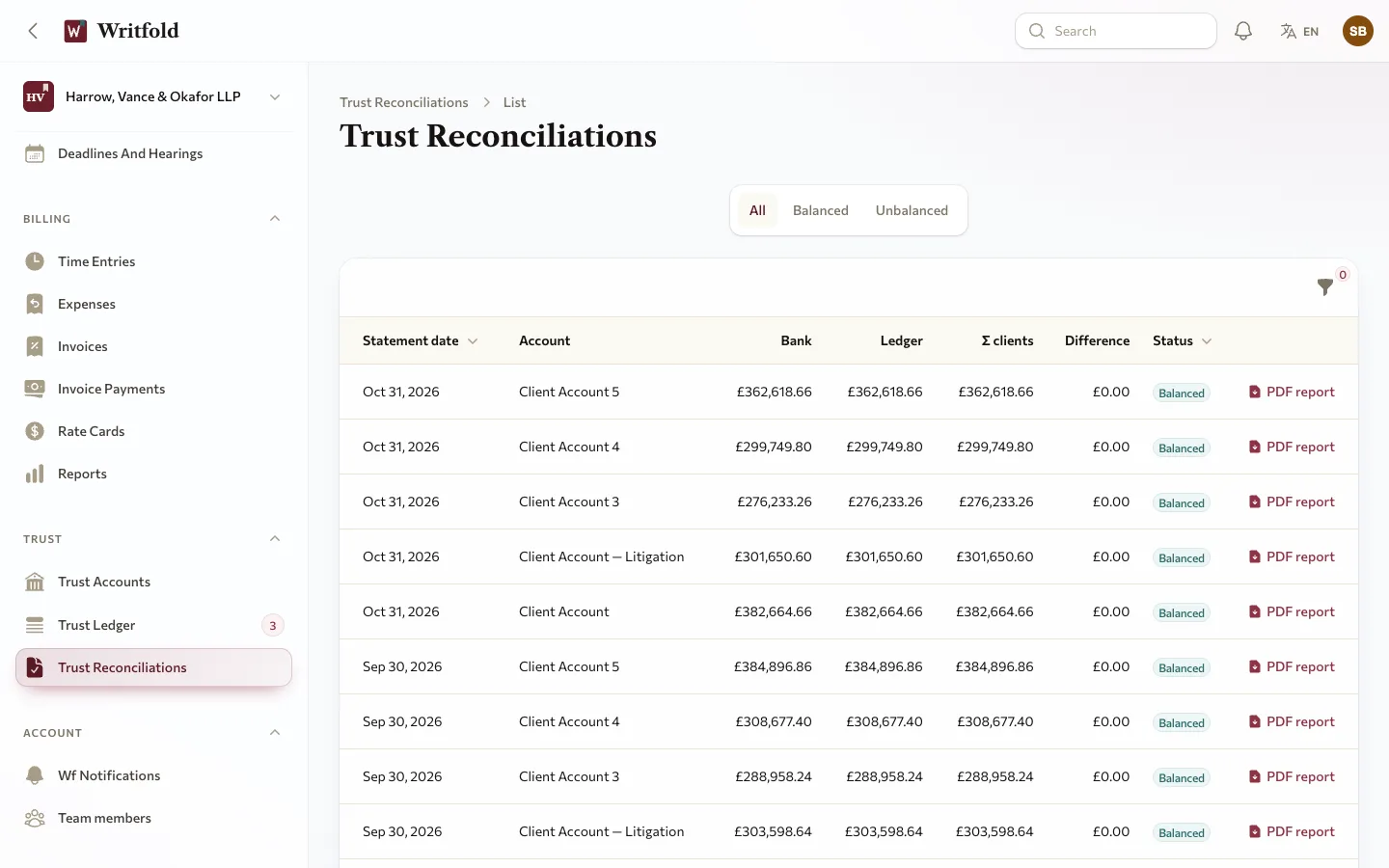
Trust entries are append-only. A withdrawal waits for a second approver, a client can never go below zero, and a three-way reconciliation produces a PDF report. Money is recorded, not collected online, and you must check your bar's rules: a wrong transfer is corrected by a reversing entry, never an undo.
6. What do clients see?
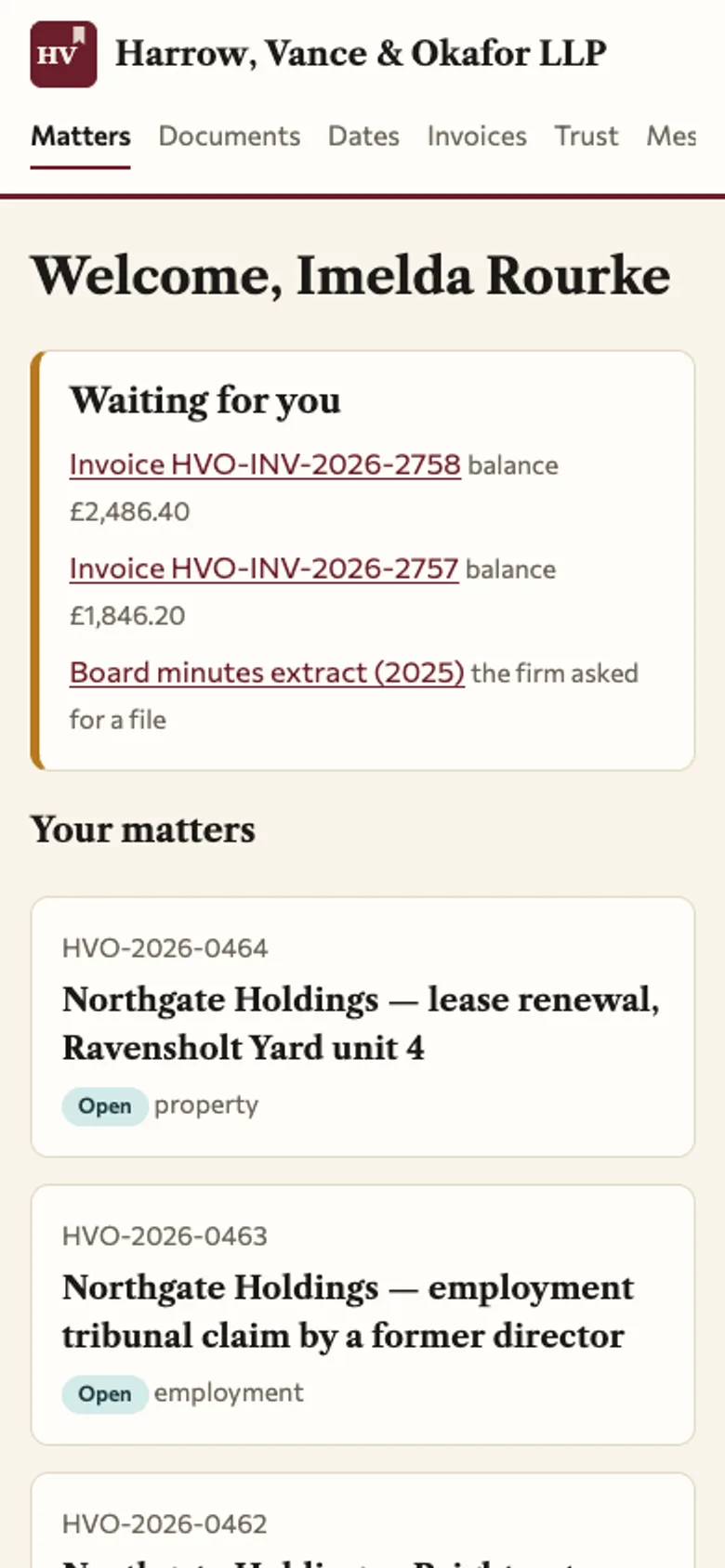
A portal on the firm's own address with shared documents, hearing dates, invoices to pay, a trust statement and messages. There is no e-filing and no e-signature, and the conflict check only searches the firm's own workspace.