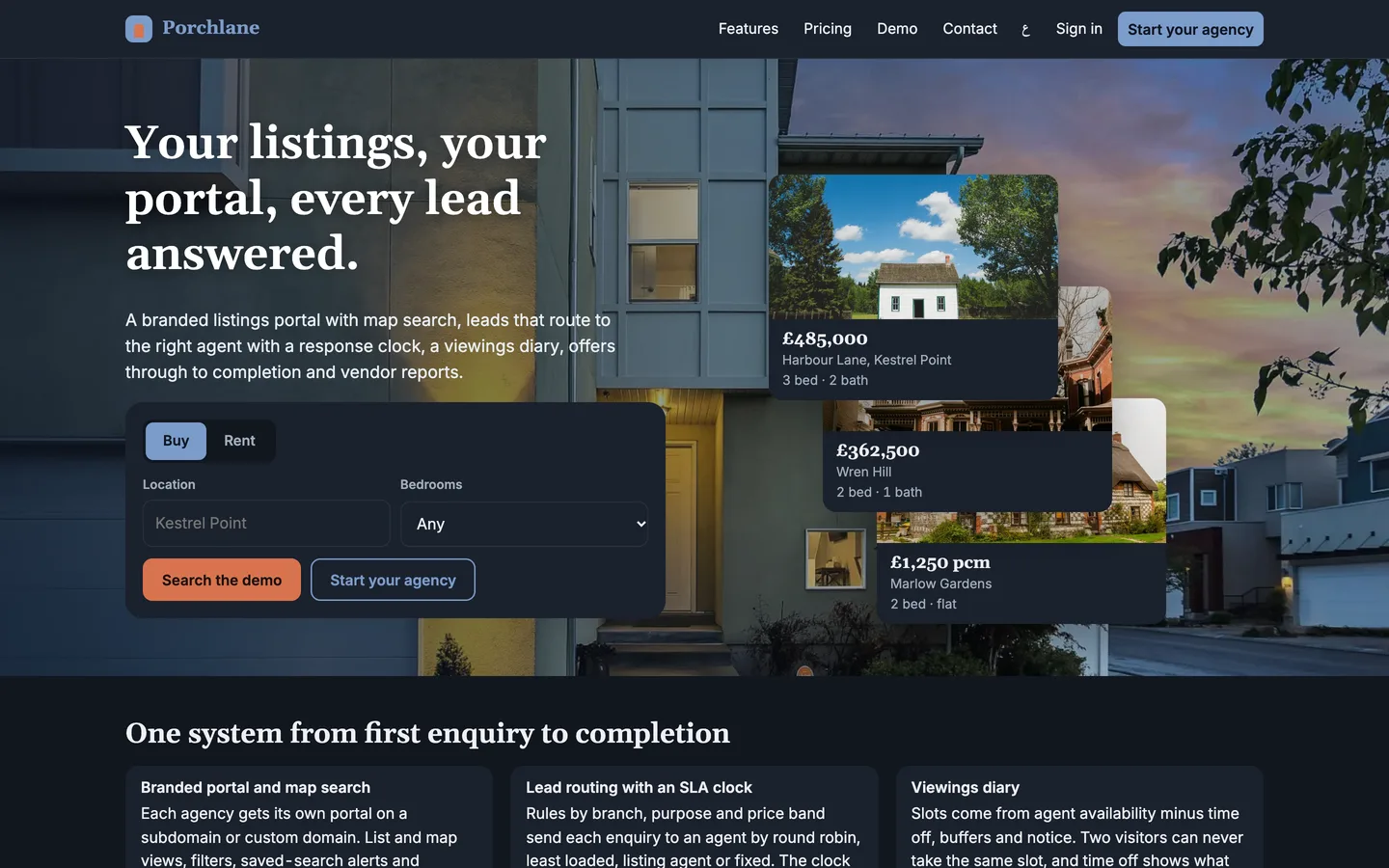
 Dark mode hero — The same hero in dark mode, with the headline and search card clear of the card stack.
Estate agent CRM with a listings portal: 6 things to check before you pick one
Last updated
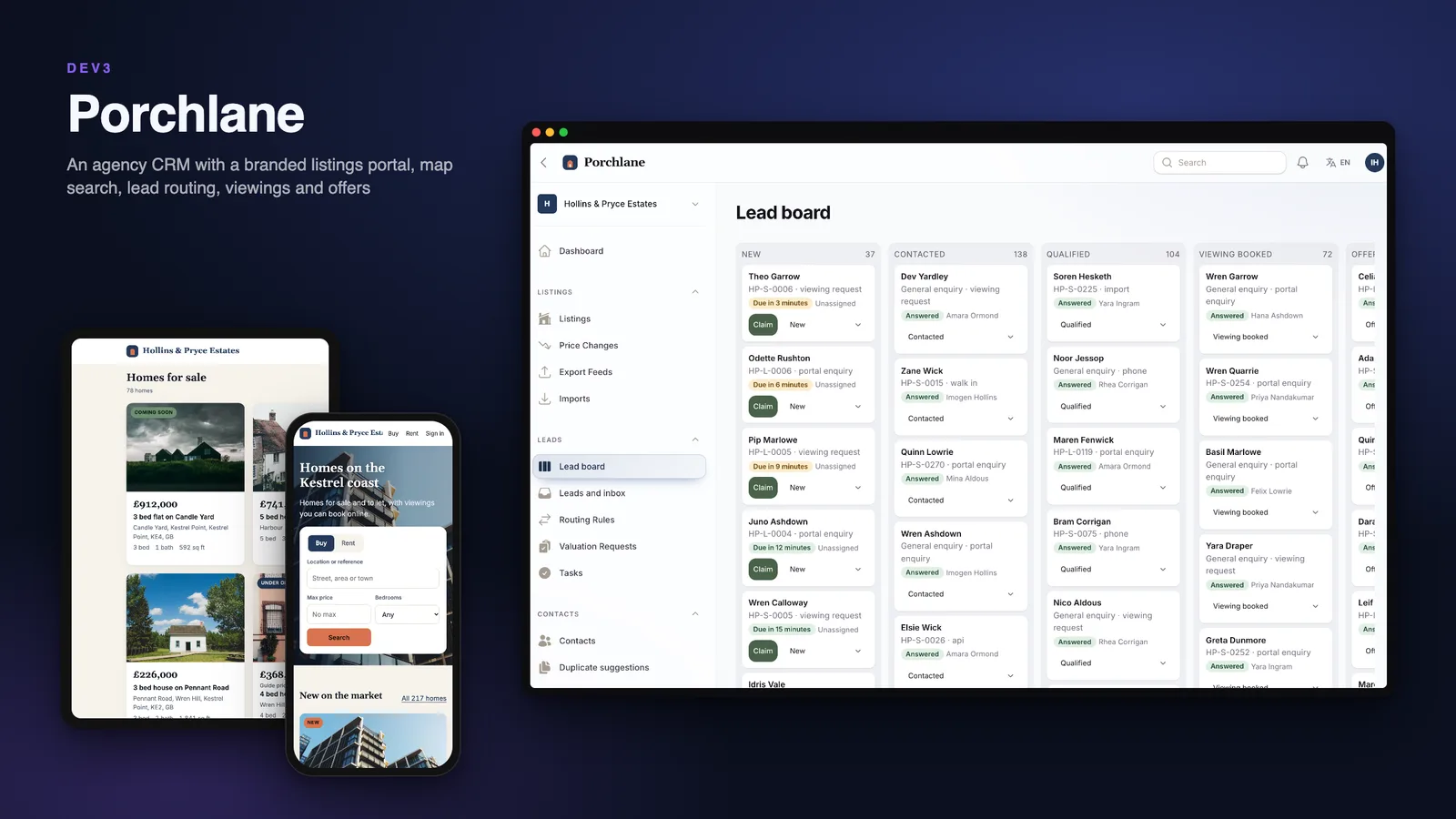
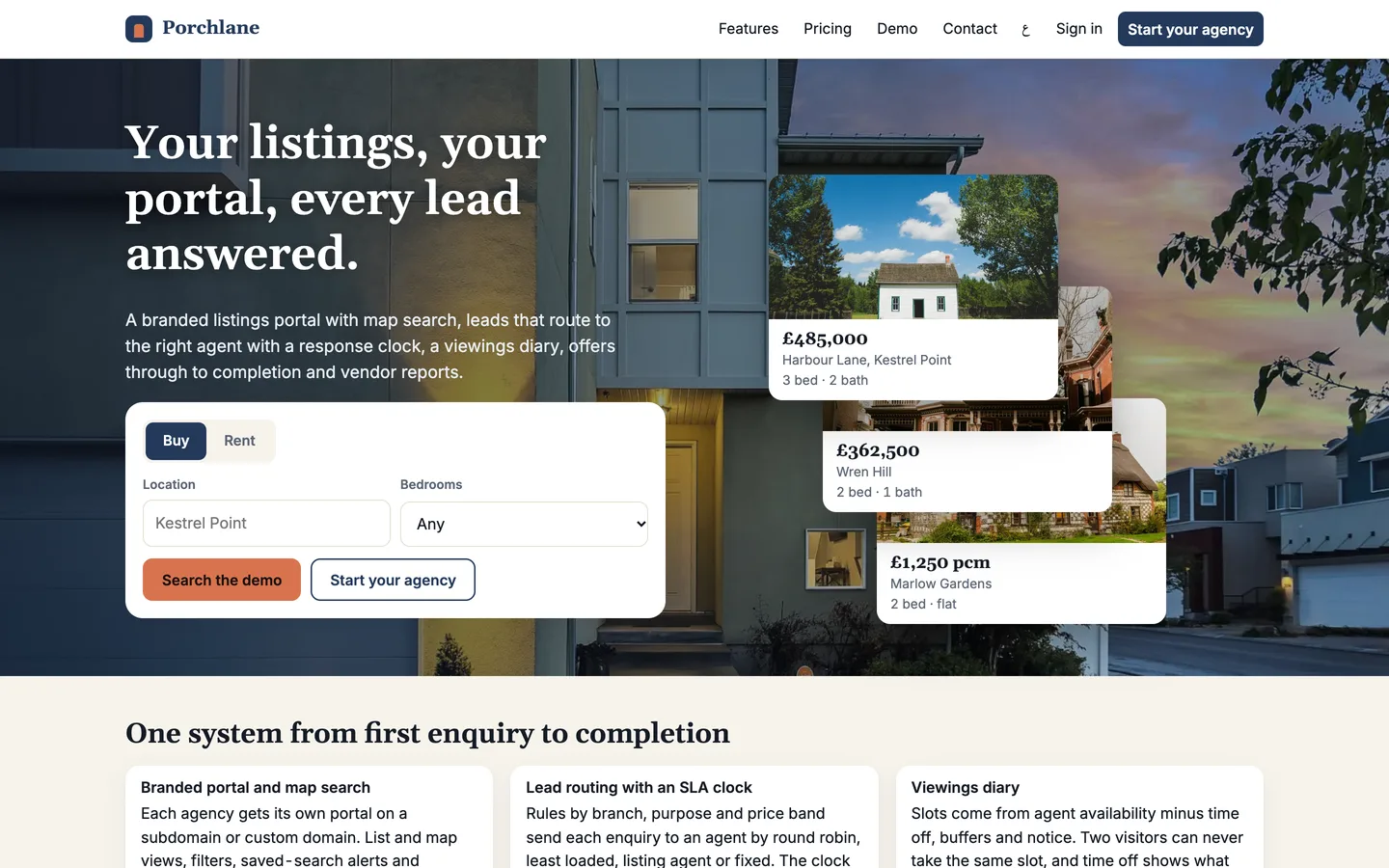
An agency does not lose a buyer to a missing feature, it loses them to a slow answer, a double-booked viewing or a listing page that gave away too much. Here are six things to check before you pick software that runs a listings portal and the office behind it, with DEV3 Porchlane as the worked example.
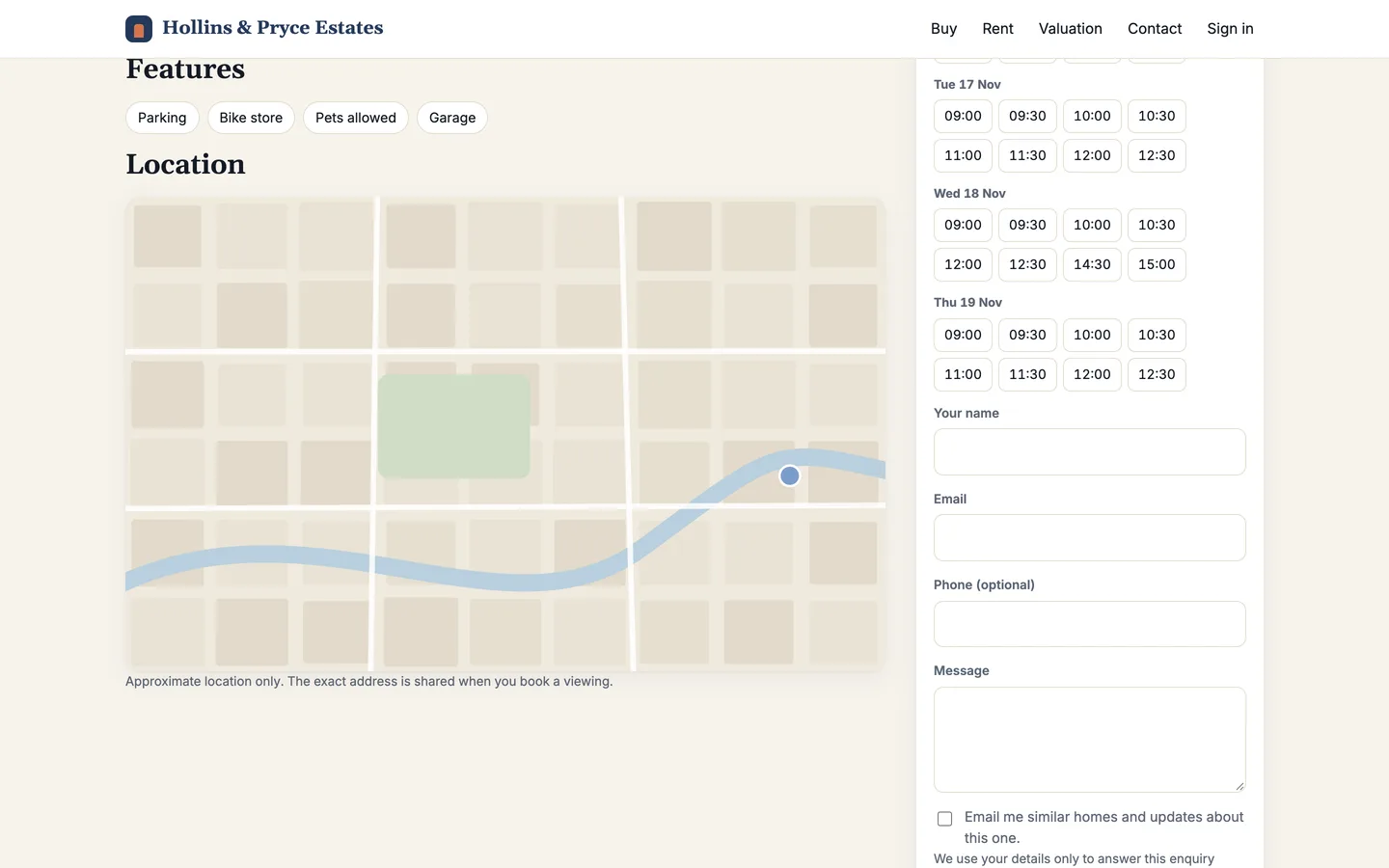
1. Who can see the exact address?
A portal shows pins and street names, and every one of them is a chance to leak the exact home of a vendor who asked for privacy. Ask whether the precision is set per listing and whether it holds in the JSON, the feed, the page title and the sitemap, not only on the map. Porchlane snaps pins to a grid cell below exact precision and builds every public shape of a listing from the same masked data.
2. What happens in the first thirty minutes?
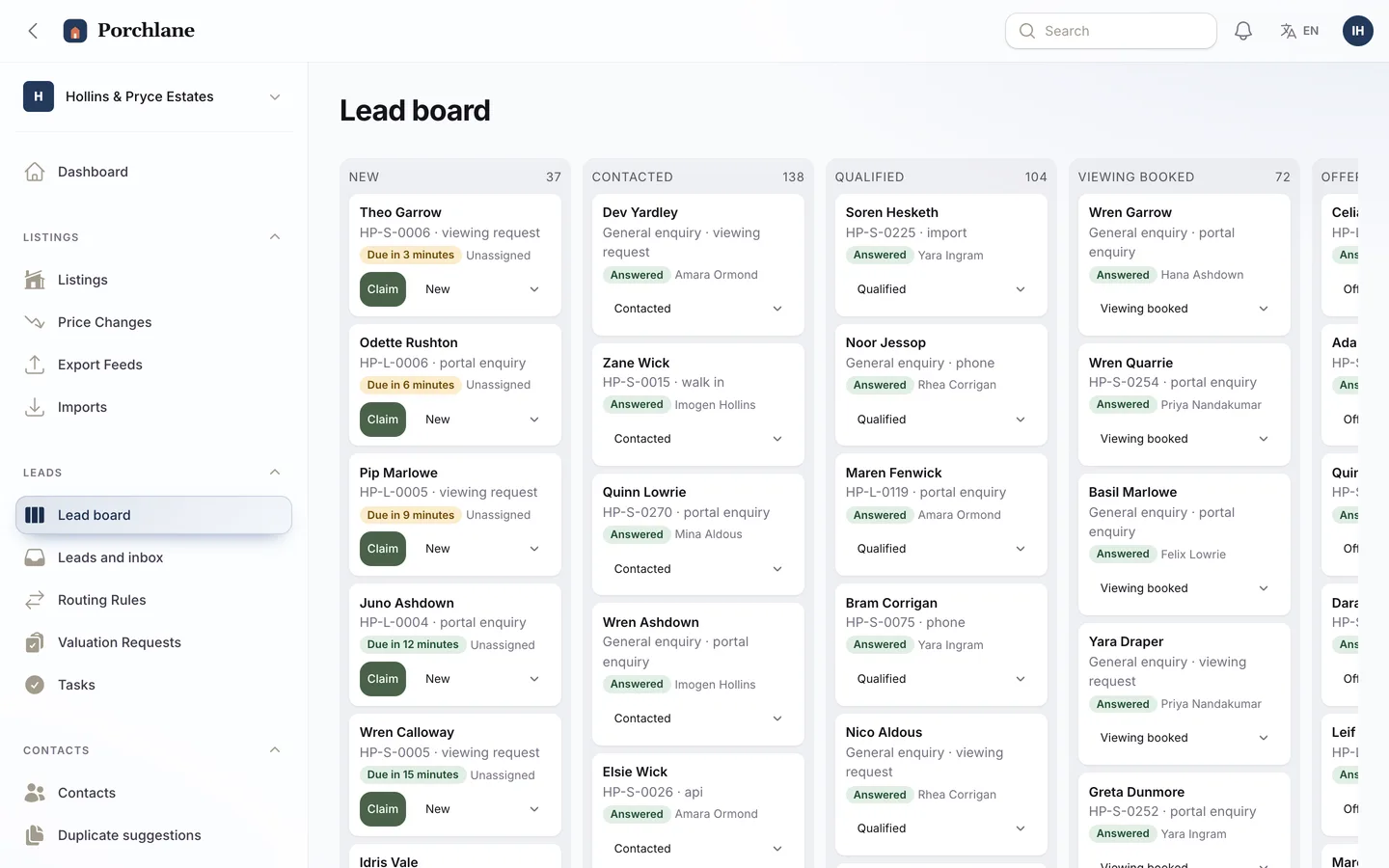
Speed to first reply decides who wins the enquiry. Look for routing by branch and price band, a clock that counts only business hours and a clear place for leads nobody has claimed. Porchlane routes by round robin, least loaded, the listing's agent or a fixed agent, skips anyone on time off, flags a breach once and gives every lead a single winner when two agents claim it.
3. Can two people book the same slot?
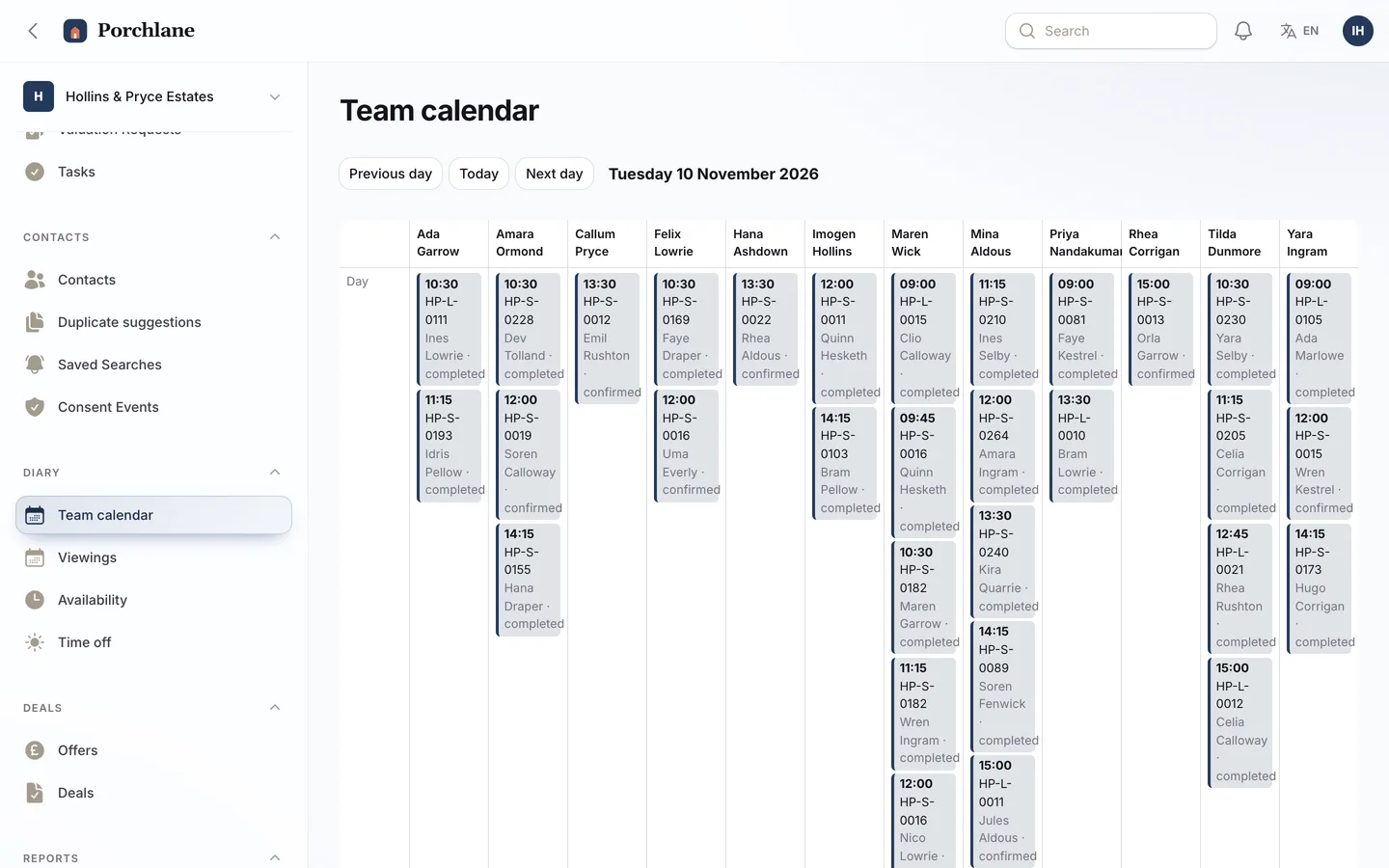
Slots should come from the agent's real availability minus time off, buffers and notice, and booking should re-check the diary at the moment it commits. Porchlane lists the viewings that clash with new time off for hand-over instead of cancelling them silently.
4. How are offers tracked?
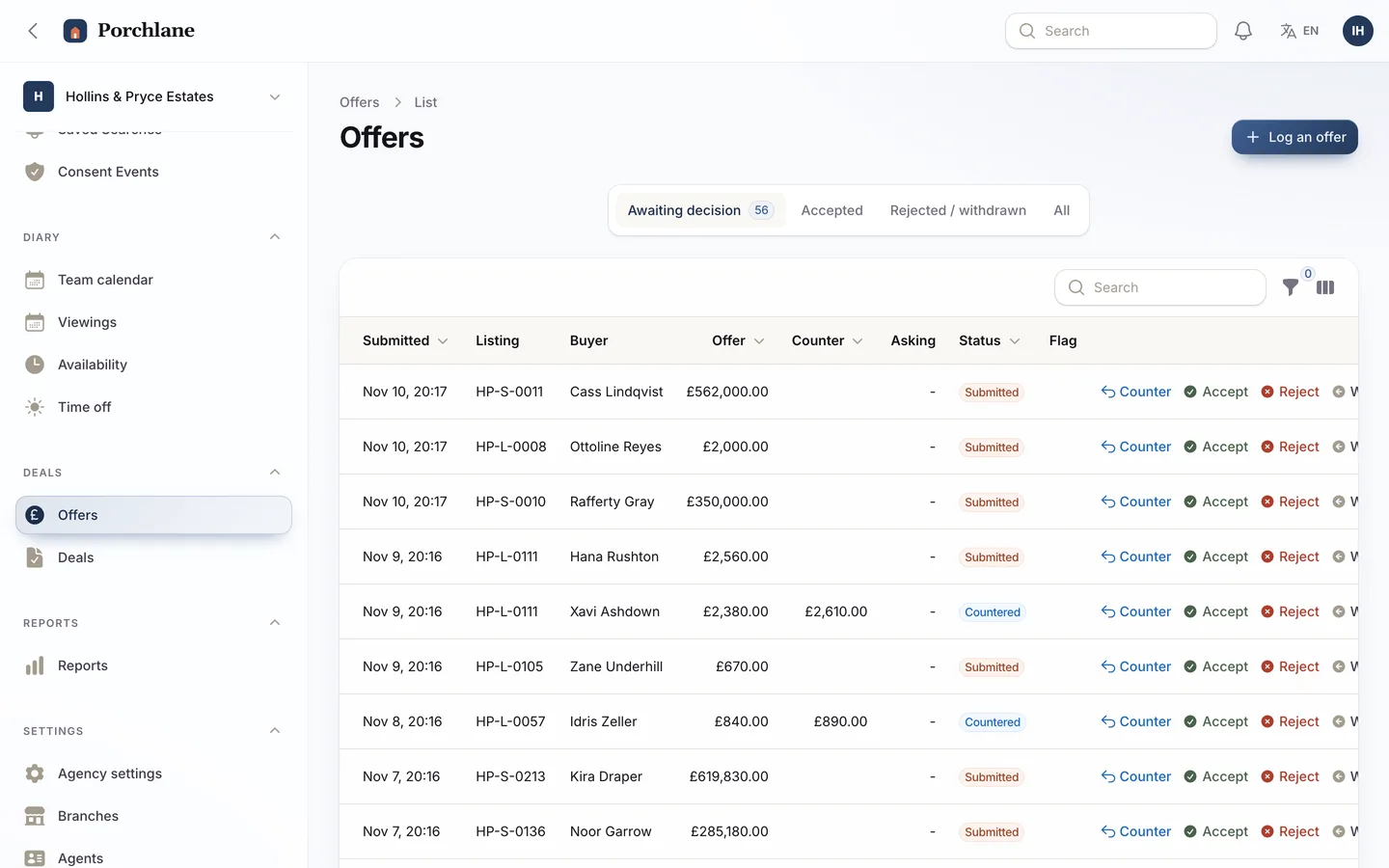
An offer is only useful if the listing's status follows it. Porchlane allows exactly one accepted offer per listing, opens a deal with milestones and a fee, and puts the listing back on the market if the deal falls through. Vendors see offer ranges unless the agency chooses to show exact amounts.
5. Does the vendor get a report without a login?
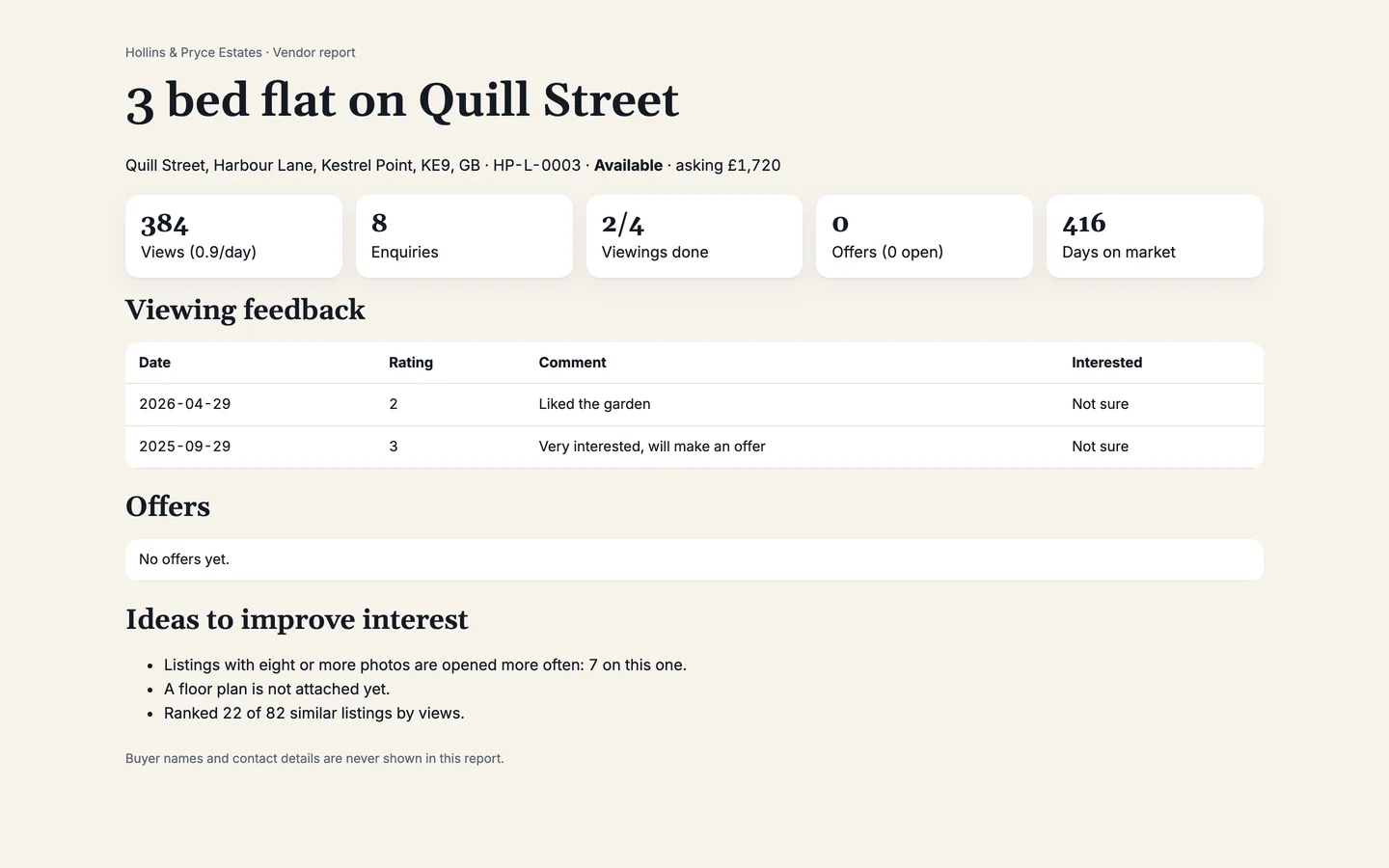
A private link per listing is enough for most vendors: views, enquiries, anonymised viewing feedback, offers as ranges and the price history. Check that it never shows a buyer's name or contact details.
6. What are the limits?
Ask every vendor the honest questions. Porchlane draws a schematic map by default and shows real tiles only from a provider you configure, has no MLS or portal syndication in this version (XML and JSON export only), writes messages to the log until you set up mail and SMS, leaves payments between agencies and the operator, and has no mobile apps.