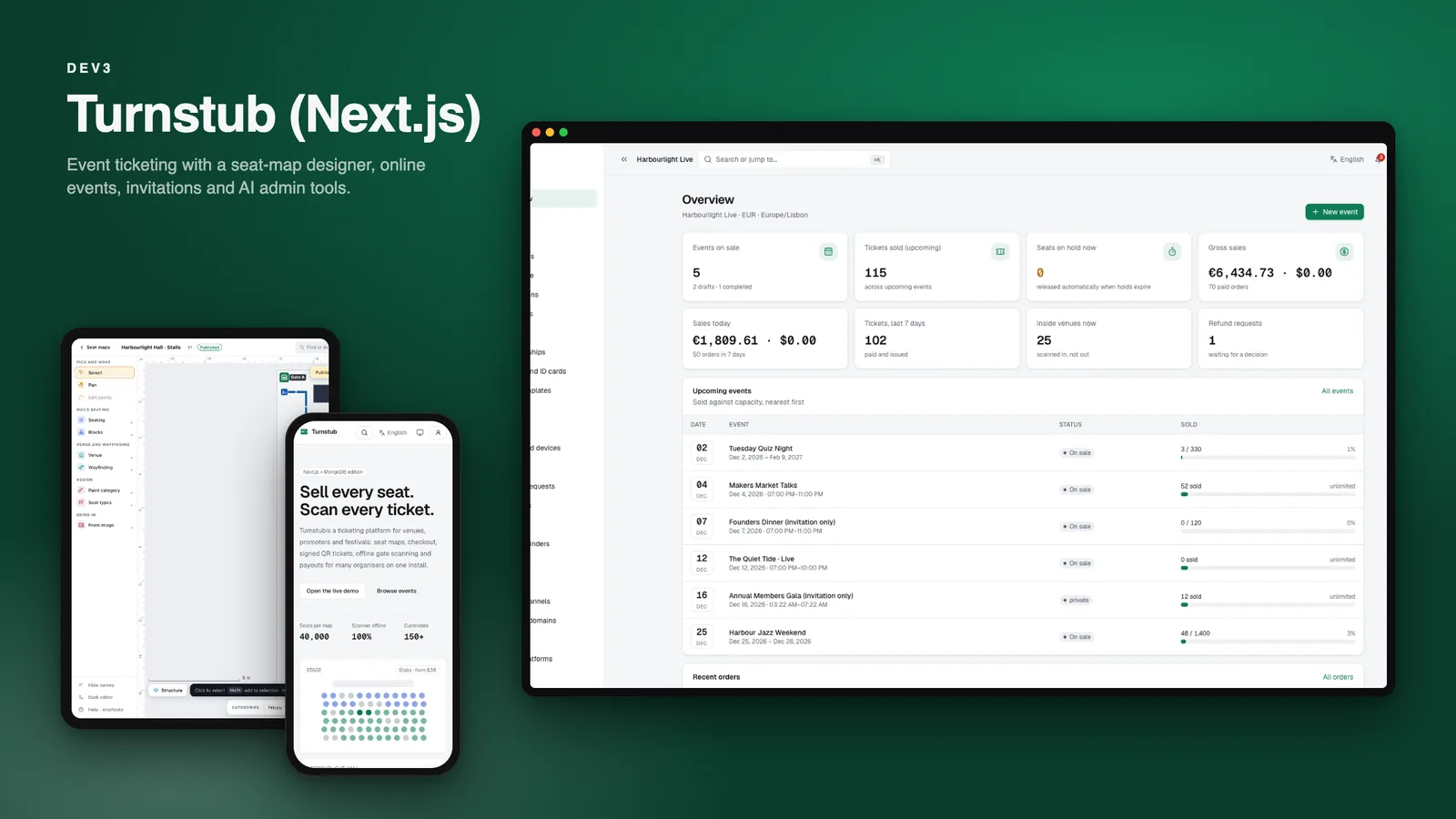
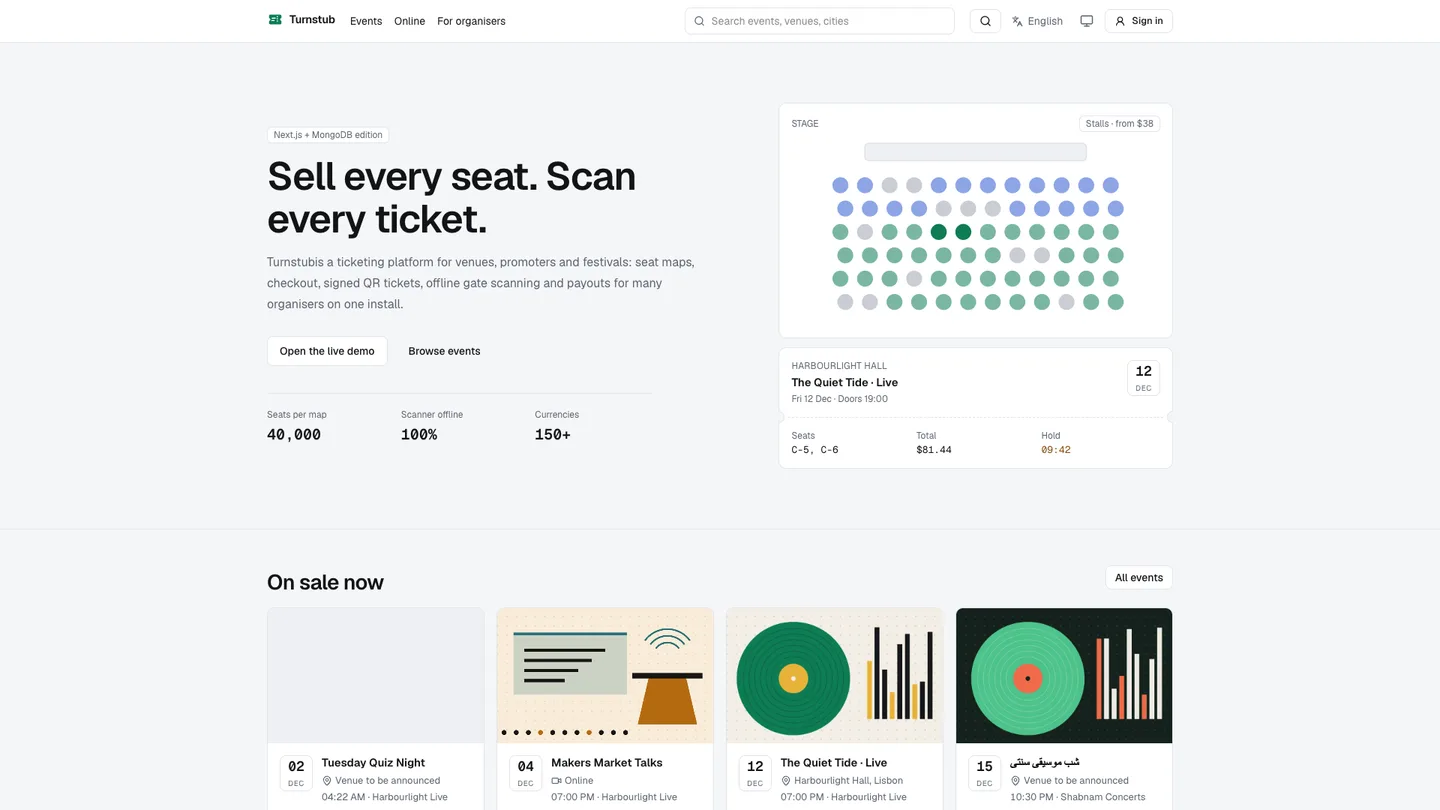
Turnstub is an event ticketing platform you run as the operator, built by DEV3 Technologies on Next.js 16, React 19, TypeScript, Tailwind 4 and MongoDB. Promoters, venues, festivals, clubs and stadiums sign up as organisers (or you create them), sell tickets to in-person and online events in 17 languages, run invitation-only events with guest ID cards, and scan people in at the door, while you take your platform fee. Each organiser has its own events, venues, seat maps, look and money. The demo data is fictional: a harbour concert hall and festival, a stadium organiser and a Persian concert promoter, with real free-licence event photos (credited in the documentation).
This is the Next.js edition. It is a separate product from Turnstub for Laravel (listed separately in the DEV3 store) (Laravel 12, Filament 4 and its own Flutter apps). The two share the seat-map engine, so seat maps are interchangeable, but the application code, the database and the design are different. Pick the one that matches your stack.
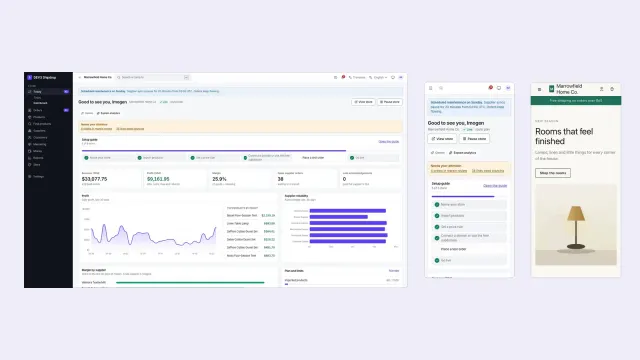
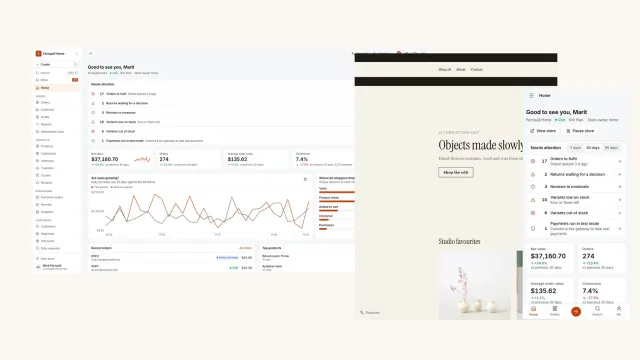
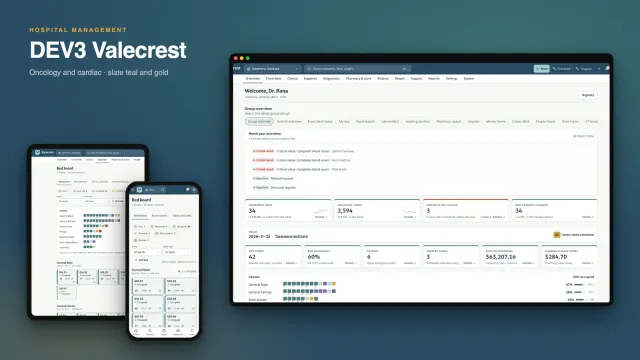
Live demo with demo accounts: open the hosted demo and sign in with one click as the buyer, platform operator, organiser manager, box office, gate staff, finance or platform support (the accounts are listed on the sign-in pages, in the header Sign in menu and on /demo). About 60 grouped screenshots (web and phone) and two video tours show the buyer site, the organiser console, the seat-map designer, the operator console and both mobile apps.
Selling tickets
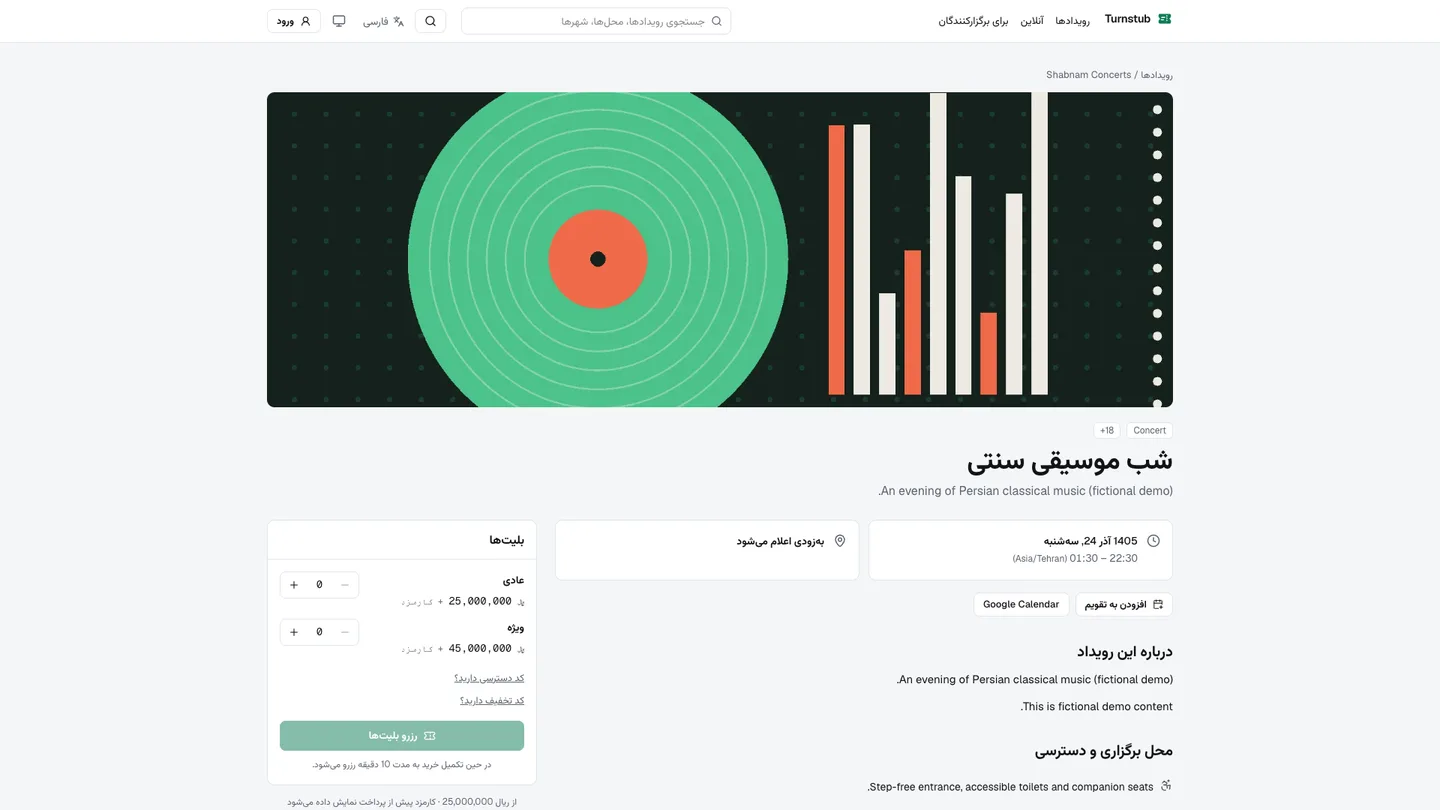
- Event pages and checkout: search and filters, ticket types with prices and sale windows, promo codes, add-ons and merchandise, a hold countdown while buyers pay, and signed order links. Per-event currency (yen, won and rial show no decimals), fees passed on or absorbed per ticket type.
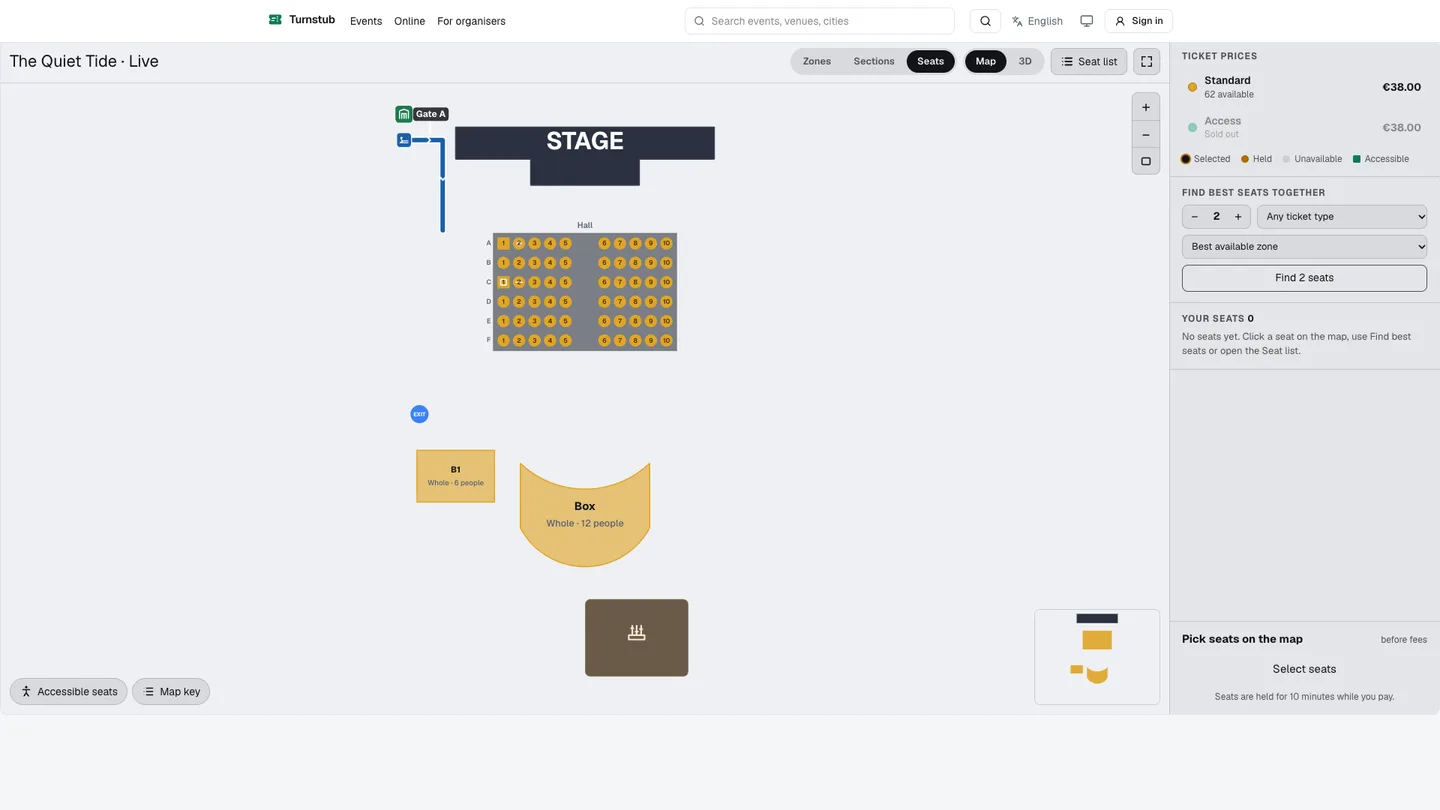
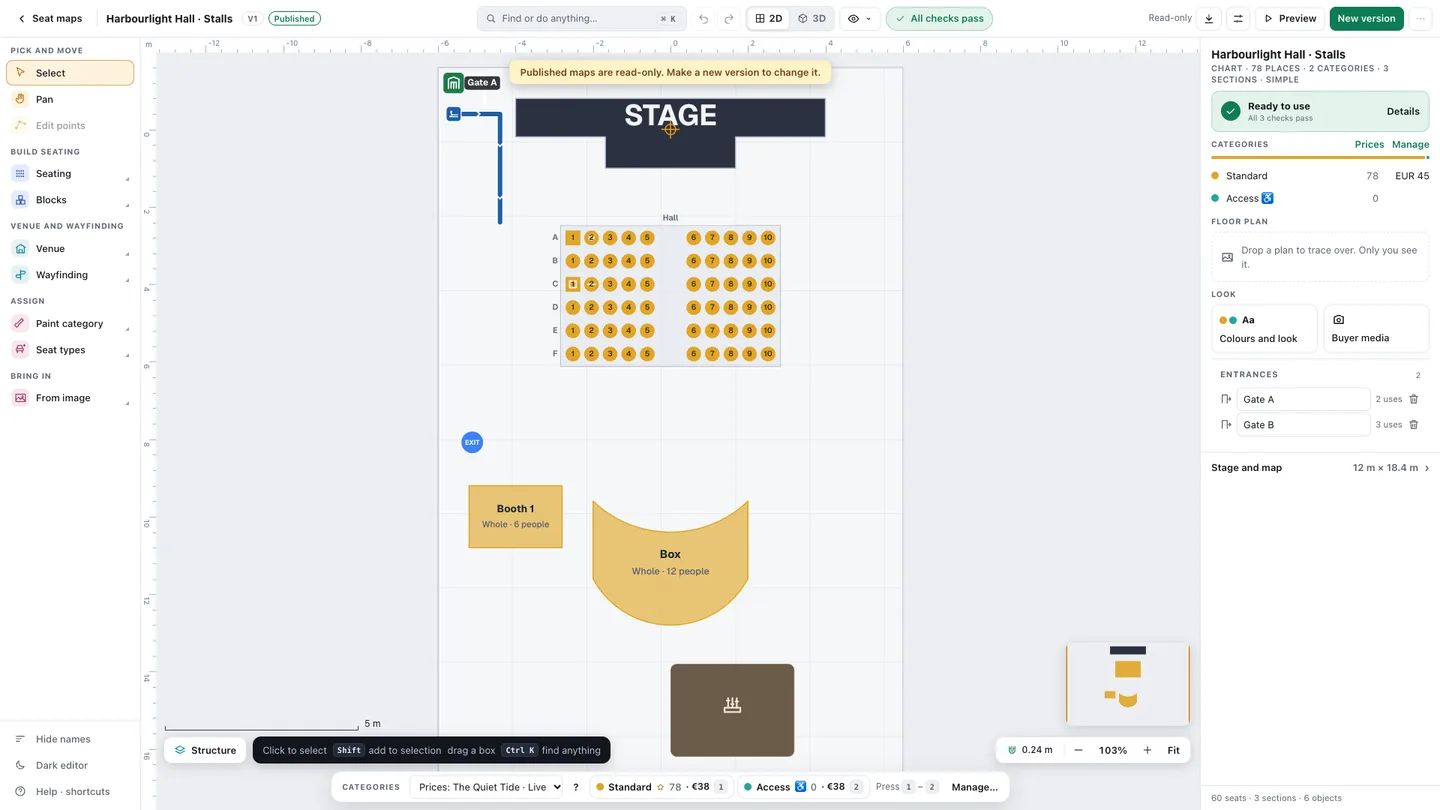
- Seat maps to 40,000 seats: a full designer (sections, rows, tables, standing areas, labels, zone prices, accessible seats), a buyer seat picker with "find best seats together", and an optional 3D view of the hall. The free public designer at
/designer needs no account.
- Online events: every event is in person or online. Ticket holders get a personal join button that checks the ticket on each click and records attendance; the meeting link is never public.
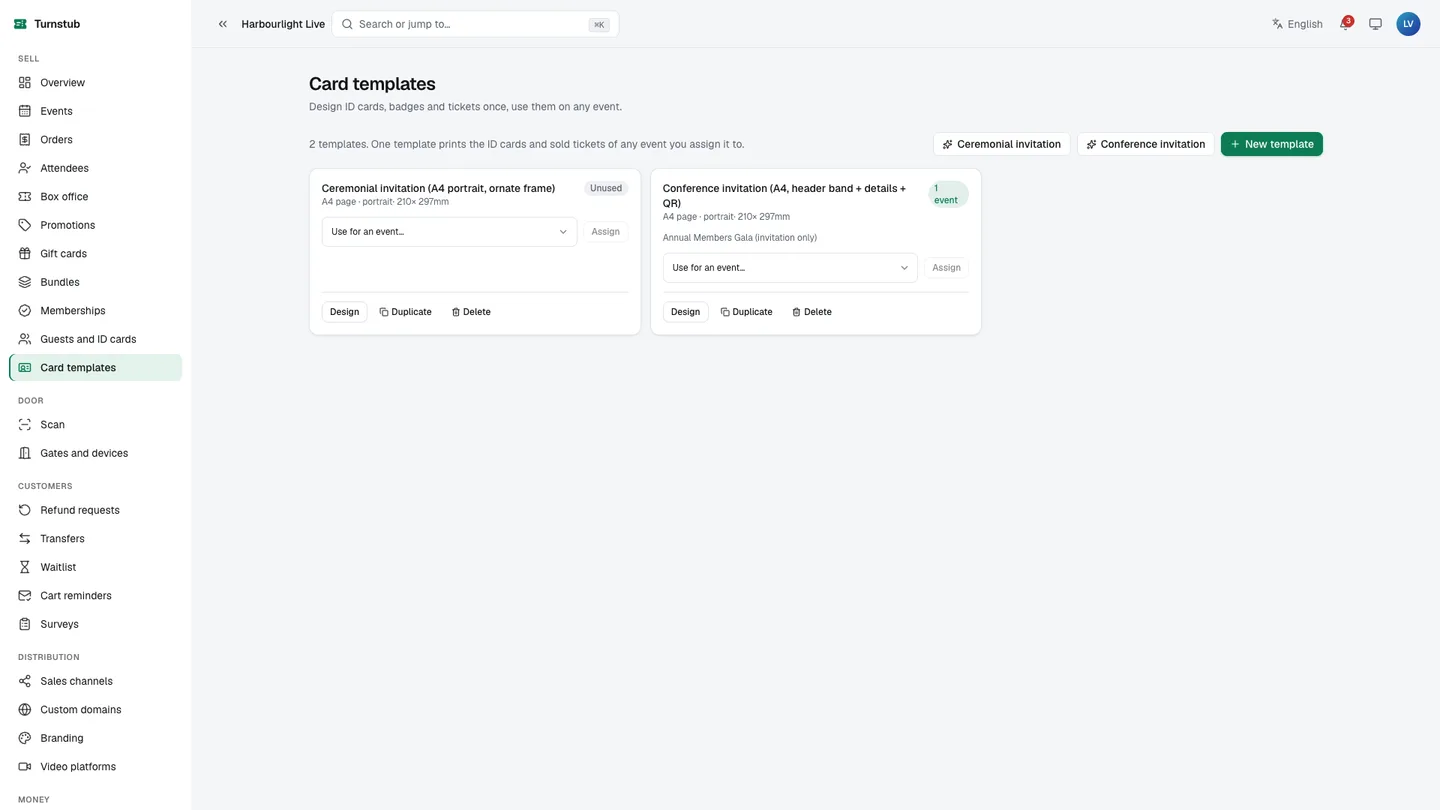
- Invitation-only events: never listed or searchable. Import a guest list from CSV or Excel, issue ID cards with a signed QR code, design cards in a template designer, print a ZIP of single PDFs or one print-ready PDF, and scan entry and exit.
- Gift cards, bundles and memberships: vouchers sold online or at the box office, bundles over several events, and membership plans with members-only promo codes.
- Box office, waitlist, transfers and refunds: sell at the door and issue comps, hold a waitlist for sold-out events, let buyers transfer tickets, and refund with the fee rules you set.
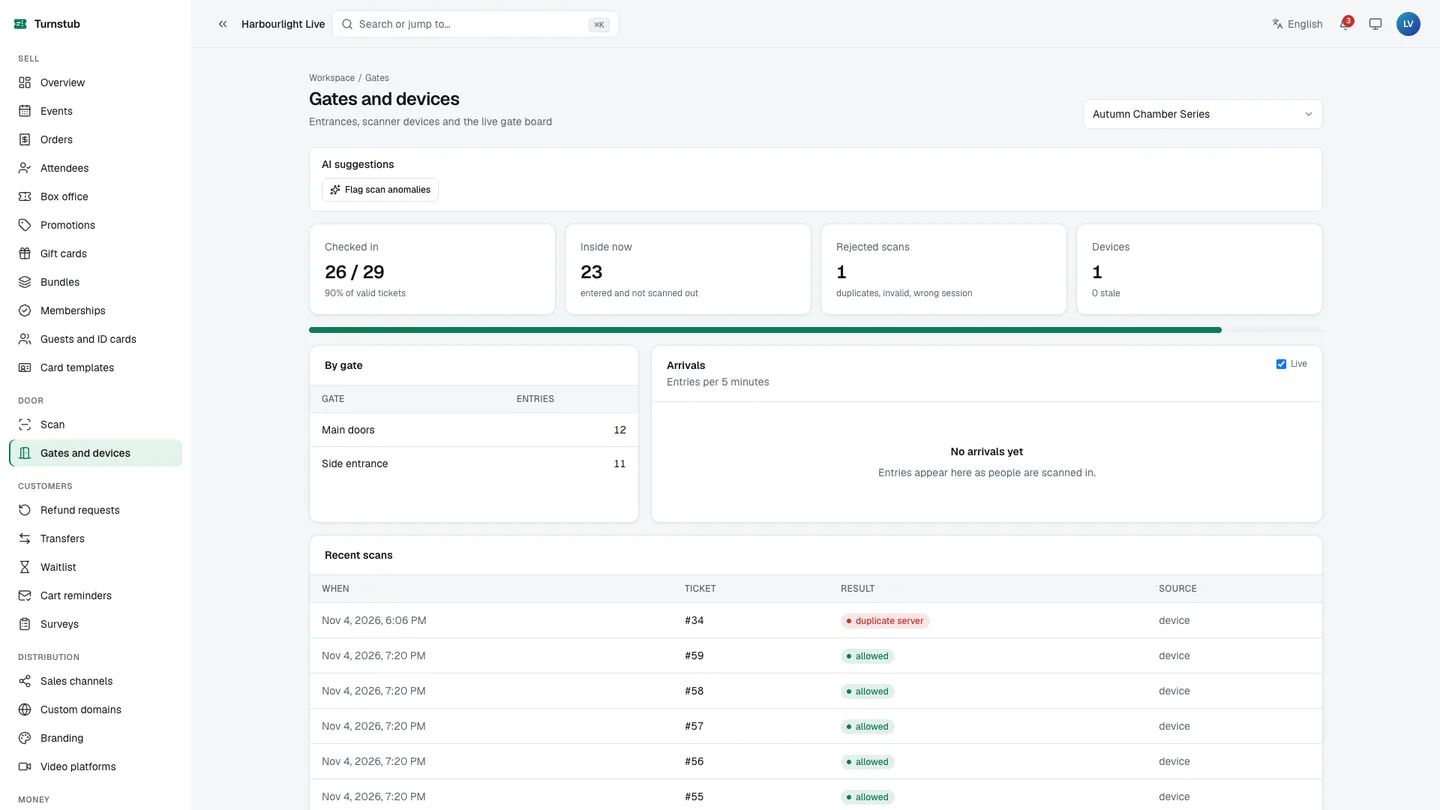
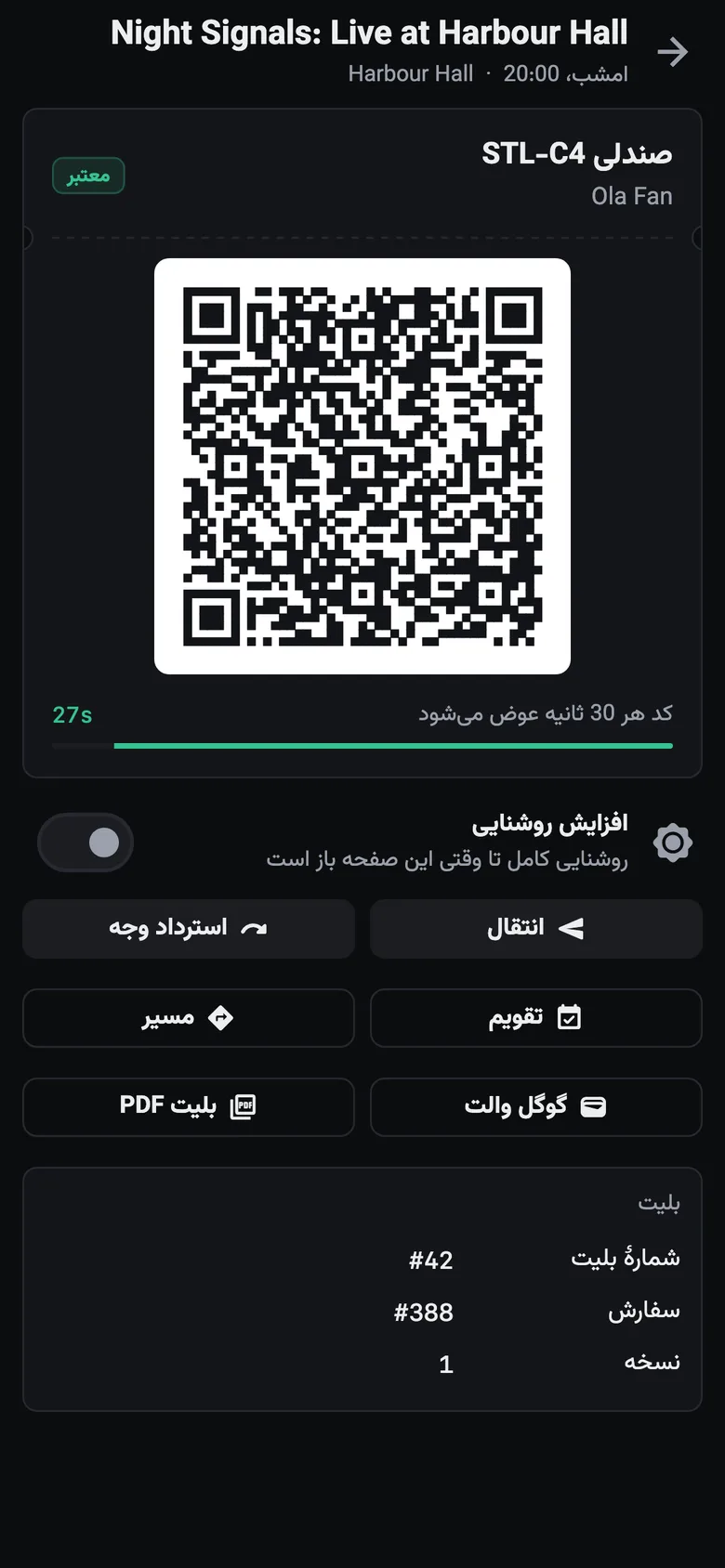
- Signed QR tickets: Ed25519-signed codes with a rotating overlay, a gate board, gates and scan devices, and a scanner page that keeps working without a connection.
Two Flutter apps (Android and iOS source)
- Turnstub Ledger (attendee app): discover events, pick seats on a pinch-zoom map, hold and pay, a wallet with the rotating signed QR that still opens offline, transfers, refund requests, orders, online-event join and wallet-pass links, and email-code sign-in.
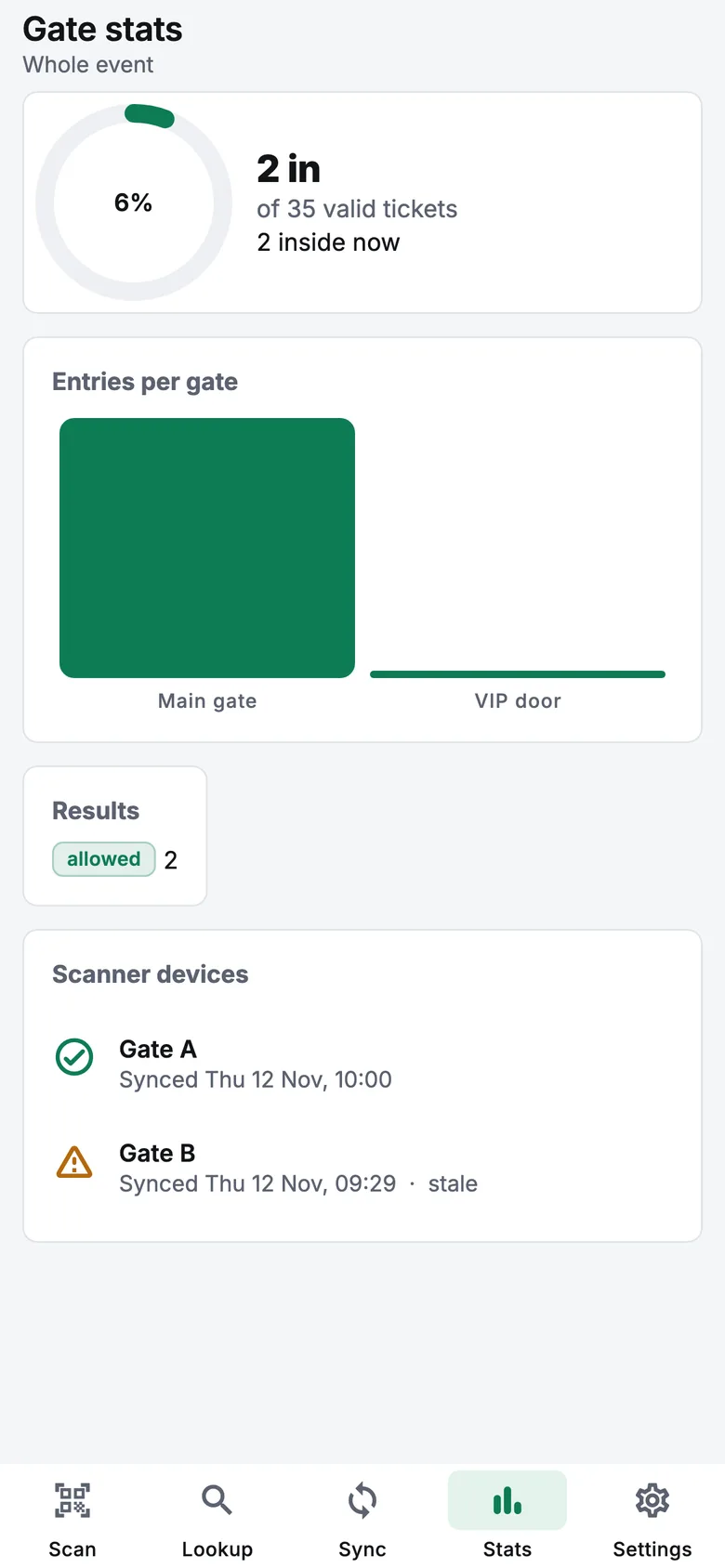
- Turnstub Ledger Scanner (gate app): event code and PIN sign-in, camera scanning, offline Ed25519 verdicts, duplicate detection, batch sync with a conflict report, guest lookup, gate stats and an Entry / Exit mode for invitation-only events.
- Both use the same REST API as the web, carry the Ledger design in light and dark, and speak the same 17 languages with right-to-left layouts. Without build settings they run on built-in demo data; point them at your install with
--dart-define=TURNSTUB_API=https://your-host/api/v1. The shared dev3_flutter_core package is vendored in the download. You build and publish the apps to the stores yourself; no store builds are included.
Organiser console and operator console
- Organisers: events, sessions, venues, seat maps, orders, attendees, promotions, channels with tracking links, reports and exports, money (wallet, fees, settlements, payouts per currency), branding, custom domains, team roles (owner, manager, box office, gate staff, finance), API keys and signed webhooks.
- Operator: organisers and plans, fee rules, appearance, domains, outbox, integrity checks, search and platform overview. Billing for organisers with plans Starter, Pro and Business.
- REST API with an OpenAPI 3.1 document and documentation pages at
/docs.
17 languages, right to left and Jalali dates
English, Persian, Arabic, Turkish, French, German, Spanish, Portuguese (Brazil), Russian, Chinese (Simplified), Hindi, Urdu, Italian, Japanese, Korean, Indonesian and Dutch, with a language switcher on every page, right-to-left layouts (seat maps never mirror), Persian and other calendars, and per-language event texts. Translations are machine-assisted: have a native speaker review the ones you rely on.
AI admin tools
- AI panels in the main admin pages: draft a reply to the buyer, explain a figure, explain fee revenue, flag a sales drop, high refund rates or scan anomalies, suggest ticket types, a campaign or decisions, summarise reviews or an order, improve text and clean up import rows. Answers are previews; nothing is saved until you accept it.
- Bring your own key: the product ships with every key blank and a built-in deterministic driver that answers in the demo, labelled as a sample. Add your own Google Gemini, OpenAI or Anthropic key after purchase and the provider bills it.
- What the AI sees: only the text and aggregate numbers on the page you ask about. Payment details and secrets are never sent.
Safe by design
- Every query is scoped to the organiser by a guard that fails closed; the tests enumerate the models. Seat holds and sales are conditional updates, and refunds and payouts use MongoDB transactions (a replica set is required in production).
- 1,046 app tests and 81 core tests pass, including 52 money vectors, 15 byte-exact ticket-code vectors and the seat-map engine suite. An independent security review found issues that were fixed before release.
- The first-load JavaScript on the login page is about 200 KB gzipped.
Good to know
- Payments are simulated until you configure a gateway. Stripe and Razorpay drivers are included; live calls need your own keys and
DEV3_ALLOW_LIVE=1. Demo drivers refuse to run in production.
- AI needs your own key. Without one the AI buttons use the labelled sample driver in the demo.
- Email is stored in the admin Outbox until you set an SMTP driver. SMS needs your own provider.
- Apple Wallet and Google Wallet passes need your own signing credentials.
- No resale marketplace is included. The Flutter apps are source code (Flutter 3 needed): store accounts, signing keys and push notifications are yours to set up.
- Machine-assisted translations in 16 languages besides English.
- You need Node.js 20.9+, MongoDB 6+ as a (single-node) replica set, HTTPS, and a cron or systemd timer for the scheduled job.
What you get
The application source with the core under packages/next-core and the seat-map engine under packages/seatmap, the two Flutter apps in apps/ with the shared Flutter package in packages/, a setup wizard, demo data, .env.example, scripts (seed, tick, billing renewal), tests, the buyer documentation, START-HERE.txt and the licence. Setup wizard and demo data included.
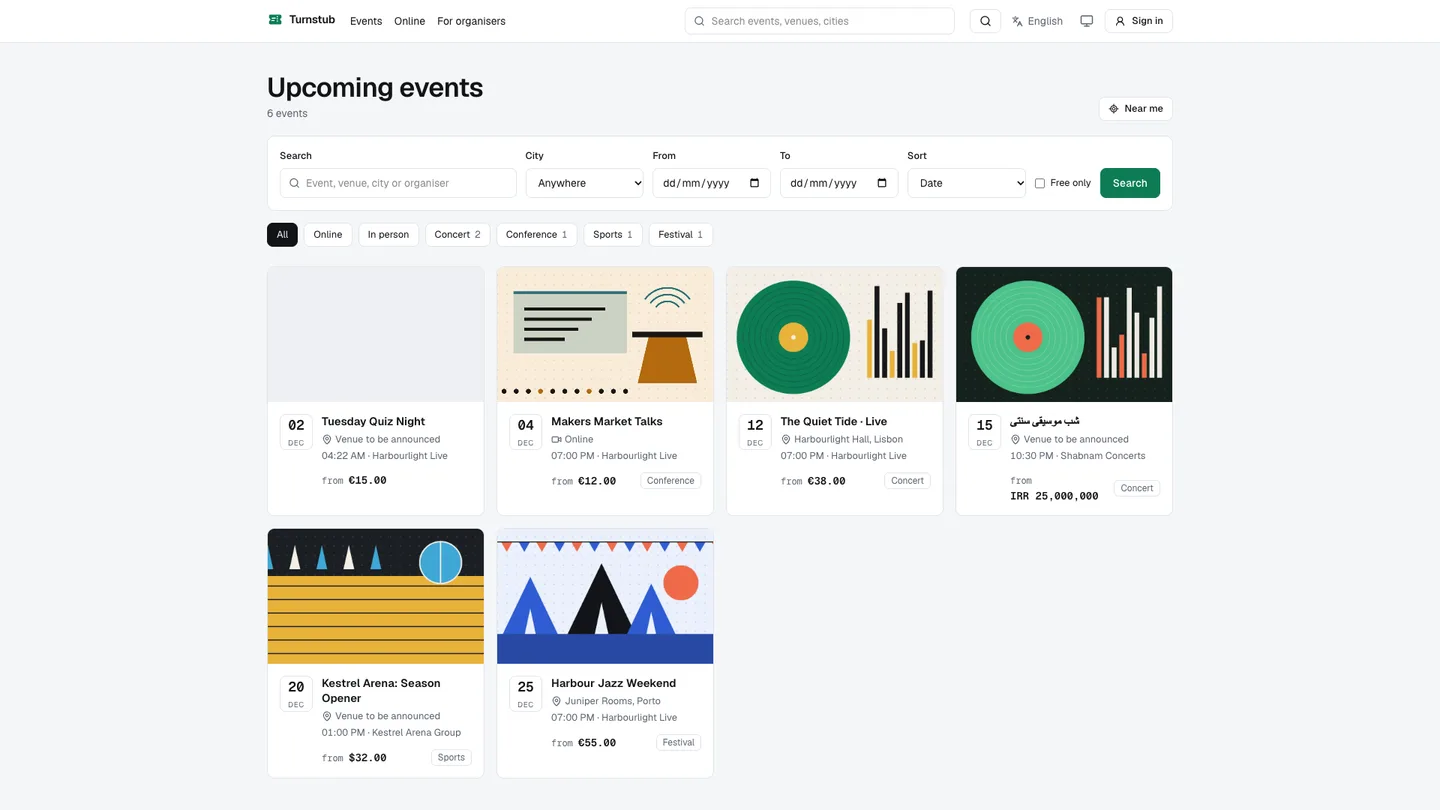 Events — Search and filter by category, city, date and online or in person.