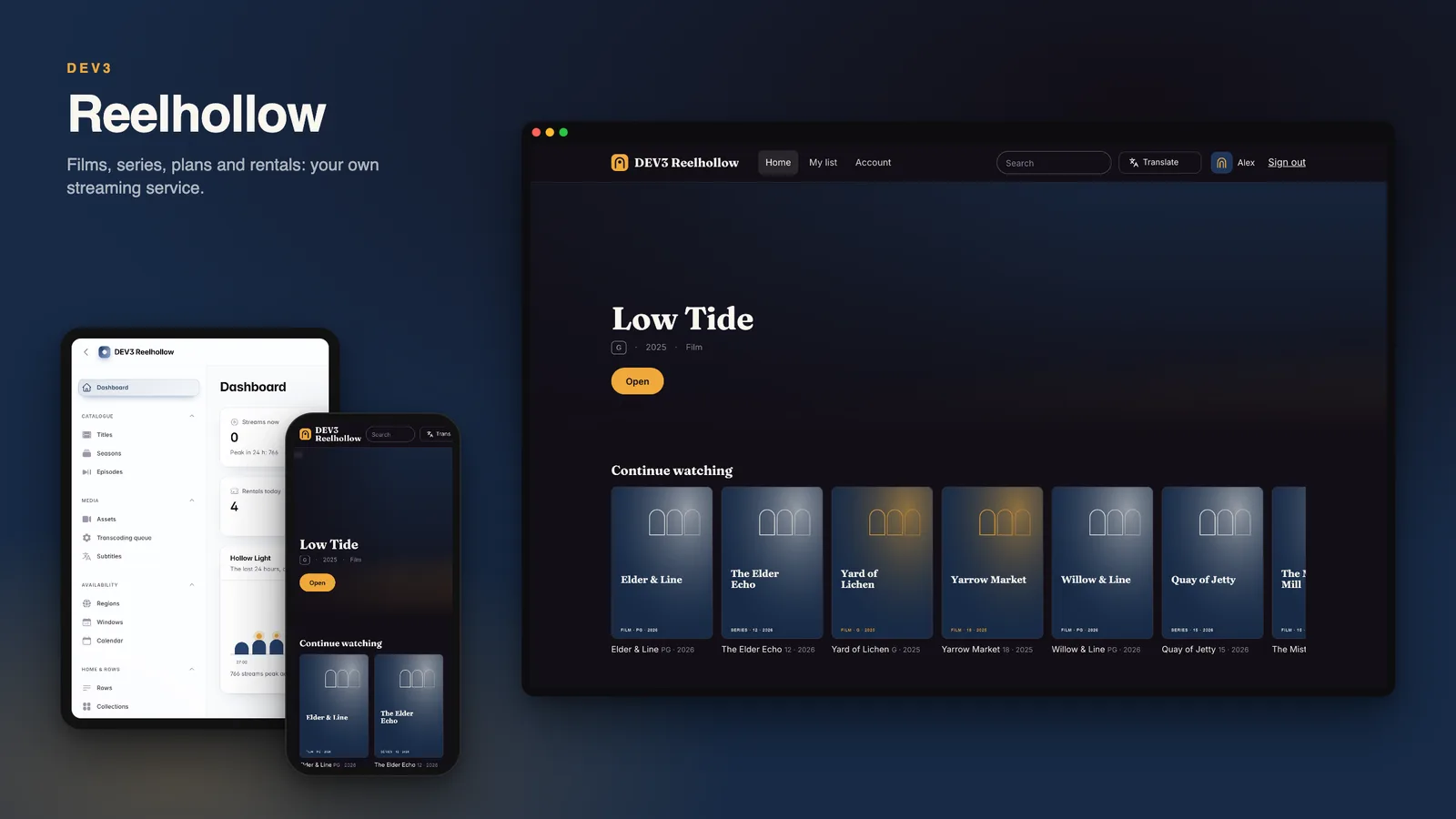
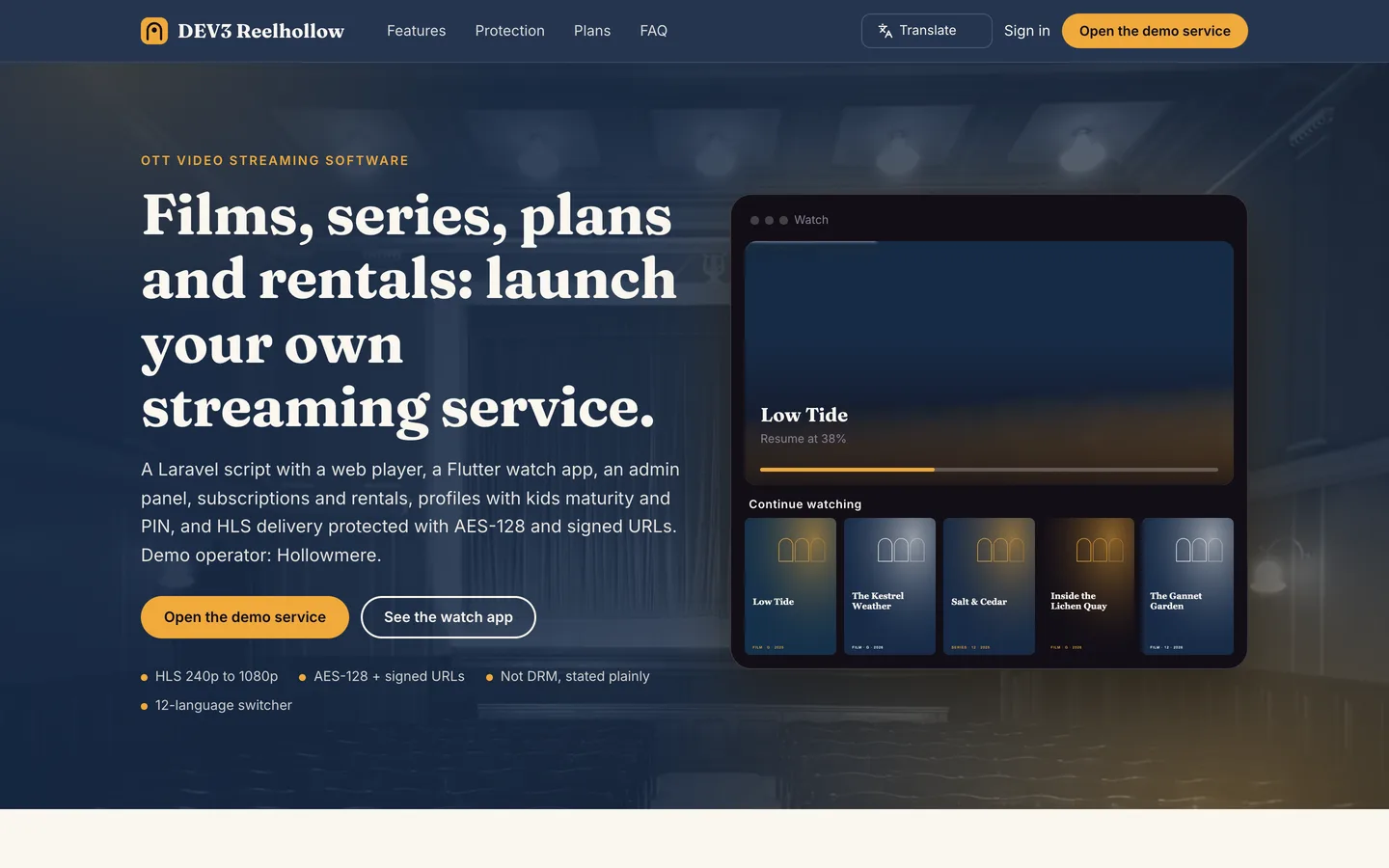
Reelhollow is the software for running your own subscription video service. Editors add films, series with seasons and episodes, trailers and extras; uploads are turned into an HLS ladder; viewers subscribe to a plan, rent single titles or both; each account has up to five profiles, including kids profiles capped by age rating and optional PINs. It is built by DEV3 Technologies on Laravel 12 and Filament 4, with one Flutter watch app (phone and tablet layouts) whose source is included.
What it does
- Catalogue. Films, shorts, documentaries, series, seasons, episodes, trailers and extras with artwork, credits, genres, tags, age ratings, languages and VTT subtitles. Availability windows per region open and close titles on a date, and a calendar shows what is about to change.
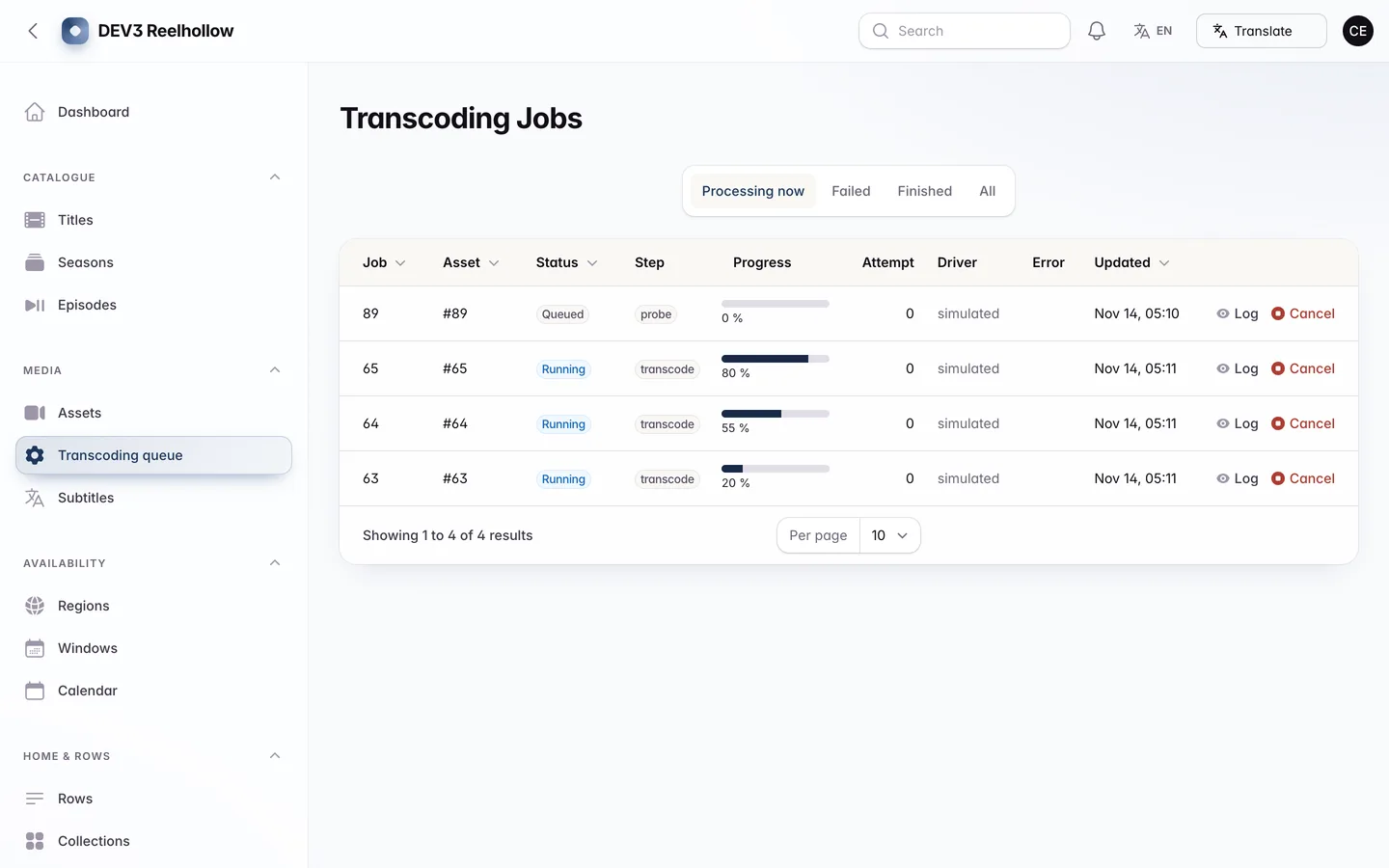
- Upload and transcoding. Uploads go through a media pipeline that uses
ffmpeg on your server to build an HLS ladder (240p up to 1080p, as far as the source allows), thumbnails and a scrub sprite, with a queue, progress and retry for failed jobs.
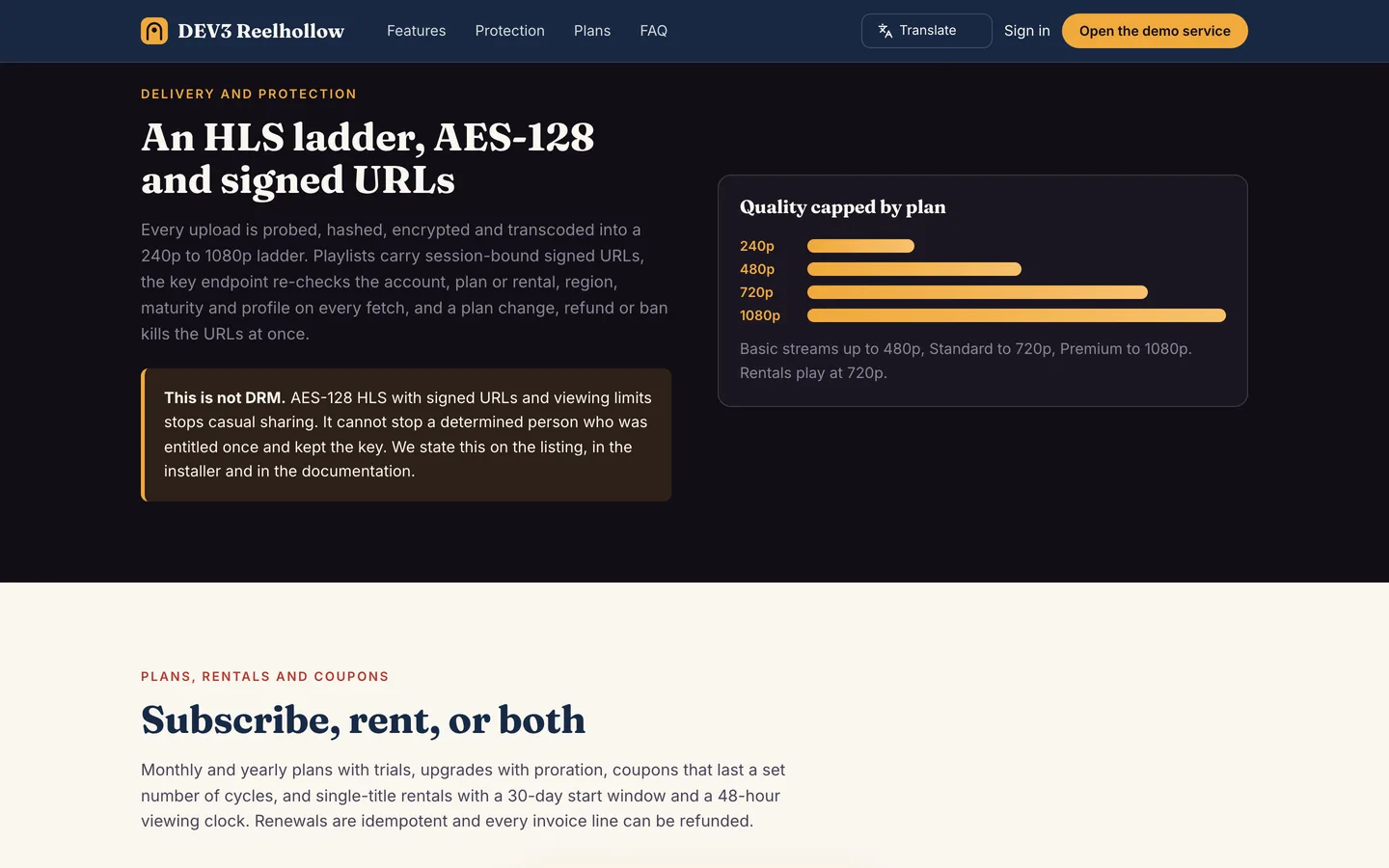
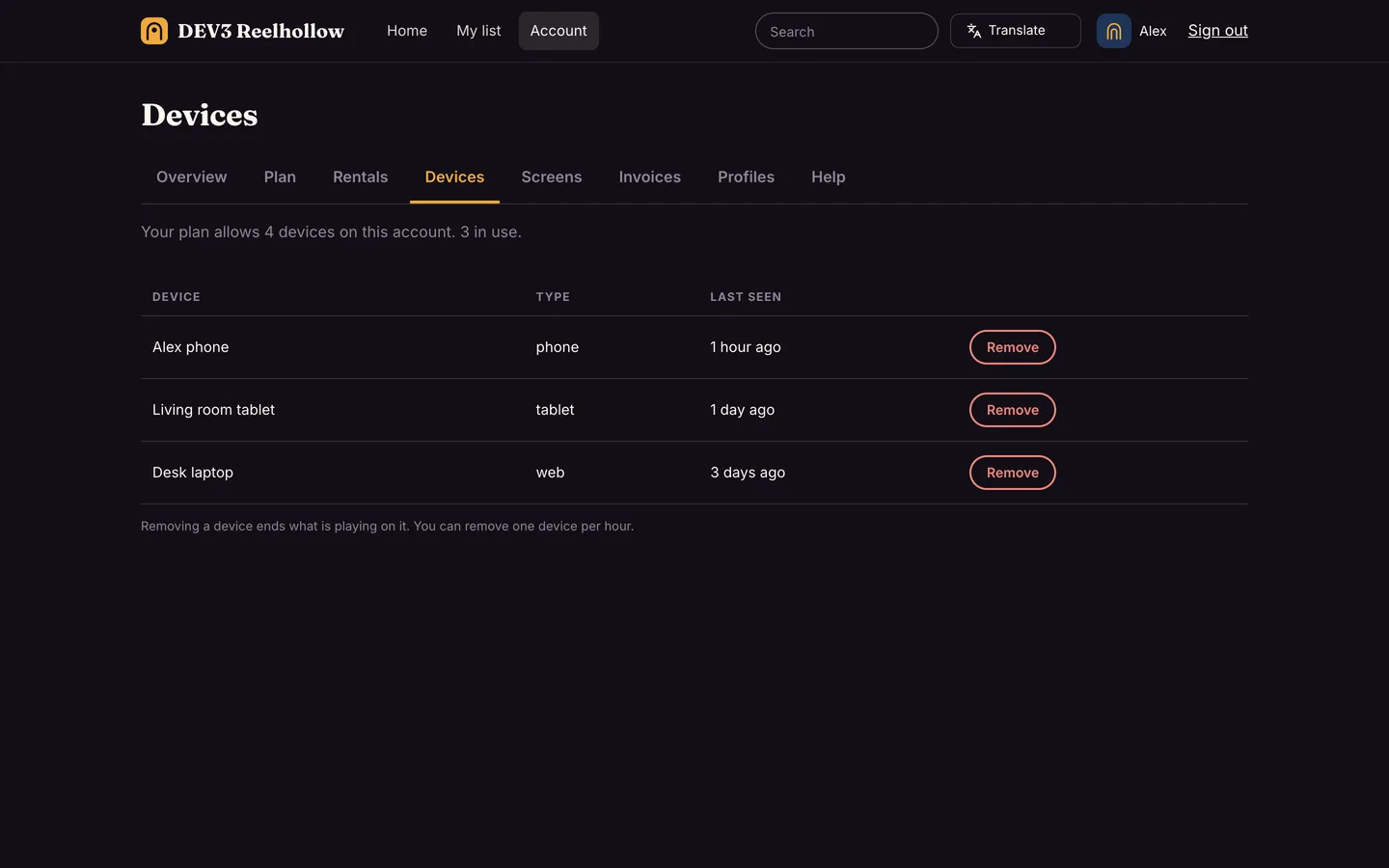
- Protected playback, not DRM. Every asset is encrypted with AES-128 under its own key. Playlists and key URLs are signed, expire, and are bound to the viewing session; the key is only released after the server re-checks plan, rental, region window, age rating and PIN. Device and concurrent-screen limits are enforced with heartbeats.
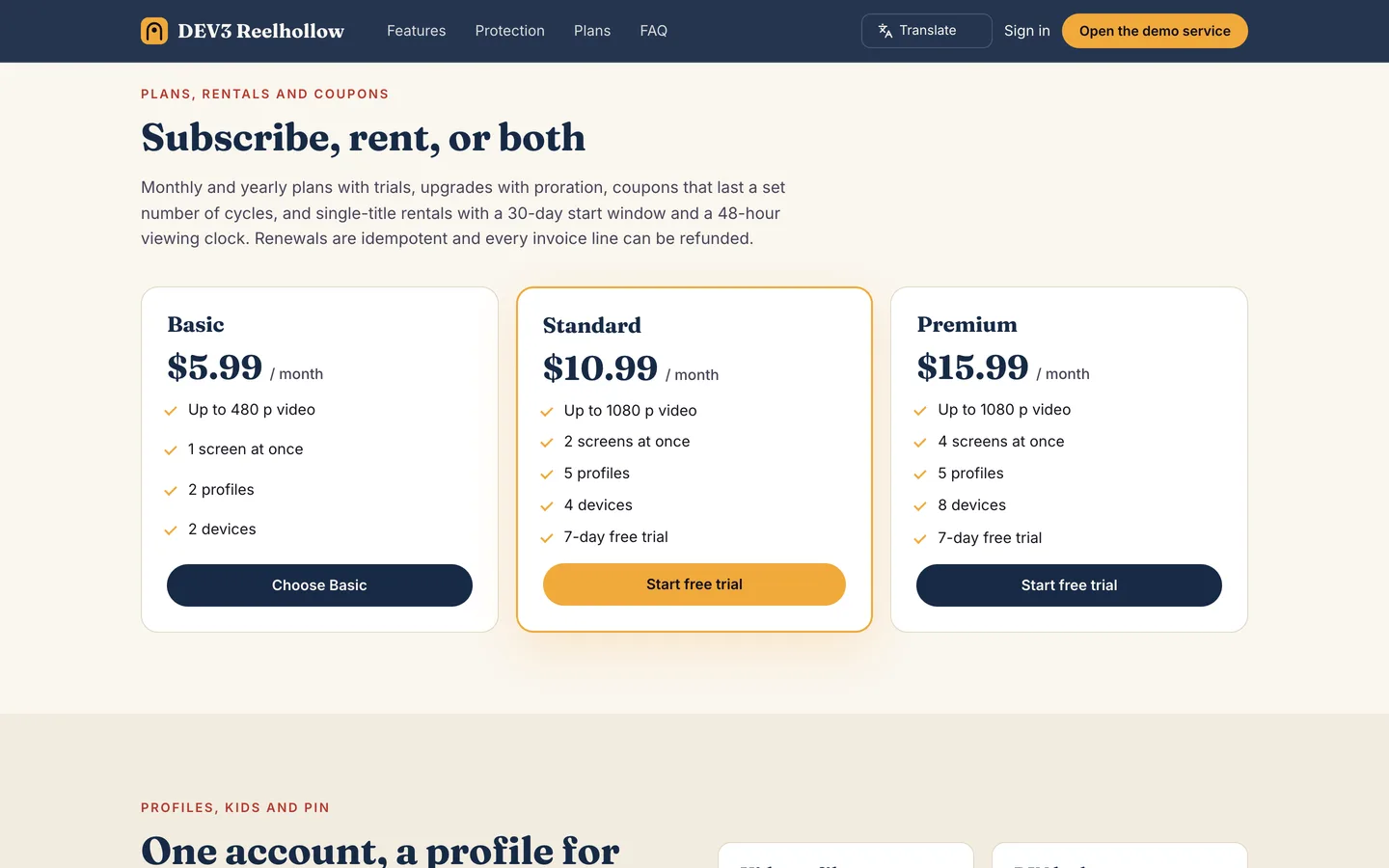
- Plans and rentals. Basic, Standard and Premium plans with a quality cap, screens, devices and profiles per plan; trials, upgrades with proration, downgrades at period end, coupons, tax per region and refunds by line. Rentals start within 30 days and last 48 hours from the first play.
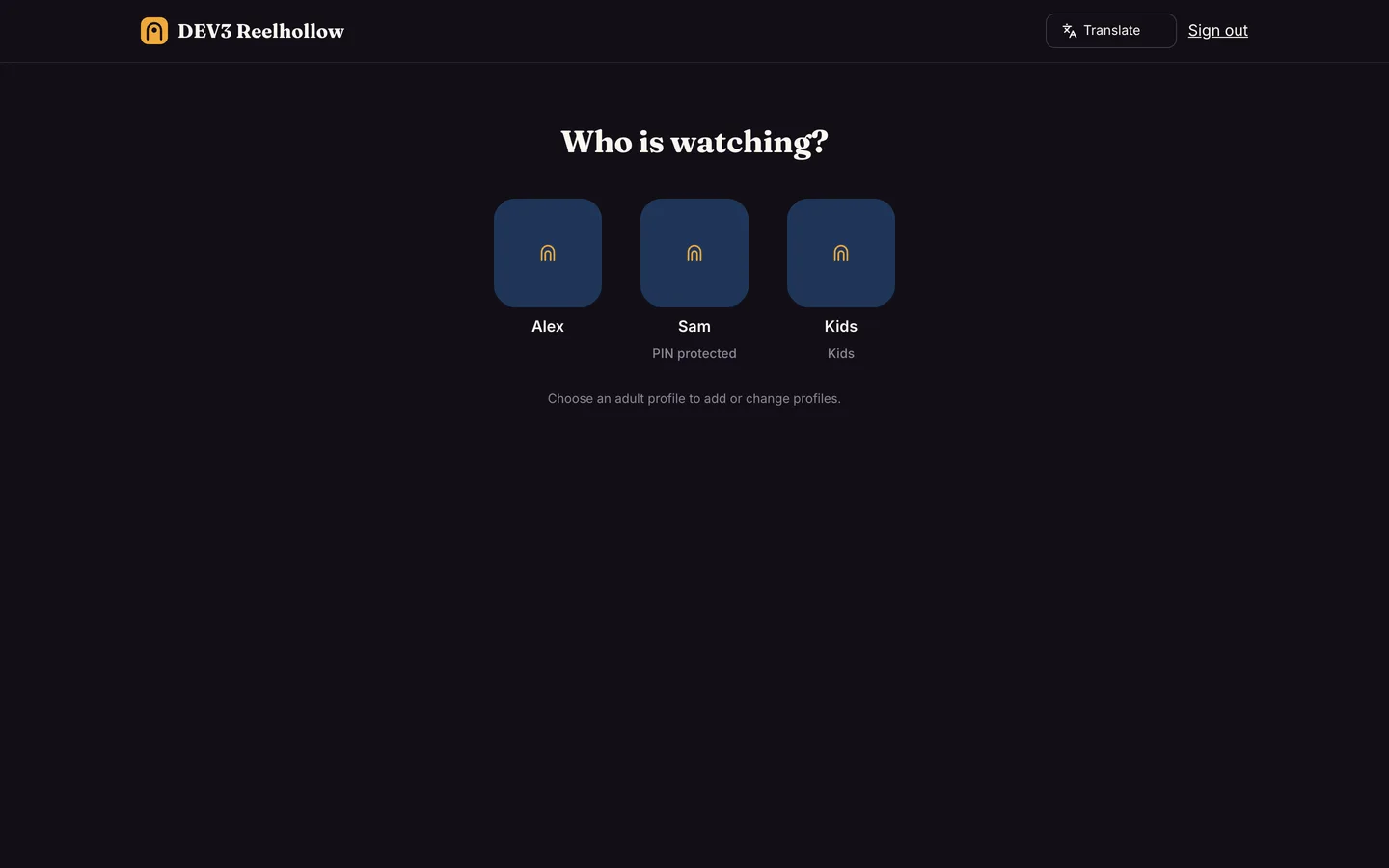
- Profiles, kids and PINs. The account holder must be 18 or older. Kids profiles only see titles up to a rating cap, cannot open account screens, and a PIN locks an adult profile after five wrong tries.
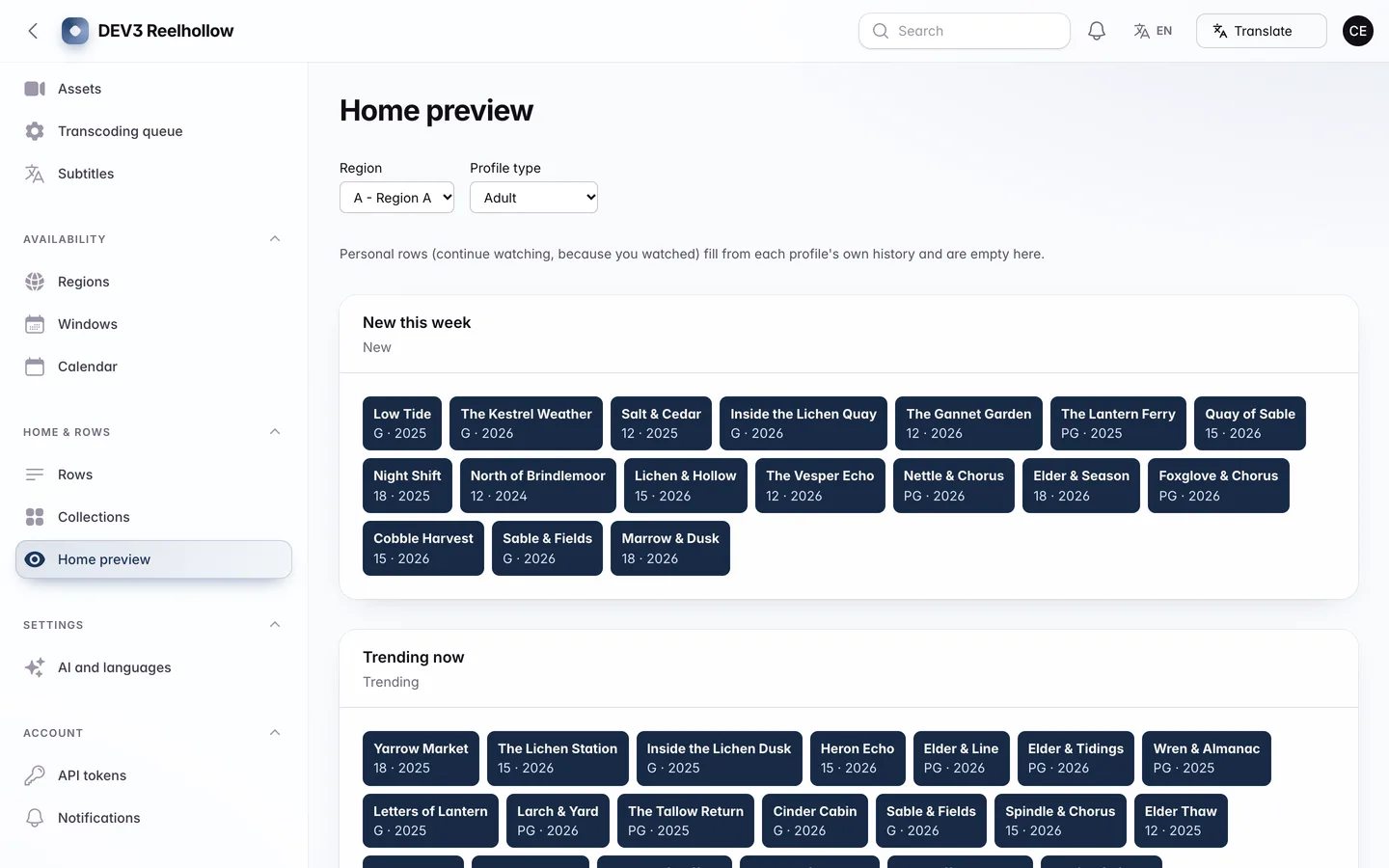
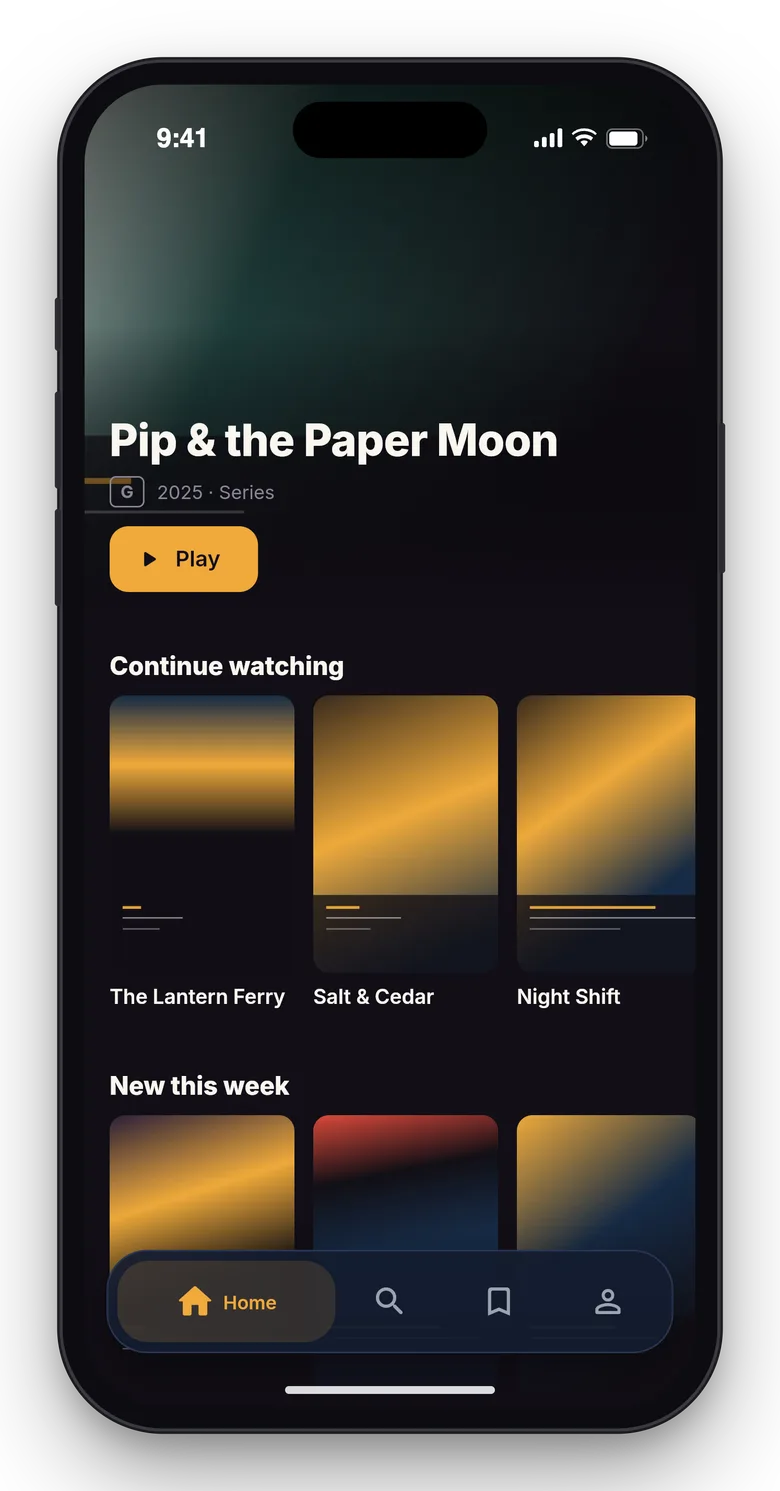
- Rows CMS. Continue watching, watchlist, trending, new, curated collections and genre rows, with scheduled rows and a home preview.
- Admin panel. Dashboard with the Hollow Light watch-hours chart, titles, seasons, episodes, assets, transcoding queue, subtitles, availability, rows, members, subscriptions, rentals with refunds, coupons, plans, support tickets, reports, audit log and settings.
- Web player and public site. A marketing site, public title and plan pages, and a web player with hls.js, subtitles and a quality menu.
- API and app. A key-based REST API with an OpenAPI document, plus the app API used by the Flutter app.
The Flutter app
The watch app (apps/watch) has the profile picker with PIN pad, home rows, title detail, seasons and episodes, a player with resume and subtitles, search, watchlist, plans and rentals, devices and an in-app language picker. It starts in demo mode with bundled demo clips and has a store-publishing guide in docs/STORE-PUBLISHING.md.
Gemini AI admin tools
Optional, bring your own key: add your own Gemini key after purchase (Google bills your account); with no key the AI buttons stay disabled and say "Add your Gemini key in Settings". Every result is a draft you preview and edit; nothing is published, rated or sent automatically.
- Catalogue: write a synopsis, improve a tagline, suggest genres and tags, suggest an age rating with content advisories (a suggestion only), and write episode synopses without spoilers.
- Subtitles and media: translate a subtitle draft (a person must review it before it is published) and explain a failed transcode from the log.
- Rows and availability: suggest row names and order, and summarise window conflicts per region.
- Members, money and support: plain-words filters on accounts, flag anomalies such as refund spikes and coupon abuse, suggest plan changes with reasoning, and summarise a ticket with a draft reply.
- Dashboard and reports: explain the dashboard and any report.
- A Google Translate language switcher (12 languages) in the public header and the admin bar.
No viewer names, emails, payment data, IP addresses or device ids are sent, viewing data goes only as aggregates, ticket text is redacted, and video and audio files never leave your server.
Quality checks
The release passed seven gates on the final code: Larastan level 6 with 0 errors, a Pest suite of about 550 tests, a build with a small page budget and no 3D, migrations and the full demo seed on MySQL 8 and SQLite, a headless smoke test plus MySQL race checks (concurrent-stream limit at the boundary, double rental purchase, parallel renewals), the web installer driven from the zip, and a secret scan. A consistency command (reelhollow:check) proves that subscriptions, invoices, rentals and playback sessions agree on the demo data.
What you should know before buying
- Not DRM. Protection is AES-128 HLS with signed, session-bound URLs and device and screen limits. There is no Widevine, FairPlay or PlayReady, and screen recording is not prevented. There are no TV apps and no offline downloads.
- One key per asset. Each asset is encrypted with one key. The key rotation setting applies to new assets only and does not re-encrypt the ones you already have.
- Adults hold the account. The account holder must be 18 or older; children use kids profiles with an age-rating cap and PINs.
- One trial per account and payment fingerprint. A trial is given once per account and once per payment fingerprint.
- Payments are simulated in the demo. Subscriptions, rentals and in-app purchases are simulated until you connect a payment gateway. In-app purchase needs your own receipt verifier for the App Store and Google Play.
- ffmpeg is required for transcoding. Install
ffmpeg on your server (or use a transcoding service through the remote driver); without it an upload cannot be turned into an HLS ladder. Real catalogues need storage and a CDN of your own, and the rights to what you publish.
- The Gemini key is your own. Gemini AI admin tools need your own Google Gemini API key (Settings → AI); no key or AI usage is included. Without a key the AI buttons stay disabled.
- Translate privacy. A Google Translate language switcher is on the public site and admin; it needs Google's widget to load in the visitor's browser. Pages that show a viewer's own data (watch history, progress, watchlist, the PIN pad and viewer accounts) are marked private and are never sent through the widget.
- One Flutter app (phone and tablet) with source and a store-publishing guide. Building, publishing and store approval are your step.
- Use MySQL or MariaDB for a live site; the concurrency checks were run on MySQL 8. A cron entry every minute and a queue worker are required.
Included
Source code, the web installer, the Flutter app source with a store-publishing guide, the demo clips, a buyer guide, demo data for a fictional streaming service (84 titles including 18 series with 41 seasons and 312 episodes, 26,000 accounts, 61,000 profiles of which 8,000 are kids profiles, 4,100 rentals and 140 coupons) and six months of support.
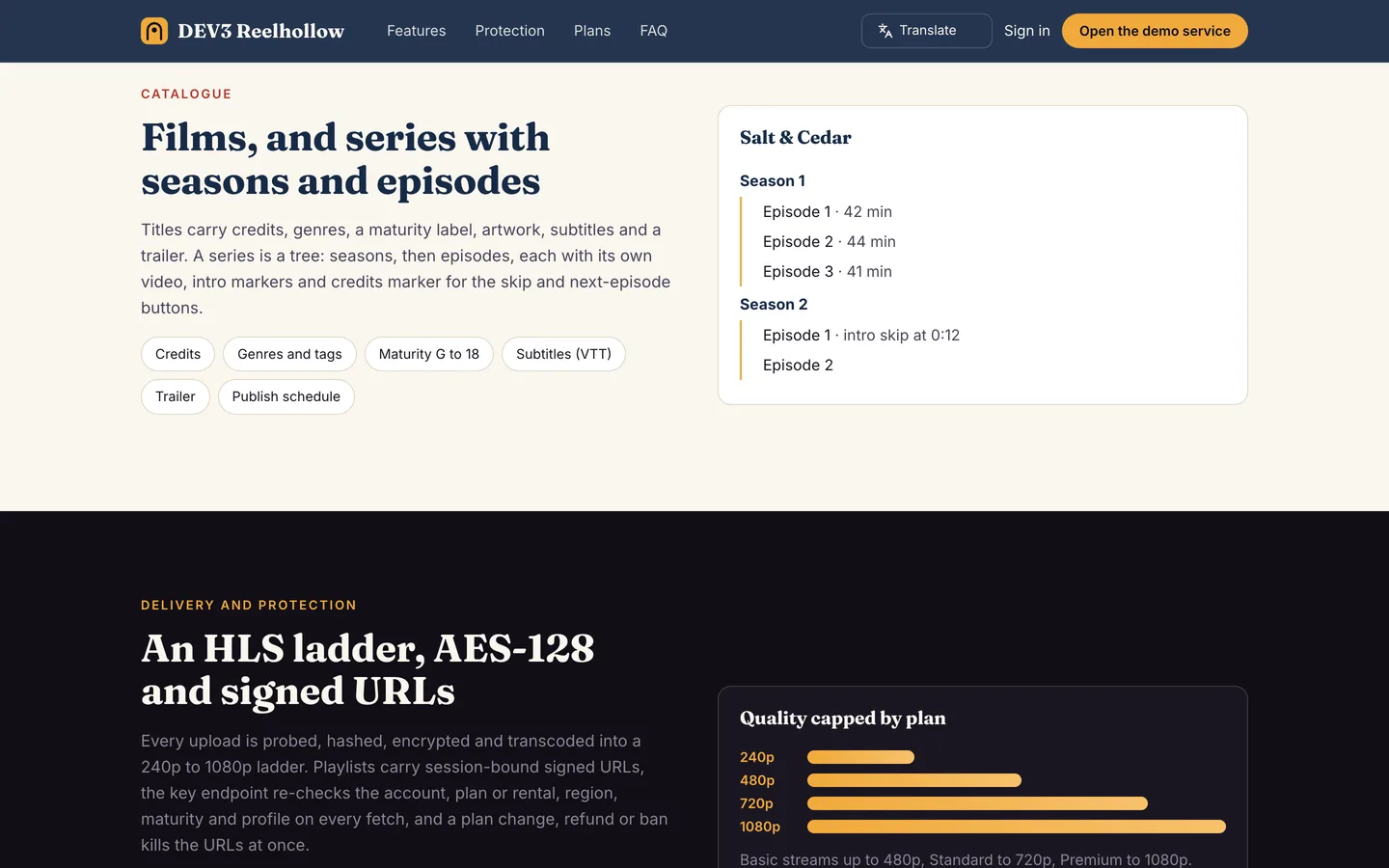 Catalogue — Films and series with seasons and episodes, all editable by your team.