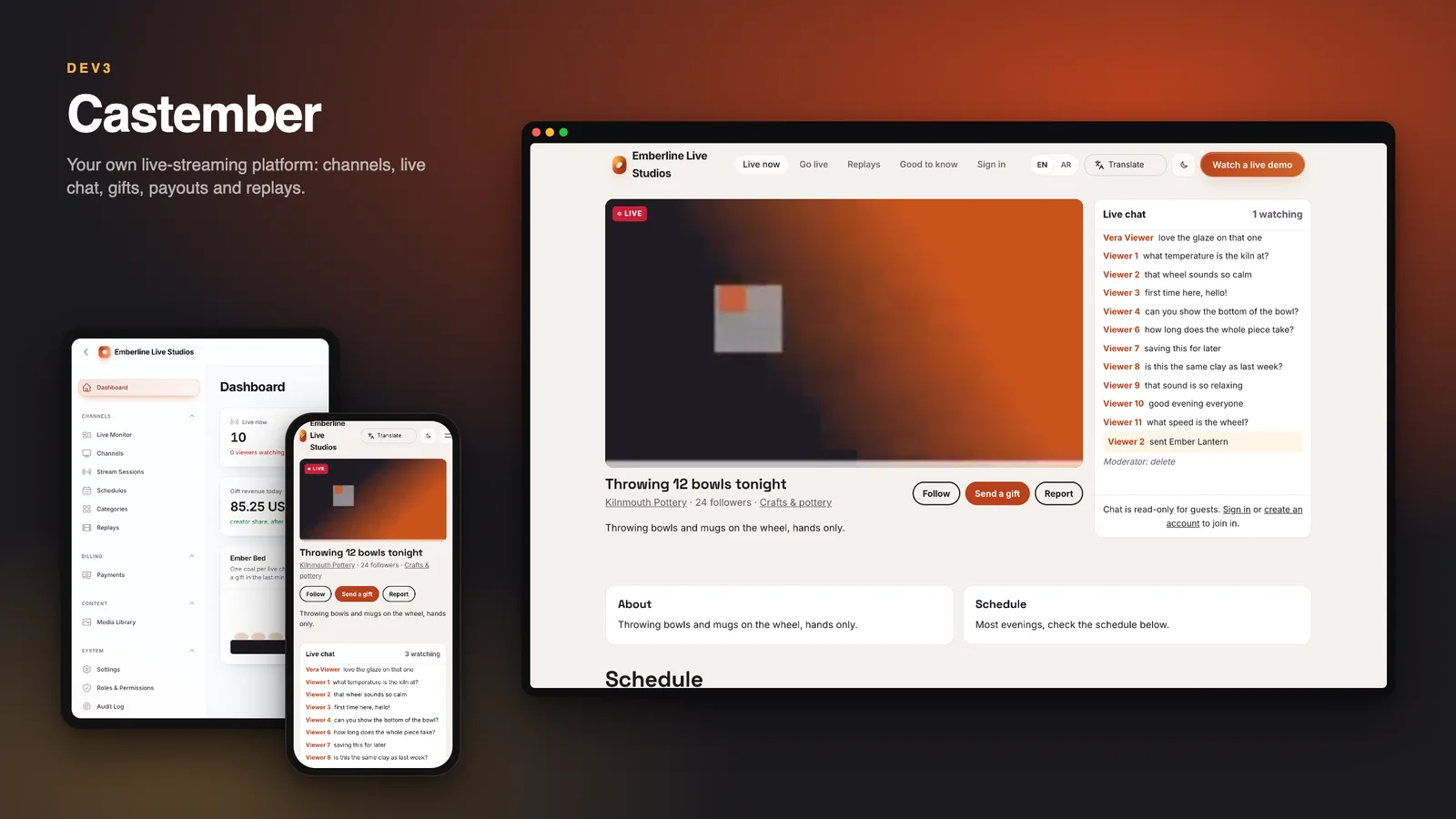
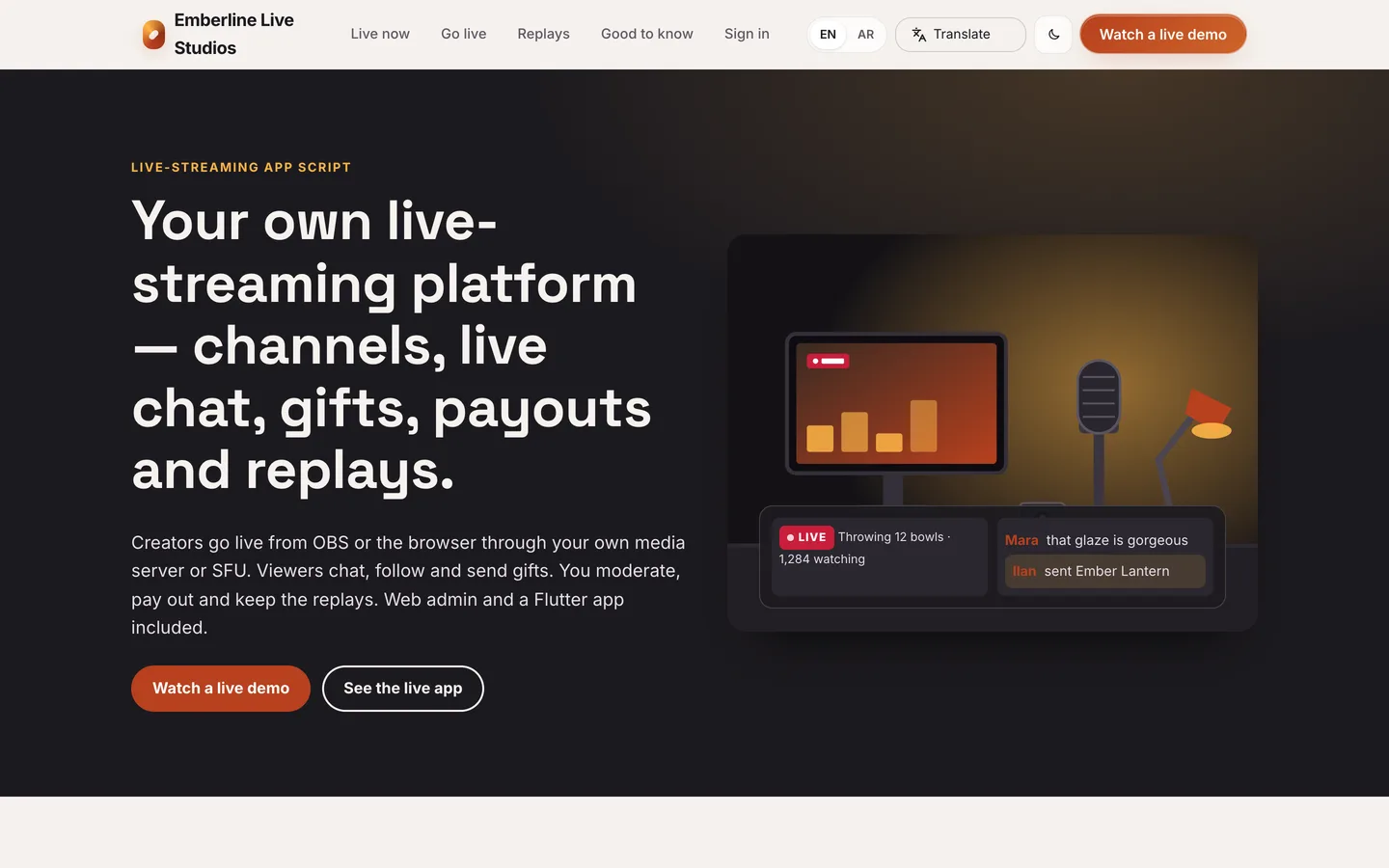
Castember is the software for running your own live-streaming service. Creators go live from OBS or the browser, viewers watch and chat in real time and send gifts, and your team keeps the place safe with reports, strikes, appeals and takedowns. It is built by DEV3 Technologies on Laravel 12 and Filament 4, with a public site, a creator studio, an operator panel and one Flutter app (live) whose source is included.
What it does
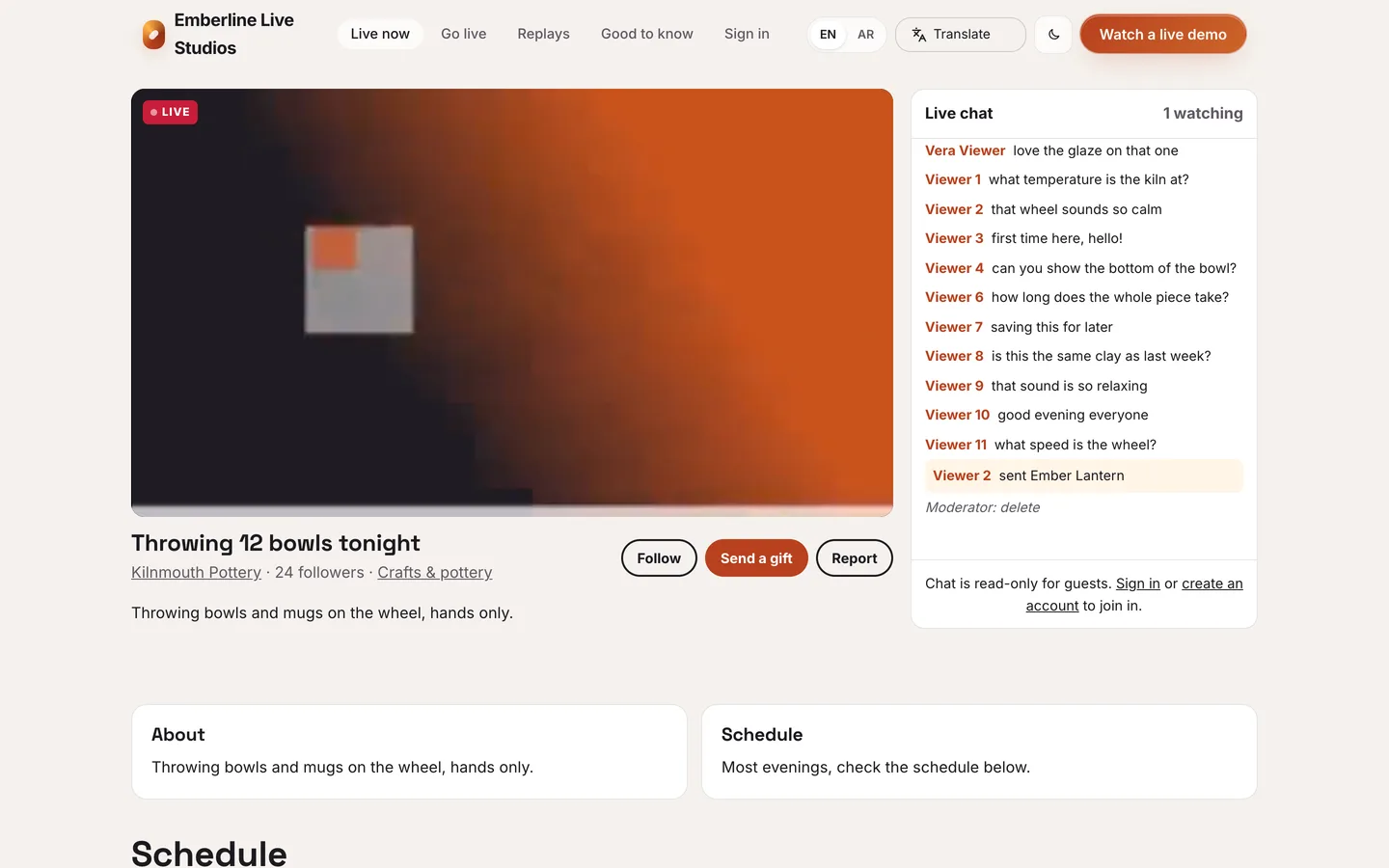
- Channels and live pages. A live-now page with LIVE badges, viewer counts and poster frames, category pages, channel pages with About panels, a schedule with reminders, and replays with chapters that creators mark during the stream.
- Live chat that stays fair. Messages carry a server sequence number so every viewer sees the same order, and a retried send never shows twice. Realtime runs on Laravel Reverb with a polling fallback. Channels set slow mode, followers-only, link rules and a word filter, and moderators can delete, time out or ban from a mod desk.
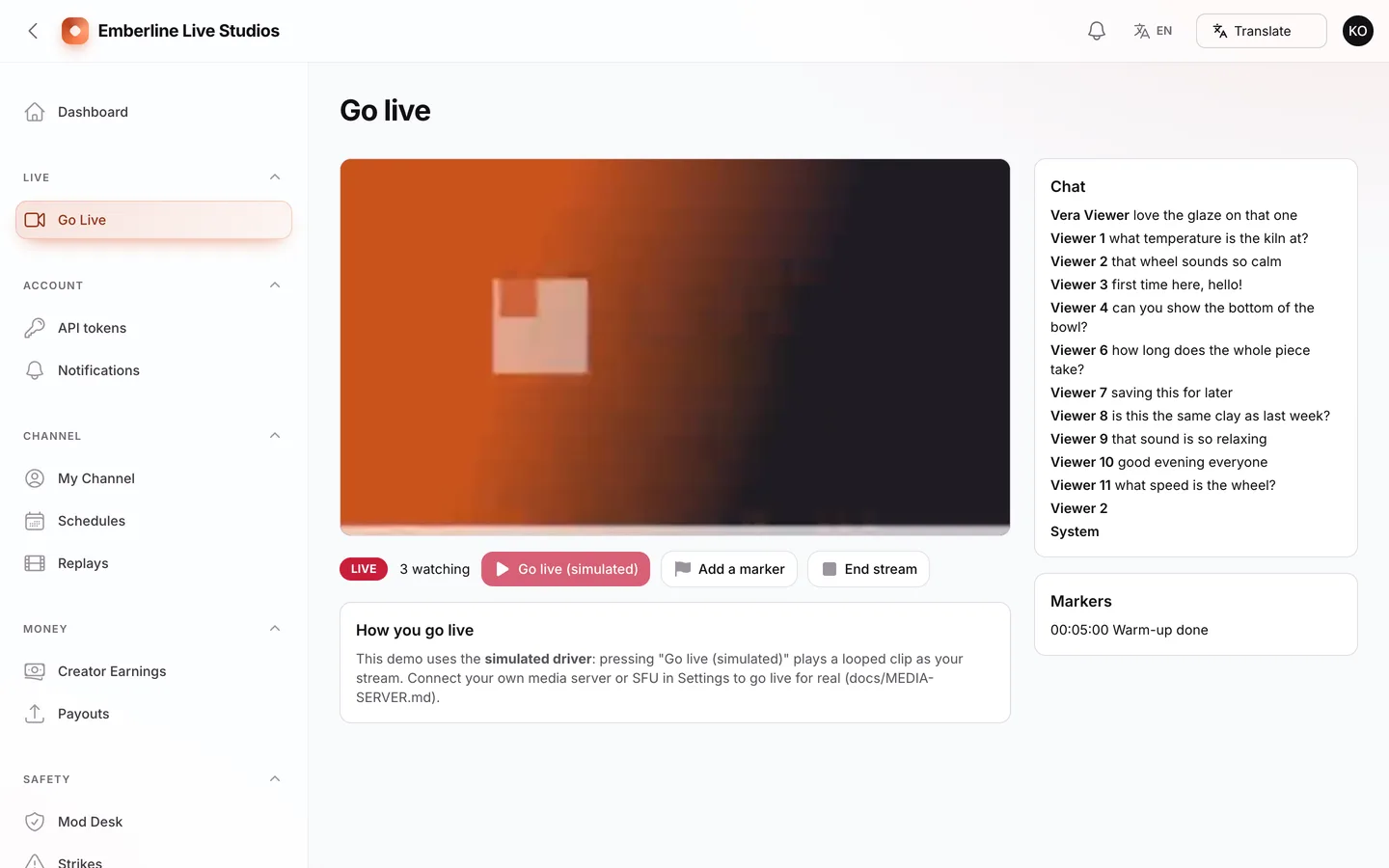
- Creator studio. Go live (OBS server URL and a stream key shown once after a password check, with rotation), schedule, channel profile and panels, chat settings, moderators, replays, earnings, payouts and strikes with an appeal form.
- Bring your own media server. Two drivers:
rtmp_hls for OBS into an RTMP/HLS server such as SRS or MediaMTX, and sfu for a LiveKit-protocol SFU. Playback links are signed per viewer and expire; a ban or takedown cuts a viewer or a stream off. A step-by-step guide and a webhook signature tester are included.
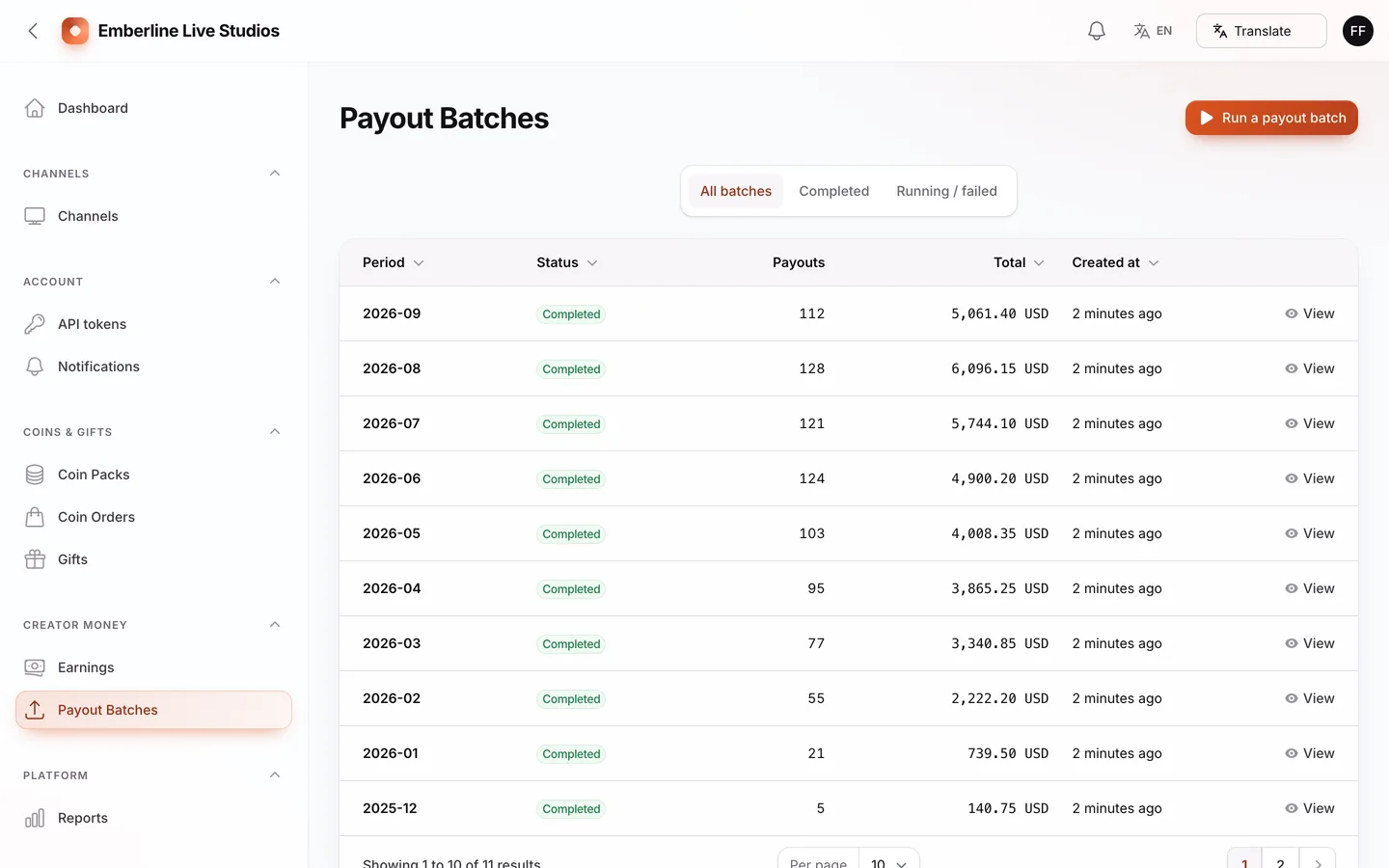
- Gifts, coins and payouts. Coin packs, a gift catalogue, creator earnings in diamonds, a holding period and monthly payout batches. Money is integer minor units, a retried gift is charged once, and refunds and chargebacks claw back what was gifted. A consistency command (
castember:check) reconciles gifts, coin ledger, earnings and diamond ledger.
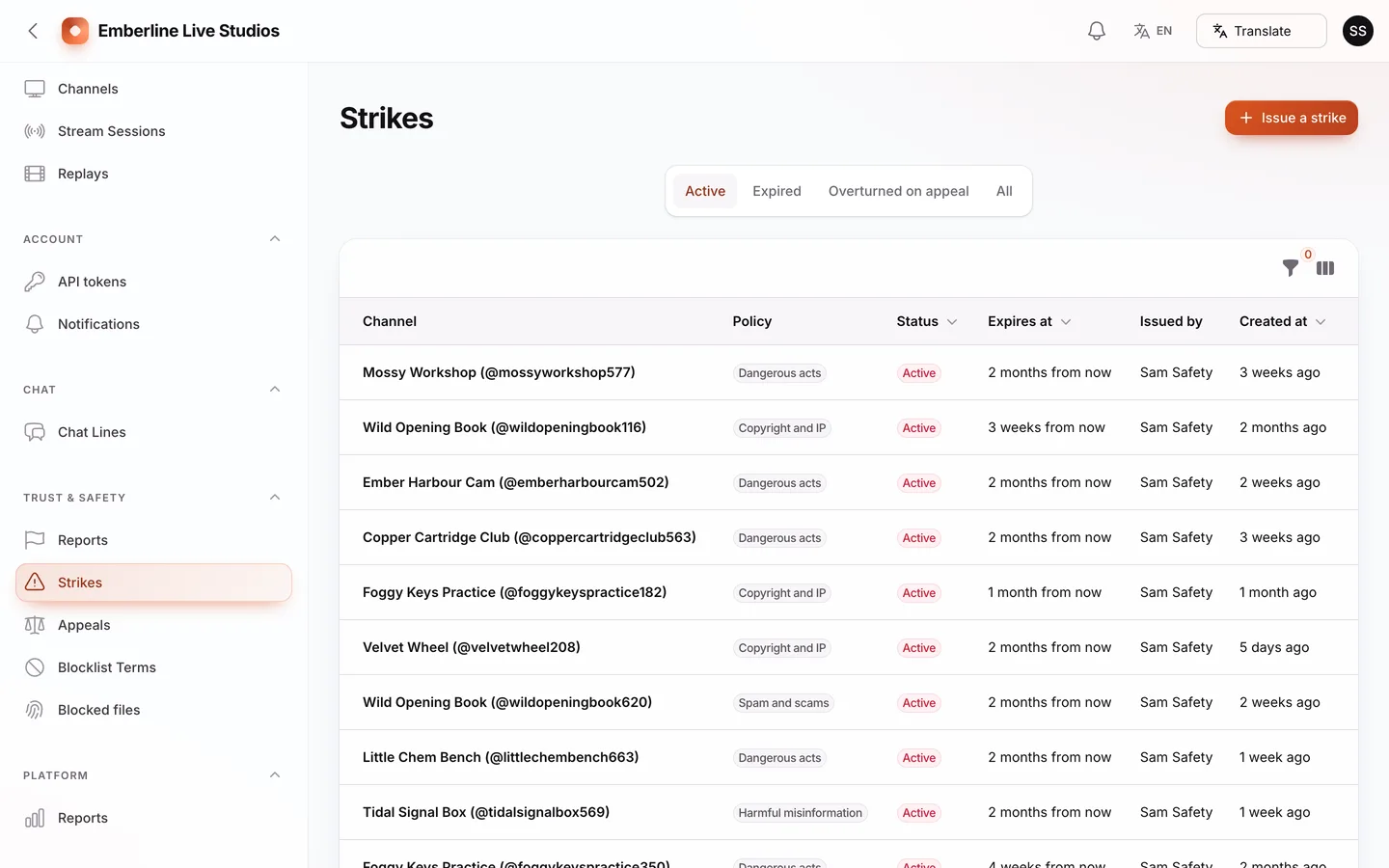
- Moderation. Reports with SLA timers, remove, warn, strike, suspend and ban actions, appeals decided by a second moderator, blocklists for words, patterns and files, takedowns that revoke the stream key and pause the channel, and an age gate at sign-up.
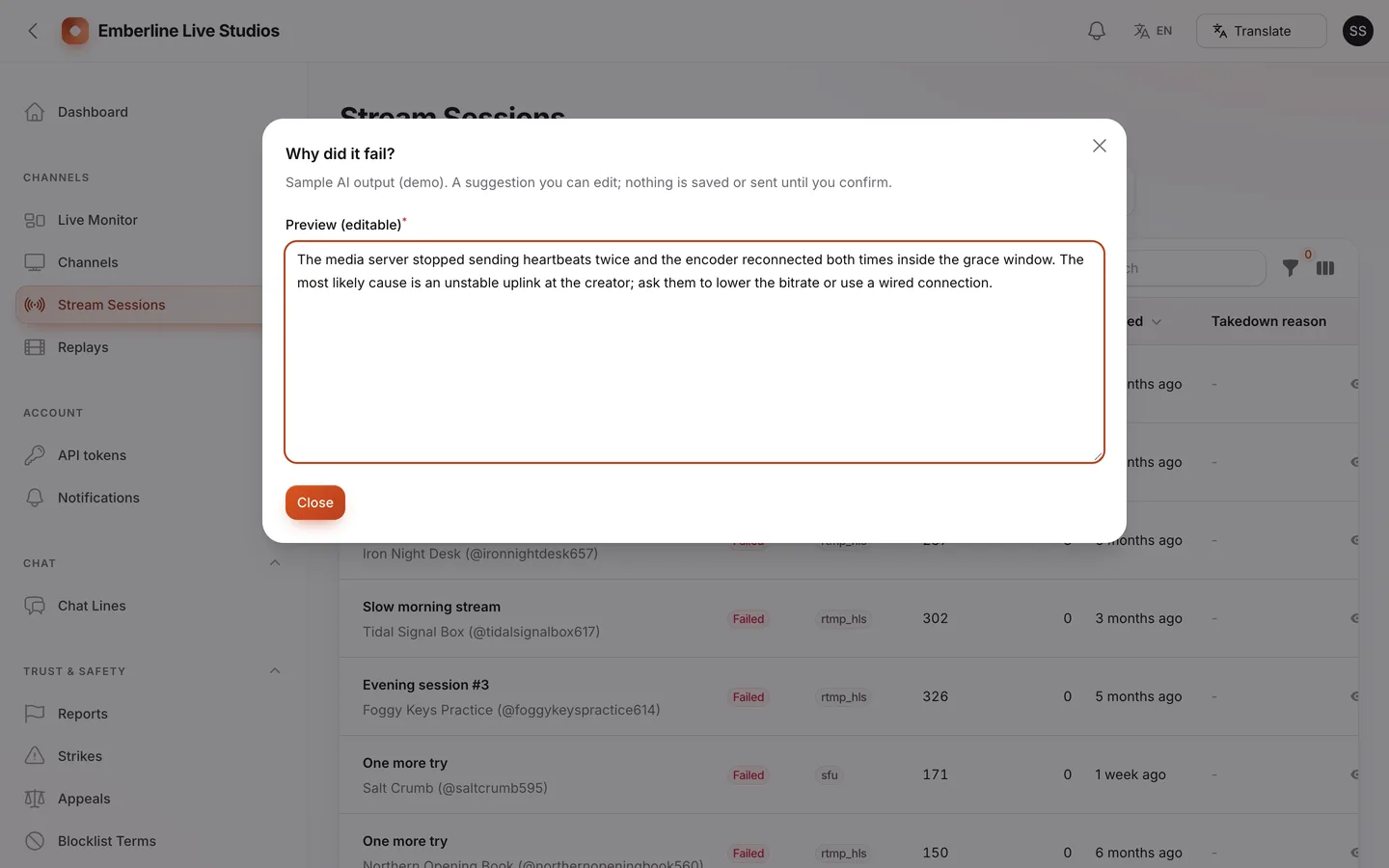
- Gemini AI admin tools. 17 admin areas carry reviewable suggestions: explain a failed session from its event log, triage a report, draft a decision notice, summarise a creator, flag unusual earnings and more. Results open in an editable preview, are never applied on their own, and decisions taken after an AI draft are audited. You add your own Google Gemini key in Settings; the demo shows clearly labelled sample output.
- Language switcher. A Google Translate switcher with ten languages on the public site and both panels; private pages such as chat, reports, earnings and keys are excluded. The Flutter app has its own in-app language picker.
- Operator panel.
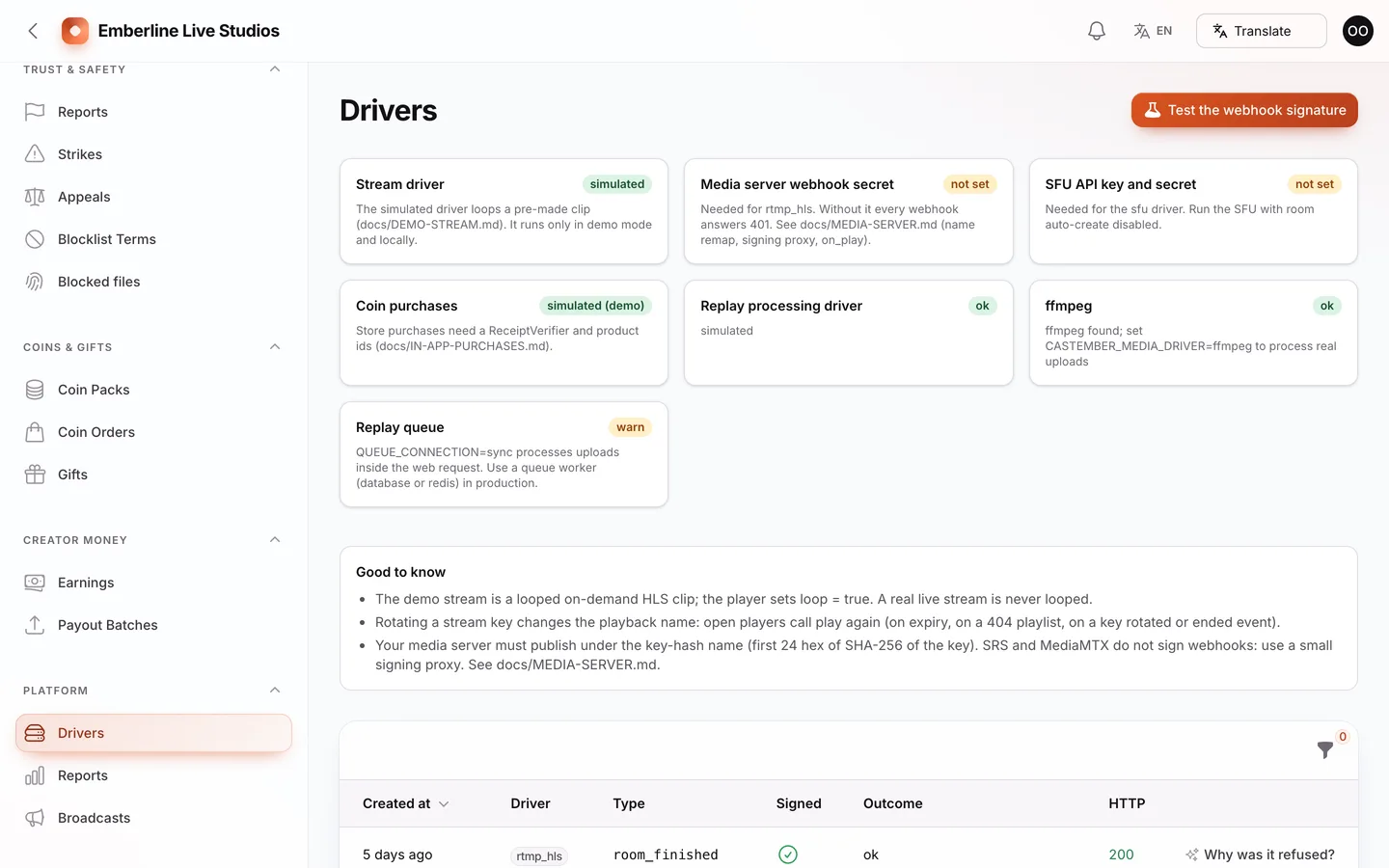
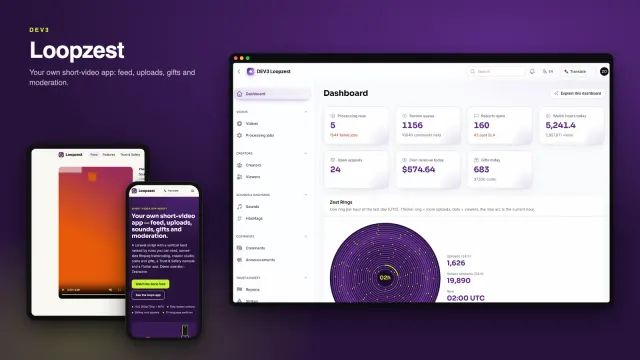
/admin has 16 resources plus a dashboard with the Ember Bed (one glowing coal per live channel), a live monitor wall, drivers status and platform reports, split across owner, trust and safety, content operations and finance roles.
- API. A key-based REST API with signed webhooks, and the app API used by the Flutter app.
The Flutter app
The live app (apps/live) has a viewer mode and a creator mode behind one login. Viewers browse live streams and categories, watch with live chat, send gifts, follow channels, buy coins and read their inbox. Creators see a live dashboard, their OBS server and stream key, schedule, earnings and a moderation hub with a live mod desk. Reporting and blocking are available in both modes. It starts in demo mode with bundled sample clips, has a language picker, and includes a store-publishing guide in docs/STORE-PUBLISHING.md. Going live from the phone camera is not in this version: creators publish from OBS or the web studio.
Quality checks
The release passed seven gates on the final code: Larastan level 6 with 0 errors, a Pest suite of 528 tests, a build with a small page budget and no 3D, migrations and the full demo seed on MySQL 8 and SQLite, a headless smoke test plus MySQL race checks (parallel gifts against one balance, retried gifts, parallel publishes, key rotation during a stream, payout batches against a refund, double refunds), the web installer driven from the zip, and a secret scan. The Flutter app passed analysis, 58 tests and simulator builds, and ran against the live API including chat over the WebSocket.
What you should know before buying
- No video server is included. Live video needs a media server you run and set up as described in the documentation: an RTMP/HLS server (SRS or MediaMTX class) with a small signing proxy for OBS, or a LiveKit-compatible SFU for browser go-live. Until it is connected, going live answers a clear "not configured" message. Chat runs on Laravel Reverb (WebSockets) with a polling fallback.
- Creators go live from OBS or the web studio, not from the app, in this version. The Flutter app watches, chats, gifts and manages a channel.
- The demo "live" streams are a looped video on demand. The simulated driver plays sample clips as if they were live; chat, gifts, viewer counts and moderation states are real application logic. A real stream is never looped.
- Stream keys can be rotated. A key is shown once after a password check and only its hash is stored; rotating it revokes the old key at once and ends any stream started with it.
- Accounts under 18 cannot send gifts, buy coins or go live. Sign-up needs a birth date and refuses under 13.
- In-app purchases need your receipt verifier. No store credentials or store code are included: you implement one
ReceiptVerifier class for the App Store and Google Play, map each coin pack to its store product ids in the admin, and the in-app purchase driver refuses to enable until a verifier is bound.
- Payments are simulated in the demo. Coins, gifts and creator payouts are simulated until you connect a payment gateway for web checkout, in-app purchases and a payout provider; the simulated drivers are refused on a live install.
- Gemini AI admin tools need your own Google Gemini API key (Settings → AI); no key or AI usage is included. Without a key the AI buttons stay disabled.
- A Google Translate language switcher is on the public site and admin; it needs Google's widget to load in the visitor's browser. Private areas (chat, reports, appeals, earnings, payouts, keys) are marked so their text is not sent to Google.
- One Flutter app with source is included; it was verified in simulator builds, automated tests and against the live API, not on a physical device. Store publishing and approval are your step.
- Use MySQL or MariaDB for a live site; the concurrency checks were run on MySQL 8. One cron entry every minute is required, and a queue worker plus the Reverb server should run under a process manager.
Included
Source code, the web installer, the Flutter app source with a store-publishing guide, a buyer guide, and demo data for a fictional service run by Emberline Live Studios Ltd: 640 channels, 28,044 viewers, 83,086 follows, 3,743 streams (10 on air) with 1,448 replays, 664,803 chat lines, 18,015 coin orders, 100,092 gifts, 845 creator payouts, 1,910 reports, 521 strikes and 131 appeals, plus six months of support.
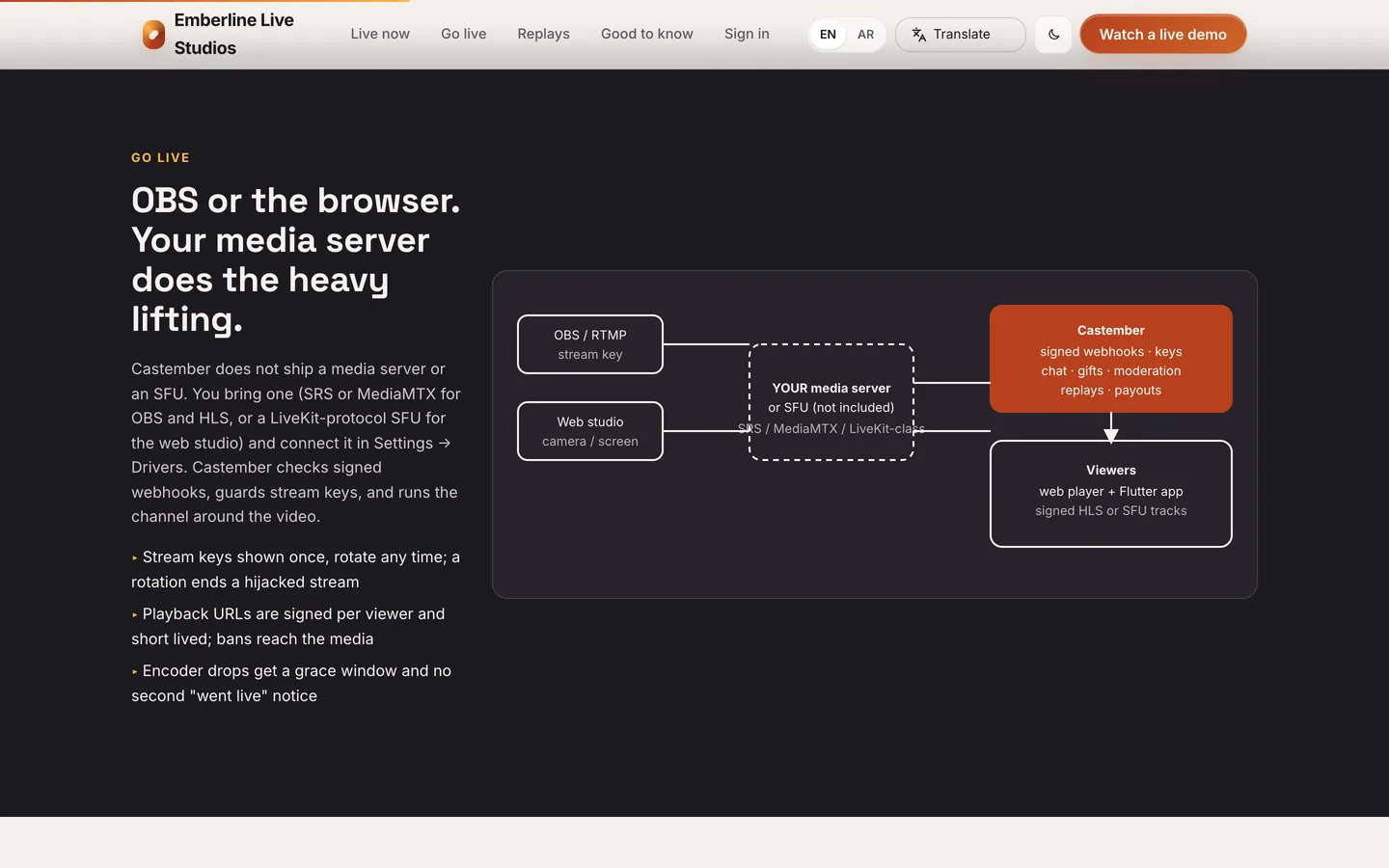 Bring your own media server — OBS or the browser go live through your RTMP/HLS server or LiveKit-protocol SFU; Castember never pretends to ship one.