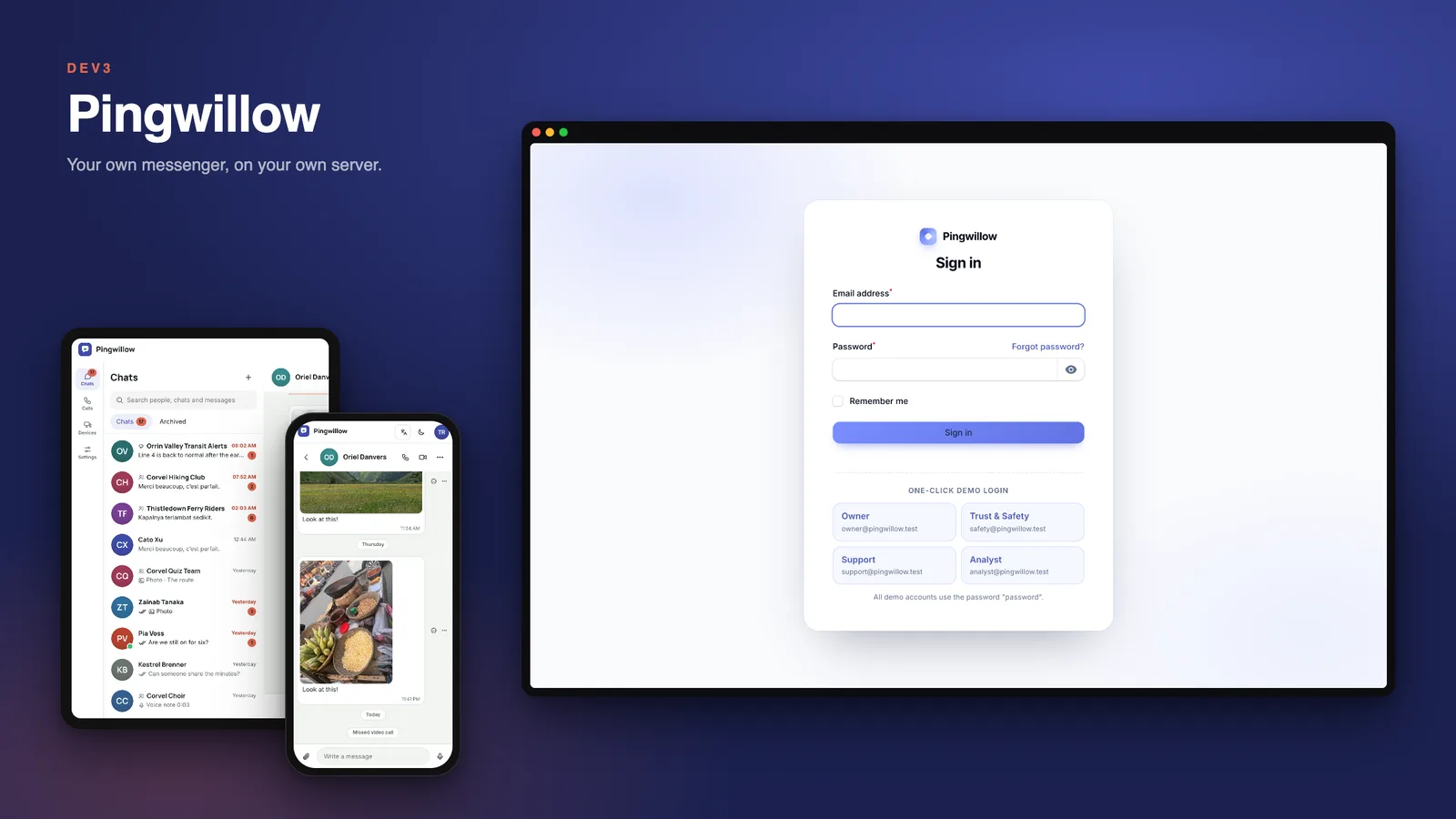
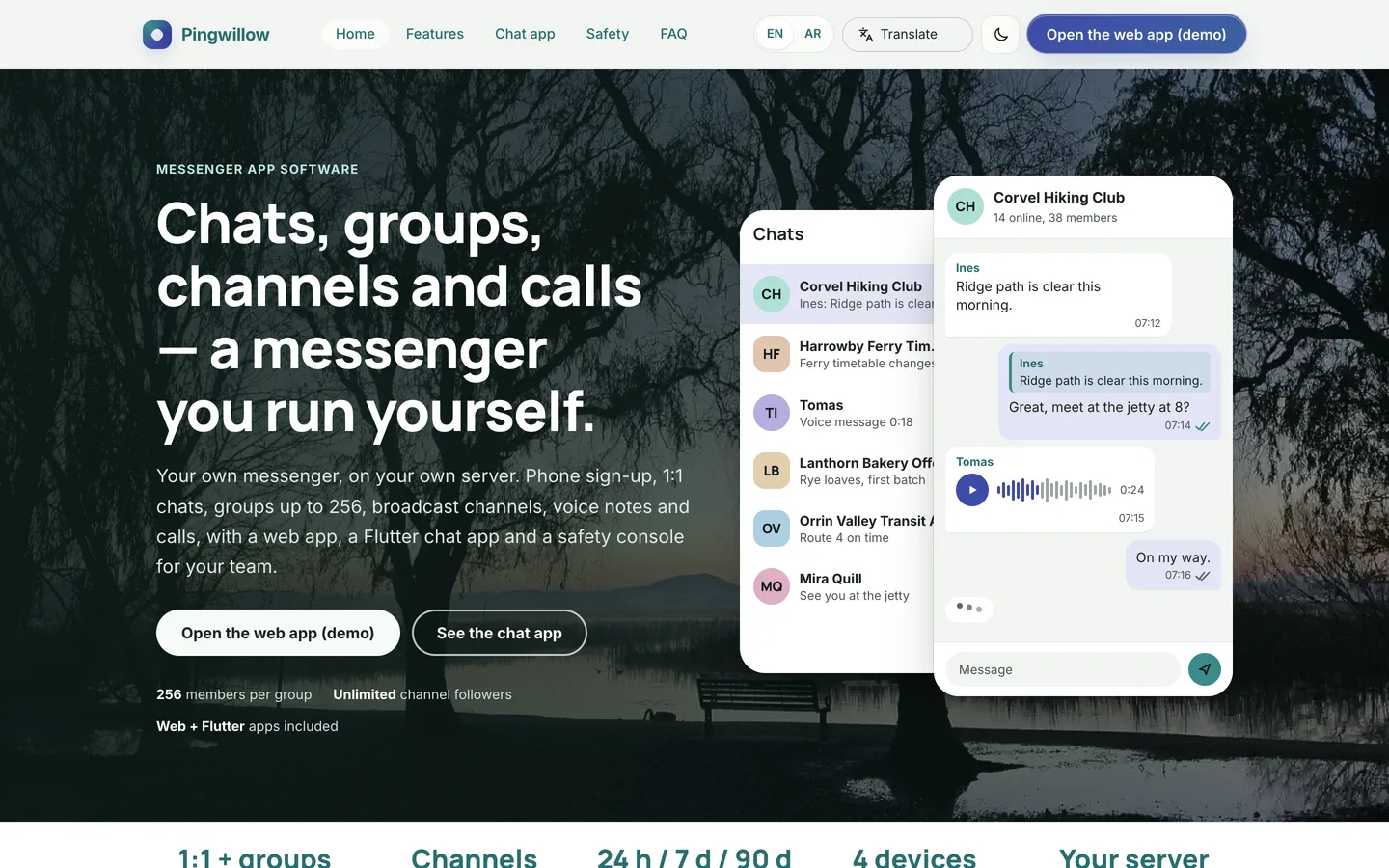
Pingwillow is the software for running your own messenger service: a community, a company or a regional chat brand. People sign up with a phone number or email and a one-time code, chat one to one or in groups of up to 256, follow broadcast channels, send photos, files, voice notes and locations, and call each other. A web app, a Flutter chat app and a safety console for your team come with it. It is built by DEV3 Technologies on Laravel 12 and Filament 4, and the Flutter app source is included.
What it does
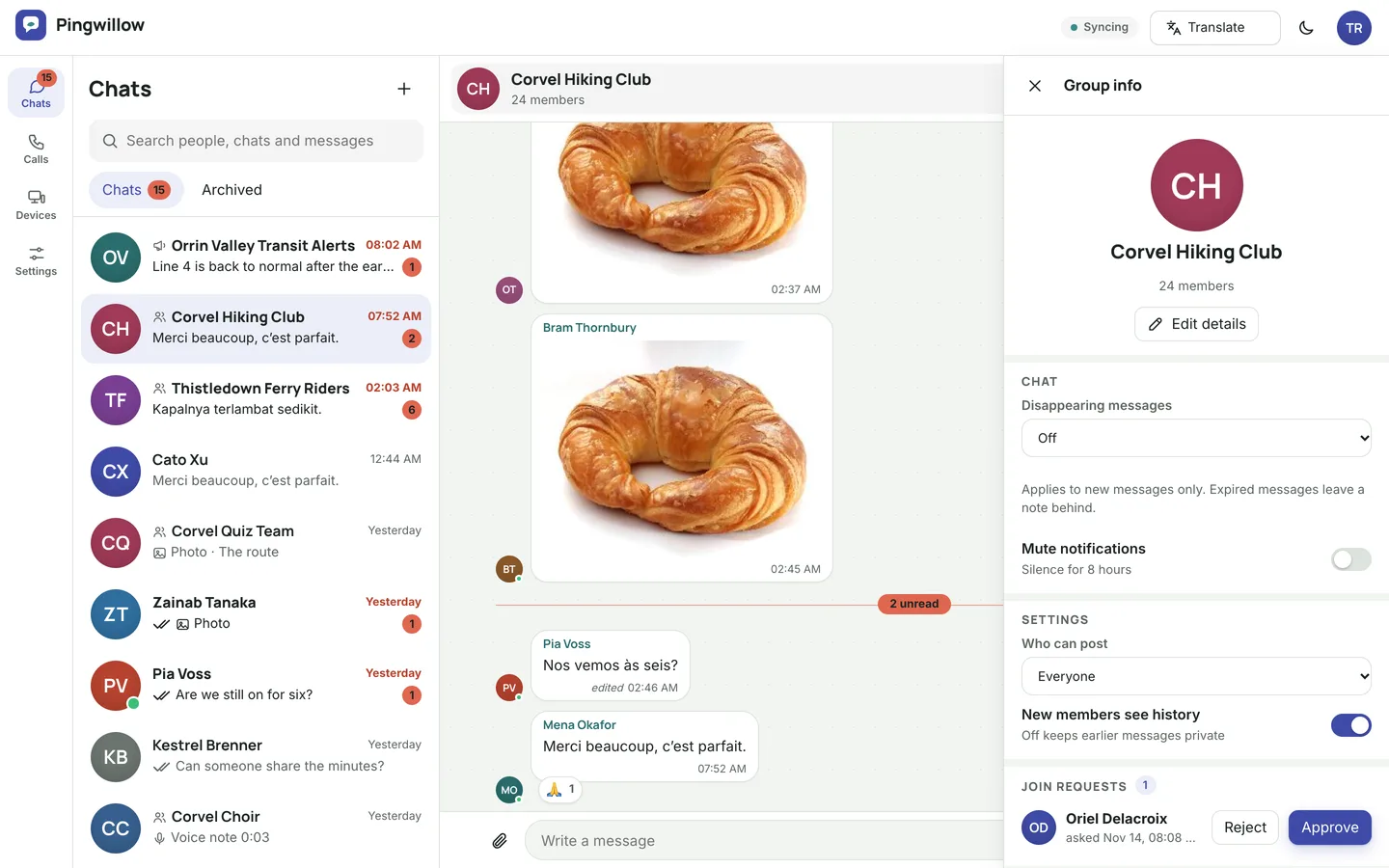
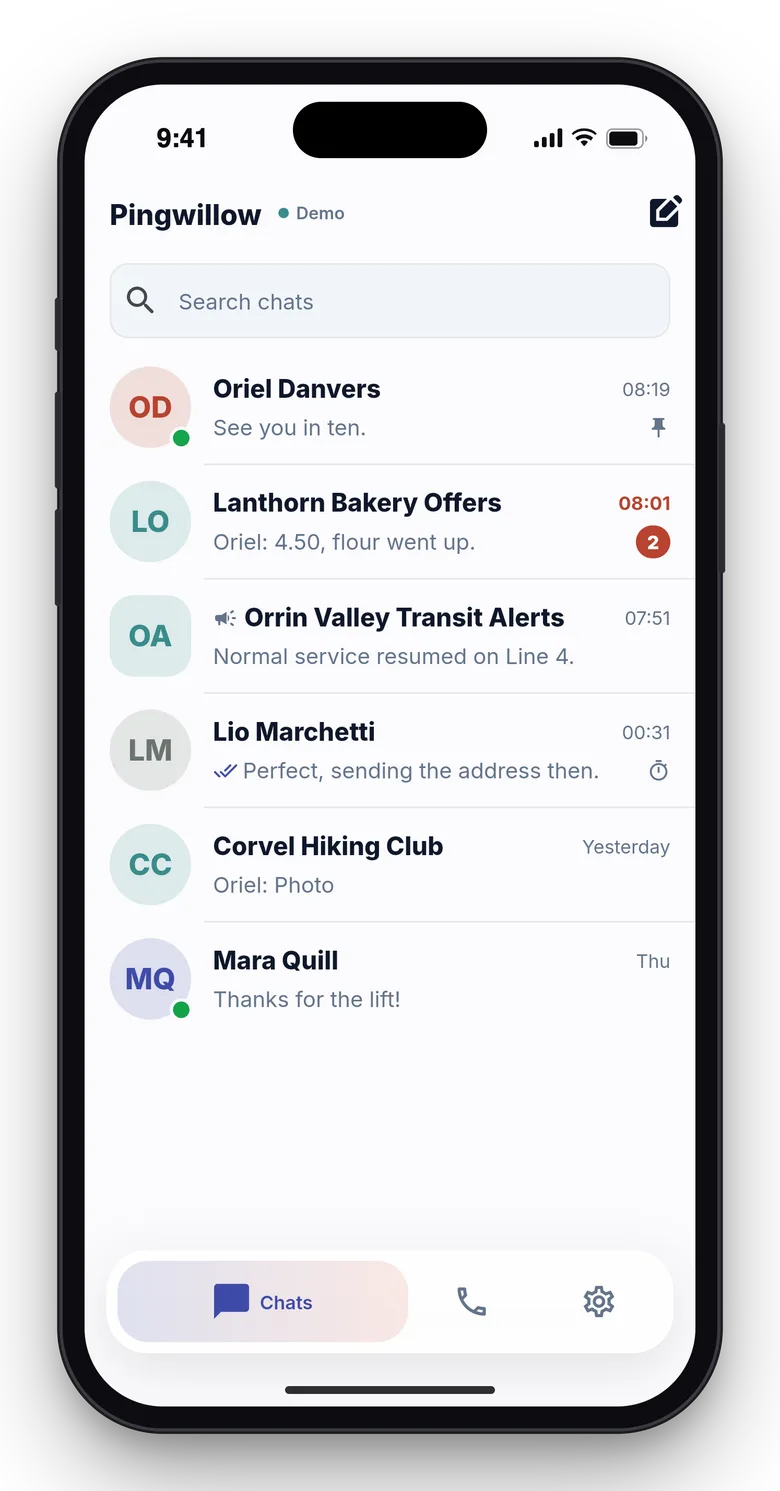
- Chats, groups and channels. One-to-one chats, groups up to 256 members with roles, invite links and join approval, and broadcast channels where only admins post and followers see view counts.
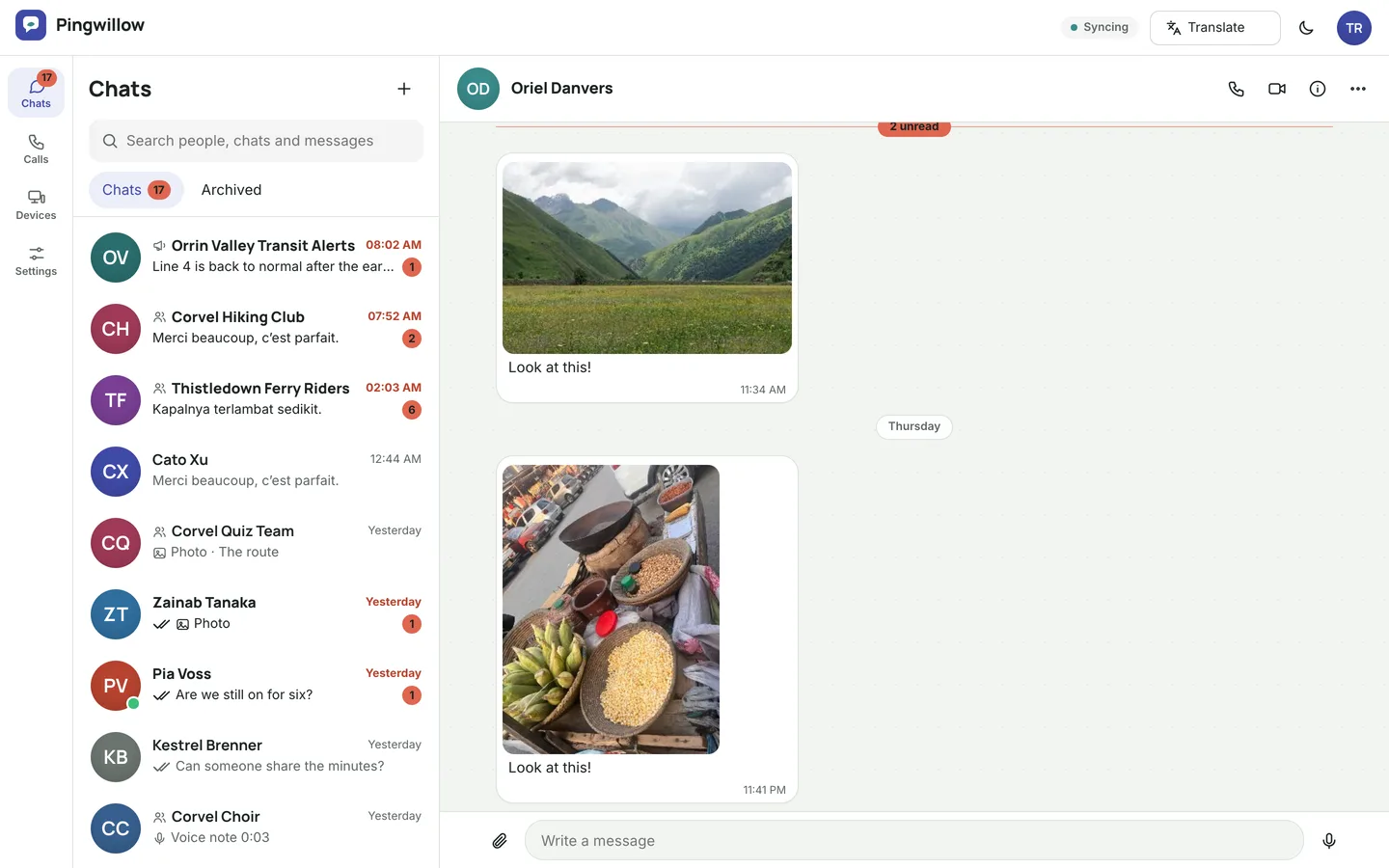
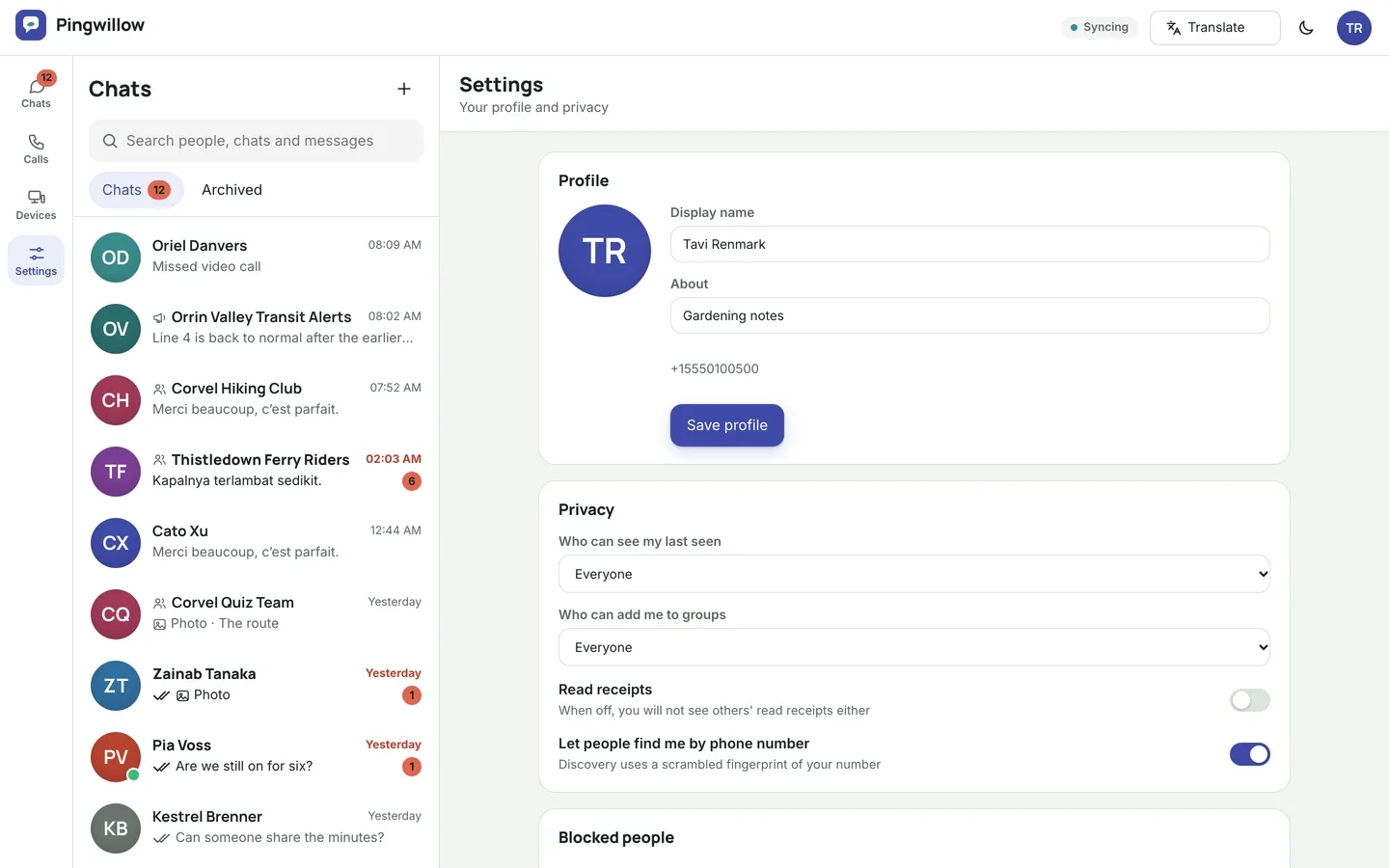
- Rich messages. Text, photos, video, files, voice notes with a waveform, locations and contact cards, with replies, reactions, forwarding, edit and delete for everyone, pinned chats, archive and search.
- Receipts, typing and presence. Delivered and read receipts, typing indicators and last seen, each controlled by the user's own privacy settings.
- Disappearing messages. A timer of 24 hours, 7 days or 90 days per chat; a scheduled job purges expired messages.
- Contact discovery. Contacts are matched on peppered hashes, so raw phone numbers are never stored for matching.
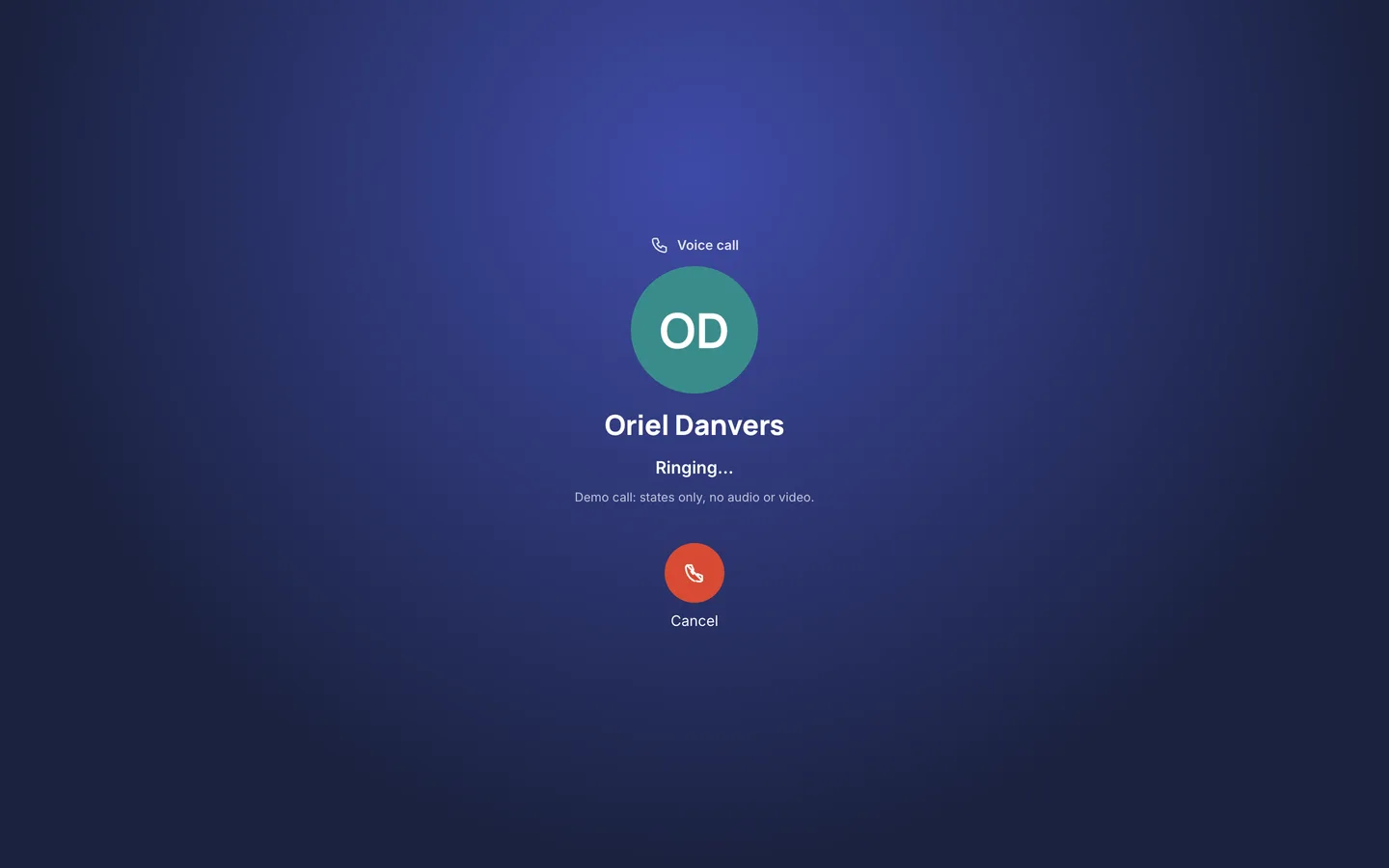
- Calls. One-to-one voice and video over WebRTC with signed call tokens. You bring your own STUN/TURN server for real media; the demo uses a simulated driver.
- Several devices. Sign in on the app and in a browser, link a browser with a QR code and revoke any device.
- Web app. A full browser messenger at
/web, with Laravel Reverb realtime and an automatic polling fallback.
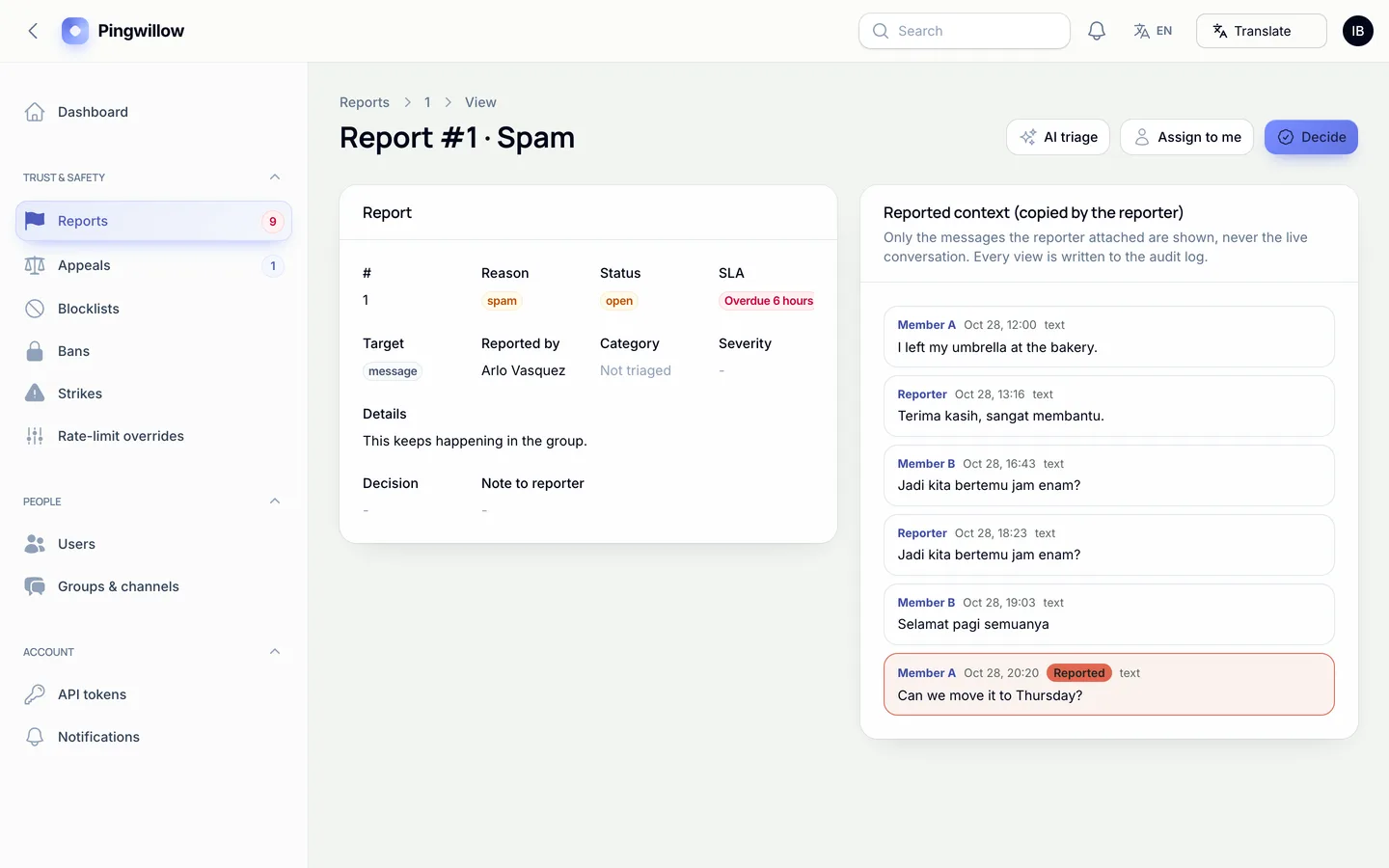
- Safety console. Reports with a response-time countdown, strikes, bans and appeals, blocklists, rate-limit overrides, messaging health, call statistics, analytics, announcements, API keys and webhooks. Operators cannot browse private chats: the only message text they see is what a reporter attached, and each view is audited.
- Public pages. A marketing site, public channel previews, group invite landing pages and template privacy and terms pages.
- Language switcher. A Google Translate language switcher in the public header and the admin bar, plus an in-app language picker in the Flutter app. Private chat text is excluded from translation.
The Flutter app
The chat app (apps/chat) has phone sign-up with a code, the chat list, threads with media, voice notes, reactions and replies, group and channel info, calls, devices and settings. It starts in demo mode with a built-in mock of the API, so it runs without a server; point it at your site with the dart-defines described in apps/chat/docs/STORE-PUBLISHING.md, which also covers store privacy and user-generated-content requirements.
Gemini AI admin tools
Optional, bring your own key: add your own Gemini key after purchase (Google bills your account); with no key the AI buttons say "Add your Gemini key in Settings". Every result is a draft you preview and edit; nothing is applied automatically.
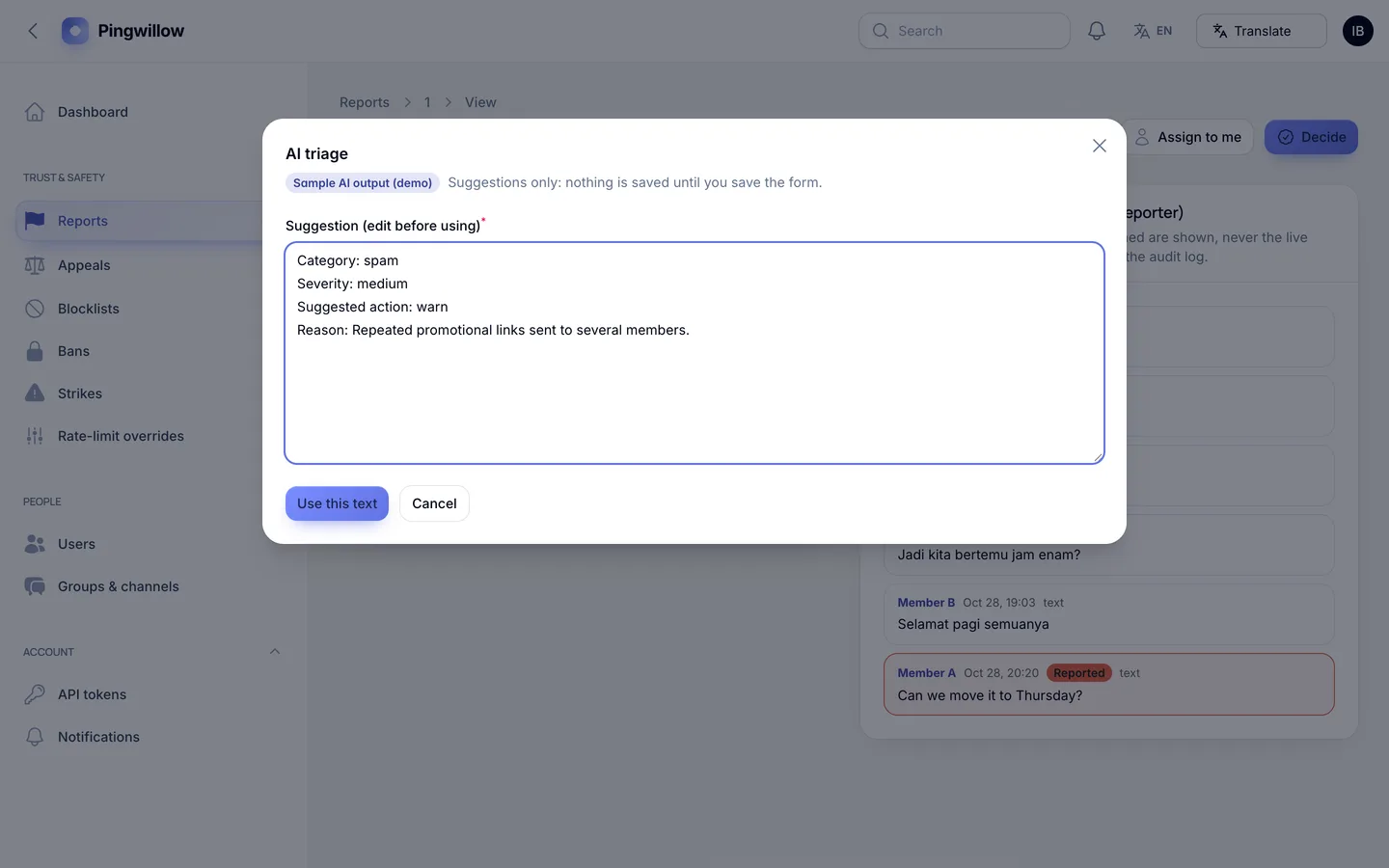
- Reports and appeals: summarise a report from the context the reporter attached, suggest an outcome for a human to decide, draft a reply, and summarise an appeal. AI triage of reported messages is off by default.
- Blocklists: suggest terms from confirmed spam patterns, saved inactive for your review.
- Health and analytics: explain a latency spike or a cluster of call failures, and explain the dashboard and reports.
- Announcements and users: draft a service notice, summarise an account's metadata and flag risks.
- A Google Translate language switcher in the public header and the admin bar.
Private message bodies are never sent to Gemini, names, emails and phone numbers are replaced before any call, and no key ships in the code.
Quality checks
The release passed seven gates on the final code: Larastan level 6 with 0 errors, a Pest suite of 287 tests, a build with a 20 KB gzip page budget and no 3D, migrations and the full demo seed on MySQL 8 and SQLite, a headless smoke test over 49 pages and flows, the web installer driven from the zip, and a secret scan. 43 MySQL race checks cover parallel sends, repeated client ids, group caps, edits against deletes, read receipts, simultaneous calls and one-time link tokens. The Flutter app passed analysis, 46 tests and simulator builds, and ran once against the live API.
What you should know before buying
- Not end-to-end encrypted in v1. Messages are encrypted in transit (TLS) and at rest with your application key. Operators with database and
APP_KEY access can decrypt them.
- Calls are simulated in the demo. Real 1:1 calls need your own STUN/TURN server (coturn). No group calls in v1.
- Push notifications are simulated until you add Firebase or APNs credentials.
- Search decrypts and scans a user's newest 5,000 messages; there is no full-text index on encrypted data.
- Contact discovery uses peppered hashes, which are rotatable but not unbreakable; it is rate limited.
- Moderation is manual. There is no automatic detection of abuse; keyword blocklists can raise auto-reports.
- One Flutter app with source and a store-publishing guide. Building, publishing and store approval are your step; the app was verified in simulator builds, automated tests and against the live API, not on a physical device. The device address book is not read in v1.
- Use MySQL or MariaDB for a live site. One cron entry every minute is required, and Reverb needs a long-running process (polling works without it).
- Gemini AI admin tools need your own Google Gemini API key (Settings → AI); no key or AI usage is included. Without a key the AI buttons stay disabled.
- A Google Translate language switcher is on the public site and admin; it needs Google's widget to load in the visitor's browser.
Included
Source code, the web installer, the Flutter app source with a store-publishing guide, a buyer guide, demo data for a fictional service (1,804 users, 420 groups, 36 broadcast channels, 2,853 conversations, about 617,000 messages, 18,000 calls and 76 reports) and six months of support.
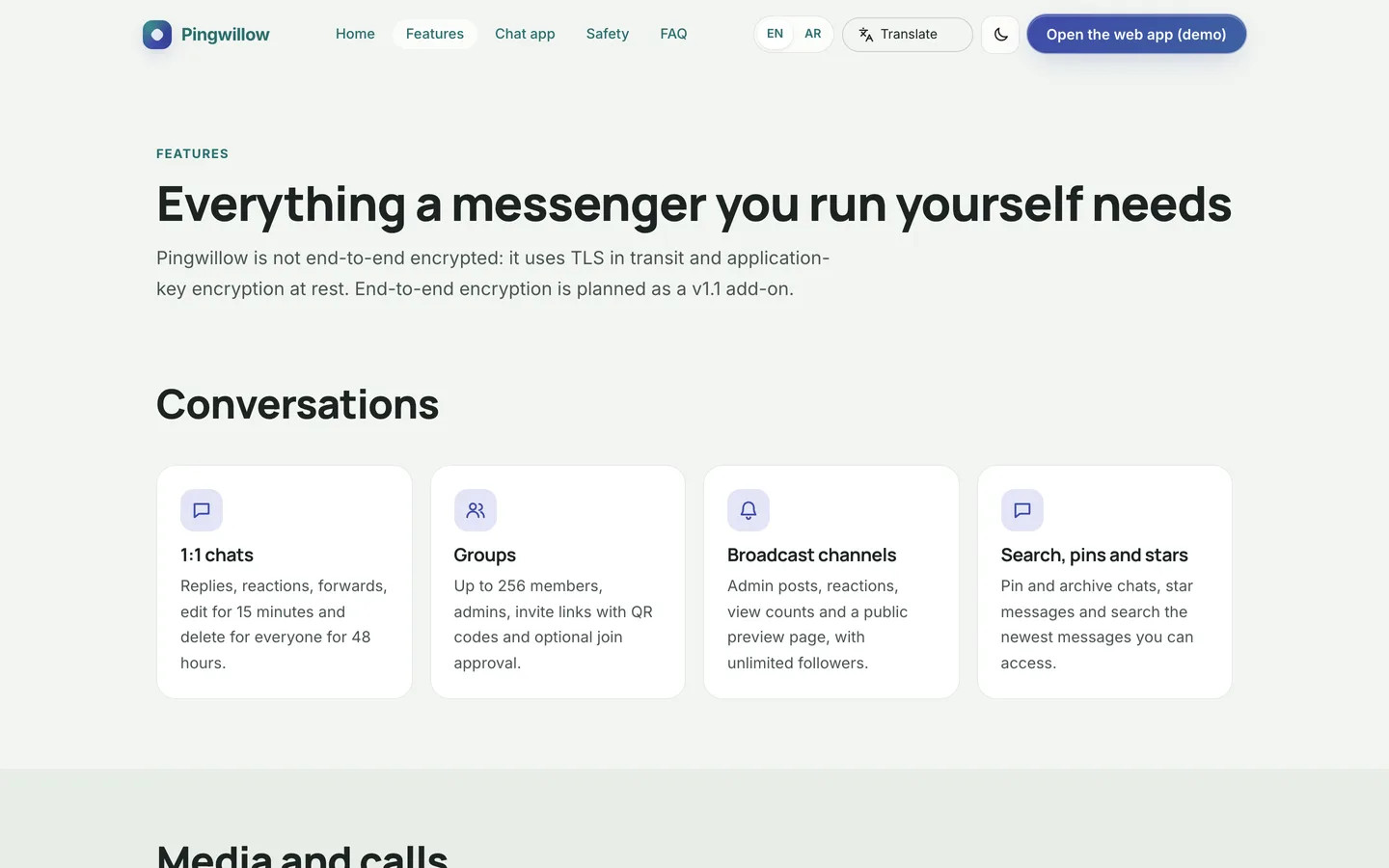 Groups and channels — one-to-one chats, groups up to 256 and broadcast channels with view counts.