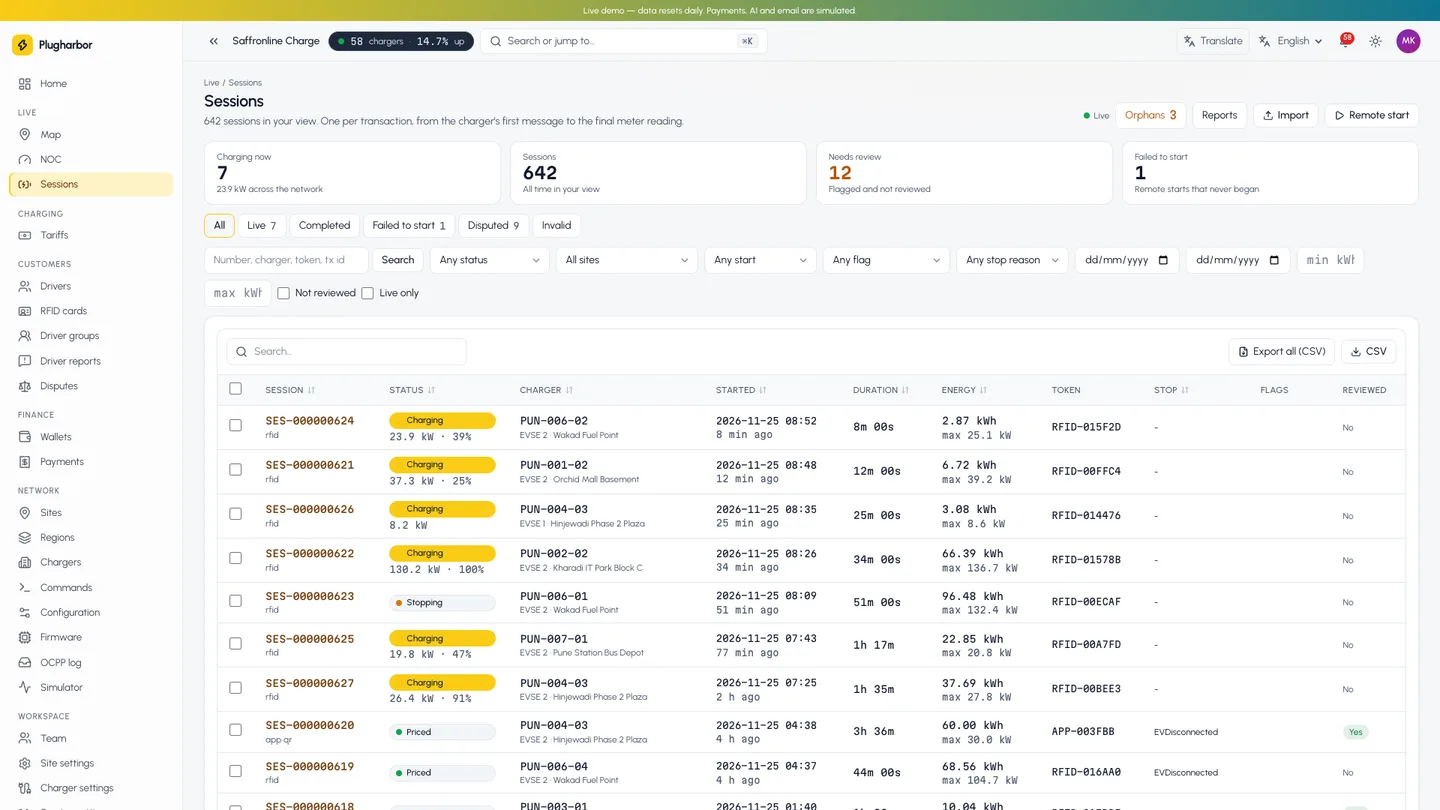
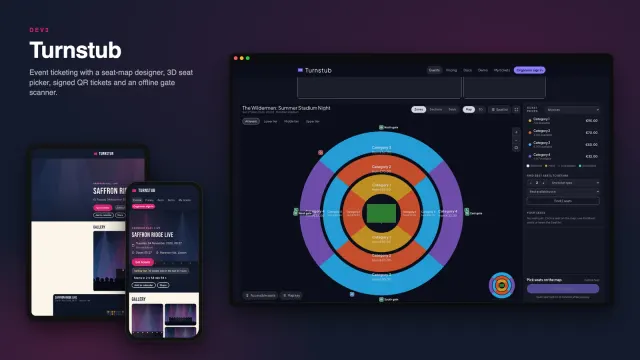
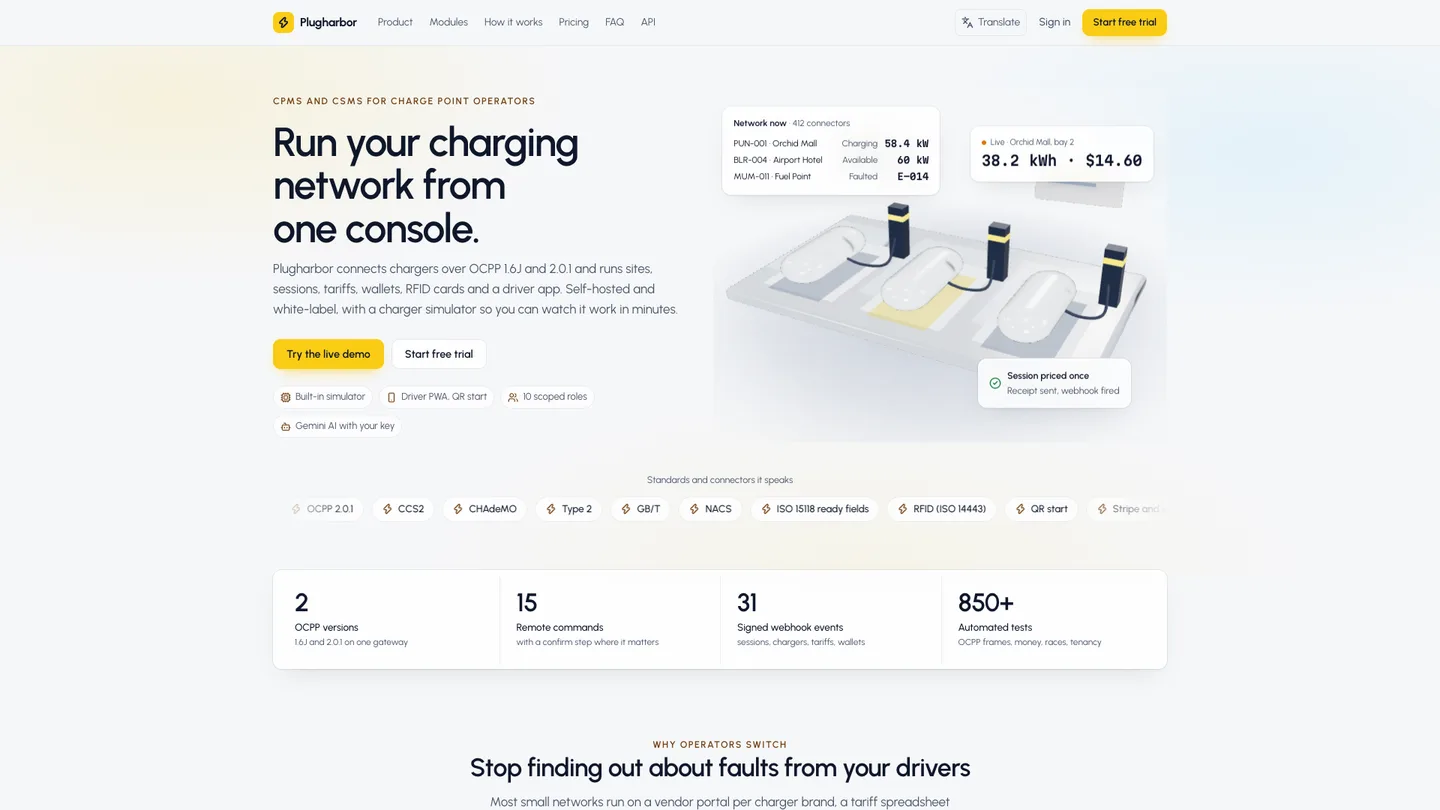
 Landing — Light, glass landing with a 3D charger scene, live network stats and a clear OCPP promise.
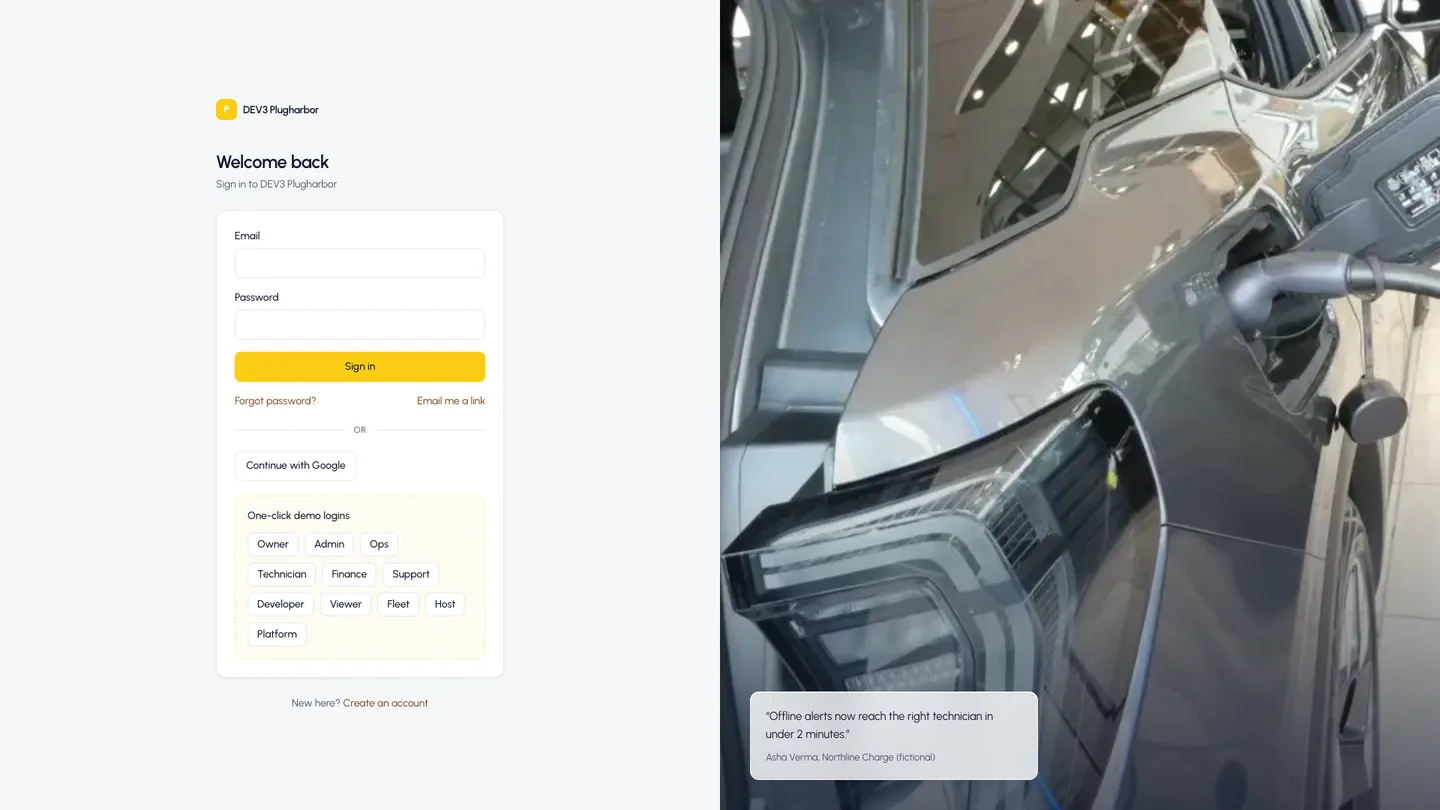 Sign in — Password, magic link, Google and one-click demo logins for each role.
EV charging management software: 6 things to check before you pick one
Last updated
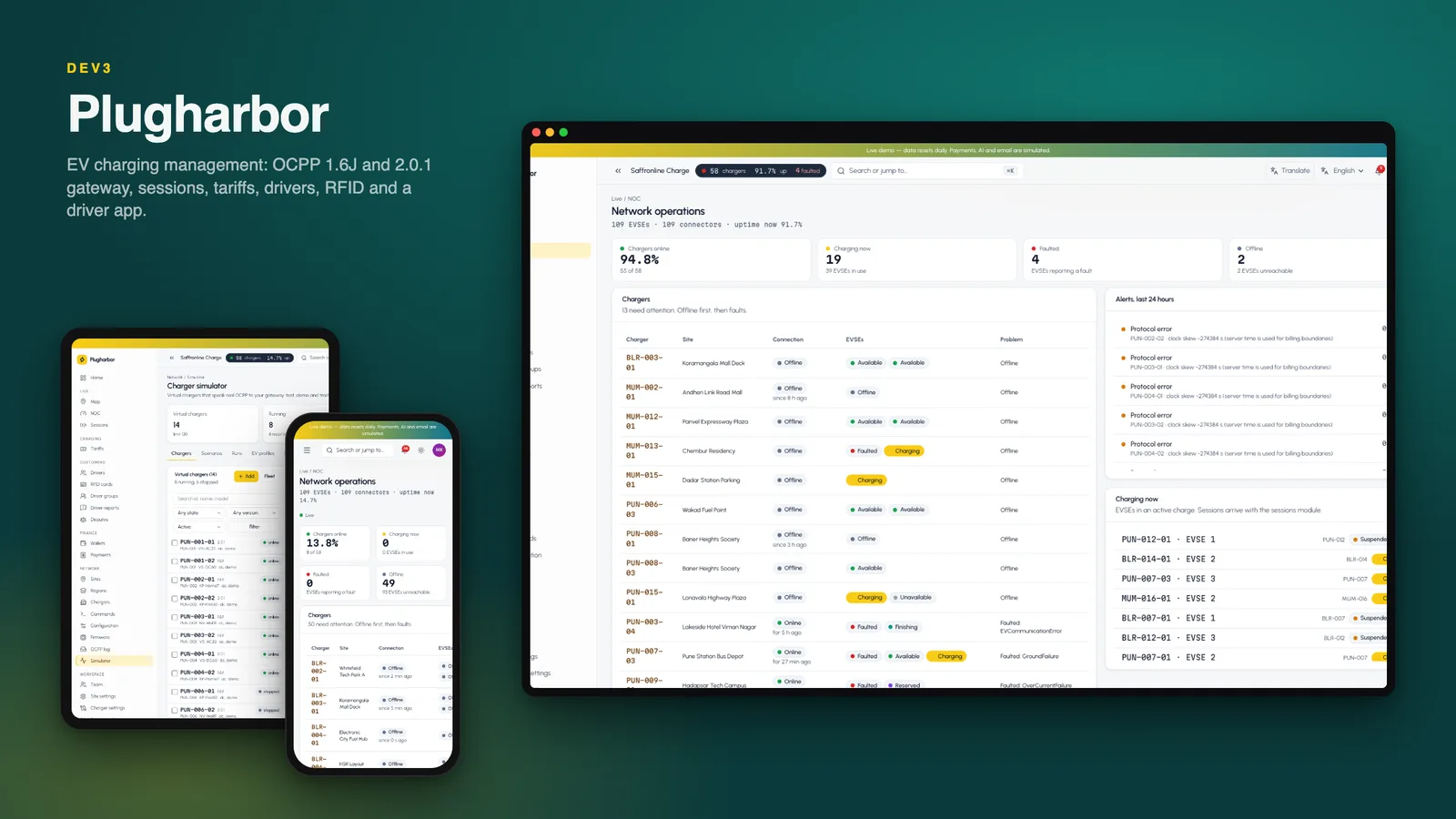
Charging software looks alike in a feature list until you ask the awkward questions: which OCPP versions does it speak, how do you test a charger before it is on site, and what stops a wallet being spent twice. Here are six things to check, with DEV3 Plugharbor as the worked example.
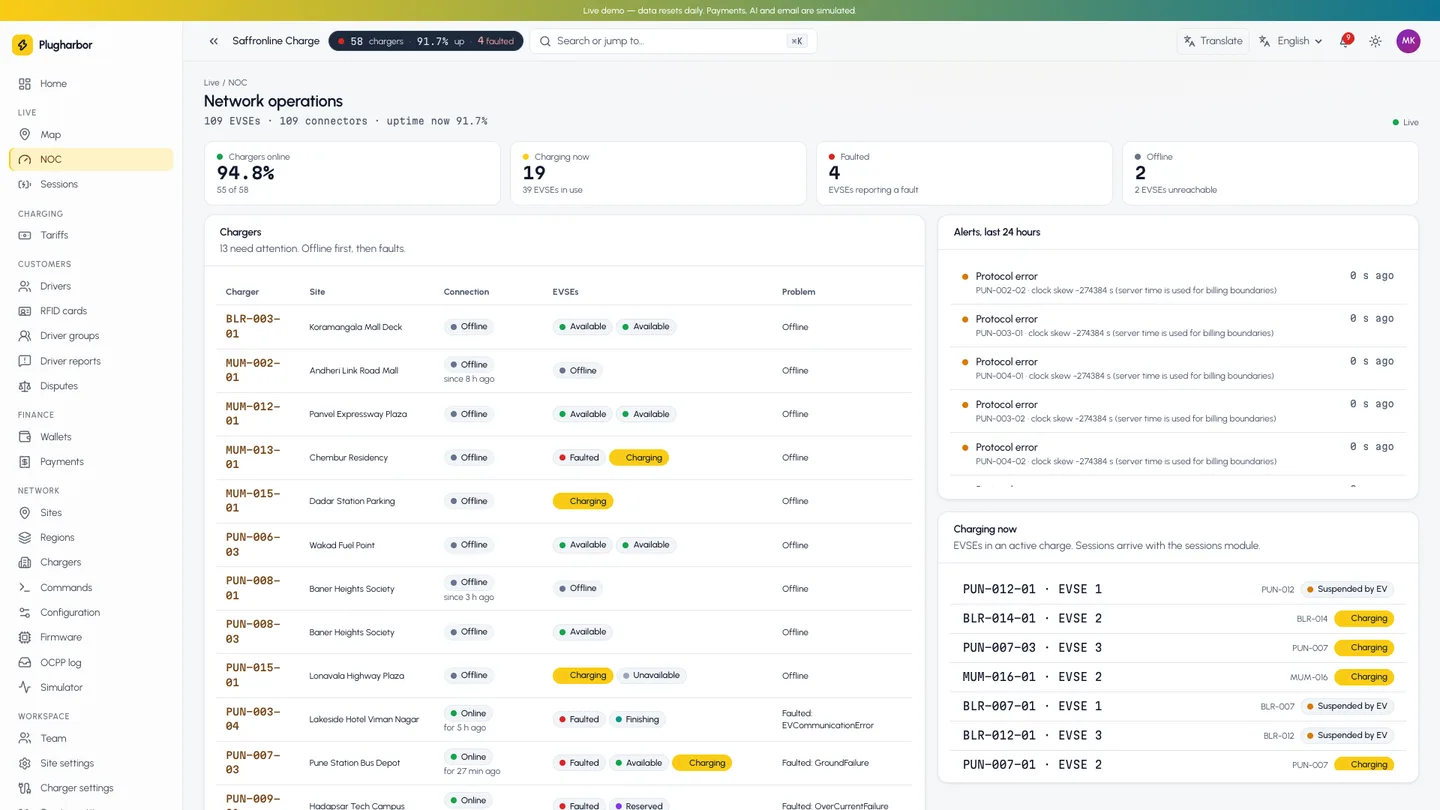
1. Does it speak both OCPP versions?
Chargers in the field run 1.6J and newer ones run 2.0.1. A platform that handles one forces a second tool. Plugharbor's gateway accepts both, validates every frame and keeps a searchable log.
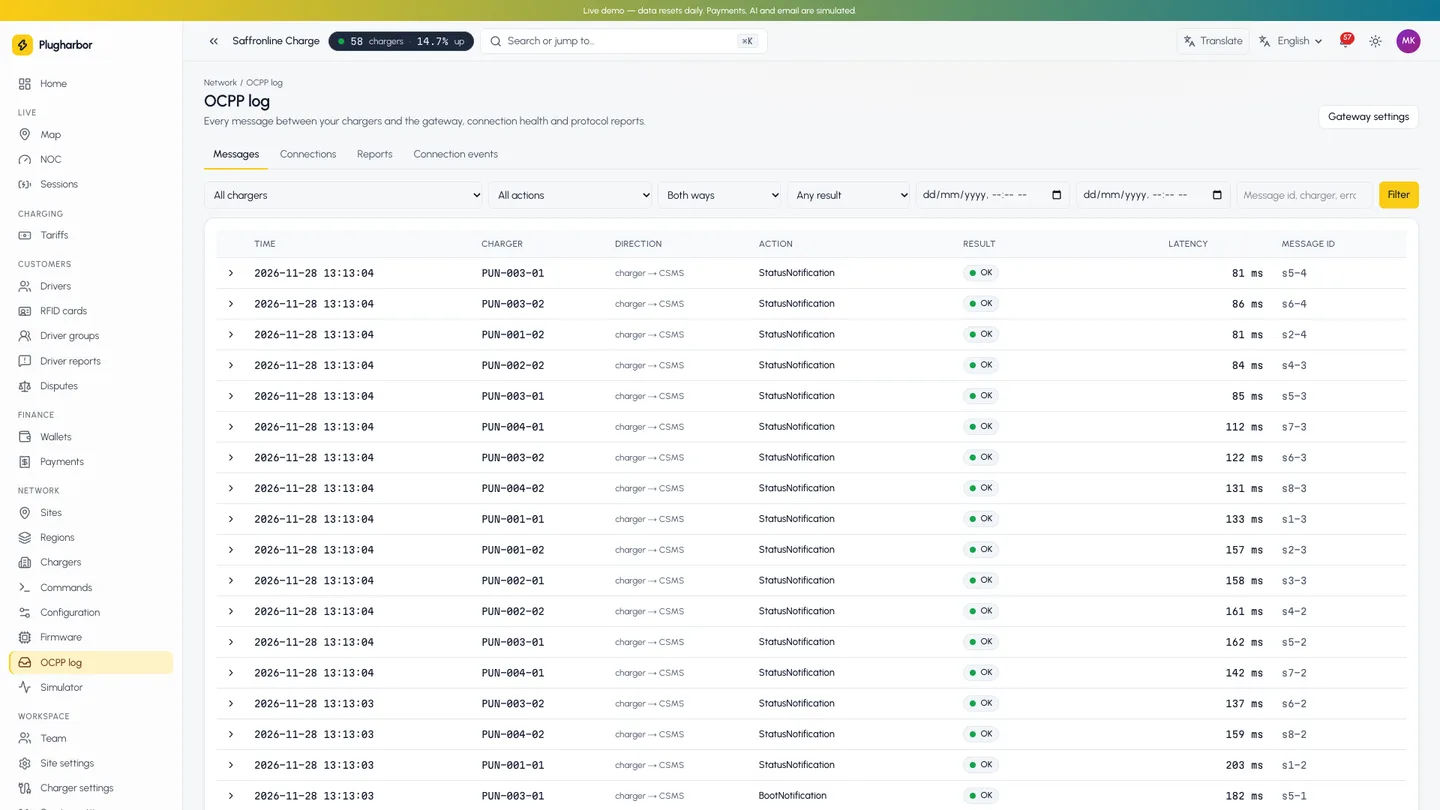
2. Can you test without a real charger?
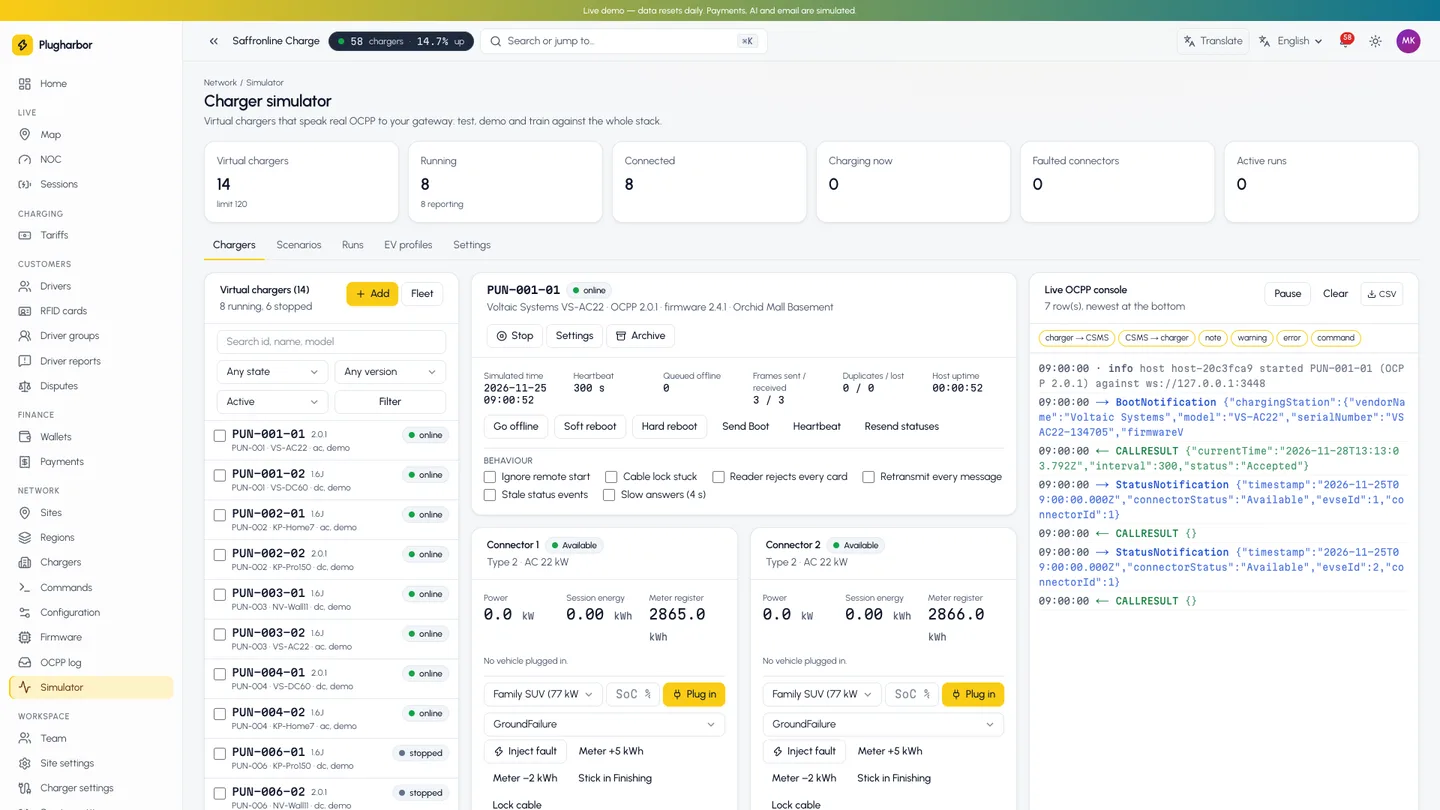
A simulator that connects to your own gateway lets you rehearse a firmware campaign or a faulty meter before it matters.
3. Are tariffs more than a price per kWh?
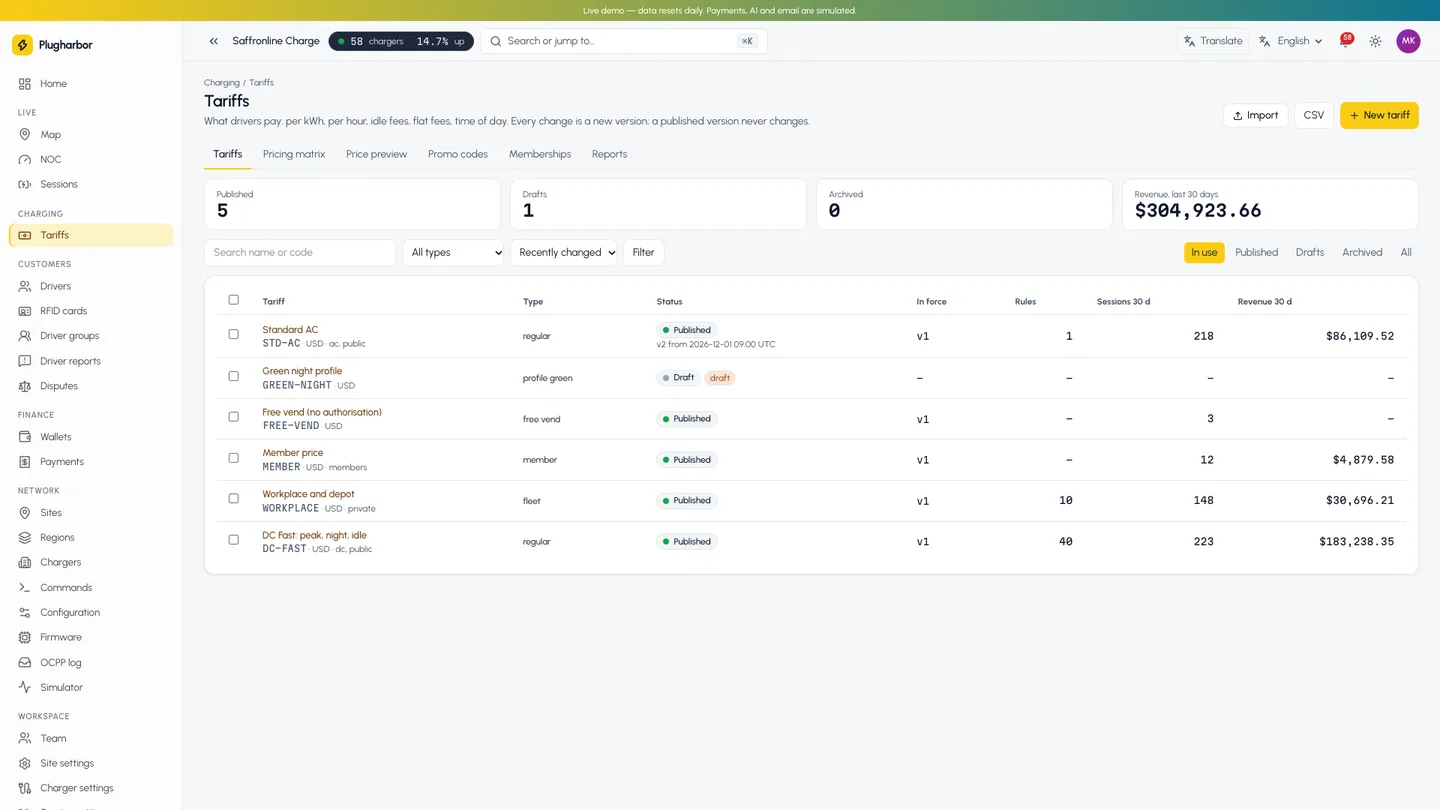
Look for time, idle and flat parts, windows, caps and taxes, versioned and previewed.
4. Is money safe under concurrency?
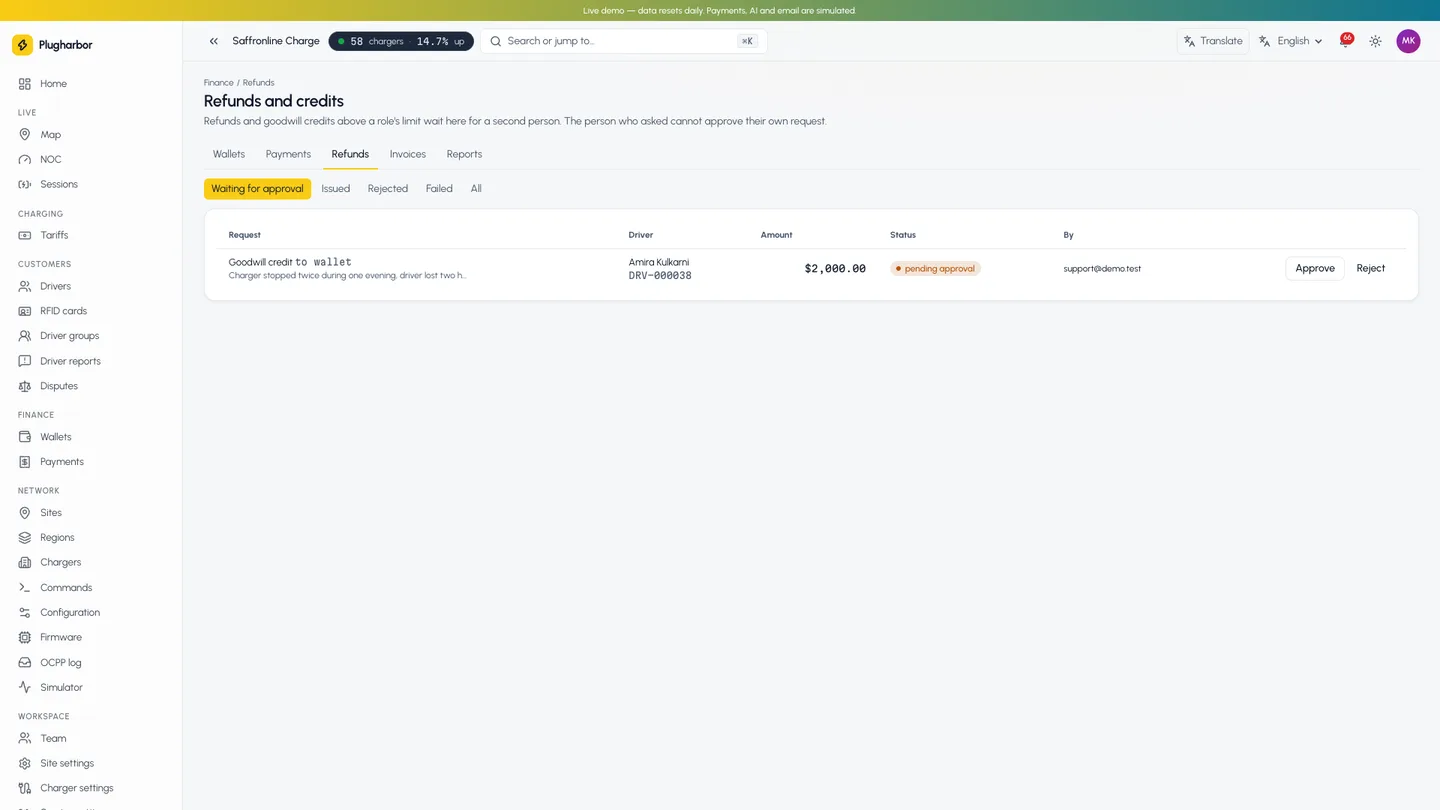
Wallet debits, refunds and session closing should be conditional updates, with a second approver on refunds.
5. Do drivers get an app?
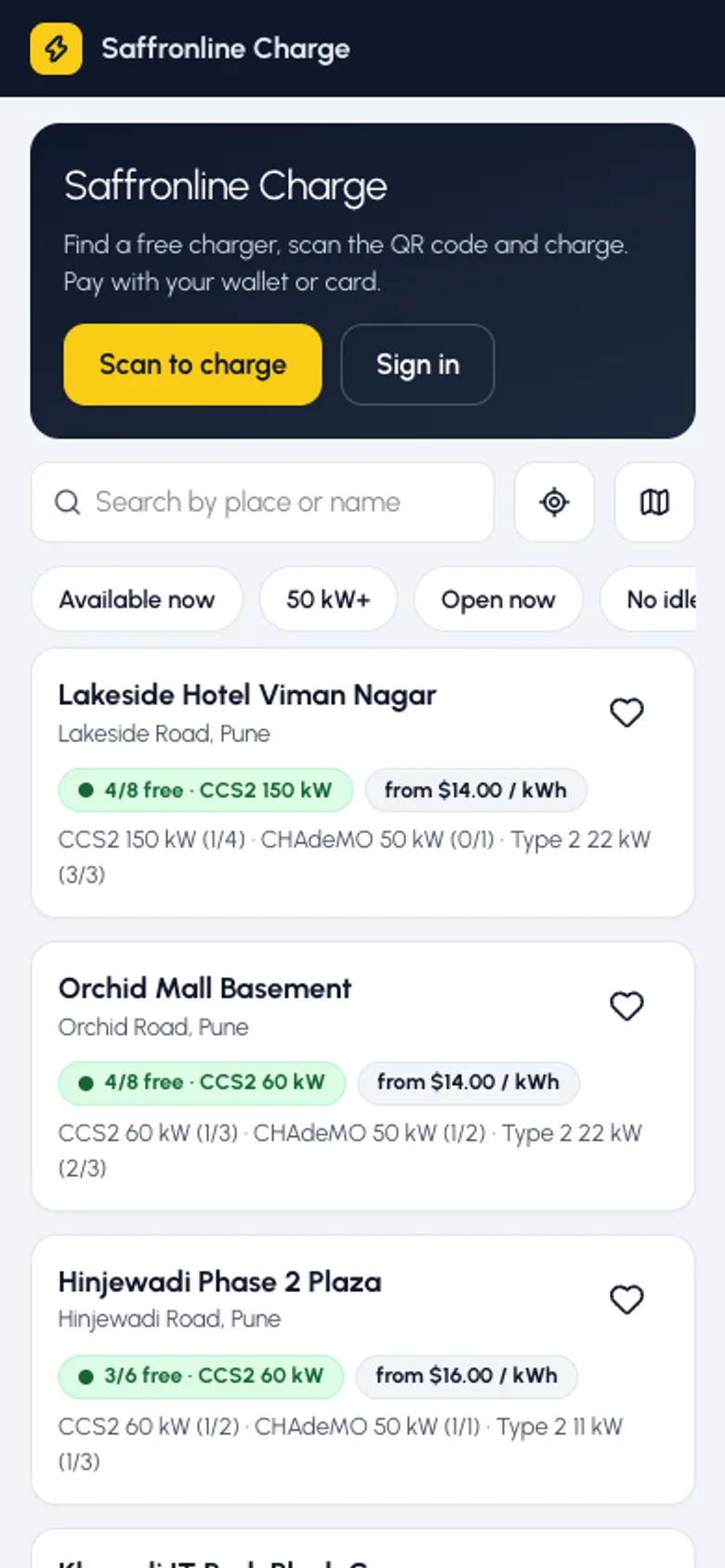
An installable web app with an offline queue is the difference between a tool drivers use and one they ignore.
6. What are the honest limits?
Plugharbor 1.0 simulates payments, has no roaming, load management or fleet accounts yet (planned for 1.1) and needs your own key for AI. They are listed on the item page so you can plan around them.