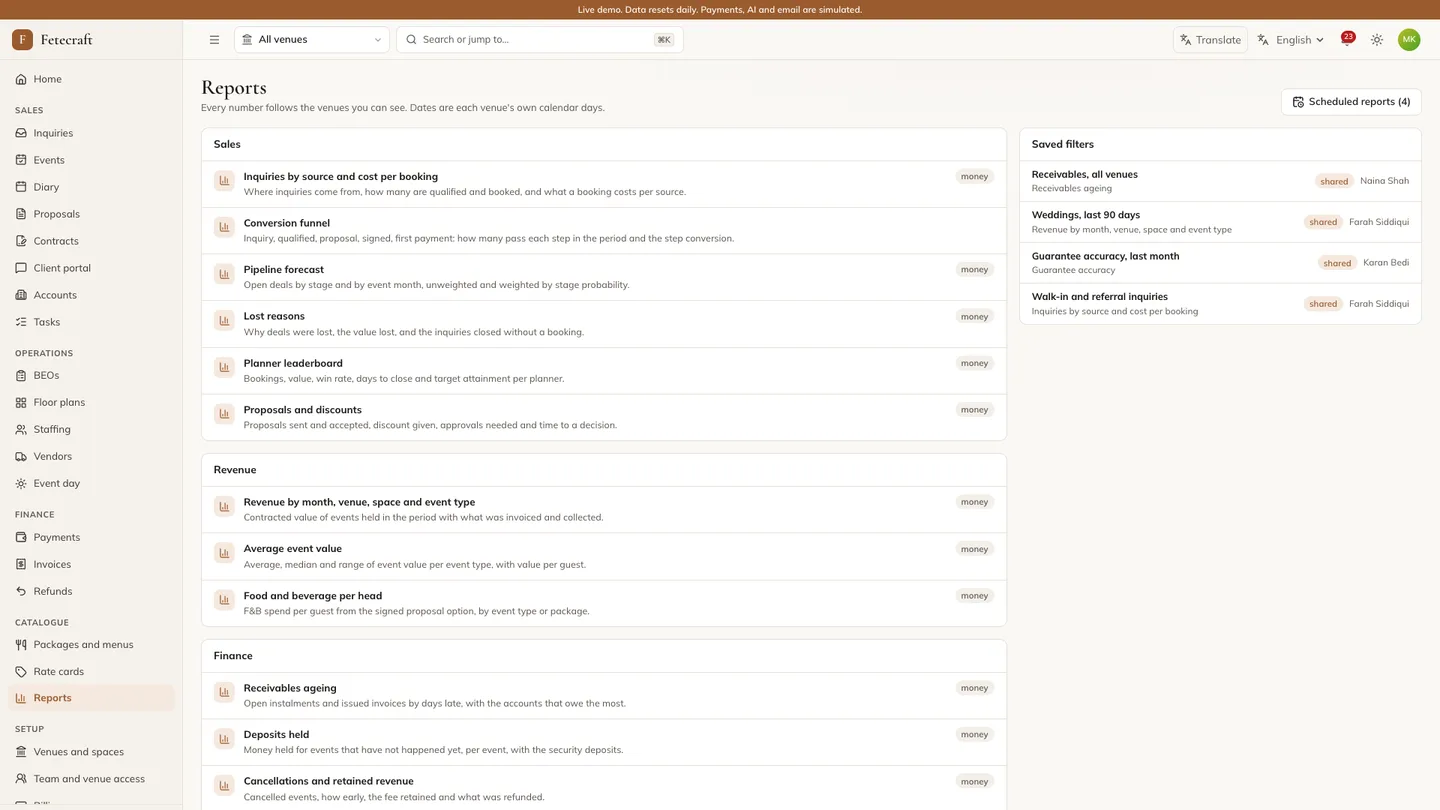
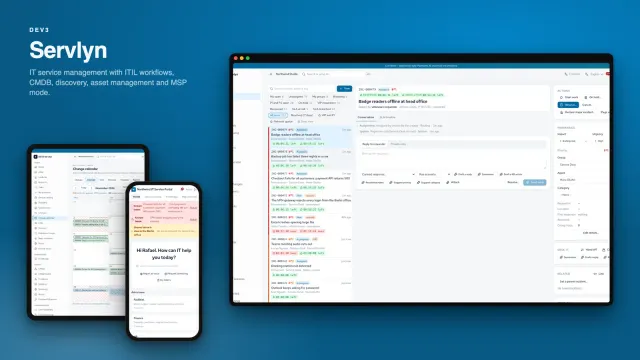
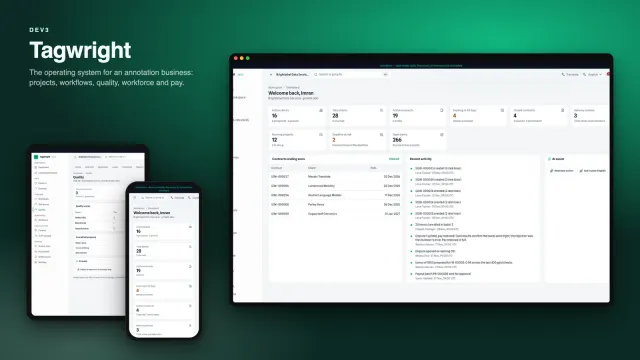
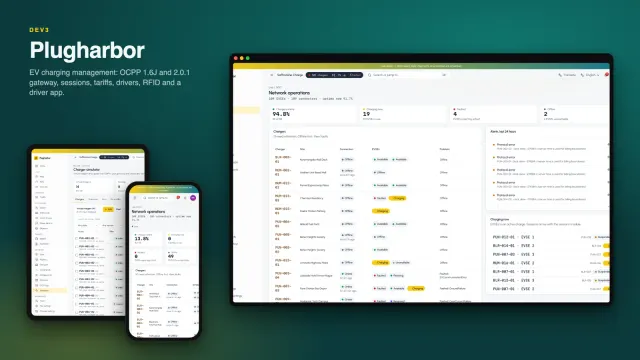
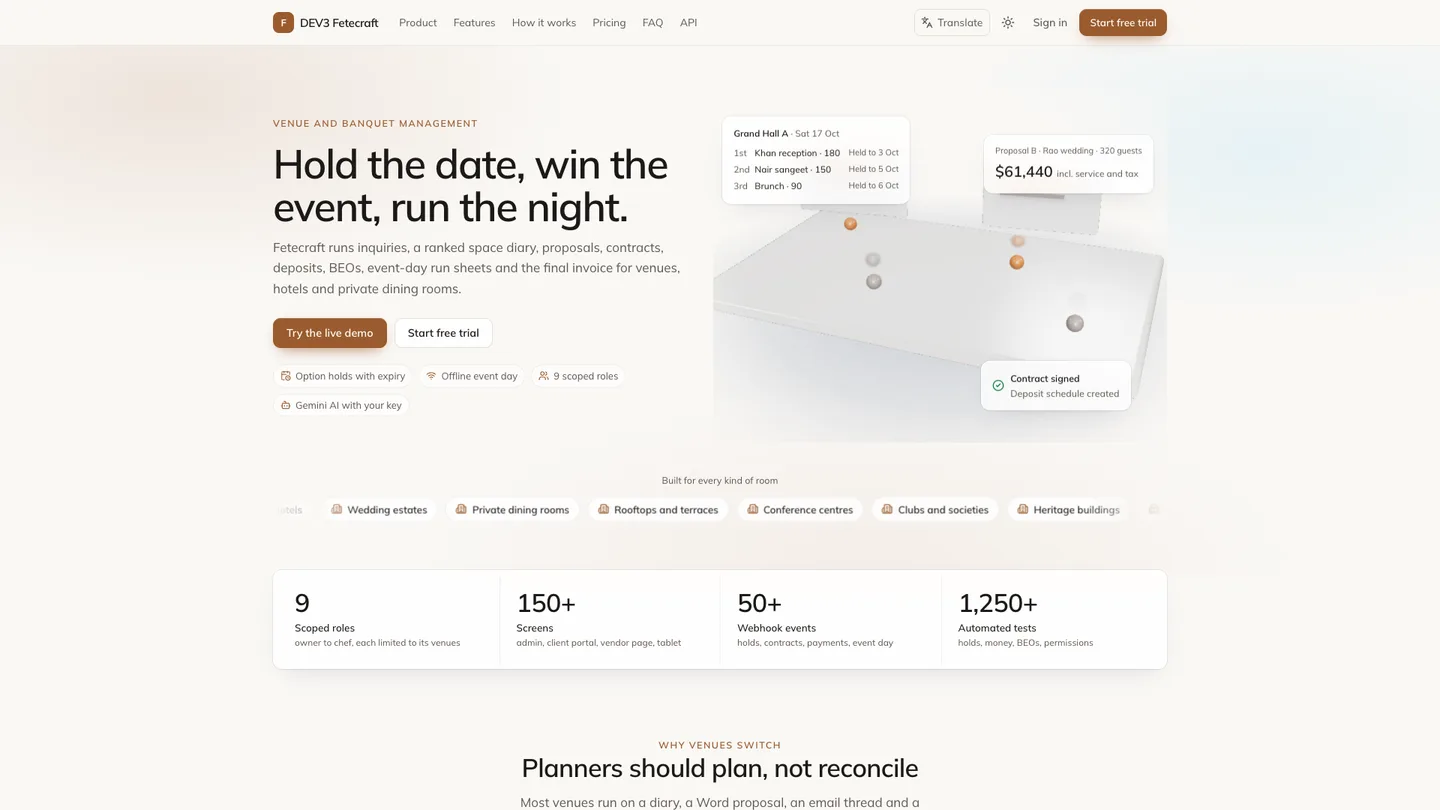
 Landing — a live diary week with first and second option holds.
 How it works — inquiry to final invoice, with the feature grid.
Venue and banquet software: 6 things to check before you pick one
Last updated
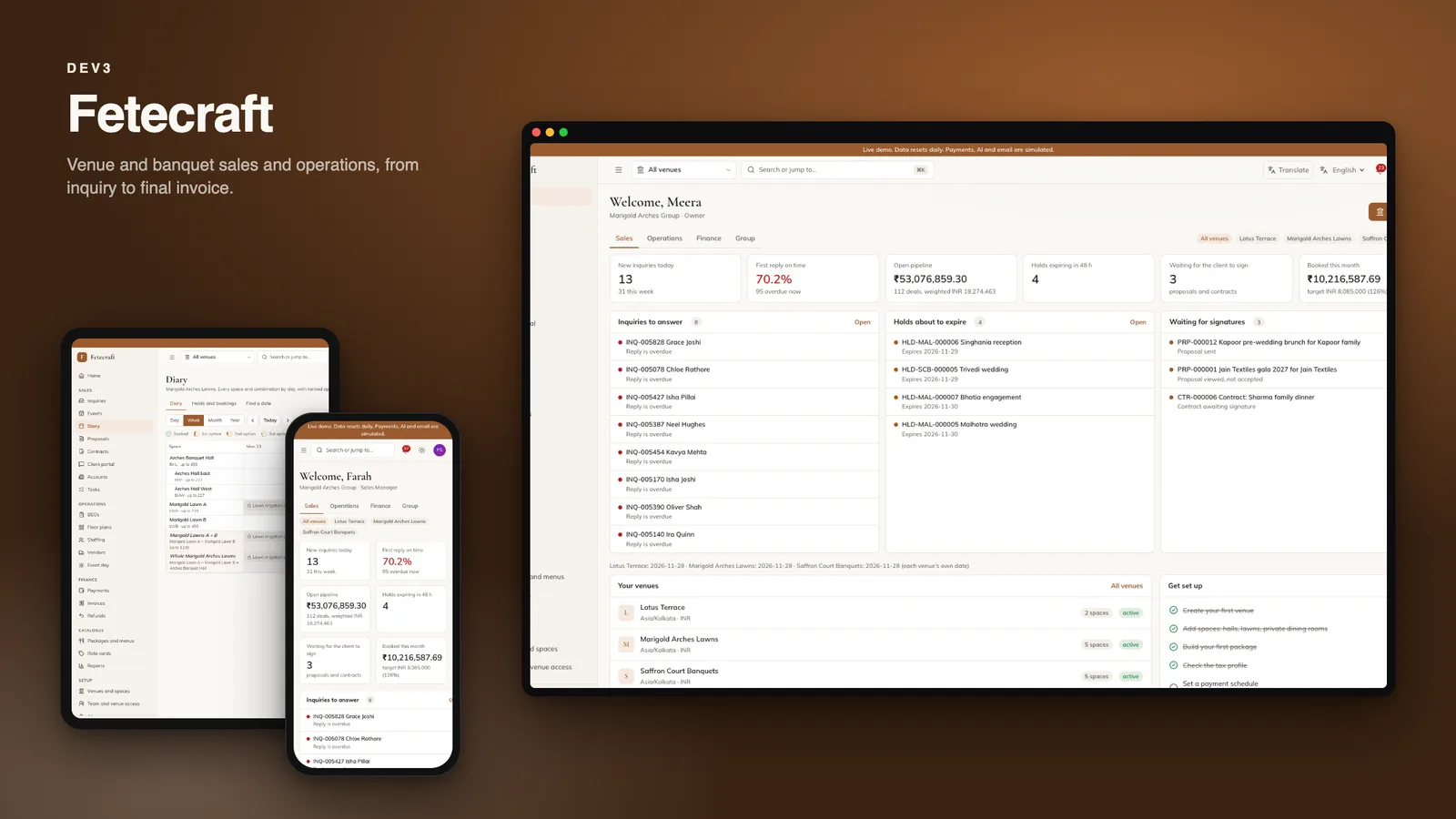
Venue software looks alike in a feature list until you ask the awkward questions: what happens when three clients want the same Saturday, whether the signed price matches the final invoice, and what the kitchen cooks from after the count changes. Here are six things to check, with DEV3 Fetecraft as the worked example.
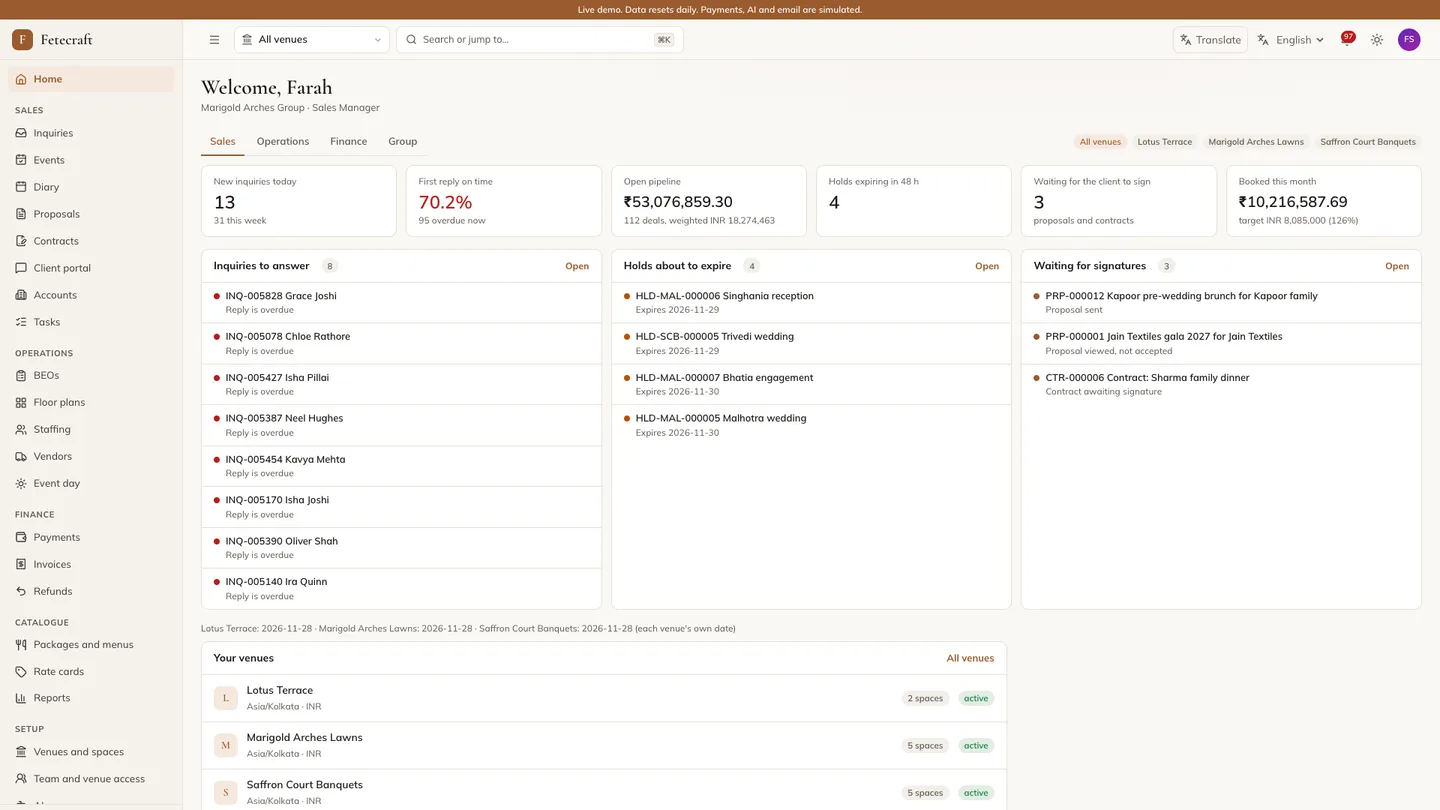
1. Do date holds rank and expire by themselves?
A spreadsheet cannot tell you which of three options is first. Fetecraft keeps 1st, 2nd and 3rd holds per room, lets the last one lapse on its own and never lets two planners claim the same slot.
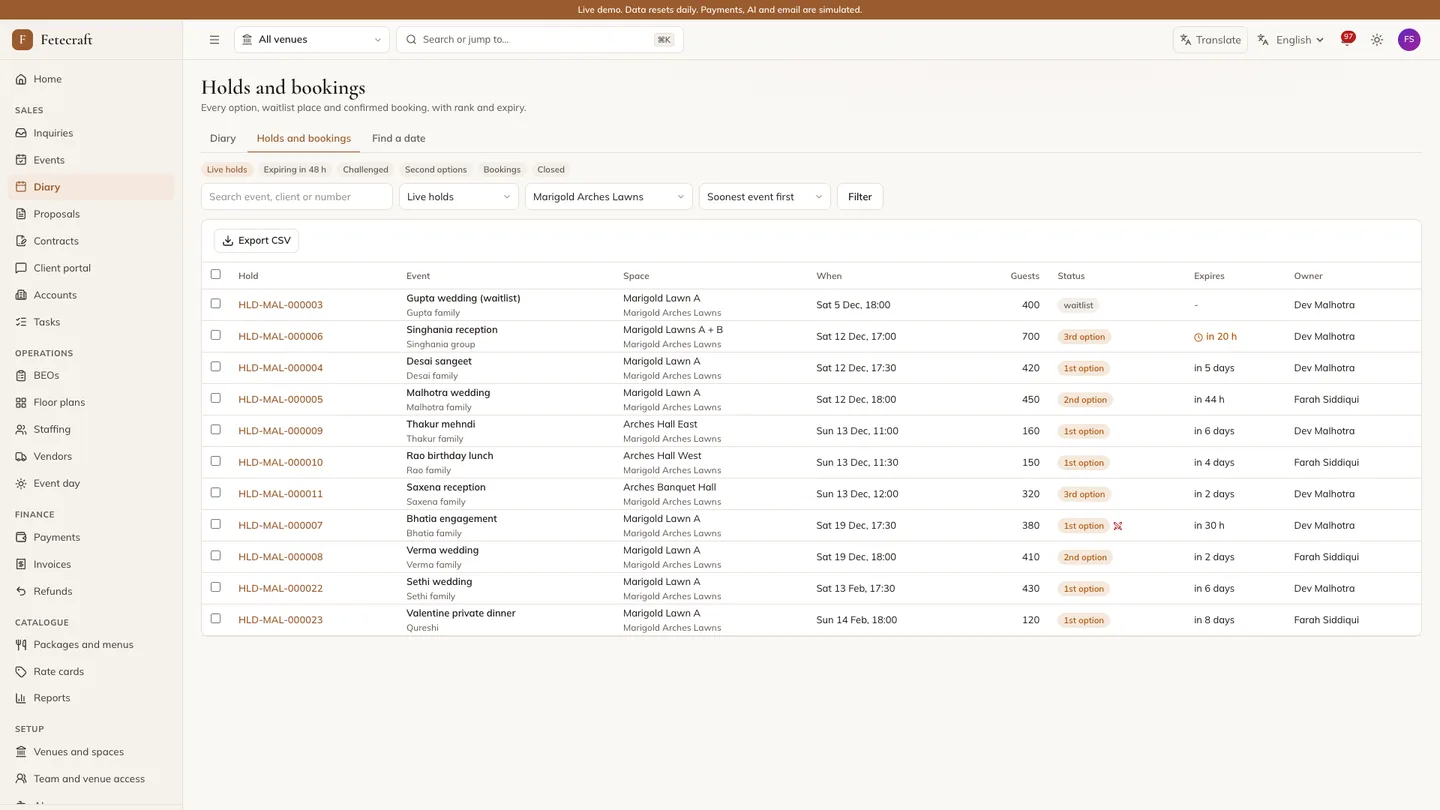
2. Is the price the same from proposal to invoice?
Look for one pricing engine, not one per screen. Proposals, contracts, deposits and invoices share one code path and one rounding rule, and an edited proposal cannot be accepted at its old price.
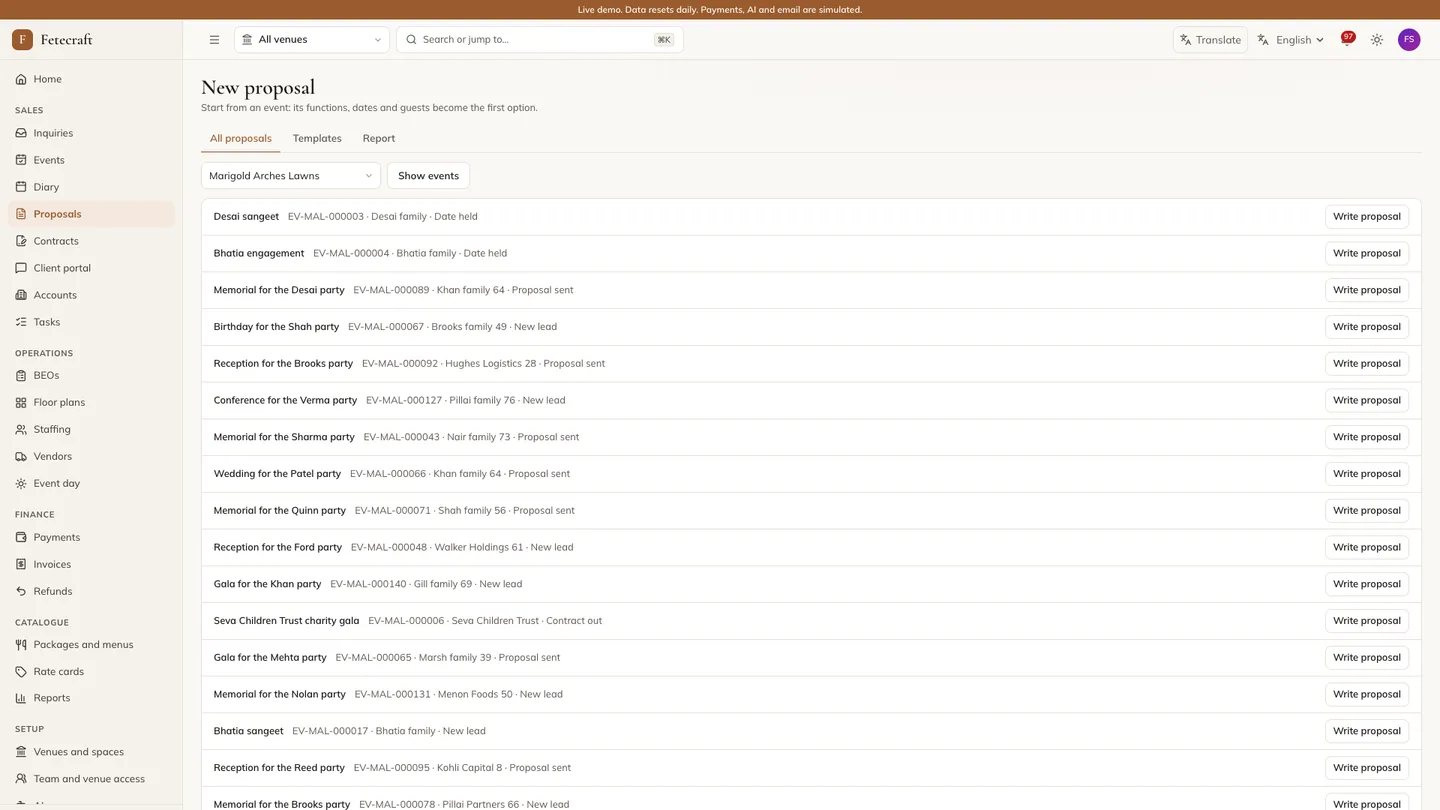
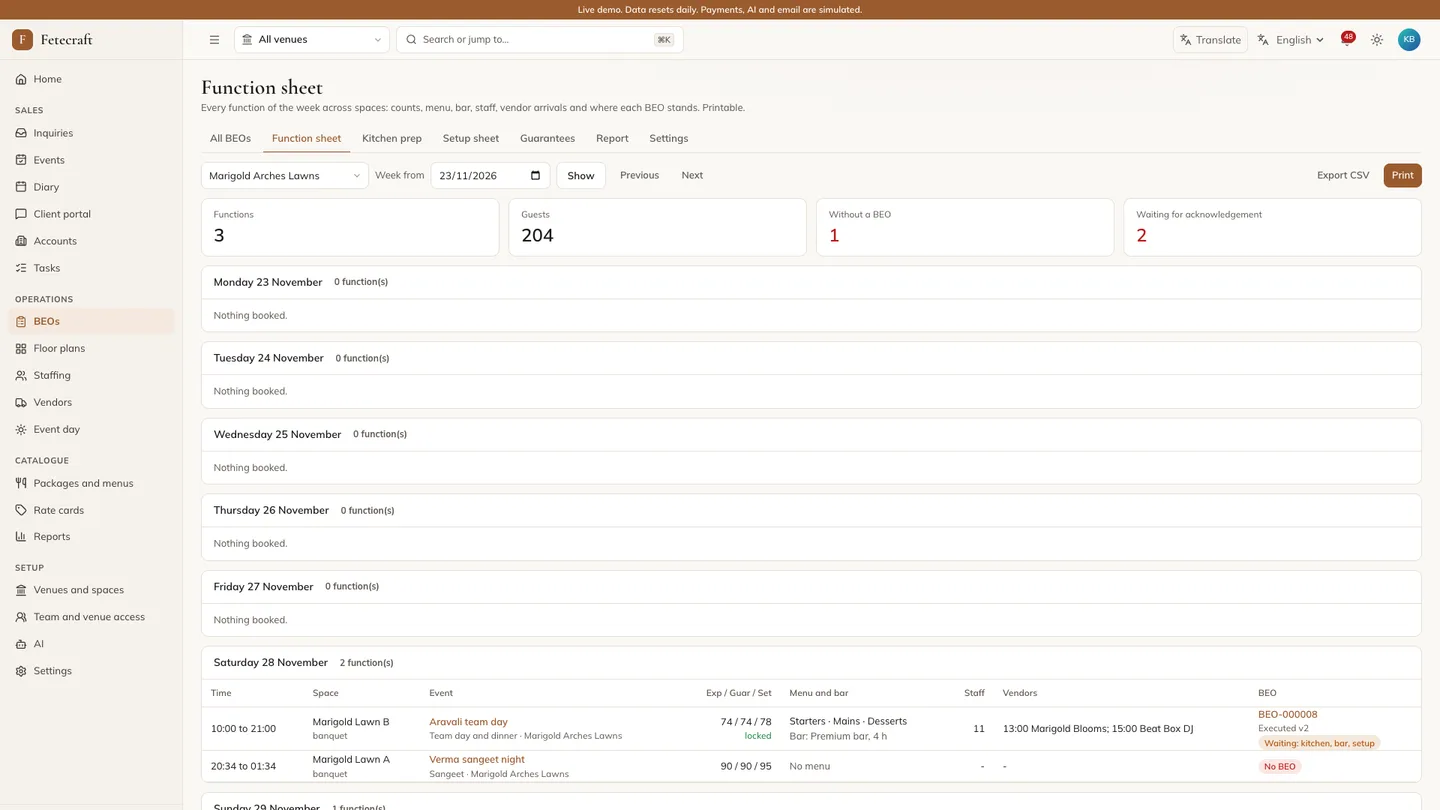
3. Does the kitchen get one order with the changes marked?
The banquet event order has versions, department acknowledgements and a guarantee deadline that locks the count.
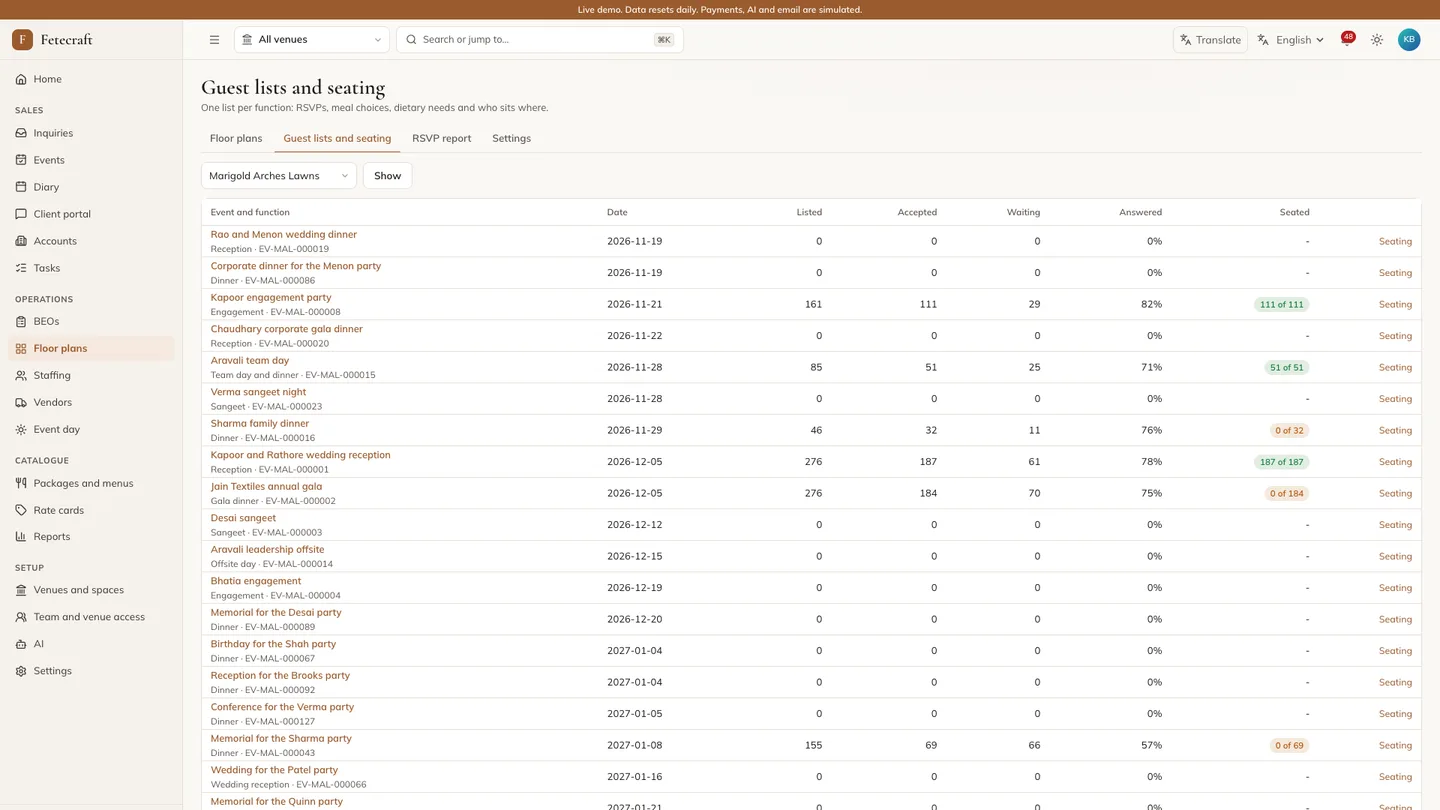
4. Can guests and seats live in the same tool?
A plan editor, RSVP links, meals and dietary tags, and seat claims that cannot double-book.
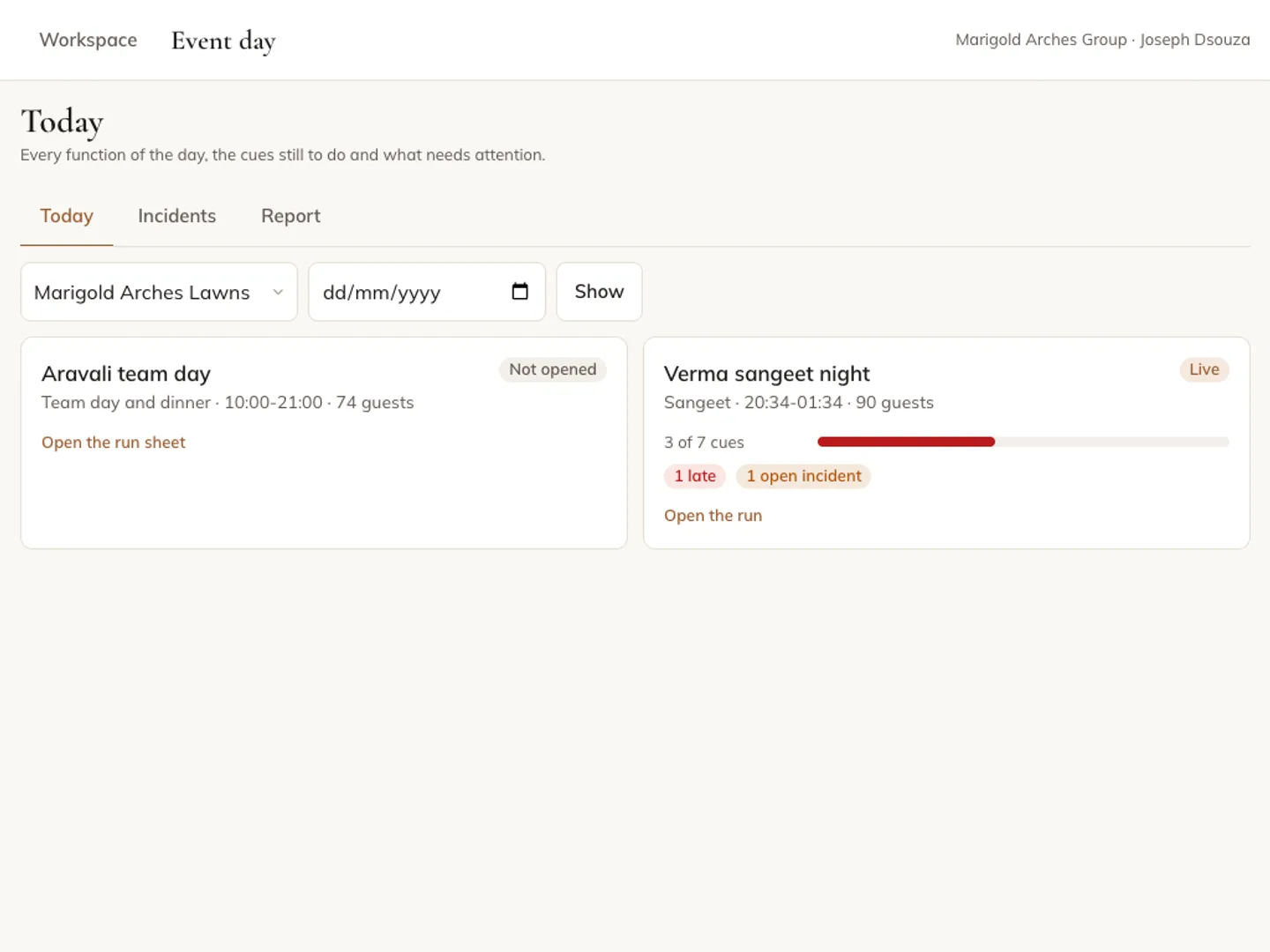
5. Can the captain run the night offline?
The run sheet works on a tablet without signal and syncs when it returns.
6. Are the limits honest?
Payments are simulated, there are no live channel-manager connectors and AI needs your own key. Everything else is in the box.