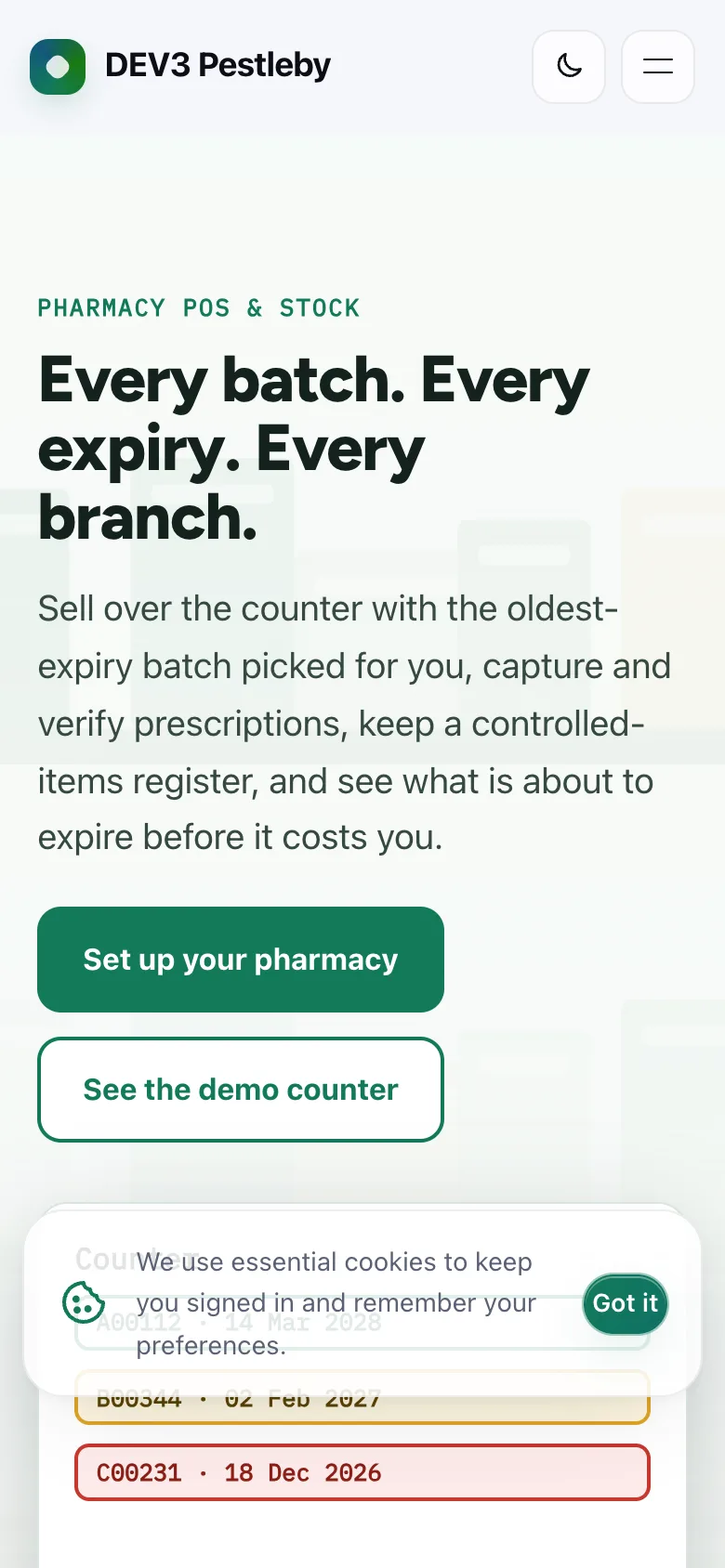
 On a phone — The hero on a phone, headline first.
Pharmacy POS software: 6 things to check before you pick one
Last updated
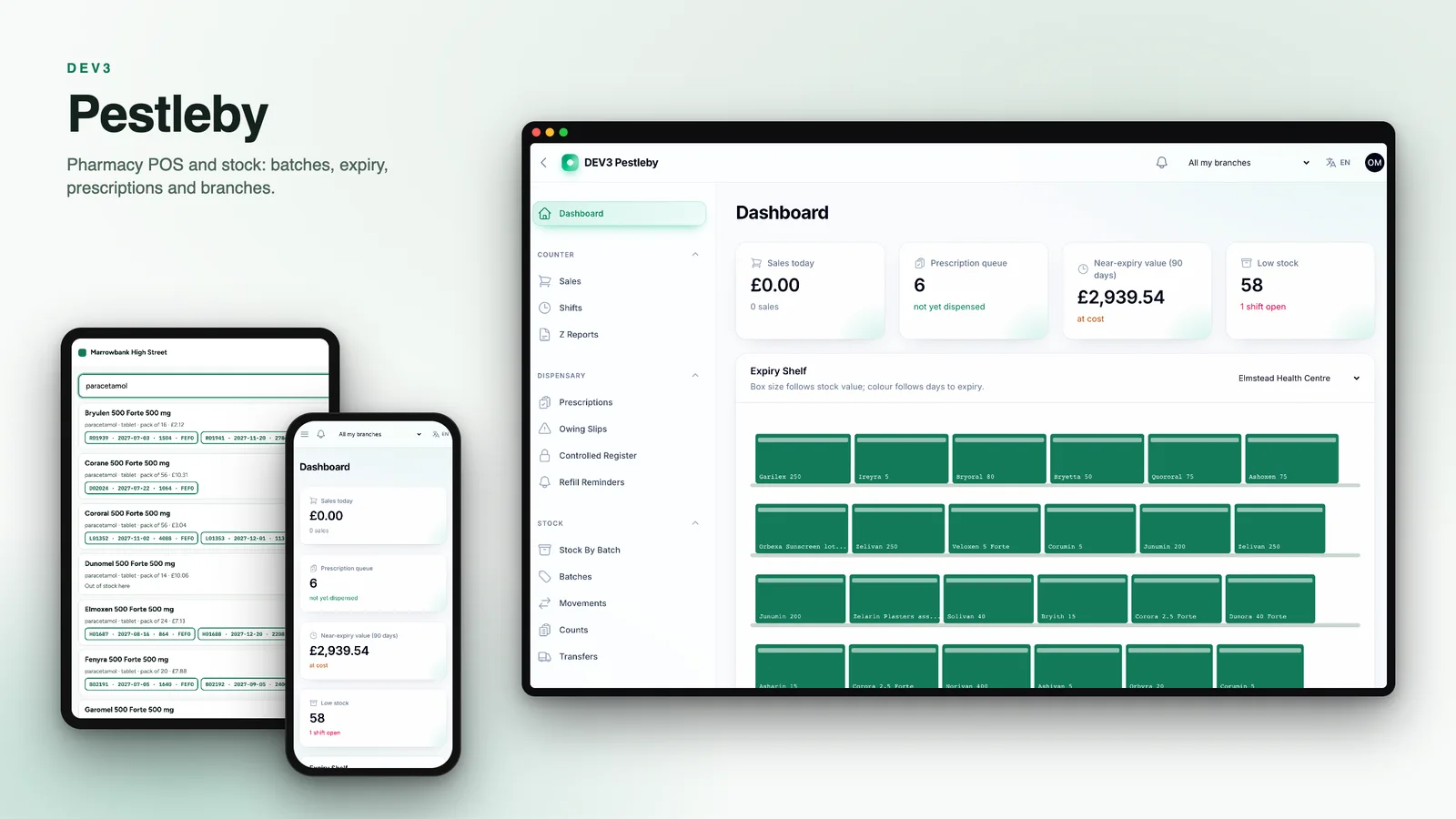
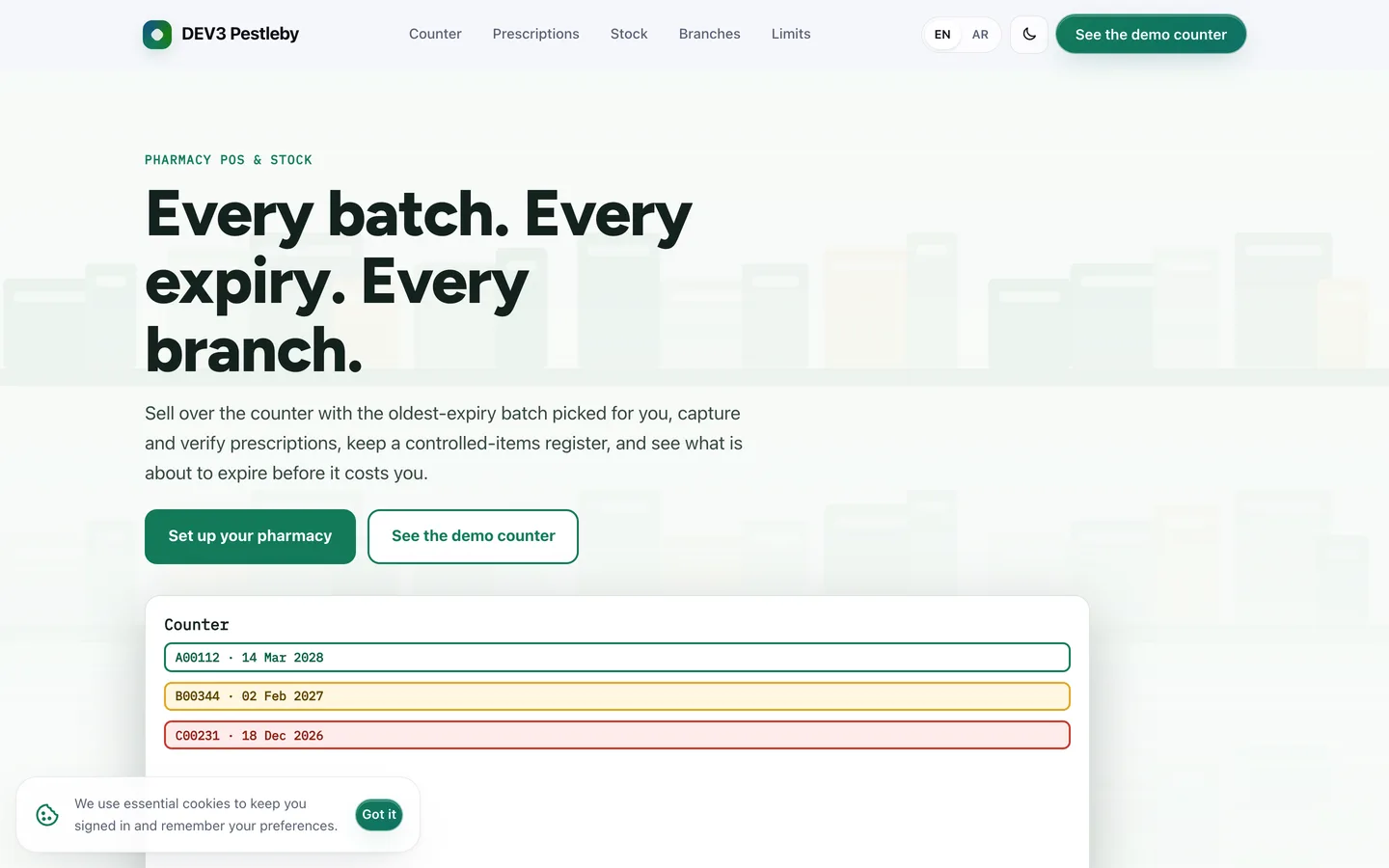
A pharmacy counter looks simple until the oldest box is at the back, a batch is recalled, or two branches count the same stock twice. Here are six things to check before you pick pharmacy POS and stock software, with DEV3 Pestleby as the worked example.
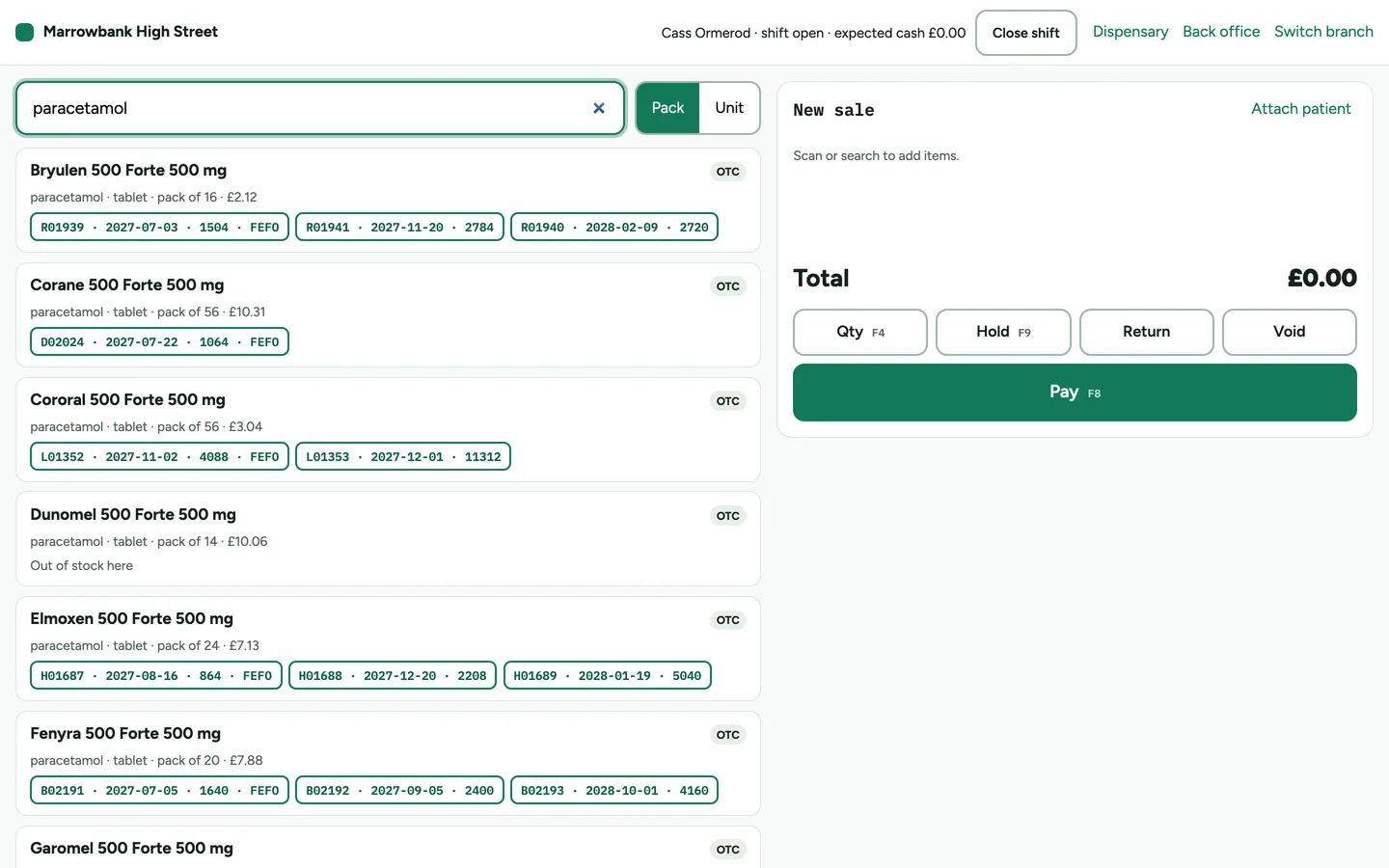
1. Does it sell the oldest batch first?
Stock that expires unsold is margin lost. Pestleby picks the sellable batch with the earliest expiry (FEFO) at the till, splits a line across batches when needed, and asks for a reason when staff choose another batch.
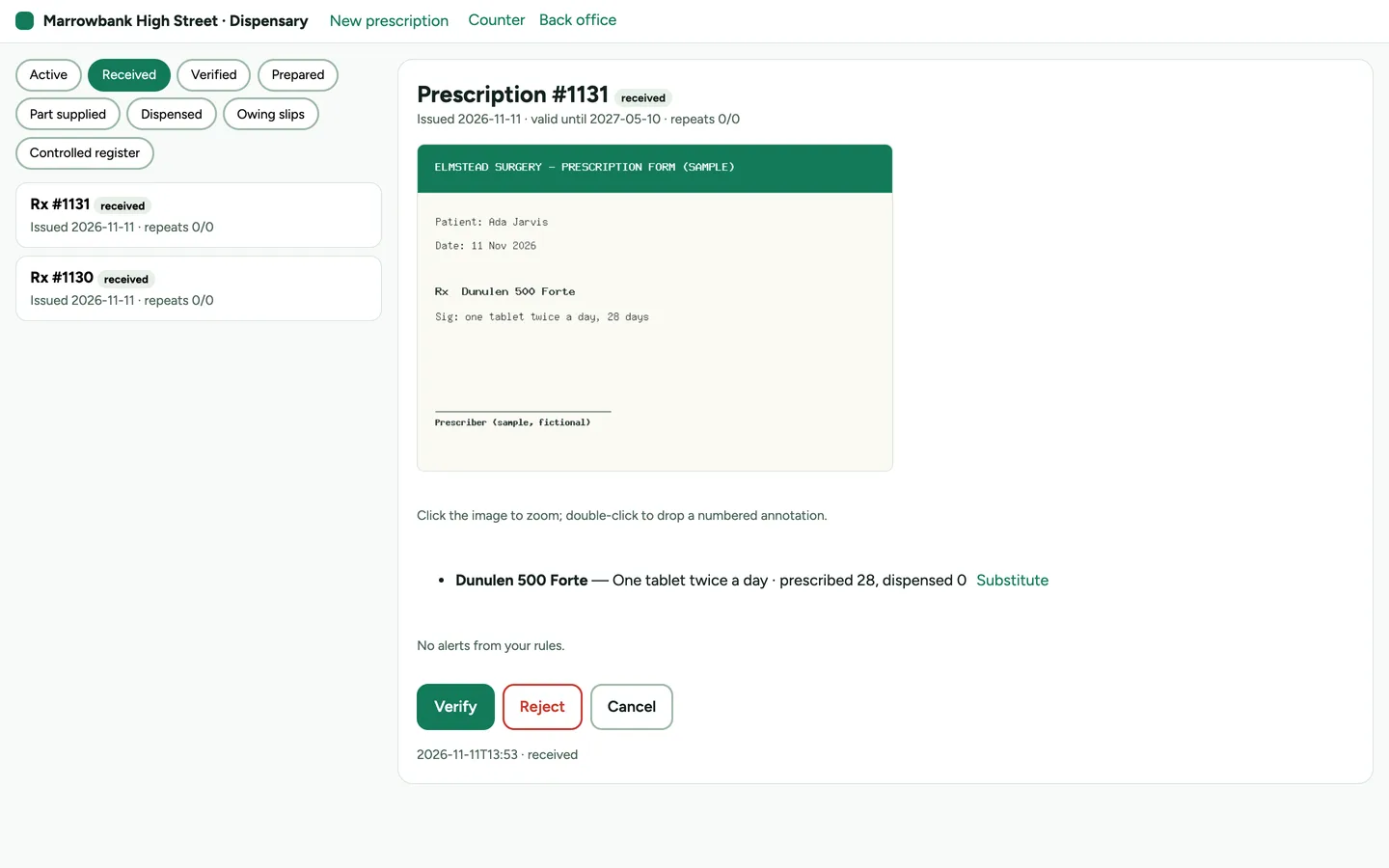
2. How are prescriptions handled?
Capture the image, match the items, check the alerts, let a pharmacist verify, then prepare with batches picked and print labels. A part supply should open an owing slip rather than a mystery.
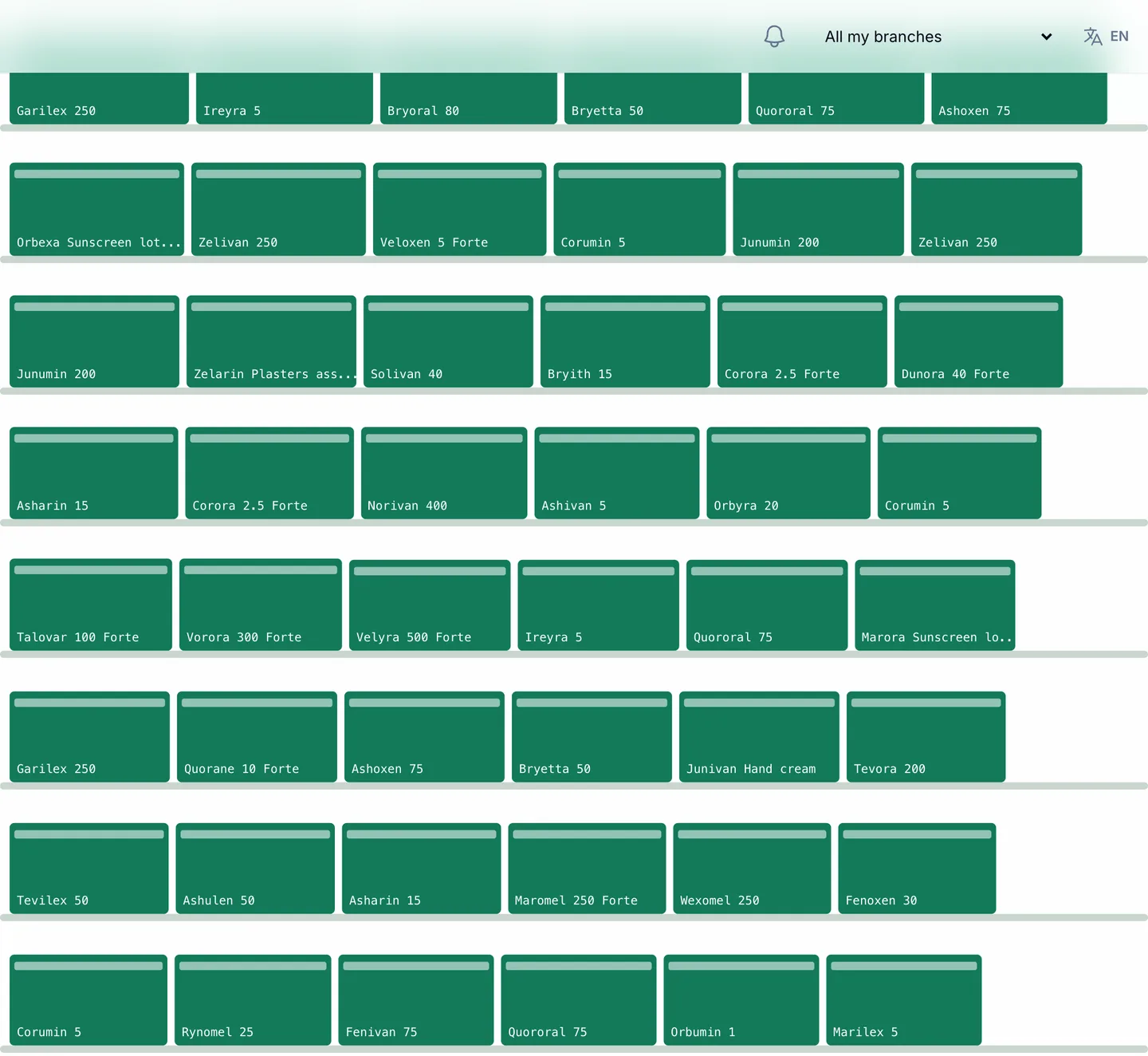
3. Can you see expiry before it costs you?
Look for near-expiry lists, automatic quarantine of expired batches and recalls that reach every branch. Pestleby adds the Expiry Shelf, a picture of each branch's stock by value and days to expiry.
4. Does receiving capture batch and expiry?
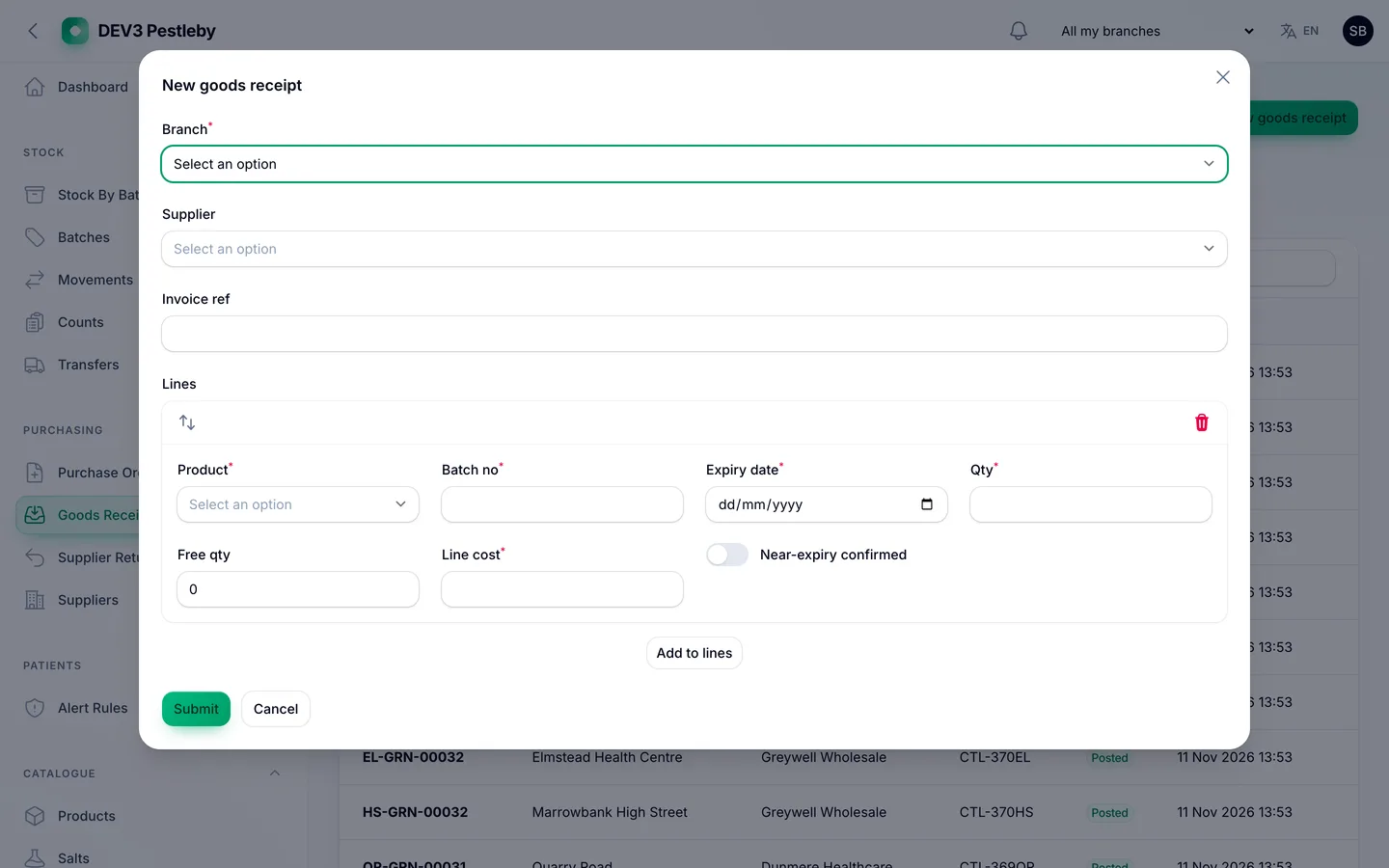
A goods receipt should record batch, expiry and cost per unit and refuse an expiry in the past.
5. Is the controlled register trustworthy?
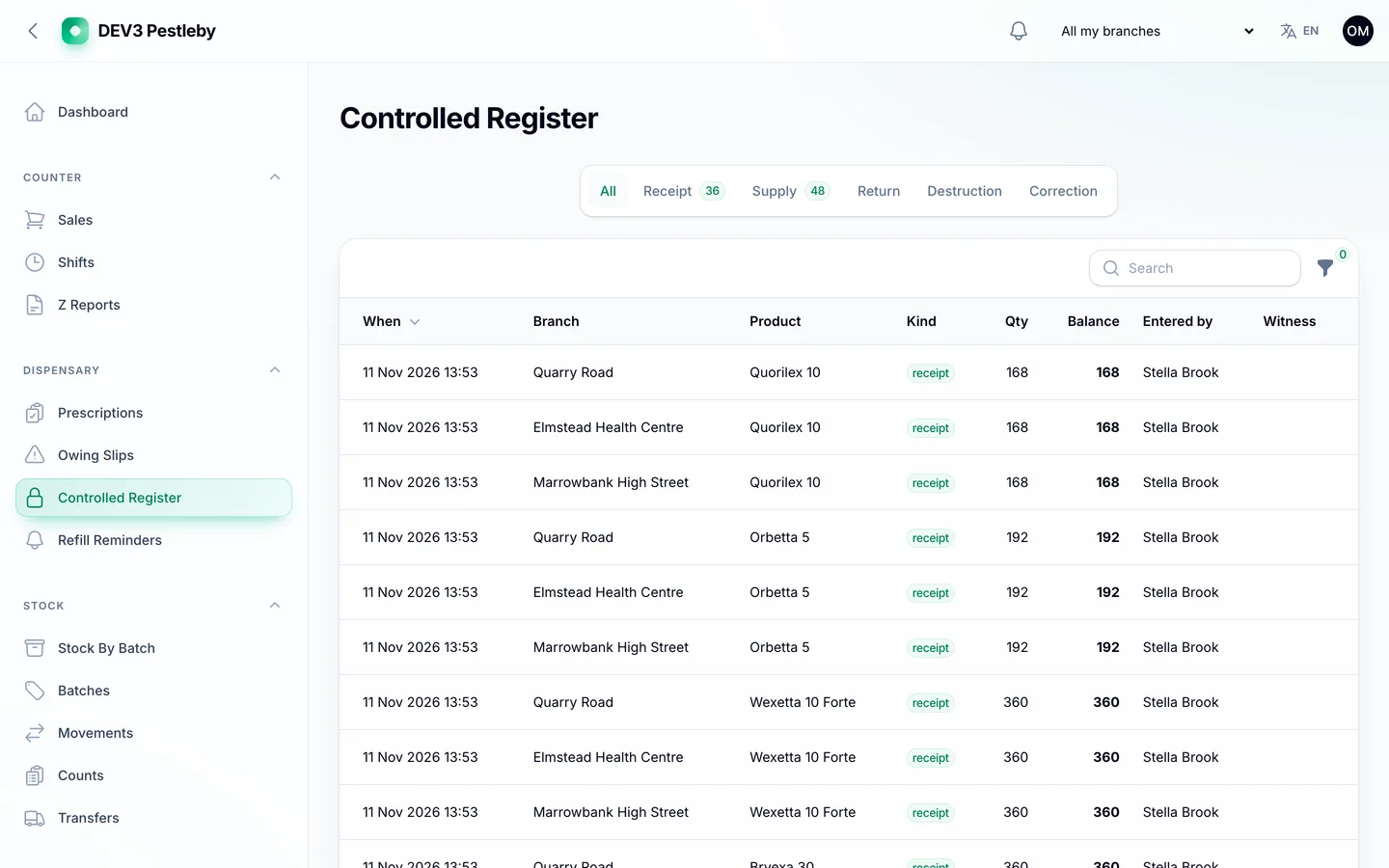
Entries should be append-only, with a running balance that must match the shelf and a witness for supplies and destruction.
6. Are the limits honest?
Pestleby is for one pharmacy business with one or more branches. It has no e-prescription network, insurance or claims integration, no bundled drug database and no regulator certification, and it needs a connection. Ask every vendor the same questions.