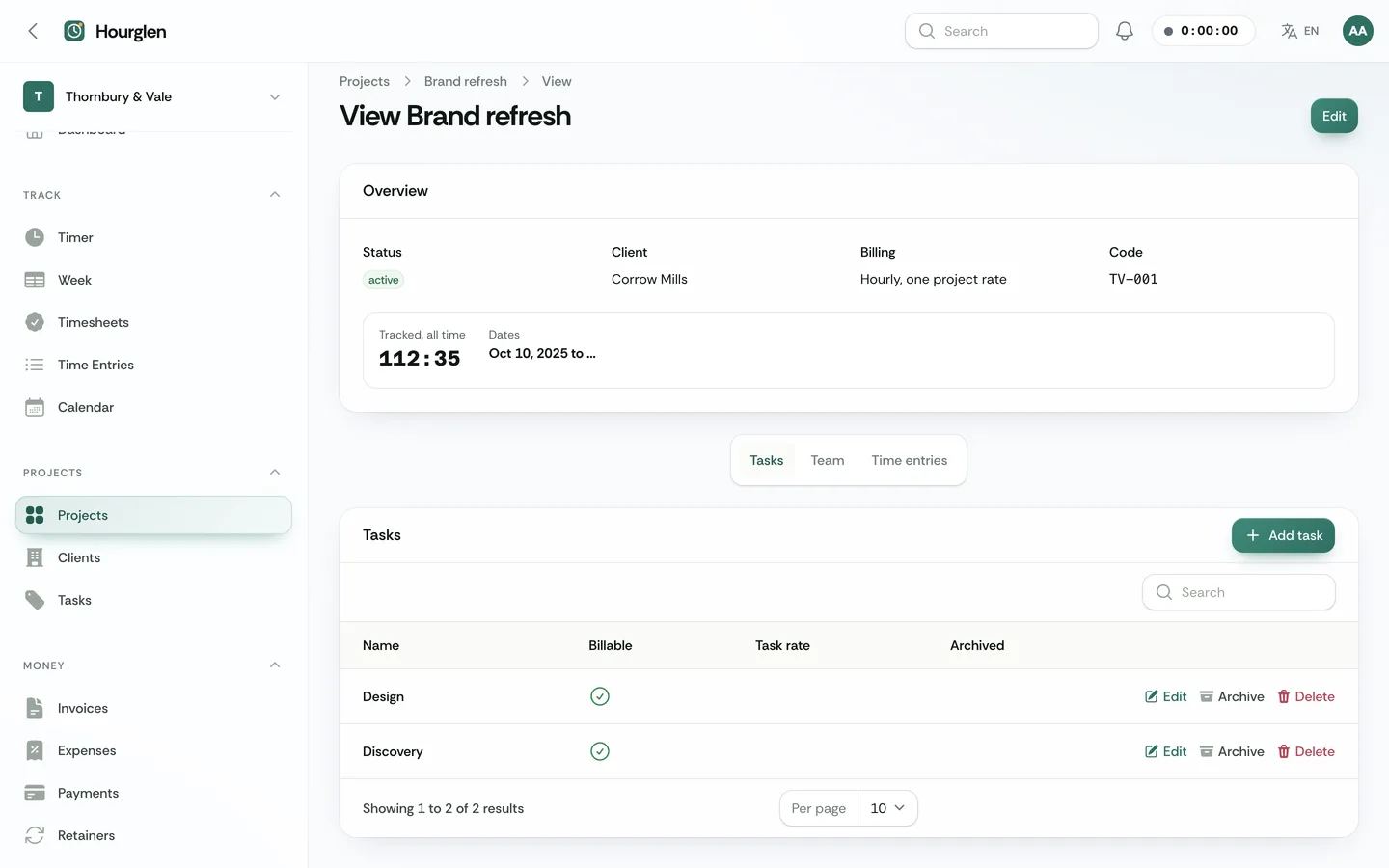
Hourglen is a time tracking and billing app that freelancers, studios and consultancies use to track hours against clients and projects, approve weekly timesheets, watch budgets and turn approved time into invoices. It is built by DEV3 Technologies on Laravel 12 and Filament 4. You run it as the operator: you sell plans to workspaces, and each workspace tracks its own clients, projects and people.
What it does
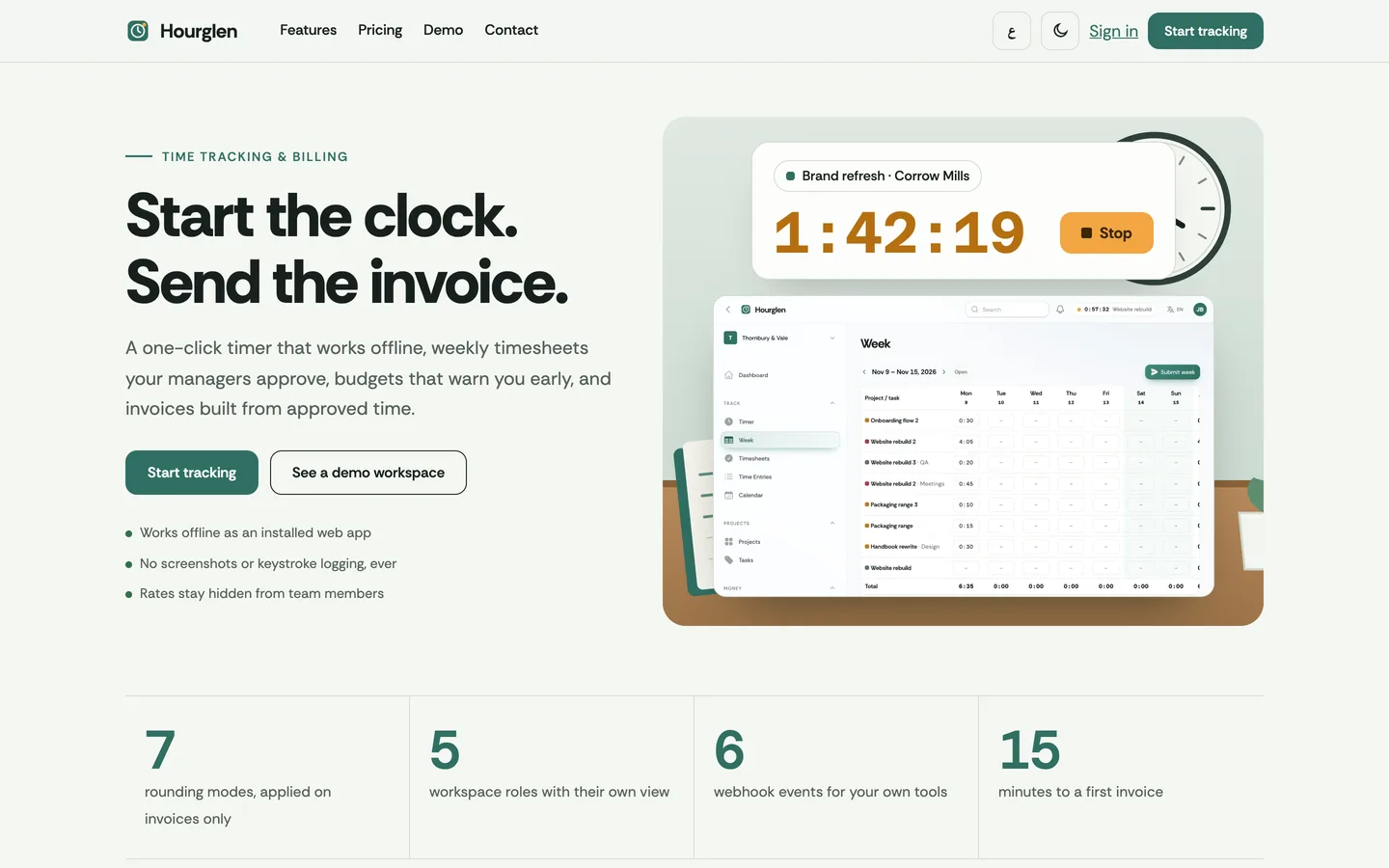
- One-click timer. A header clock, a keyboard shortcut (S), one running timer per person enforced by the database, an idle prompt (keep, discard or split) and a notice for timers left running.
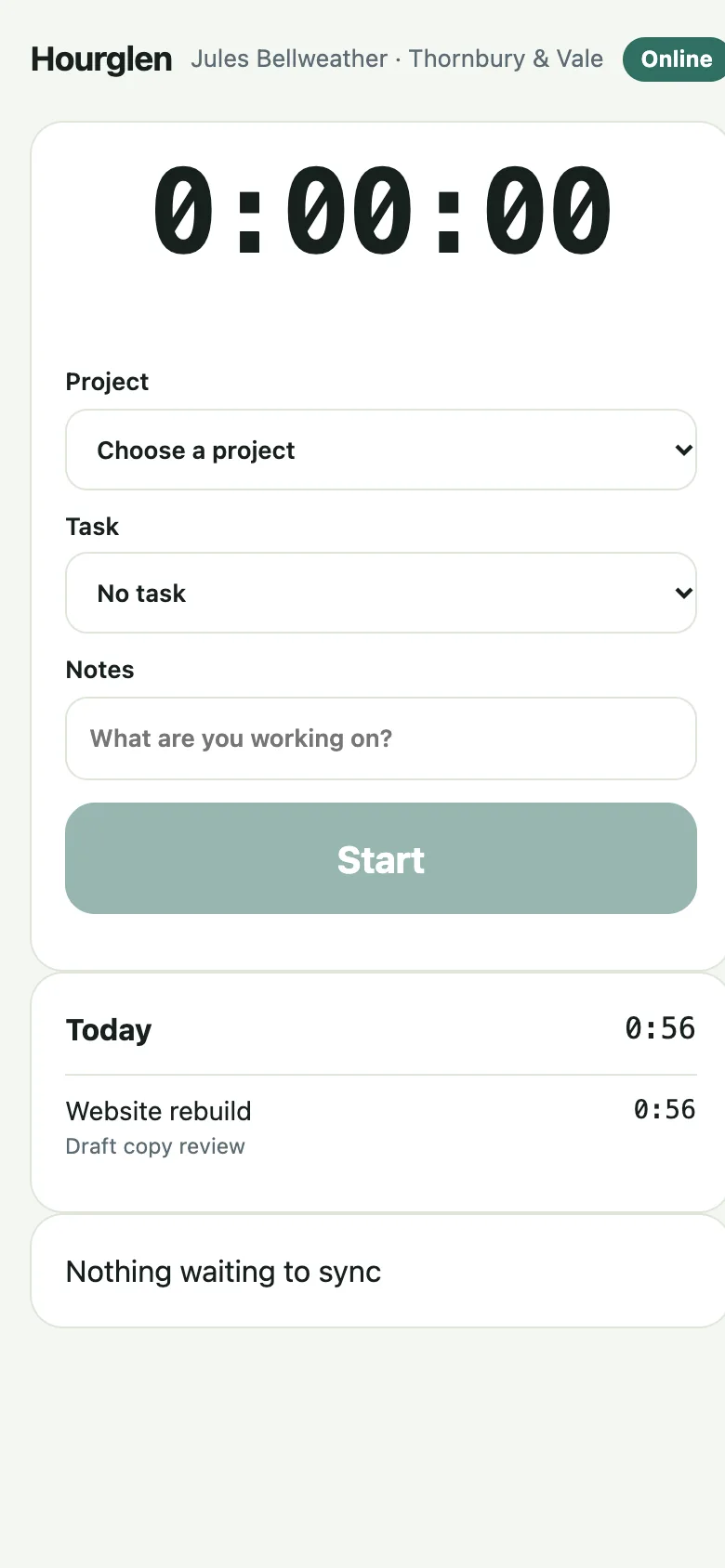
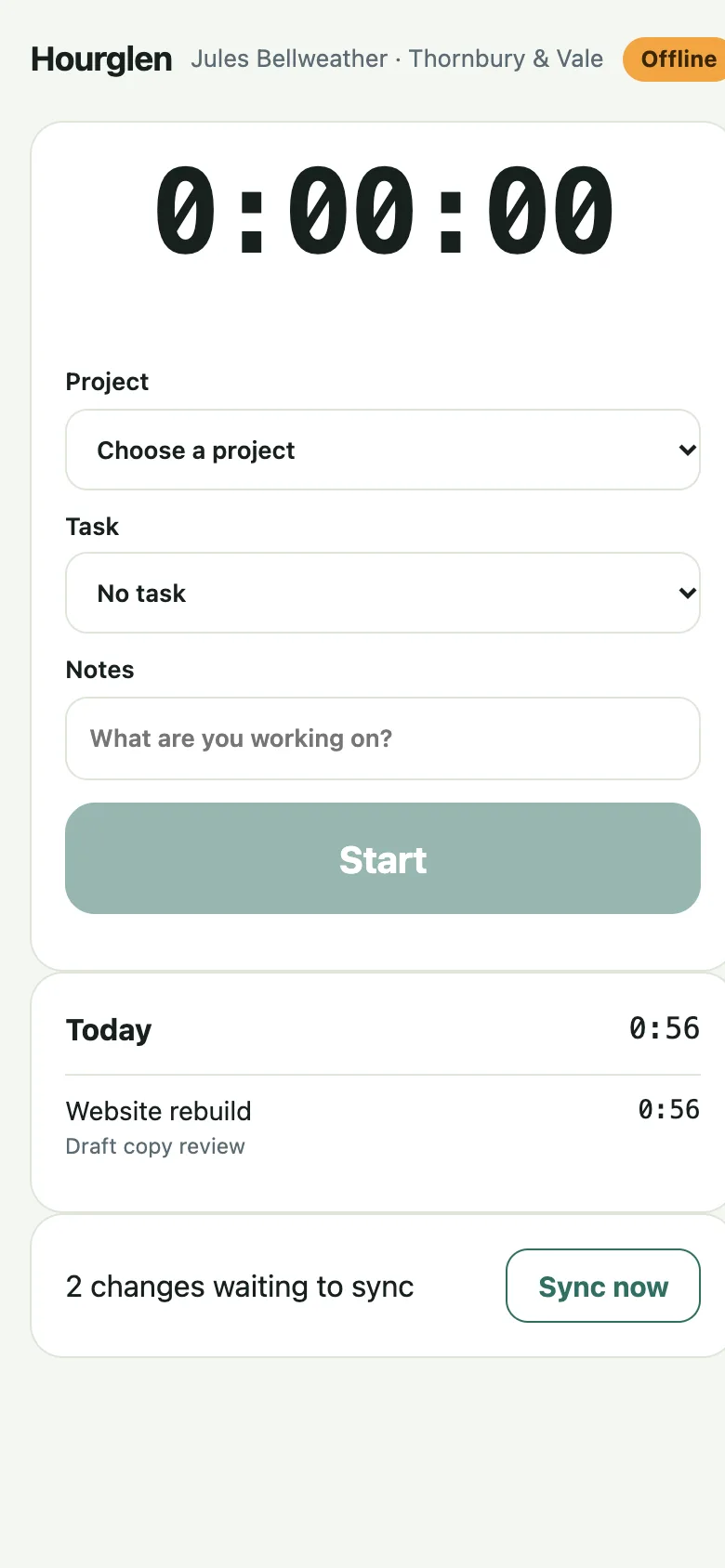
- Installable and offline. A one-screen timer app (PWA) that opens without a connection, queues starts and stops on the device and replays them through a repeatable sync. When an offline interval overlaps another entry, both are kept and shown to the person: nothing is merged silently.
- Week grid, calendar day and Hour Ribbon. Hours as 1:30 or 1.5 by project and task, entries as blocks on a day, and a 24-hour band per person coloured by project.
- Approvals. Submit a week, approve per project, reject with a comment, and lock approved entries. Managers decide only the projects they manage.
- Rates and budgets. Task, person and project rates, cost rates with history, rates snapshotted on every entry, and hours or money budgets with alerts. Members never see rates.
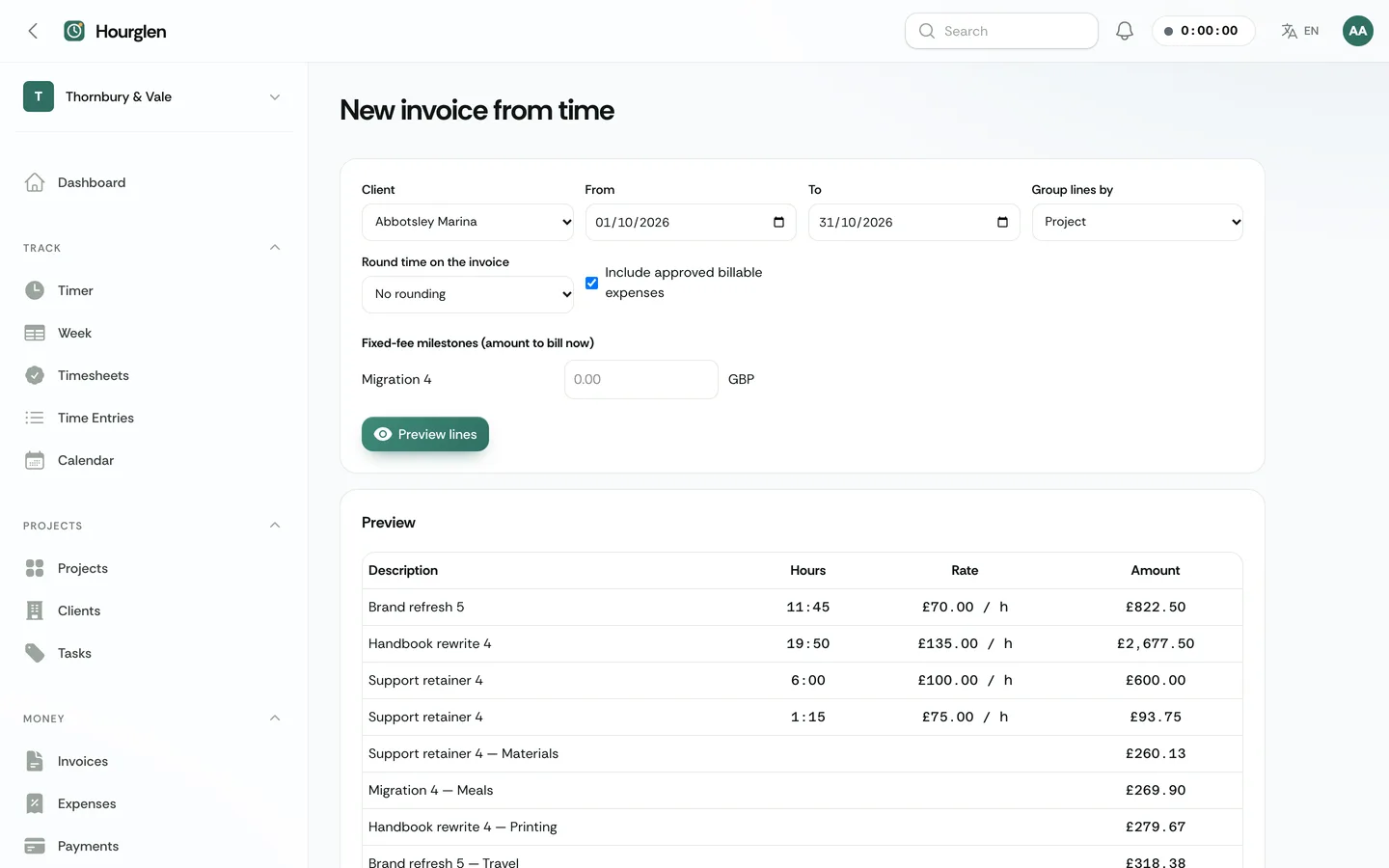
- Invoices from time. Pick a client and period, group by project, task, person or entry, round on invoice lines only, add approved expenses with markup and fixed-fee milestones, send a pay link, take partial payments and refunds. Retainers bill monthly or quarterly with hours included and overage.
- Client view. A private read-only link with approved hours and invoices, no rates, costs or people's names, and a pay button.
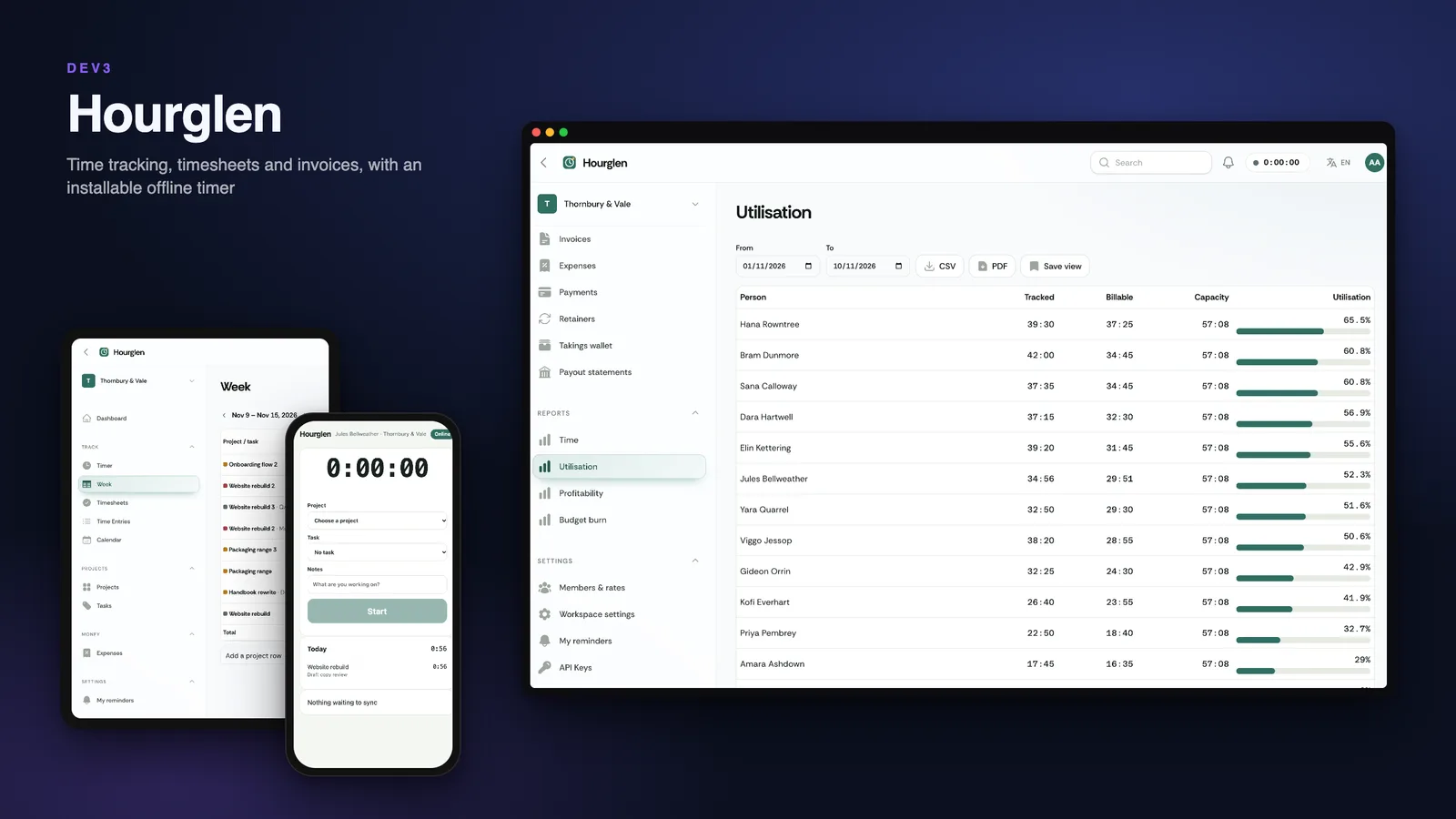
- Reports. Time by project, person, client, task or day, utilisation, profitability and budget burn, with saved views, CSV and PDF.
- Operator panel and API. Workspaces with meters, plans, subscriptions, platform invoices, client payments, payouts, pending refunds, an outbox, an audit log and audited view-only support sessions. A scoped REST API with an OpenAPI document and signed webhooks.
Quality checks
The release passed seven gates on the final code: Larastan level 6 with 0 errors, Pest, a build well inside the page budget, migrations and the full demo seed on MySQL 8 and SQLite, a headless smoke test with happy paths for the timer, the week, approvals, invoicing, the pay link, the client view and the offline timer, race checks on MySQL (parallel timer starts, repeated sync, invoice creation, approval against edit, triple payment capture, retainer runs and plan limits), the installer driven from the zip, and a secret scan. The home page scores 98 for performance and 100 for accessibility on mobile.
What you should know before buying
- Web app plus an installable PWA. There are no native desktop or mobile apps in this version; a Flutter timer app is a planned add-on. Offline entries sync when the connection is back.
- No screenshots, no keystroke logging, no app tracking, by design. It is not payroll, leave or HR software.
- You are the merchant of record. Client payments go to your gateway (simulated by default) and you pay each workspace out from its takings wallet. Workspaces cannot connect their own payment account in this version.
- Invoices are simple: time, expense and fixed lines, tax per line, simulated pay.
- Simulated drivers. Mail, payments, push and recurring charges have working simulated drivers; real ones need your own accounts. A real driver without configuration answers
driver_not_configured.
- Calendar: ICS export only. Each client has one currency and reports do not convert currencies.
- Use MySQL or MariaDB for a live site; the concurrency checks were run on MySQL 8. A cron entry every minute is required; no queue worker is needed.
How it is different
It is timer-first: the one-click timer, idle handling, rounding on invoices, rates by project, person and task, budgets, approvals and invoices made from approved time. It has no HR, no CRM, no Kanban board and no client file approvals.
Included
Source code, the web installer, a buyer guide, demo data with fictional workspaces, clients and people (a brand consultancy, a development shop, a solo designer and more, with a year of tracked time), a cron entry for the scheduler, and six months of support.
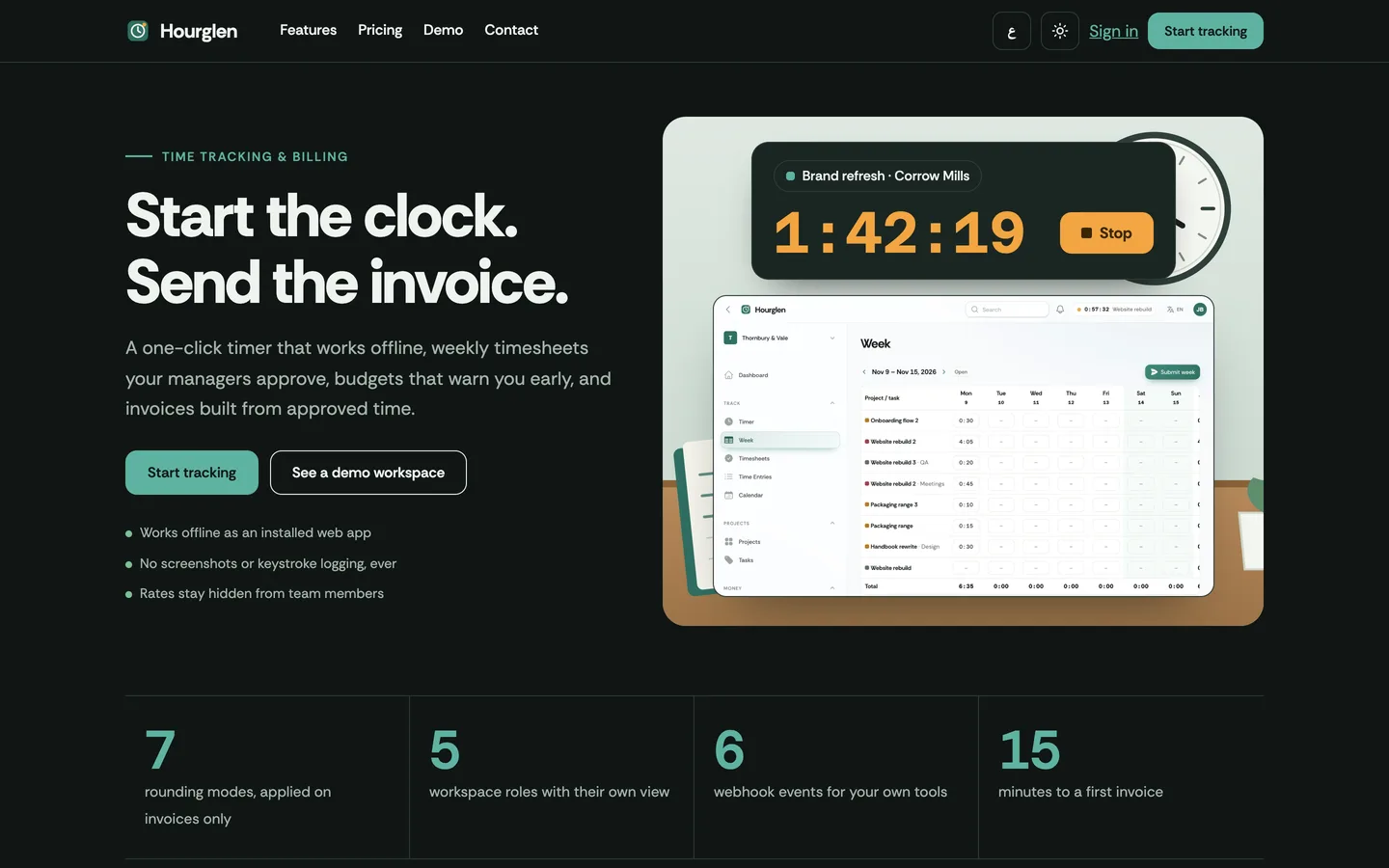 Hero in dark mode — The same page in the dark scheme with the brighter moss accent.