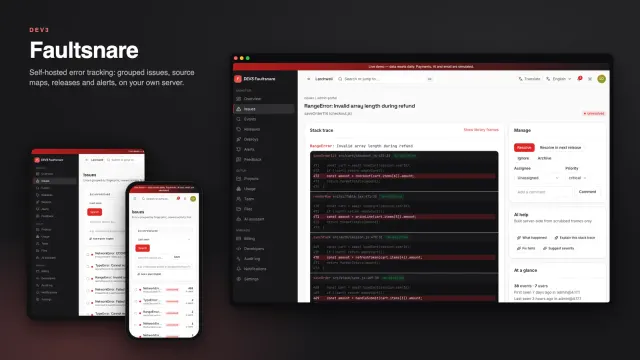
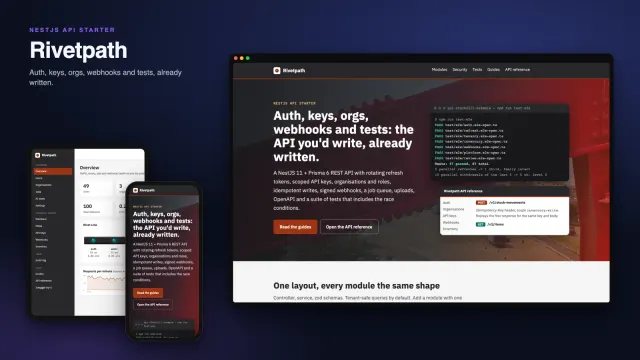
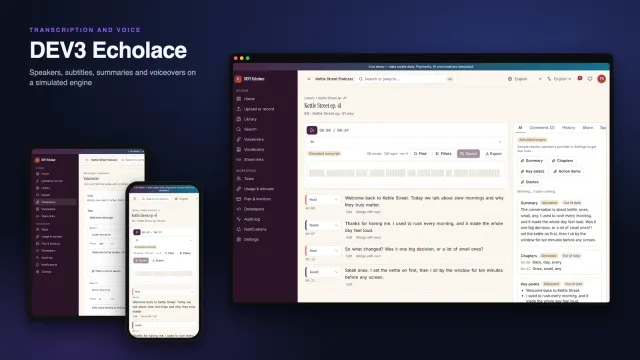
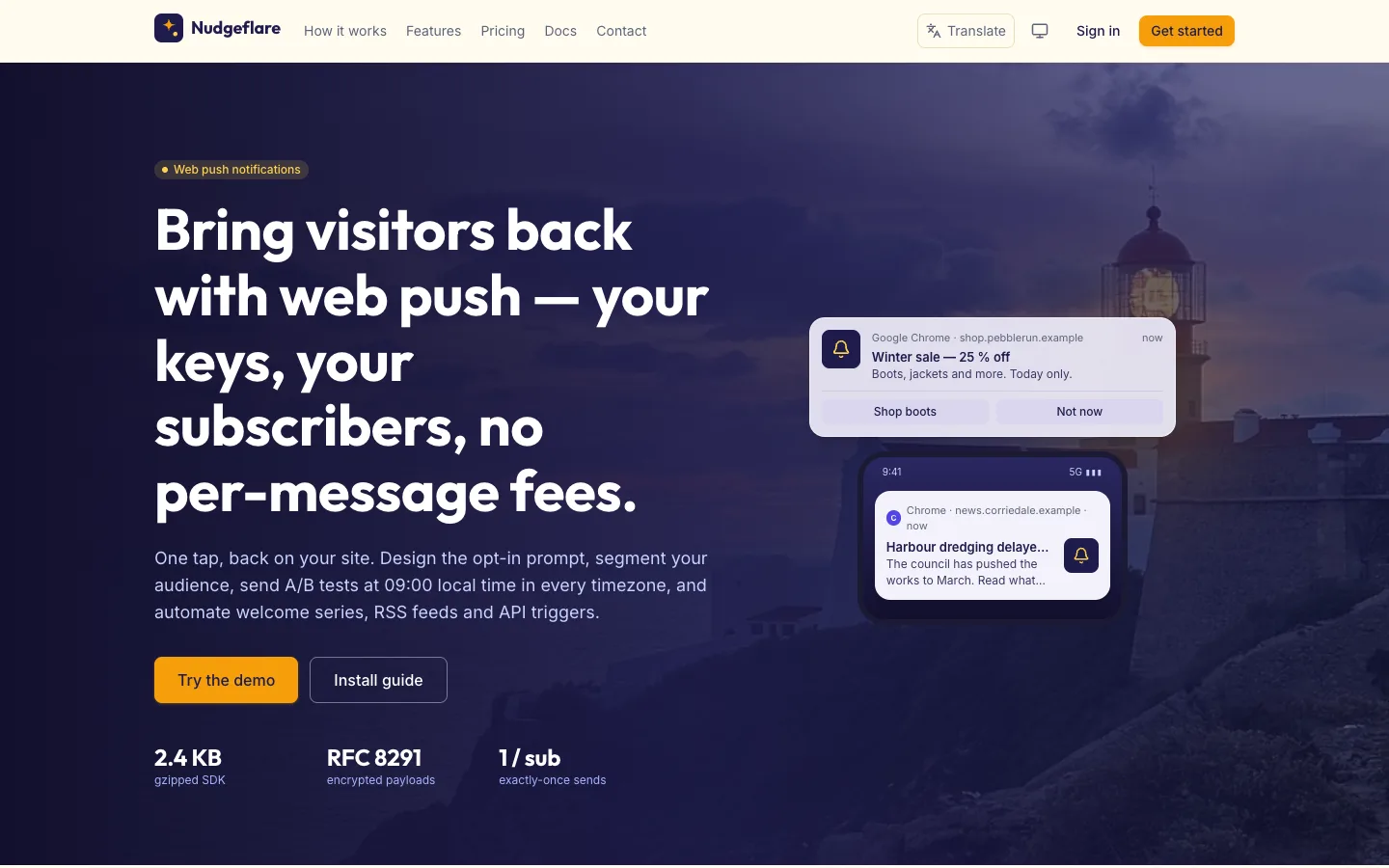
 Home — Bring visitors back with web push on your own keys, with notification cards over a lighthouse at dusk.
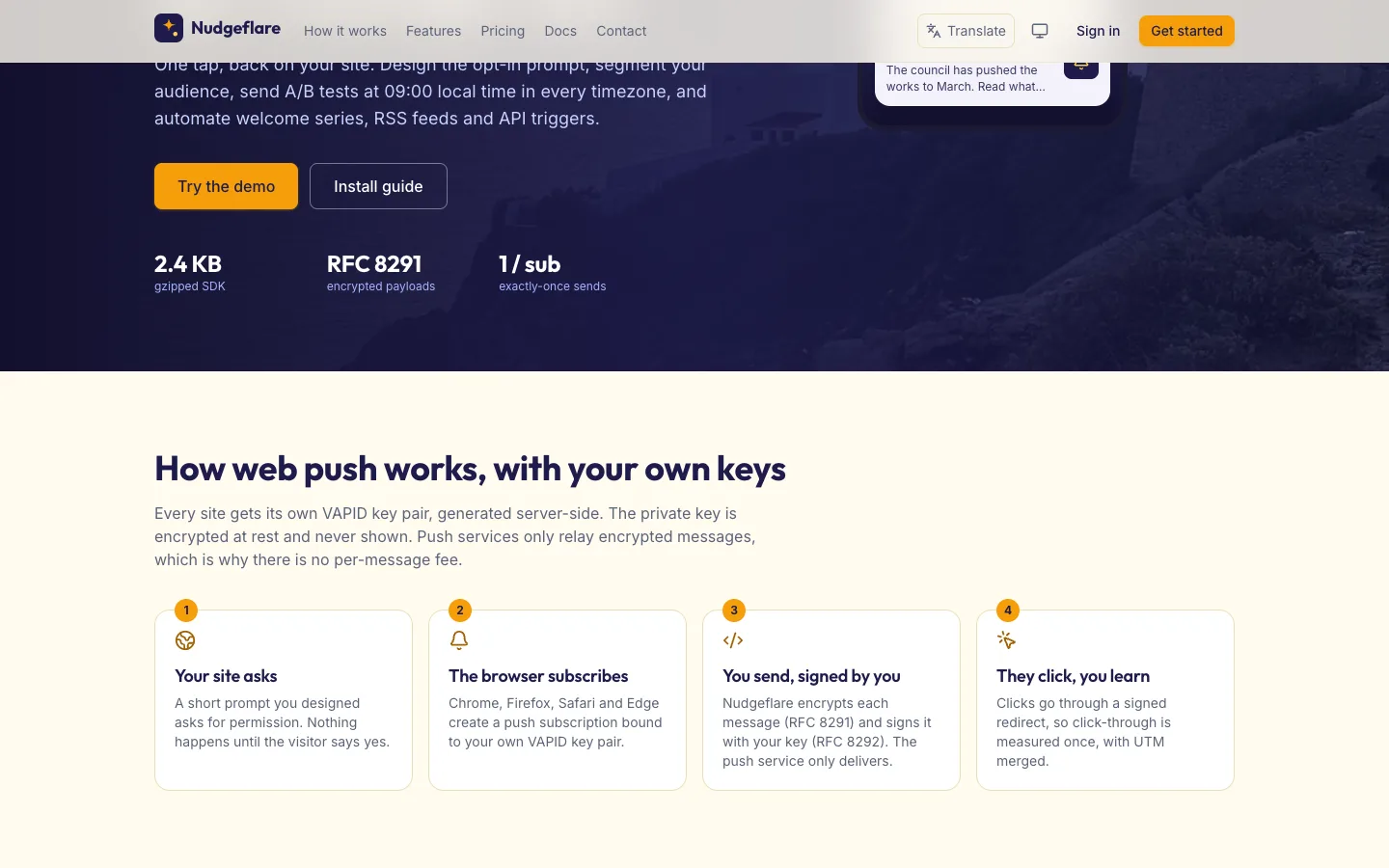 How web push works — Your own VAPID keys, encrypted payloads and signed clicks, in four steps.
Web push notifications: 7 things to check before you pick a platform
Last updated
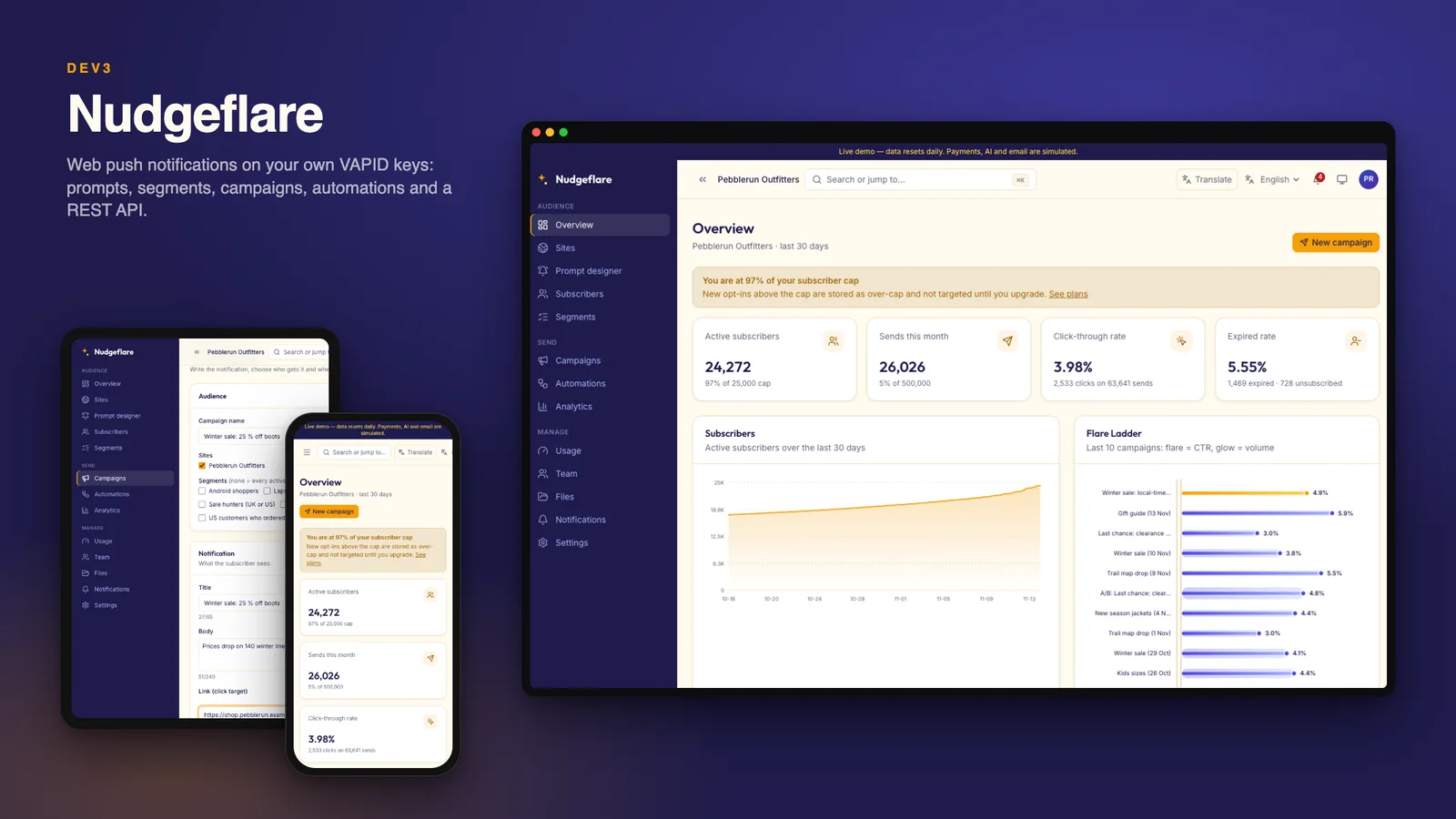
Web push brings visitors back without an app or an email address, but platforms differ in the parts you cannot see. Here are seven things to check, with DEV3 Nudgeflare as the worked example.
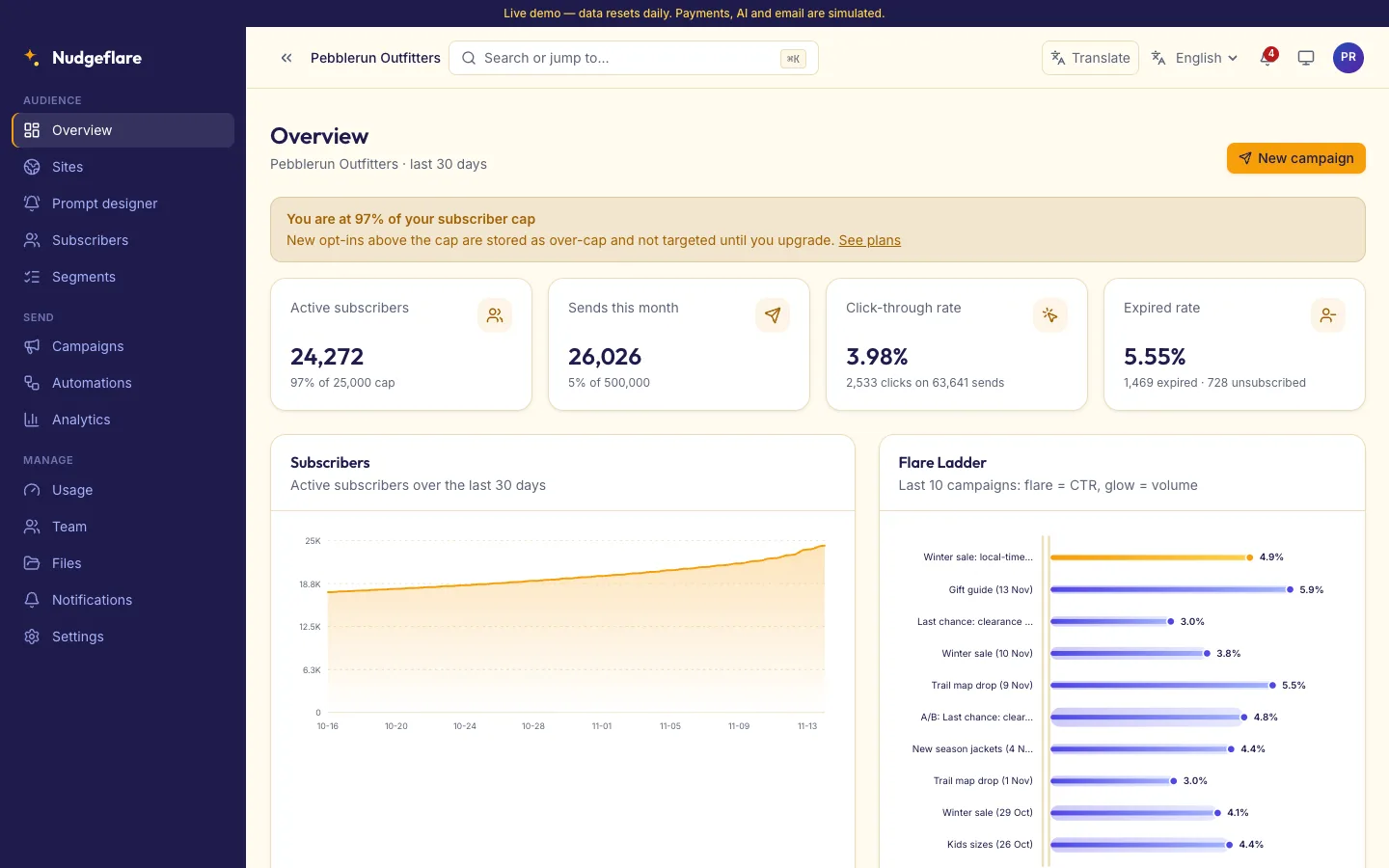
1. Who holds the keys?
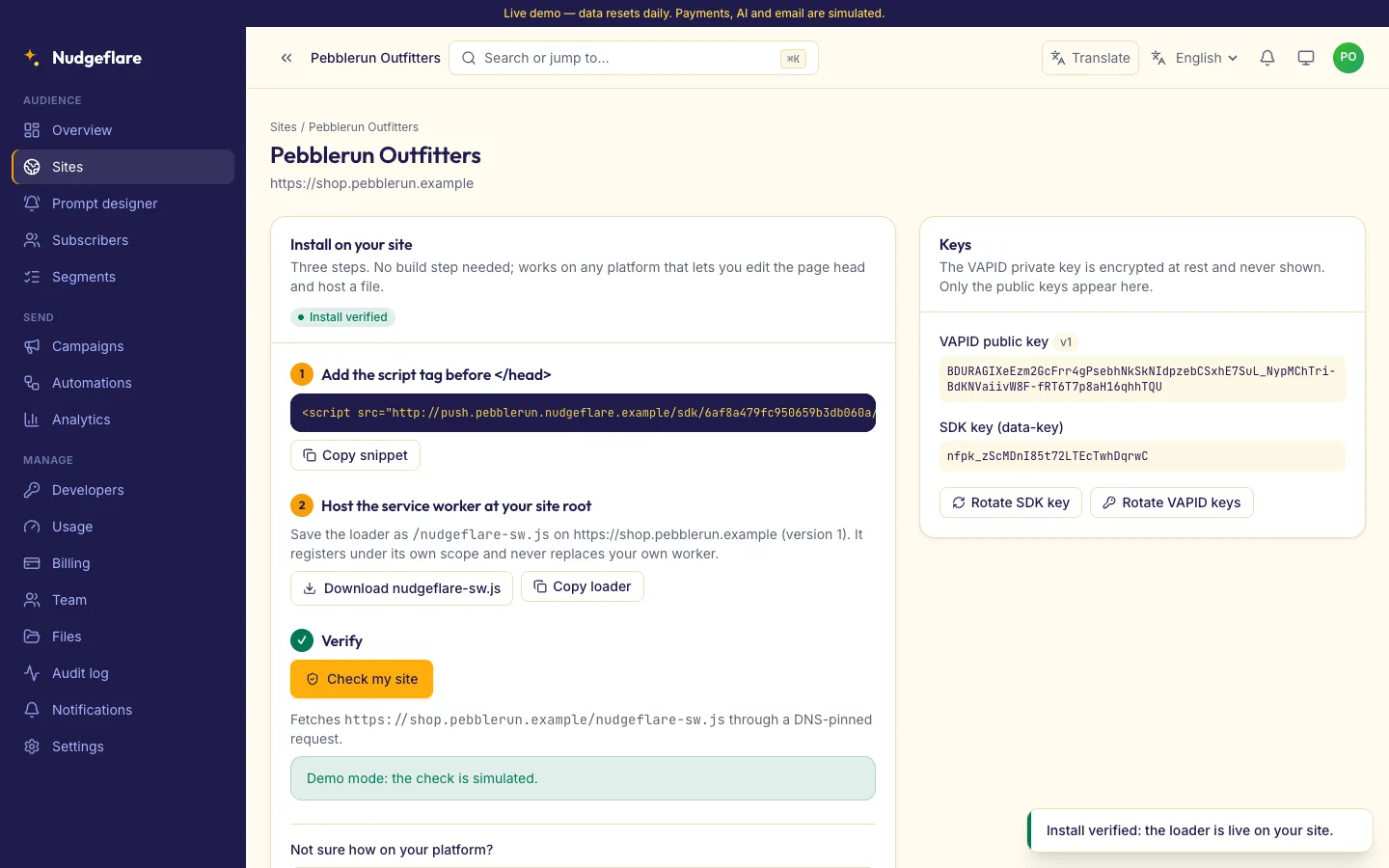
Web push is signed with a VAPID key pair. If the platform owns it, your subscribers belong to the platform. Nudgeflare generates one pair per site on your server, encrypts the private key and never shows it again, and it sends with its own VAPID and RFC 8291 code rather than a third-party push package.
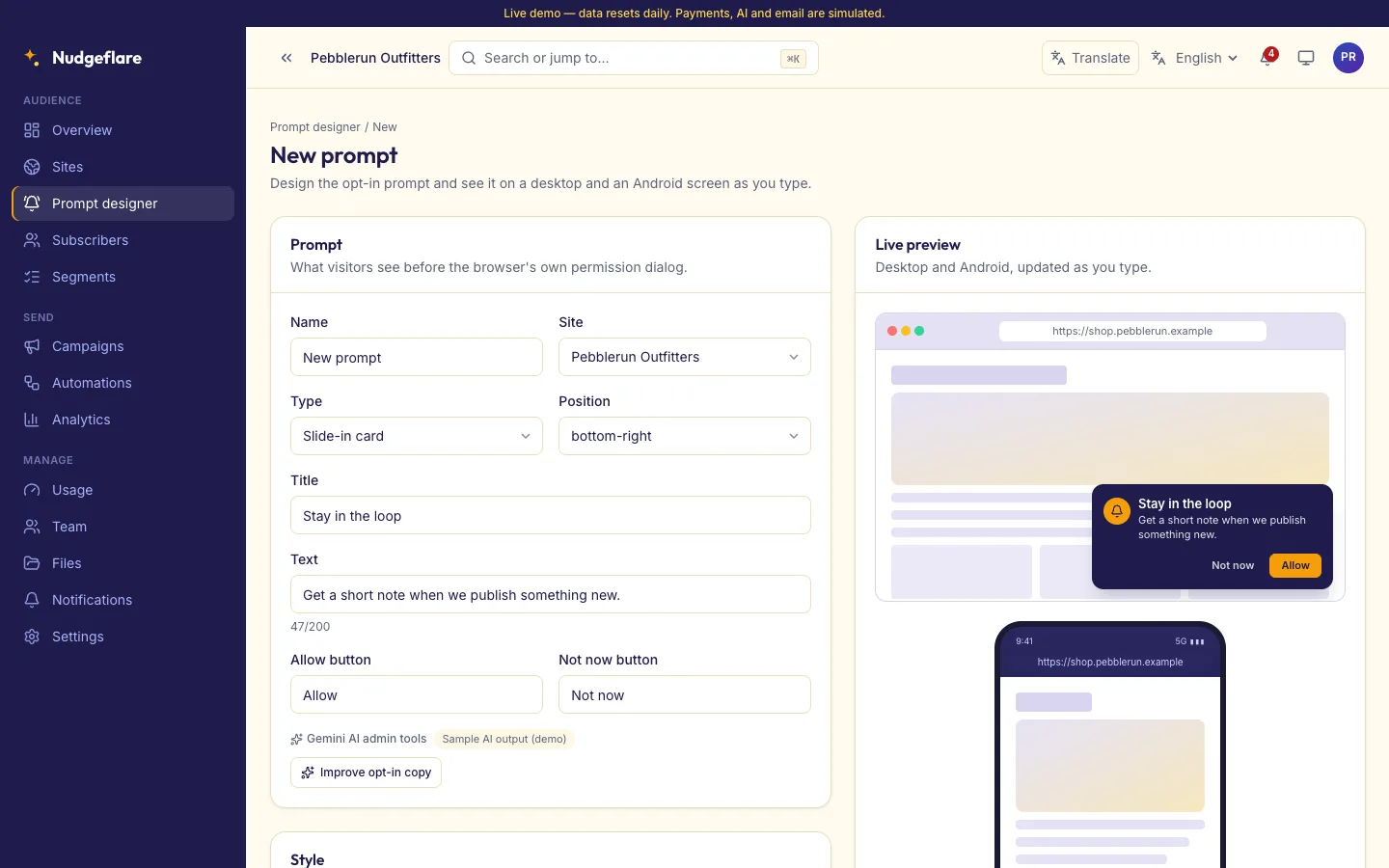
2. Is the opt-in prompt yours to design?
Asking at the wrong moment burns your audience. Look for delay and scroll rules, pages to skip, and a preview before you publish.
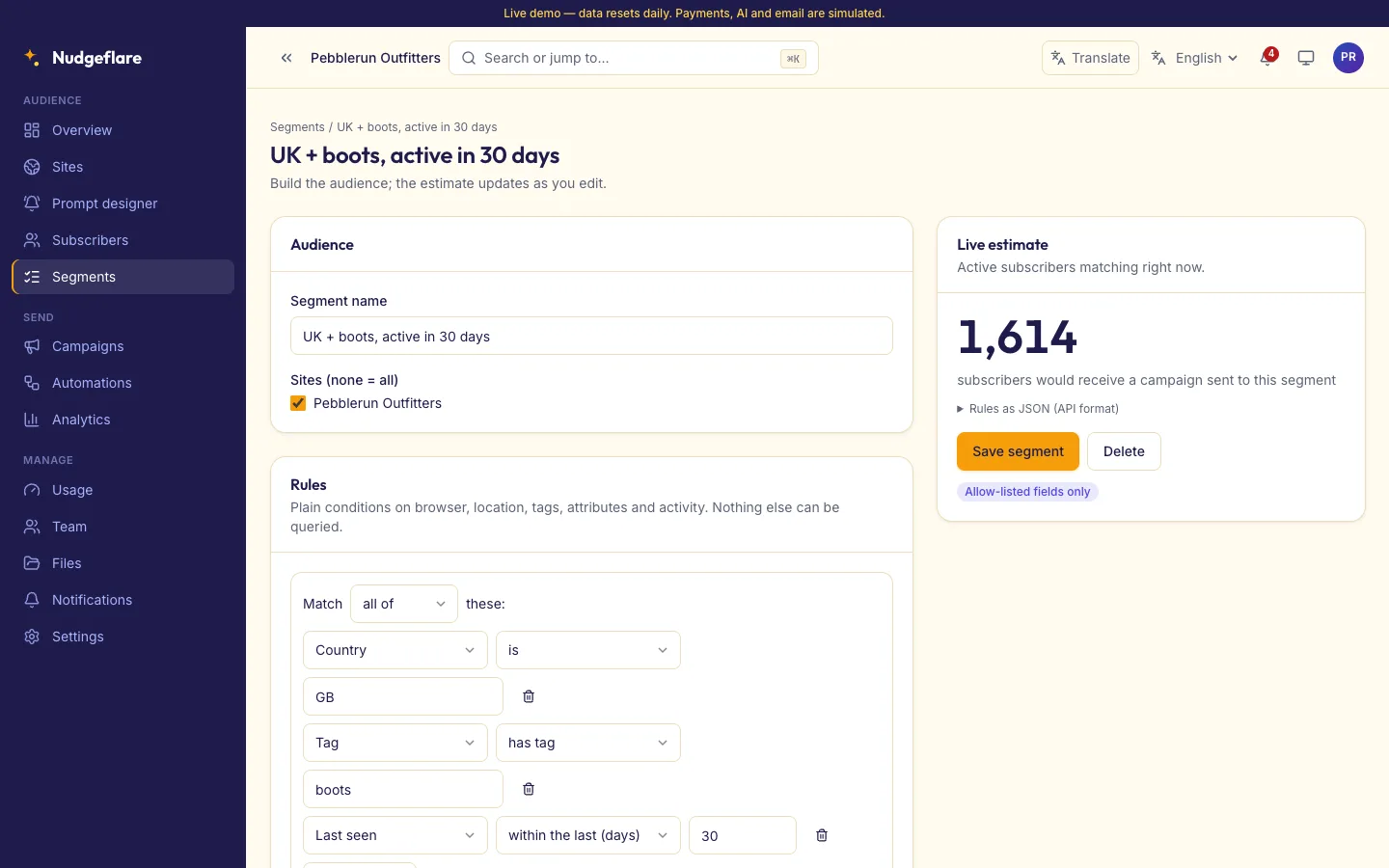
3. Can you target without exposing people?
Segments should use allow-listed rules with a live audience estimate, and the subscriber list should never show raw push endpoints or keys.
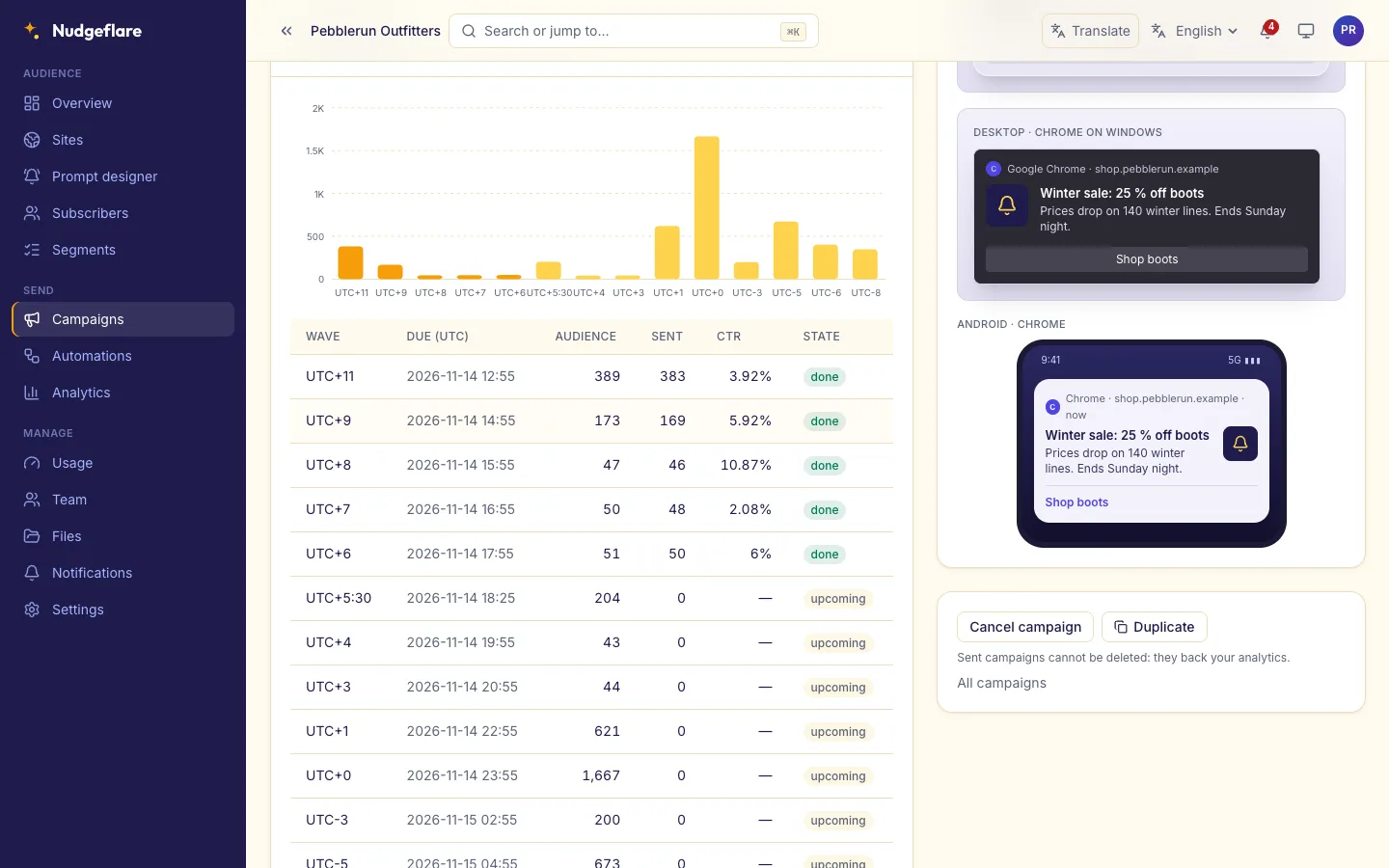
4. Does it send at the right local time?
A 9:00 send should arrive at 9:00 for each subscriber. Check for per-timezone waves, throttling, expiry and A/B tests with a winner.
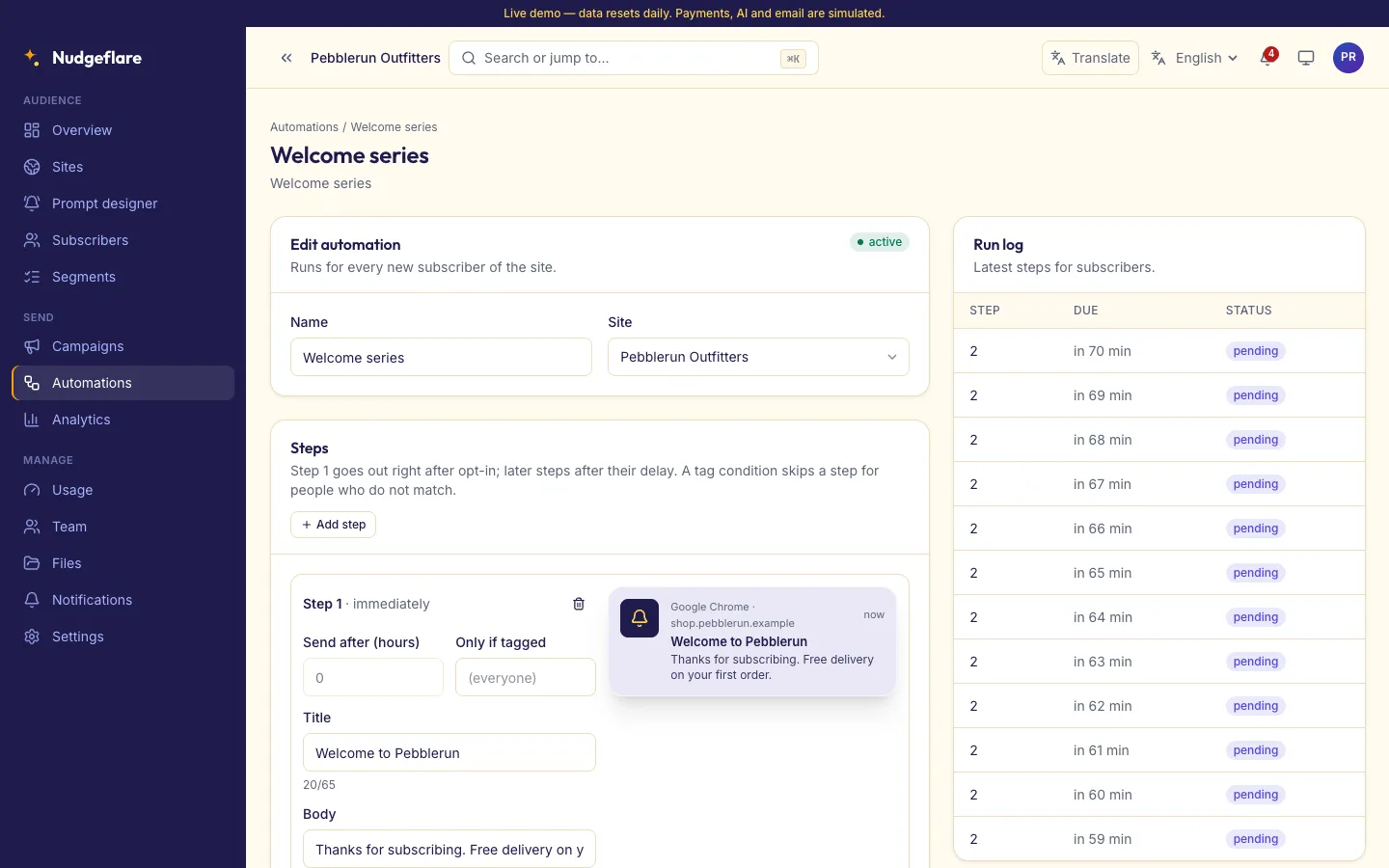
5. Can it run on its own?
Welcome series, RSS-to-push and API-triggered sends save daily work, as long as each item is pushed once.
6. Can your developers reach it?
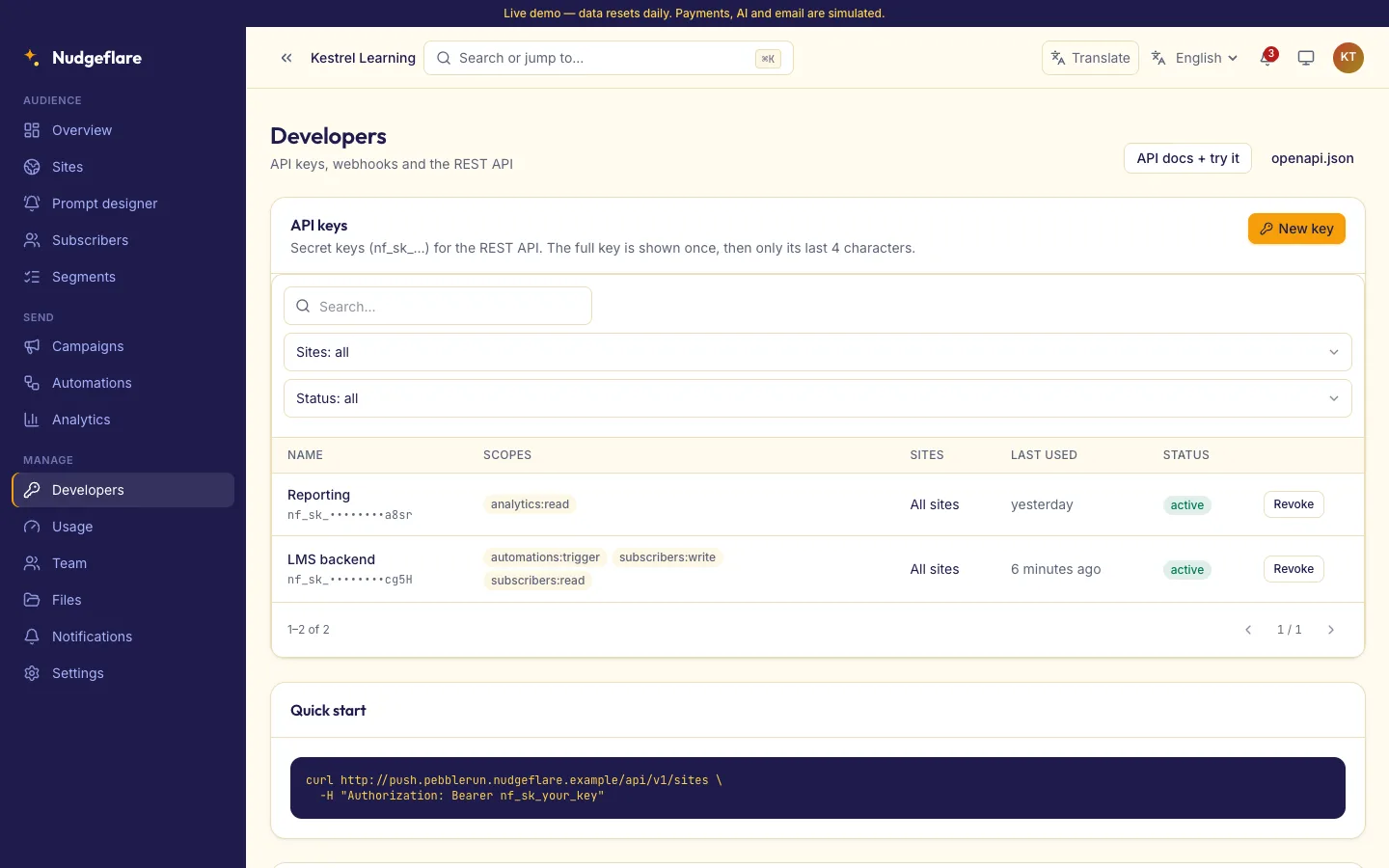
Look for scoped API keys, an OpenAPI document and signed webhooks.
7. What about AI and translation?
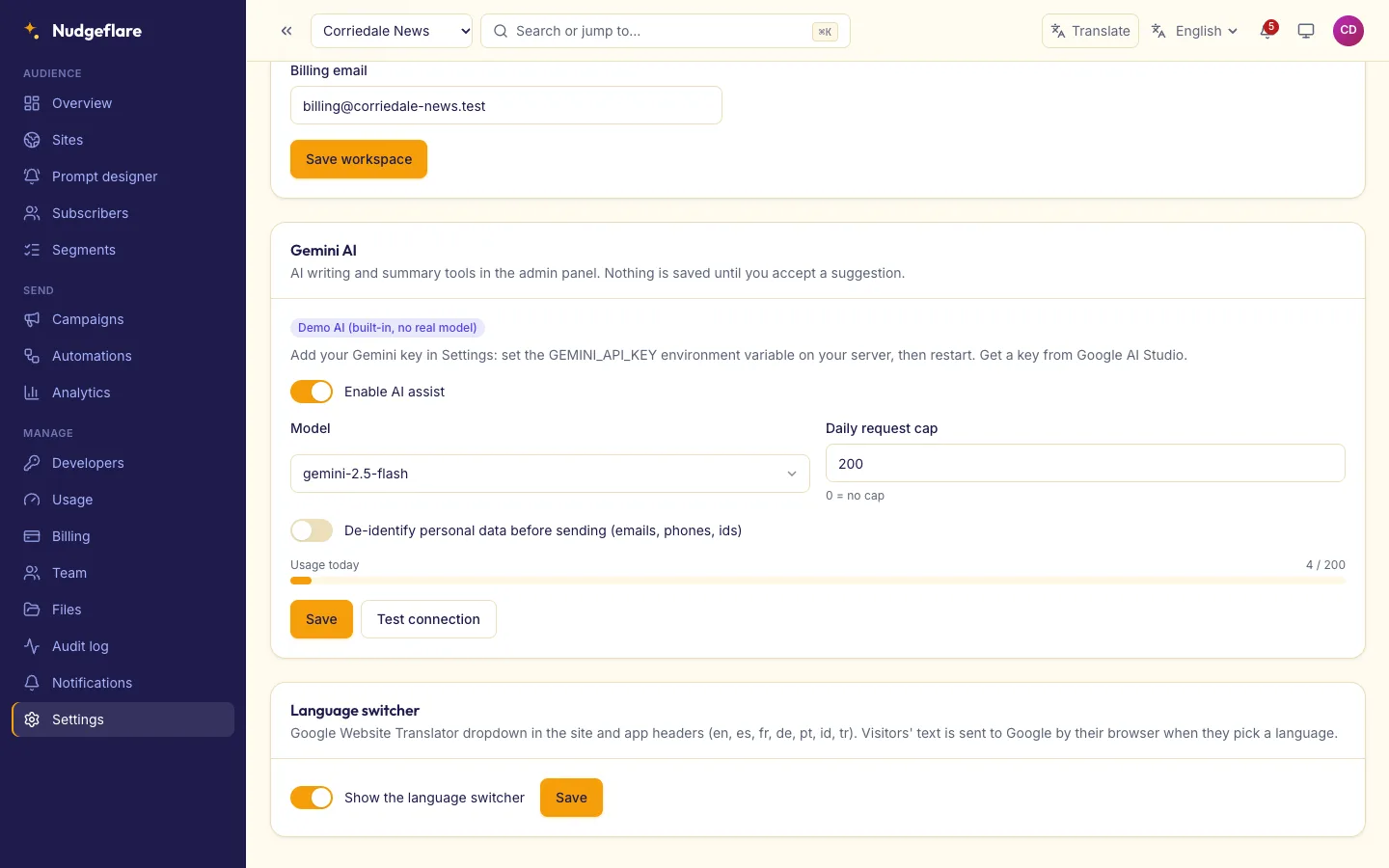
Nudgeflare adds Gemini AI admin tools: title variants, tone checks, plain-English segment filters and result explanations. Only copy and aggregate numbers are sent, suggestions are previews, and the product ships with the Gemini key blank, so you add your own. A Google Translate switcher is on the public site and workspace.
One last check: read the limits. Nudgeflare is browser web push only, with no native mobile push or in-app messages, and iOS Safari needs the site added to the Home Screen.